Add Watermark to PDF
Put DRAFT, CONFIDENTIAL or your logo on every page of a PDF. Type it or place it, fade it, turn it, and one menu row copies it to all the pages. Free, in your browser.
Drop your PDF here
or browse your files. Any number of pages
Watermark your PDF
In a PDF, and your logo if you like
Out the same PDF, marked on every page
Nothing uploaded
No sign-up, and no mark of ours. The PDF stays on your device.

How to add a watermark to a PDF
1
Drop your PDF
It opens in the editor with its first page showing and all of them in the strip below.
2
Make the watermark
Type it with Text, or place your logo from Your work. Fade it with Opacity, and turn it with its round handle.
3
Put it on every page
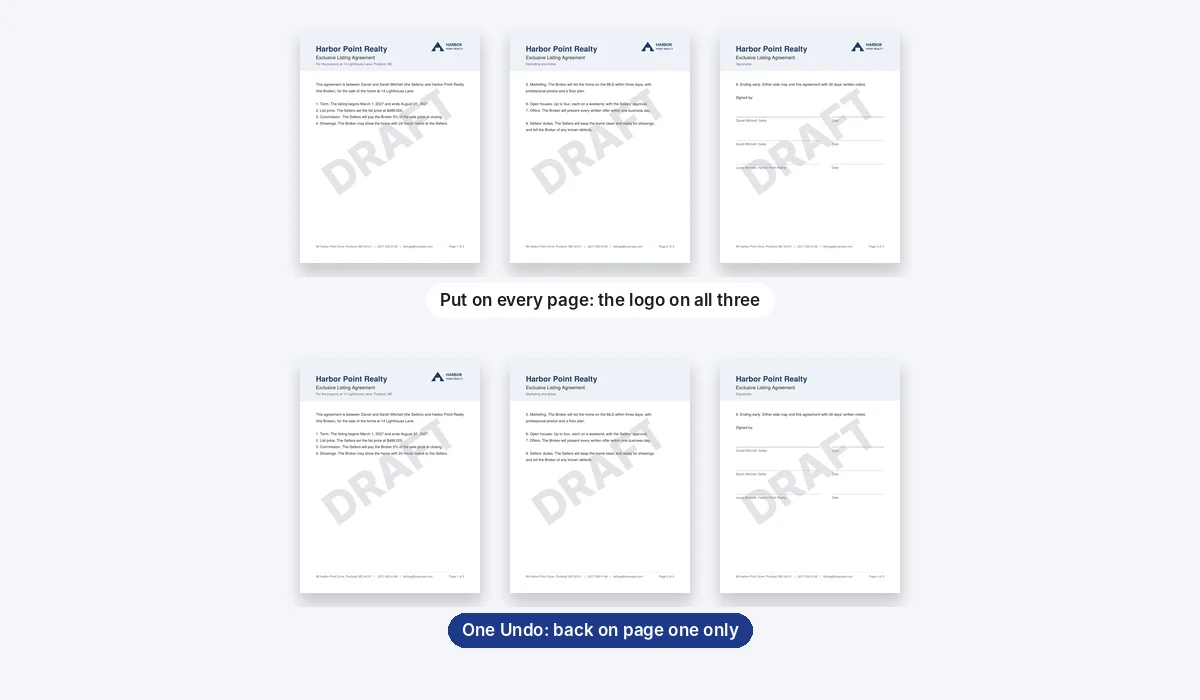
Right-click it and choose Put on every page (on a phone, press and hold it). The PDF comes out of Download as one file.
Marked on our sample
Our sample is a real estate agency's three-page listing agreement, going out as a draft. Each mark below was checked in the PDF that came back.
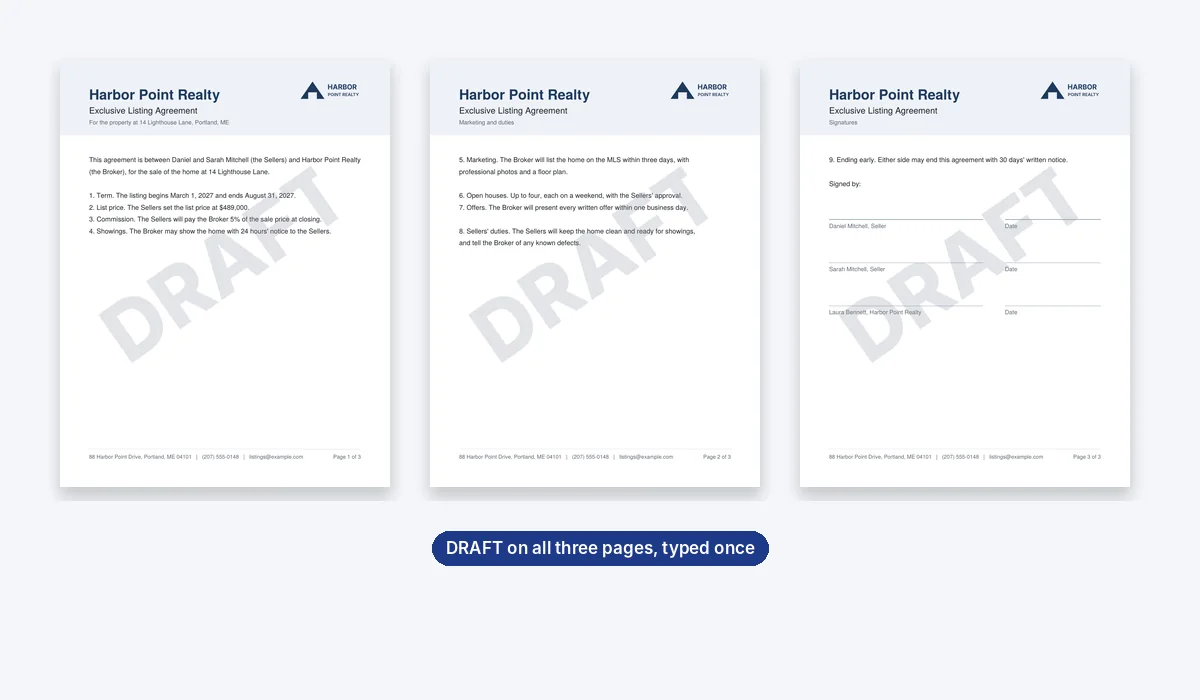
The pages under the mark are copied as they were, their text and links included; the mark goes over them as a picture.
A big mark adds weight: our agreement went from 4 KB to about 400 KB with DRAFT and the logo, and to about 45 KB with the logo alone.
A watermark marks a page; it does not lock it. Keep your original for anything that must not change.
More for your PDFs
More of what the same editor does to a PDF.
Questions
How do I add a watermark to a PDF?+
Drop the PDF here, type the watermark with Text or place your logo, and set it where you want it. Right-click it, choose Put on every page, then press Download.
Is it free?+
Yes, with no account to make and no mark of ours on your file.
Can I use my logo as a watermark?+
Yes. Add the picture in Your work; a click puts it on the page, where you size it and fade it. A PNG with a clear background sits best on the page.
How do I make the watermark see-through?+
Select it, open Opacity in the bar above the page, and slide it down. Our DRAFT is at 25%, light enough to read the agreement through it.
Can I put the watermark on a slant?+
Yes. Turn it with the round handle above its box until it runs corner to corner.
Does it go on every page at once?+
Yes. Put on every page copies it to each page, at the same place on the page; each copy can then be moved or deleted on its own page. One Undo takes all the copies back.
Can someone remove the watermark?+
With a PDF editor, yes: it is drawn over each page as a picture, and a picture can be taken off. A watermark says what a page is; it does not lock it.
Will my PDF still be searchable?+
Yes. The pages are copied as they were, so their own words can still be found and copied, under the mark. A watermark you turn is drawn, not saved as text, so a search does not find DRAFT itself.
Why is the watermarked PDF bigger?+
The mark is drawn onto each page as a sharp picture, cut to its own size. Our 4 KB agreement came out at about 400 KB with a big DRAFT and the logo on its three pages, and at about 45 KB with the small logo alone.
Does it work on a phone?+
Yes. Press and hold the watermark on your phone's screen to open its menu, then tap Put on every page.
Are my files uploaded?+
No. This browser tab does it all: the PDF is opened, marked and written out on your device. Nothing is sent to a server for that. If you sign in to save your work, the design is kept online so it opens on any device.
Drop a PDF to watermark it
No account needed to edit and download. Sign in when you want to keep the design.
Drop your PDF here
or browse your files