PDF to PNG Converter
Turn every page of a PDF into a PNG that keeps text, lines and charts crisp. All pages in one zip, or just the page you need. Free, in your browser.
Drop your PDF here
or browse your files. Any number of pages
Convert to PNG
Crisp text and lines
Every page in one zip
Edit before you save
No watermark, no sign-up. Your PDF never leaves this tab.

How to convert PDF to PNG
1
Drop your PDF
Drag it in or click to browse. It opens in the editor, a page for each page of your PDF.
2
Pick every page or one
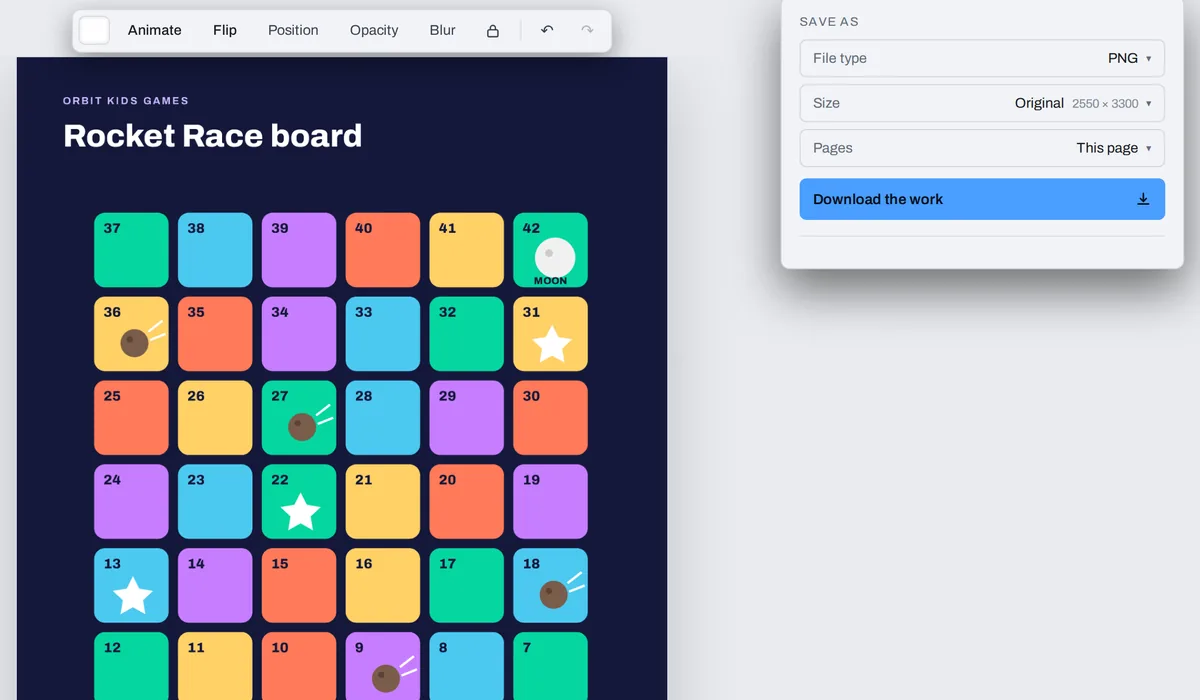
The Download menu is already on PNG and All pages. Switch Pages to This page for just the page you are on.
3
Download
You get one zip of PNGs named after your PDF, page 1 first. Each page is drawn again from the PDF itself, with no watermark.
What happens to your pages
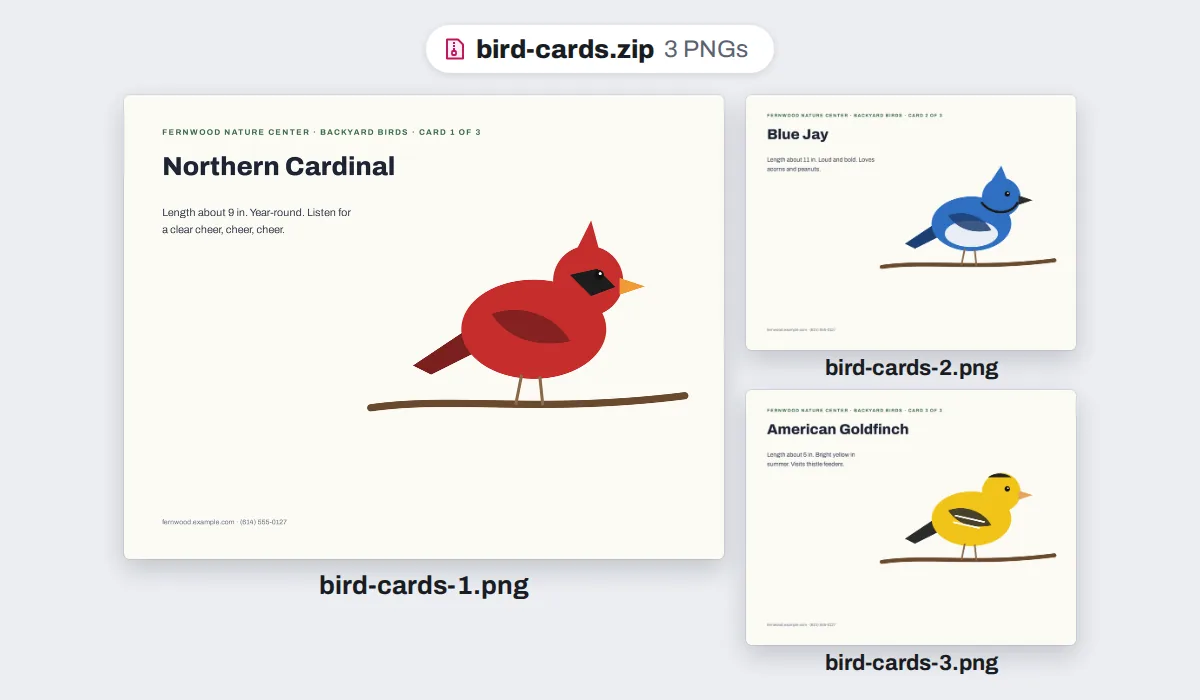
A page of text and lines makes a PNG about the size of a JPG, or up to about half again as big. A page of photos makes a PNG several times bigger, and a color gradient behind a page can make it many times bigger: for those, the PDF to JPG converter works the same way.
A PDF page keeps its paper, so the PNG has no see-through background. Your PDF is never changed, and nothing is uploaded.
What people save as PNG
Pages made of lines, letters and flat color, where every edge should stay sharp: a score to read on a tablet, a chart for a slide, a pattern to follow on a phone.
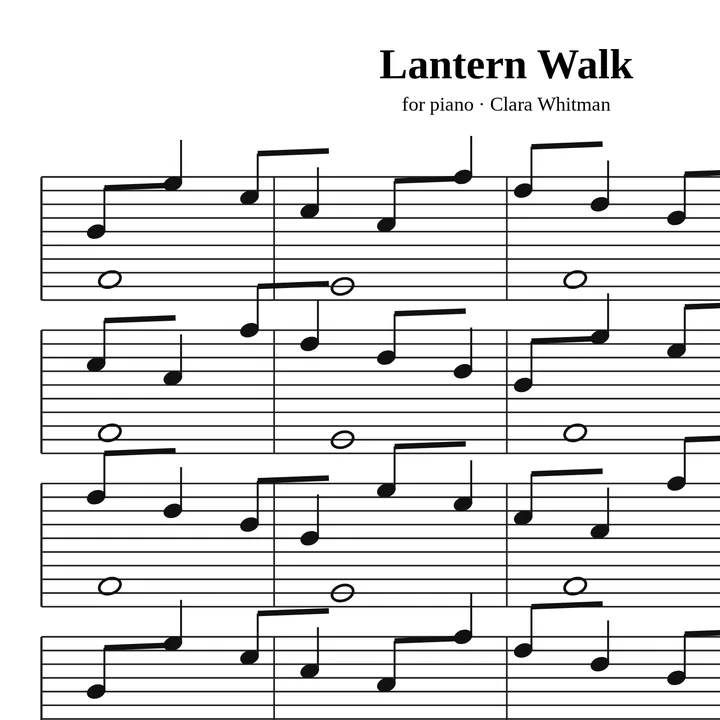
Sheet music
To read on a tablet at practice
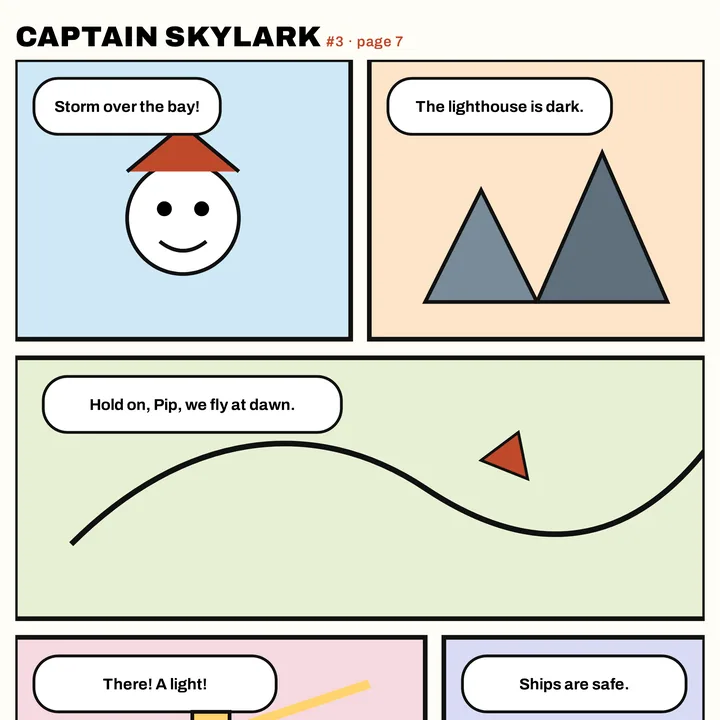
Comic pages
Ink lines that stay crisp
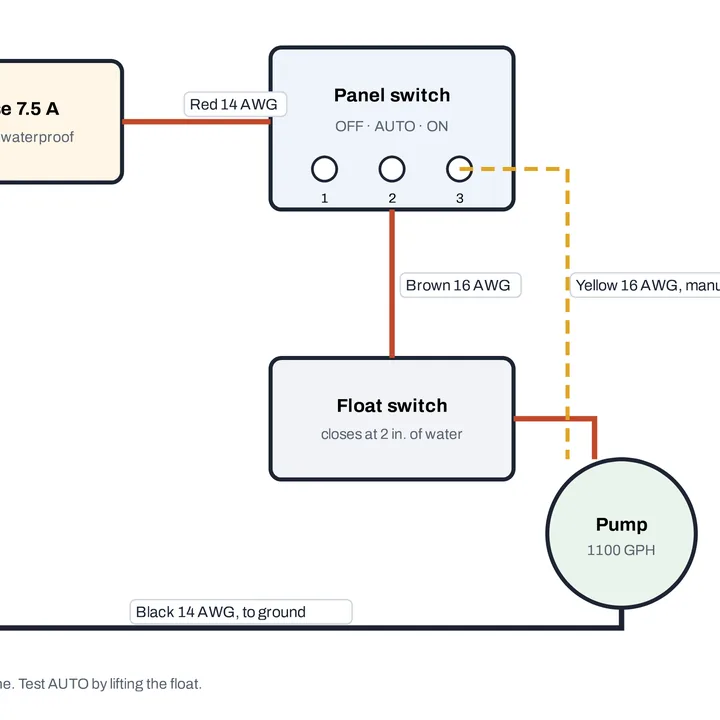
Wiring diagrams
Thin lines and small labels
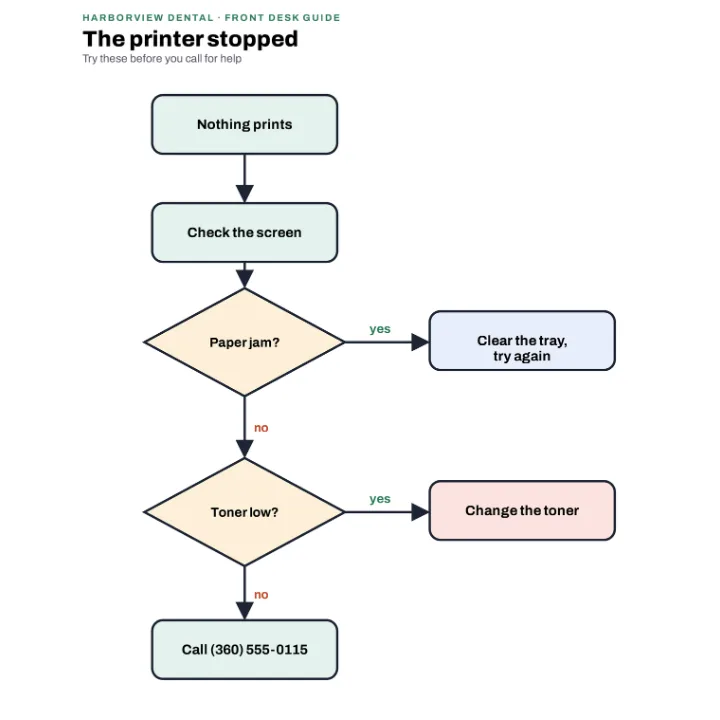
Flowcharts
For a slide or a team wiki
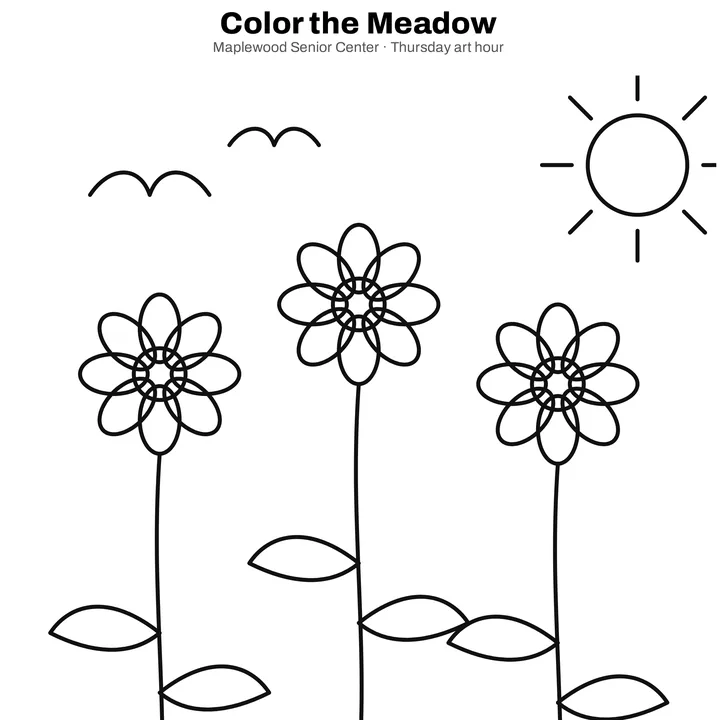
Coloring pages
Line art to print or share
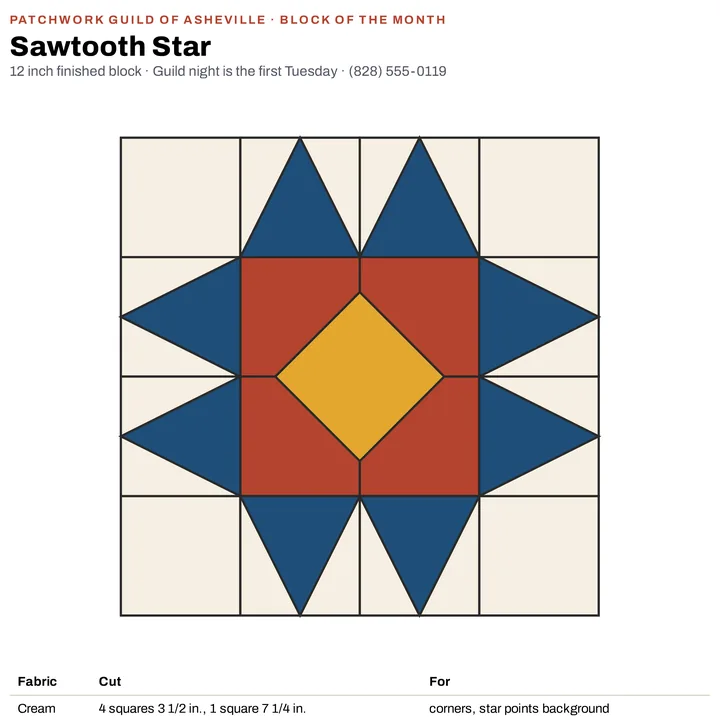
Craft patterns
A block to follow on a phone
More than a converter
Your PDF opens in the same editor as the PDF editor, so a page can be finished before it is saved as a picture.
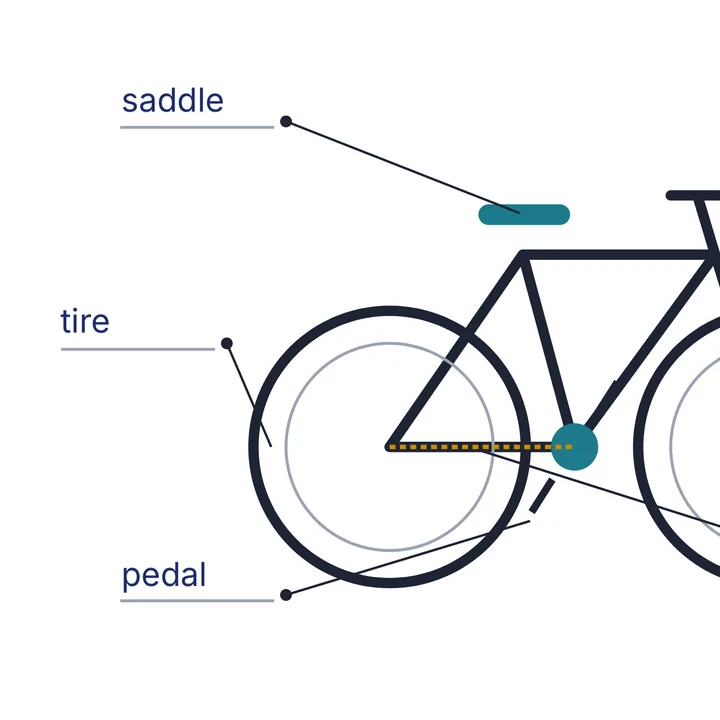
Type labels
Name the parts on a diagram.
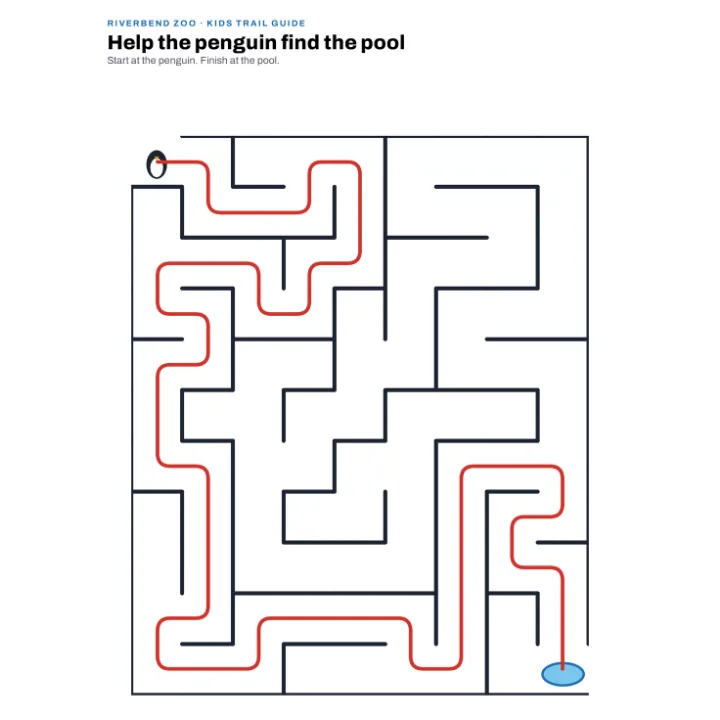
Draw on it
Trace a path with the Pen.
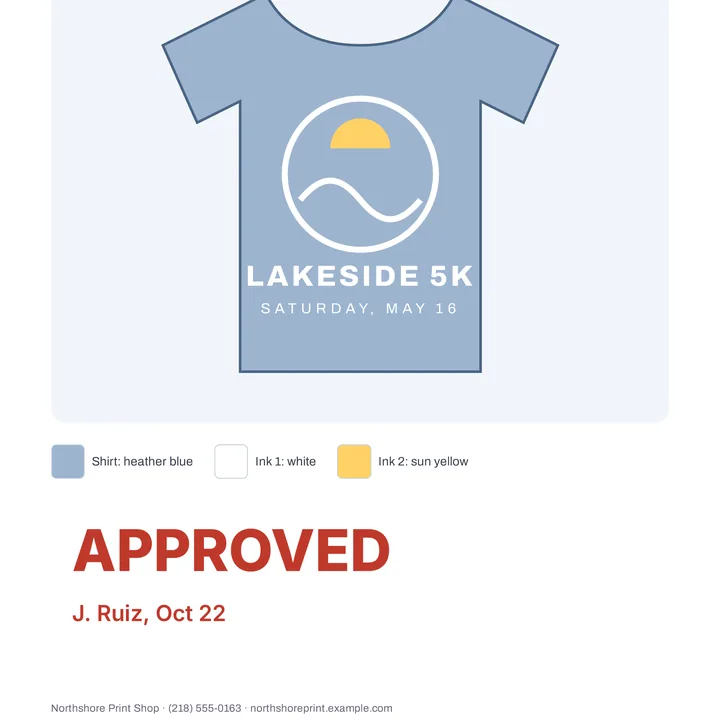
Mark it approved
Type a note in red.
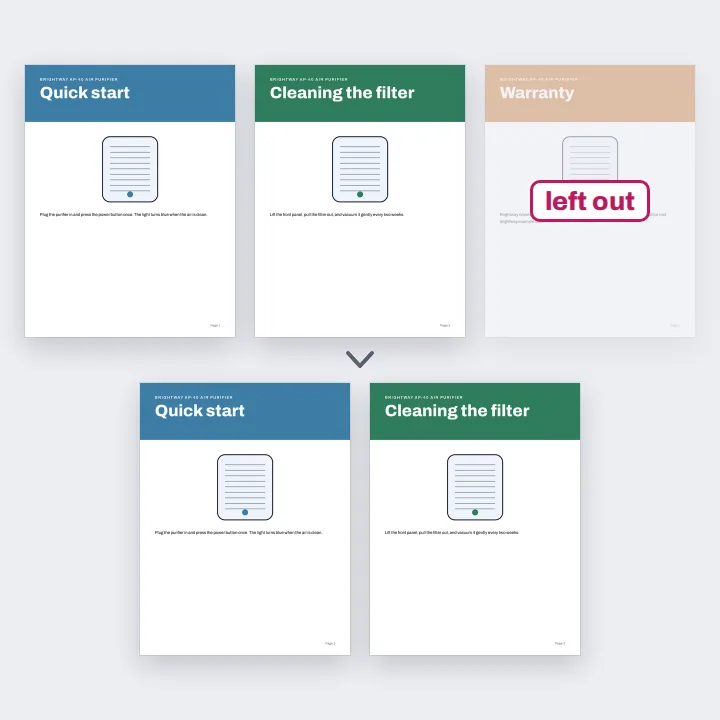
Delete pages
Leave out what you do not need.
More in Compix
Questions
How do I convert a PDF to PNG?+
Drop the PDF on this page. It opens in the Compix editor, a page for each page of your PDF, with the Download menu already on PNG and All pages. Press Download and you get one zip with a PNG of every page.
Is it free?+
Yes. No account, no watermark, no payment and no trial. Convert your PDF and download the PNGs.
How do I save every page as a PNG at once?+
In the Download menu, Pages is on All pages. You get one zip named after your PDF, with a PNG for each page in order: pemberton-plans-1.png, pemberton-plans-2.png and so on.
Can I convert only one page?+
Yes. Click that page in the strip under the editor, then set Pages in the Download menu to This page. You get that one page as a PNG. To keep a few pages, delete the others in the strip first.
What resolution are the PNGs?+
At the Original size each page is drawn again from your PDF at 300 dots per inch: a Letter page comes out at 2550 by 3300 pixels, an A4 page at 2480 by 3508. What you add, such as words, a drawing or a sticker, is drawn on top at the same size. If you crop, flip, blur or fade the page itself in the editor, that page is saved from the editor's own picture instead, which is smaller: a Letter page comes out at 1224 by 1584 pixels. Pick 1080p or 720p under Size for smaller pictures. On an iPhone or iPad a page is made at up to about 16 megapixels, the most the browser there can draw, so a page larger than Letter or A4 comes out a little smaller.
Should I pick PNG or JPG?+
Pick PNG for pages of text, drawings, charts and diagrams: it keeps every pixel exactly as it was drawn, so letters and thin lines stay clean, and the file is about the size of a JPG or up to about half again as big. Pick JPG for pages full of photos or with a color gradient behind them: a PNG of such a page can be several times bigger, or more. Both are in the same Download menu, and the PDF to JPG converter opens on JPG.
What is the difference between PNG and PDF?+
A PDF is a document: its pages, with text you can search and select. A PNG is a picture of one page. It opens anywhere a picture does and drops straight into a slide, a document, a website or a chat. Your PDF stays as it is: the PNGs are new files.
Will the layout change?+
No. Each page is drawn from the PDF itself, so its text, fonts, lines and colors sit exactly where they are in the PDF, and what you add in the editor is drawn on top. A page you crop or flip in the editor is saved as you see it there. A PDF page keeps its paper, so the PNG has no see-through background.
Can I convert a password-protected PDF?+
A PDF that needs a password to open can not be opened here, and Compix tells you so. Unlock it first, then drop it again. A PDF that opens without a password but is locked against changes converts like any other, every page drawn sharp.
Are my files uploaded?+
No. The PDF opens inside this browser tab, on your own device, and the PNGs are made there. Nothing is sent to a server. Sign in to save your work: your designs are then kept in this browser.
Is there a limit?+
There is no daily limit and no set number of pages: every page of the PDF opens, however long it is. All pages makes the PNGs one page at a time, in a window that shows how far it has got and has a Cancel button, so a long PDF takes longer but does not freeze your phone.
Can I convert a PDF to PNG on my phone?+
Yes. Tap the drop area on this page and pick the PDF on your phone. It opens a page at a time, the page on your screen. Tap Share, then Download the work, and the PNGs are saved to your phone in one zip.
Can I edit before converting?+
Yes. The PDF opens in the same editor as the PDF editor: type labels on a diagram, trace a path with the Pen, type a note such as Approved, or delete the pages you do not want. The PNGs show what you see.
Drop a PDF and get every page as a PNG
No account needed to convert and download. Sign in when you want to keep the design.
Drop your PDF here
or browse your files