PDF Merger
Merge PDF files into one, in the order you choose. Drag pages to reorder them, delete the ones you do not need, and add photos too. Free, in your browser.
Drop your PDFs here
or browse your files. PDFs and photos
Merge PDFs
Every page kept as it is
Photos too
Reorder and delete pages
No watermark, no sign-up. Your files never leave this tab.

How to merge PDF files
1
Drop your PDFs
Drag them in or click to browse. Add photos too if you like. They open in the editor as one document.
2
Arrange the pages
Every page is in the strip under the editor. Drag a page to move it, or delete the ones you do not need.
3
Download
The Download menu is already on PDF. Press it and you get one PDF, every page as it was. No watermark.
What happens to your files
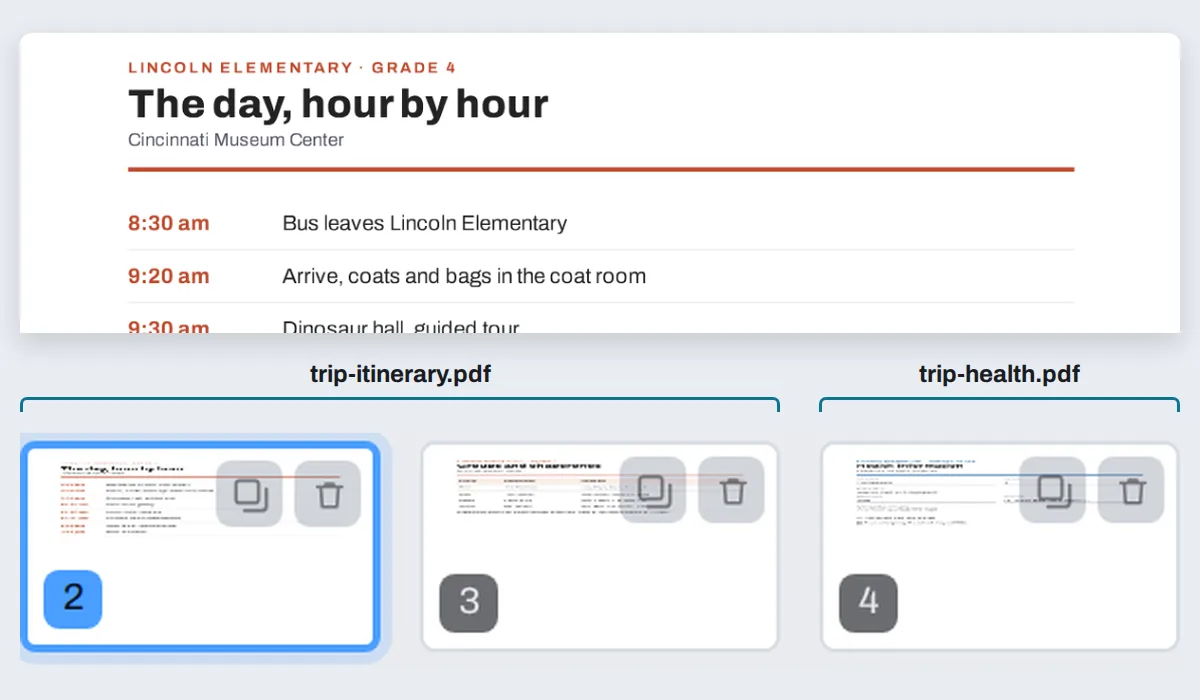
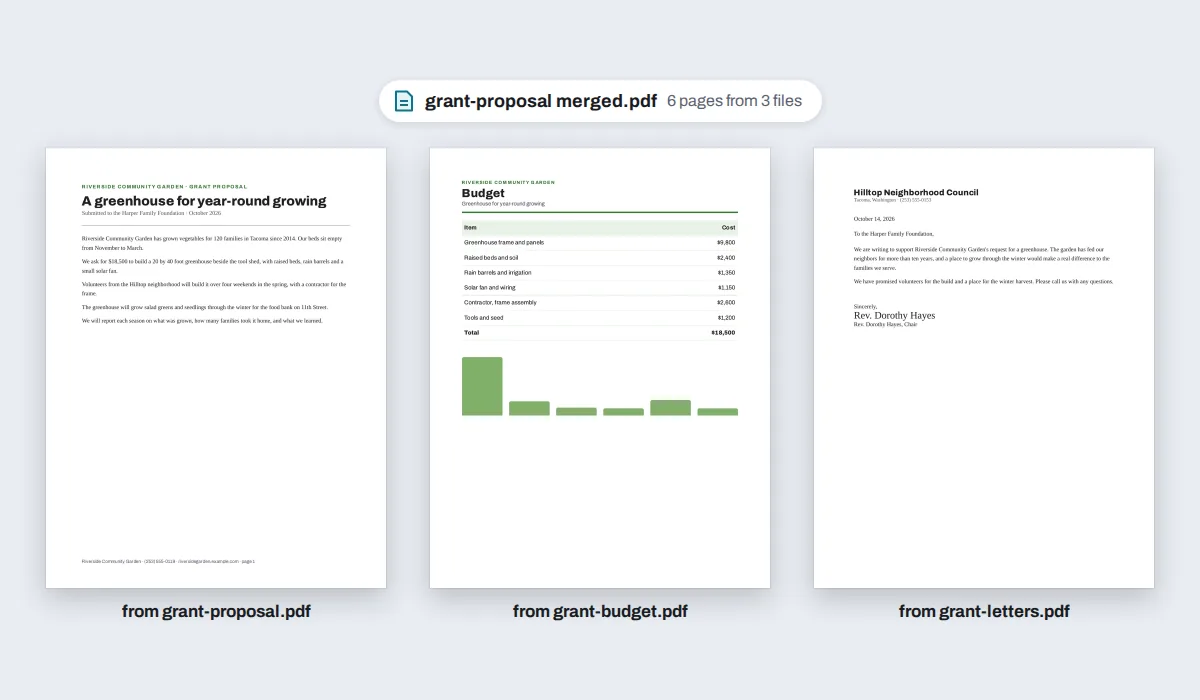
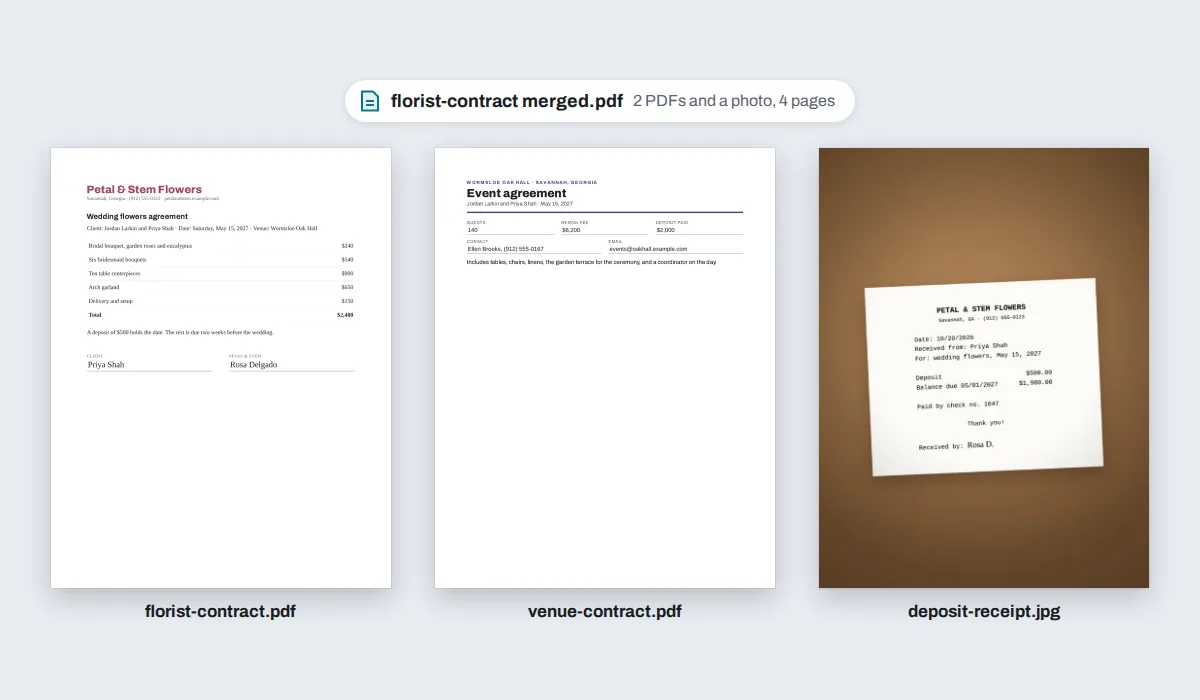
Your files are never changed. The merged PDF is a new file, made in this browser tab, and nothing is uploaded.
A PDF that needs a password to open is left out, and Compix says which one. Unlock it first, then add it.
What people combine into one PDF
Anywhere one file is easier than five: a packet to email, a form to upload, a set to print.
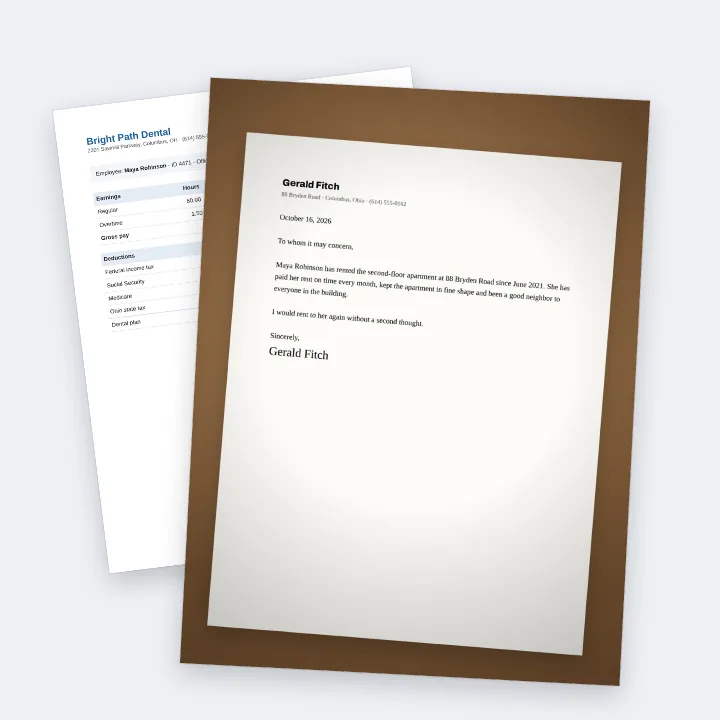
Rental applications
The form, pay stubs and a reference
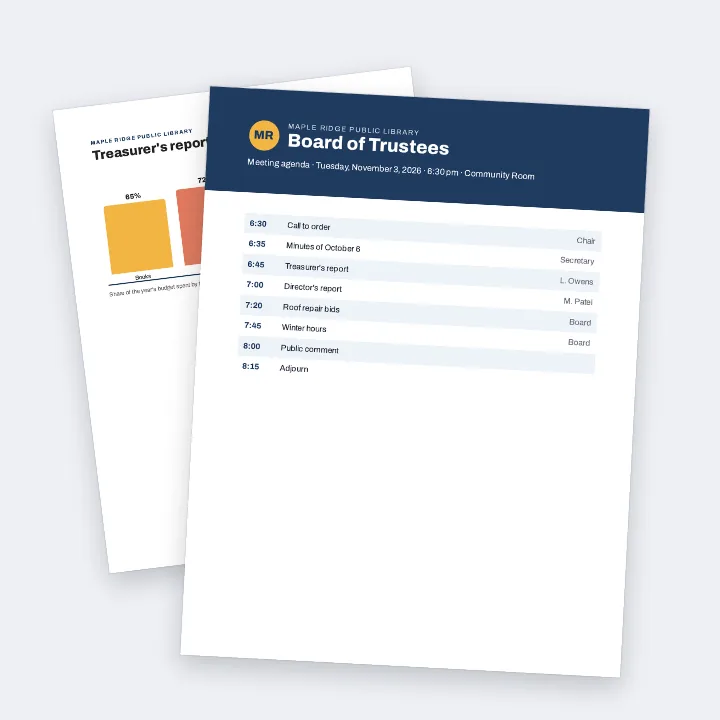
Meeting packets
Agenda, minutes and reports
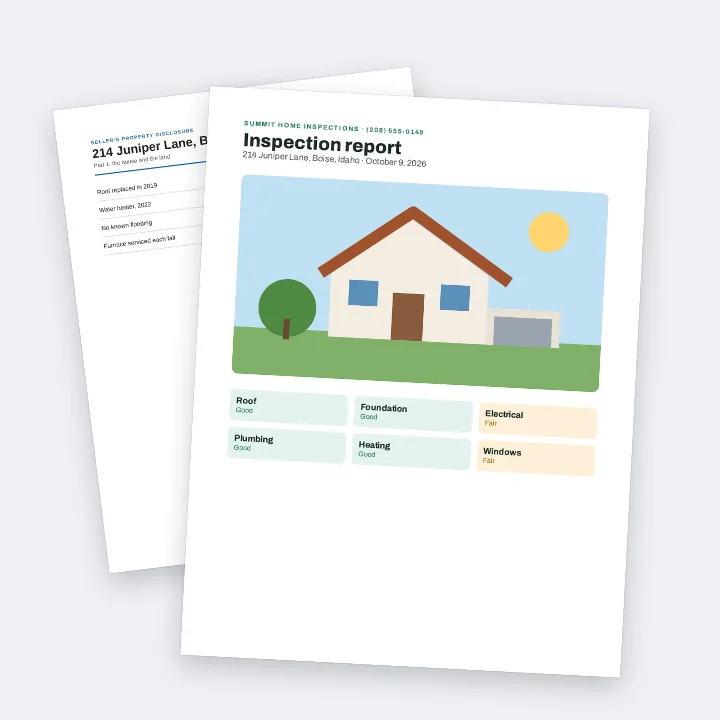
Home sales
Disclosures and the inspection
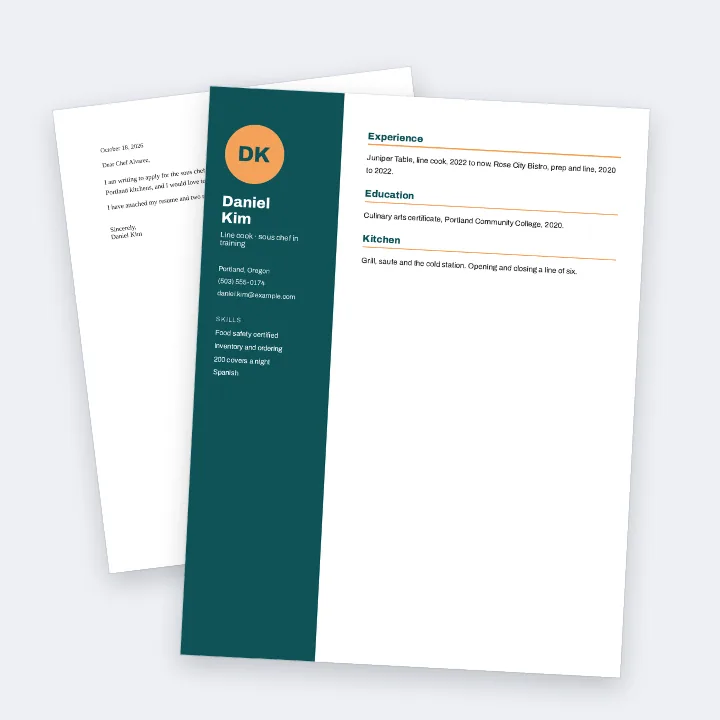
Job applications
A cover letter with the resume
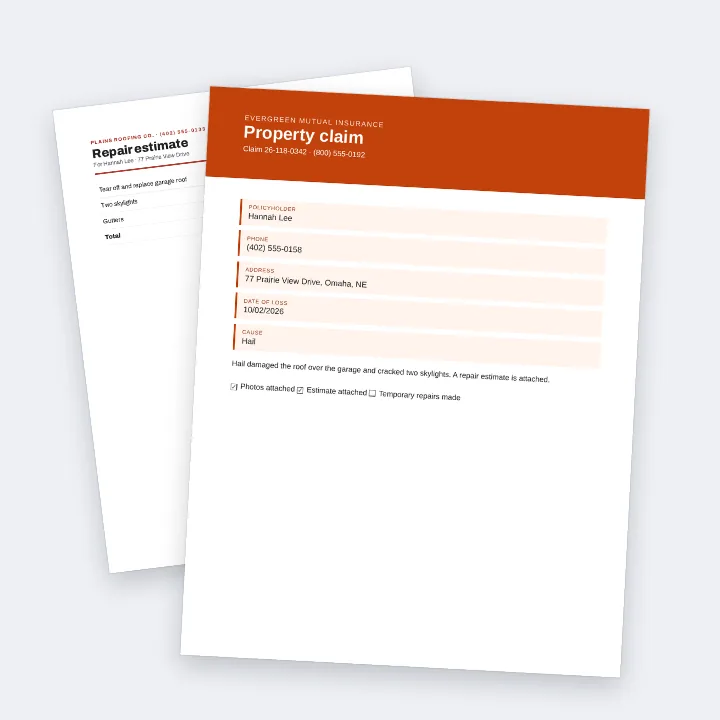
Insurance claims
The claim and the estimate

Course packs
A syllabus and the readings
More than a merger
Your files open in the same editor as the PDF editor, so the document can be finished before it is saved.
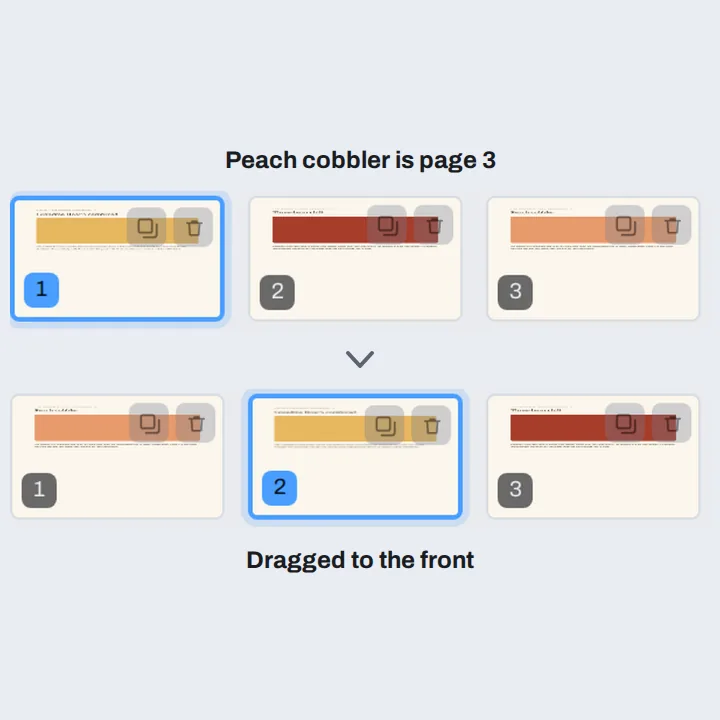
Reorder pages
Drag a page where it belongs.
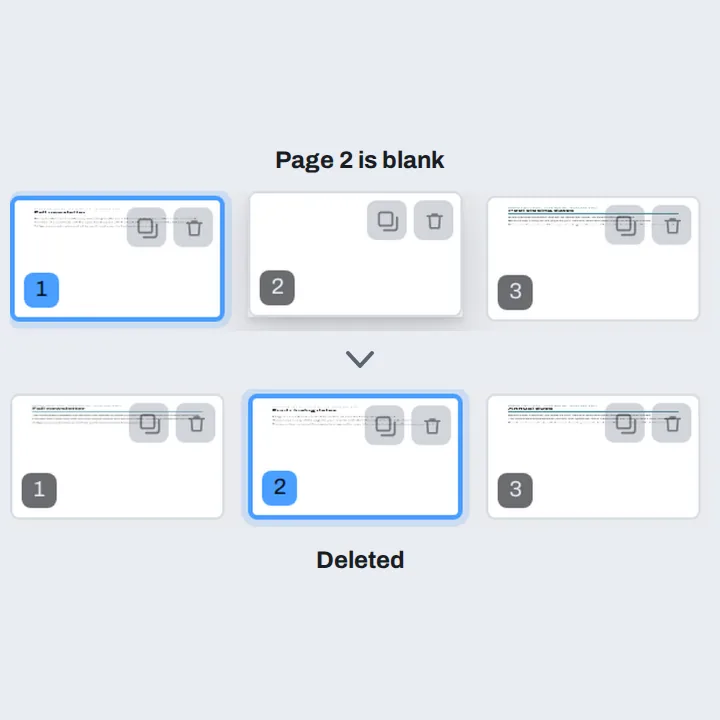
Delete pages
Leave out a blank or extra page.
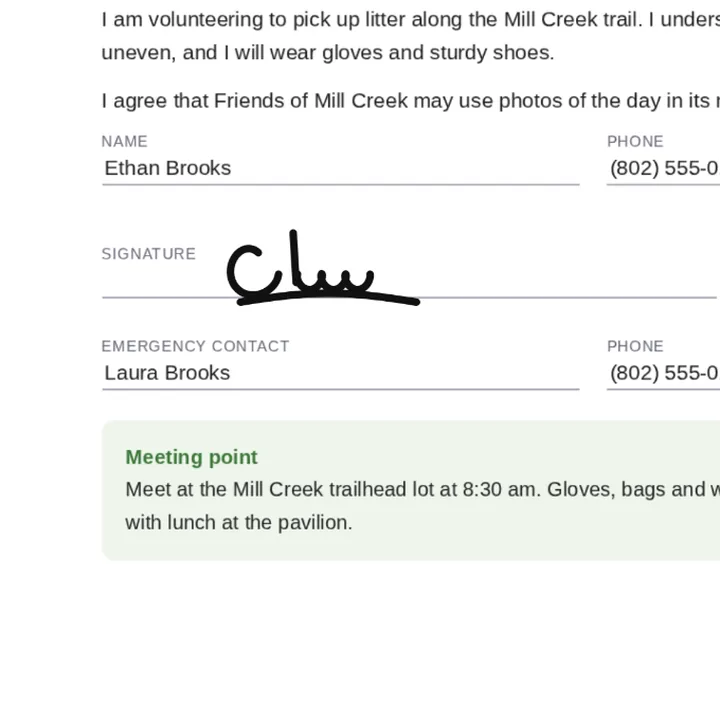
Sign it
Sign the last page before you send it.
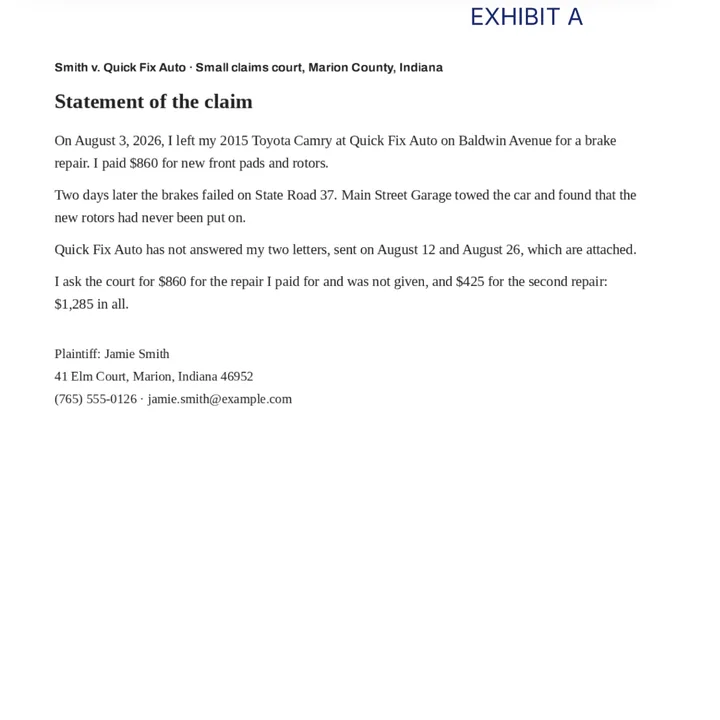
Label the pages
Type a heading or an exhibit label.
More in Compix
Questions
How do I merge PDF files?+
Drop your PDFs on this page, or click to pick them. They open in the Compix editor as one document, a page for each page of each file, with the Download menu already on PDF. Drag pages in the strip to change the order, delete any you do not need, then press Download to save one PDF.
Is it free?+
Yes. No account, no watermark, no payment and no trial. Merge as many PDFs as you like and download the result.
In what order will the pages appear?+
In the order the files come in: the order you picked or dropped them, each file's pages in their own order. Then drag any page in the strip under the editor to put it where you want it.
Can I reorder or delete pages?+
Yes, before you download, with no account. Drag a page in the strip to move it (on a phone, hold it a moment first), and click the bin on a page to delete it. Pages from different files mix freely.
How many files or pages can I merge?+
There is no set limit on files or pages. The pages open a few at a time, in a window that shows how far it has got, so ten PDFs with 300 pages between them open on a phone too; a very long set simply takes longer.
Will the formatting and quality be kept?+
Yes. Each page of your PDFs is copied into the new PDF as it is, from its own file: its text stays text you can search and copy, with its fonts, links and quality. Nothing is redrawn or squeezed.
Can I add JPGs or photos?+
Yes. Drop JPG, PNG or WEBP photos with your PDFs and each one becomes a page, sized to your PDF's paper (Letter when there is none), in the order it came. A photo of a signed letter or a receipt fits right in.
Can I add more files later?+
Yes. Drop another PDF on the editor, or add it from Uploads, and its pages go at the end of the document you are working on.
Can I merge password-protected PDFs?+
A PDF that needs a password to open can not be opened here: Compix says so and opens the rest. Unlock it first, then add it. A PDF that opens without a password but is protected against changes is added as pictures of its pages.
Can I merge PDFs on my phone?+
Yes. Tap the drop area on this page and pick the PDFs on your phone. They open as one document; tap Share, then Download the work, and the PDF is saved to your phone.
Are my files uploaded?+
No. The files open inside this browser tab, on your own device, and the new PDF is made there. Nothing is sent to a server. Sign in to save your work: your designs are then kept in this browser.
Is there a watermark?+
No. The PDF you download has your pages and nothing else on them.
Is merging a PDF the same as combining a PDF?+
Yes. Merge, combine and join all mean the same thing: several PDF files put together into one. A PDF merger and a PDF combiner are the same tool.
Drop your PDFs and get one PDF
No account needed to merge and download. Sign in when you want to keep the document.
Drop your PDFs here
or browse your files