Image Comparer
Compare two images side by side. Slide, fade, blink or diff. Free, in your browser.

A
Image A
B
Image B
Drop both at once or one after the other, or browse your files. Any format, full resolution.
Nothing is sent anywhere. It runs in this tab.
How to compare two images
1
Drop both images
A and B fill the frame. Swap either one for another version any time.
2
Pick how to look
Side by side to judge, slider or fade to inspect, blink to spot, diff to prove.
3
Save the answer
Export a still, or record the comparison as MP4 or GIF.
What you get inside
A compare frame you can work in, not a report you read
Both images open in the frame together. Switch how you look at them, swap in other versions, and record the comparison as a video.


The blink test
Flip between the two and your eye catches what a slider hides.
More than a pair
Swap A or B for any other version, as many times as you like.
MP4 and GIF out
A comparison that moves travels better than a screenshot.
What each mode is for
Five questions, five ways of asking. The blink is the one nobody else has.


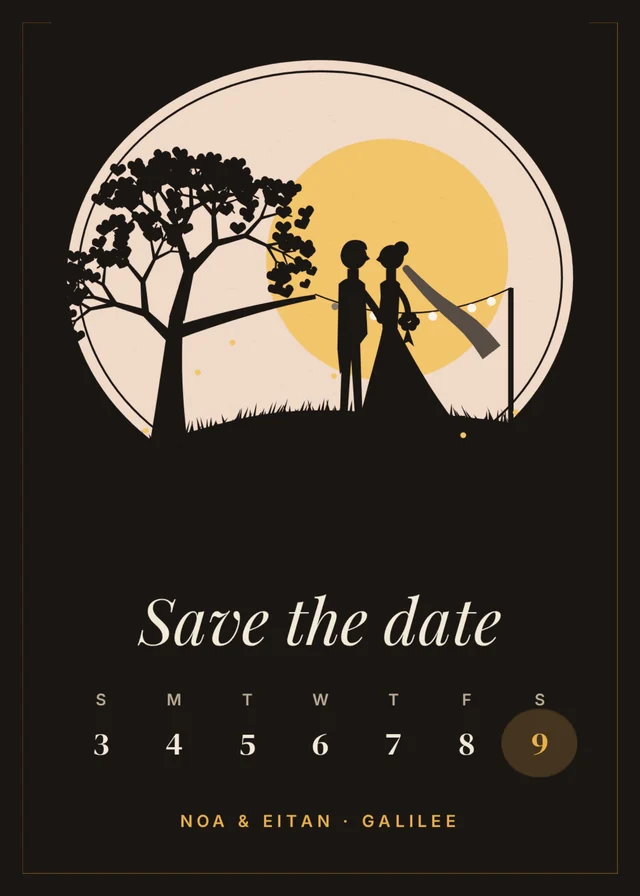
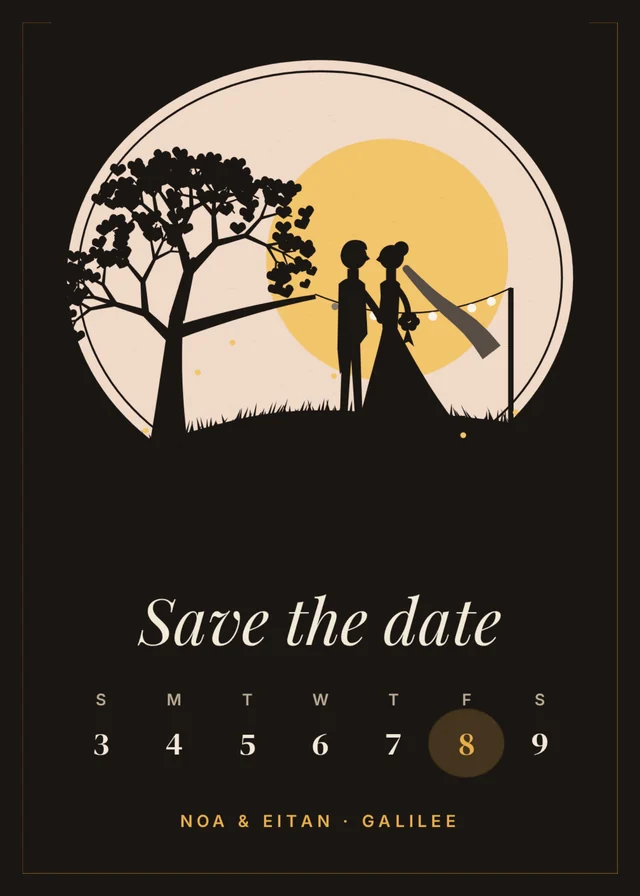
What happens to your pixels
It stays in your browser
The comparison runs on your machine. Nothing is uploaded, ever.
Any format
JPG, PNG, WEBP, GIF. Two different formats compare fine.
Full resolution
Zoom to 100% and past it. Nothing is downscaled to fit the frame.
What people compare
AI generations
Two attempts of the same prompt, side by side.
Blink
Photo edits
Your grade next to the original file.
Slider
UI screenshots
Before and after a build, down to the pixel.
Diff
Upscales
Where the model invented detail and where it held.
Slider
Compression levels
How far you can push quality before it shows.
Blink
Product photos
Which shot sells it. Whole frames, no wipe.
Side by side
More in Compix
Questions
How do I compare two photos for differences?+
Drop both. Blink is the fastest read. The two swap in place and anything that changed flickers. For a pixel-level answer, switch to diff, or start on the image diff page.
Is there a before / after slider?+
Yes. Slider mode puts a wipe between the two images; drag it, or record the wipe as a video.
Can I compare more than two images?+
Two at a time in the frame. You can swap A or B for any other version as often as you like, so a whole set is a few clicks.
Can I compare images of different sizes?+
Yes. Both are fitted into the same frame without stretching or cropping, so a smaller copy lines up with its original. If the two have different shapes, the spare space shows as bars, and the diff will light up there.
Does it work on a phone?+
Yes. Drop or pick two photos from the camera roll and all five modes work in a mobile browser.
Can I compare AI-generated images?+
That is the most common use. Blink between your reference and each generation. Small errors in hands, text and eyes show up immediately.
Do you give an SSIM or PSNR score?+
No. We do the visual comparison; we do not produce similarity scores or PDF reports.
Are my images uploaded?+
No. Everything runs in your browser; nothing is sent anywhere. Signing in only saves the design to your account.
Is it free?+
Yes. Comparing, recording and downloading need no account and cost nothing.
Can ChatGPT compare two pictures?+
It can describe what differs in words, but it works from its own reading of the images and can miss small changes or report ones that are not there. To see exactly what changed, put both in one frame here and blink or diff them.
Drop two images and you're inside
No account needed to compare, record and download. Sign in when you want to keep it.
Drop image A and image B
or browse your files