PDF Maker
Make a free PDF: start from a template or a blank page, add your words, pictures and pages, and download one PDF. All in your browser.


How to make a PDF
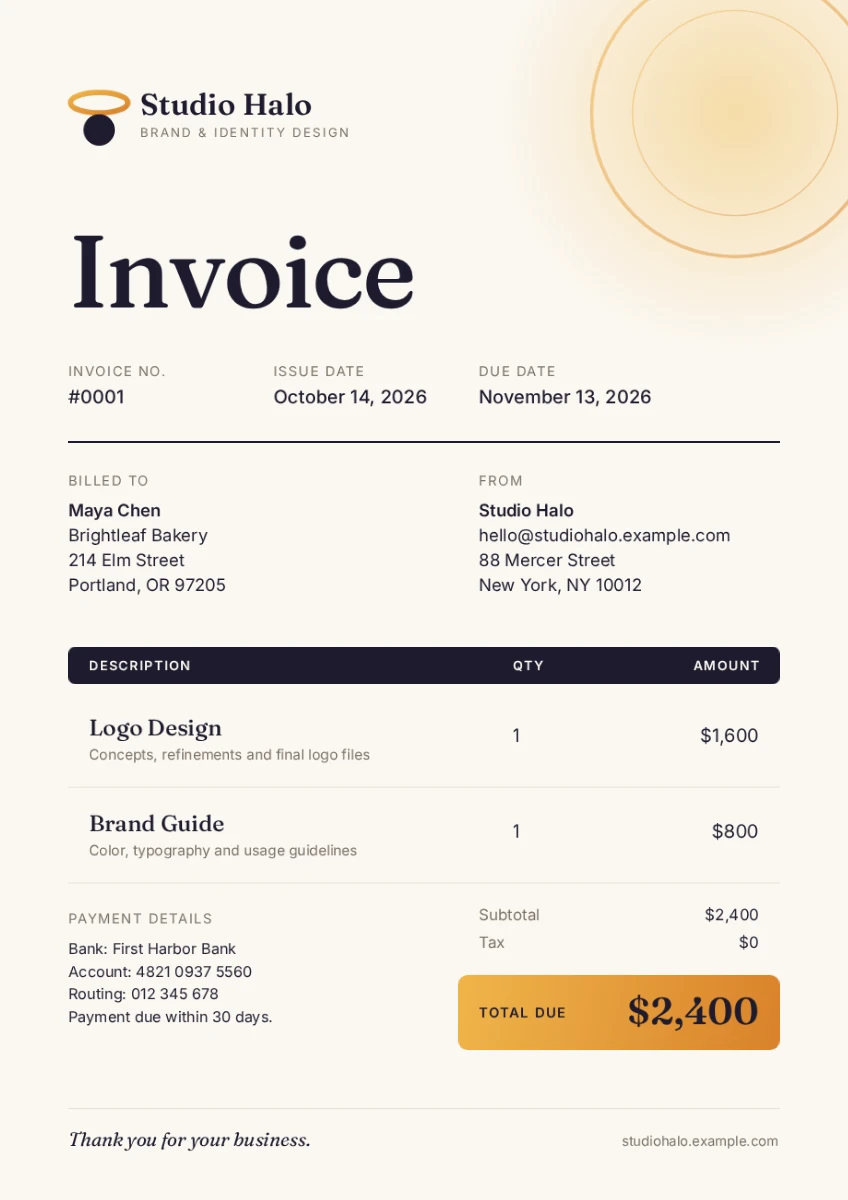
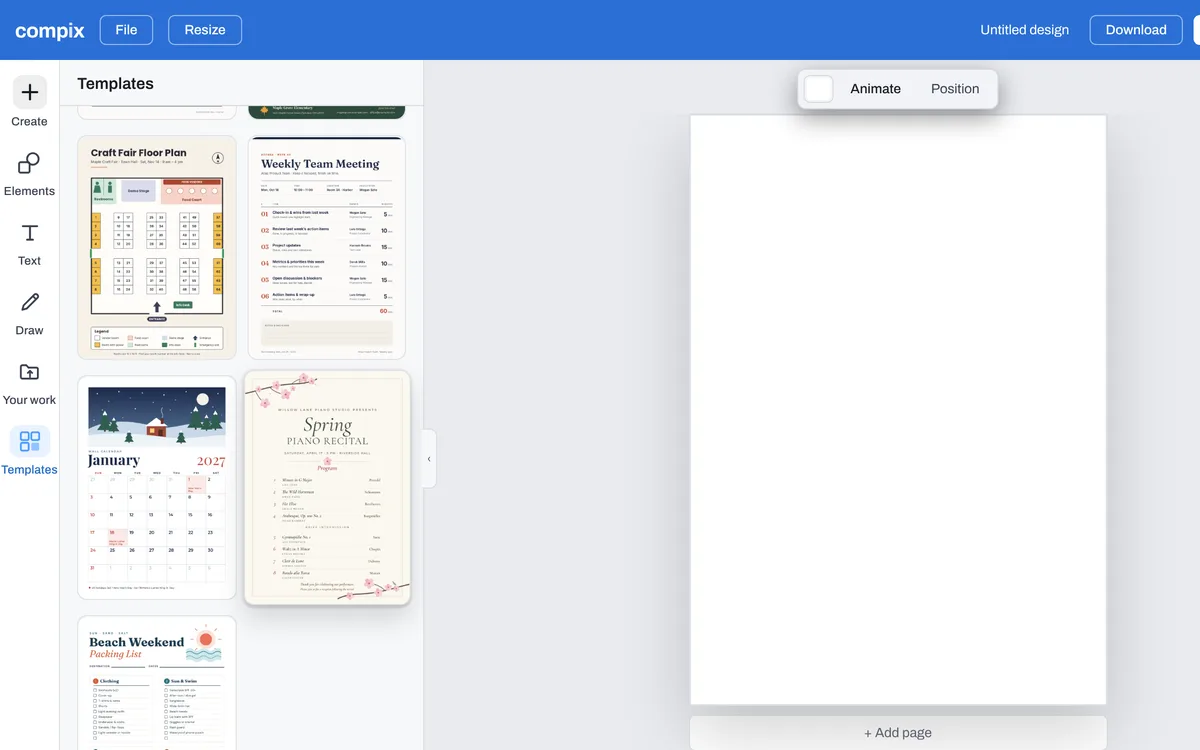
Press Make a PDF for a blank A4 page, or click a template on this page. On the blank page, open Templates in the editor and pick a document: an invoice, a report, a newsletter or a program.
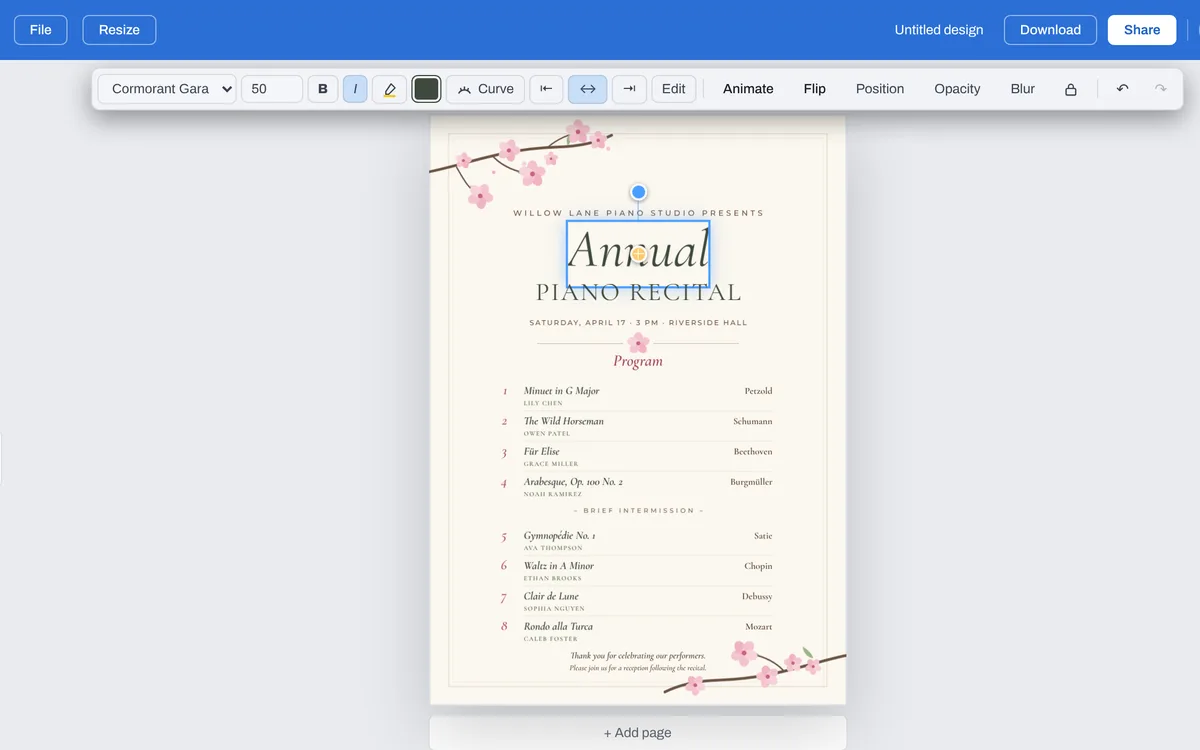
Double-click a line and type yours. Drop in photos, add shapes and illustrations from Elements. + Add page puts a new page under the last one.
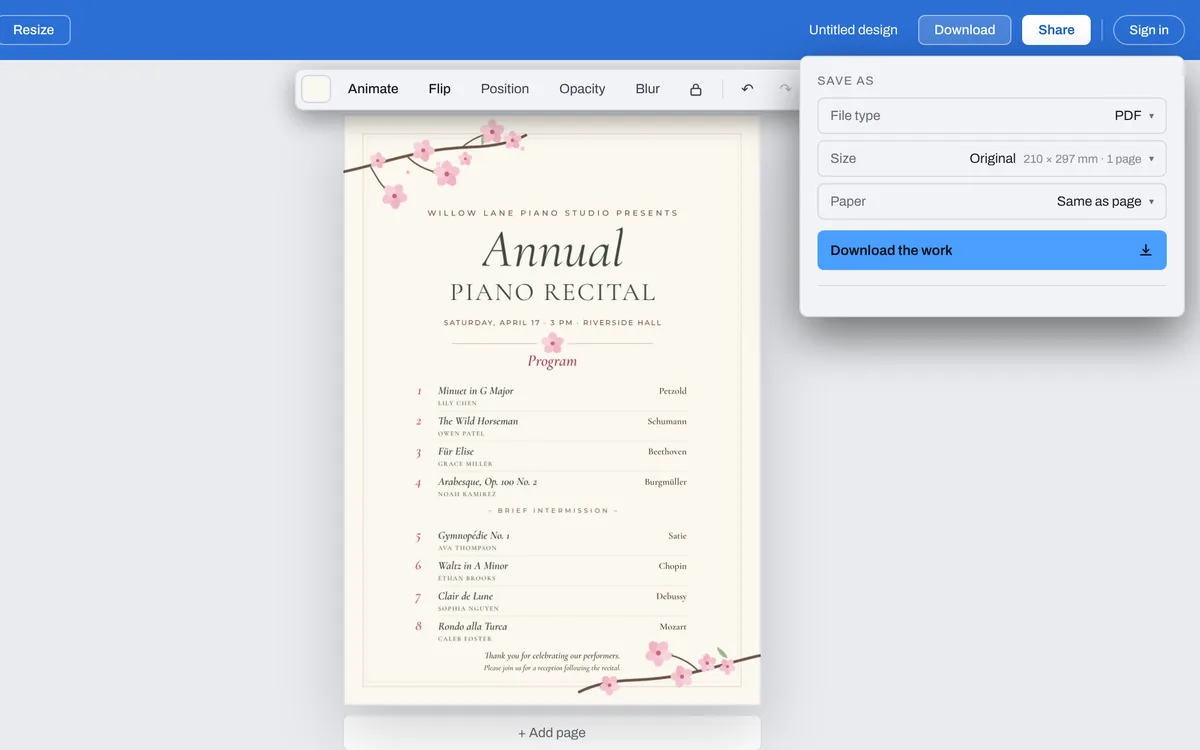
In the Download menu, pick PDF and press Download the work. Every page goes into one PDF, named after your design.
Start from a template
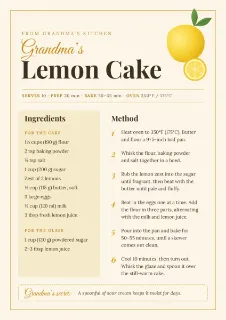
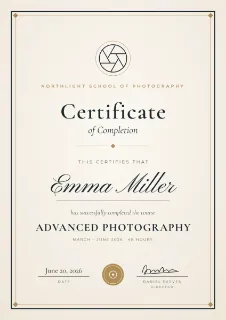
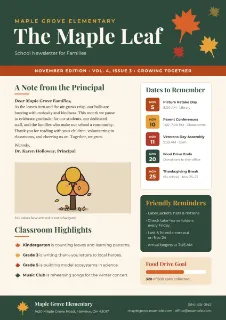
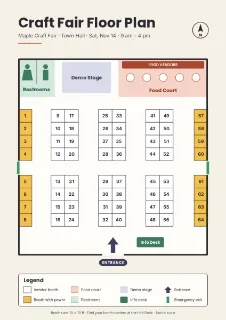
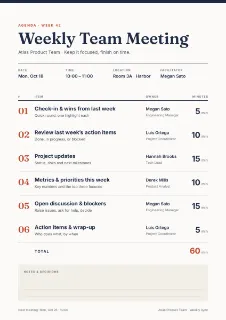
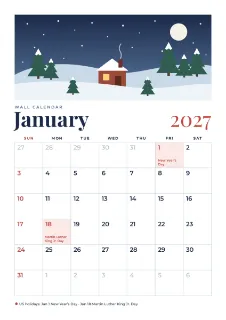
See all templatesInvoices, reports, newsletters, certificates, agendas, programs and more, on A4. Click one and it opens in the editor with every word ready to change.


The files you get
Pick the file type in the Download menu. PDF puts every page in one file, at the page's own size.
| Every page in one file, in order, with the words you typed kept as text: it can be searched and its words copied. | |
| PNG | A picture of each page, 2480 by 3508 pixels on A4. Several pages come in one zip. |
| JPG | The same picture, a smaller file. |
| WebP | The same picture for the web. |
Make any kind of PDF
Every page in one PDF
Add as many pages as you need, drag them into order in the strip under the page, and download them as one PDF. Our Garden Gazette newsletter, one A4 page, came out as a PDF of 822 KB.
Words you can search and copy
The words you type go into the PDF as text, laid over each page, so the PDF can be searched and its words copied. Only words in English and other Western European languages, such as Spanish, French or German, are searchable.
Paper for printing
Paper in the Download menu starts on Same as page. Pick A4 or Letter and every page goes on that sheet: a page of the sheet’s shape fills it, any other is fitted inside a white margin.
From pictures or a PowerPoint
Compix makes PDFs from what you design, from pictures and from PowerPoint files: drop a .pptx in the editor and each slide opens as a page you can edit. It does not open Word or Excel files.