Video Converter
Convert a video to MP4, the format almost everything plays, or to a GIF that loops. Drop an MP4, WebM or MOV. Free, in your browser.
Drop your video here
or browse your files. MP4, WebM or MOV
Convert
MP4 or GIF
Sound kept in the MP4
No watermark
No watermark, no sign-up. Your video is converted right here, in this tab.

How to convert a video
1
Drop your video
Drag it onto the box, or click to pick it. It opens in the editor as a page of its own, as big and as long as the video.
2
Pick MP4 or GIF
The Download menu starts on MP4. Switch it to GIF for a moving picture that loops.
3
Download
One press saves it, named after your video: bicycle.mov comes back as bicycle.mp4. No watermark.
What you get
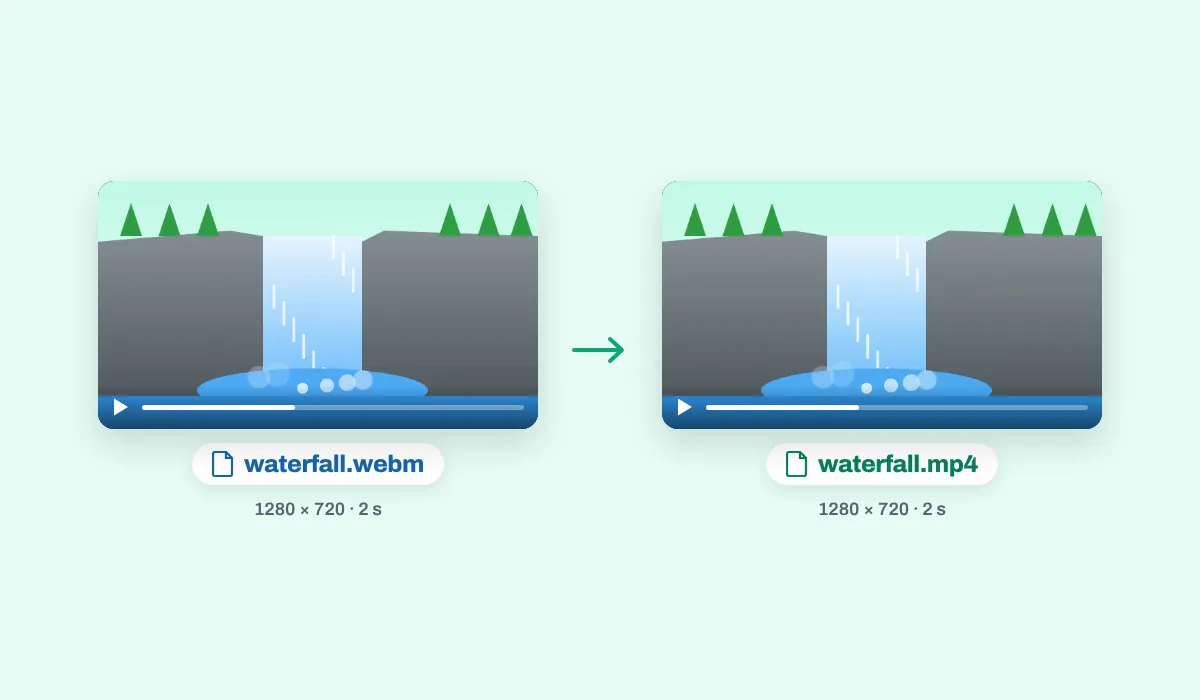
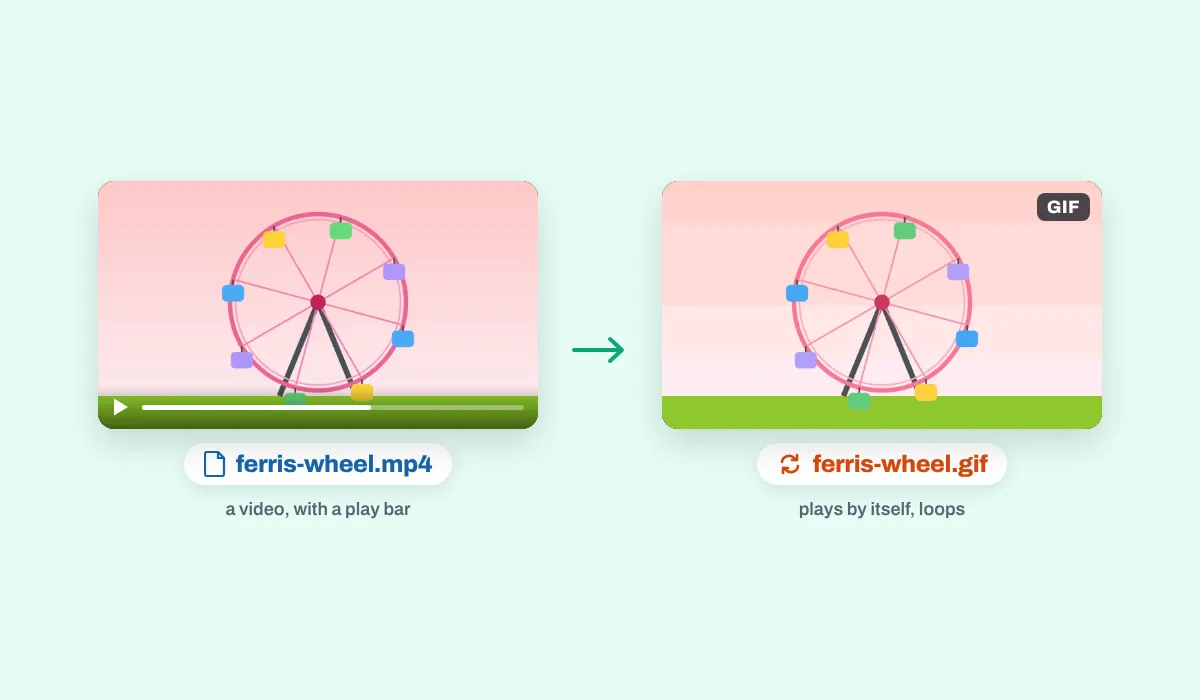
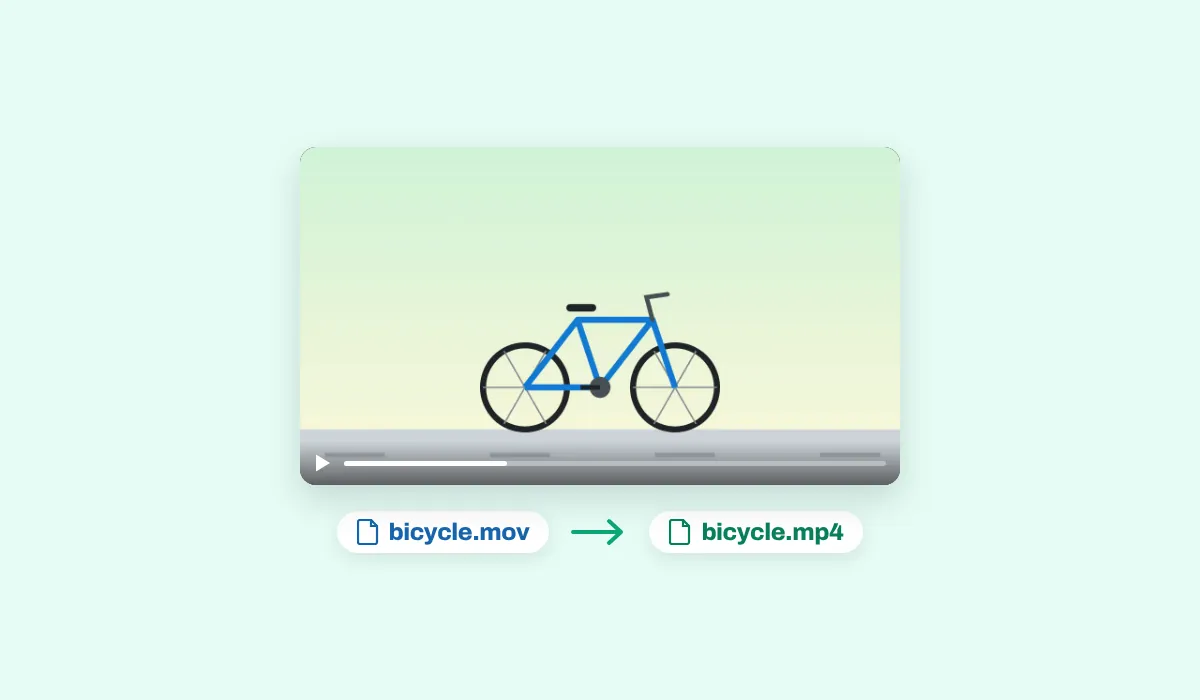
MP4s are made at 30 frames a second, or 60; GIFs at 12, or 24. Both are a choice in the Download menu.
The video you dropped is left as it was; the new file is made beside it in this tab, and nothing is uploaded.
MP4 or GIF?
Pick MP4 when the video has to play like a video: with its sound, at its full length, on a phone, in an editor or through an upload form that lists MP4. Pick GIF for a few seconds that should simply move wherever a picture goes, in a chat, an email or a document, with no play button and no sound.
Where a converted video goes
The same video, in the format the place asks for. A few of them:
Your phone
An MP4 its gallery plays
Presentations
A clip that sits on a slide
Messages
A GIF that moves in the chat

Websites
A loop for a page
Editing apps
An MP4 they import
Email
A GIF in the message itself
More than a converter
Your video opens in the same editor as the video editor, so it can be finished before you save it.
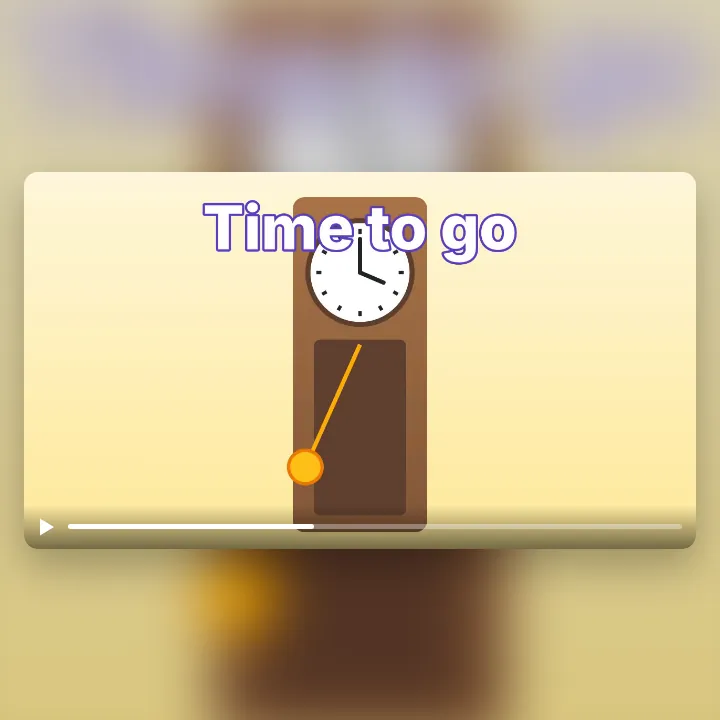
Put words on it
From the Text panel, before you save.
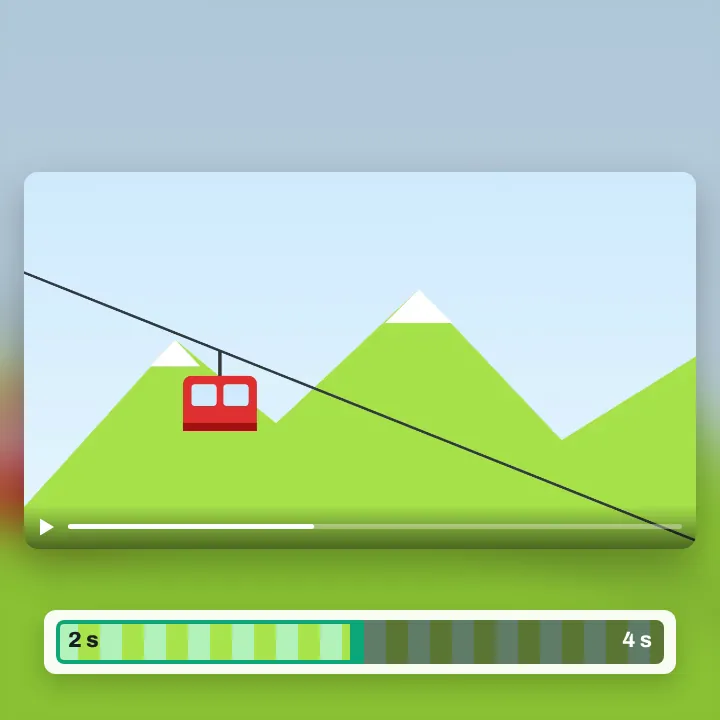
Cut it to length
Drag either end of the page in.
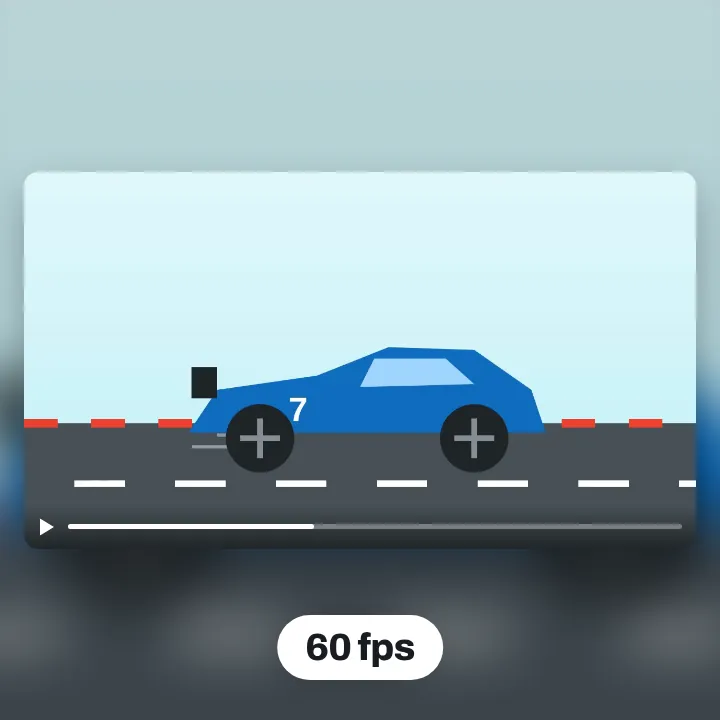
60 frames a second
For an MP4, in the Download menu.
More in Compix
Questions
How do I convert a video?+
Drop your video on the box at the top of this page, or click the box to choose it. It opens in the Compix editor as a page of its own, at its size and as long as it runs, with the Download menu on MP4. Switch it to GIF if you want one, then press Download.
Is the video converter free?+
Yes. There is no account to make and no watermark on what you save.
Which videos can I convert?+
Any video this browser plays: MP4 and WebM, and MOV where the browser plays it. An iPhone records in HEVC by default; a browser that can't play HEVC can't open such a video, and the app says so and how to record the next ones so they open.
What can I convert a video to?+
An MP4, the video format almost every phone, editor and upload form takes, or a GIF, a moving picture that plays by itself and loops.
Does the MP4 keep the sound?+
Yes, the sound of your video is in the MP4. A GIF has no sound, so it is left out there.
Does it keep the size and length?+
Yes. The MP4 has your video's width and height and runs as long as it does. A side with an odd number of pixels comes out one pixel shorter, as an MP4's sides must be even. A GIF keeps the size up to 1920 pixels on its longest side.
How many frames a second?+
An MP4 is made at 30 frames a second, or 60 if you choose 60 fps in the Download menu. A GIF is made at 12, or 24.
Can I trim the video first?+
Yes. The video is a page in the timeline below the editor: drag the handle at either end of the page to cut the start or the end, and what you save holds only what is left.
Can I add text before I convert?+
Yes. Pick a line of words in the Text panel, type yours and place it on the video, and it is in what you save.
Can I convert several videos at once?+
One at a time. If you drop several, the first one opens on its own page. Save it, then come back to this page for the next.
Are my files uploaded?+
No. Your video is played and converted here, in this browser tab, so nothing goes to a server for that. Sign in to keep a design, and it is kept online with its videos, to open on any device.
Can I convert a video on my phone?+
On an Android phone in Chrome, yes: tap the box at the top and pick a video; it opens on its own page. Tap Share, then Download the work. On an iPhone or iPad the browser may not be able to add the sound; then the MP4 is saved without it, and the app says so.
Which browsers can make the MP4?+
Browsers with a built-in video encoder, such as recent Chrome and Edge. Without one, pressing Download tells you so, and the video can still be saved as a GIF. Where the picture can be made but not the sound, the MP4 is saved without sound and the app tells you.
Drop a video and get an MP4 or a GIF back
No account needed to convert and download. Sign in when you want to keep the design.
Drop your video here
or browse your files