Free Online Photo Editor
Crop your photo, add text and stickers, put it in a frame or a collage, and make it move if you like. Free, in your browser.

Drop a photo to start editing
or browse your files. JPG, PNG, WEBP, GIF
Edit crop, text, stickers, frames
Save PNG, JPG, MP4
No watermark. Nothing is sent anywhere. It runs in this tab.
How to edit a photo
1
Drop your photo
It opens in the editor as the page, at its own size, ready to work on.
2
Edit it your way
Crop and rotate, add words and stickers, frame it, draw on it. Make any of it move.
3
Download
PNG, JPG or WEBP, or MP4 and GIF when it moves. No watermark, no account.
What you get inside
Your photo opens as a page in a full editor
Crop, rotate and flip sit right above it. Text, stickers, frames and grids are on the left. Everything you add is its own layer, so you can move it, restyle it or take it back off.
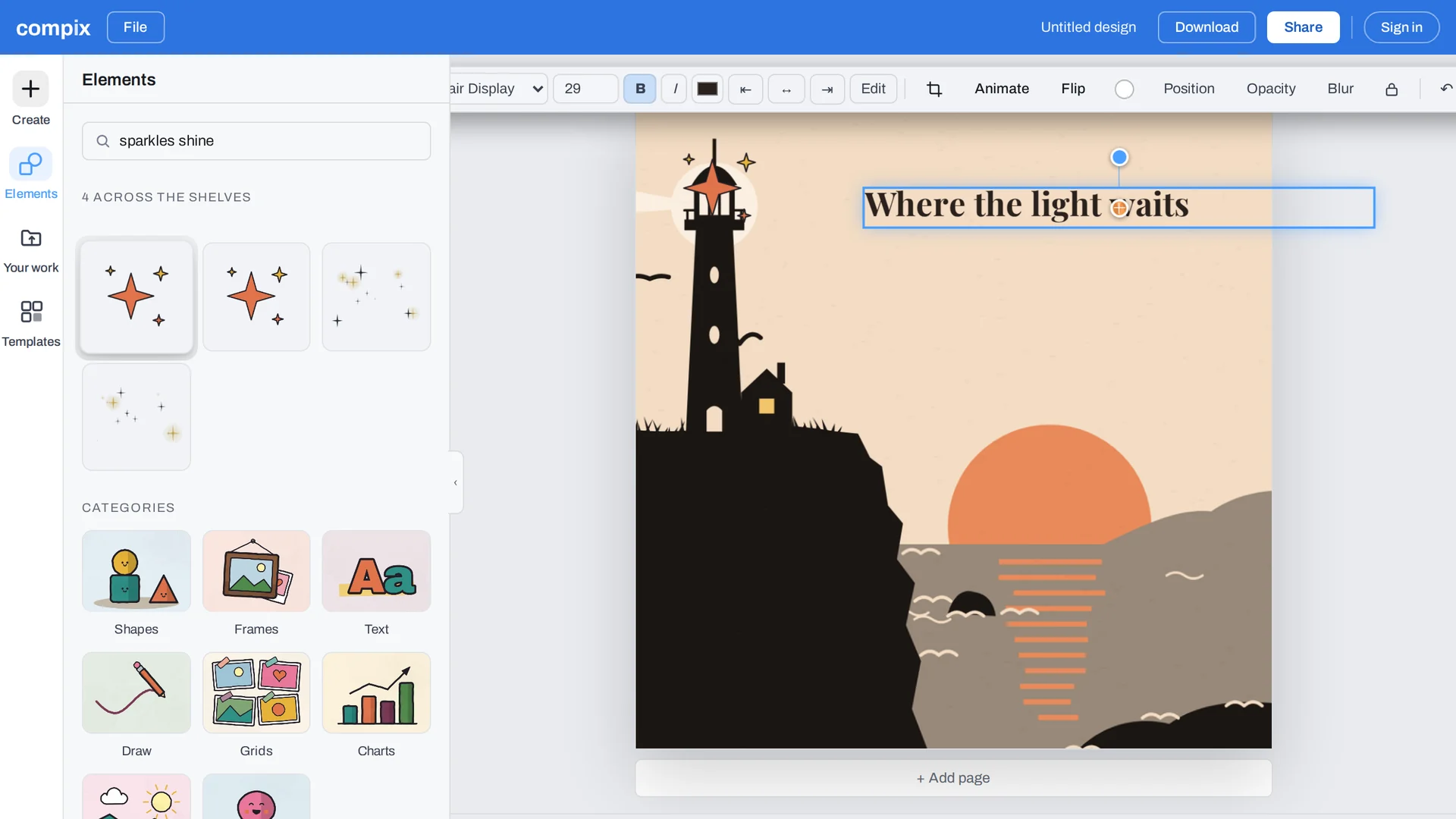
Undo anything
Every step can be taken back, so trying things costs nothing.
Transparent background
One switch in Download for a PNG with no background.
Keep going later
Your designs stay in this browser, layers and all, to open and change again.
Everything you need to edit a photo
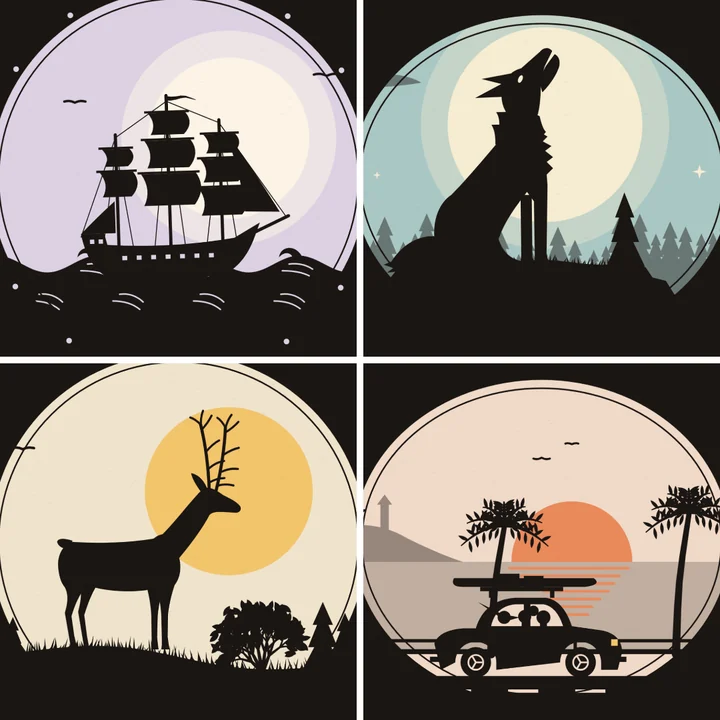
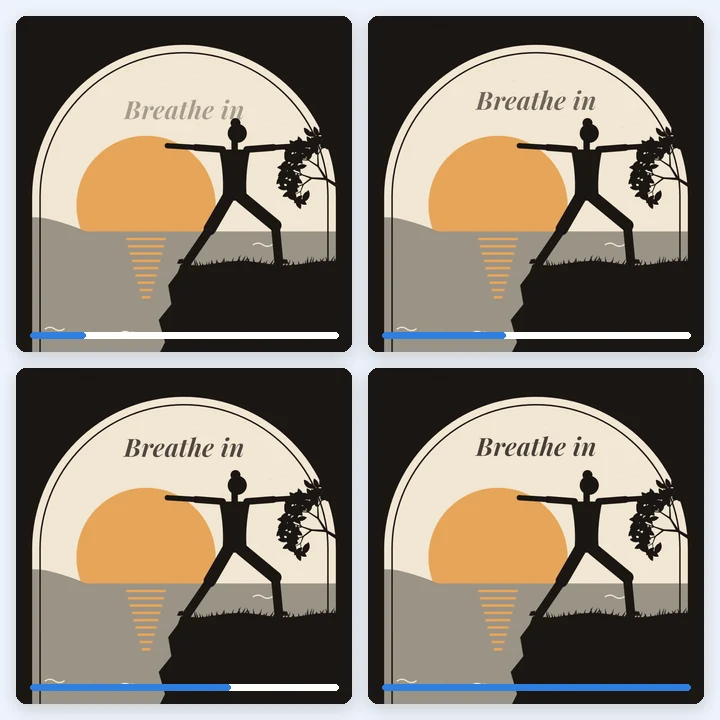
The everyday edits in one place, drawn in Compix's own style rather than stock clip art.


What happens to your photo
It stays in your browser
The editor runs on your machine. Your photo is not uploaded to edit it or to download it.
No watermark, no account
Edit and download straight away. Sign in only when you want to keep the design.
PNG · JPG · WEBP
At your photo's own size. MP4 and GIF join the list as soon as something moves.
Turn it into a post, a story or a flyer
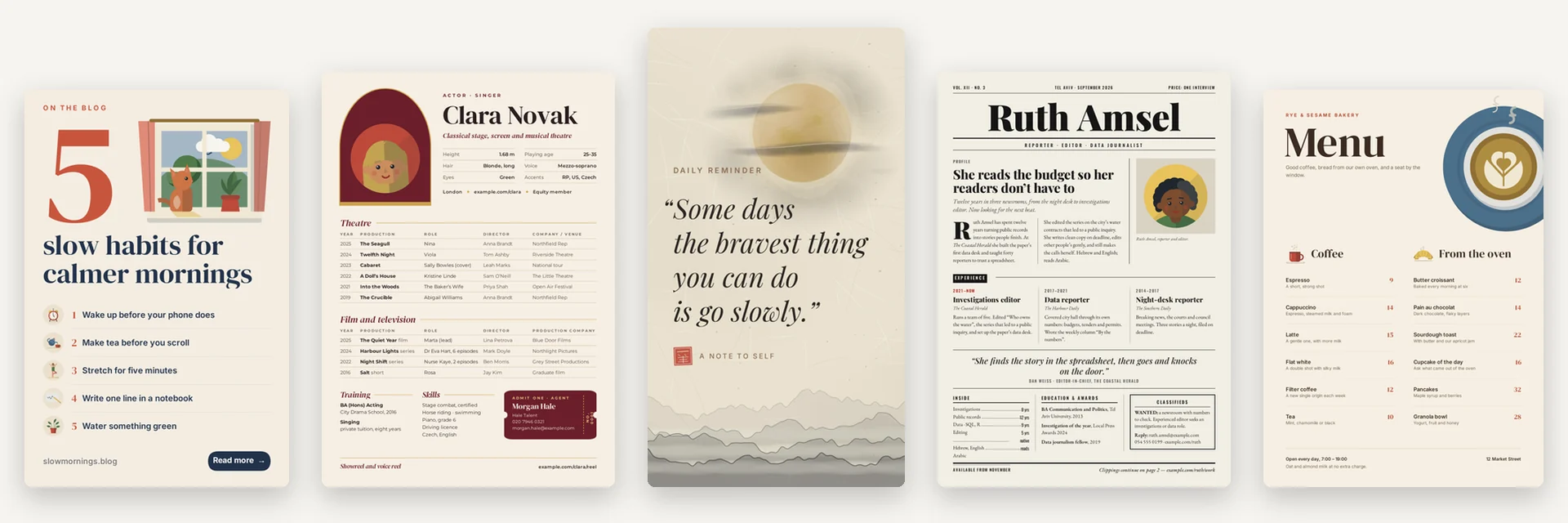
Start from a template in the size the place needs, add your photo to it, and download. Every template is drawn by hand in Compix.
More in Compix
Questions
Is this photo editor free?+
Yes. Editing and downloading are free, with no account and no watermark. An account adds saving your designs and your library.
Are my photos uploaded anywhere?+
No. The editor runs in your browser tab, so your photo stays on your device while you edit and when you download.
Will my photo have a watermark?+
No. What you download is your photo and your edits, with nothing added.
Do I need to download anything?+
No. It runs in your web browser on Windows, Mac, Linux or a Chromebook, and on iPhone and Android. There is nothing to install, and no account is needed to edit and download.
How do I add text to a photo?+
Open Elements, then Text, and pick Title, Heading, Subheading or Body. Type your words, press Enter, and drag the text where you want it. The bar above changes the font, size, colour and alignment.
How do I crop a photo?+
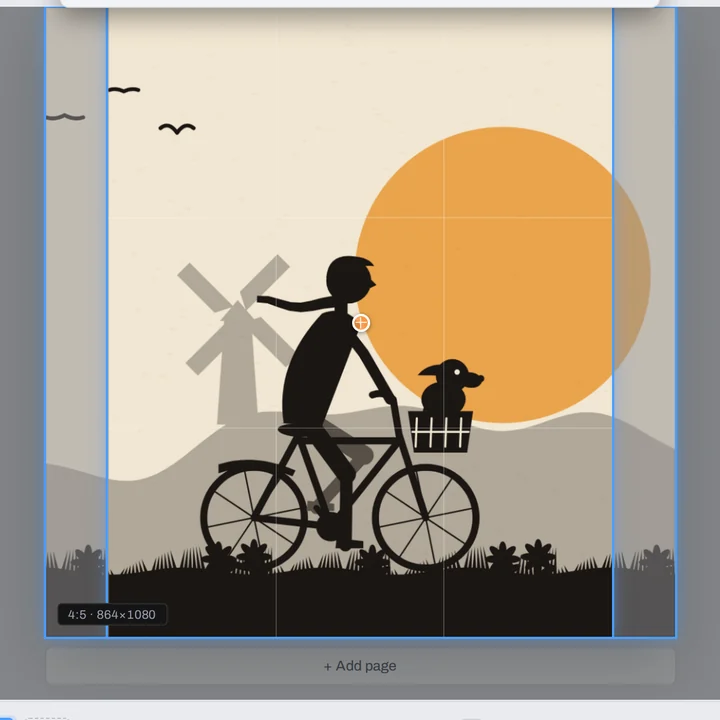
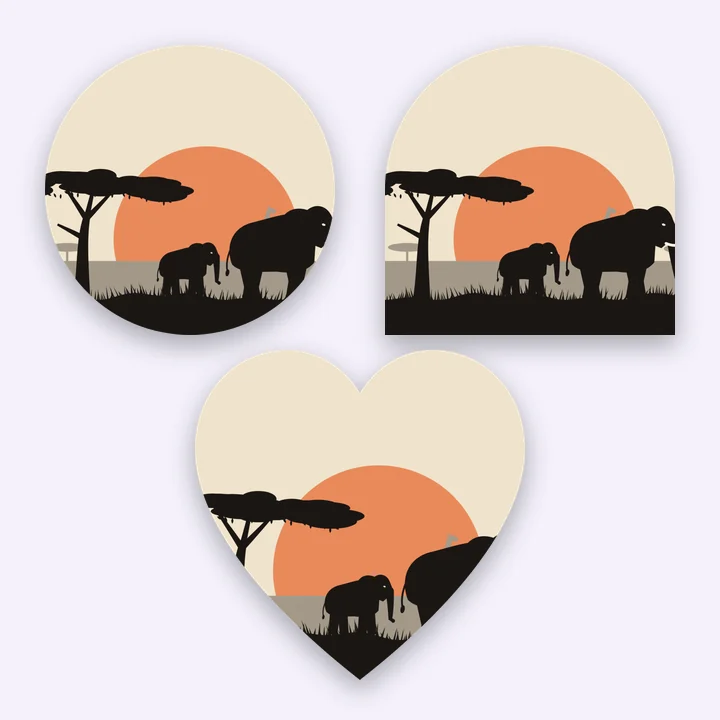
Select the photo and press Crop in the bar above it. Pick a ratio (1:1, 4:5, 3:4, 2:3, 3:2, 4:3, 16:9 or 9:16), crop freeform, or crop into a shape, then press Done. The page becomes the crop: a 9:16 crop gives you a vertical page at the crop's own pixels. Rotate and Flip sit in the same bar.
Which files can I open?+
JPG, PNG, WEBP and GIF. A GIF opens as its first frame.
Which formats can I save in?+
PNG, JPG and WEBP. When something on the page moves, MP4 and GIF as well. A PNG can have a transparent background.
Does editing lower the quality?+
No. The download comes out at your photo's own size, the Original size in the Download menu, and you choose the format.
Can I make a collage?+
Yes. Elements, then Grids, has 112 layouts. Place one and drop your photos into its cells.
Does it work on a phone?+
Yes. The page and the editor work in a mobile browser: pick a photo from your camera roll and download the result back to it.
What is the best free photo editor?+
It depends on the job. For quick edits like cropping, text, stickers, frames and collages, a free editor that runs in your browser is the fastest route, and this one adds no watermark and keeps your photo on your device. For retouching, filters or background removal you will want a fuller editor: Compix does not do those.
Drop a photo and you're editing
No account needed to edit and download. Sign in when you want to keep the design.
Drop a photo here
or browse your files
Photo editor
Crop image
Compare images
Image splitter
Pixel diff tool
Templates
Privacy
Nothing leaves your browser.