Compix features
Edit a photo, trim a video, sign a PDF or change a picture to another format, all in one editor in your browser. Free, no watermark. Pick a feature to see how it works, or start a design.
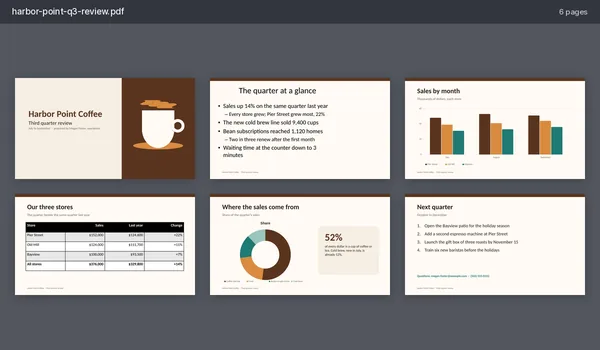
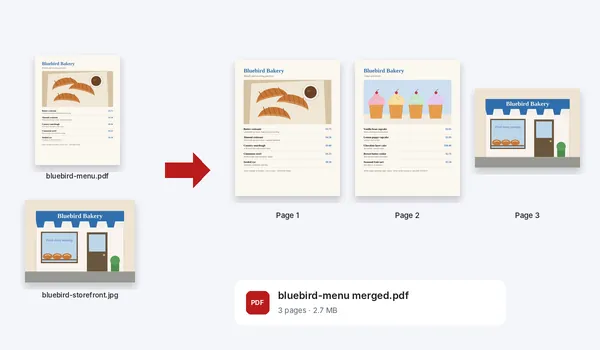
Fill in, sign and put PDFs together, or turn pictures and slides into one.
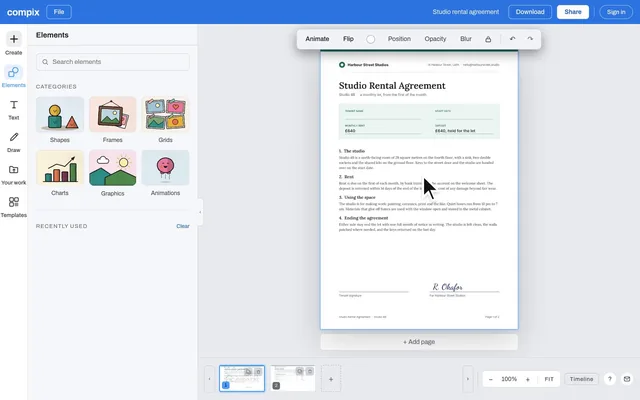
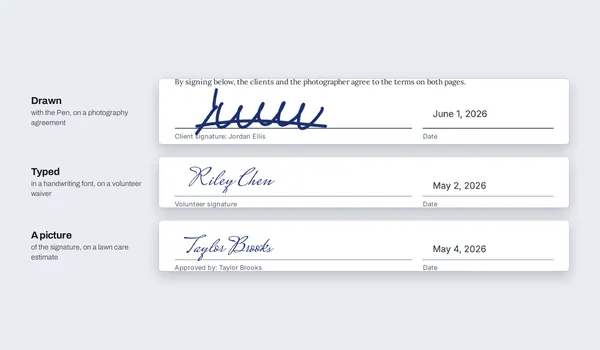
Sign PDF
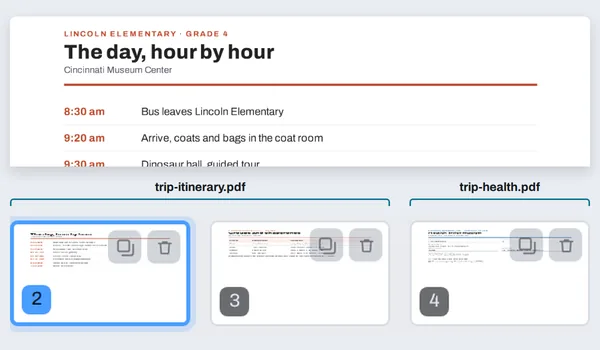
PDF merger
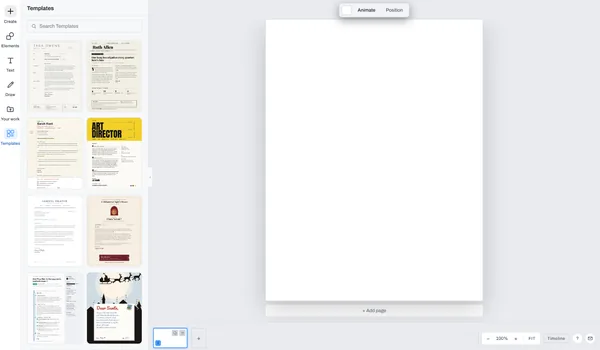
PDF maker
PPT to PDF converter
Photo
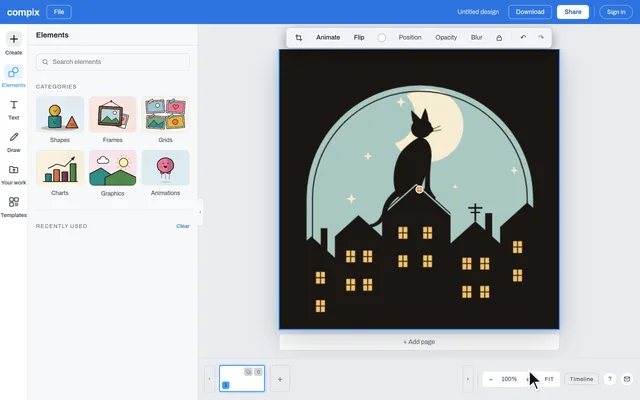
Edit a photo with text, stickers and motion, or crop it to any size or shape.

Compare and split images
Three tools of their own, each on its own page: put two images side by side, find every pixel that changed, or cut one picture into a grid.
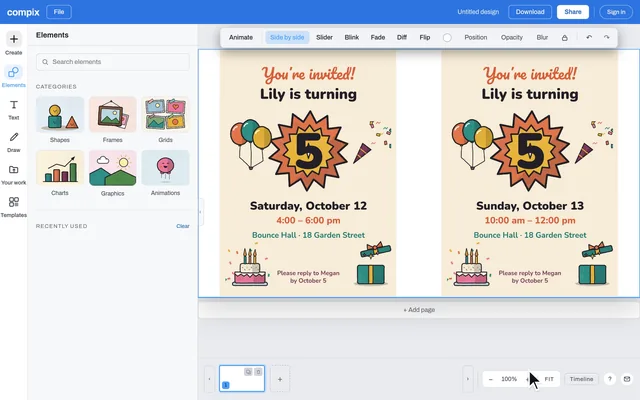
Image comparer
Put two images side by side, or switch between them with a slider, a fade or a blink, or show a pixel diff that marks every difference.
Compare two images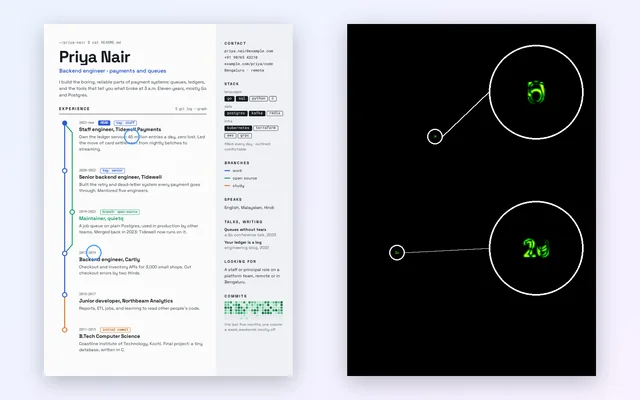
Image diff
A pixel diff of two images: every changed pixel lights up, from faint green to red. For screenshots, exports and edits.
Find the differences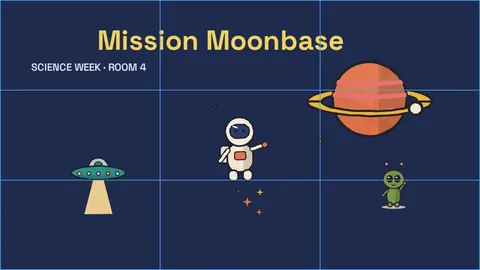
Image splitter
Cut one image into 2, 3, 4 or 9 parts: a 3 × 3 Instagram grid, a carousel or any rows and columns, named in posting order and saved as one ZIP.
Split an imageVideo
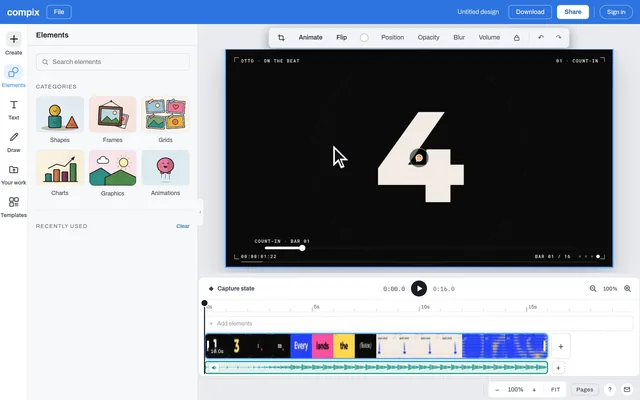
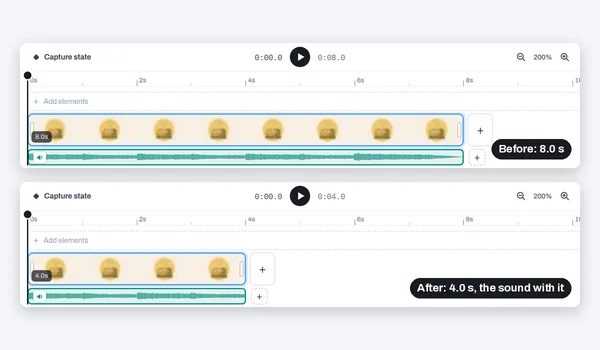
Cut, crop and convert clips, or make a video with titles and transitions.
Video trimmer
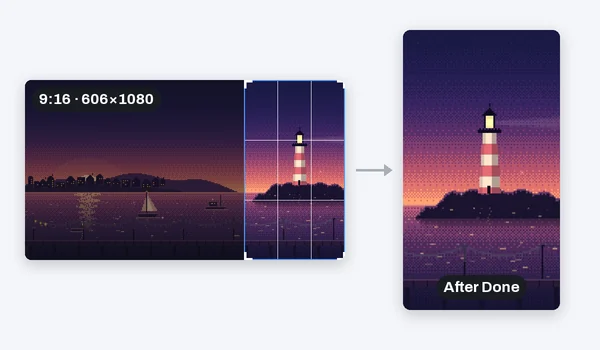
Video cropper
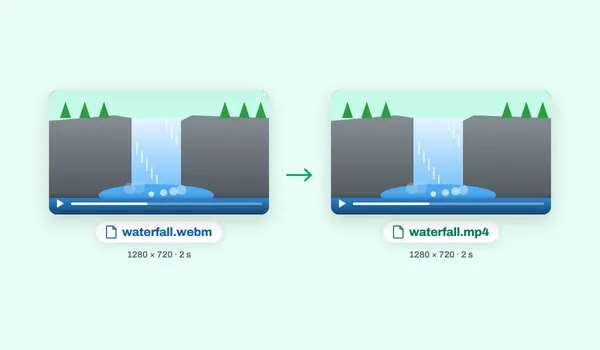
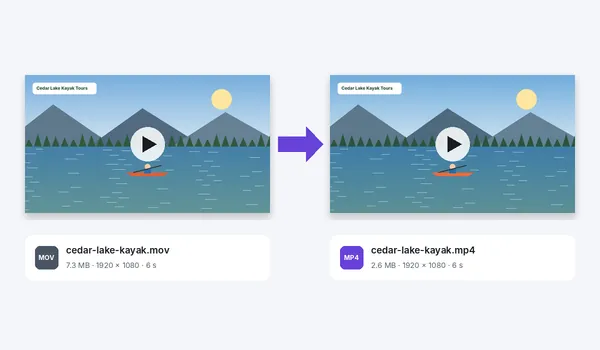
Video converter
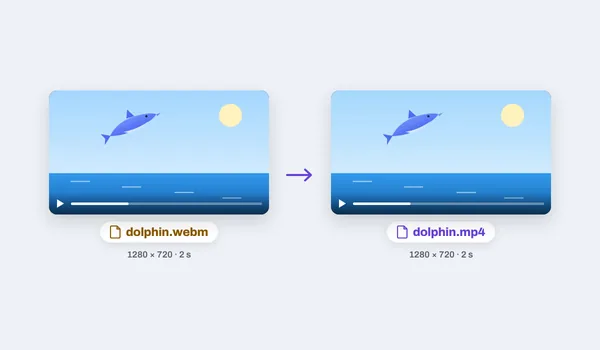
WebM to MP4 converter
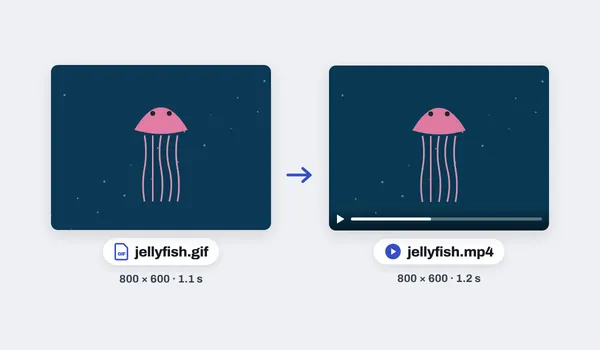
GIF to MP4 converter
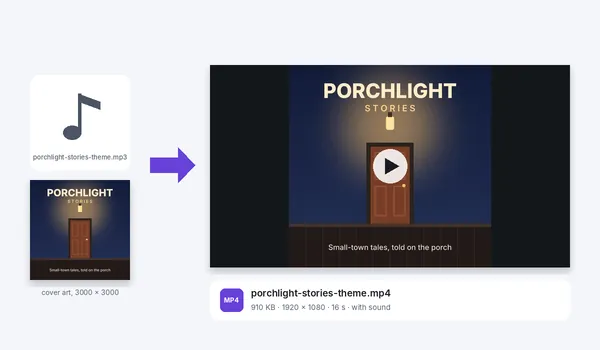
MP3 to MP4 converter
GIF and animation
Make a GIF, put words on one, or make a design move.
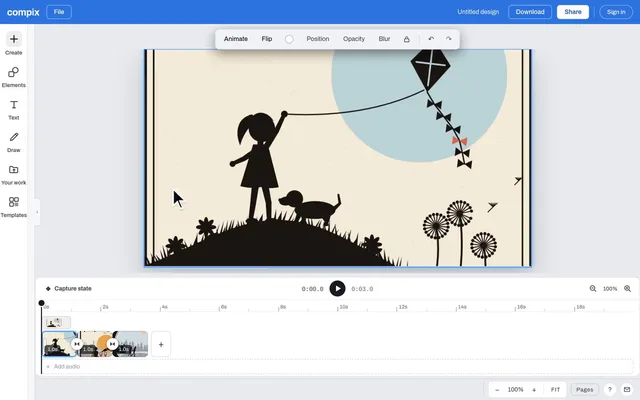
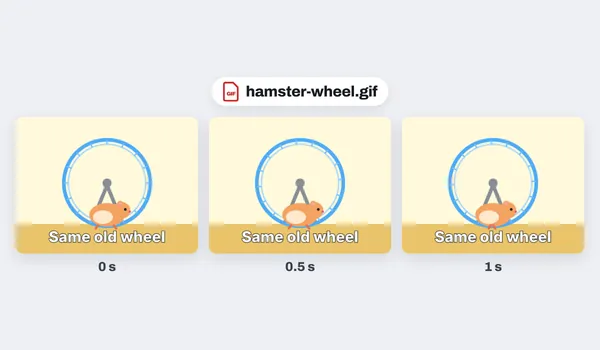
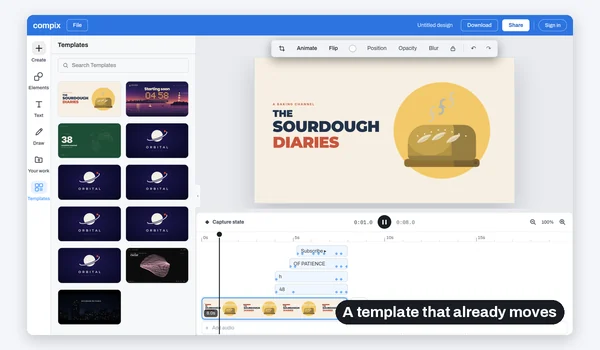
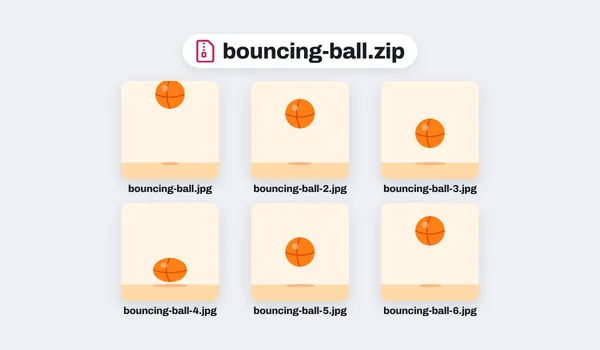
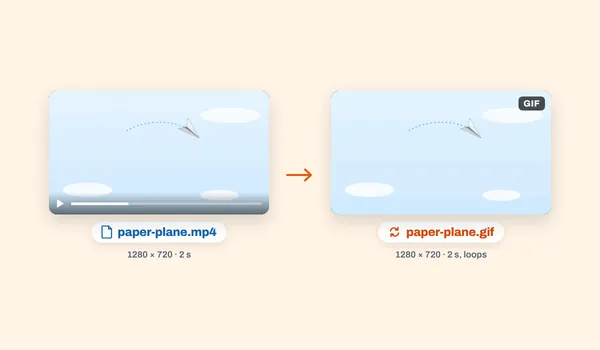
Image converters
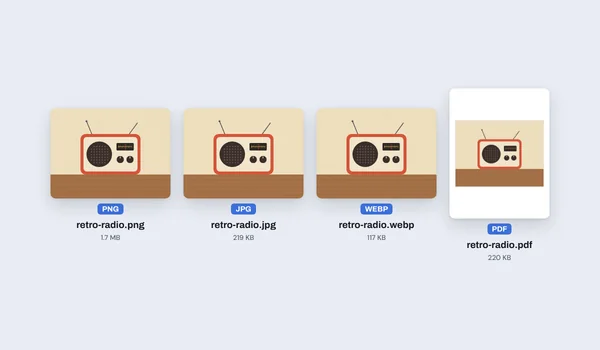
Change a picture to the format you need: JPG, PNG, WebP or PDF, from a JPEG, a WebP, an AVIF or a GIF.
Templates
Start from a design that is already made, and change every piece of it.

Every feature, one editor
No account needed to edit and download. Your files open in this browser tab, on your own device. Sign in when you want to keep a design.