PDF Maker
Make a PDF from a template or a blank page: add your words, pictures and pages, and download one PDF. Free, in your browser.
Start a blank page
US Letter, 8.5 × 11 in. Templates are one click away inside
Make a PDF
Have photos or scans? Drop them here, or browse, for one PDF with a page each
Templates resumes, letters, invoices
Many pages one PDF
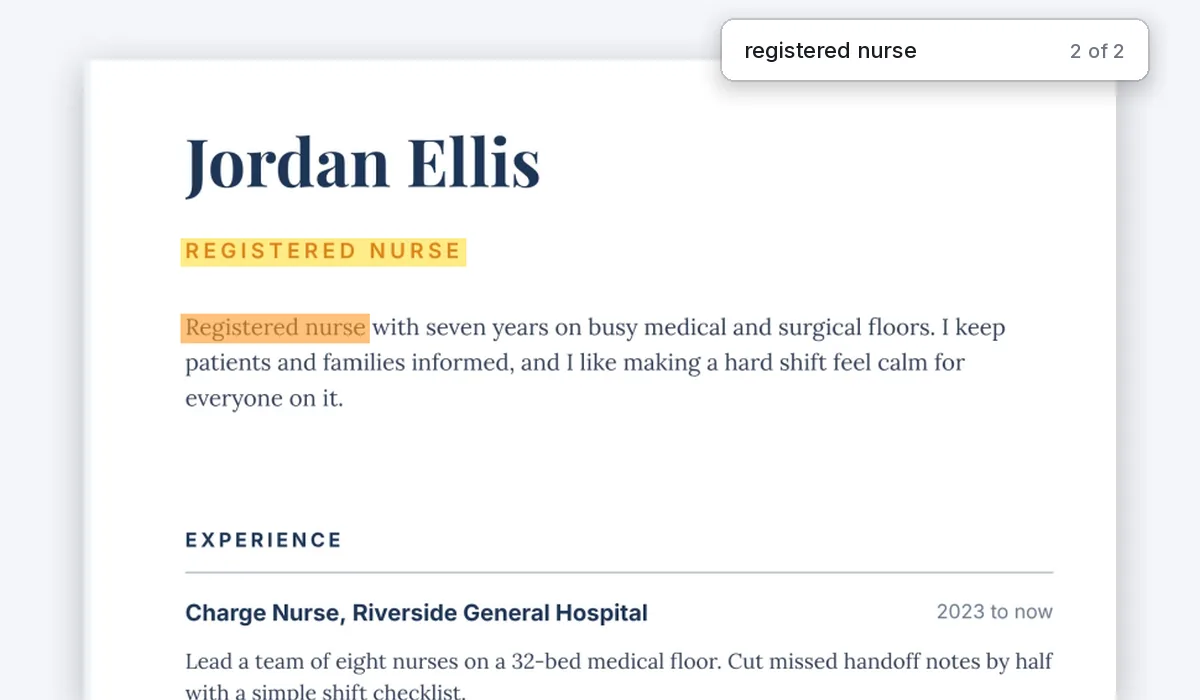
Real text search and copy
No watermark, no sign-up. Your PDF is made right here, in this tab.

How to make a PDF
1
Start a page
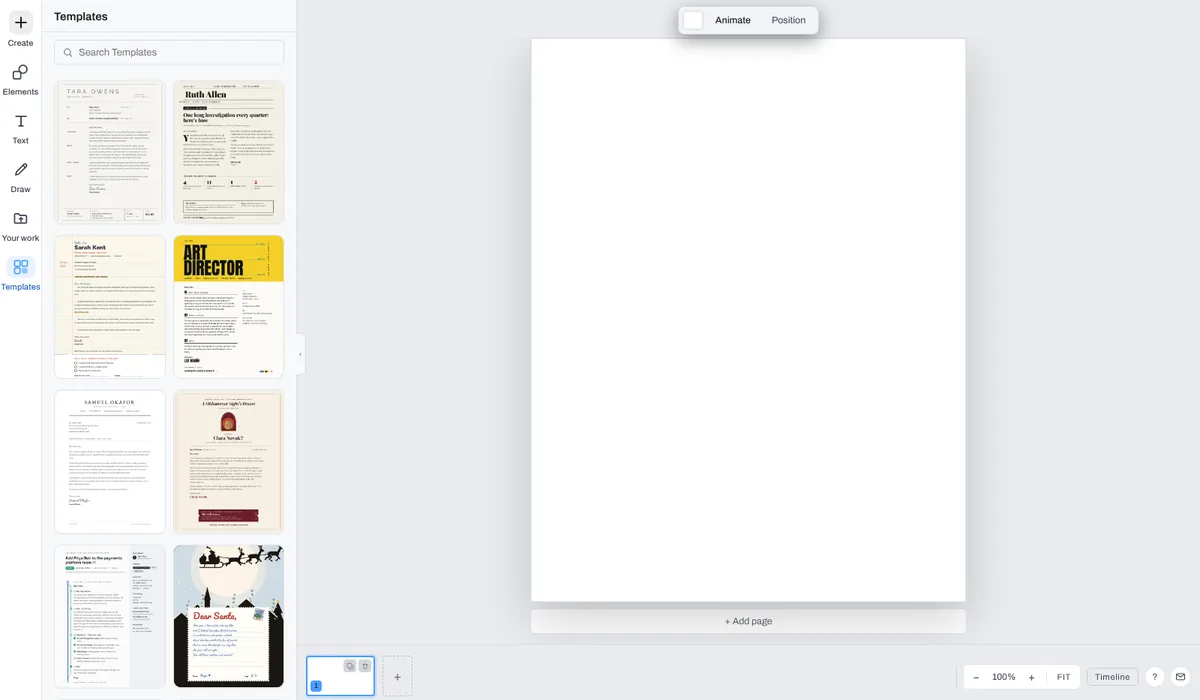
Press Make a PDF for a blank US Letter page, or open Templates in the editor and pick a resume, a letter, an invoice or a newsletter.
2
Add your words and pictures
Type on the page, drop in photos, add shapes and illustrations. Add page puts a new page under the last one.
3
Download the PDF
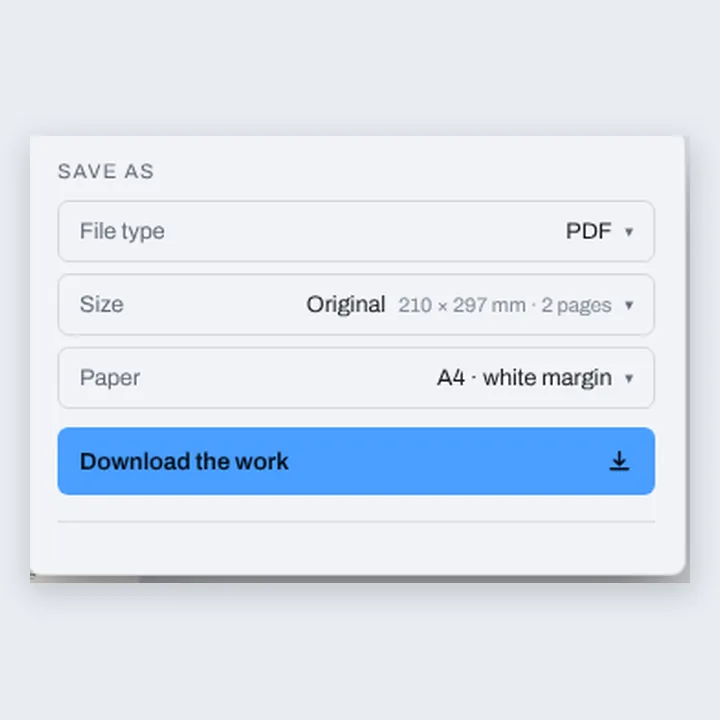
In the Download menu, pick PDF and press Download the work. Every page goes into one PDF, named after your design.
Make any kind of PDF
Paper in the Download menu starts on Same as page. Pick A4 or Letter and every page goes on that sheet: a page of the sheet’s shape fills it, any other is fitted inside a white margin.
Only words in English and other Western European languages, such as Spanish, French or German, are searchable. Others, such as Polish, Greek, Hebrew or Chinese, and emoji, show on the page but are not in the text.
Compix makes PDFs from what you design and from pictures. It does not turn Word, Excel or PowerPoint files into PDFs.
What people make as PDFs
A PDF looks the same on every phone, computer and printer, so it is what people send when the layout matters.
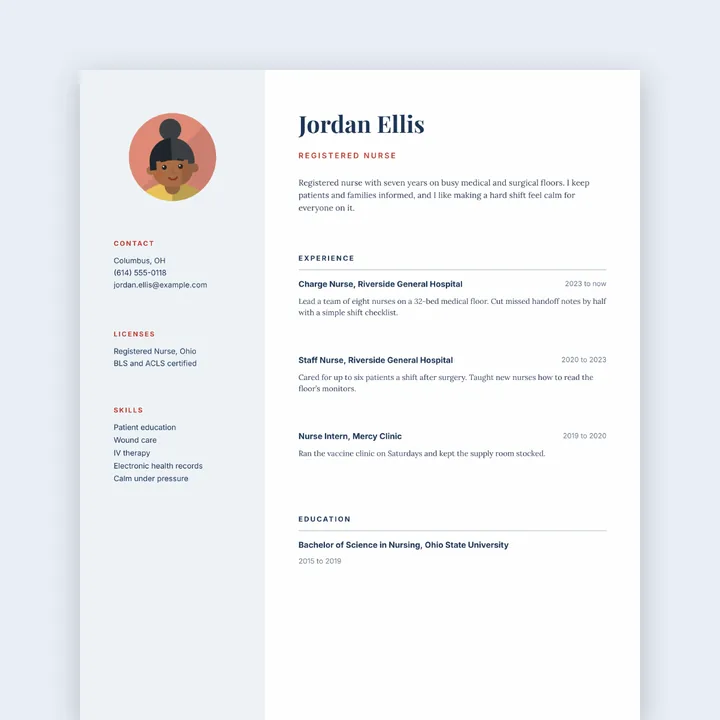
Resumes
Words a reader can search
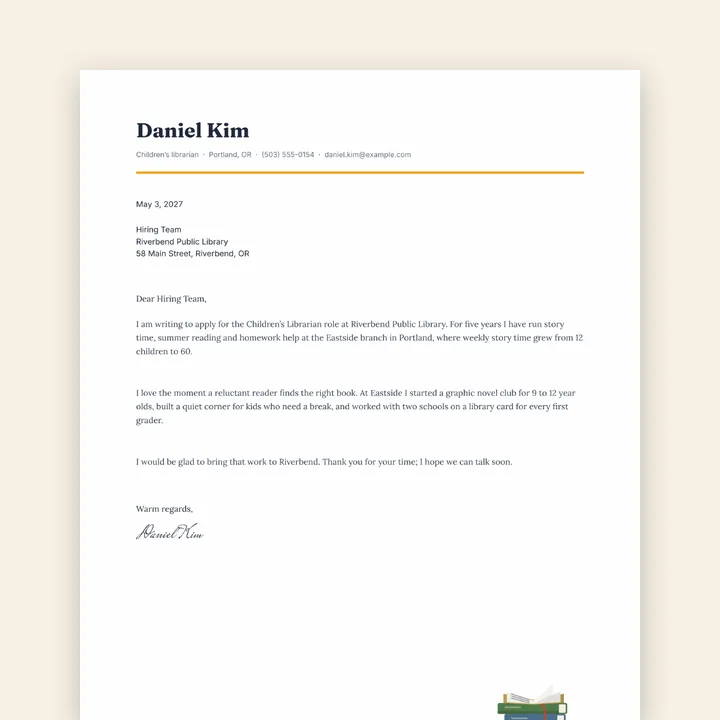
Cover letters
US Letter or A4
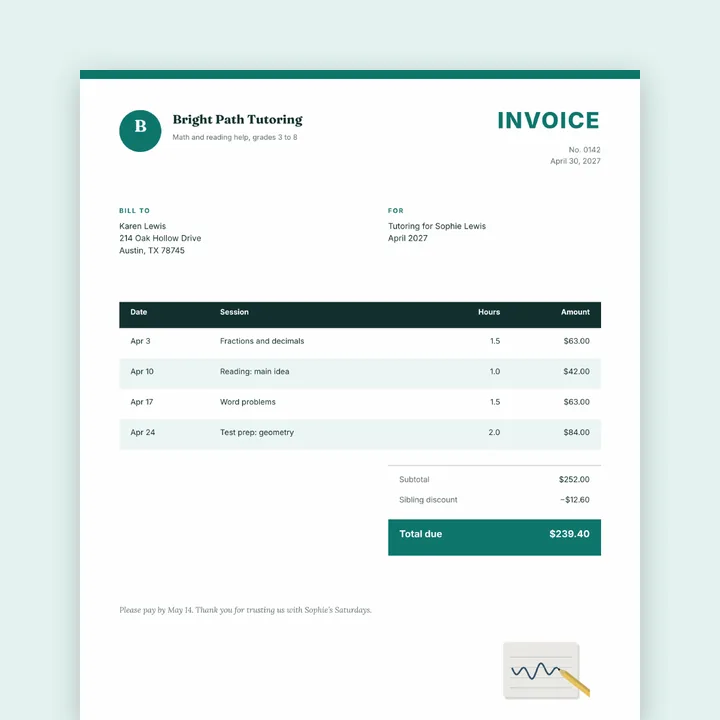
Invoices
Your name and logo on top
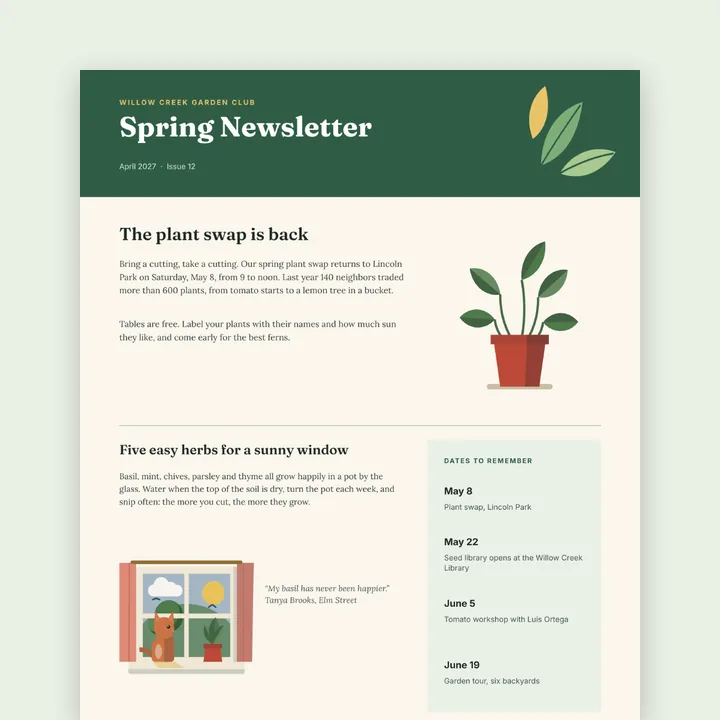
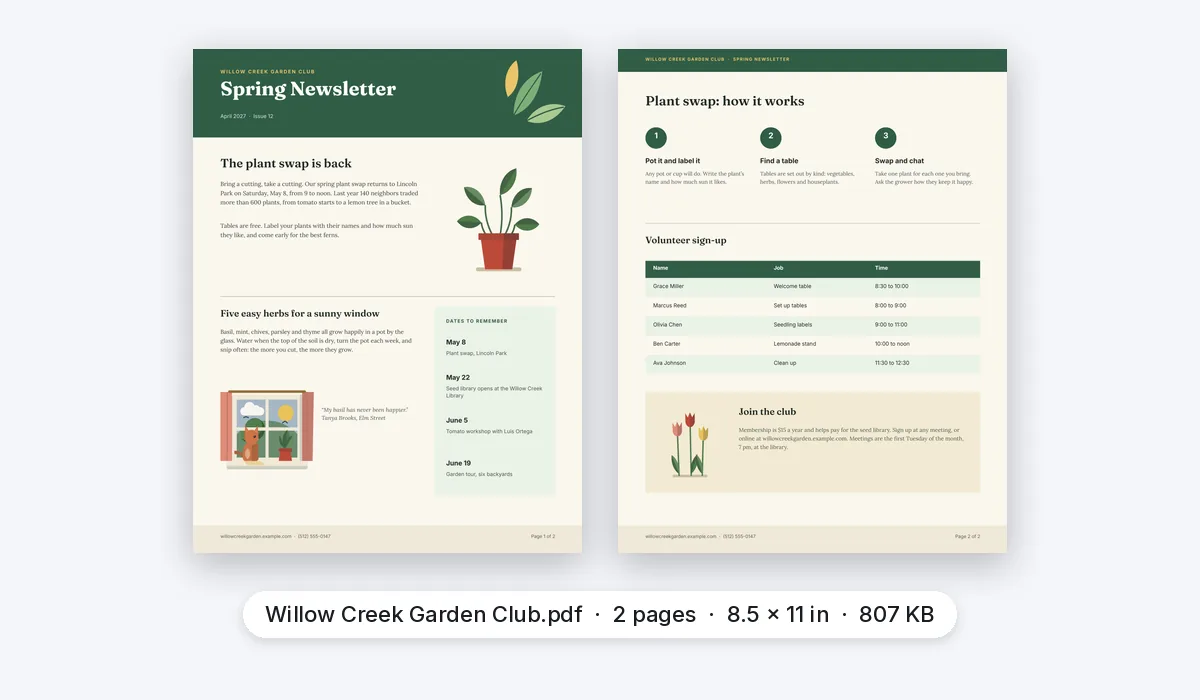
Newsletters
Several pages, one PDF
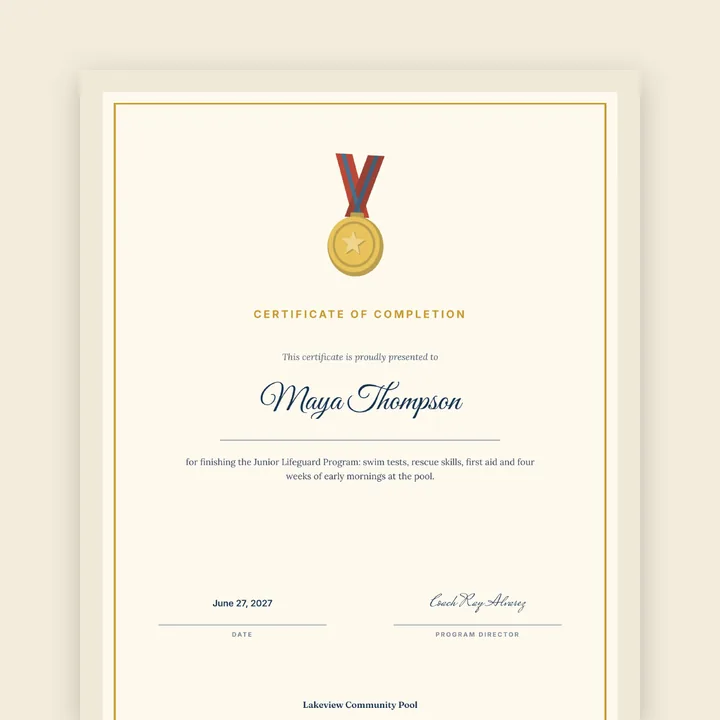
Certificates
Ready to print
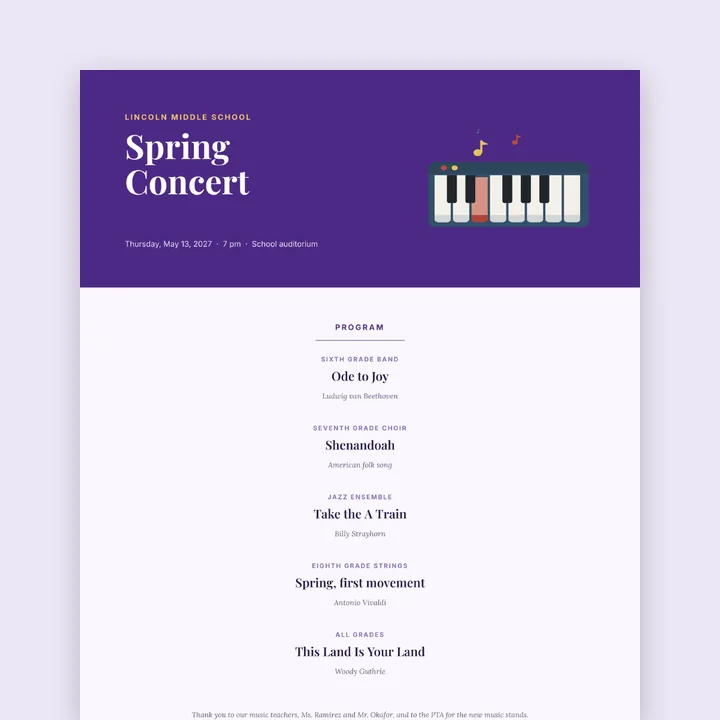
Event programs
To print or to email
Everything a document needs
Your PDF is made in the same editor as the photo editor, so a page can hold words, photos, shapes and illustrations together.
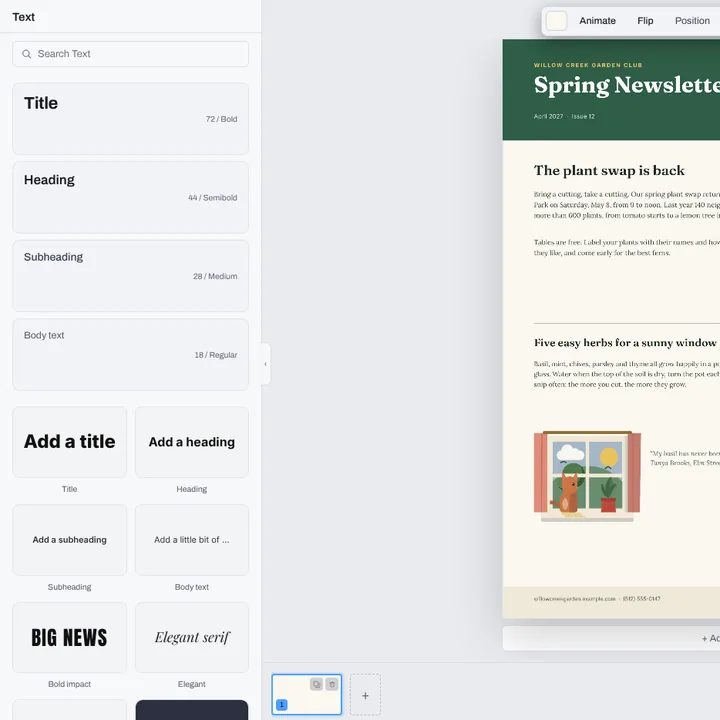
Text
Headings, paragraphs and captions, in many fonts.
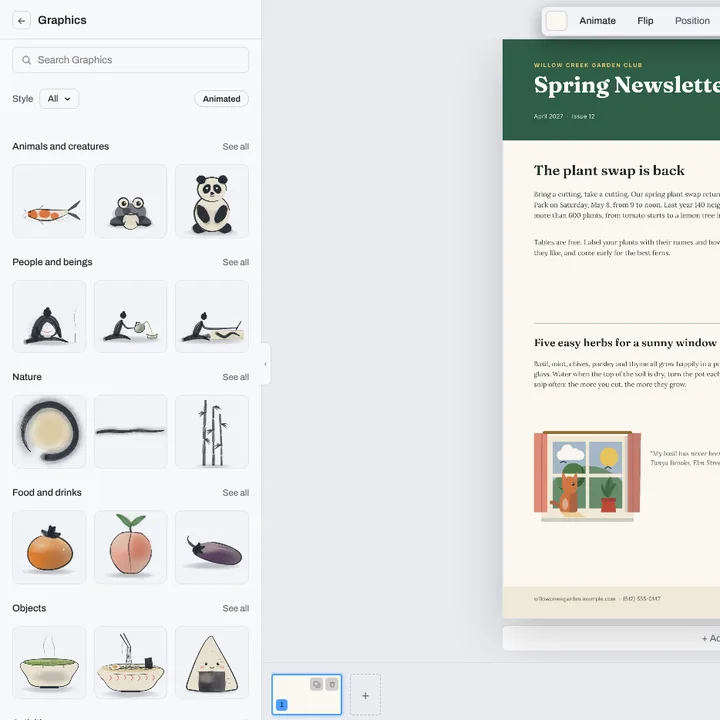
Pictures
Drop in photos, or pick an illustration.
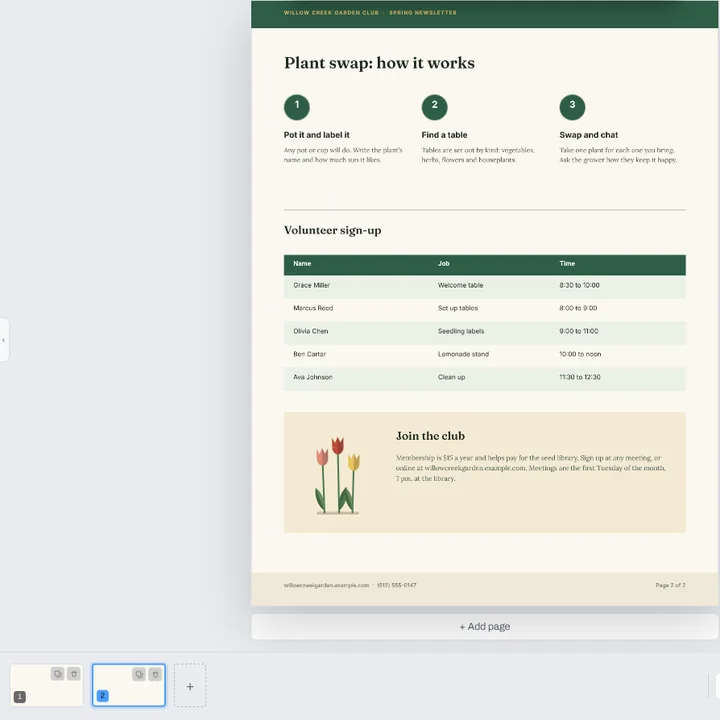
Pages
Add, copy, delete and reorder pages.
Paper
Print every page on A4 or Letter.
More PDF tools
PDF editor
Fill in, sign and highlight a PDF you already have.
JPG to PDF converter
Photos into one PDF, a page each.
PNG to PDF converter
Screenshots and graphics into a PDF.
PDF merger
PDFs and photos into one PDF, in your order.
Sign PDF
Draw or type your signature on a PDF.
PDF to JPG converter
Every page of a PDF as a JPG, in one zip.
PDF to PNG converter
Every page of a PDF as a PNG.
Questions
How do I make a PDF?+
Press Make a PDF on this page. A blank US Letter page opens in the Compix editor. Type your words, add pictures and pages, or pick a template from Templates in the editor. Then open the Download menu, pick PDF and press Download the work.
Is this PDF maker free?+
Yes. Making a PDF and downloading it needs no account, no trial and no payment, and adds no watermark.
Can I make a PDF from a template?+
Yes. Open Templates in the editor. Resumes and letters come in US Letter and A4, and there are invoices, newsletters, reports, certificates, agendas, calendars and more. Pick one, change the words and pictures, and download it as a PDF.
Can my PDF have more than one page?+
Yes. Press Add page under the page, or + in the page strip. Drag pages in the strip to put them in order. Download saves every page, in order, in one PDF.
Can people search and copy the text in my PDF?+
Yes. The words you type go into the PDF as text over each page, so it can be searched and its words copied. That works for English and other Western European languages, such as Spanish, French or German. Words in others, such as Polish, Greek, Hebrew or Chinese, and emoji, show on the page but are not in the text.
What size are the pages?+
A blank page from this page is US Letter, 8.5 by 11 inches, and so is its PDF page. A template keeps its own size. To print on a set sheet, pick A4 or Letter under Paper in the Download menu: each page goes on that sheet, and a page of another shape is fitted inside a white margin.
Can I make a PDF from photos or scans?+
Yes. Drop them on this page: they open a page each, with the Download menu already on PDF, and Download saves one PDF. The words in a photo stay part of the picture, so they are not searchable.
Can I turn a Word document into a PDF?+
Not here. Compix makes PDFs from what you design and from pictures; it does not open Word, Excel or PowerPoint files. In Word, choose File, then Save As, and pick PDF.
Can I edit a PDF I already have?+
Yes. Open it in the PDF editor and add words, a signature or pictures, then download it again.
Is my PDF uploaded?+
No. The PDF is made in this browser tab and saved to your device. Nothing is sent to a server for that. If you sign in to save your work, it is saved online with its pictures, so it opens on any device.
Make your PDF
No account needed to make and download a PDF. Sign in when you want to keep the design.
Make a PDF
Or drop photos or scans
one PDF, a page each, or browse your files