GIF to JPG Converter
Turn a GIF into JPGs: every frame of a moving GIF a JPG of its own, or just the one you want, each at full size. Free, in your browser.
Drop your GIFs here
or browse your files. GIF, PNG, WebP and more
Convert to JPG
Every frame
Names kept
Full size
No watermark, no sign-up. Your pictures never leave this tab.

How to convert GIF to JPG
1
Drop your GIFs
Drag in one GIF or many, or click to browse. A moving GIF opens a page for each frame; a still GIF, one page.
2
Keep the frames you want
The Download menu is already on JPG and All pages. Delete the frames you do not need, or add words first.
3
Download
The pages come back as one zip of JPGs, named after the GIF: frog.jpg, frog-2.jpg and on. One page, one JPG. No watermark.
What happens to your pictures
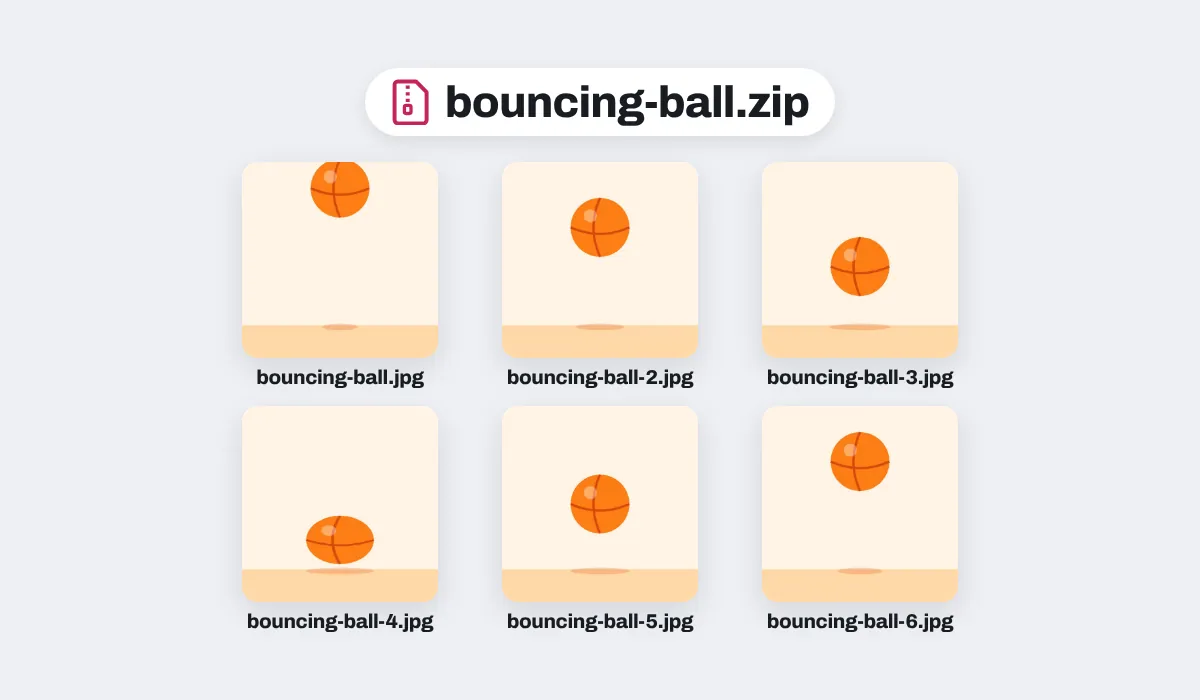
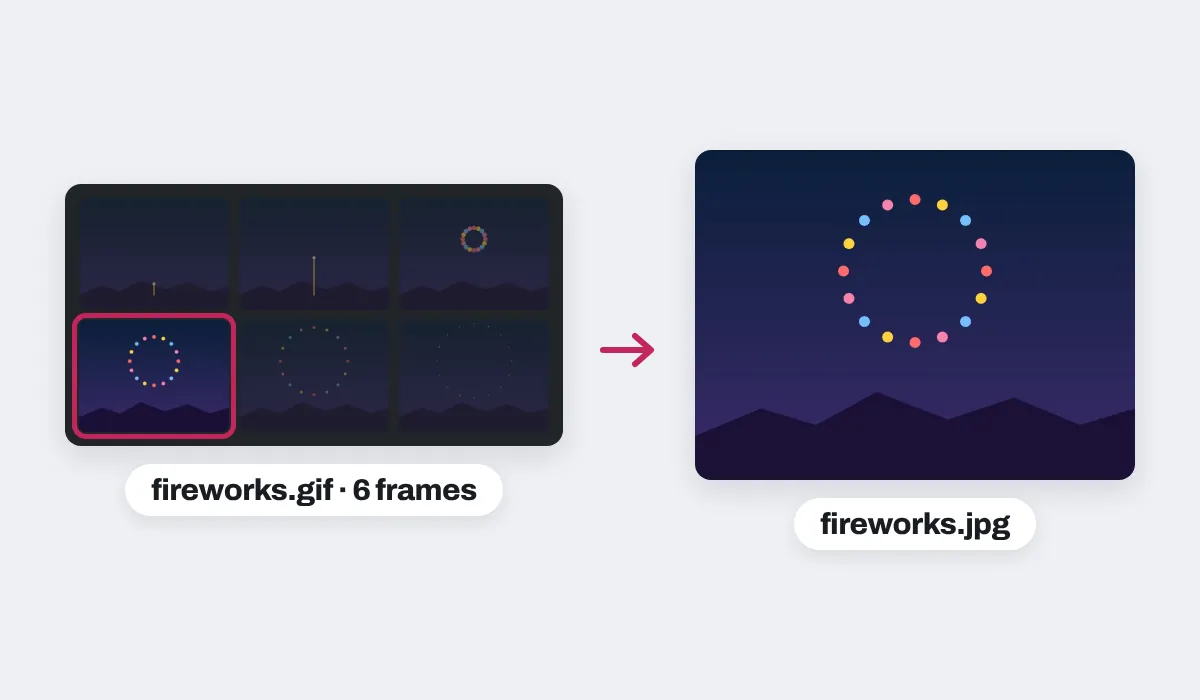
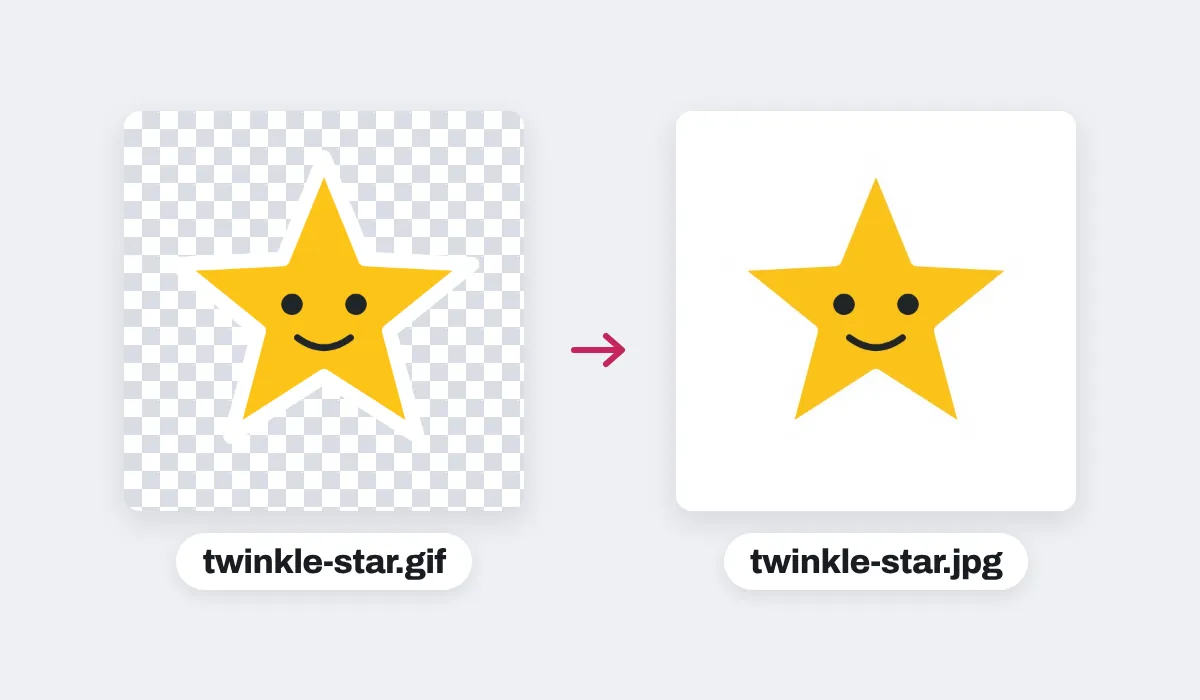
Each JPG keeps the GIF's full size. A GIF gives up to 100 frames, and one drop up to 200, fewer when they are large, so a phone can open them; the page says when frames are left out.
Your files are never changed. The JPGs are new files, made in this browser tab, and nothing is uploaded. On an iPhone or iPad, a picture over about 16 megapixels comes in at about 16.
Why turn a GIF into JPGs
A GIF moves, which is the point of a reaction or a sticker, but most places that take a picture want one that stays still: a print shop, a slide, a profile, a card, an upload form that takes JPG only. Each frame of a GIF is a picture of its own, and as a JPG it opens anywhere, with millions of colors where a GIF frame has 256 at most. So keep the GIF to share as a GIF, and take its frames as JPGs for everything else.
What people turn into JPGs
A moment out of a GIF, as a picture that stays still and opens anywhere.

Memes
The best moment of a reaction

Thumbnails
A still for a video or a post
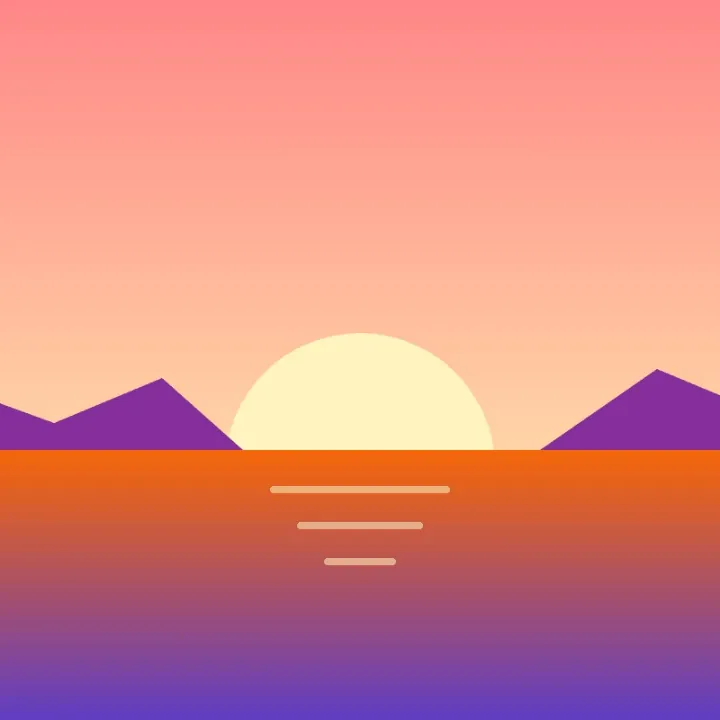
Wallpapers
For a desktop or a phone

Cards and invitations
For a card or an invitation

Prints
For a photo kiosk or a print shop

Slides and documents
For a slide, a report or a letter
More than a converter
Your pictures open in the same editor as the photo editor, so a picture can be finished before it is saved as a JPG.
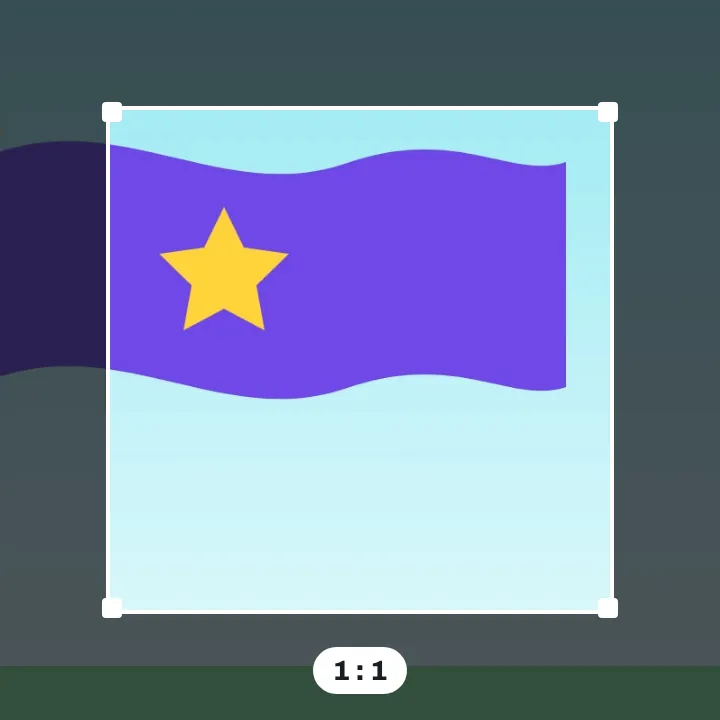
Crop it
Square, or the shape you need.

Add words
Type a line on the frame.
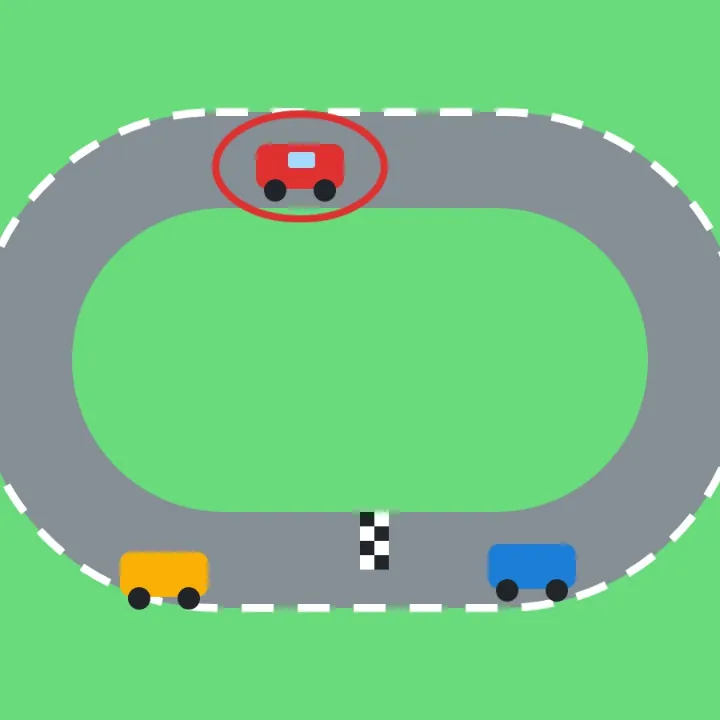
Mark the spot
Circle what matters with a shape.
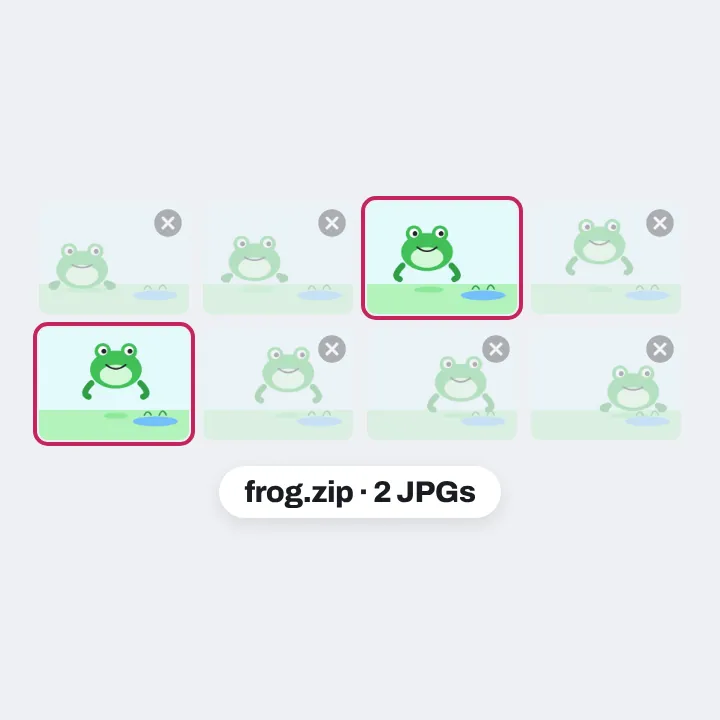
Keep a few frames
Delete the pages you do not need.
More in Compix
Questions
How do I convert GIF to JPG?+
Drop your GIF on this page, or several at once. A moving GIF opens in the Compix editor with a page for each frame, a still GIF as one page, with the Download menu already on JPG. Press Download: the pages come back as one zip of JPGs, or one page as one JPG.
Can I convert GIF to JPG for free?+
Yes. No account, no watermark, no payment and no trial. Convert as many GIFs as you like and download the JPGs.
Can I get every frame of a GIF as a JPG?+
Yes. Each frame of a moving GIF opens as its own page, so you get one zip with a JPG of every frame, named after the GIF: frog.gif comes back as frog.jpg, frog-2.jpg, frog-3.jpg and on, in order. A GIF gives up to 100 frames, its first ones; a very large drop is held to what a phone can open, and the page says when frames are left out.
How do I save one frame of a GIF as a JPG?+
Drop the GIF and look through its frames, a page each. Open the frame you want and pick This page in the Download menu: you get that one frame as a JPG. Or delete the frames you do not want and download the rest.
What is a GIF file?+
GIF (Graphics Interchange Format) is a picture format from 1987 that can hold a short animation that loops, which is why it is used for reactions, memes and stickers. Each frame holds at most 256 colors, and a GIF can have see-through parts. Many apps, upload forms and print services take only a still picture, usually a JPG.
Is GIF or JPG better?+
For a short animation, GIF: it moves. For a still picture, JPG: it holds millions of colors, opens in every app, on every phone and computer, and every upload form and print shop takes it. Keep the GIF to share as a GIF, and use JPGs of its frames for everything else.
Can I convert several GIFs at once?+
Yes, in bulk. Drop several GIFs together: their frames open as pages, the Download menu is on All pages, and you get one zip named after the first GIF, each JPG named after its own GIF. One drop takes up to 200 frames in all, fewer when they are large; the page says when frames are left out, so drop the rest next.
What happens to transparent parts?+
A GIF can be see-through and a JPG cannot, so the clear parts turn white, never black. For another color, change the page background color in the editor before you download, and the JPG takes that color.
Will the quality drop?+
No more than you would notice. A GIF frame has at most 256 colors; the JPG keeps the frame at its full size and is saved at high quality, so it looks the same at a glance.
Is JPG the same as JPEG?+
Yes. JPG and JPEG are two spellings of the same picture format, so a JPG from Compix opens anywhere a JPEG does.
Are my files uploaded?+
No. Your GIFs are read inside this browser tab, on your own device, and the JPGs are made there. Nothing is sent to a server. Sign in to save your work: your designs are then kept in this browser.
Do I need an app or an extension?+
No. It works in your browser, on a computer, a tablet or a phone. Nothing to download or install.
Can I convert a GIF to JPG on my phone?+
Yes, on an iPhone or an Android phone. Tap the drop area on this page and pick the GIF. Its frames open a page at a time, the one on your screen. Tap Share, then Download the work, and the JPGs are saved to your phone.
Is there a limit?+
There is no daily limit. A GIF gives up to 100 frames, and a drop is held to what a phone can open: up to 200 frames, fewer when they are large; the page says when frames are left out. On an iPhone or iPad, a picture over about 16 megapixels comes in at about 16, the largest the browser there can work with.
Drop your GIFs and get JPGs back
No account needed to convert and download. Sign in when you want to keep the design.
Drop your GIFs here
or browse your files