Sign PDF Online
Draw your signature, type it in a handwriting font, or add a picture of it, right on your PDF. Then download the signed PDF. No printer, pen or scanner. Free, in your browser.
Drop your PDF here
or browse your files. Any number of pages
Sign your PDF
Draw type or a picture
Your pages as they were
Nothing uploaded
No watermark, no sign-up. Your PDF is signed right here, in this tab.

How to sign a PDF
1
Drop your PDF
Drag in the PDF, or click to browse. Each of its pages opens in the editor, as it is.
2
Add your signature
Open Draw and sign with the Pen, or type your name with Text in a handwriting font, or place a picture of your signature from Your work. Add the date the same way.
3
Download the signed PDF
The Download menu is already on PDF. Your pages come back as they were, with your signature on them.
What happens when you sign
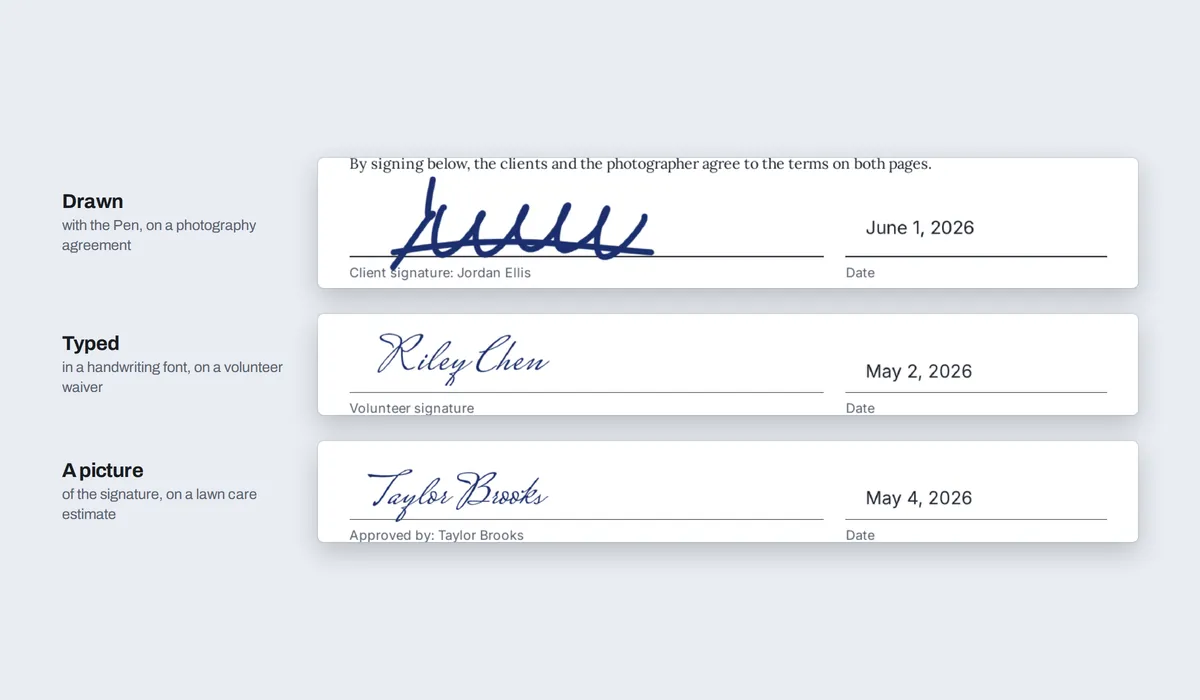
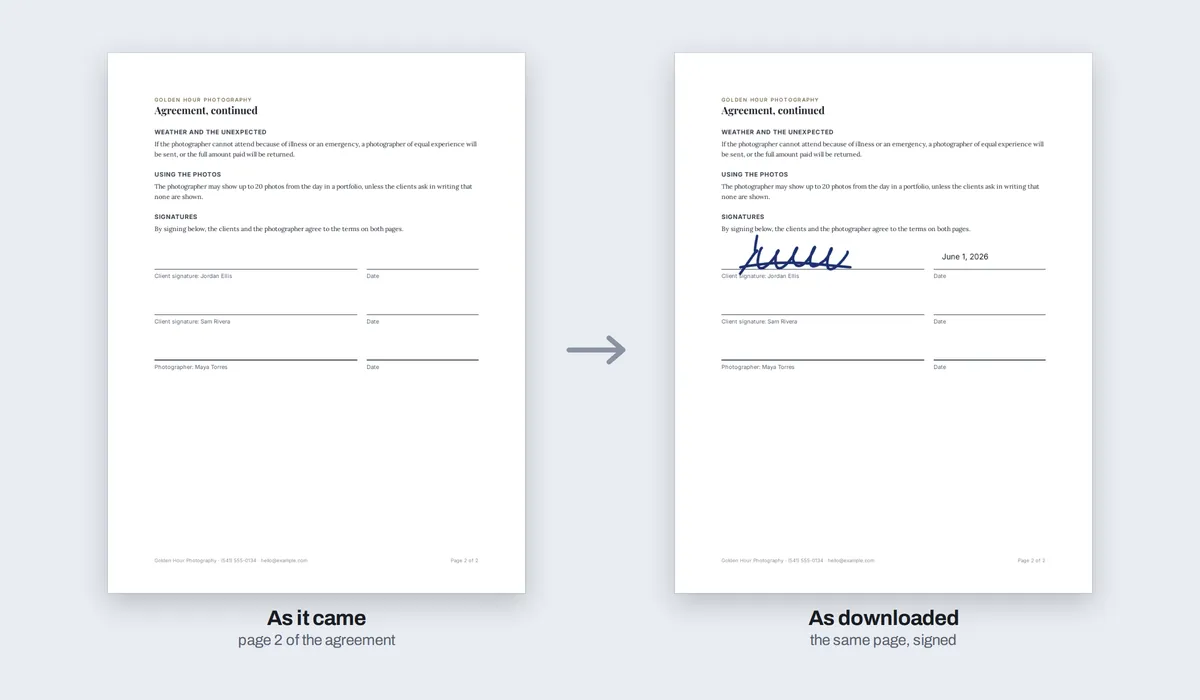
A signature made here is your signature on the page, as on a printout you signed. It is not a certificate-based digital signature, and Compix does not send the PDF to anyone else to sign.
Whether a signature like this is enough depends on the document and where you are. For a contract that asks for a verified digital signature, use a signing service.
What people sign
The forms that come by email and want a signature back, without printing them, signing and scanning them again.
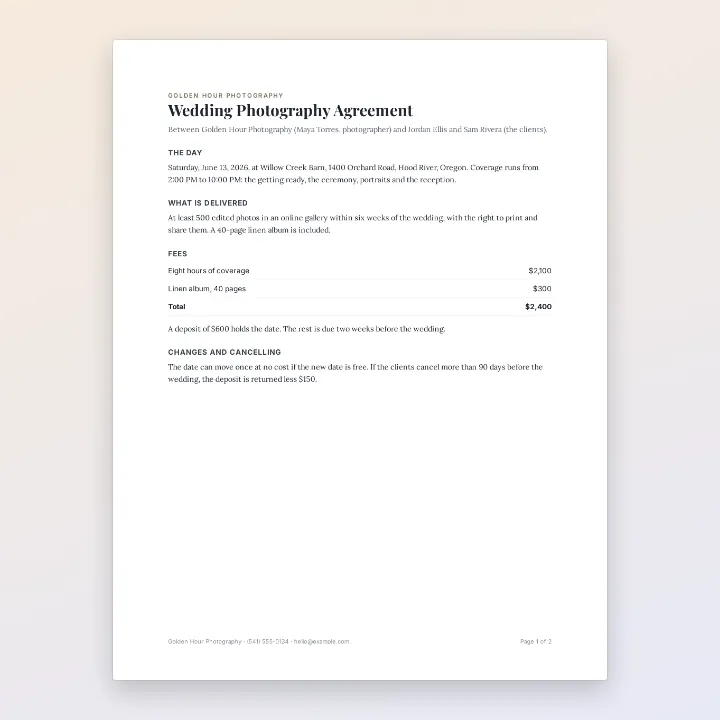
Agreements
Signed on the line, dated
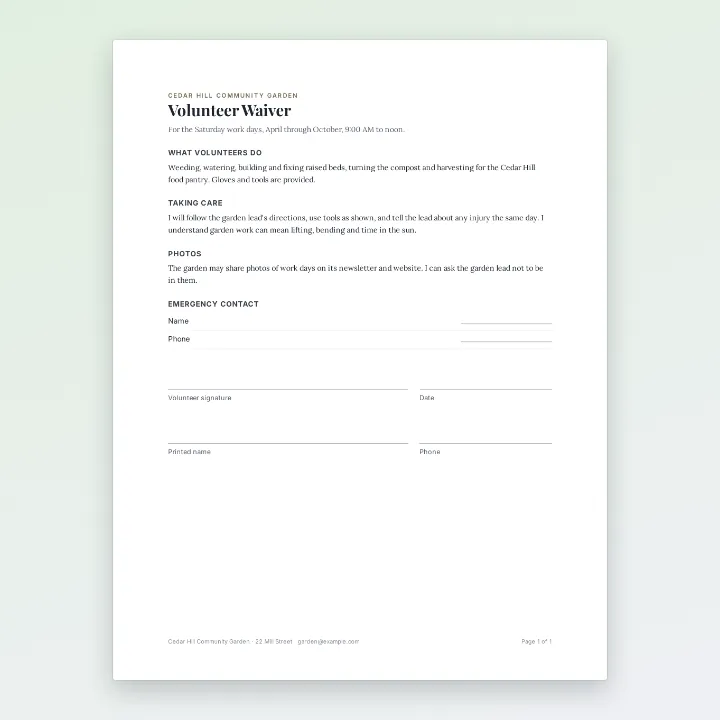
Waivers
For a team or a club
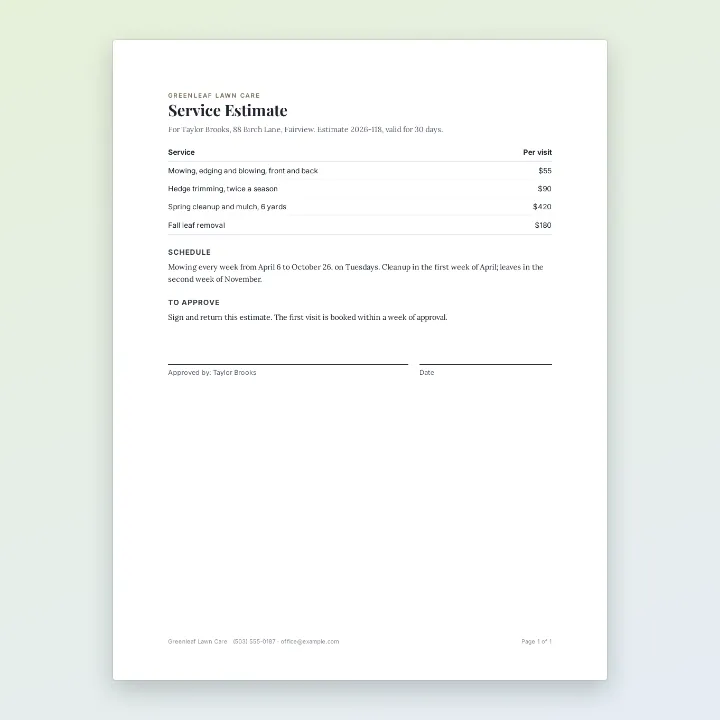
Estimates
Approved and sent back
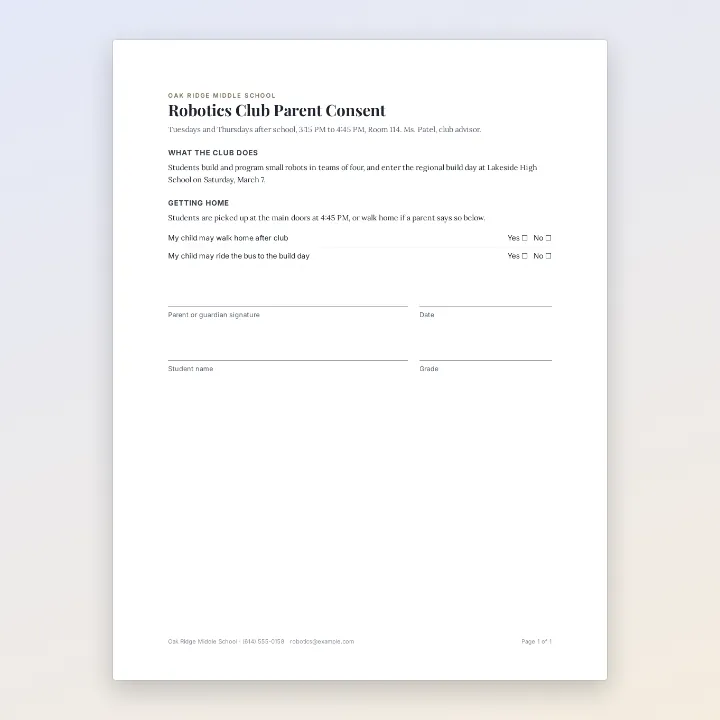
School forms
Signed by a parent
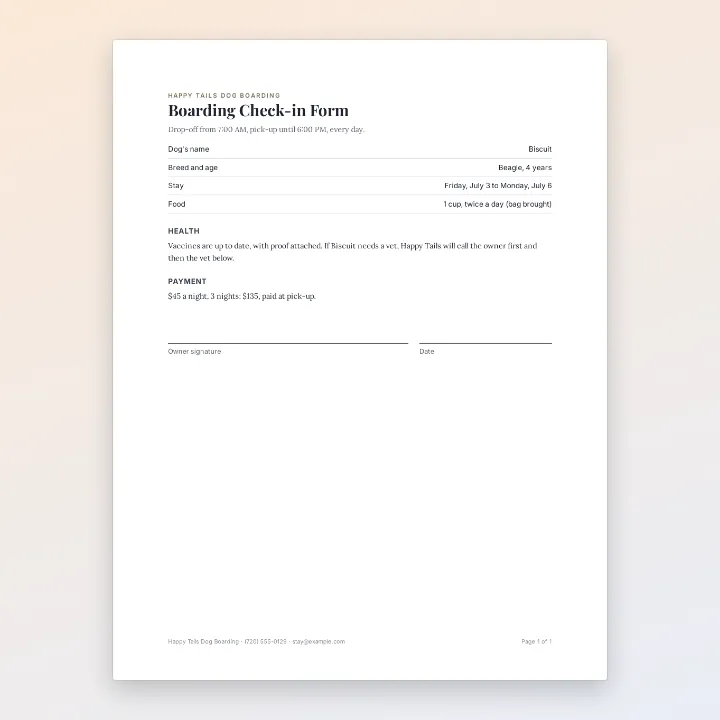
Check-in forms
Before the day
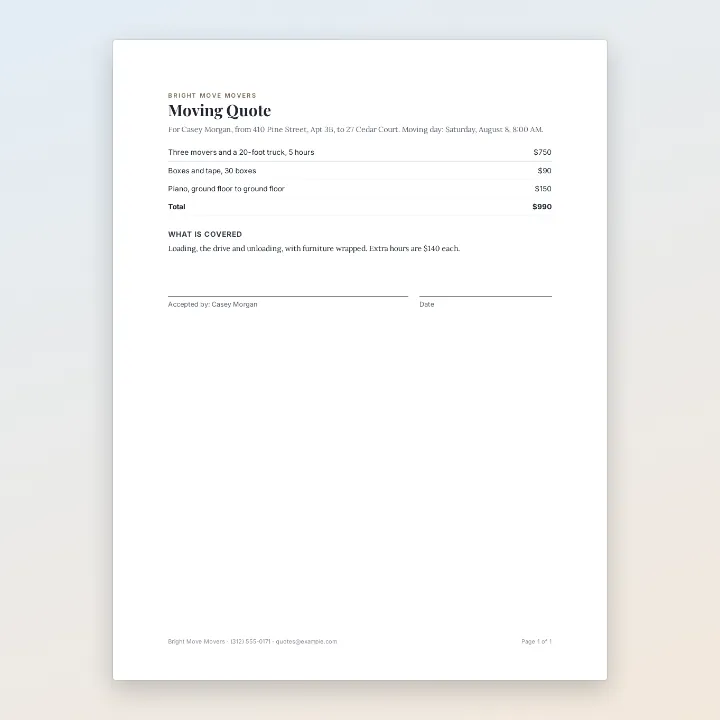
Quotes
Accepted in a minute
More than signing
Your PDF opens in the same editor as the PDF editor, so a form can be filled in, not only signed.
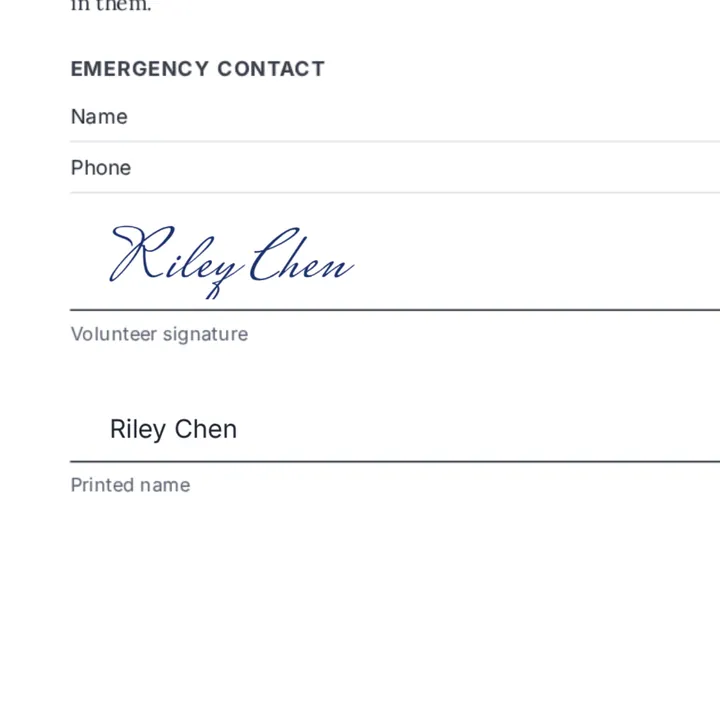
Fill in the lines
A name, a date or an answer, with Text.
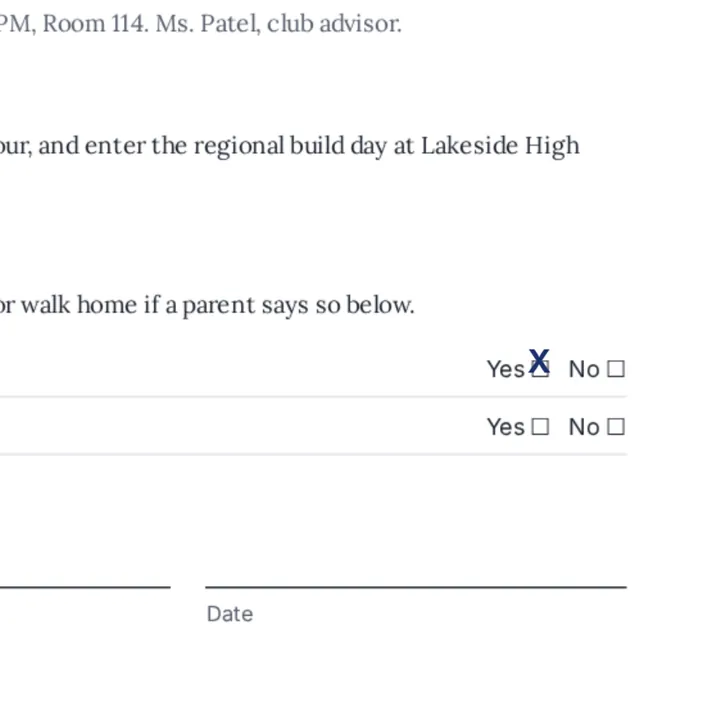
Tick the boxes
An X in the box you mean.
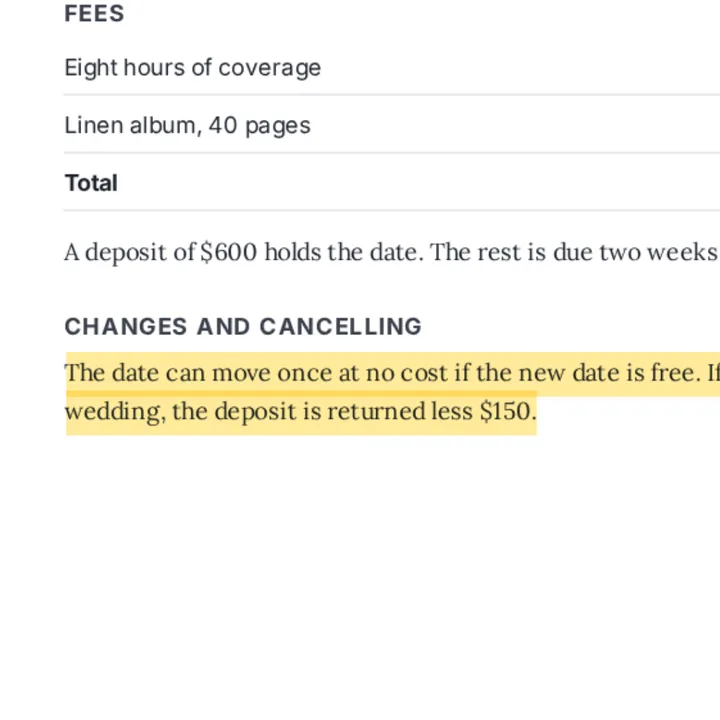
Highlight
The line you agreed to, in marker yellow.
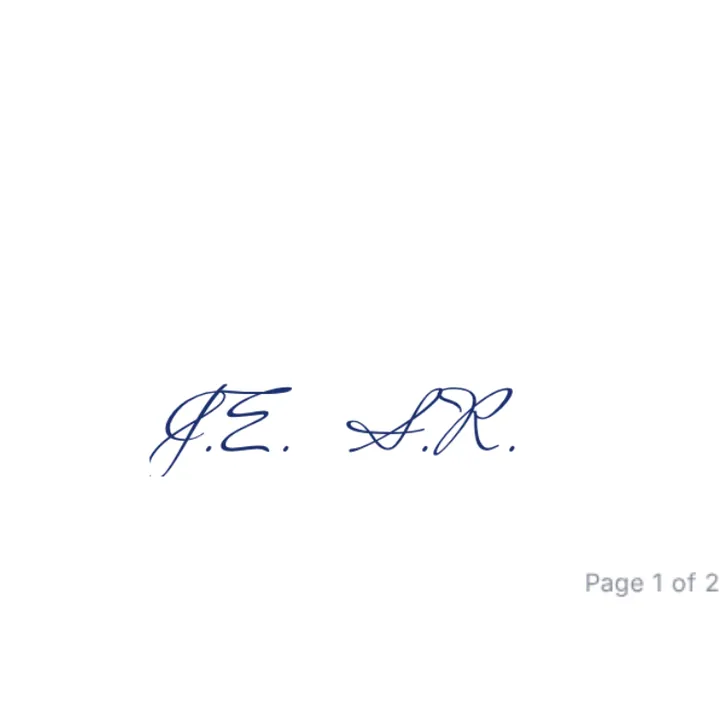
Initial a page
Your initials on each page that asks.
More in Compix
Questions
How do I sign a PDF?+
Drop the PDF on this page. It opens in the Compix editor, a page per PDF page. Go to the page with the line, open Draw, pick the Pen and sign with your mouse, trackpad or finger. Then press Download: the Download menu is already on PDF.
Is it free to sign a PDF here?+
Yes. No account, no watermark, no payment and no trial. Sign as many PDFs as you like and download them.
How do I sign a PDF on my phone?+
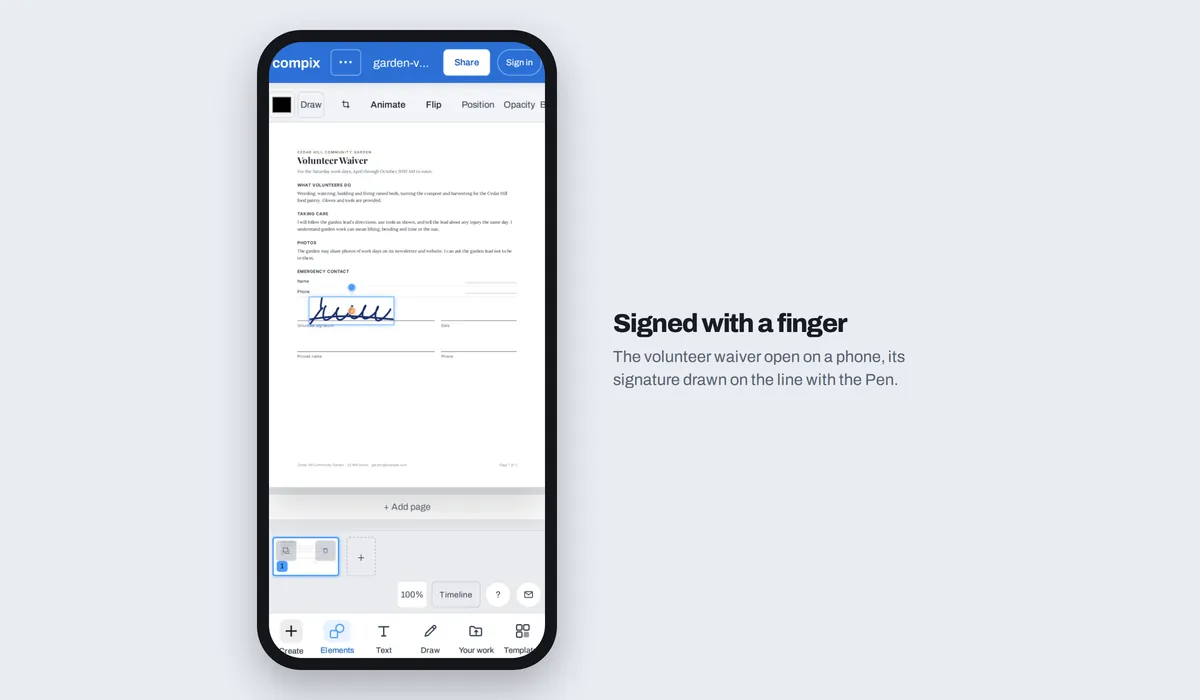
Tap the drop area and pick the PDF from your files. Open Draw, pick the Pen and sign on the line with your finger. Then tap Share, then Download the work, and the signed PDF is saved to your phone.
Can I type my signature instead of drawing it?+
Yes. Click Text, type your name and pick a handwriting font such as Mrs Saint Delafield, Great Vibes or Allura. In the downloaded PDF a name in Latin letters stays text, so it can be selected and searched.
Can I use a picture of my signature?+
Yes. Open Your work, add the picture, and click it to place it on the page. Drag it onto the line and make it smaller with its corners. A picture with a clear background, a PNG, sits on the line on its own; a photo of paper brings its white around the ink.
Is a signature made this way legally binding?+
In many places, the United States among them, a signature made on a screen can count like one on paper, with exceptions. Whether it is enough depends on the document and where you are. Compix does not check who signed or add a certificate, so for a document that asks for a verified digital signature, use a signing service.
What is the difference between an electronic signature and a digital signature?+
An electronic signature is your signature put on the document, drawn, typed or a picture: that is what you make here. A digital signature also carries a certificate that shows who signed and whether the PDF changed afterwards. Compix does not add one.
Does signing change the rest of my PDF?+
No. Each page you do not sign is copied as it was. On a page you sign, the PDF's own page stays, so its text can still be selected and searched and its web links still work, and your signature is drawn on top at 300 dpi. The pages keep their size.
Can I fill in a PDF form and sign it?+
Yes. Click Text, then Body text, type your answer and drag it onto the line: a name, a date, an X in a box. A form's own fillable fields are not filled as fields: your answers are drawn onto the page.
Can I sign more than one page?+
Yes. Click any page in the row below to open it, and sign or initial it there. Every page you sign comes back signed in the one PDF.
Can I send the PDF to someone else to sign?+
Not from Compix. You sign on your own device, and the PDF is yours to send. Someone else can sign it on this page the same way.
Does it work with a password-protected PDF?+
A PDF that needs a password to open has to be unlocked first. A PDF that opens but is locked against changes can be signed; its pages download as pictures, with your signature.
Is it safe to sign a PDF here?+
Your PDF is opened and signed inside this browser tab, on your own device. Without an account, nothing you bring in is kept or sent to us, so download the signed PDF to keep it. If you sign in, your designs, with the PDF's pages and your signature in them, are also kept in your account to open on your other devices, and only you can open them.
Drop your PDF and sign it
No account needed to sign and download. Sign in when you want to keep the design.
Drop your PDF here
or browse your files