PNG to JPG Converter
Turn PNG pictures into JPGs, one or many at once. Each keeps its name and full size, and see-through parts turn white. Free, in your browser.
Drop your PNGs here
or browse your files. PNG, WebP and more
Convert to JPG
Many at once
Names kept
Full size
No watermark, no sign-up. Your pictures never leave this tab.

How to convert PNG to JPG
1
Drop your pictures
Drag in one PNG or many, or click to browse. Each opens as its own page, at its own size.
2
Check the pages
The Download menu is already on JPG and All pages. Add words or change a page color first if you like.
3
Download
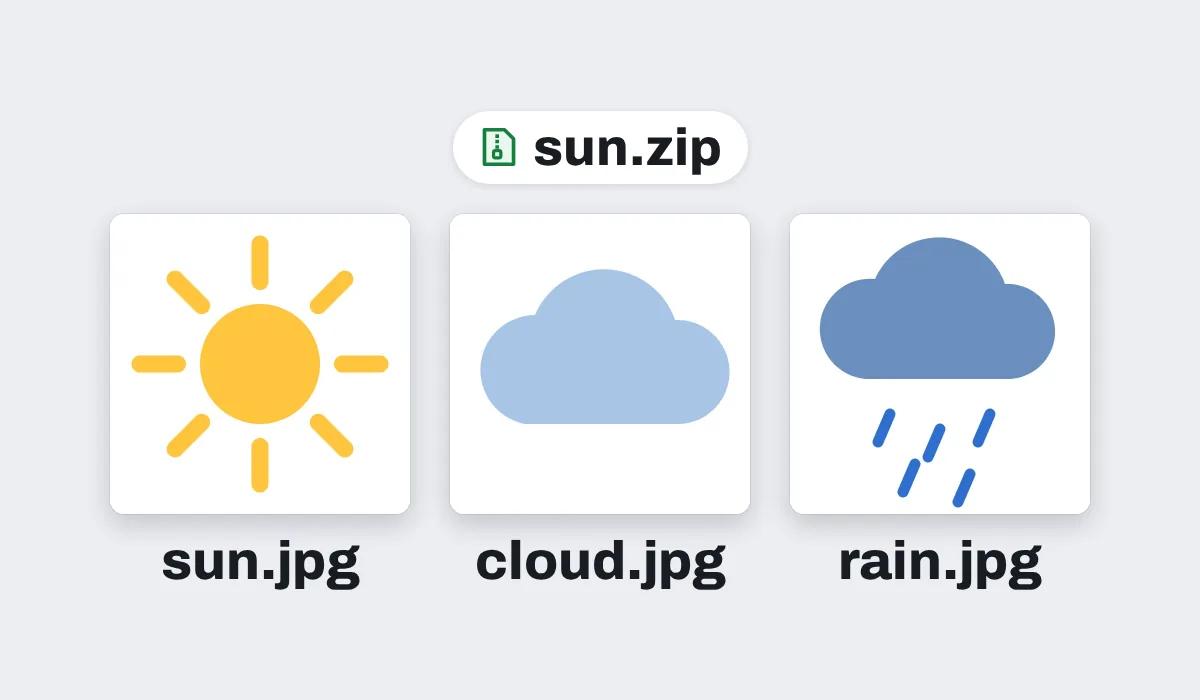
Several pictures come back as one zip of JPGs, each named after its file. One picture comes back as one JPG. No watermark.
What happens to your pictures
Each JPG keeps the picture's full size. On an iPhone or iPad, a picture over about 16 megapixels comes in at about 16, the largest the browser there can work with.
Your files are never changed. The JPGs are new files, made in this browser tab, and nothing is uploaded.
What people turn into JPGs
Pictures made for screens, often with see-through parts. A JPG opens anywhere, from an old email program to a print shop's upload form. Pixel art and pictures with only a few colors are the exception: as a JPG they can come out many times bigger, so keep those as PNG.
Screenshots
To send or upload anywhere

Logos
For a form that asks for a JPG
App icons
For a store listing or a slide

3D renders
A fraction of the PNG's size

Product pictures
For a shop that takes JPGs

Stickers
To print or share in a chat
More than a converter
Your pictures open in the same editor as the photo editor, so a picture can be finished before it is saved as a JPG.

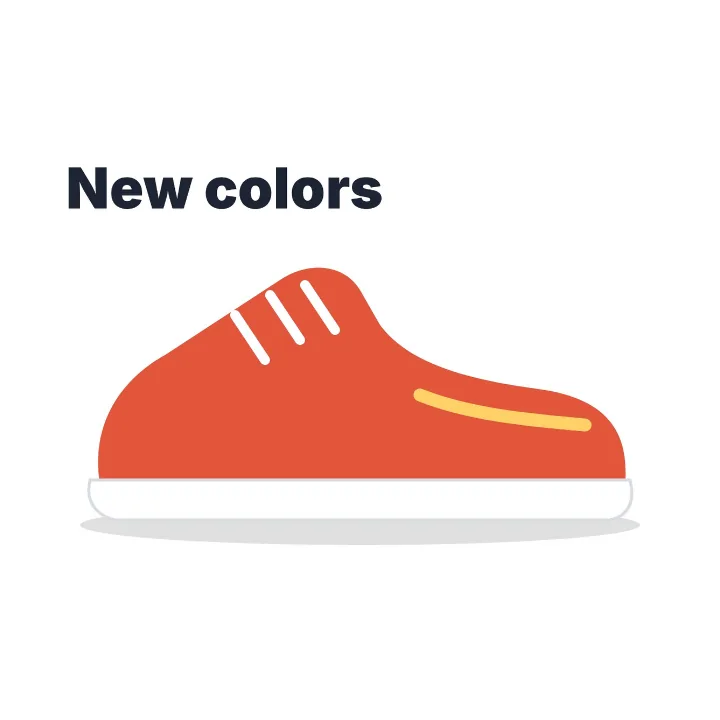
Put it on a color
Fill the clear parts with any color.
Add words
Type a line on the picture.
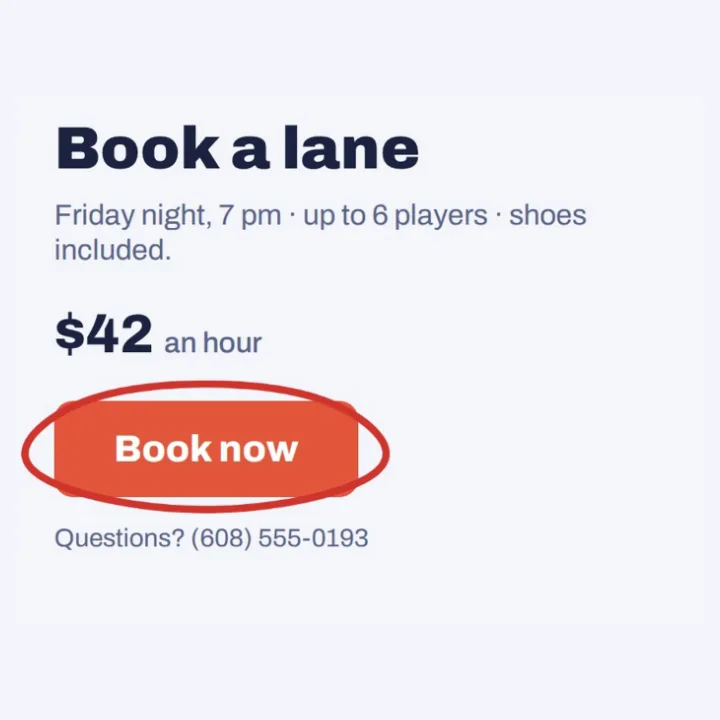
Draw on it
Circle what to look at.
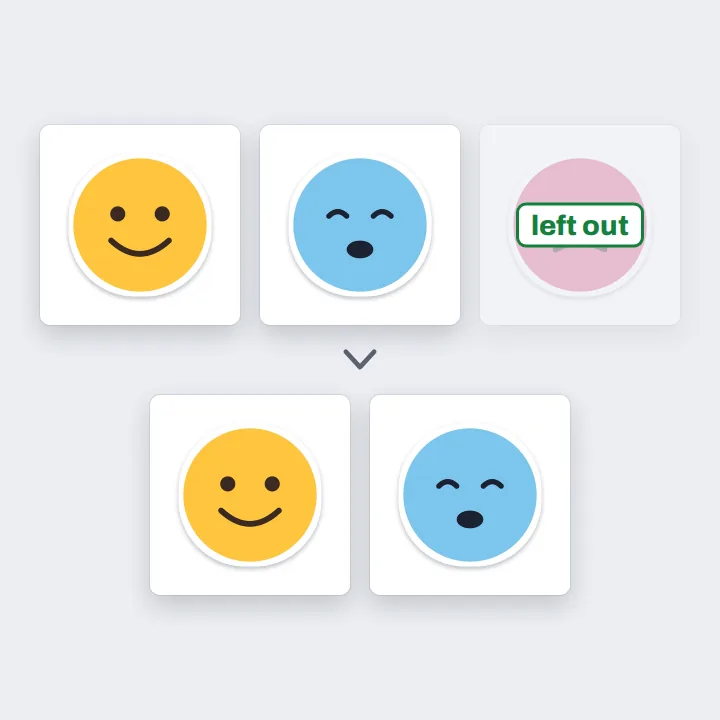
Delete a picture
Leave out the one you do not need.
More in Compix
Questions
How do I convert PNG to JPG?+
Drop your PNG on this page, or several at once. They open in the Compix editor, each picture on its own page at its own size, with the Download menu already on JPG. Press Download: one picture comes back as one JPG, several come back in one zip.
Is it free?+
Yes. No account, no watermark, no payment and no trial. Convert your pictures and download the JPGs.
Can I convert several PNGs at once?+
Yes. Drop as many as you like. Each opens as its own page, and the Download menu is on All pages, so you get one zip with a JPG of each picture, named after its file, in the order you dropped them: whale.png comes back as whale.jpg. If two files have the same name, the second gets -2 at the end.
What happens to transparent parts?+
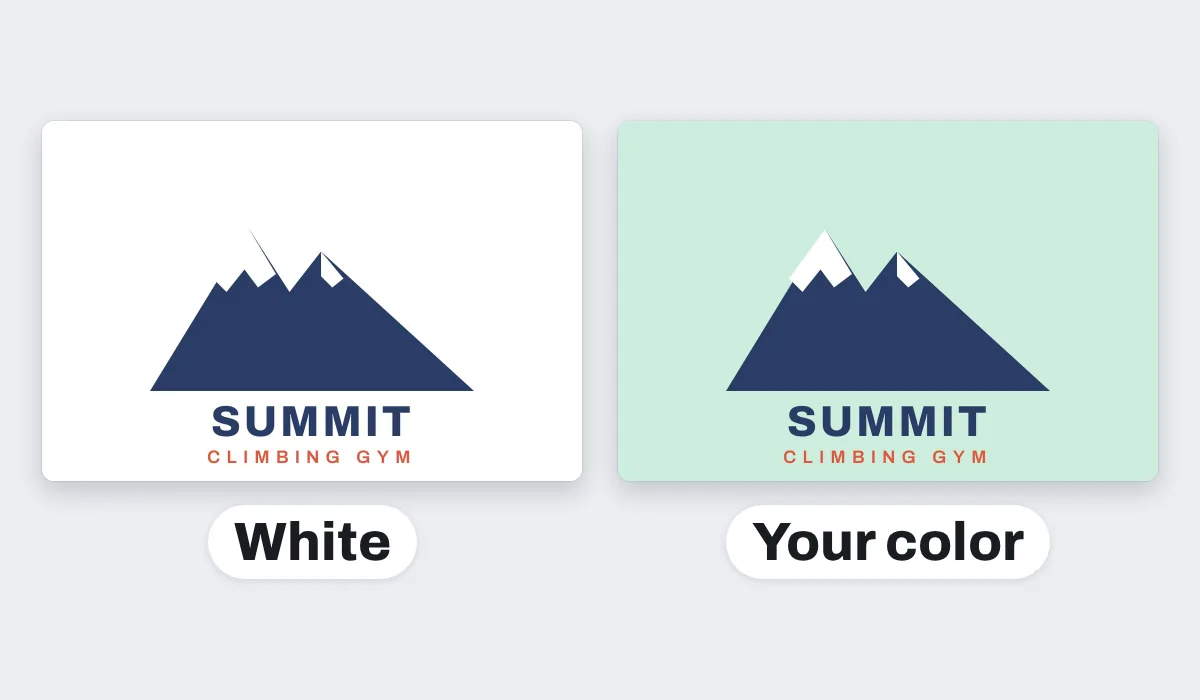
A JPG cannot be see-through, so the clear parts of a PNG turn white, never black. For another color, change the page's background color in the editor before you download, and the JPG takes that color.
Will the quality drop?+
Hardly. The JPG keeps the picture's full size and is saved at high quality, so it looks the same at a glance. A JPG smooths very fine detail a little to keep its file small, so for a logo or line art you will edit again, keep the PNG as well.
Should I use PNG or JPG?+
Use JPG for photos, product pictures and anything you share or upload: it opens everywhere, and photos come out much smaller. Keep PNG for logos, icons, pixel art and pictures with see-through parts or sharp text you will edit again: it keeps every pixel exactly.
Is JPG the same as JPEG?+
Yes. JPG and JPEG are two spellings of the same picture format, so a JPG from Compix opens anywhere a JPEG does.
Will the JPG be smaller than the PNG?+
A photo, or a picture with soft shading, usually comes out much smaller, often several times smaller. A flat graphic, like a logo, an icon or a screenshot, can come out about the same size or a little bigger, because PNG already stores flat color well. Pixel art and pictures with only a few colors can come out many times bigger, so keep those as PNG. Compix does not squeeze a JPG to a set size such as 200 KB; for a smaller file, pick a smaller Size, like 1080p, in the Download menu.
Are my files uploaded?+
No. Your pictures open inside this browser tab, on your own device, and the JPGs are made there. Nothing is sent to a server. Sign in to save your work: your designs are then kept in this browser.
Is there a limit?+
There is no daily limit and no set number of pictures. Several pictures are made into JPGs one at a time, in a window that shows how far it has got and has a Cancel button, so a long batch takes longer but does not freeze your phone. On an iPhone or iPad, a picture over about 16 megapixels comes in at about 16, the largest the browser there can work with.
Can I convert PNG to JPG on my phone?+
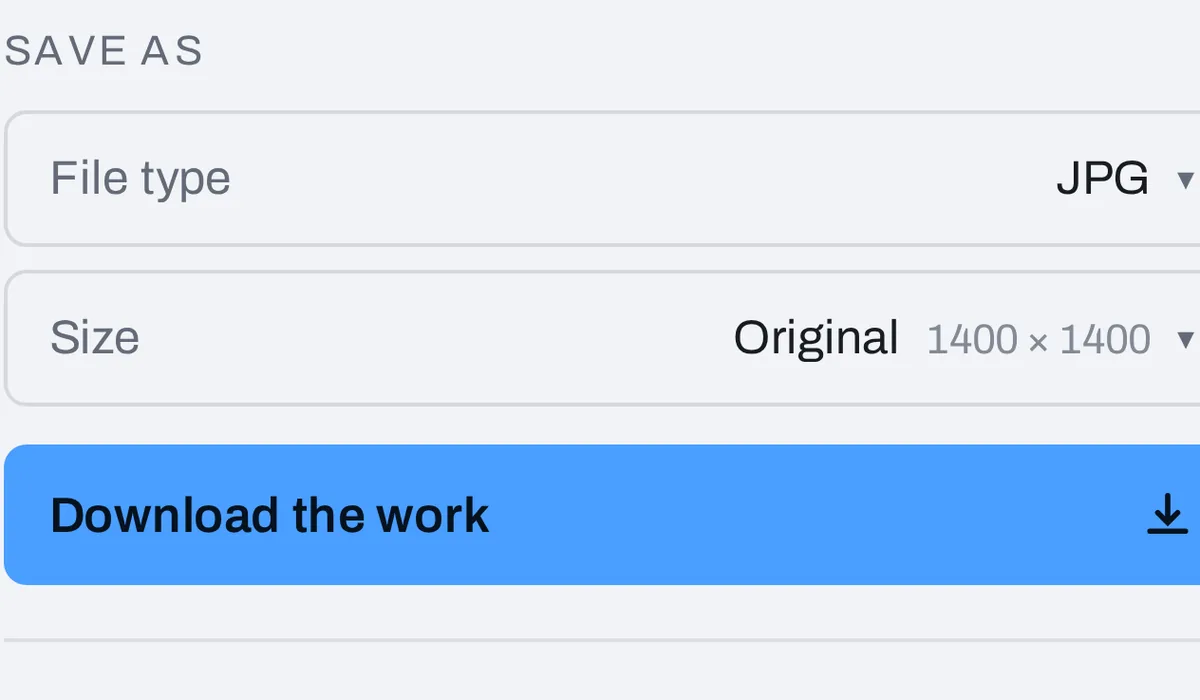
Yes. Tap the drop area on this page and pick the pictures on your phone. They open a picture at a time, the one on your screen. Tap Share, then Download the work, and the JPGs are saved to your phone.
Can I edit before converting?+
Yes. Each picture opens in the same editor as the photo editor: add words, draw on it with the Pen, change the page's background color, or delete a picture you do not need. The JPGs show what you see.
Can I convert WebP or other pictures to JPG?+
Yes. WebP, GIF, BMP, AVIF and other pictures your browser opens work the same way, and you can mix them in one drop. An animated GIF comes out as its first frame.
Drop your PNGs and get JPGs back
No account needed to convert and download. Sign in when you want to keep the design.
Drop your PNGs here
or browse your files