Image Cropper
Crop an image free, in your browser. Your photo opens with a crop frame already on it. Move it, size it, pull the photo to fit inside it, done.

Drop your image
or browse your files. JPG, PNG, WebP, GIF and more
Ratio or free
Shape circle, square, ellipse, star, heart
Size exact pixels
Nothing is sent anywhere. It runs in this tab.
How to crop an image
1
Drop your image
Drag it in or click to browse. JPG, PNG, WebP, GIF and more, at any size.
2
Set the crop
Your photo opens with a crop frame already on it. Move it, resize it, drag the photo's own corners to scale it inside the frame, or pick a ratio and read the exact pixels off the frame.
3
Download
The file saves straight to your machine. What you kept is untouched, at full resolution.
What happens to your pixels

Crop at the size you need. 500 × 500 covers every profile picture except YouTube, which wants 800 × 800.
Cropping decides what is in the picture. Resizing decides how big it is. If you need a smaller file rather than a different frame, that is a resize.
What people crop for
A profile picture. An Instagram post or story. A Facebook cover. A YouTube thumbnail. A presentation slide. A photo for a print or a photobook, where every pixel you kept still counts.
Not just a rectangle
Crop to a circle, a square, an ellipse or a star, a heart, a hexagon, any shape from the shelf. Each one comes out as a transparent PNG, with no background to remove afterwards.
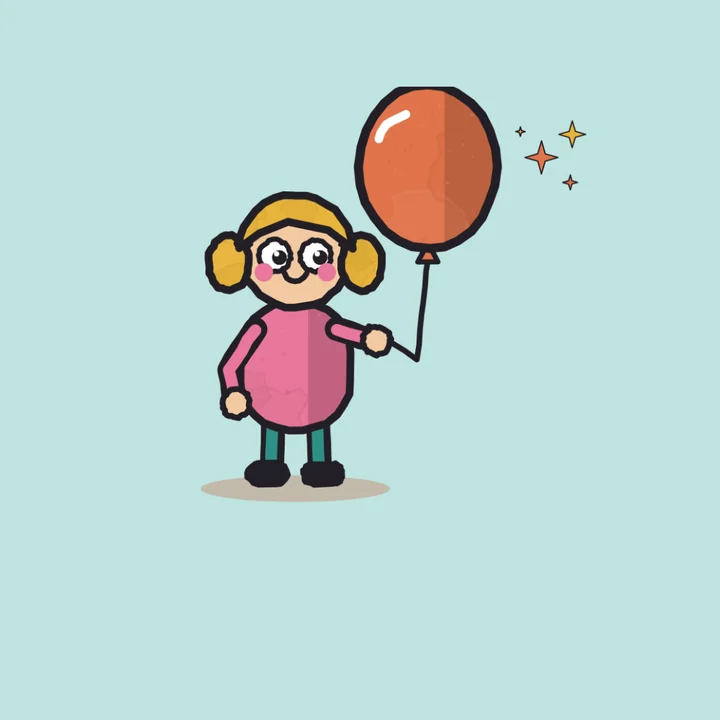
Circle
Ellipse
Square
Star
More in Compix
Questions
How do you crop a picture?+
Drop it on this page and it opens with a crop frame already on it. Drag the edges of the frame around the part you want, or pick a ratio first, then download. Everything outside the frame is cut away and the part you kept is untouched.
Is it free?+
Yes. No account, no watermark, no payment, no trial. Crop and download.
Will cropping reduce the quality?+
No. The pixels you keep are the pixels you had, and nothing is stretched or merged. The file is smaller because there are fewer pixels in it, not because anything was degraded.
What formats can I crop?+
JPG, PNG, WebP, GIF and anything else your browser can open. There is no size limit and no resolution limit.
Does it work on a phone?+
Yes. Drop or choose a photo the same way and the frame works by touch.
Can I crop to a circle?+
Yes, in Compix. Circle, square, ellipse, star, heart, hexagon: every shape on the shelf exports as a transparent PNG with no background to remove.
How do I crop a photo for Instagram?+
Pick 4:5 for a portrait feed post, 1:1 for a square post or 9:16 for a story or reel. The frame holds that ratio while you move and resize it, so you only choose what stays in the picture. Then download.
Can I crop to an exact size?+
Pick a ratio and drag the frame; the readout on the frame shows the exact pixels you keep, so you can hit the size you need.
Can I undo?+
Yes. Reset the frame at any point before you download. Your original file is never modified, so nothing here can damage it.
What is a crop pic?+
A picture with the outside trimmed away. You keep the part you want and the rest is discarded. The pixels you keep are untouched.
Are my images really not uploaded?+
Yes. Everything runs in this browser tab on your own machine. Nothing is sent to a server, which is why there is no file size limit and nothing to delete afterwards.
Can AI crop a photo for me?+
Not here. Compix has no automatic AI crop: you set the frame yourself. It takes a few seconds, and the crop is exactly the one you wanted.