PDF Converter
Convert to and from PDF: photos and PowerPoint slides into one PDF, or the pages of a PDF into JPG or PNG pictures. Free, in your browser.
Drop your file here
or browse your files. A PDF, photos or a PowerPoint
Convert
To PDF photos, PowerPoint
From PDF JPG, PNG
Nothing uploaded
No watermark, no sign-up. Your files are converted right here, in this tab.

How to convert to and from PDF
1
Drop your file
A PDF, photos or a PowerPoint (.pptx). The converter sees what you dropped and opens it in the Compix editor, a page for each page, photo or slide.
2
Check the Download menu
Photos and slides are set to PDF. A PDF is set to JPG pictures of every page: pick PNG or WebP there instead if you like.
3
Download
One PDF, or a picture of each page (a zip of them when there are several), named after your file. No watermark.
What it converts
Word and Excel files do not convert here yet. Word and Excel can save a PDF themselves: File, then Save As, then PDF.
What you drop stays as it was on your device. The PDF or the pictures are new files, made in this browser tab, and nothing is uploaded to make them.
It opens in an editor, not a viewer: add a caption, sign a page or drag the pages into another order before you download.
One conversion at a time
Each conversion also has a page of its own, with what it does in detail.
JPG to PDF converter
Each photo a page of the same PDF.
JPEG to PDF converter
Camera photos, turned upright, in a PDF.
PNG to PDF converter
Screenshots and logos, crisp in a PDF.
PPT to PDF converter
Slides from a .pptx, saved as a PDF.
PDF to JPG converter
A JPG for every page you have.
PDF to JPEG converter
JPEG pictures, page by page.
PDF to PNG converter
Pages as PNG, sharp lines kept.
PDF merger
Join files into a single PDF.
PDF maker
Start a PDF from nothing.
Sign PDF
Add your signature, drawn or typed.
PDF editor
Fill in, sign and highlight a PDF.
Image converter
Change any picture to another type.
Questions
How do I convert a file to PDF?+
Drop it on this page, or tap the drop area and pick it: photos and pictures, or a PowerPoint (.pptx). It opens in the Compix editor, a page for each photo or slide, with the Download menu already on PDF. One press of Download the work, and the PDF is saved.
How do I convert a PDF to JPG or PNG?+
Drop the PDF here. Each page opens in the editor, with the Download menu on JPG and All pages. Press Download the work: a one-page PDF comes back as a single JPG, a longer one as one zip with a JPG of every page. Several PDFs dropped together come back the same way, each of their pages a picture. For PNG, or WebP, change File type in the same menu first.
Is it free?+
Yes. No account, no watermark, no payment and no trial, whichever way you convert.
What files can I convert?+
Into a PDF: pictures your browser opens, such as JPG (JPEG), PNG, WebP, GIF, BMP and AVIF, and PowerPoint decks saved as .pptx. Out of a PDF: its pages as JPG, PNG or WebP pictures. Photos and PDFs dropped together make one PDF. An iPhone photo saved as HEIC needs saving as JPG first on a computer, where most browsers do not open HEIC.
Can I convert Word or Excel to PDF?+
Not here yet. Word and Excel can make the PDF themselves: choose File, then Save As, and pick PDF. Then drop that PDF here if you want its pages as pictures, or open it in the PDF editor to sign it or add to it.
Can I convert a PDF to Word?+
No. Compix does not turn a PDF back into a Word document you can retype. It opens the PDF in its editor instead, where you can type on its pages, sign it, highlight it and add pictures, then save it as a PDF again.
Can I combine PDFs and photos into one PDF?+
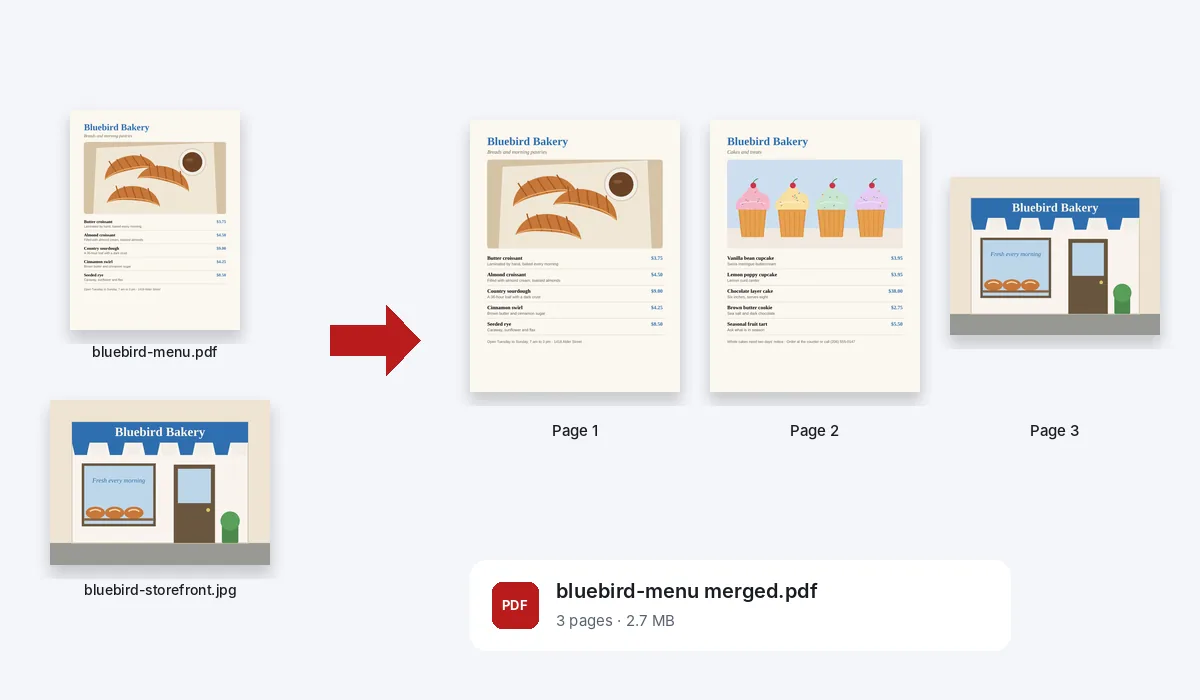
Yes. Drop them together and they open as one design, the PDF's pages and a page for each photo, in the order you dropped them. Drag a page in the strip to move it. Our two-page menu and a photo of the shop made one PDF of three pages, the menu's pages kept as they were.
Will the PDF keep the words of my slides?+
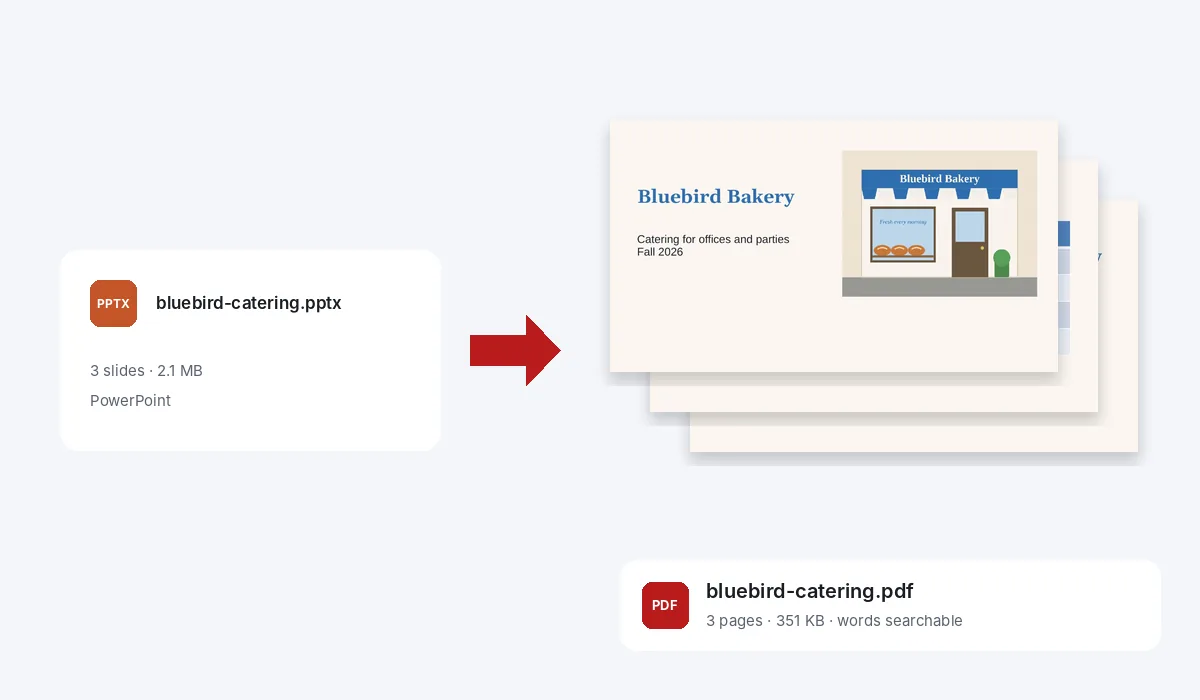
Yes. What is typed in the deck's text boxes, shapes and tables goes into the PDF as text you can search and copy. Our three-slide catering deck, with a photo on two slides and a price table, came out as a PDF of 351 KB.
How sharp are the pictures of a PDF's pages?+
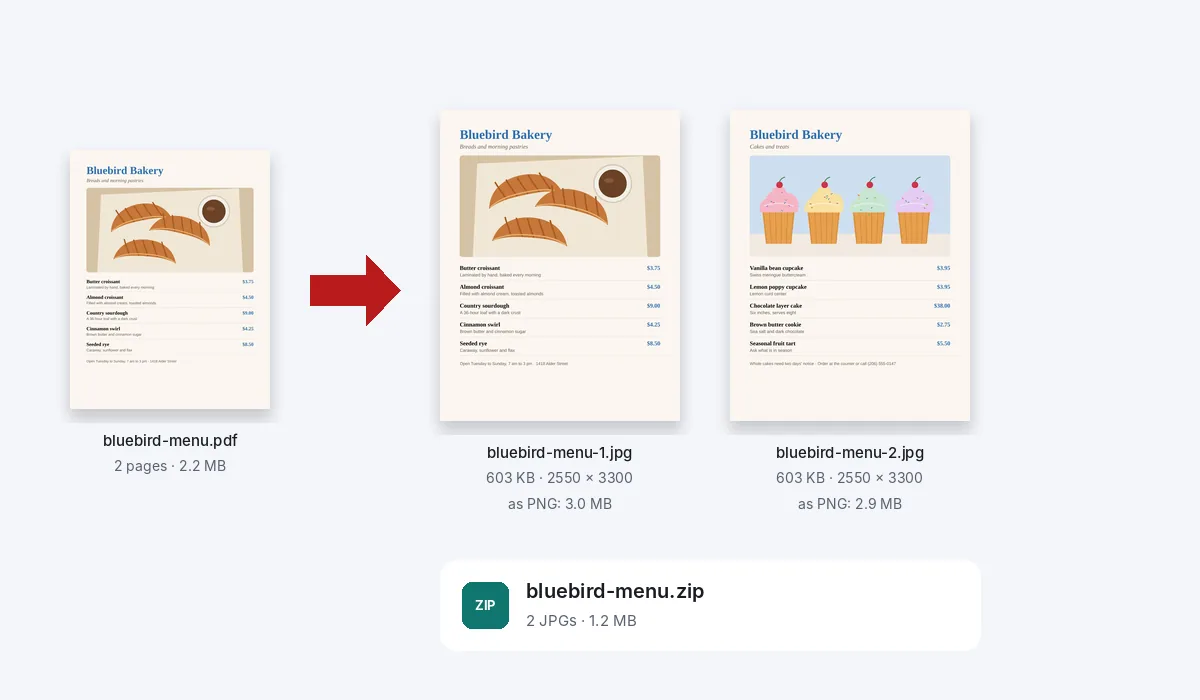
Each page is drawn again from the PDF at 300 dots per inch, so a Letter page comes out at 2550 by 3300 pixels. Our two-page bakery menu gave JPGs of about 600 KB a page, or PNGs of about 2.9 MB a page when every pixel has to stay exact.
How big is a PDF made from photos?+
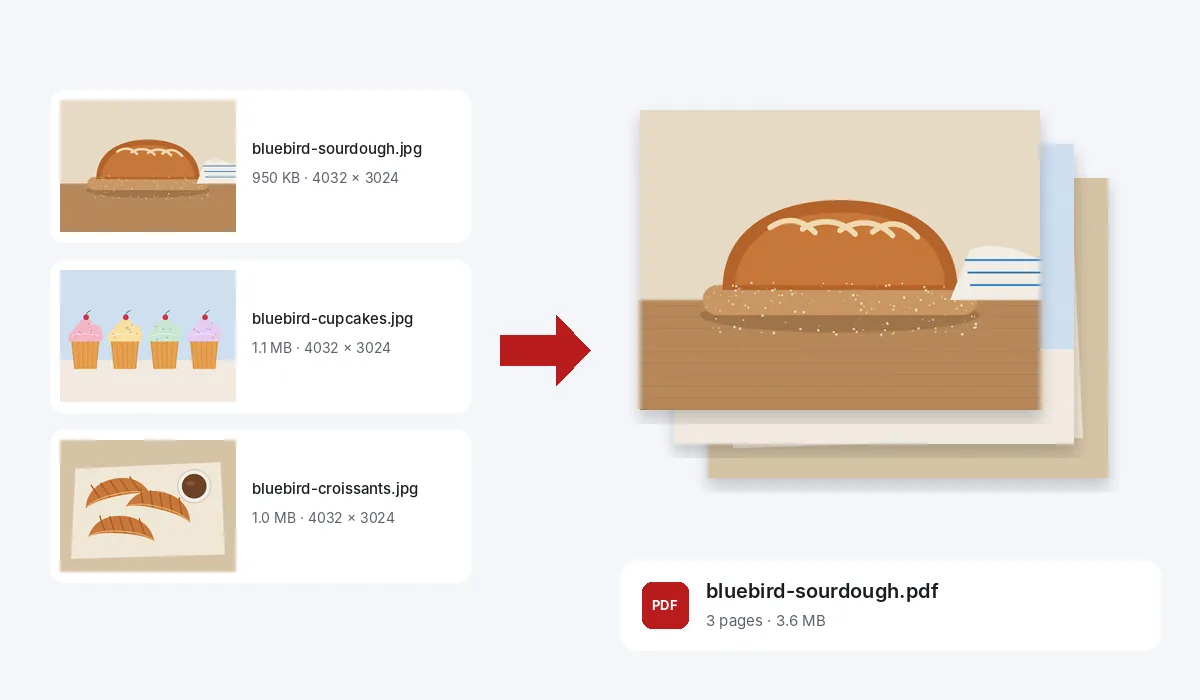
About as big as the photos. Our three 12-megapixel photos, 3.1 MB together, made a PDF of 3.6 MB: each photo goes in at its full resolution, saved again at 92% JPEG quality.
Can I change the file before I convert it?+
Yes. It opens in an editor, not a viewer: add a caption, cross out a line, drag the pages into another order or delete one, then download.
Can I convert on my phone?+
Yes. Tap the drop area on this page and pick the files from your phone. They open a page at a time. Tap Share, then Download the work, and the PDF or the pictures are saved to your phone.
Is there a limit?+
No daily limit and no page limit. The converting happens in your browser, so a long PDF or a stack of large photos takes longer to open and to save, and a phone does best with smaller batches.
Are my files uploaded?+
No. They open inside this browser tab, on your own device, and the PDF or the pictures are made there. Nothing is sent to a server for that. If you sign in to save your work, it is saved online with its pictures, so it opens on any device.
Drop a file to convert it
No account needed to convert and download. Sign in when you want to keep the design.
Drop your file here
or browse your files