PPT to PDF Converter
Convert a PowerPoint presentation to PDF: every slide a page, its words still text you can search. Change a slide first if you want. Free, in your browser.
Drop your PowerPoint here
or browse your files. A .pptx file, any number of slides
Convert to PDF
A page for each slide
Searchable words
Edit before you save
No watermark, no sign-up. Your slides are converted right here, in this tab.

How to convert PowerPoint to PDF
1
Drop your presentation
Drag in a .pptx file, or click to browse. Each slide opens as a page in the Compix editor, with its words, pictures, tables and charts.
2
Check it, or change it
Fix a typo, swap a picture or delete a slide you do not want to send. Everything on a slide can be edited.
3
Download the PDF
The Download menu is already on PDF. Press Download the work and every slide is saved, in order, in one PDF.
What happens to your slides
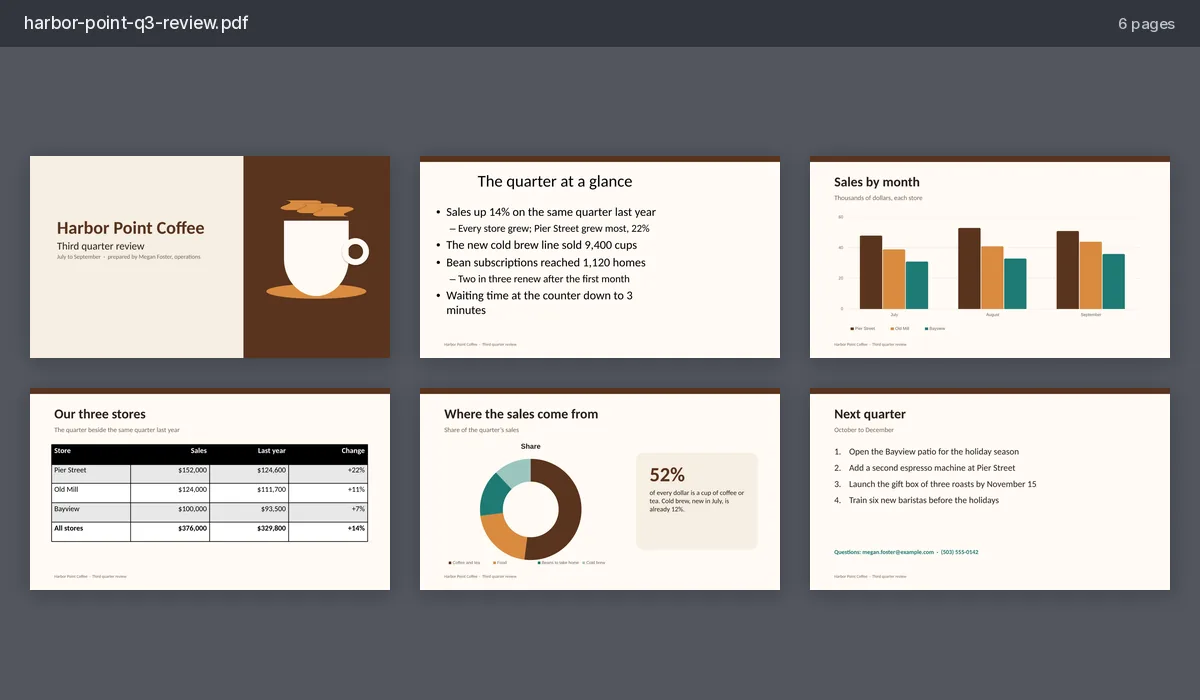
Animations, transitions, sounds, videos and speaker notes are not kept. Hidden slides are left out, as PowerPoint leaves them out of its own PDF.
Compix opens .pptx files. For an older .ppt file, open it in PowerPoint, choose File, then Save As, and pick PowerPoint Presentation (.pptx) first.
Paper in the Download menu starts on Same as page. Pick A4 or Letter to print: each slide goes on the sheet, turned its way, inside a white margin.
What comes through
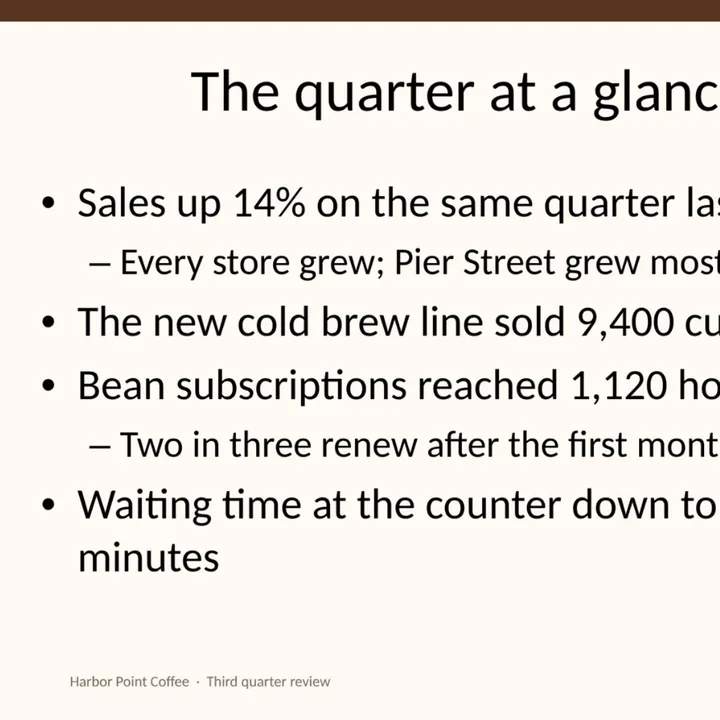
A slide comes in with what is on it, in the deck's own colors and theme, each part something you can change.
Lists
Bullets and numbers, by level.
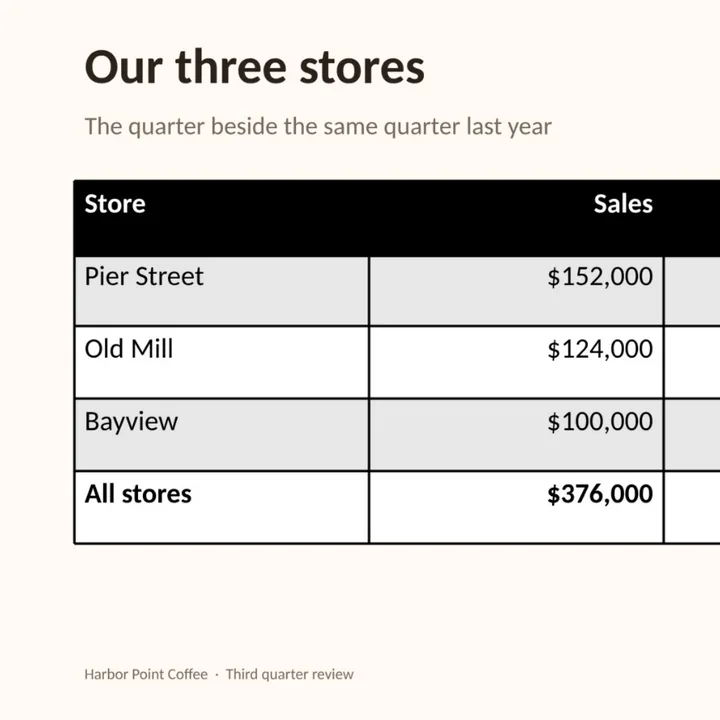
Tables
Cells, borders and the table's style.
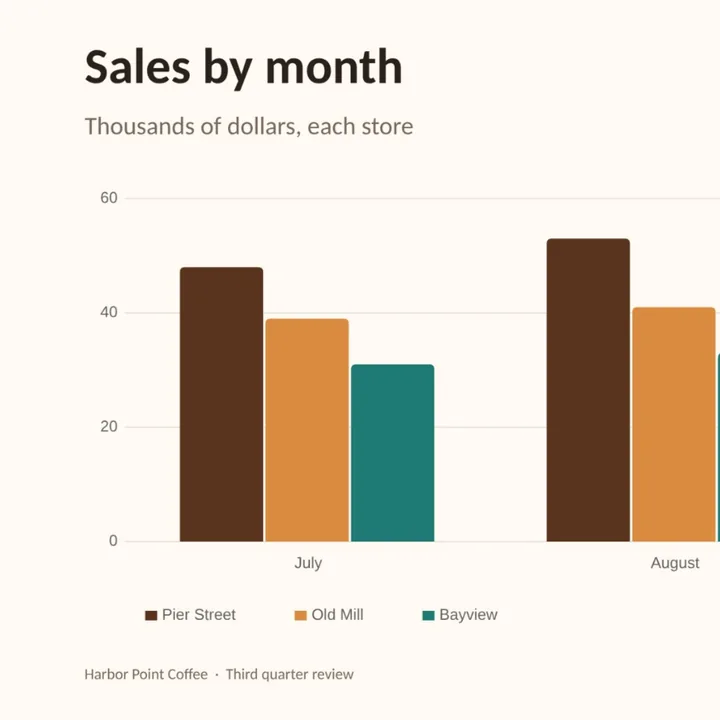
Charts
Bars, lines, pies and donuts, with their numbers.

Shapes and pictures
Shapes, lines, photos and backgrounds.
More PDF tools
PDF maker
Make a new PDF from a template or a blank page.
PDF editor
Fill in, sign and highlight a PDF you already have.
JPG to PDF converter
Photos into one PDF, a page each.
PDF merger
PDFs and photos into one PDF, in your order.
Sign PDF
Draw or type your signature on a PDF.
PDF to JPG converter
Every page of a PDF as a JPG, in one zip.
Questions
How do I convert a PPT to PDF?+
Drop the PowerPoint file on this page, or tap the drop area and pick it. It opens in the Compix editor, a page for each slide, with the Download menu already on PDF. Press Download the work and one PDF is saved, its pages in the order of the slides.
Is it free?+
Yes. No account, no watermark, no payment and no trial. Convert your presentation and download the PDF.
Will the PDF look like my slides?+
Very close. Text, bullets and numbered lists, tables, charts, shapes, pictures and backgrounds come in with the deck's own colors and theme. Calibri, Cambria, Arial, Times New Roman, Courier New and Georgia are matched by fonts of the same letter widths, so lines break where they did; any other font Compix does not have is replaced by the closest one it has. Look over the slides before you download, and change anything you want.
Can I edit the slides before I convert?+
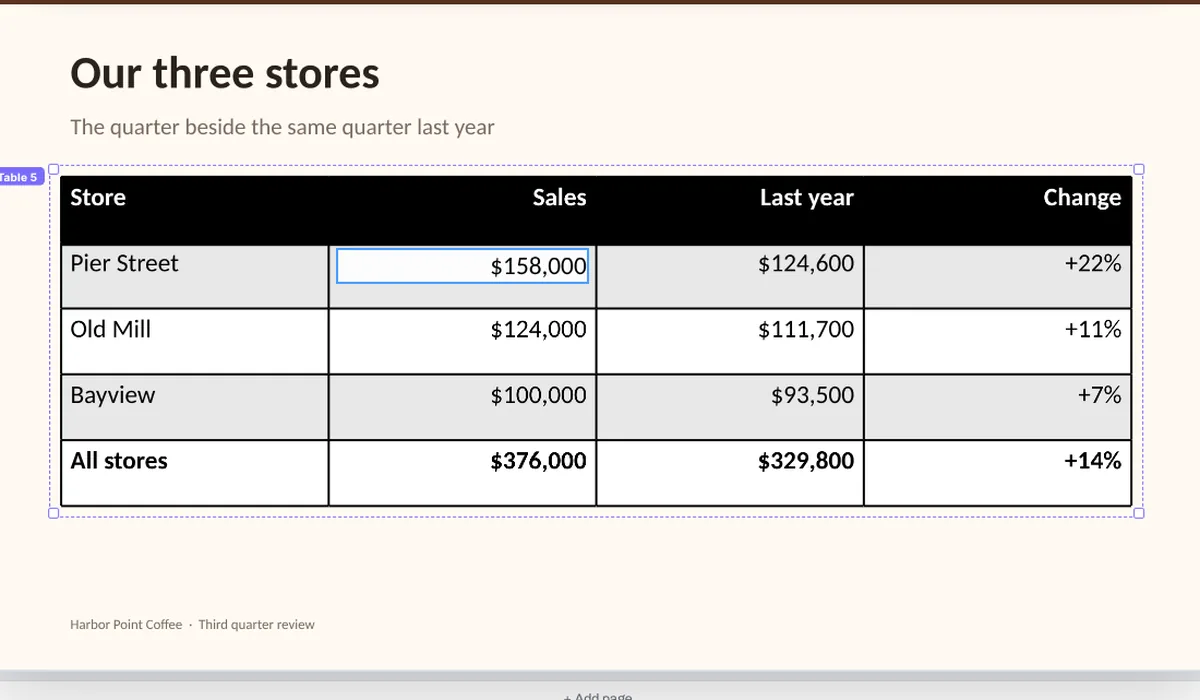
Yes. The slides open in an editor, not a viewer. Retype a title, change a number in a table, move a picture or delete a slide you do not want to send, then download the PDF.
Can people search and copy the words in the PDF?+
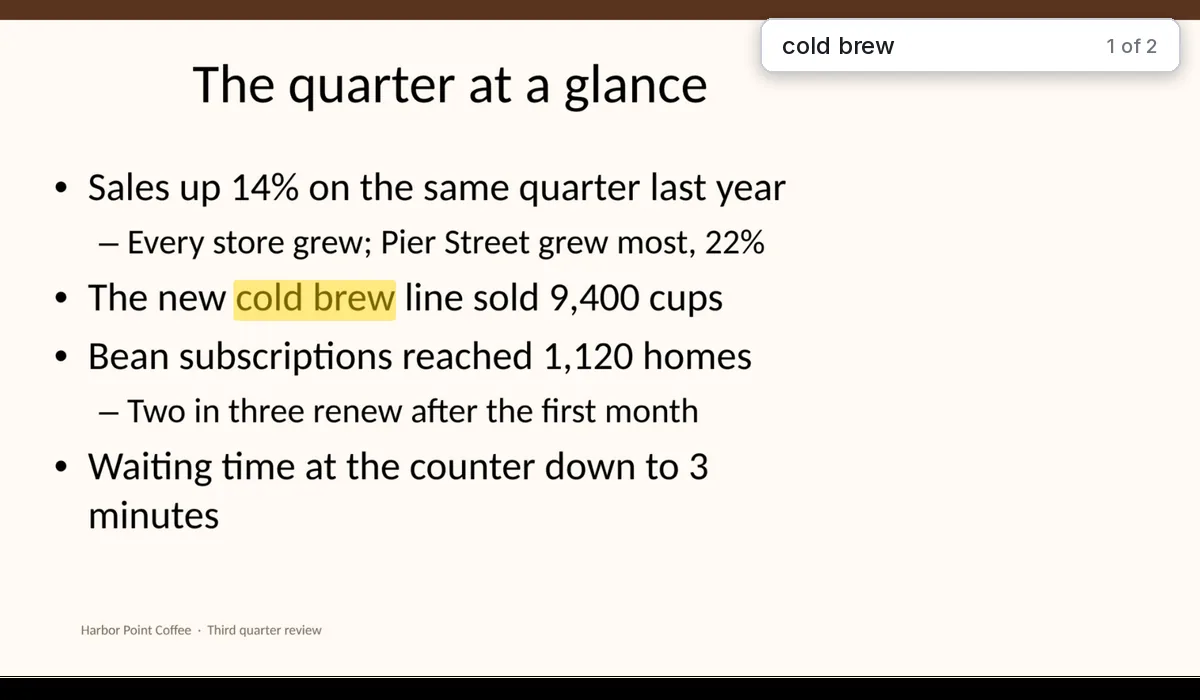
Yes, the words in text boxes, shapes and tables: they go into the PDF as text over each page. A chart's labels, and words turned at an angle, are part of the page's picture. Words in English and other Western European languages, such as Spanish, French or German, are searchable; others, such as Polish, Greek, Hebrew or Chinese, and emoji, show on the page but are not in the text.
Can I convert an older .ppt file?+
Not directly: Compix opens .pptx files, the format PowerPoint has saved in since 2007. Open the .ppt in PowerPoint, choose File, then Save As, and pick PowerPoint Presentation (.pptx). Then drop the new file here.
Can I convert Google Slides or Keynote to PDF here?+
Yes, by way of PowerPoint's format. In Google Slides, choose File, then Download, then Microsoft PowerPoint (.pptx). In Keynote, choose File, then Export To, then PowerPoint. Drop the .pptx file here.
Are animations, speaker notes and videos kept?+
No. A PDF holds still pages, so animations and transitions are left out, and so are sounds, videos and speaker notes. Hidden slides are left out too, as PowerPoint leaves them out of its own PDF.
Can I put several slides on one page, like handouts?+
No. Each slide is a page of its own in the PDF.
Can I make the PDF A4 or Letter size?+
Yes. In the Download menu, Paper starts on Same as page: each page is the slide's own shape, so a 16:9 deck gives 16:9 pages. Pick A4 or Letter and every slide goes on that sheet, turned the way the slide is, fitted whole inside a white margin, ready to print.
How big is the PDF?+
Each page is saved as a sharp picture with its words as text over it. Our six-slide coffee shop review, with its charts and table, came out as a PDF of about 600 KB. A deck full of photos makes a bigger file.
Can I convert a PowerPoint to PDF on my phone?+
Yes. Tap the drop area on this page and pick the .pptx from your files. The slides open one per page. Tap Share, then Download the work, and the PDF is saved to your phone.
Is there a limit?+
There is no daily limit. The converting happens in your browser, so a long deck takes longer to open and to save. A presentation of up to 1,000 slides, 1,500 pictures and 600 MB opens; a larger one is refused with a note saying why.
Is my presentation uploaded?+
No. It is opened inside this browser tab, on your own device, and the PDF is made there. Nothing is sent to a server for that. If you sign in to save your work, it is saved online with its pictures, so it opens on any device.
Drop your PowerPoint and get a PDF
No account needed to convert and download. Sign in when you want to keep the design.
Drop your .pptx here
or browse your files