compix
Sign in

WebP to JPEG Converter

Turn .webp pictures into JPEG files that every app, form and print shop takes, one or many at once, each with its name and full size. Free, in your browser.

Drop your WebP files here
or browse your files. WebP, AVIF, PNG and more
Convert to JPEG
Batch convert
Names kept
JPEG everywhere
No watermark, no sign-up. Your pictures never leave this tab.
The WebP to JPEG converter page, its editor picture showing three pictures made as WebP files in the Compix editor, a page for each: a stack of blueberry pancakes on the page, and a denim jacket and an autumn forest in the strip below

How to convert WebP to JPEG

1
Add your .webp files
Drag in one picture or a whole batch, or click to pick them. Each one opens on a page of its own, at its own size.
2
Look them over
JPG and All pages are already set in the Download menu. Crop or add words to any picture first if you want.
3
Save the JPEGs
A single picture saves as one JPEG file; a batch saves as one zip, every file named after its WebP. No watermark.

What happens to your pictures

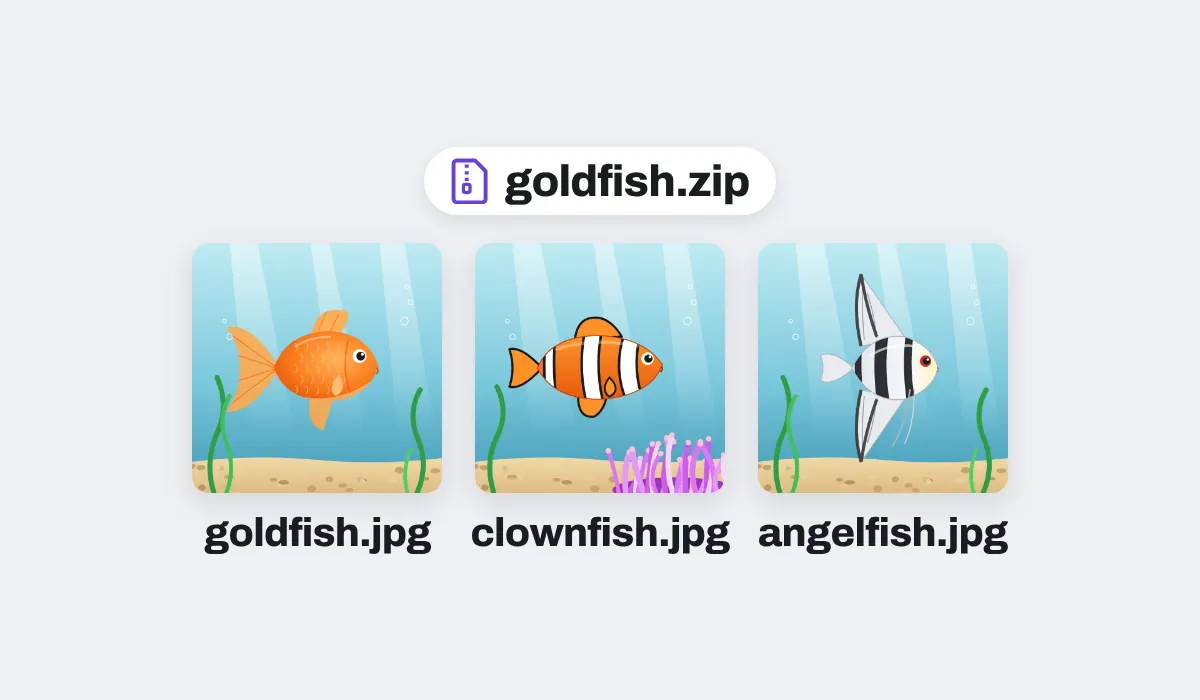
Three fish pictures saved as WebP files, downloaded as JPEG files in one zip, goldfish.zip, each named after its file: goldfish.jpg, clownfish.jpg and angelfish.jpg

A batch, one zip, every name kept

A batch comes back as one zip, the JPEGs in the order you dropped the WebPs, each with its own name: goldfish.webp comes back as goldfish.jpg. Two files with one name? The second gets -2 at the end.
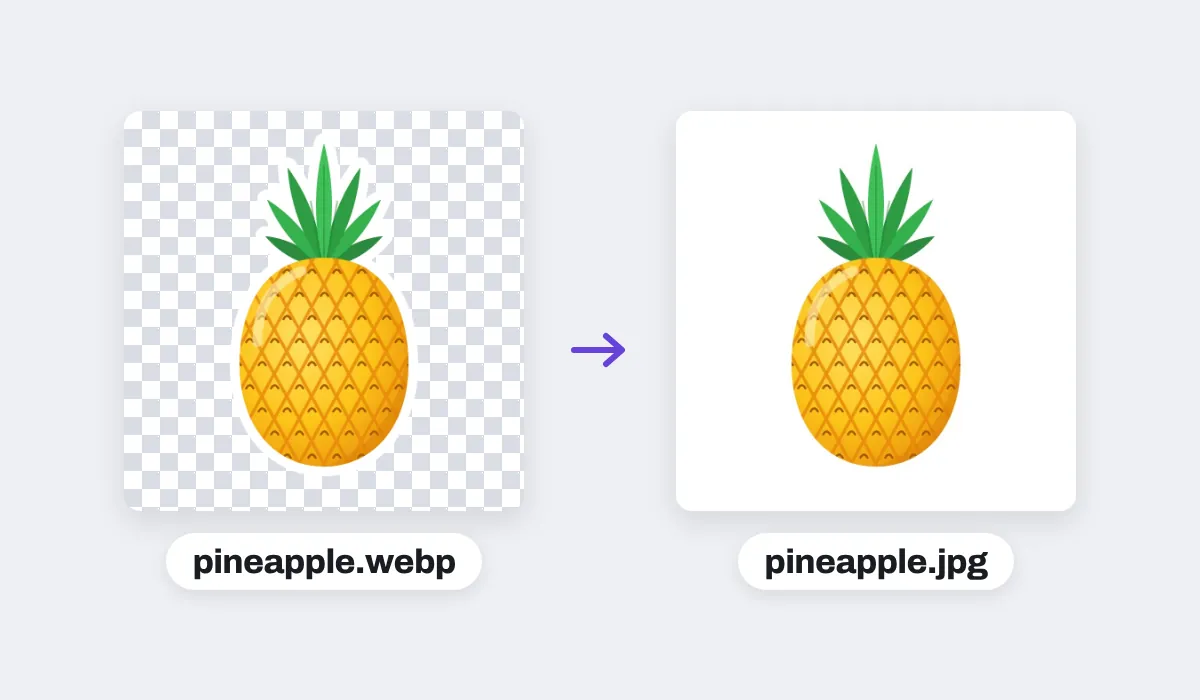
A pineapple sticker saved as a WebP with a see-through background, shown on a checkerboard, and the JPEG made from it, pineapple.jpg, its background white

No see-through parts in a JPEG

A JPEG has no clear parts, so whatever was see-through in the WebP comes out white, never black. Pick a page color in the editor first, and the JPEG is filled with that color instead.
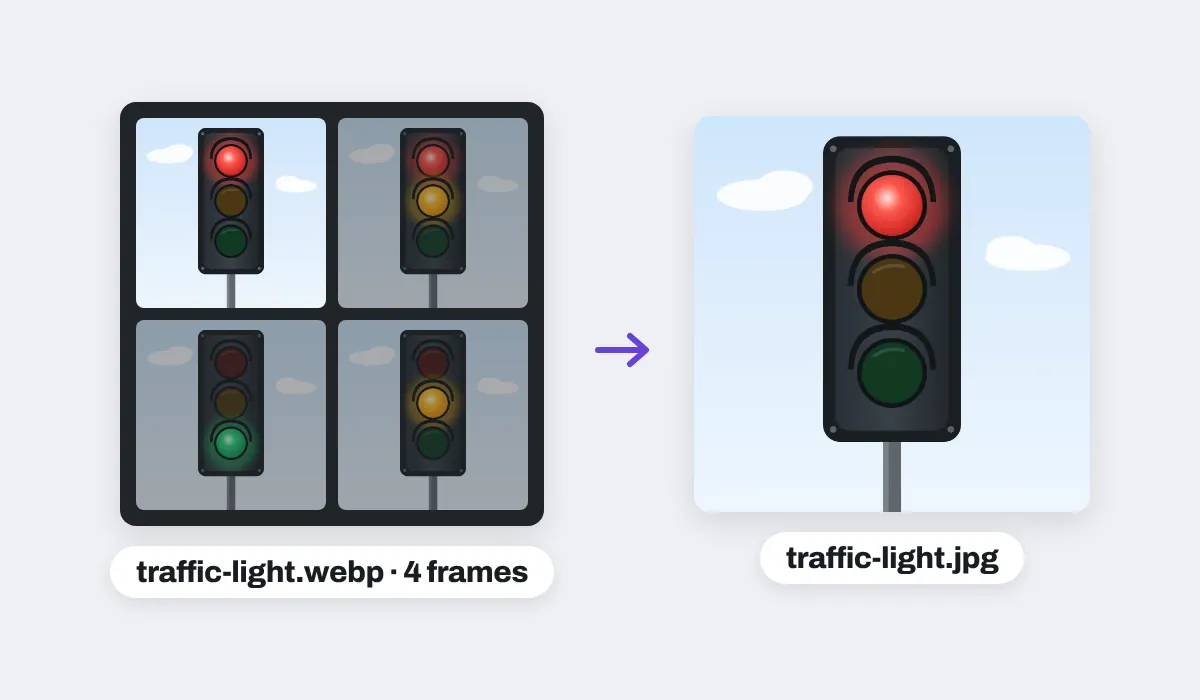
An animated WebP of a traffic light, its four frames shown (red, red and amber, green, amber), and the JPEG made from it, traffic-light.jpg: the first frame, the red light

A moving WebP gives its first frame

Some WebP files move, like a short clip. A JPEG is a single still, so the one you get is the animation's first frame, at the WebP's full size.
Every JPEG comes out at the WebP's full size. The one exception is an iPhone or iPad, where a picture larger than about 16 megapixels is brought in at about 16, the most the browser there can handle.
Nothing happens to your WebP files: the JPEGs are new files, made inside this browser tab, and nothing leaves your device.

JPEG or .jpg: one format, two names

A JPEG file usually ends in .jpg, and sometimes in .jpeg: the format is the same, and every app opens both. The files you download here are JPEGs named .jpg. What does not work is renaming a .webp to .jpeg: the name changes, but the picture inside is still WebP, and apps that do not take WebP still refuse it. Converting writes a new file that is a JPEG inside and out, so it opens in old photo programs, office apps, email and every upload form.

Where a JPEG works and a WebP does not

A picture saved from the web as WebP, needed somewhere that takes JPEG only. A JPEG is usually bigger than the WebP it came from; for a lighter file, pick a smaller Size, like 1080p, in the Download menu.

Black studio headphones with red-ringed ear cups, a product picture saved as a WebP, as a JPEG
Upload forms
Where it says JPEG only
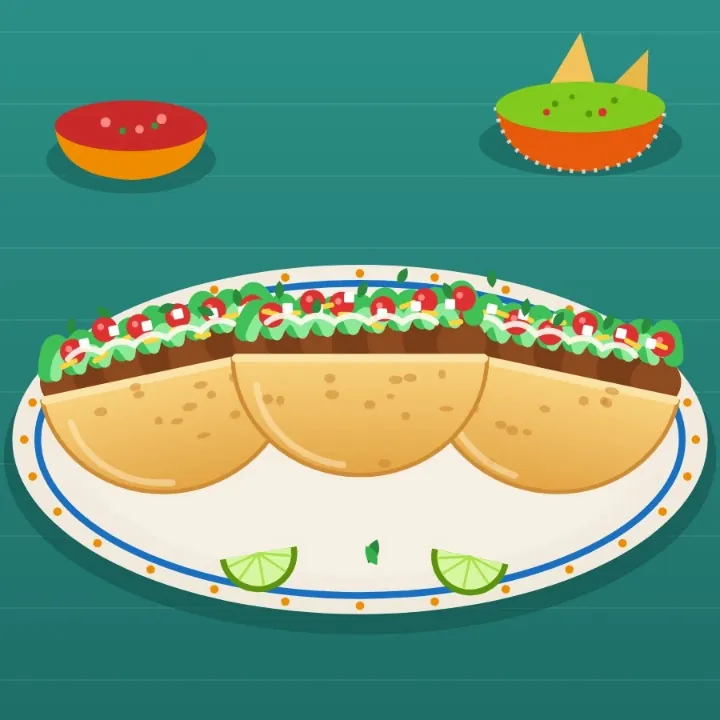
Three tacos on a patterned plate with lime wedges, salsa and guacamole, saved as a WebP, as a JPEG
Email
A picture anyone can open
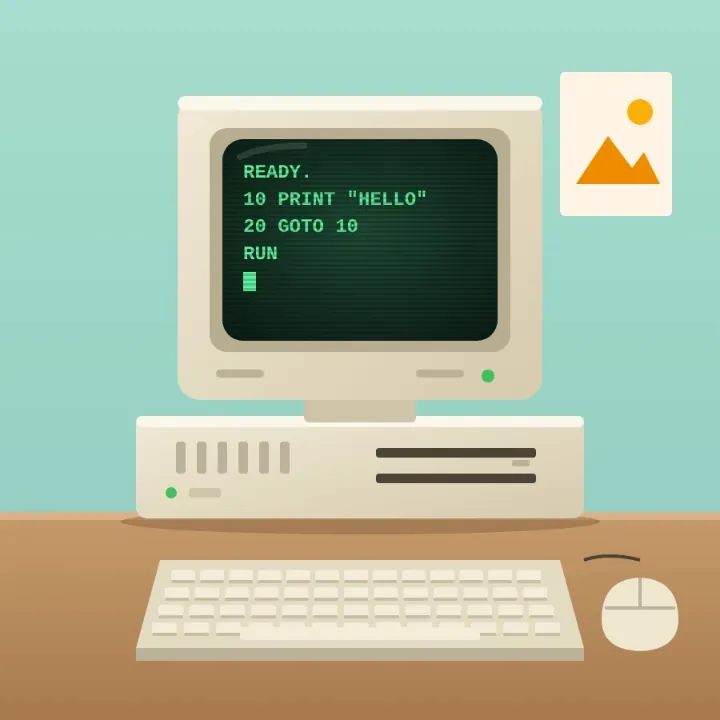
A beige retro desktop computer with a green-text screen, a keyboard and a mouse, saved as a WebP, as a JPEG
Older software
For apps that predate WebP
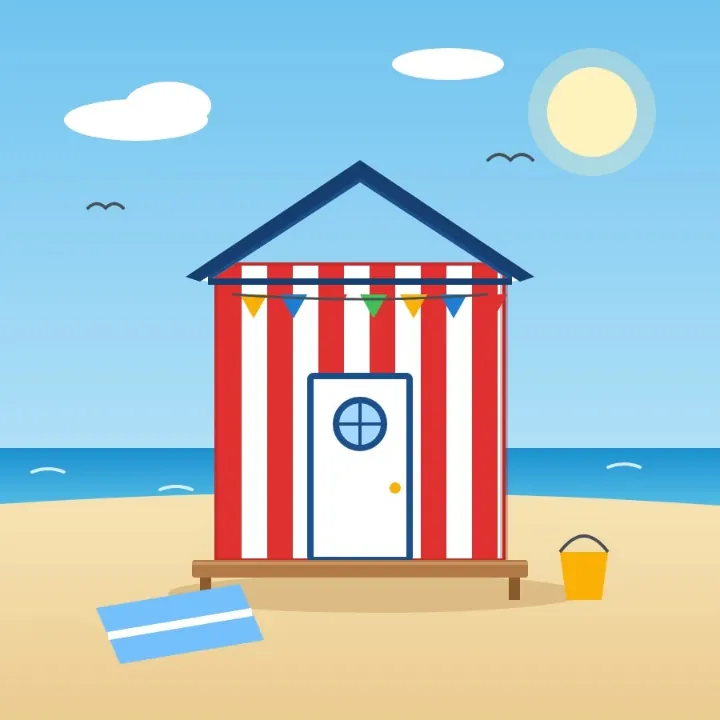
A red and white striped beach hut on the sand by the sea, saved as a WebP, as a JPEG
Photo frames
For a digital frame or a TV
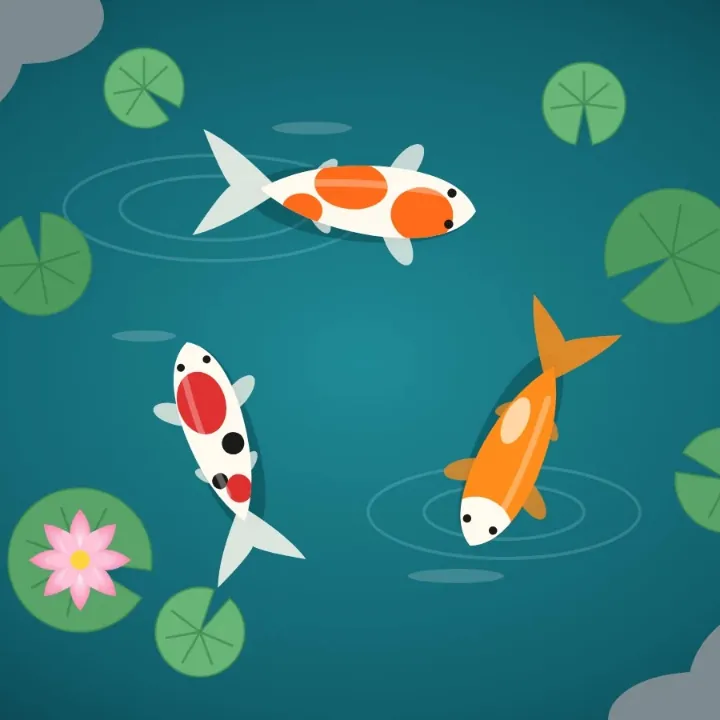
Three koi swimming among lily pads and a pink lotus in a teal pond, saved as a WebP, as a JPEG
Prints
For a photo kiosk or a print shop
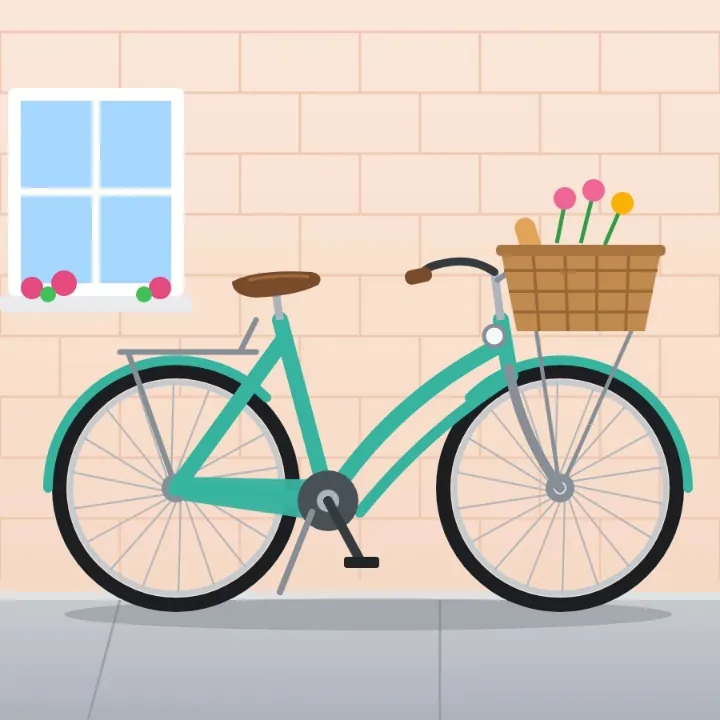
A mint green city bicycle with a wicker basket of bread and flowers, saved as a WebP, as a JPEG
Listings
For a marketplace or a classified ad

More than a converter

Your pictures open in the same editor as the photo editor, so a picture can be finished before it is saved as a JPEG.

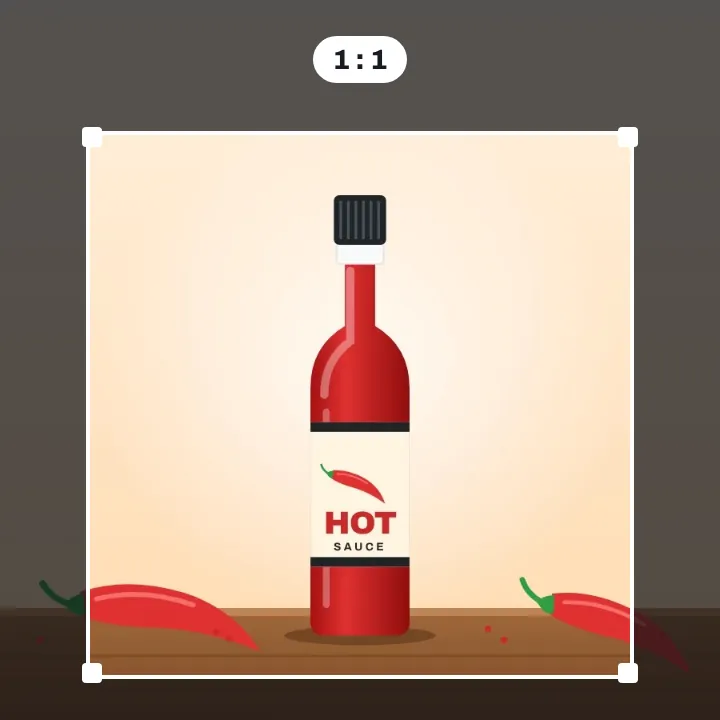
A red hot sauce bottle with chili peppers on a wooden board, a square crop frame drawn around it, the parts outside dimmed

Crop it

Square, or the shape you need.
A glass of lemonade with ice and a striped straw, with the words Ice cold typed above it, saved as a JPEG

Add words

Type a line on the picture.
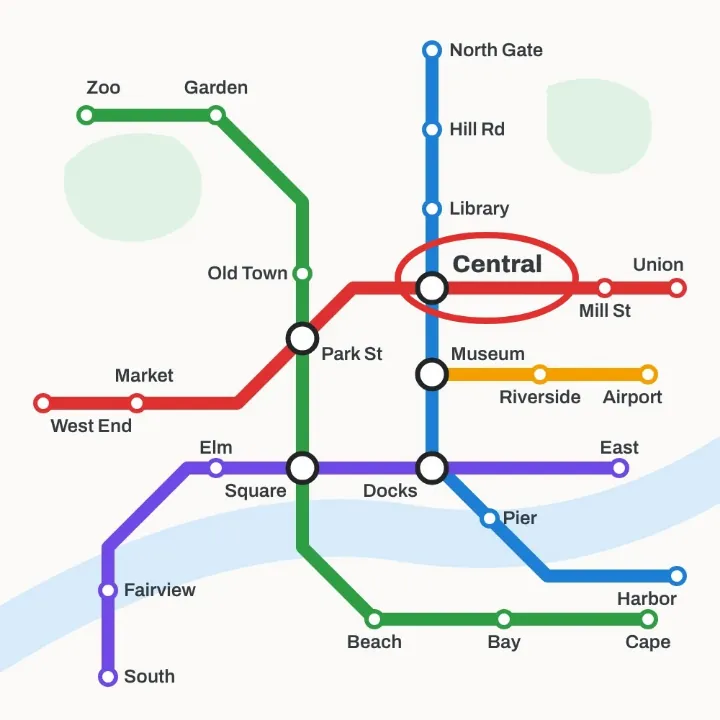
A subway map with five colored lines, its Central station circled in red with an ellipse shape, saved as a JPEG

Mark the spot

Circle what matters with a shape.
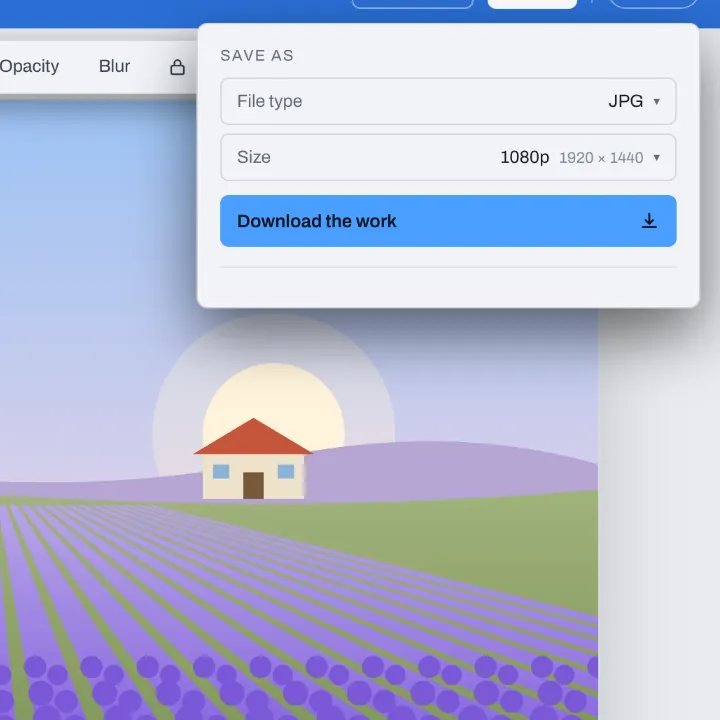
The Download menu for a lavender field picture, on JPG with Size at 1080p: 1920 by 1440

Make it lighter

Pick 1080p for a smaller JPEG.

More in Compix

Photo editor
Crop, add text and stickers, make it move.
Image cropper
Square, 4:5, 9:16, a circle, or your own.
PNG to JPG converter
Pictures to JPG, many at once, names kept.
PDF to PNG converter
Every page of a PDF as a PNG.

Questions

How do I convert WebP to JPEG?+
Put your .webp files on the box at the top of this page, by dragging them or choosing them. Each one opens in the Compix editor on a page of its own, and the Download menu is already set to JPG. Press Download: a single picture saves as a JPEG file, a batch as one zip.
Is this WebP to JPEG converter free?+
Yes. There is nothing to pay and nothing to sign up for, and no mark is put on your pictures. Convert as many WebP files as you need.
Can I just rename a .webp file to .jpeg?+
No. Renaming changes only the name: the picture inside is still WebP, so an app or a form that does not take WebP still refuses it or shows an error. Converting writes a new file that is a JPEG inside and out.
Will the file end in .jpg or .jpeg?+
In .jpg, the usual ending for a JPEG file. JPG and JPEG are the same format, so a .jpg opens anywhere a .jpeg does. If a form insists on the .jpeg ending, renaming the .jpg to .jpeg is fine: unlike a WebP, the picture inside already is a JPEG.
How do I save a WebP as a JPEG in Chrome?+
Chrome saves a picture as the file the site sent, and many sites send WebP, so Save image as gives you a .webp. Save it, then drop it on this page and download it as a JPEG.
How do I convert WebP to JPEG on a Mac?+
Open this page in Chrome or Firefox on your Mac, or in Safari from macOS Big Sur on, and drop the .webp files on it. Press Download, and the JPEG files are saved where your browser saves downloads.
Is WebP better than JPEG?+
They do different jobs. WebP keeps a picture small, which is why websites send it. JPEG is the picture almost every app, phone, form and printer understands. For anything outside a web page, the JPEG is the one that works; keep the WebP as well if you have it.
Does JPEG support transparency?+
No. A JPEG is solid all the way across, so wherever a WebP was clear, the JPEG is white, never black. To fill those parts with a color of your own, set the page background color in the editor before you download; the JPEG is saved with it.
What about an animated WebP?+
A JPEG is one still picture. When a WebP moves, the JPEG keeps its first frame, at the WebP's full size.
Can I convert many WebP files to JPEG at once?+
Yes, in bulk. Drop a whole batch: every picture gets a page, the Download menu is set to All pages, and one zip comes back with a JPEG for each, named after its file, so goldfish.webp becomes goldfish.jpg. When two files share a name, the second one ends in -2.
Will the JPEG be bigger than the WebP?+
Usually, yes: WebP squeezes a picture into fewer bytes than JPEG can. If the JPEG is too heavy for where it is going, set Size to 1080p in the Download menu before you save.
Will the quality drop?+
Not so you would see it. The JPEG is made at the WebP's full size and saved at high quality. JPEG drops a little detail to keep files small, as a WebP from a website already has, so if you will edit the picture again, keep the WebP too.
Are my files uploaded?+
No. The WebP files are opened and turned into JPEGs right here in your browser, on your own computer or phone; nothing goes to a server. If you sign in to keep a design, it is saved in this browser.
Can I convert WebP to JPEG on my phone?+
Yes, on an iPhone or an Android phone. Tap the box at the top of this page and choose the WebP files; on a phone the editor shows one picture at a time. Tap Share, then Download the work: one picture saves as a JPEG, several save as one zip of JPEGs.
Is there a limit?+
You can convert as many as you like, with no daily cap. A batch is turned into JPEGs one file after another, in a window that shows how far it has got and lets you cancel. On an iPhone or iPad, a picture larger than about 16 megapixels is brought in at about 16, the most the browser there can handle.
Drop your WebP files and get JPEGs back
No account needed to convert and download. Sign in when you want to keep the design.
Drop your WebP files here
or browse your files
Photo editor Video editor PDF editor JPG to PDF PNG to PDF PDF to JPG PDF to PNG PNG to JPG WebP to JPG WebP to JPEG AVIF to JPG AVIF to JPEG GIF to JPG WebP to PNG AVIF to PNG JPG to PNG PDF merger Sign PDF Image cropper Video trimmer Video cropper Animation maker Image comparer Image splitter Image diff GIF maker Templates Privacy Terms