Compare your versions. Combine the best parts. Stage them in motion. Ship anywhere. One studio. Nothing uploads.
NO SIGNUP · NOTHING UPLOADS · WORKS OFFLINE
Side-by-side comparison makes your eyes hunt. Blink comparison alternates images in place, so any change, down to a single pixel, registers as movement. The difference finds you.
Two versions of a photo, a whole Midjourney grid, before/after retouches — up to 50 at once. They never leave your device.
Alternation makes changes pop as flicker. Or heat-map the exact pixels, or drag a split line across the frame.
Draw a shape around any region and swap it in from your other images. Export as PNG, GIF, or MP4.


Generation platforms profit every time you re-roll. Compix goes the other way: it extracts the exact pixels you already liked: the face from image 3, the outfit from image 7. Then it renders every combination. No AI model runs. No new generation. The face from image 3 is the face from image 3.
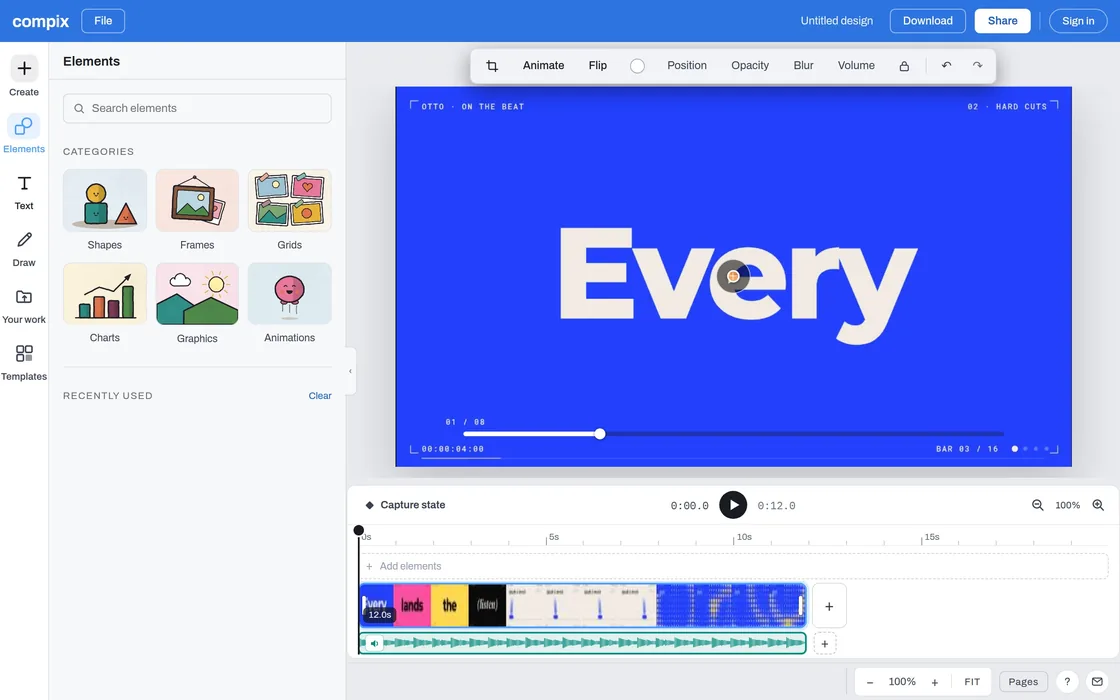
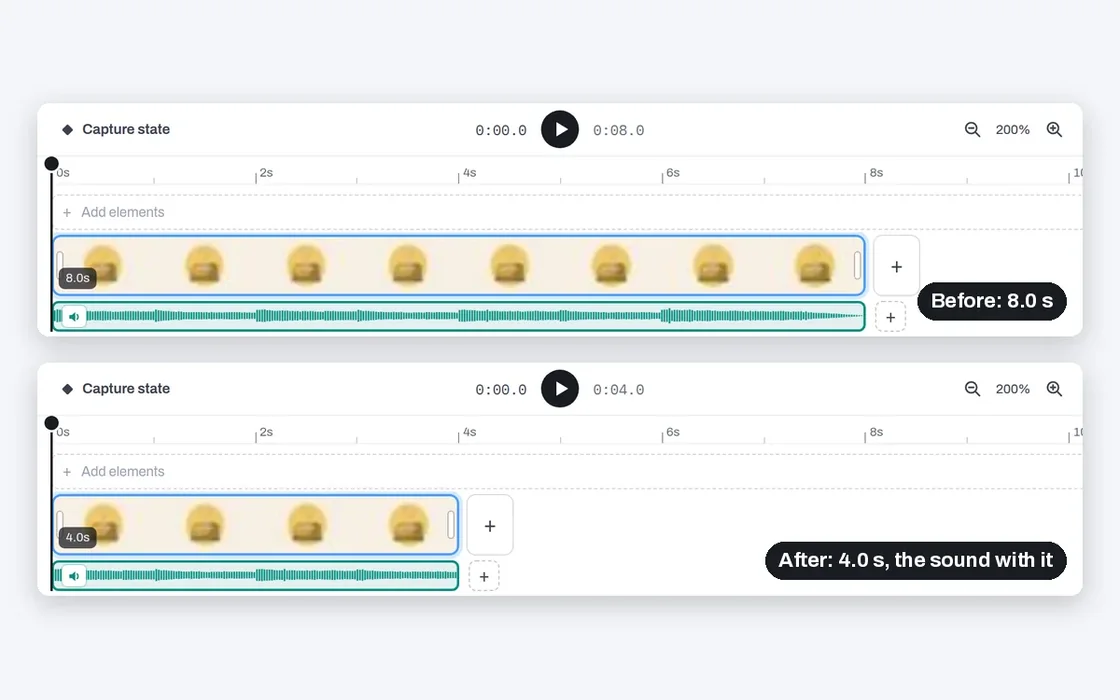
Scene mode is a full layer compositor. Stack your images, place them, then set keyframes. The interpolation engine renders every frame in between, with bezier easing and a scrubbing timeline. Comparison finds your best frames; Scene puts them in motion.
There is no server to upload to. Every pixel is processed by your own browser. Client work, NDA material, and unreleased art stay yours.
Open Compix, drop images, work. Projects save to your browser's local storage. We don't have a database to put them in.
After the first visit, Compix works without internet. On a plane, on set, on a locked-down network.
No — and that's the point. Compix never generates pixels. It compares the images you already have and recombines their exact regions. Deterministic, repeatable, no hallucination. It pairs perfectly with AI tools: generate elsewhere, compare and combine here.
Nothing leaves your device. All processing runs in your browser; projects are stored in your browser's local database. Close the tab and we know nothing about you.
Photoshop can do a manual version of one combination. Compix computes every combination of your selected regions across all sources at once. Its comparison modes are purpose-built for spotting change, not editing.
Comparing is free to use, no signup. Advanced features for heavy workflows are coming as a Pro tier. The comparison core stays free.
Ten seconds from here to your first comparison.
Open Compix →Drop Anchor Image
or click to browse
Drop Images (up to 50)
multiple files allowed
A visual comparison and compositing platform for retouchers, VFX artists, photographers, AI artists, and QA teams. Blink test, pixel diff heatmap, split wipe, layer compositor, animation timeline, and multi-format export — one workspace for your entire visual workflow.
Rapidly alternate between an anchor image and comparison images at adjustable speed. This technique, originally used in astronomy with blink comparators, exploits your visual system's sensitivity to change. Differences in color, alignment, artifacts, or edits become immediately obvious.
Generate a real-time pixel-difference heatmap between your anchor and any image. Highlights every changed pixel. Useful for retouching QA, visual regression testing, compression artifact detection, and AI image consistency checks.
Drag a split line across overlaid images to compare the anchor against any one of them, pixel for pixel. Ideal for evaluating edits, color grading, background replacements, and compositing adjustments.
Build layered compositions with images and shapes. Per-layer opacity, ordering, positioning, and scaling. Animation timeline with keyframes and video recording. Useful for moodboards, concept art, storyboard previsualization, and quick composite mockups.
PNG at multiple resolutions (1×–4×), animated GIF comparisons, MP4/WebM video, and JSON project backup. Share blink comparisons as two-frame GIFs via Web Share API.
Photo retouchers, VFX compositors, photographers, AI artists iterating Stable Diffusion / Flux / Midjourney / ComfyUI outputs, UI/UX designers doing visual regression, print prepress teams, game artists comparing asset revisions, and archviz teams reviewing render passes.
All processing runs locally. Installable as a PWA for offline use.