Image Splitter
Split an image into an Instagram grid, a carousel or any grid you draw. Free, in your browser.

Drop an image to start splitting
or browse your files. JPG, PNG, WEBP, GIF
Grid 3×3, 1×3, 2×2, custom
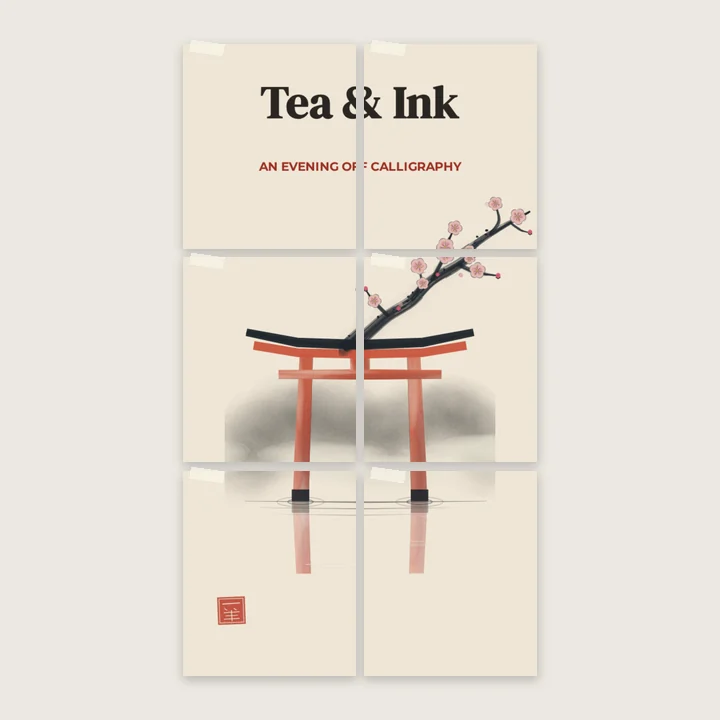
Print 3×2 pages
Nothing is sent anywhere. It runs in this tab.
How to split an image
1
Drop your image
One photo, any size. It opens in the editor with the grid on it.
2
Choose the grid
3×3 for a feed grid, 1×3 for a carousel, 3×2 for a poster over pages. Or set your own rows and columns.
3
Download or keep working
Take one piece, the whole set as a ZIP, or the design. Editing on is optional.
What you get inside
The split happens in the editor, not on a results page
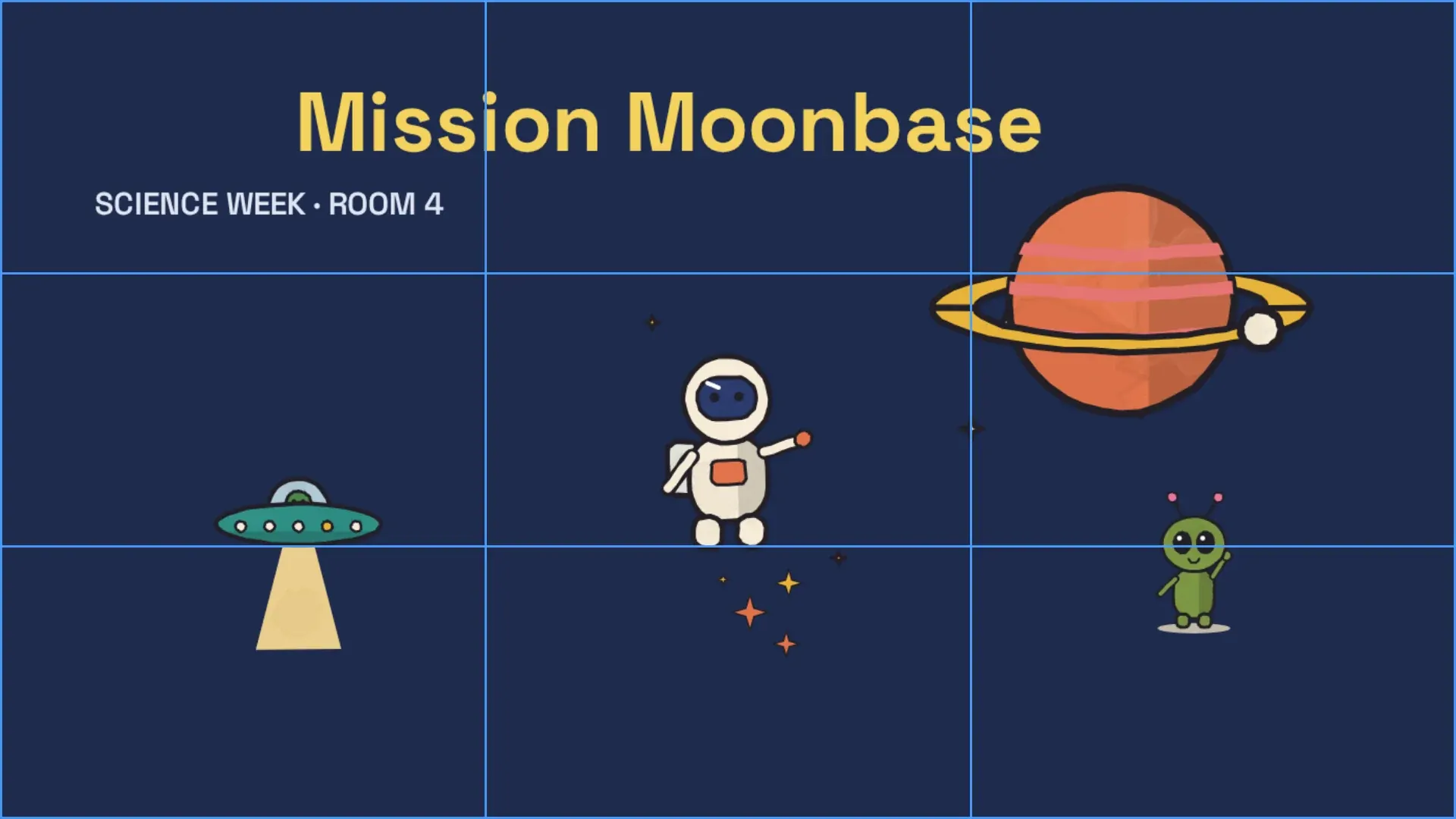
Your image opens inside Compix with the grid on it. Pick a preset or set your own rows and columns, press Done, and the pieces are yours to download.
The whole set in one ZIP
Every piece in one download, named and ready to post.
Posting order, not file order
Named for the sequence Instagram needs. No guessing.
Every piece is a layer
Caption it, animate it, export the set as video.
What happens to your pixels
It stays in your browser
The split runs on your machine. Nothing is uploaded, ever.
Original resolution
Pieces are cut at full size. No downscaling.
JPG · PNG · WEBP · GIF
In and out, at the size you dropped.
What people split for
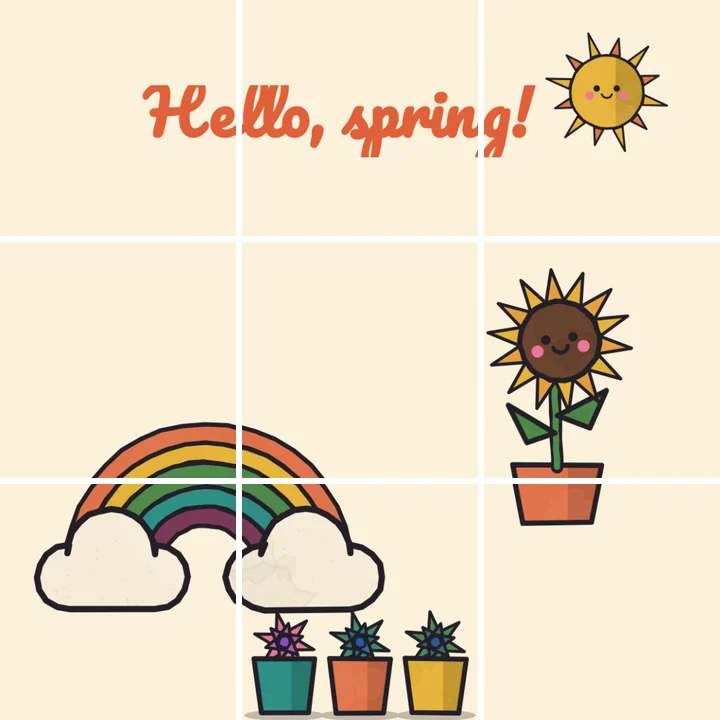
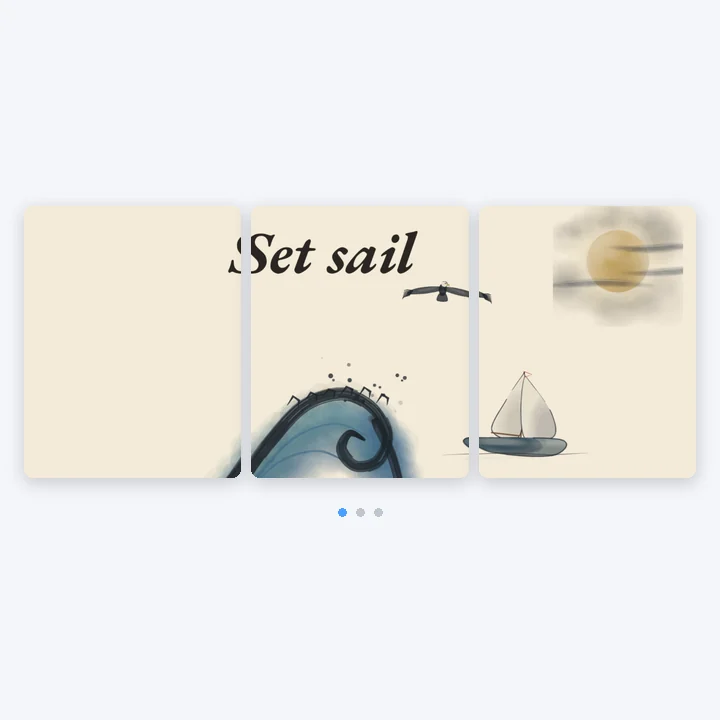
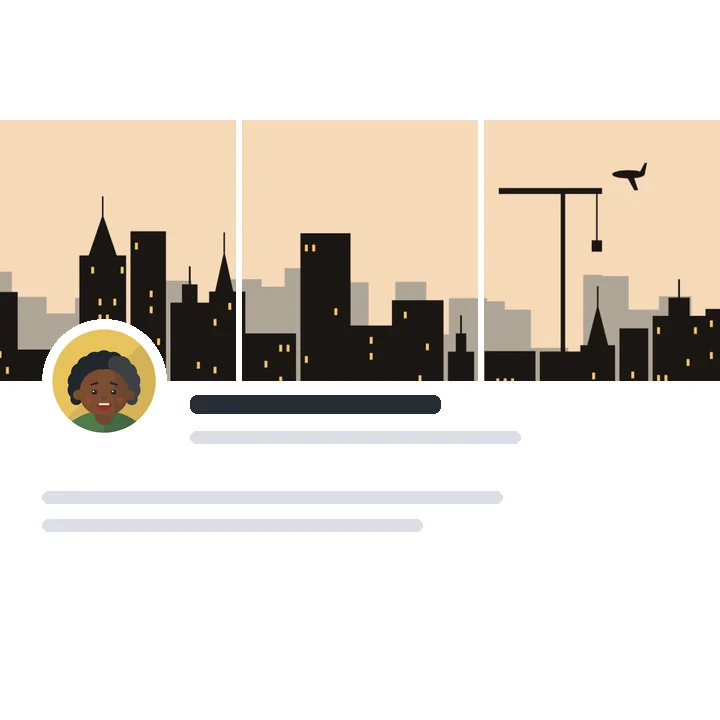
Each job has a grid that works. Pick the one that matches and the defaults are already set.
More in Compix
Questions
What is an image splitter?+
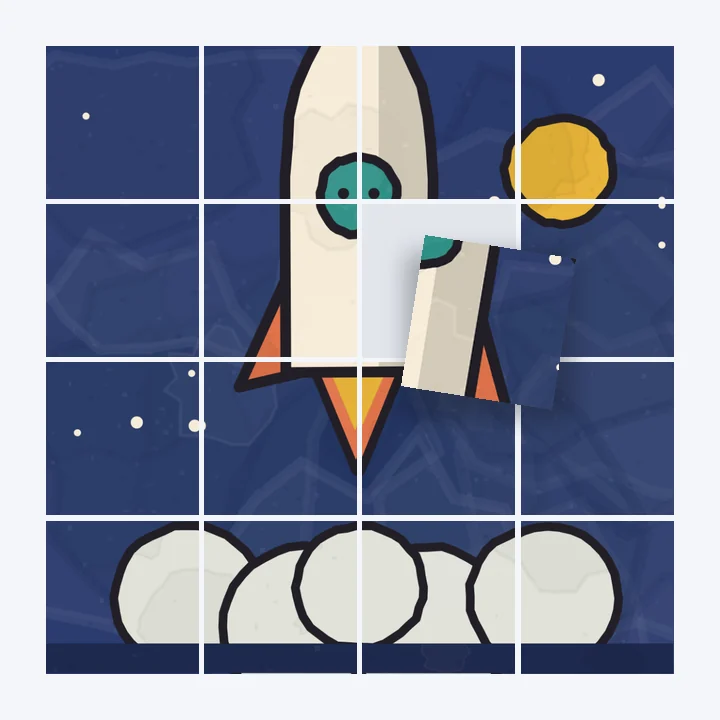
A tool that cuts one image into equal pieces along a grid of rows and columns. People use it for Instagram grids and carousels, posters printed over several sheets, and puzzles.
How do I split an image into 3 parts?+
Drop the image, set the grid to 1×3 (1 row, 3 columns) for a horizontal strip or 3×1 for a vertical one, then download. The three pieces come out numbered in posting order: post-1 is the right-hand piece, or the bottom one.
How do I split an image in half or into 4?+
For halves, set the grid to 1×2 (one row, two columns) for left and right, or 2×1 for top and bottom. For four equal quarters, use the 2×2 preset.
How do I split an image into 9 for Instagram?+
Use the 3×3 preset. The pieces are named post-1 to post-9. Post them in that order and the nine squares assemble into one image on your profile.
Which order do I post the pieces in?+
Bottom-right first, then right to left along each row, working upwards. That is the order the file names follow, so you can just go down the list.
Can I split an image without losing quality?+
Yes. Pieces are cut from the original pixels at full resolution, in the format you choose. Pick PNG for a lossless copy; JPG and WEBP are compressed.
What formats can I split?+
JPG, PNG, WebP and GIF, at any size. The pieces come out at full resolution in the format you choose.
Does it work on a phone?+
The page opens on a phone and you can pick a file there, but the editor is built for a bigger screen: on a phone its panels cover your picture. For now it is easiest on a tablet or a computer.
Can I split a GIF?+
A GIF splits as a still, using its first frame, into pieces you can post. Frame-by-frame animated splitting is not here yet.
Can I split several images at once?+
Split them one after the other. When the pieces are downloaded, drop the next image and set its grid. There is no limit on how many.
Is it really free?+
Splitting, previewing and downloading are free with no account. Signing in turns on saving: your designs and the files you add are kept in this browser.
Is my image uploaded?+
No. The split runs in your browser on your own device. Nothing is sent to a server, before, during or after.
Drop an image and you're inside
No account needed to split and download. Sign in when you want to keep the design.
Drop an image here
or browse your files