Animation Maker
Make things move, free, in your browser. Start from a video template that already moves, then animate any word or character with a ready-made move, or with keyframes you set yourself.

Start from something that moves
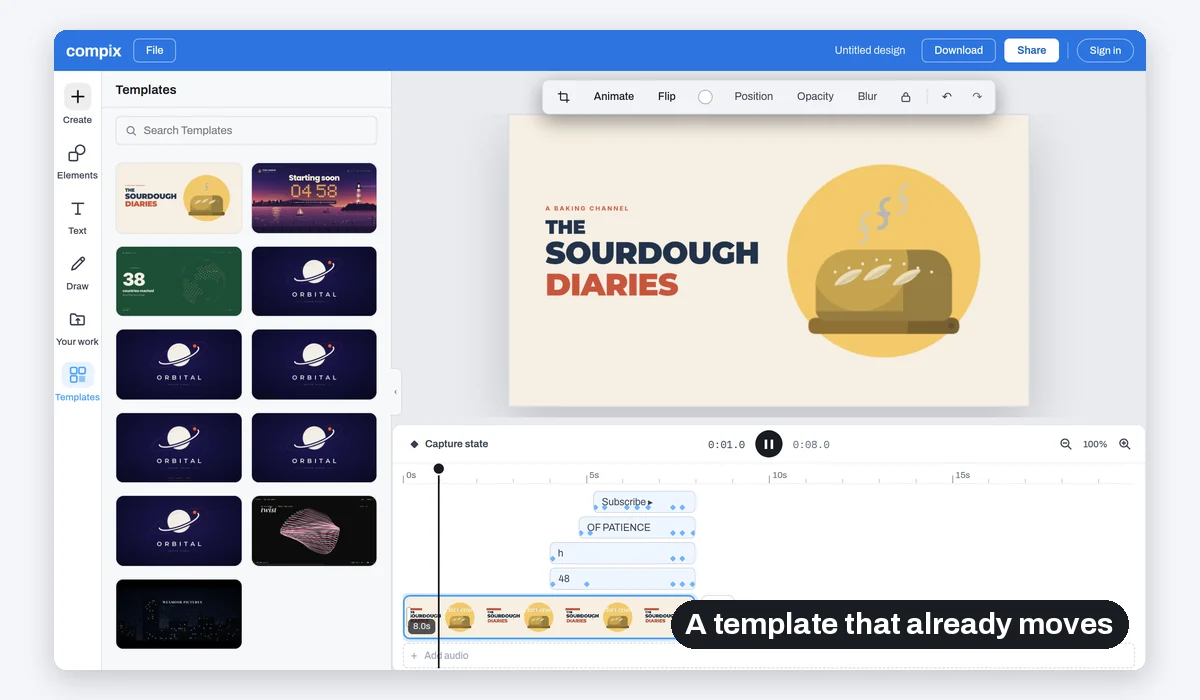
A landscape video opens with its templates beside it. Pick one and it is already playing.
Start animating
Moves 18, in or out
Keyframes your own path
Save MP4, GIF
No watermark. Nothing is sent anywhere. It runs in this tab.
How to make an animation
1
Pick a template
Start animating opens a landscape video with the templates that fit it. Click one: its titles, characters and scenes already move.
2
Make it yours
Change the words and the colours, add animated elements, then give anything a move from Animate or your own keyframes.
3
Download
Play it on the timeline, then save an MP4 with its sound, or a looping GIF. No watermark.
Three ways to make it move
Use one, or all three in the same video. A template gives you a head start, a move takes one click, and keyframes let you decide exactly where something goes and how it gets there.
Each layer keeps its own keyframes, so a title can land while a character is still walking in.
Keyframes and moves work together: a move brings a word in, keyframes carry it across the page.
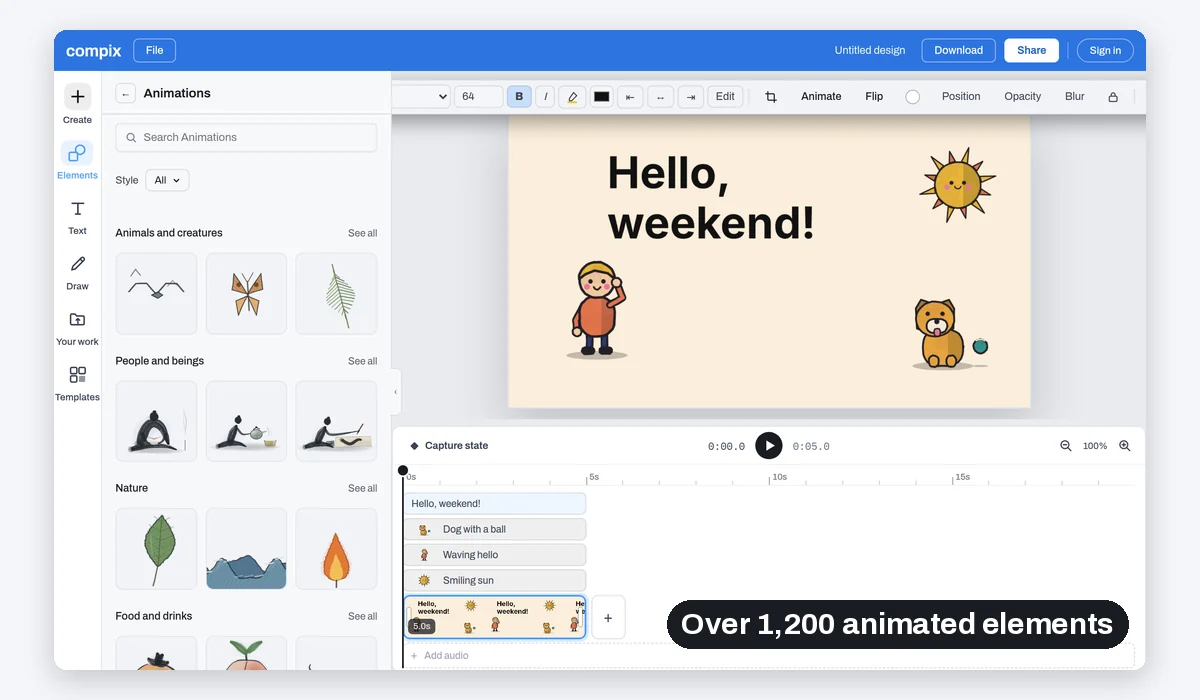
Characters and scenes that move on their own
What people animate
An intro for a channel. A screen to show before a stream starts. Numbers for a year in review. A save the date for a story.

A channel intro
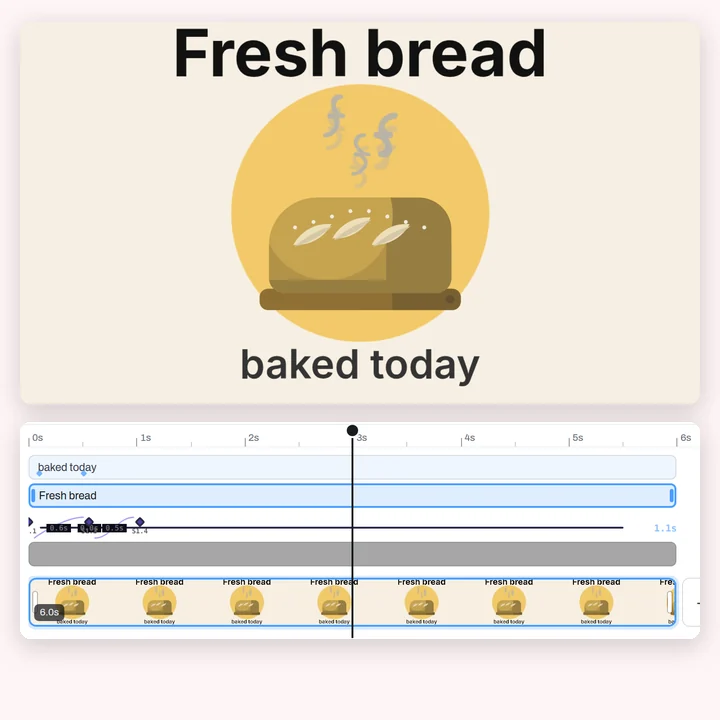
Titles that rise, a loaf that steams
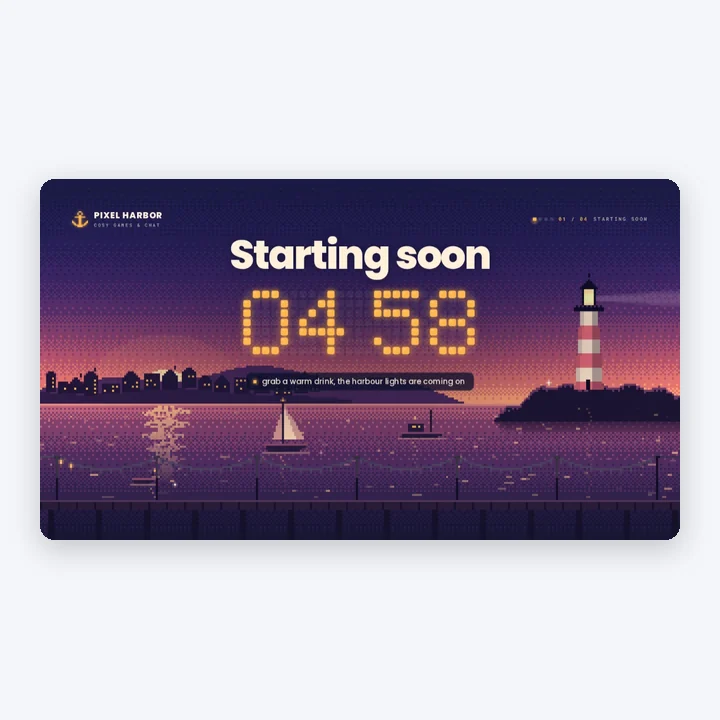
A stream screen
A countdown over a harbour at dusk
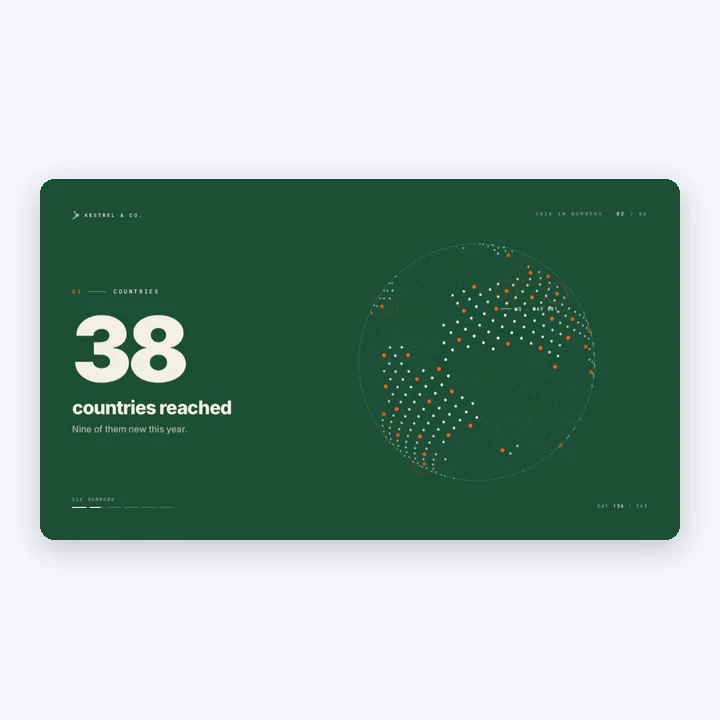
Numbers that count up
A year in review, one figure at a time

A save the date
A 9:16 story with falling petals
More than an animation
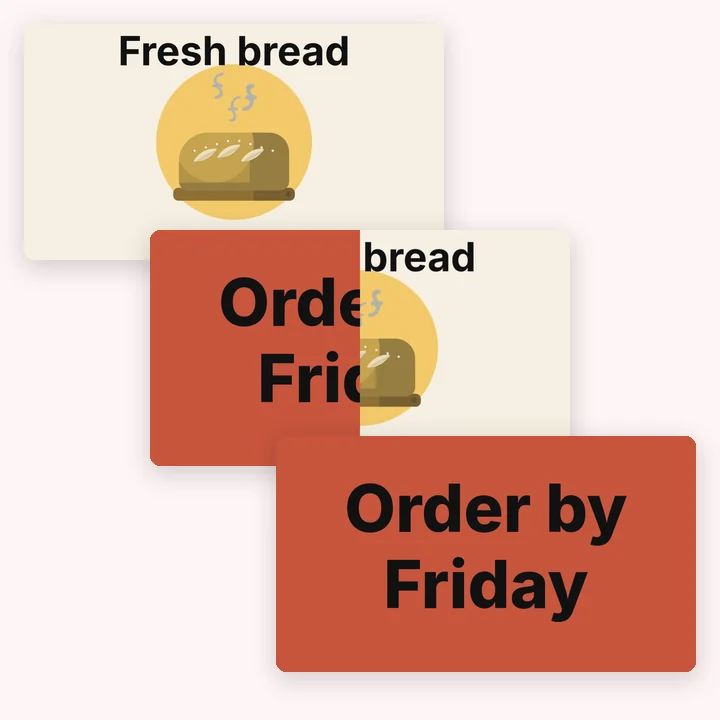
Your animation is made in the video editor. Add music, join scenes with a transition, drop in your own clip and trim it or crop it, all before you download.
Titles
Transitions
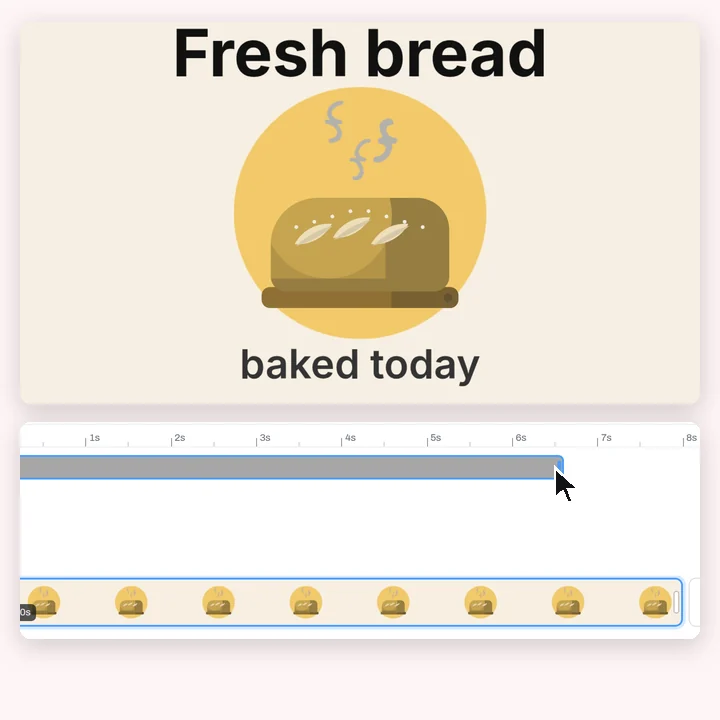
Your own clips

Every size
More in Compix
Questions
How do I make an animation?+
Click Start animating. A landscape video opens with its templates beside it: pick one and it is already moving. Change the words and colours, give anything a move from Animate, or set your own keyframes, then Download saves an MP4.
Is it free?+
Yes. No account, no watermark, no payment, no trial. Make the animation and download it.
Do I need to know how to draw or animate?+
No. The templates already move, and the Animations shelf has over 1,200 animated elements drawn for you: people, animals, weather, plants, scenes. A move from Animate takes one click.
What are the 18 moves?+
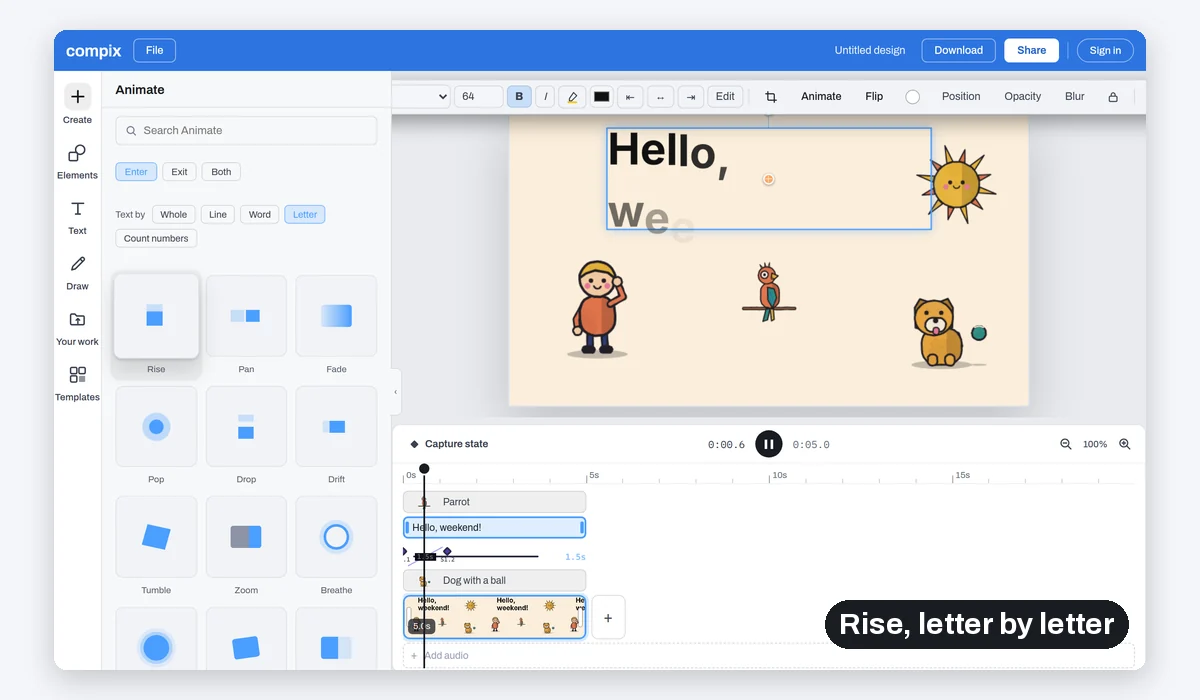
Rise, Pan, Fade, Pop, Drop, Drift, Tumble, Zoom, Breathe, Pulse, Wiggle, Wipe, Reveal, Curtain, Iris, Focus, Type and Count. Each one can play as the thing comes in, as it goes, or both.
What is a keyframe?+
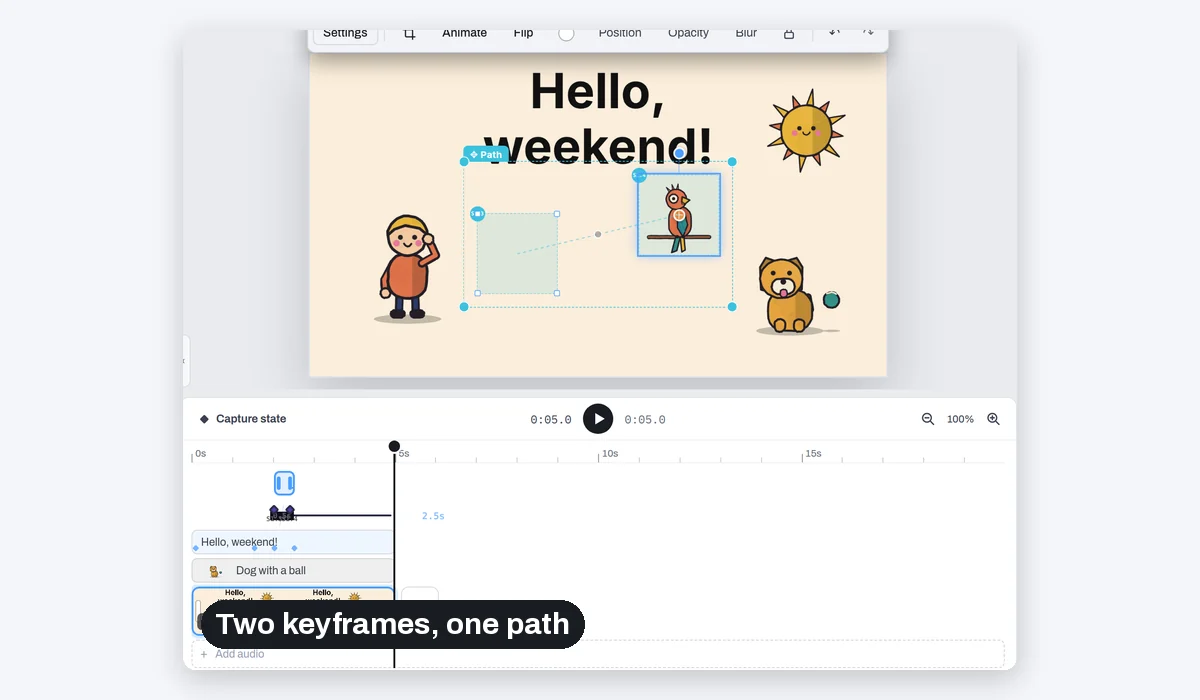
A saved moment. Put a layer where it starts and press Capture state, move it to where it ends and press Capture state again. Compix moves it between the two and draws its path on the page, so you can see where it will go.
Can I control the timing and the curve?+
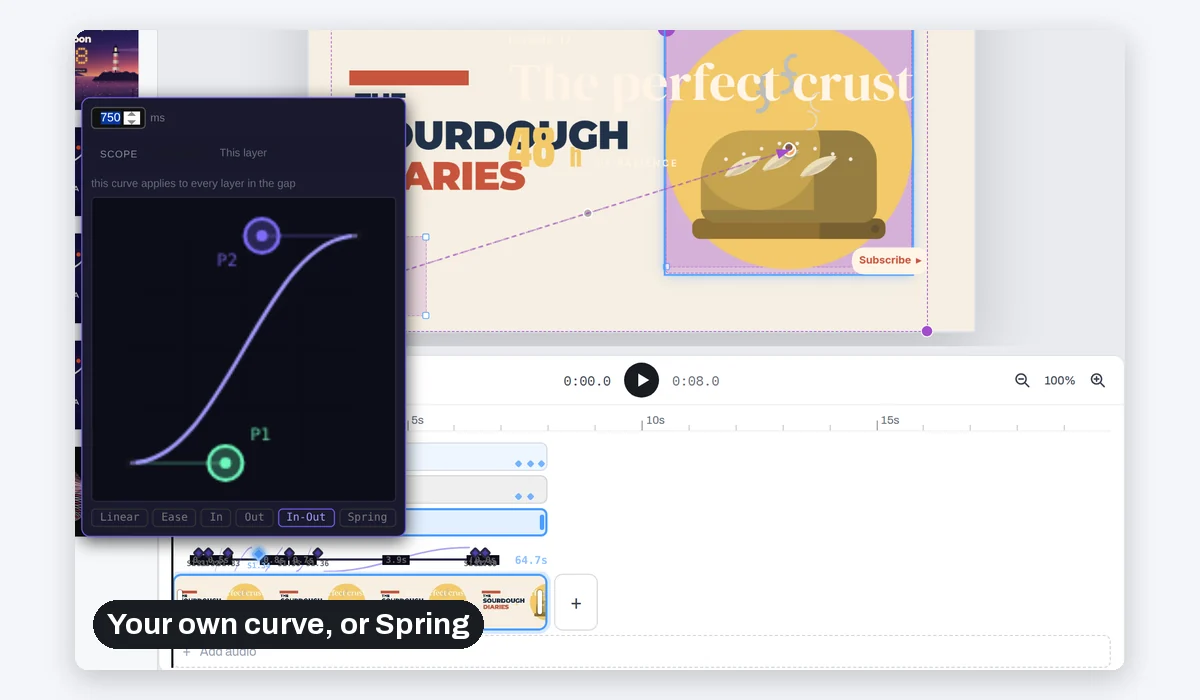
Yes. Click the gap between two keyframes on the timeline: set how long it takes, pick Linear, Ease, In, Out, In-Out or Spring, or drag the curve's two handles. The curve can apply to every layer in that gap or to one layer only.
Can I bend the path a layer moves on?+
Yes. Drag the handle in the middle of the path and the layer moves along an arc instead of a straight line.
Can I animate text letter by letter?+
Yes. In Animate, text can move as a whole, line by line, word by word or letter by letter. Count numbers makes a number count up to its value.
Can I add music?+
Yes. Click Add audio under the pages, or drop an audio file on the editor. It gets its own bar on the timeline you can move and trim, its own volume, and it comes with the MP4.
Which formats can I download?+
MP4 at 30 frames a second (60 if you pick it in the Download menu) with its sound, or a looping GIF. No watermark.
Does Compix use AI to make the animation?+
No. You choose what moves and how, and Compix plays it back exactly as you set it. Nothing is generated, so nothing changes between two downloads.
Does it work on a phone?+
The page and the editor open in a mobile browser. Saving an MP4 needs a browser with WebCodecs, which recent Chrome, Edge and Safari have; a GIF works in any of them.
Is my work uploaded?+
No. Everything runs in this browser tab on your own machine. Nothing is sent to a server unless you sign in to keep your designs.
Make your first animation
No account needed to make and download. Sign in when you want to keep the design.
Start animating