GIF Maker
Say it in a loop. Turn a video or a handful of photos into a GIF, free, in your browser: trim it, put words on it that move, download it.

Drop a video or photos
or browse your files. Video, or several photos at once
From a video or photos
Words that move
Save a GIF that loops
No watermark. Nothing is sent anywhere. It runs in this tab.
How to make a GIF
1
Drop a video or photos
Drag them in or click to browse. A video opens on the timeline; several photos open one per page, a second each.
2
Make it yours
Trim the clip, crop it square, put words on it and give them a move. Change a page's length to hold a photo longer.
3
Download
The Download menu is already on GIF. Save it and it loops, ready to send. No watermark.
A video, a few photos, a few words
Start from whatever you have. The GIF maker opens it in the same editor as the rest of Compix, so everything you can do to a video you can do to your GIF.
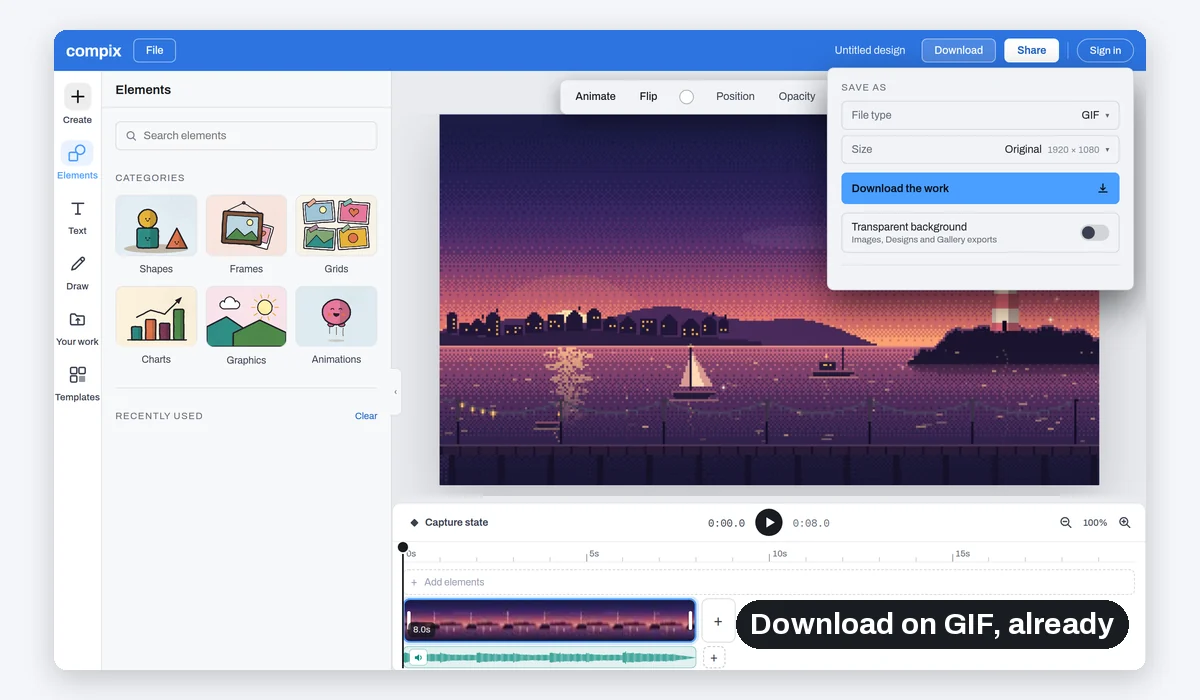
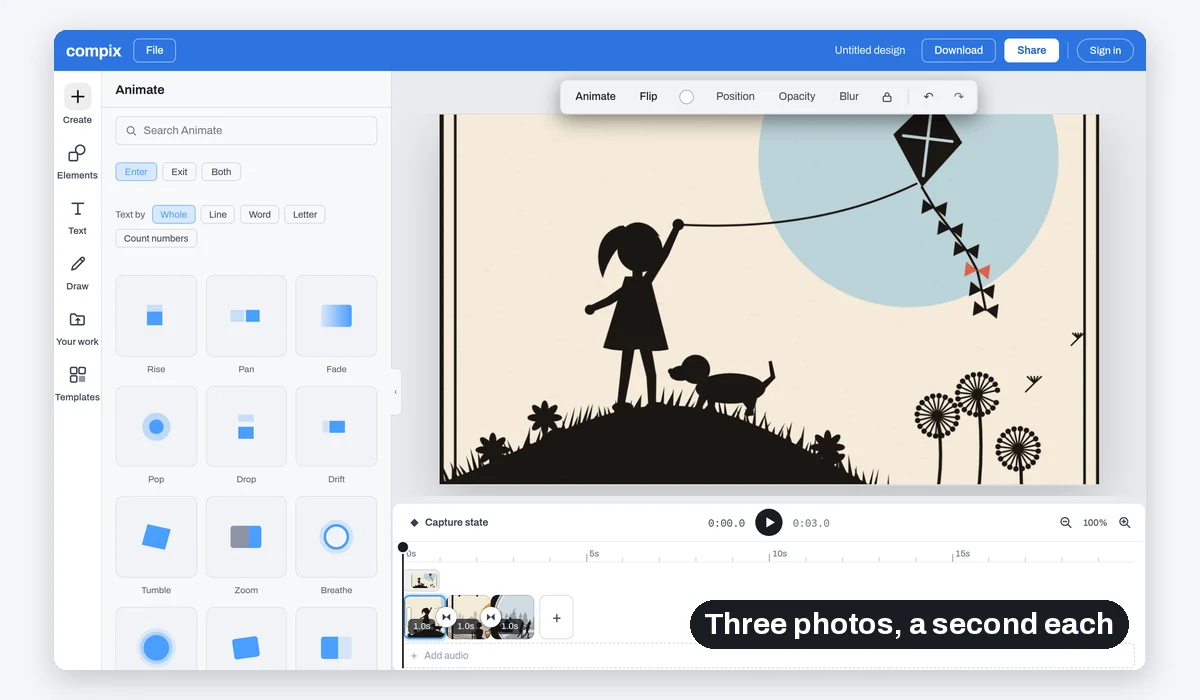
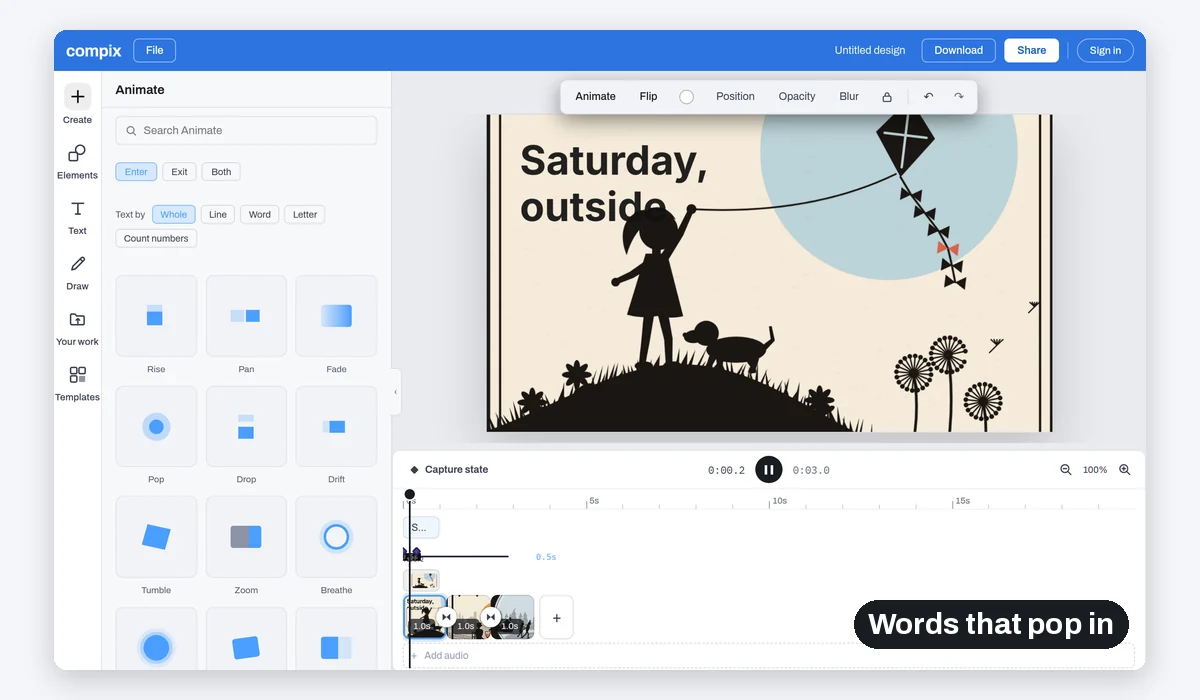
A GIF comes out at the size you pick, up to 1080p, at 12 or 24 frames a second, and loops forever.
A GIF has no sound. When the sound matters, the same Download menu saves an MP4 at full size.
What people make GIFs of
The best second of a clip. A few photos from the weekend. A line that says it better than a message. A design that already moves.
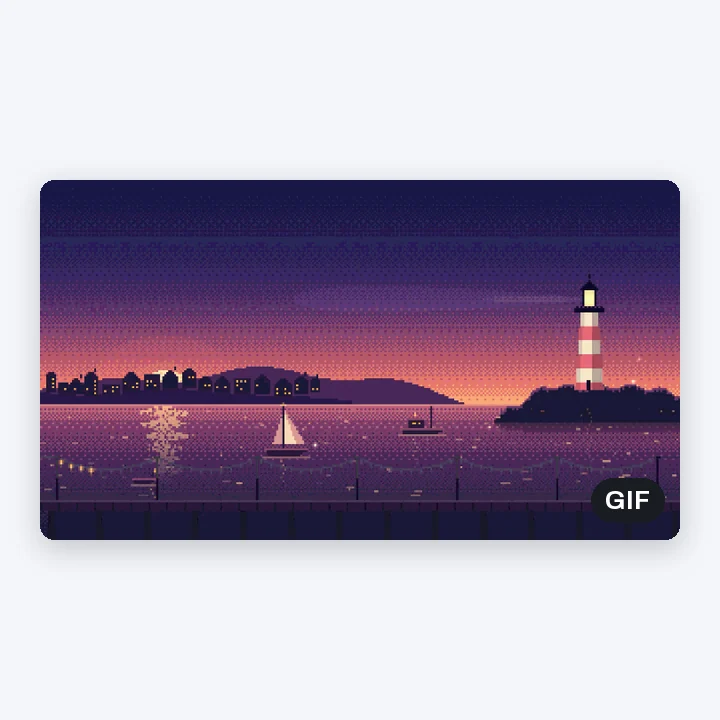
A clip that loops
The moment, over and over
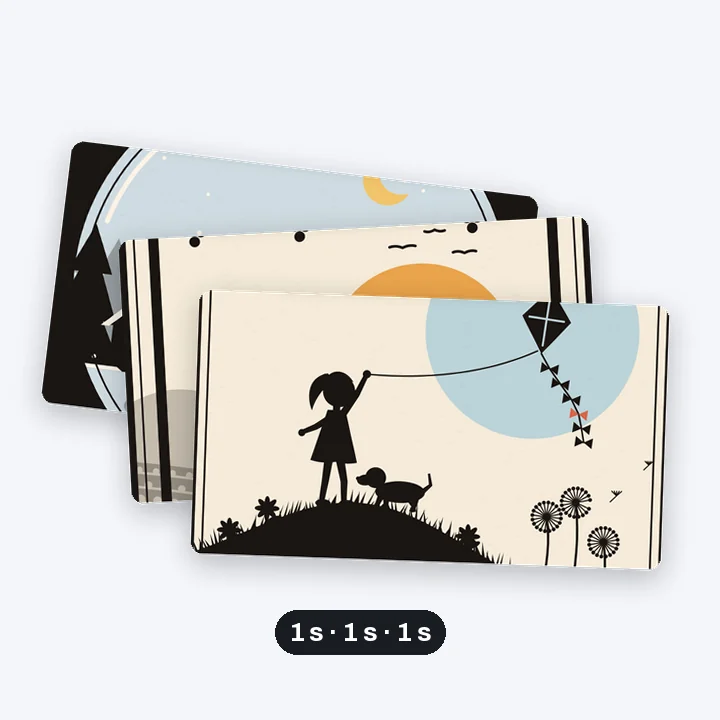
A photo slideshow
A second a photo
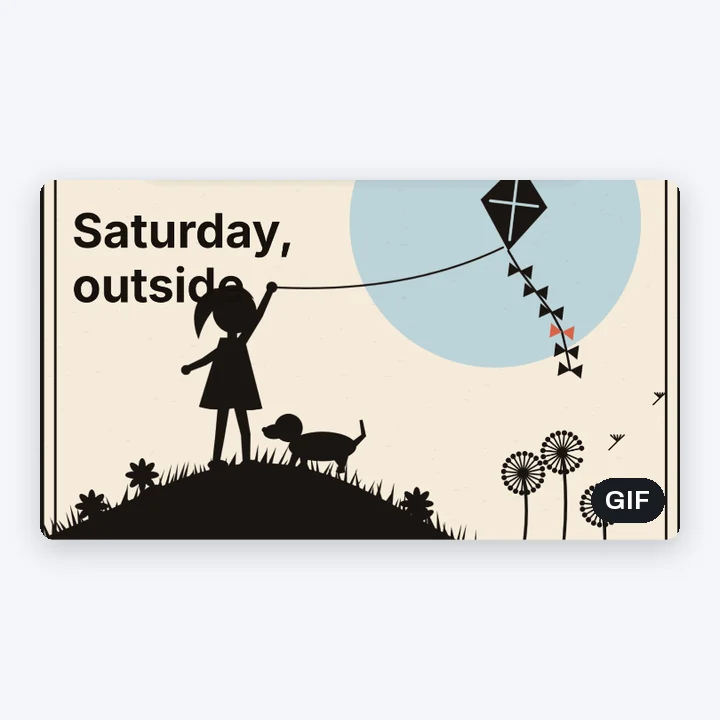
Words on a photo
A line that pops in

A template that moves
Saved as a GIF instead of a video
More than a GIF
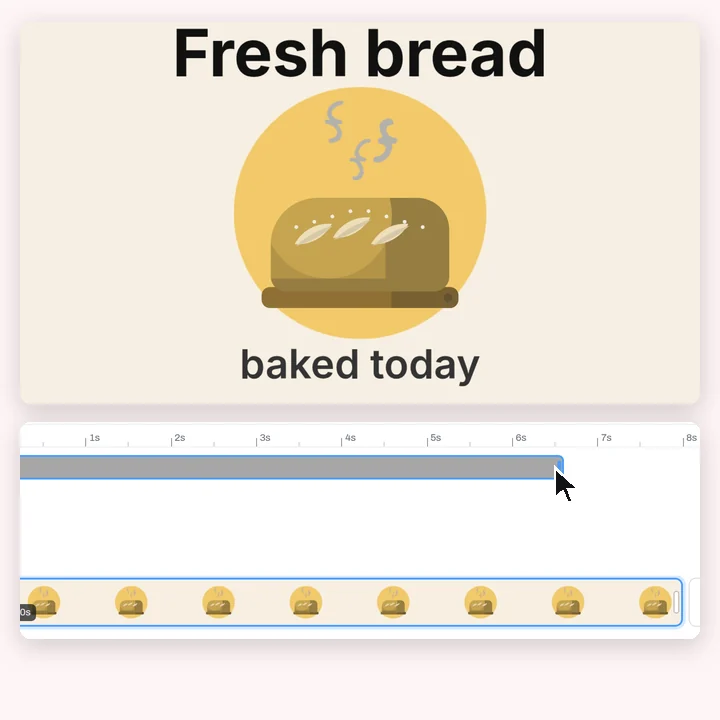
Your GIF is made in the video editor. Trim the clip, crop it to a square, or start from something that already moves in the animation maker.
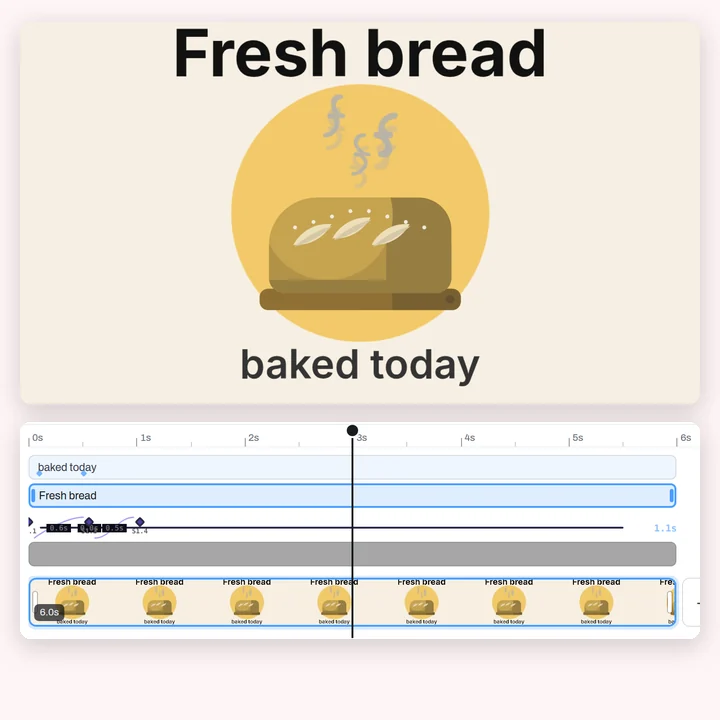
Titles
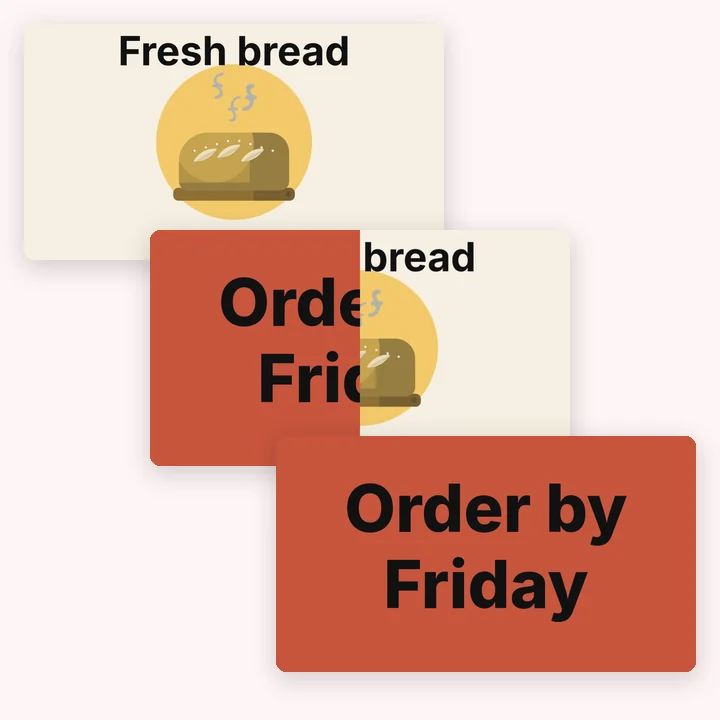
Transitions
Trimming

Every size
More in Compix
Questions
How do I make a GIF?+
Drop a video or a few photos on this page. They open in the Compix editor with the Download menu already on GIF. Trim it, add words or stickers if you like, then Download saves a GIF that loops.
Is it free?+
Yes. No account, no watermark, no payment, no trial. Make the GIF and download it.
How do I make a GIF from a video?+
Drop the video. It opens on the timeline at its own size. Pull the clip's ends in to keep only the part you want, then Download saves it as a GIF.
How do I make a GIF from photos?+
Drop several photos at once. Each one opens on its own page, a second long, and the pages play one after the other. Pull a page's end to show a photo for longer, or join two pages with a transition.
Can I add text to a GIF?+
Yes. Click Text and pick a heading, then type. Animate makes it rise, pop, wipe or type in, as a whole, word by word or letter by letter.
Can I make a GIF square or vertical?+
Yes. Crop the video or the photo to 1:1, 4:5 or 9:16 before you download, and the GIF comes out in that shape.
How big is the GIF?+
The size you pick in the Download menu, up to 1080p (1920 pixels on its longest side), at 12 or 24 frames a second, and it loops forever. 720p at 12 frames a second is small enough to send in a message. For sound, the same menu saves an MP4.
Does a GIF have sound?+
No, a GIF has no sound. If your video should keep its sound, pick MP4 in the Download menu instead.
Can I make a GIF from a YouTube video?+
Compix makes GIFs from files on your device. It does not download videos from YouTube or other sites, so use a clip you have saved.
Which files can I use?+
Videos your browser can play, such as MP4 (H.264) and WebM, and photos in PNG, JPG or WEBP.
Does it work on a phone?+
Yes. The page and the editor open in a mobile browser, and a GIF saves in any recent browser.
Is my video uploaded?+
No. Everything runs in this browser tab on your own machine. Nothing is sent to a server unless you sign in to keep your designs.
Drop a video or photos and make a GIF
No account needed to edit and download. Sign in when you want to keep the design.
Drop a video or photos here
or browse your files