Video Cropper
Crop a video free, in your browser. It opens with a crop frame on it: pick 9:16, 1:1 or any ratio, set the frame on the part you want, download.

Drop your video
or browse your files. MP4 or WEBM
Ratio 9:16, 1:1, 4:5
Frame any part
Save MP4, GIF
No watermark. Nothing is sent anywhere. It runs in this tab.
How to crop a video
1
Drop your video
Drag it in or click to browse. It opens at its own size with a crop frame already on it.
2
Pick a ratio, place the frame
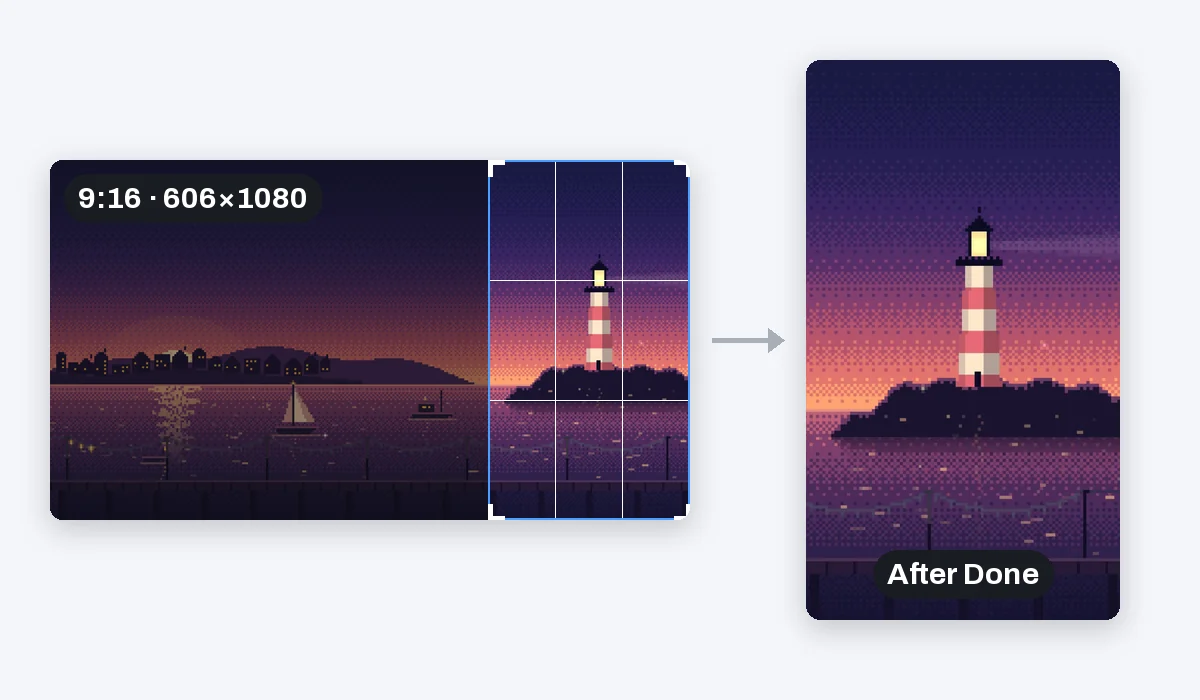
9:16 for TikTok, Reels and Shorts, 1:1 or 4:5 for the feed, 16:9 for YouTube, or Freeform. Pull the corners to size the frame and drag the video under it to choose what stays.
3
Download
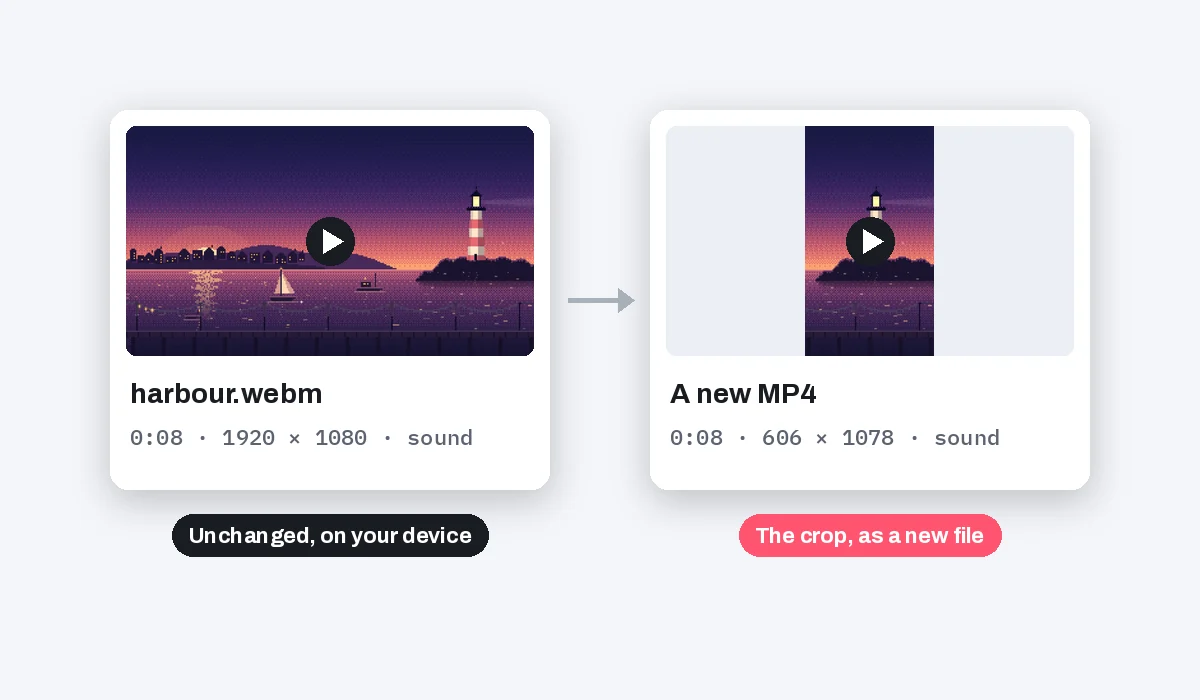
Press Done and the video takes the frame's shape. Download saves an MP4 with the sound, or a looping GIF. The file you dropped is left as it was.
What happens to your video
Crop a little wider than you think. Undo puts the whole frame back, and a grab inside the frame moves the video, not the frame.
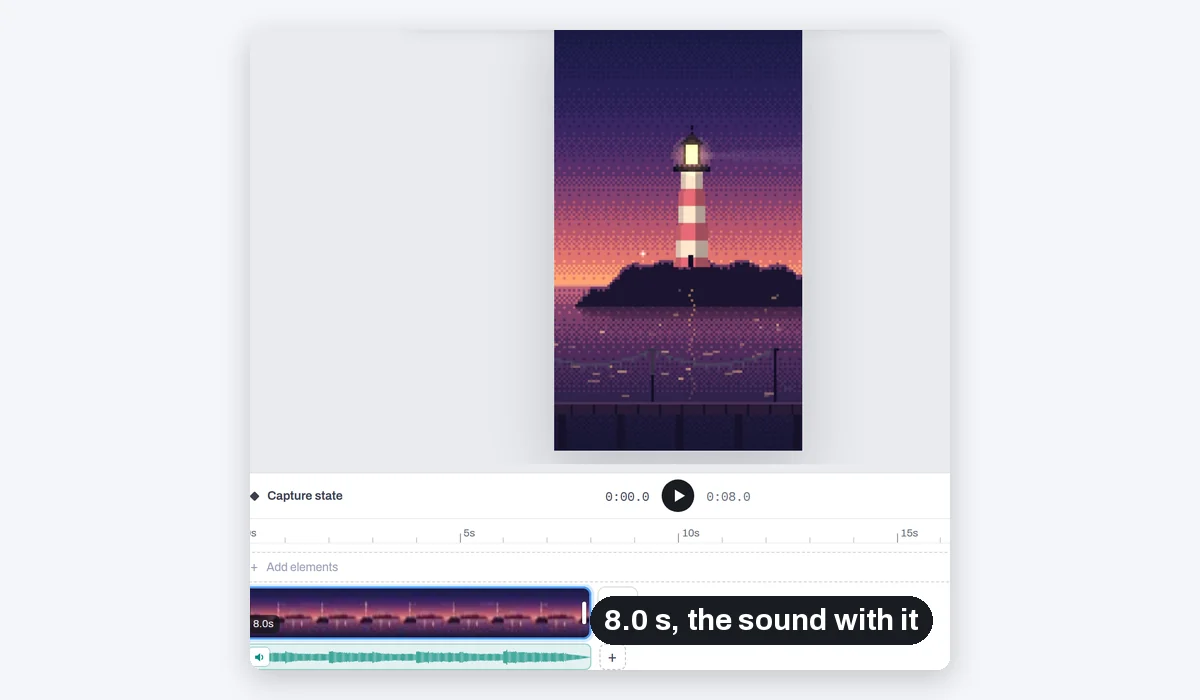
Cropping decides what is in the picture, not how long it plays. For a shorter video, pull the clip's ends on the timeline: it is the same editor.
What people crop for
A landscape recording turned into a vertical story. The subject brought to the middle of the picture. A messy edge or black bars left outside the frame.
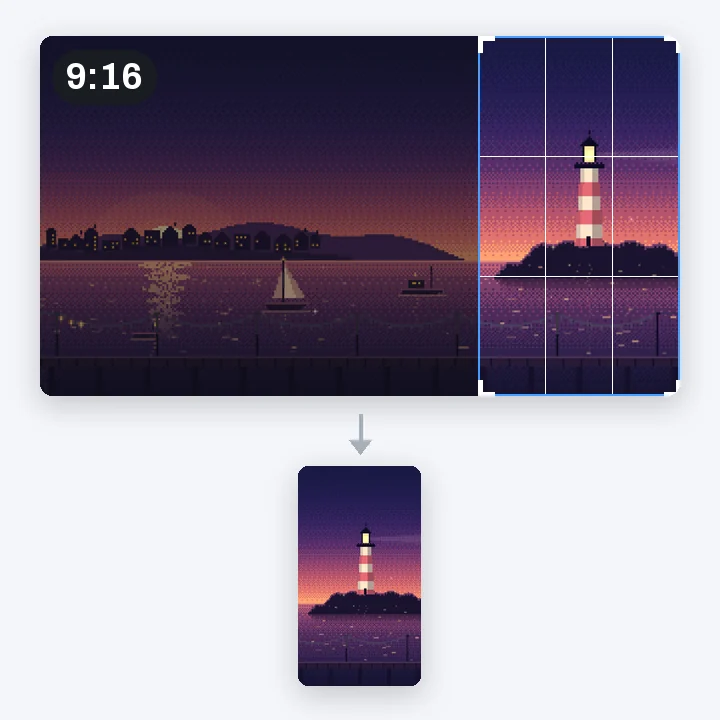
9:16
TikTok, Reels, Shorts and stories
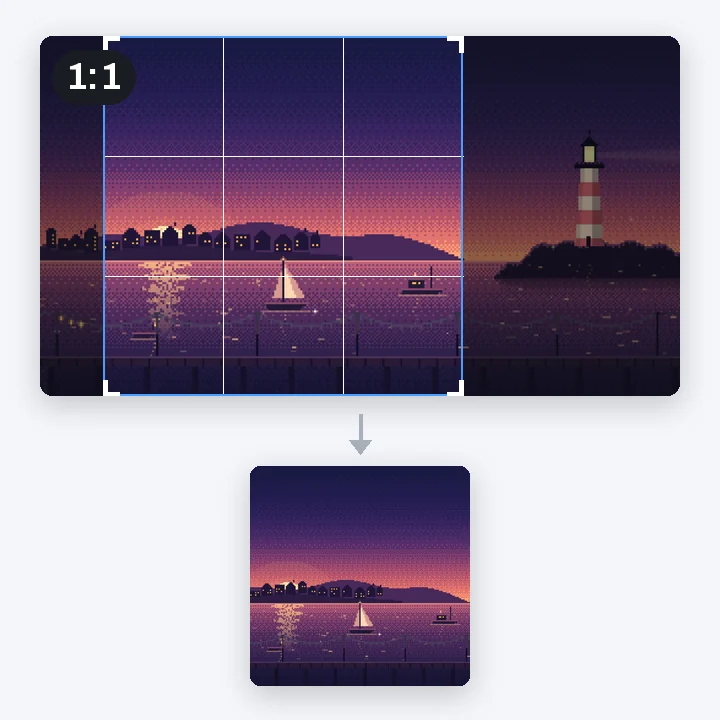
1:1
A square post
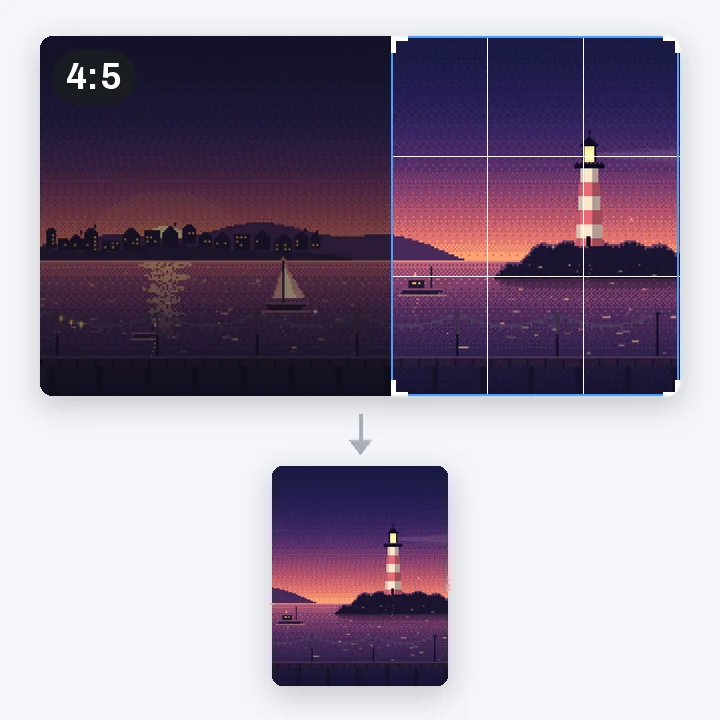
4:5
An Instagram feed post
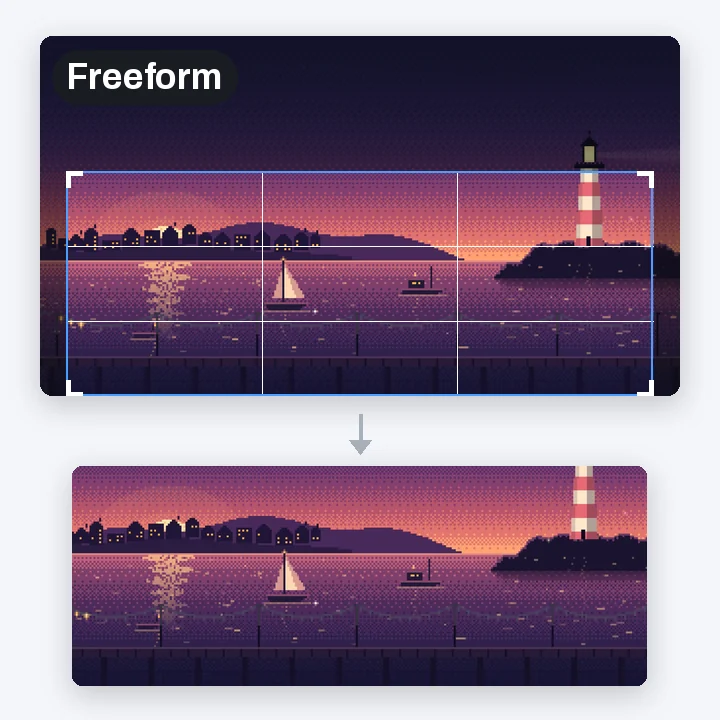
Freeform
Any part, any shape
More than a crop
Your cropped video is already open in the video editor. Trim it, put a title on it, make it move, all before you download.
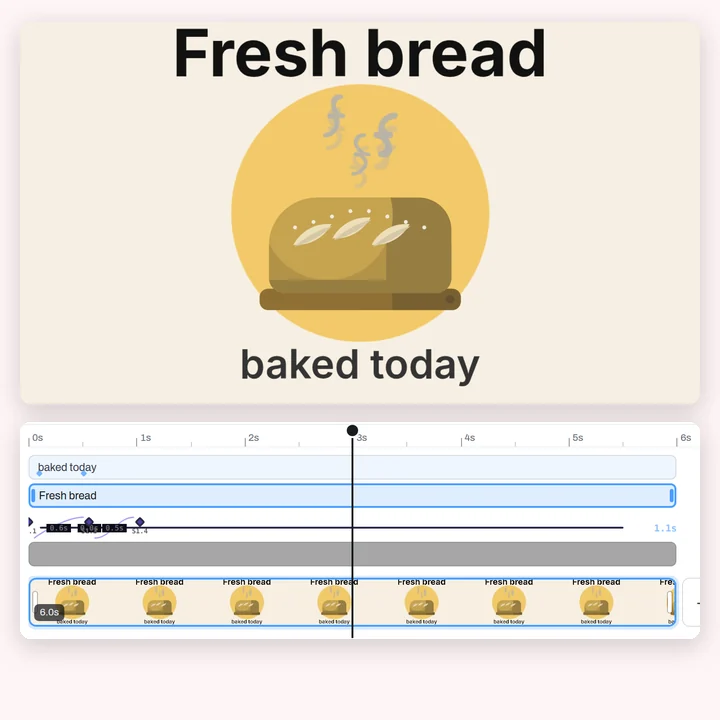
Titles
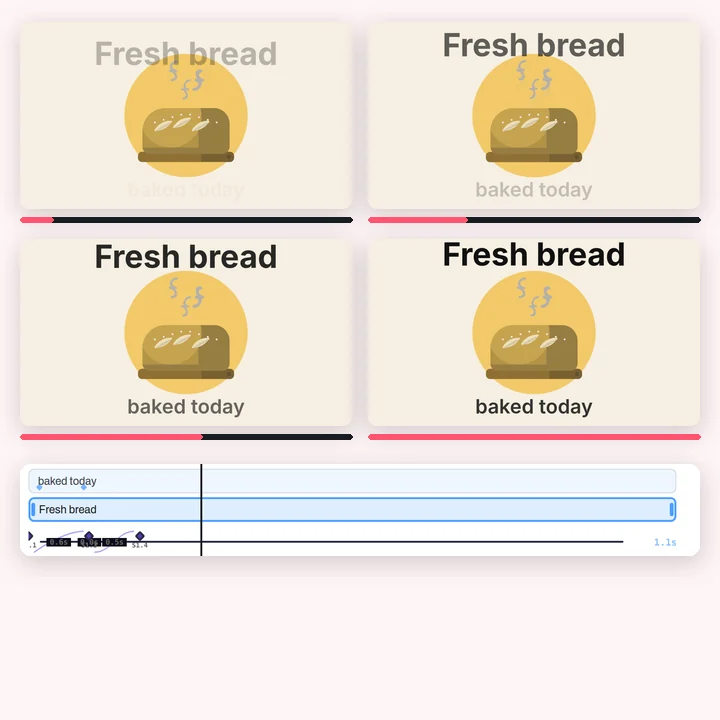
Animation
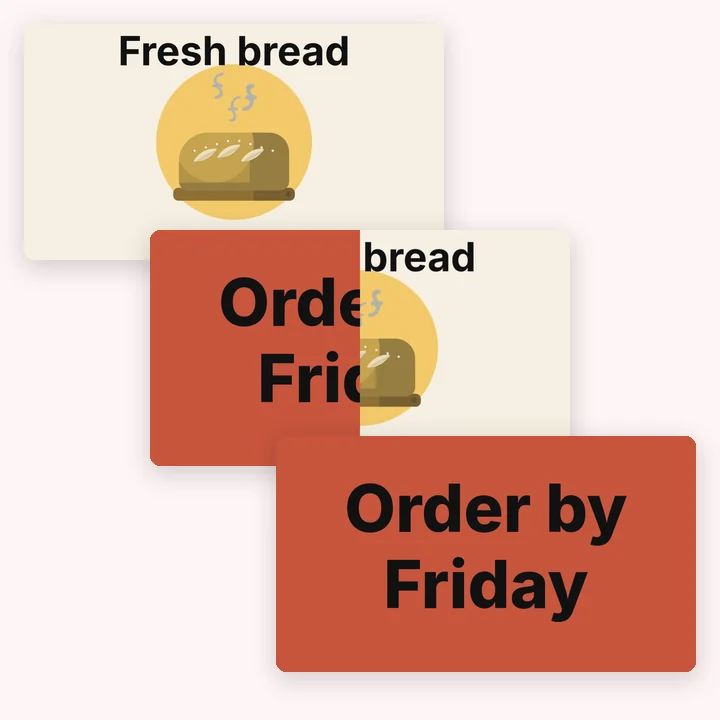
Transitions
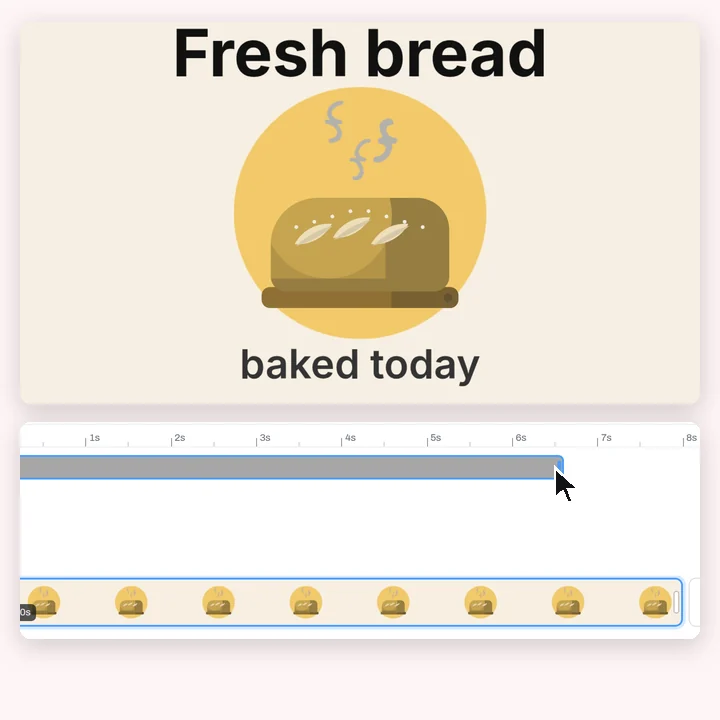
Trimming
More in Compix
Questions
How do I crop a video?+
Drop it on this page and it opens with a crop frame already on it. Pick a ratio or keep Freeform, pull the frame's corners to size it, and drag the video under the frame to choose what stays. Press Done, then Download saves an MP4.
Is it free?+
Yes. No account, no watermark, no payment, no trial. Crop and download.
How do I crop a video for TikTok, Reels or Shorts?+
Pick 9:16. The frame keeps that shape while you size it, so a landscape video becomes a vertical one: drag the video until the part you want is inside, then press Done.
How do I crop a video for Instagram?+
4:5 for a portrait feed post, 1:1 for a square one, 9:16 for a story or a reel. Pick the ratio, place the frame, press Done and download.
How do I crop a video for YouTube?+
16:9 for a regular video, 9:16 for a Short. If your video is already 16:9, you can still use the 16:9 frame to zoom in on part of it.
Can I crop to an exact size?+
The frame shows its ratio and the exact pixels you keep while you size it, for example 9:16 · 606×1080. Freeform lets the frame take any shape.
Will cropping reduce the quality?+
The pixels you keep are not scaled up or stretched: the video comes out at the size of the crop. The download is a new MP4 at 30 frames a second (60 if you pick it in the Download menu) and a high bitrate (16 Mbps), a fresh encode rather than a byte-for-byte copy.
Is the sound kept?+
Yes. Cropping changes the picture, not the time: the clip keeps its length and its sound, which comes with the MP4. Volume on the toolbar sets how loud it is, or mutes it. A GIF has no sound.
Can I crop and trim the same video?+
Yes. The cropped video stays open in the editor with the timeline under it: pull the clip's start and end in to trim it before you download.
Which formats can I crop?+
MP4 (H.264) and WebM, whatever your browser can play. If it can't play a file, Compix tells you when you add it. The cropped video saves as MP4, or as a looping GIF.
Can I undo a crop?+
Yes. Undo puts the whole frame back, and the file you dropped is never changed, so you can always start again from it.
Does it work on a phone?+
The page and the editor open in a mobile browser. Saving an MP4 needs a browser with WebCodecs, which recent Chrome, Edge and Safari have; a GIF works in any of them.
Are my videos really not uploaded?+
Yes. Everything runs in this browser tab on your own machine. Nothing is sent to a server, which is why there is no file size limit and nothing to delete afterwards.
Drop a video and crop it
No account needed to edit and download. Sign in when you want to keep the design.
Drop a video here
or browse your files