Add Text to Photo
Drop a photo and your words are already on it: type over them, pick a font or a ready-made style, and download the picture at full size, as the same JPG, PNG or WebP. Free, in your browser.
Drop your photo here
or browse your files. JPG, PNG, WebP or GIF
Add text
In JPG, PNG, WebP or GIF
Out the same type, full size
Nothing uploaded
No watermark, no sign-up. Your photo stays right here, in this tab.

How to add text to a photo
1
Drop your photo
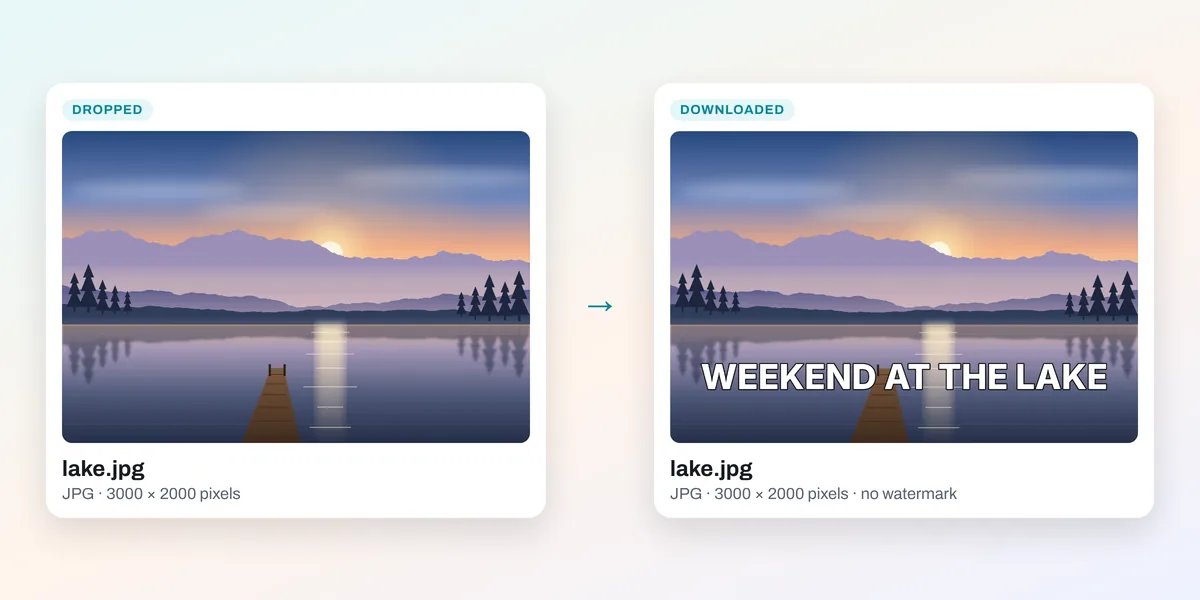
Drop it on the box above, or click it to choose one. It opens in the editor as the page, at its own size, with a line of words near its foot.
2
Type your words
On a computer the line is ready to type over; on a phone, tap it twice. Pick a font, a color or a style from the Text panel beside it.
3
Download
Download saves the photo with your words at its full size, as the type it came in, named after it. No watermark.
Words that suit the photo



Why add text to a photo
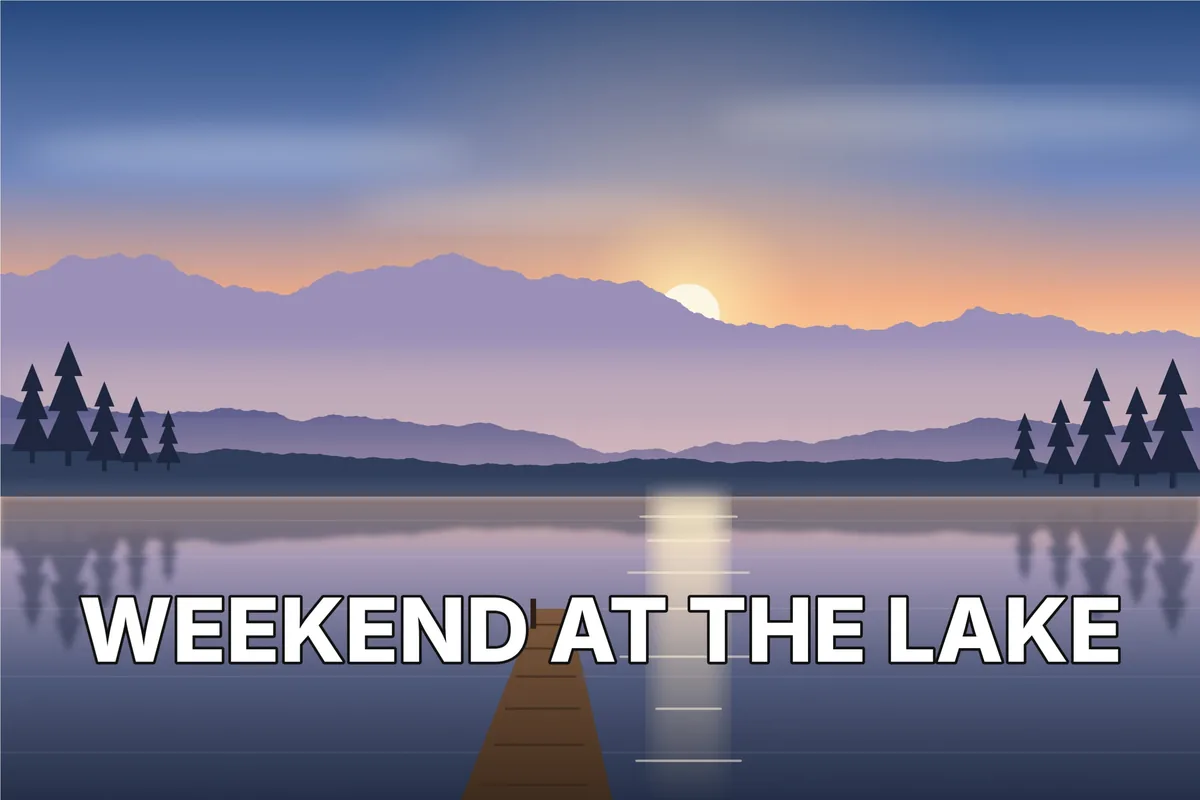
A photo shows the moment; a few words say what it is: the place and the date, the offer, the joke, the thank you. Written on the picture, they travel with it wherever it is shared, without a separate caption to get lost.
What people write on photos

Social posts
A label that stops the scroll
Quotes
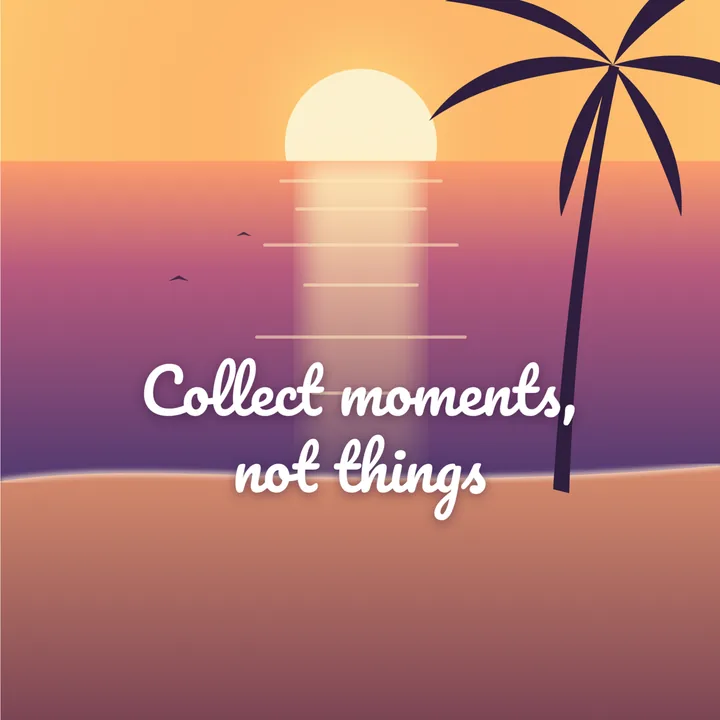
A line over a calm photo

Memes
A line on top, a line below
Watermarks
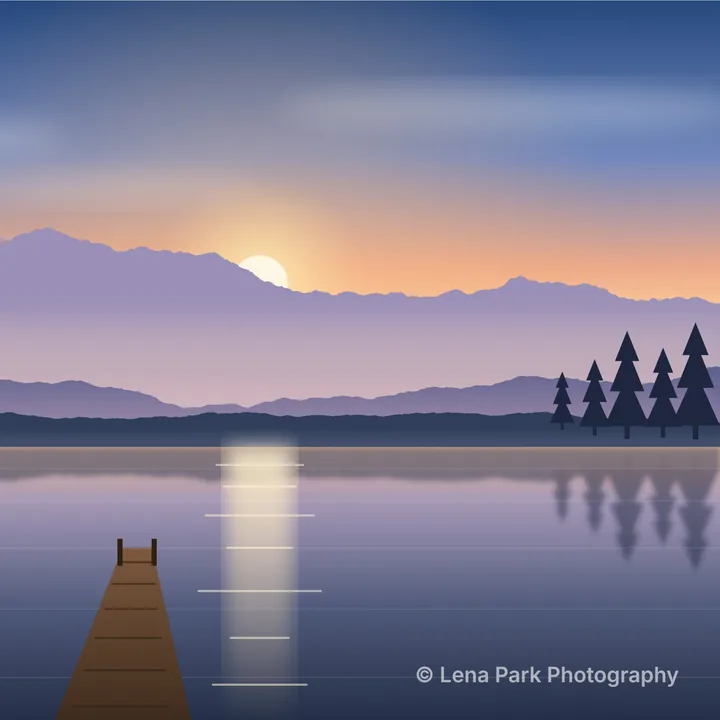
Your name, small and faded
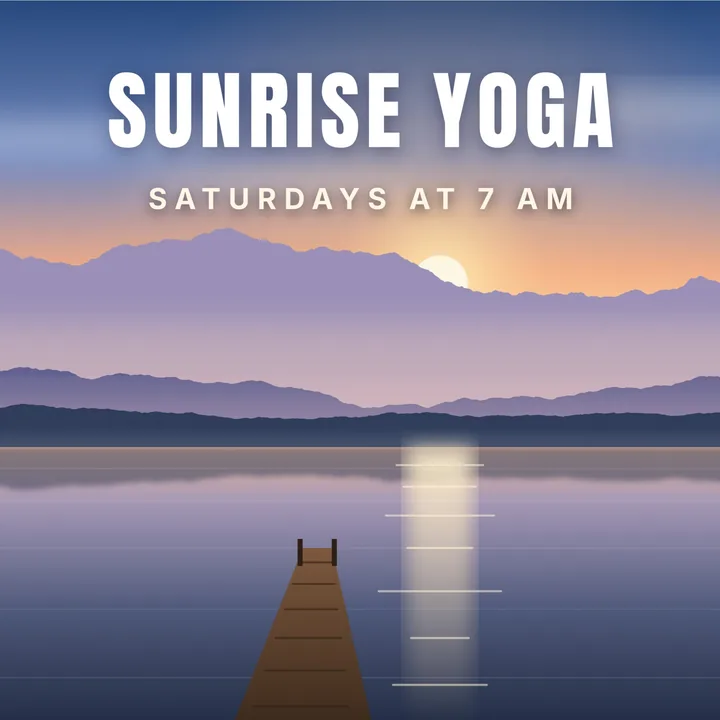
Event notices
What, when, on the place itself
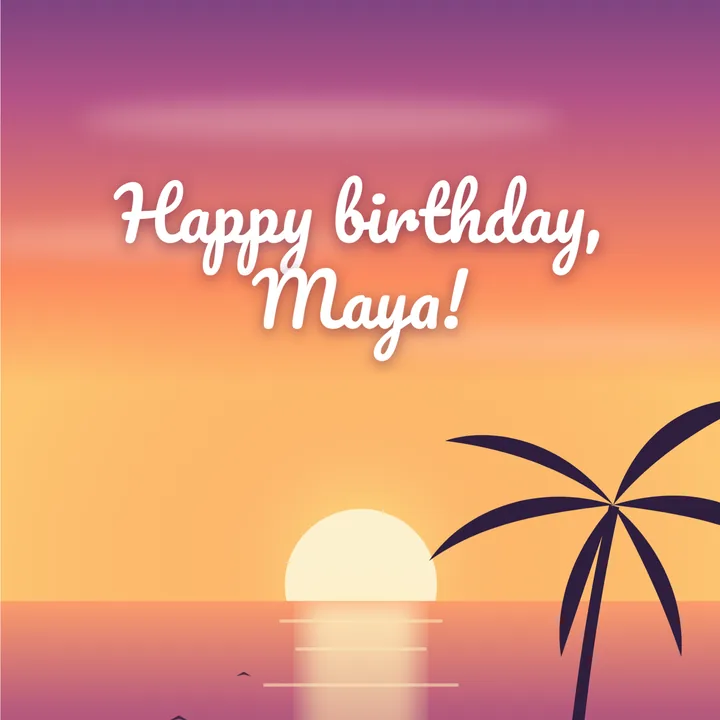
Greetings
A wish on a photo you share
More in Compix
Questions
How do I add text to a photo?+
Drop the photo on the box at the top of this page, or click it to choose one. It opens in the Compix editor as the page, at its own size, with a line of words near its foot. Type yours over them, pick a style if you like, and press Download.
Is it free?+
Yes. There is no account to make, no watermark on the picture you download, and no limit on how many photos you write on.
Can I add more than one line, or more than one text?+
Yes. Press Shift and Enter together for a new line in the same text (Enter alone finishes the typing). For a second text that moves on its own, a title and a caption say, click a style in the Text panel and it lands on the photo, ready to retype.
How do I change the font, color or size?+
Select the words. The bar above the photo has the font (more than 100 of them), the size, bold and italic, the color and the alignment, and for words with an outline, as these open, the outline too. The Text panel has ready-made styles: shadows, outlines, glows, labels and script.
How do I make my text easy to read on a busy photo?+
The words open white with a dark outline, which reads on a light photo and a dark one. A shadow or a colored box behind the words works too, from the Text panel. Or blur the photo itself (select it, then Blur) so the words sit on a calm background.
Does the photo lose its size?+
No. It is saved at its own size: our 3000 by 2000 sample came back 3000 by 2000. It keeps its type too, a JPG as a JPG (saved again at high quality, 92 out of 100), a PNG as a PNG, a WebP as a WebP, and it is named after the file you dropped.
Can I add text to a GIF?+
Yes. Drop it here and it opens as the page, still moving, with the same line of words over it, and it saves as a GIF, at its own size up to 1920 pixels wide. The add text to GIF page has more on that.
Can I curve the text?+
Yes. Select the words and press Curve in the bar above the photo, then drag its slider: up bends them over an arc, down under one, and a long enough line goes once round a circle.
Does a PNG with a clear background stay clear?+
Yes. A PNG or a WebP opens with Transparent on in the Download menu, so the parts of it you can see through stay that way, under your words. A JPG has no clear parts to keep.
Can I add text to a screenshot?+
Yes. A screenshot is a PNG: drop it here, type, and it saves as a PNG at the same size, sharp enough to read.
Can I put my name on a photo as a watermark?+
Yes. Type your name or your website, make it small, put it in a corner and lower its Opacity in the bar above the photo, so it shows without hiding the picture.
Can I add text to a video?+
Yes. Drop it on this page or on the add text to video page: it opens in the video editor with the same line of words on it, ready to type, and saves as an MP4 with its sound.
Does it work on my phone?+
Yes. Tap the words twice to type yours, then tap Share and Download the work. On an iPhone or iPad a photo of more than about 16.7 million pixels, from a 24 or 48 megapixel camera, is opened and saved smaller there, at about 4700 by 3500.
Are my photos uploaded?+
No. The photo is read and drawn inside this browser tab, on your device. If you sign in to keep a design, it is saved online with its pictures, so it opens on any device.
Drop a photo to write on it
No account needed to add text and download. Sign in when you want to keep the design.
Drop your photo here
or browse your files