Free Online Video Editor
Trim your clip, put titles and stickers on it, make things move and join scenes with transitions. Free, in your browser.

Drop a video to start editing
or browse your files. MP4 or WEBM, photos too
Edit trim, titles, stickers, motion
Save MP4, GIF
No watermark. Nothing is sent anywhere. It runs in this tab.
How to edit a video
1
Drop your video
It opens on a video page at its own size, with the timeline below it and the clip ready to play.
2
Edit it your way
Pull the clip's ends to trim it, add titles and stickers over it and make them move. Add scenes and join them.
3
Download
An MP4 at your video's own size, or a looping GIF. No watermark, no account.
What you get inside
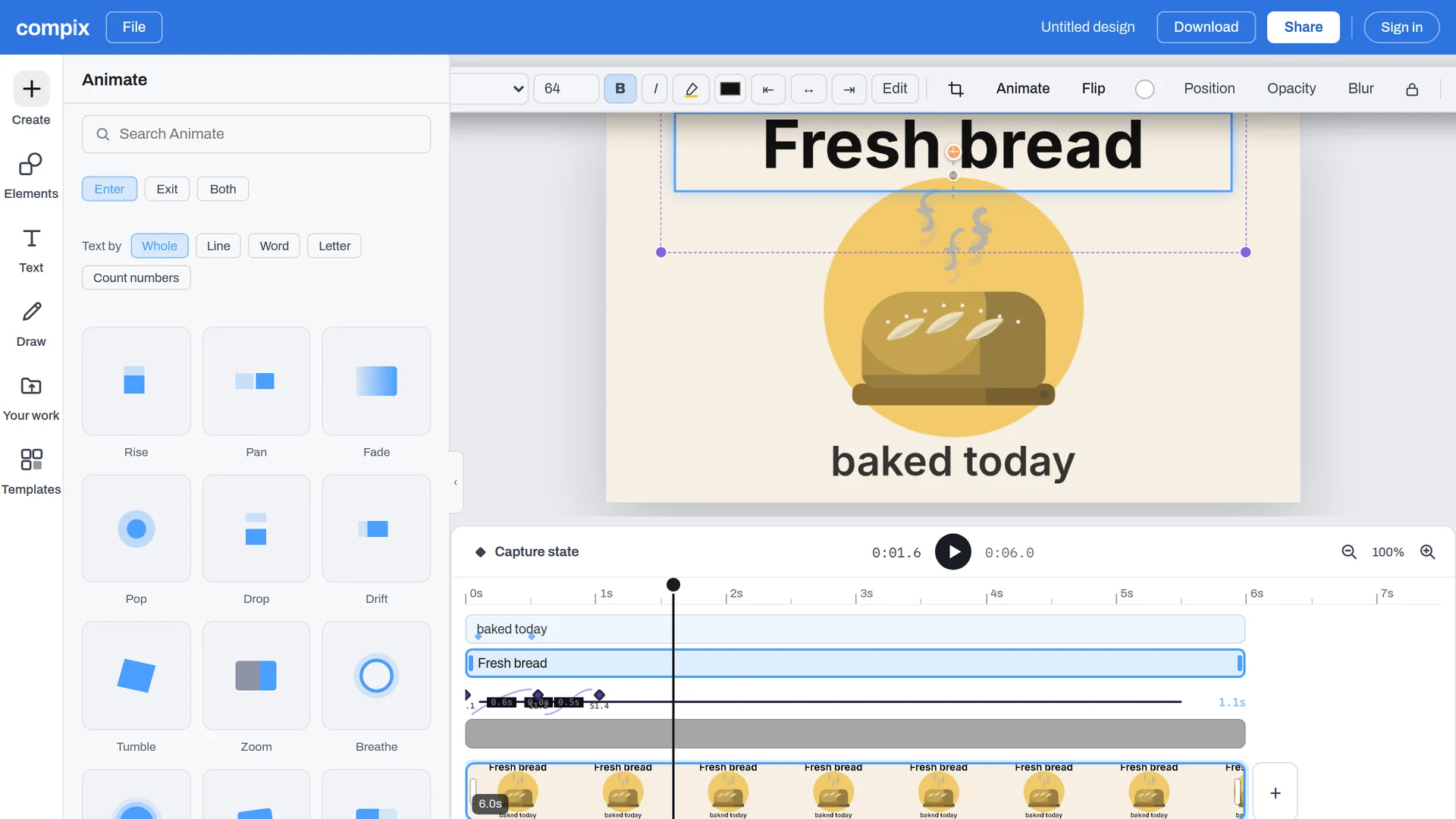
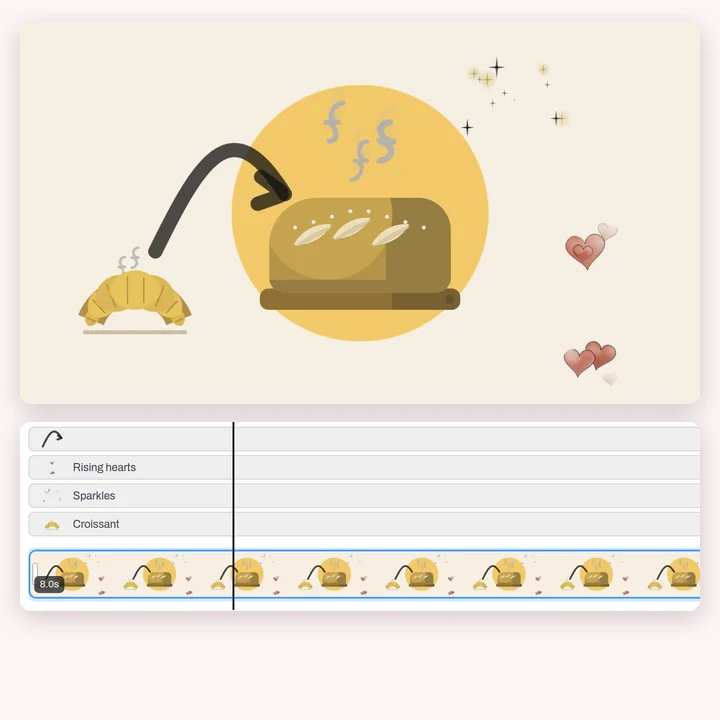
Your video opens on a timeline
The clip plays on the page and its strip runs along the timeline. Text, stickers and shapes are on the left, and each one you add gets its own bar, so you choose when it comes in and how long it stays.
Undo anything
Every step can be taken back, so trying things costs nothing.
Play it back
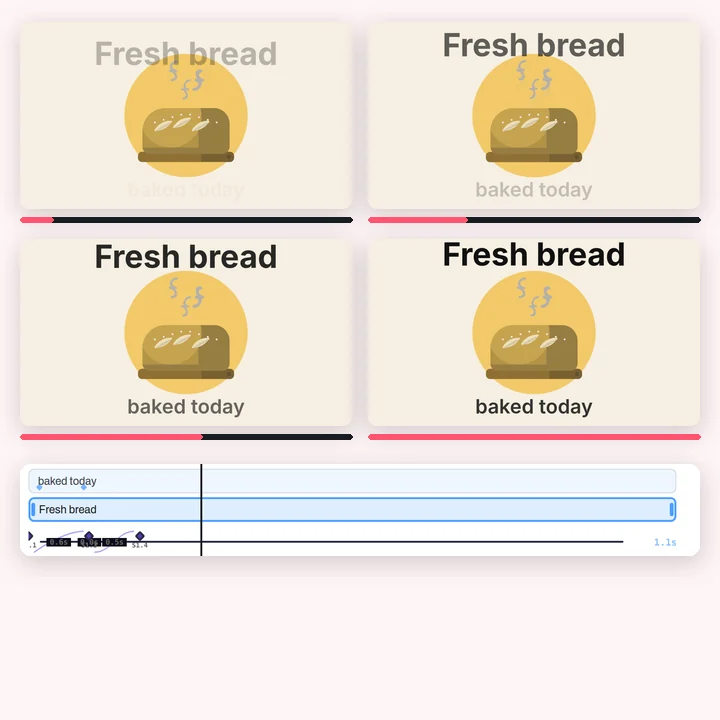
Press play and the whole video runs on the page, clips, titles and transitions together.
Keep going later
Your designs stay in this browser, layers and all, to open and change again.
Everything you need to edit a video
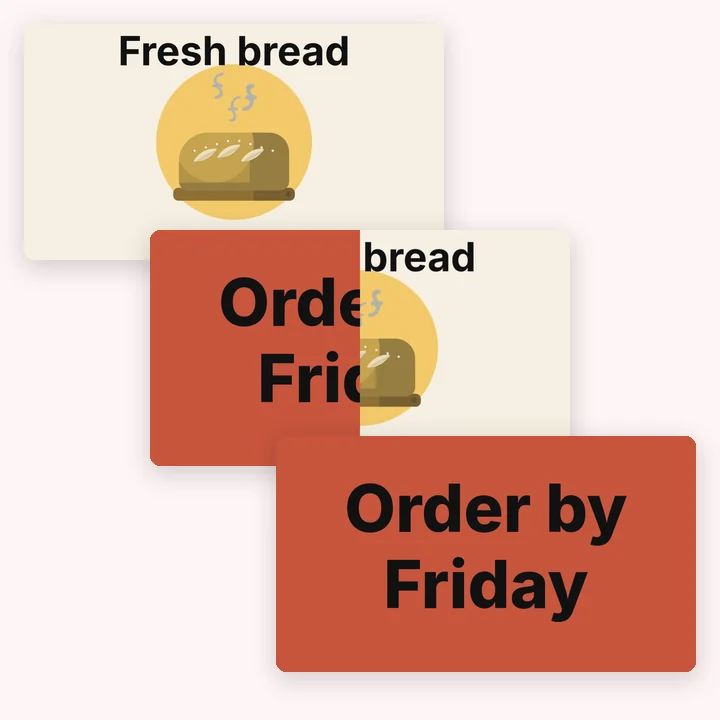
The everyday video edits in one place, with titles and stickers drawn in Compix's own style.

What happens to your video
It stays in your browser
The editor runs on your machine. Your video is not uploaded to edit it or to download it.
No watermark, no account
Edit and download straight away. Sign in only when you want to keep the design.
MP4 · GIF
An MP4 at your video's own size, or at 1080p or 720p. A GIF that loops, for a quick share.
Start from a video template
Intros, reels, invitations, quotes and promos, made at the size each place needs and already moving. Change the words, add your clip, and download the MP4.

More in Compix
Questions
Is this video editor free?+
Yes. Editing and downloading are free, with no account and no watermark. An account adds saving your designs and your library.
Is my video uploaded anywhere?+
No. The editor runs in your browser tab, so your video stays on your device while you edit and when you download.
Will my video have a watermark?+
No. What you download is your video and your edits, with nothing added.
How do I trim a video?+
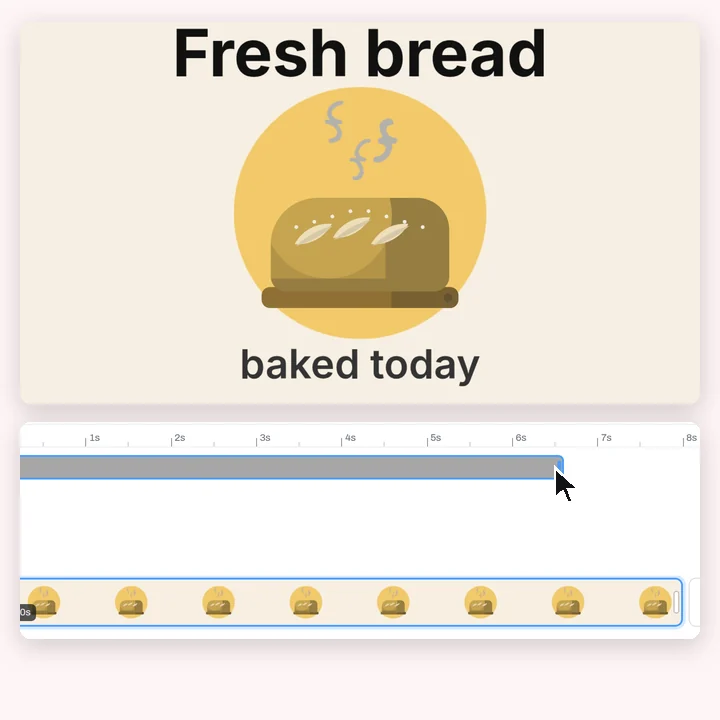
Drop your video and it opens with the timeline below it. Drag the left end of the clip's bar to cut the start and the right end to cut the end, then press play to check it. The page follows the clip, so the video ends where the clip does.
How do I add text to a video?+
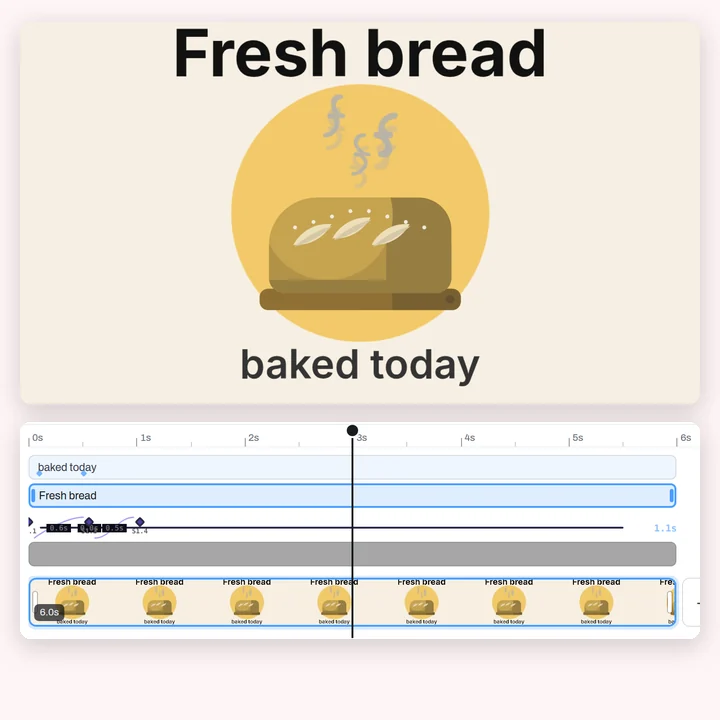
Click Text in the bar on the left and pick Title, Heading, Subheading or Body. Type your words and drag the text into place. It gets its own bar on the timeline: pull its ends to set when it comes in and when it goes. Animate makes it rise, pop, wipe or type in.
Can I put several clips together?+
Yes. Add a page for each clip or scene. The pages play one after the other, each as long as its clip, and a transition can join them: dissolve, slide, wipe, ink wipe, or match and move.
Can I add music or keep the sound?+
Not yet. Sound is the next thing coming to the editor. For now clips play muted and the MP4 you download is silent.
Can I add subtitles?+
You can type captions as text and time each one on the timeline. There is no automatic transcription.
Which files can I open?+
MP4 (H.264) and WebM videos, and JPG, PNG, WEBP and GIF pictures. If your browser can't play a video, Compix tells you when you add it.
Which formats can I save in?+
MP4 and GIF. The MP4 comes out at your video's own size, or at 1080p or 720p; the GIF loops and is up to 720 px. You can also save a still frame as PNG, JPG or WEBP.
How long can my video be?+
There is no set limit. A video with clips renders in real time, so a one-minute video takes about a minute to download.
Does it work on a phone?+
The page and the editor open in a mobile browser. MP4 export needs a browser with WebCodecs, which recent Chrome, Edge and Safari have; GIF works in any of them.
What is the best free video editor?+
It depends on the job. For quick edits like trimming a clip, titles, stickers, motion and transitions at the size a social post needs, a free editor that runs in your browser is the fastest route, and this one adds no watermark and keeps your video on your device. For sound, speed changes, filters or automatic subtitles you will want a fuller editor: Compix does not do those yet.
Drop a video and you're editing
No account needed to edit and download. Sign in when you want to keep the design.
Drop a video here
or browse your files