Add Text to GIF
Put your words on a moving GIF: type them, pick a font, a colour and the moment they show, and download it still moving, at its own size. Free, in your browser.
Drop your GIF here
or browse your files. A moving GIF or a still one
Add text
Still moving
Every frame
Size kept
No watermark, no sign-up. Your GIF gets its words right here, in this tab.

How to add text to a GIF
1
Drop your GIF
Drag it onto the box, or click to pick it. It opens in the editor at its own size and as long as it plays, with a line of words on it.
2
Type your words
Write over the sample line, then change the font, colour or outline, drag the words where you want them, or set when they show.
3
Download
The Download menu is already on GIF. One press saves your GIF again, still moving, with your words on every frame. No watermark.
What you can do with the words
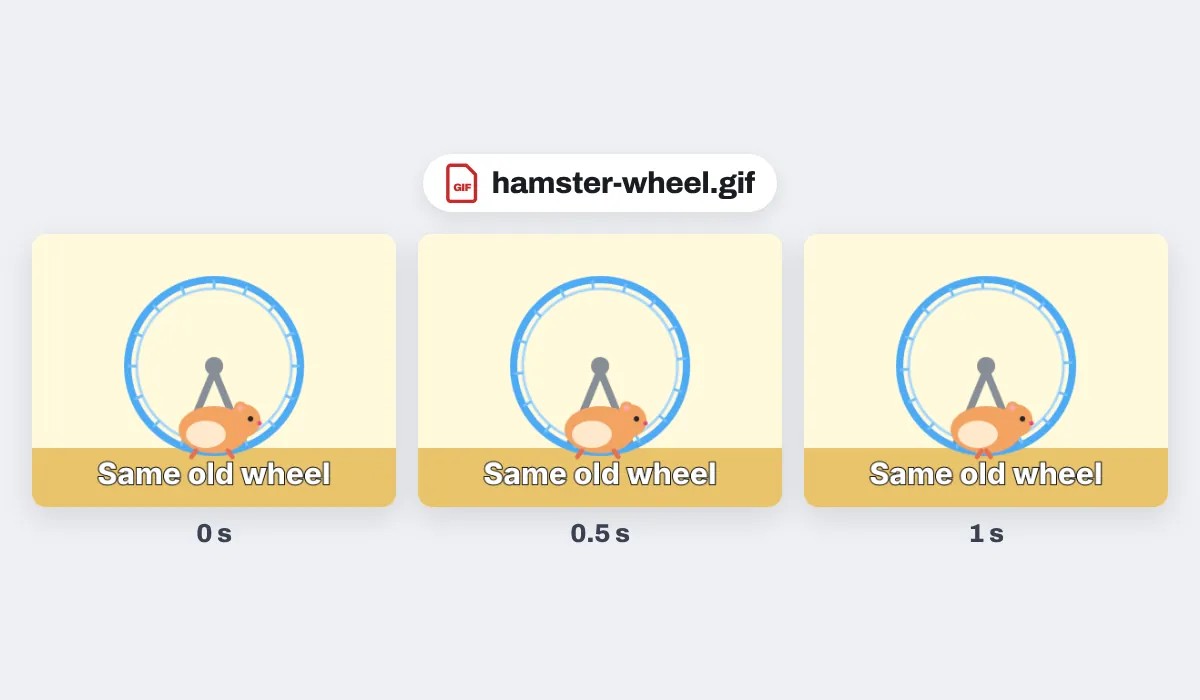
The GIF is made again at 12 frames a second, or 24 if you pick 24 fps in the Download menu, and keeps its width and height up to 1920 pixels on the long side.
The GIF you dropped stays exactly as it was. The one you download is a new file, made in this tab without uploading anything.
Why put words on a GIF
A GIF says a lot on its own, and a few words make it say exactly what you mean: who it is for, what just happened, or what to do next. Words on the GIF itself go wherever it goes, into a chat, an email, a slide or a post, where a caption typed beside it would be left behind.
What people write on GIFs
A line of words turns a GIF into a message. A few that come up again and again:

Reactions
A cheer for the team chat
Birthdays
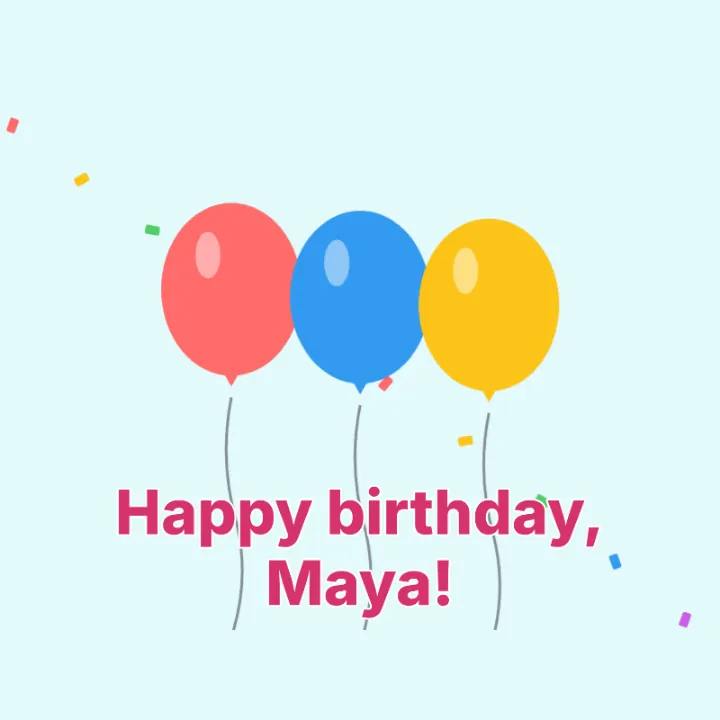
A name on the balloons

Sales
An offer that moves
How-tos
The step to take, on the screen

Good news
A win to share

Announcements
Closed today, at a glance
More than words
Your GIF opens in the same editor as the GIF maker, so it can be finished before you save it.
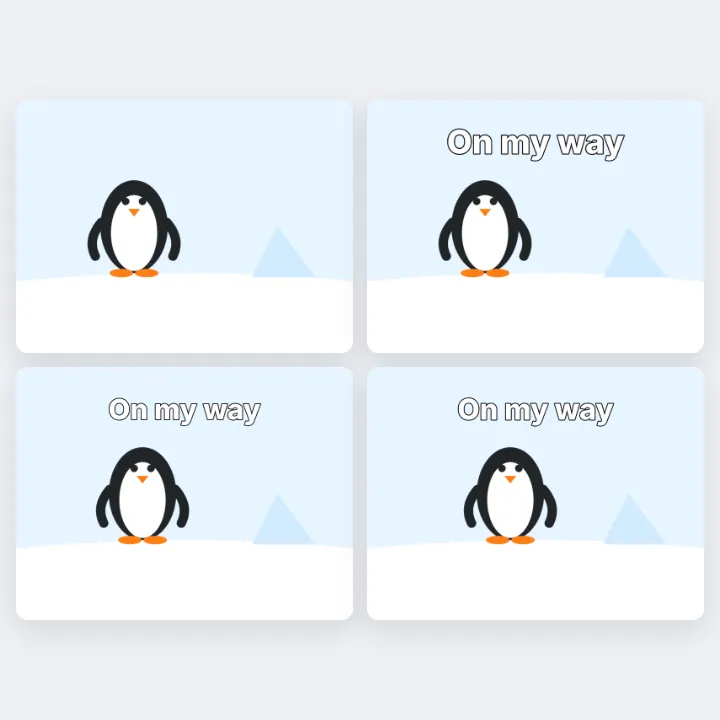
Make them pop
Animate brings the words in.
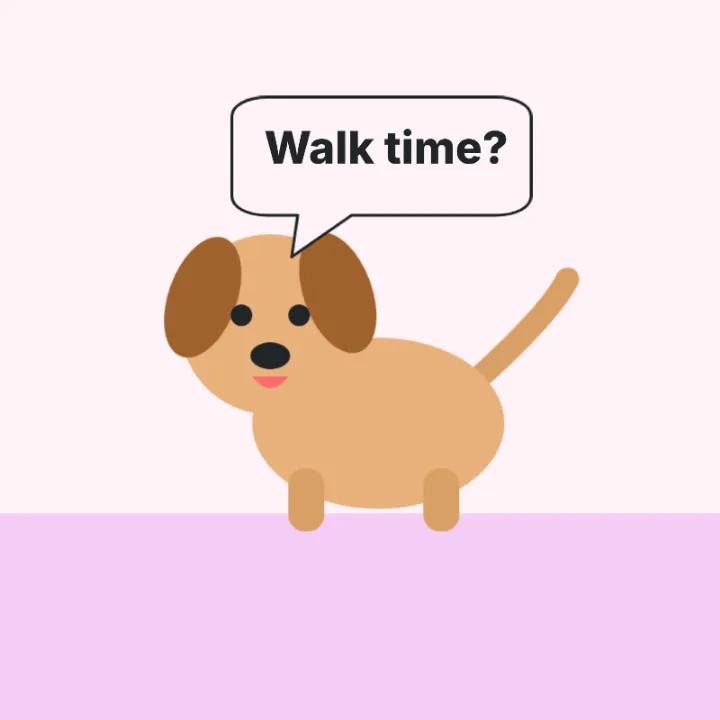
Add a speech bubble
From Elements, words inside.
Save it as MP4
For apps that want a video.
Smoother at 24 fps
One choice in the Download menu.
More in Compix
Questions
How do I add text to a GIF?+
Drop your GIF on the box at the top of this page, or click the box to choose it. It opens in the Compix editor with a sample line of words on it: type yours over it, move it where you want, and press Download. You get the GIF back with your words on every frame.
Is it free?+
Yes. There is no account to make, no watermark on the GIF, and no limit on how many GIFs you put words on.
Will my GIF still move?+
Yes. The download is a moving GIF again, the animation playing under your words, and it loops without end like most GIFs do.
Does the GIF keep its size and length?+
Its width and height stay the same up to 1920 pixels on the long side; a bigger GIF comes back 1920 pixels long. Its length stays too: the editor sets the page to the time the GIF takes to play once, to the tenth of a second.
Will it play at the same speed?+
At the same pace, yes. The frames are made again at 12 a second, or 24 if you choose 24 fps in the Download menu, so a GIF with more frames a second than that comes out a touch less smooth. Each loop also comes out a touch longer than the original, by a few hundredths of a second up to about a quarter of one.
Can I change the font, colour or outline?+
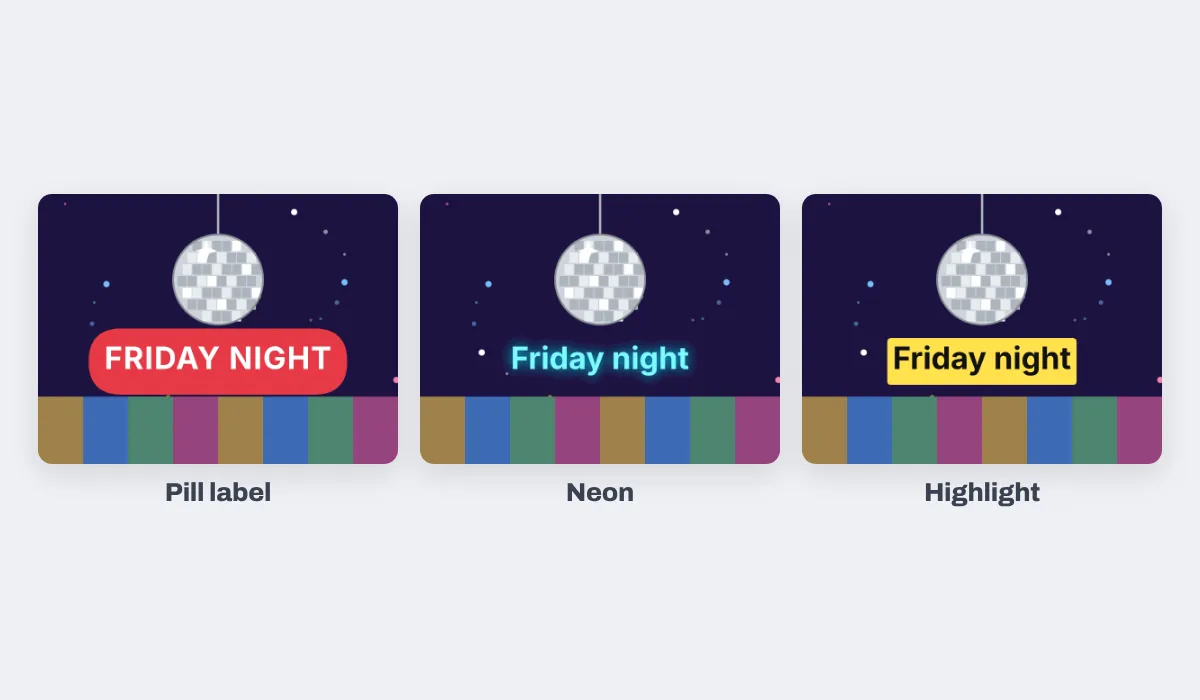
Yes. With the words selected, the bar above the GIF has the font, the size, bold and italic, the colour and the outline. The Text panel also has ready-made looks such as Neon, Highlight and Pill label.
Can I make the words appear partway through?+
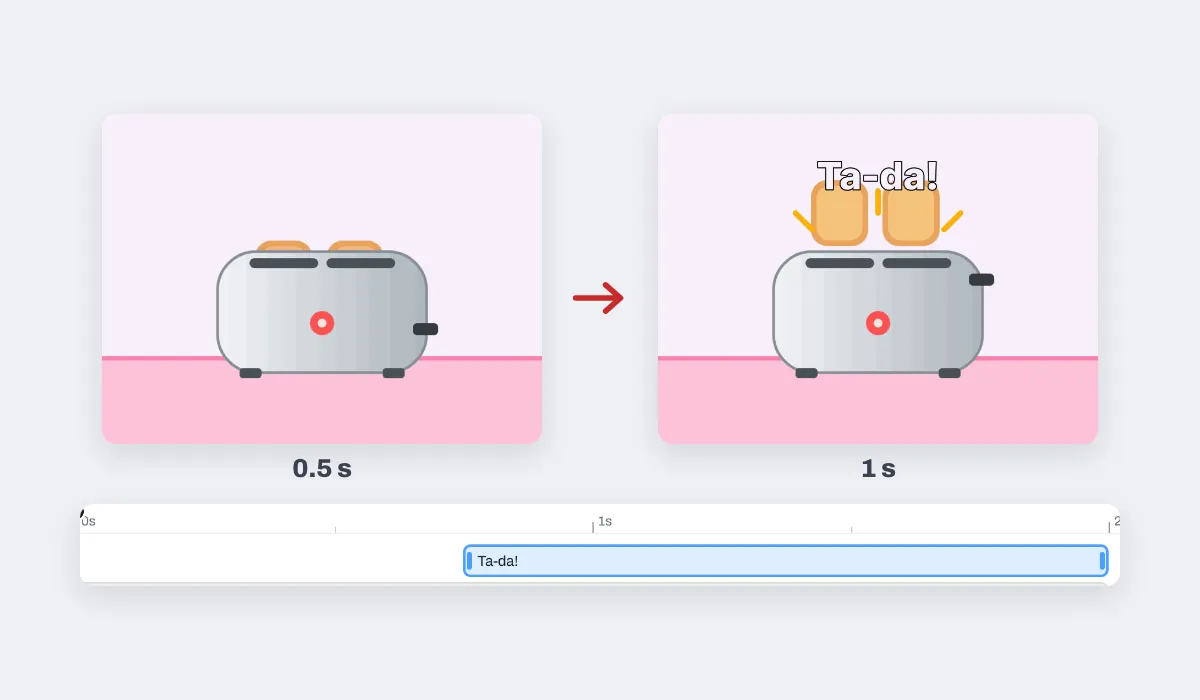
Yes. Under the GIF is a timeline, and your words have a bar of their own on it. Drag the bar's left end to the moment they should appear and its right end to when they should go; the download follows the bar.
Can I add more than one line of words?+
As many as you like. Pick another from the Text panel; each line has its own look, place and bar on the timeline, so one can come in after another.
Can I animate the text?+
Yes. Select the words, press Animate and pick an entrance such as Pop or Rise: in the downloaded GIF the words come in that way.
What about a GIF with a see-through background?+
The clear parts come out white, the colour of the page behind the GIF, because a GIF made again here has a solid background.
Can I save it as an MP4 instead?+
Yes: choose MP4 as the file type in the Download menu. Some apps and sites take a video where they turn down a GIF.
Are my GIFs uploaded?+
No. The GIF is read and made again in this browser tab, on your device, so nothing is sent to a server for that. If you sign in to keep a design, it is saved online with its pictures, so it opens on any device.
Can I add text to a GIF on my phone?+
Yes. Tap the box at the top and pick a GIF; it opens with the sample words on it. Tap the words twice to type yours, then tap Share and Download the work.
Do I need to install anything?+
No. It works in Chrome, Edge, Firefox and Safari, with nothing to install and no account to make.
Drop your GIF and give it words
No account needed to add text and download. Sign in when you want to keep the design.
Drop your GIF here
or browse your files