compix
Sign in

AVIF to JPEG Converter

An .avif that will not open? Make it a JPEG that every phone, app and upload form reads, one file or a whole batch, names and full size kept. Free, in your browser.

Drop your AVIF files here
or browse your files. AVIF, WebP, PNG and more
Convert to JPEG
Opens anywhere
Batch convert
Names kept
No watermark, no sign-up. Your pictures never leave this tab.
The AVIF to JPEG converter page, its drop box, and below it the Compix editor with a cup of espresso, one of three pictures made as AVIF files, open on its page

How to convert AVIF to JPEG

1
Bring in the AVIF files
Drop one or a folder's worth onto the box, or click it and choose. Every picture lands on a page of its own.
2
Check what you have
The Download menu already says JPG and All pages. Trim or label a picture first if it needs it.
3
Download
One AVIF comes back as one JPEG, many come back zipped together, each JPEG with its AVIF's name. No watermark.

What happens to your pictures

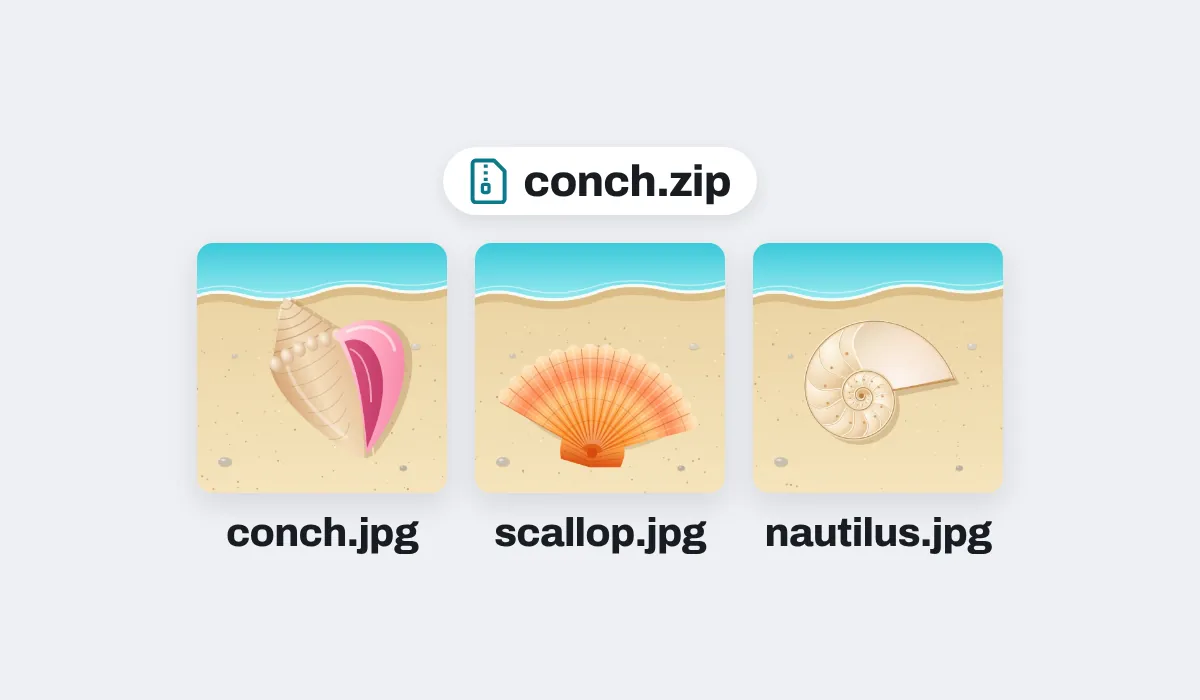
Three shell pictures made as AVIF files, downloaded as JPEG files in one zip, conch.zip, each named after its file: conch.jpg, scallop.jpg and nautilus.jpg

Names that match the originals

Drop several AVIF files and one zip comes back, the JPEGs in the order you dropped them and named after them: conch.avif turns into conch.jpg. A name used twice gets -2 on the second file.
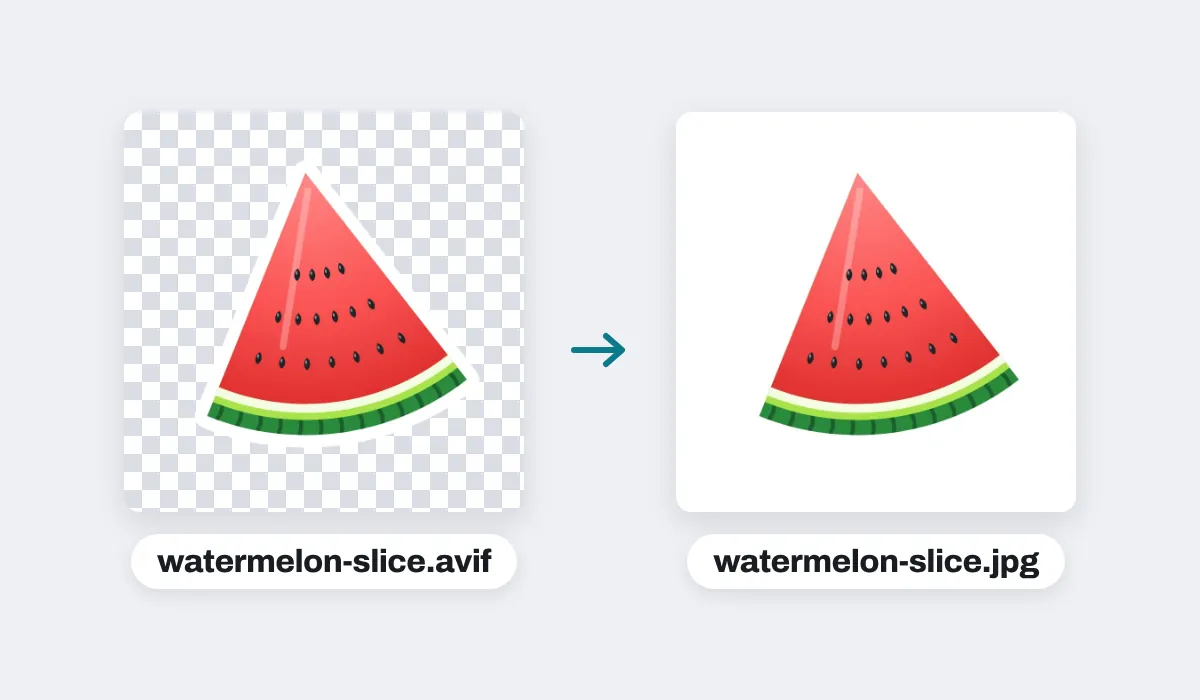
A watermelon slice sticker made as an AVIF with a see-through background, shown on a checkerboard, and the JPEG made from it, watermelon-slice.jpg, on white

Clear parts on white

An AVIF can have see-through areas; a JPEG cannot. They come out white, never black, unless you set a page color in the editor first, which the JPEG then uses.
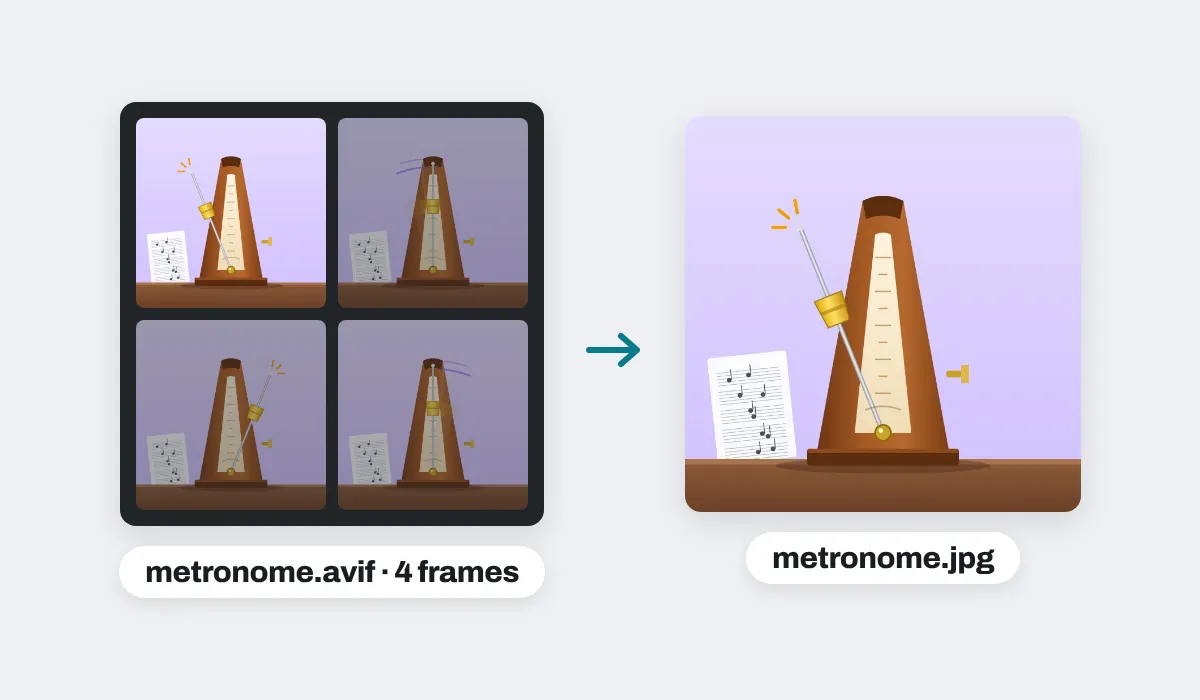
An animated AVIF of a metronome, its four frames shown as the arm swings, and the JPEG made from it, metronome.jpg: the first frame, the arm swung left

One frame from a moving AVIF

Some AVIF files are little animations. The JPEG is a single picture, so it is the animation's opening frame, at the AVIF's full size.
The JPEGs keep the AVIF's width and height, except on an iPhone or iPad, where a picture over about 16 megapixels is reduced to about 16, the most the browser there allows.
Your AVIF files stay exactly as they were. The JPEGs are separate new files, made in this tab without uploading anything.

Why an AVIF will not open, and what a JPEG fixes

AVIF is one of the newest picture formats: sites use it because it makes a photo very small. But a lot of software has not caught up, so the file you saved or were sent can refuse to open in a photo viewer, an office or print program, an older phone, or an upload form that lists JPEG only. Renaming it to .jpeg does not help, because the picture inside is still AVIF. Converting it does: the JPEG you get, named .jpg as most JPEGs are, opens wherever pictures open.

Where people need a JPEG instead

An AVIF picture, wanted somewhere that only reads JPEG. The JPEG usually comes out bigger than the AVIF; for a big picture, choosing 1080p as the Size in the Download menu makes it lighter.

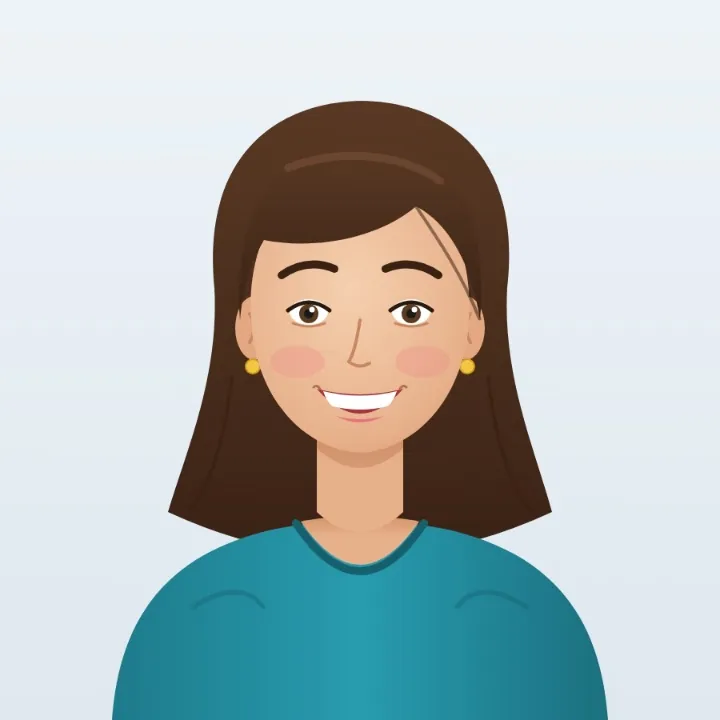
A passport-style portrait drawing of a smiling woman with brown hair, made as an AVIF, as a JPEG
Upload forms
Applications that ask for a JPEG
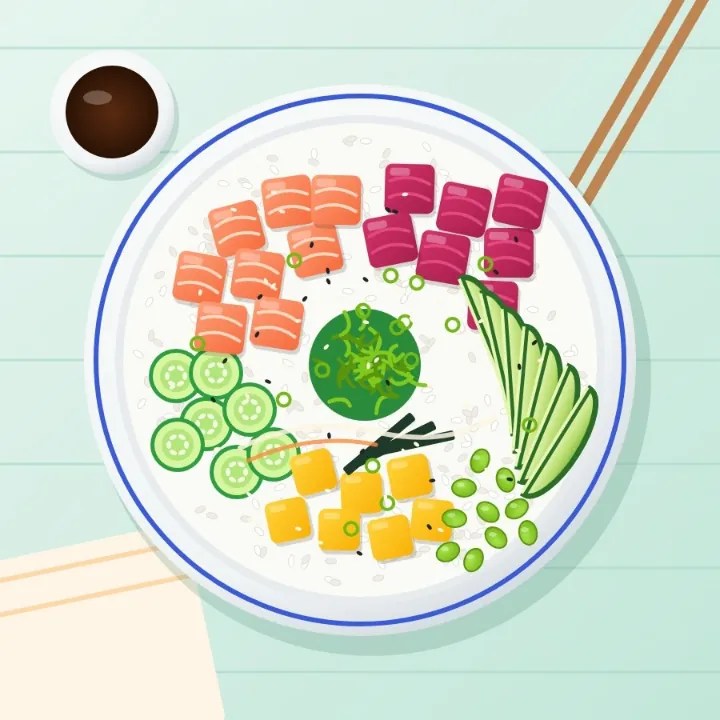
A poke bowl seen from above with salmon, tuna, mango and avocado on rice, made as an AVIF, as a JPEG
Email
So the other side can open it
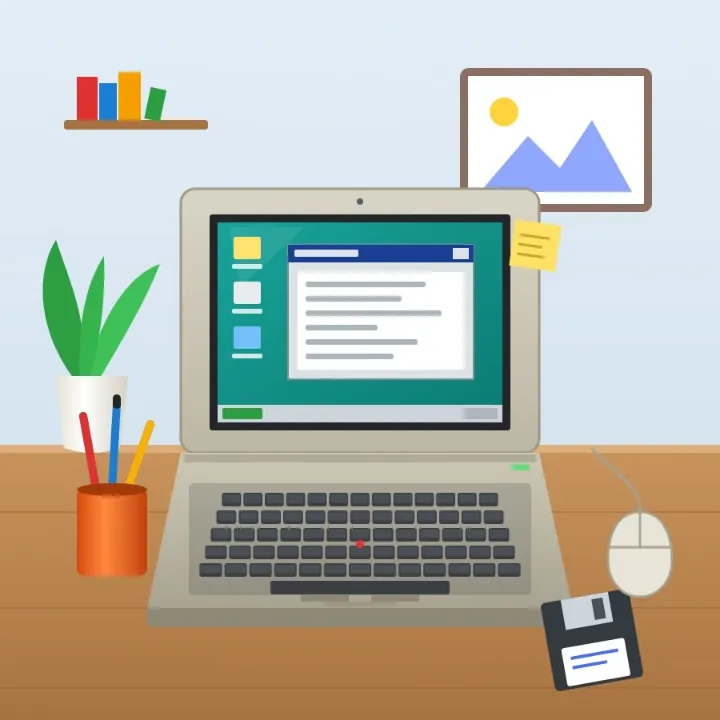
An old beige laptop on a wooden desk with a floppy disk and a corded mouse, made as an AVIF, as a JPEG
Older software
Apps that cannot read AVIF yet
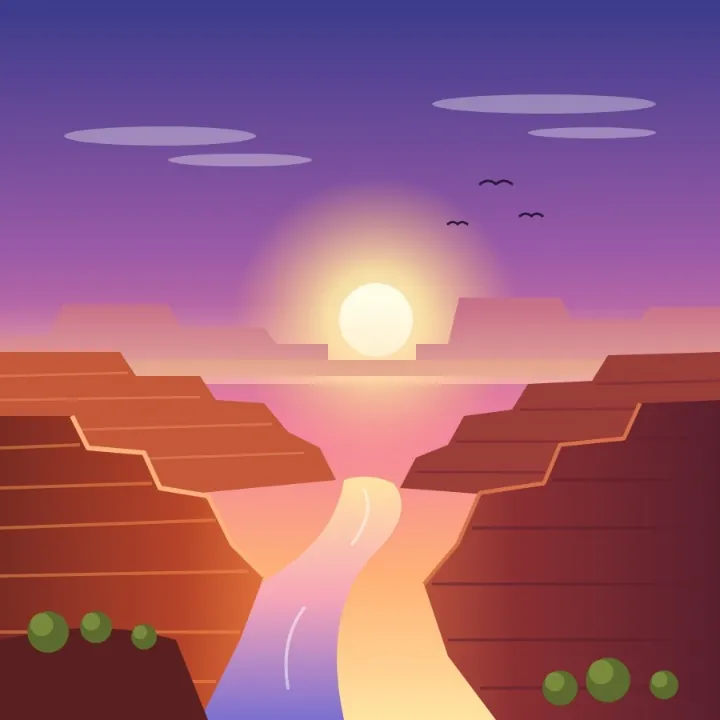
A red rock canyon at dawn with a river winding below, made as an AVIF, as a JPEG
Photo frames
For a frame, a TV or a slideshow
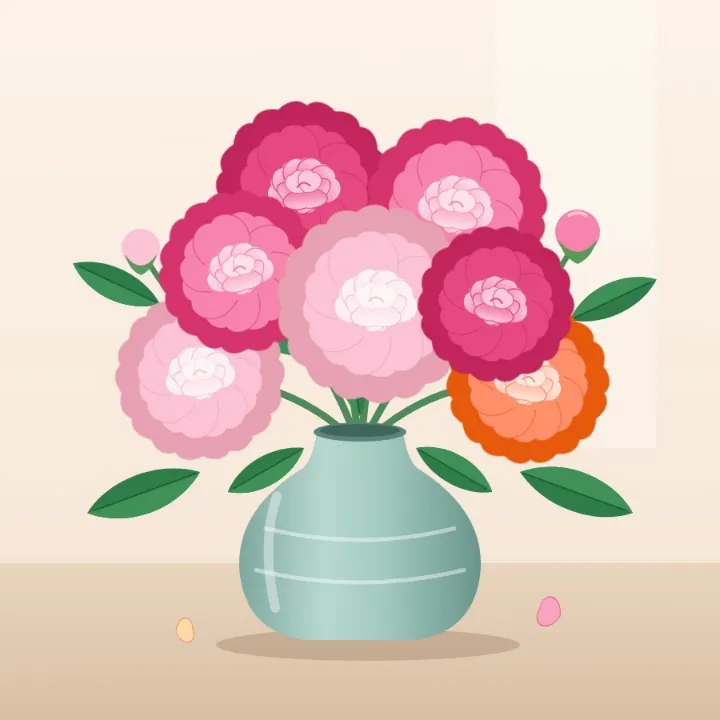
A sage green vase of pink and coral peonies, made as an AVIF, as a JPEG
Prints
For a kiosk or a print shop
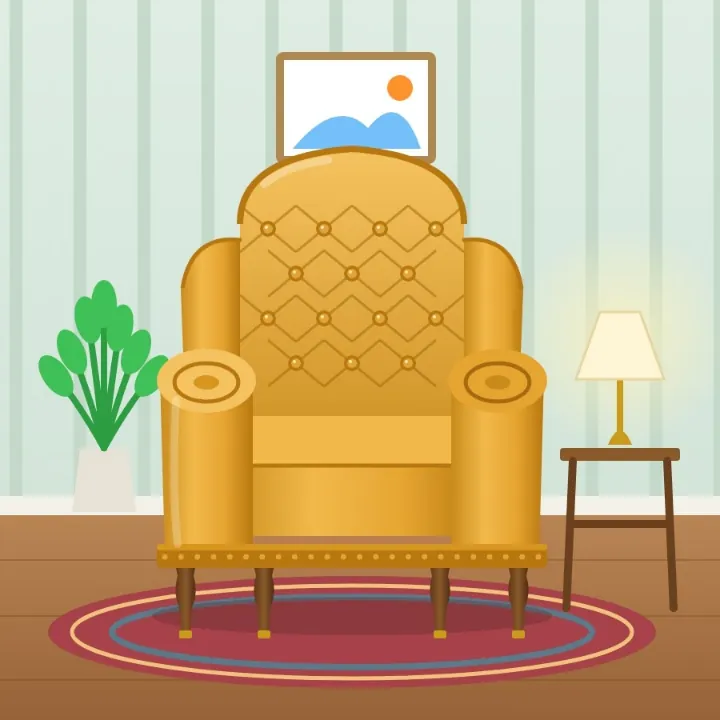
A tufted mustard velvet vintage armchair beside a lamp, made as an AVIF, as a JPEG
Listings
For a sale or a classified ad

More than a converter

Your pictures open in the same editor as the photo editor, so a picture can be finished before it is saved as a JPEG.

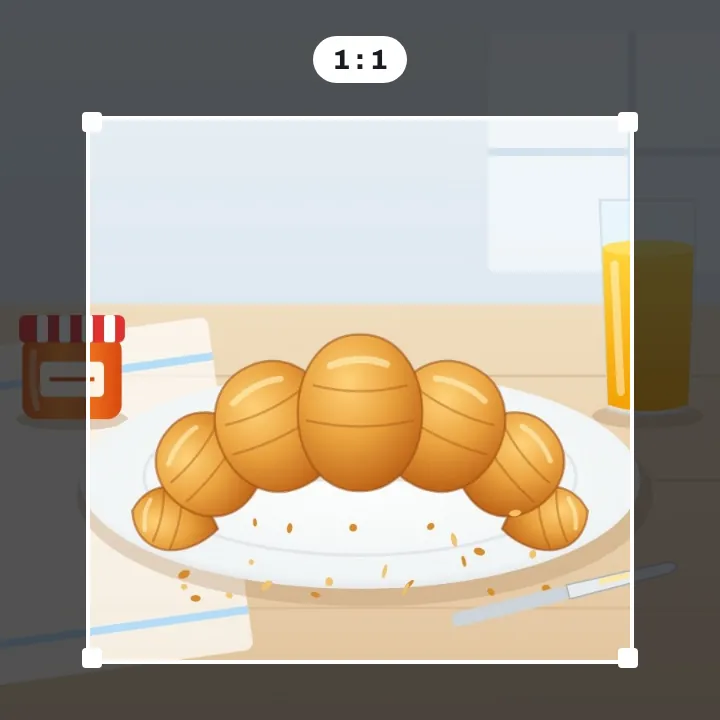
A croissant on a plate with a square crop frame drawn around it, the parts outside dimmed

Crop it

Square, or any shape you need.
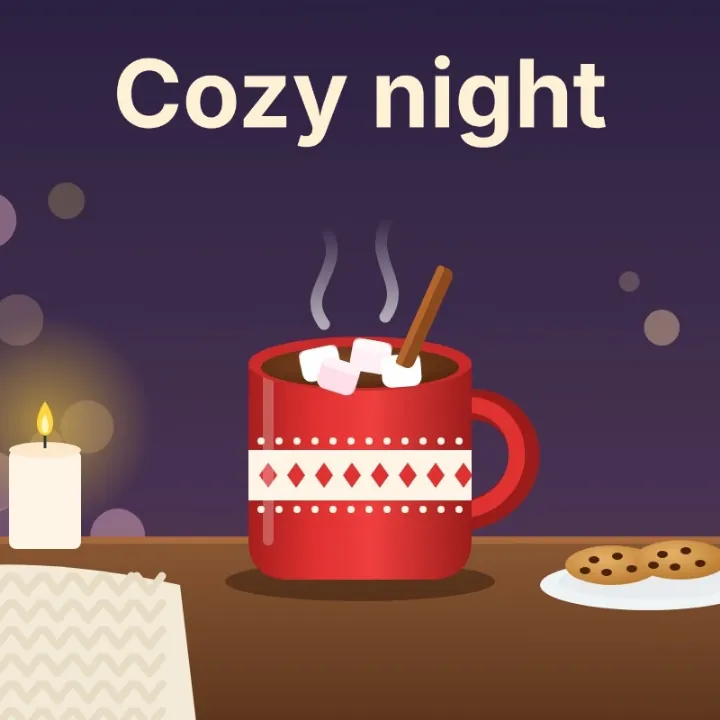
A red mug of hot cocoa with marshmallows by candlelight, with the words Cozy night typed above it, saved as a JPEG

Add words

Write on the picture.
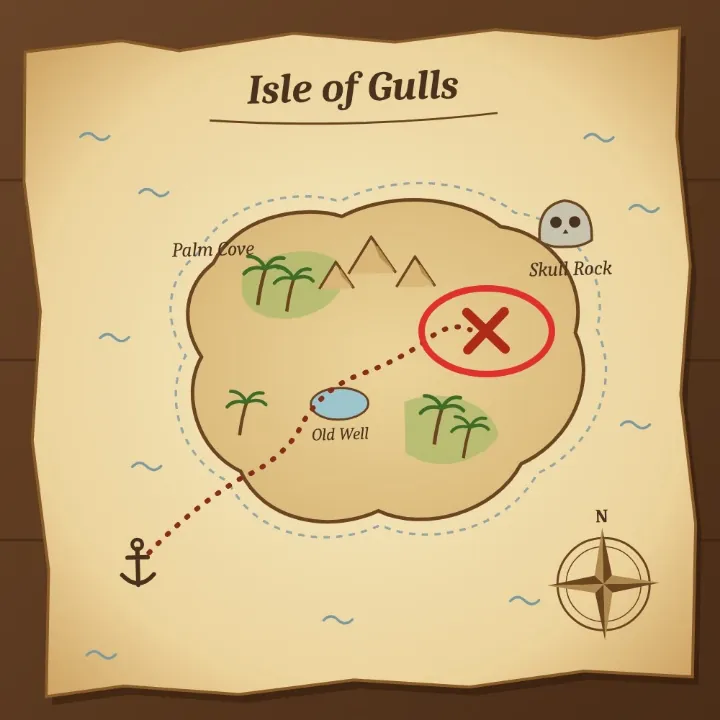
A treasure map of the Isle of Gulls with the X circled in red with an ellipse shape, saved as a JPEG

Point something out

Ring it with a shape.
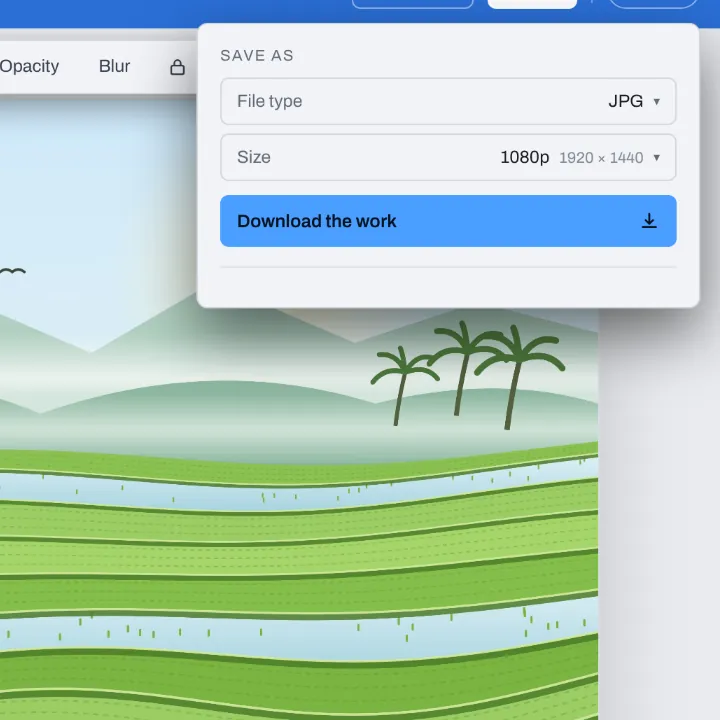
The Download menu for a rice terrace picture, on JPG with Size at 1080p: 1920 by 1440

Make it lighter

For a big picture, choose 1080p.

More in Compix

Photo editor
Crop, add text and stickers, make it move.
Image cropper
Square, 4:5, 9:16, a circle, or your own.
PNG to JPG converter
Pictures to JPG, many at once, names kept.
PDF to PNG converter
Every page of a PDF as a PNG.

Questions

How do I convert AVIF to JPEG?+
Drag your .avif files onto the box at the top of this page, or click it to pick them. They open in the Compix editor, a page for each, with JPG already chosen in the Download menu. Press Download to save one JPEG, or a zip of them for a batch.
Why won't my AVIF file open?+
AVIF is a newer picture format, and plenty of software still does not read it: older phones, some photo viewers, office and print programs, and many upload forms. The picture is fine; the program just does not know the format. As a JPEG, the same picture opens in all of them.
Is the AVIF to JPEG converter free?+
Completely. You do not pay, you do not make an account, and the JPEGs carry no watermark. Convert one AVIF or hundreds.
Can I rename .avif to .jpeg instead?+
No. A new name does not change what is inside: the file is still an AVIF, so a program that cannot read AVIF still cannot open it, whatever it is called. Converting makes a new file that really is a JPEG.
Is the saved file .jpg or .jpeg?+
It ends in .jpg, the ending most JPEG files have. Both endings mean the same format, so .jpg works anywhere .jpeg does; if a site wants .jpeg, renaming the .jpg is safe, because the picture inside is already a JPEG.
Which browsers open AVIF here?+
Chrome, Edge and Firefox, and Safari 16.4 or later on a Mac. On an iPhone or iPad, AVIF needs iOS 16 or later; on an older one, an AVIF that cannot be opened is left out, and the editor says so.
Is AVIF better than JPEG?+
AVIF makes smaller files for the same picture, which suits a fast website. JPEG wins on reach: it opens on every phone and computer and in every app, form and print shop. Use AVIF on the web, and a JPEG anywhere else.
What happens to transparent parts?+
They become white, never black, because a JPEG has nothing see-through. If you want a different color behind the picture, pick a page color in the editor before downloading, and the JPEG has it.
What about an animated AVIF?+
A JPEG holds one picture, so from a moving AVIF you get its first frame, at the full size of the AVIF.
Can I convert a batch of AVIF files at once?+
Yes. Drop them all together. Each gets its own page, Download is already on All pages, and a single zip comes back with one JPEG per AVIF, named after it: conch.avif turns into conch.jpg. A name that comes twice gets -2 on the second.
Will the JPEG be bigger than the AVIF?+
Usually, and often several times: AVIF is very good at making pictures small, and JPEG is not as tight, though how much depends on how the AVIF was saved. For a big picture, more than 1920 px on its long side, when the size matters, choose 1080p as the Size in the Download menu before you download.
Does the picture lose quality?+
Not that you would notice. The JPEG keeps every pixel of the AVIF's size and is saved at high quality; like any JPEG it trims a little fine detail to keep the file small. Hold on to the AVIF too if you plan to edit again.
Are my pictures uploaded?+
No. Everything happens in this browser tab: the AVIF files are read on your device and the JPEGs are made there, so nothing is sent anywhere. Sign in only if you want your designs kept in this browser.
Can I do this on my phone?+
Yes. Tap the box at the top and choose your AVIF files; on a phone the editor shows one picture at a time. Tap Share, then Download the work: a single picture saves as a JPEG, a batch as one zip of JPEGs.
Is there a limit?+
No daily cap and no fixed number of files. A batch is made into JPEGs one by one, in a window that shows how far it has got and has a Cancel button. On an iPhone or iPad, a picture over about 16 megapixels is reduced to about 16, the most the browser there allows.
Drop your AVIF files and get JPEGs back
No account needed to convert and download. Sign in when you want to keep the design.
Drop your AVIF files here
or browse your files
Photo editor Video editor PDF editor JPG to PDF PNG to PDF PDF to JPG PDF to PNG PNG to JPG WebP to JPG WebP to JPEG AVIF to JPG AVIF to JPEG GIF to JPG WebP to PNG AVIF to PNG JPG to PNG PDF merger Sign PDF Image cropper Video trimmer Video cropper Animation maker Image comparer Image splitter Image diff GIF maker Templates Privacy Terms