WebP to PNG Converter
Convert WebP images to PNG, one or a whole batch, at full size with every pixel and every clear background kept. Free, in your browser.
Drop your WebP files here
or browse your files. One image or many, AVIF and GIF too
Convert to PNG
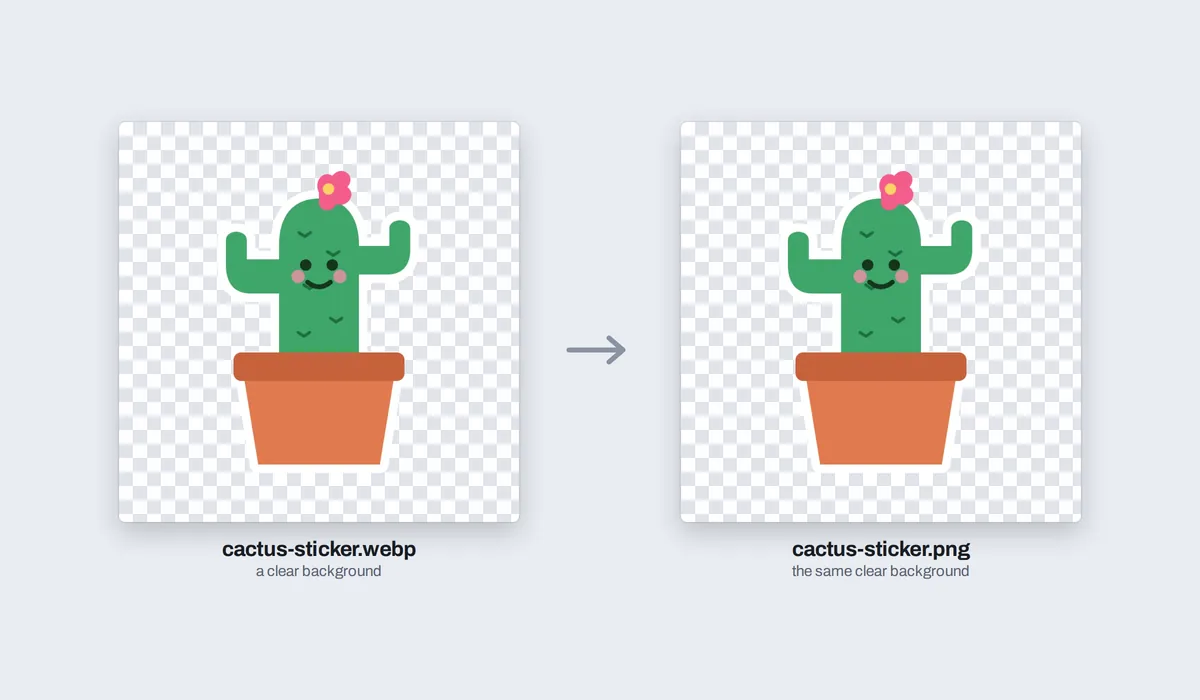
Clear backgrounds kept
Every pixel at full size
Many at once names kept
No watermark, no sign-up. Your images never leave this tab.

How to convert WebP to PNG
1
Drop your WebP files
Drag in one WebP image or a whole batch, or click to browse. Each opens as its own page, at its own size.
2
Check them, or touch them up
The Download menu is already on PNG, every page, with Transparent on. Add a word or a mark first if you like.
3
Download your PNGs
One image saves as one PNG, several as one zip, each PNG named after the WebP it came from.
What happens to your WebP images

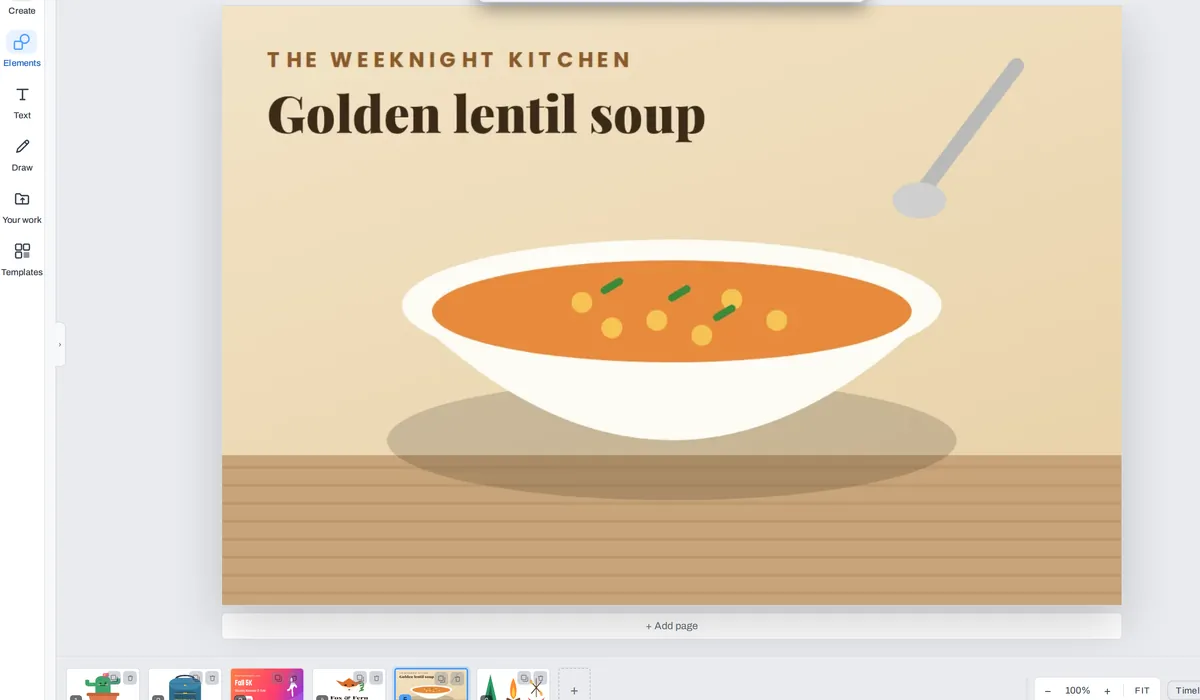
A PNG is usually bigger than the WebP it came from, as PNG keeps every pixel without squeezing: our six WebP images, about 100 KB together, made 860 KB of PNGs.
WebP, AVIF, GIF, JPG and BMP all work, mixed in one drop: any picture your browser can open. A moving GIF gives its first frame.
What people turn into PNGs
WebP is what most websites send now, so a picture saved from the web is often a WebP. Plenty of apps, printers and older programs still want a PNG.

Stickers
For a chat, a card or a slide
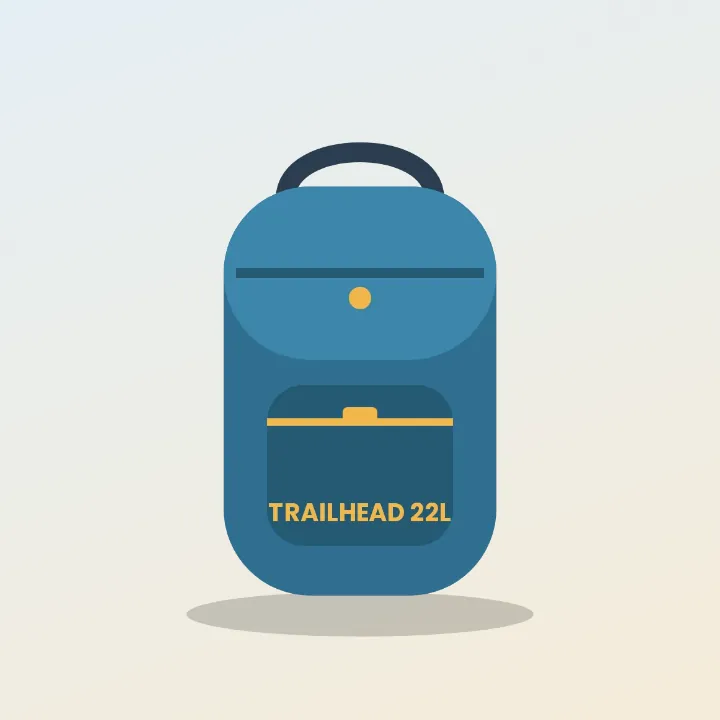
Product pictures
For a listing or a catalog
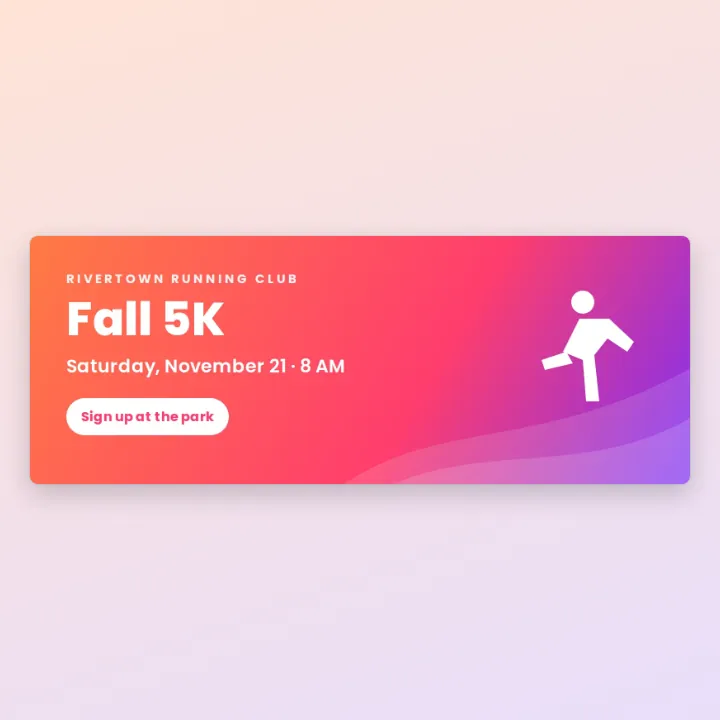
Website banners
Into an app that wants PNG

Logos
On any colour, edges clean
Pictures from a blog
To keep or to print

Icons
For a slide or a page
More than a converter
Your images open in the same editor as the photo editor, so a PNG can be finished before it is saved, not only converted.

Add text
A title, a name or a date, in any font.
Mark up
Ring what matters before you send it.

Highlight
A word, a date or a price, in marker yellow.

Draw
A doodle of your own, on top.
More in Compix
Questions
How do I convert WebP to PNG?+
Drop the WebP on this page, or several at once. They open in the Compix editor, a page each, with the Download menu already on PNG. Press Download: one image saves as a PNG, several as one zip of PNGs.
Can I turn a WebP file into a PNG for free?+
Yes. No account, no watermark, no payment and no trial. Convert as many images as you like and download the PNGs.
Is WebP the same as PNG?+
No. Both are picture formats, and both can have see-through parts. WebP is made to be small for websites, so it often smooths away a little detail to save space. PNG keeps every pixel exactly, so it is bigger, and almost every app, printer and program opens it.
Is WebP better than PNG?+
For a website, often yes: a WebP is much smaller, so pages load faster. For anything else, PNG is the safer choice: older programs, some phones and many upload forms do not take WebP, and PNG keeps every pixel without squeezing.
Why is WebP so common?+
Websites send pictures as WebP to load faster, so when you save a picture from a page it is often a .webp file, even if it looked like any other image.
How do I open a WebP file?+
Any modern browser opens one: drop it on this page and it opens in the editor. To use it in a program that does not take WebP, convert it here and use the PNG.
Does it keep the transparent background?+
Yes. The Transparent switch in the Download menu starts on, so a WebP with a clear background becomes a PNG with the same clear background, soft edges and shadows included. Turn it off for a white background instead.
Will the PNG lose quality?+
No. The PNG holds the WebP's picture at its own size, pixel for pixel, as your browser shows it. PNG does not squeeze, so nothing more is lost on the way.
Why is the PNG bigger than the WebP?+
PNG keeps every pixel without squeezing, while WebP is made small for websites. In our test, six WebP images of about 100 KB together made 860 KB of PNGs. A photo grows the most; a logo or a sticker much less.
Can I convert many WebP files at once?+
Yes. Drop them all together: each is a page, and one Download saves them as PNGs in one zip, each named after the WebP it came from. Two files with the same name get -2 on the second.
Can I convert WebP to PNG on my phone?+
Yes. Tap the drop area and pick the images from your photos or files. They open a page each. Tap Share, then Download the work, and the PNG, or a zip of them, is saved to your phone.
What other files can I convert to PNG?+
Any picture your browser can open: AVIF, GIF, JPG and BMP as well as WebP, mixed in one drop. A moving GIF gives its first frame. HEIC files from an iPhone do not open in most browsers on a computer, so save them as JPG first.
Is there a limit?+
There is no daily limit and no set number of images: the converting happens in your browser. A long stack of large images takes longer to open and to save. On an iPhone or iPad, an image over about 16 megapixels comes in at about 16, the largest picture the browser there can work with. On a computer, only an image over 64 megapixels, or one over 16,384 pixels long, is made smaller.
Are my images uploaded?+
No. They open inside this browser tab, on your own device, and the PNGs are made there. Nothing is sent to a server. Sign in to save your work: your designs are then kept in this browser.
Drop your WebP files and get PNGs
No account needed to convert and download. Sign in when you want to keep the design.
Drop your WebP files here
or browse your files