PNG to PDF Converter
Turn one PNG or a whole batch of screenshots into a single PDF, a page for each image, sharp and in your order. Free, in your browser.
Drop your PNGs here
or browse your files. One image or many, JPG and WebP too
Convert to PDF
A page for each PNG
Sharp text and lines
A4, Letter or the image's size
No watermark, no sign-up. Your images never leave this tab.

How to convert PNG to PDF
1
Drop your PNGs
Drag in one PNG or a whole batch, or click to browse. Each image opens as its own page, at its own size.
2
Arrange the pages
Drag a page in the strip under the editor to move it. Delete the ones you do not need, or mark up a screenshot first.
3
Download the PDF
The Download menu is already on PDF. Keep each page the image's shape, or pick A4 or Letter, and save one PDF.
What happens to your PNGs
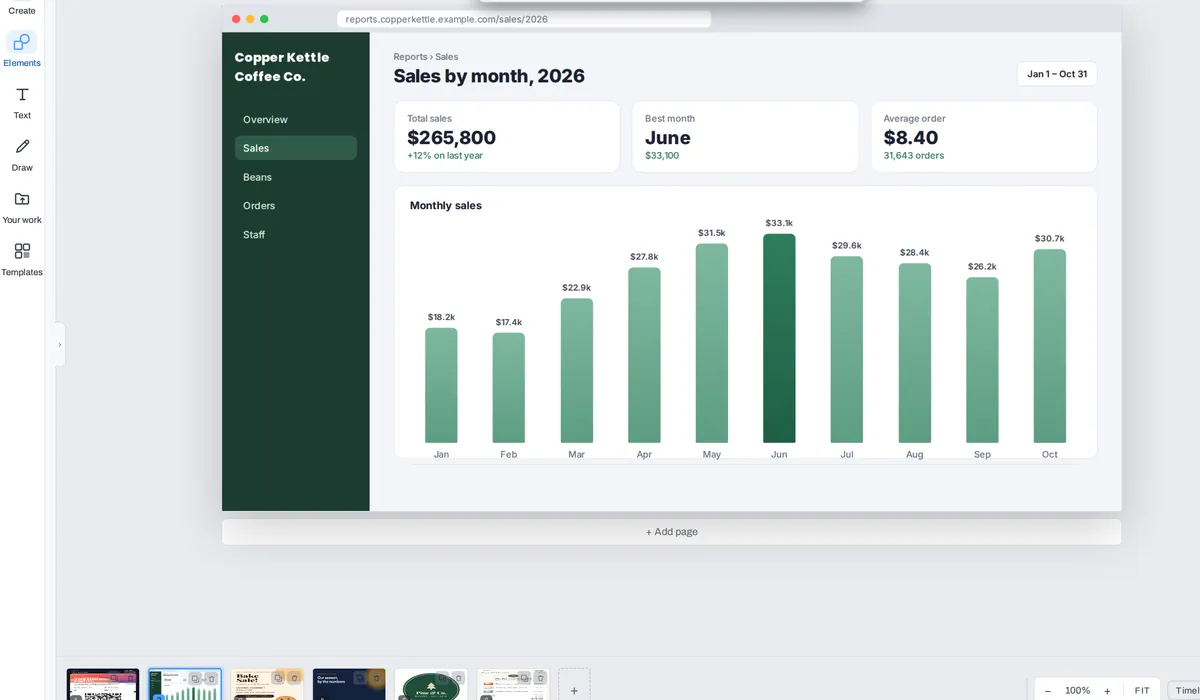
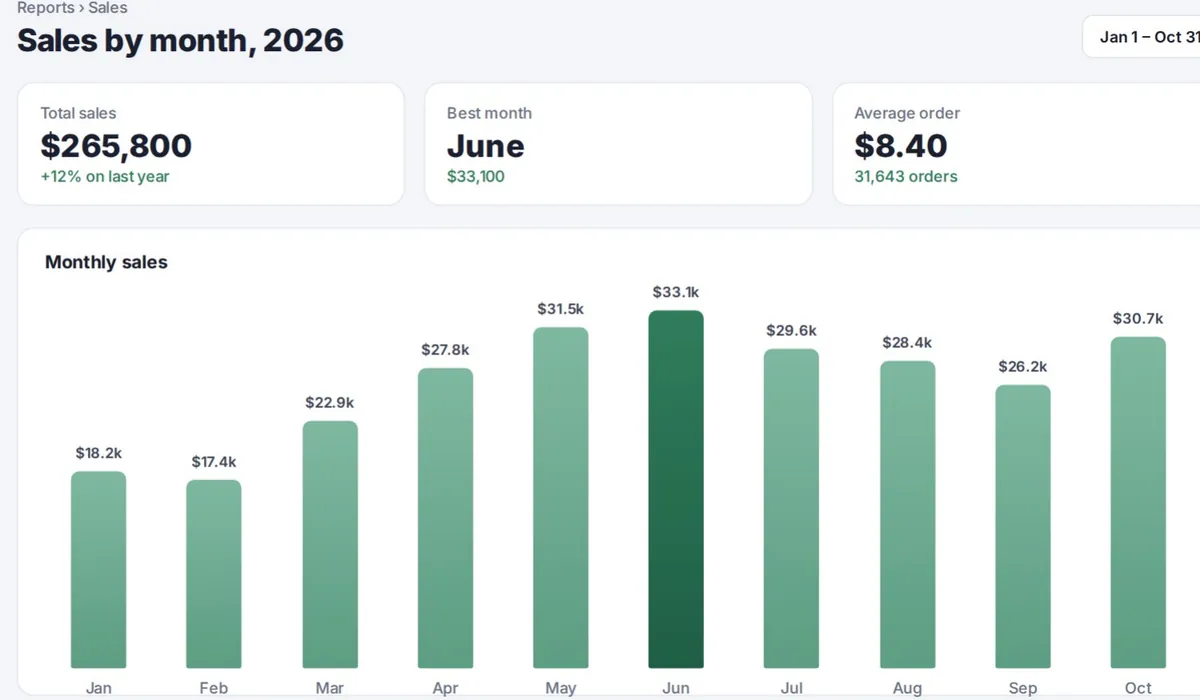
The PDF's size depends on the screenshots: each page is saved as a high-quality picture, so a busy one often comes out about the same or smaller and a plain one of text can come out bigger. In our test, three screenshots (about 560 KB together) made a 450 KB PDF.
JPG, PNG, WebP, GIF, BMP and AVIF all work, mixed in one PDF if you like: any picture your browser can open.
What people turn into PDFs
A screenshot is often the only copy you have: a ticket, an order, a chart from a report. A PDF puts them in one file that any office, printer or inbox takes.
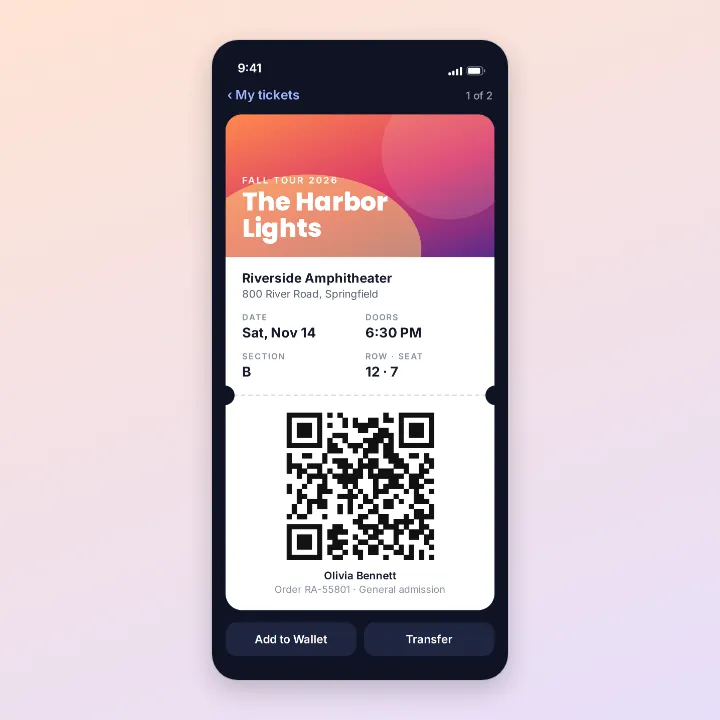
Tickets and passes
To print or forward
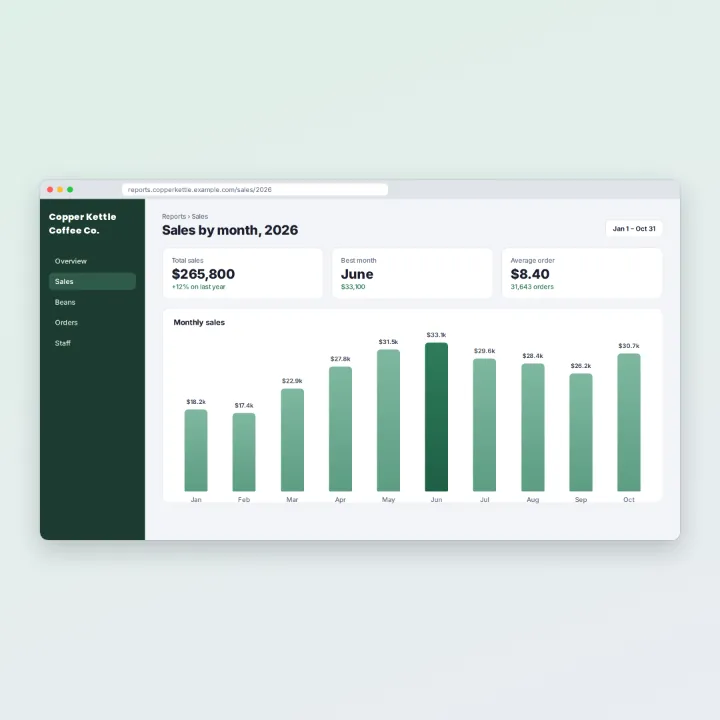
Charts and reports
For a meeting or a file
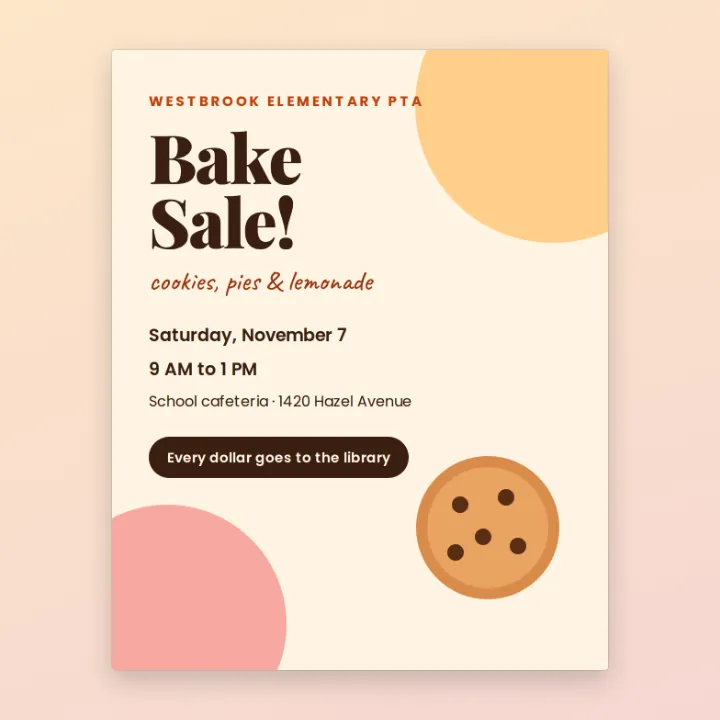
Flyers and posters
Ready for the printer
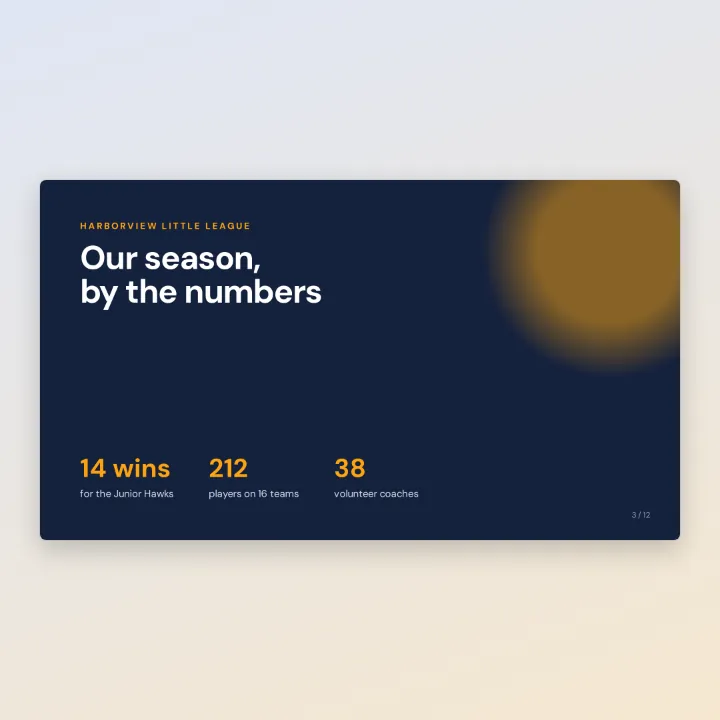
Slides
A handout from a deck

Logos and graphics
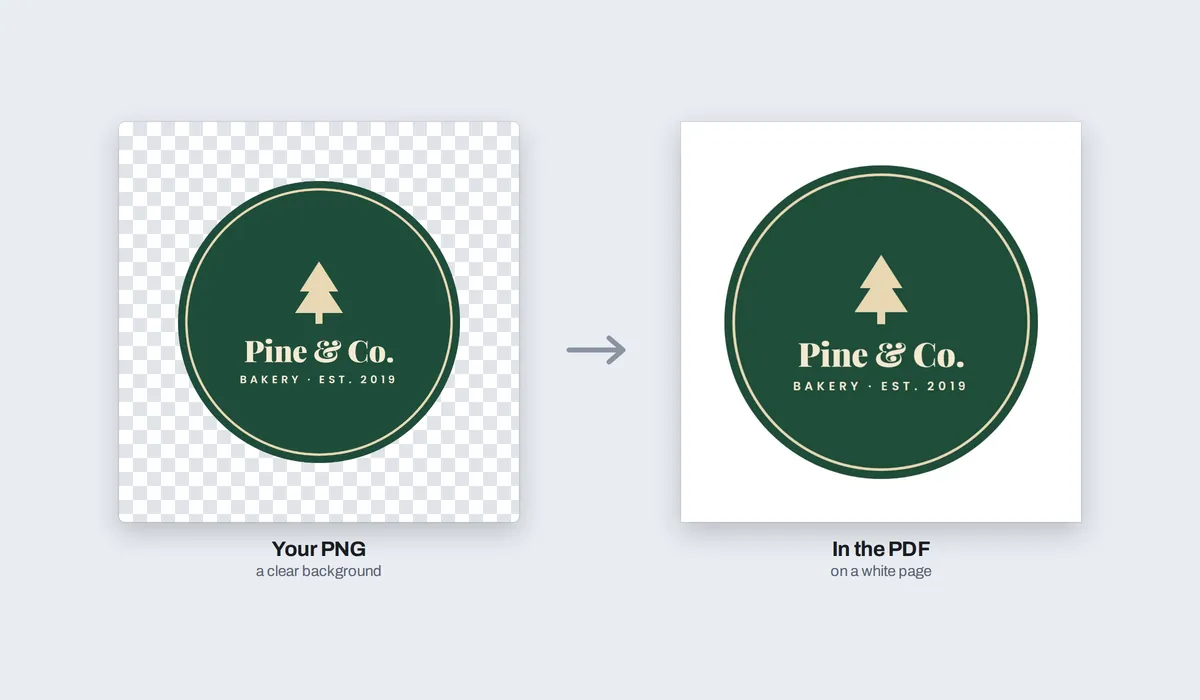
On a clean white page
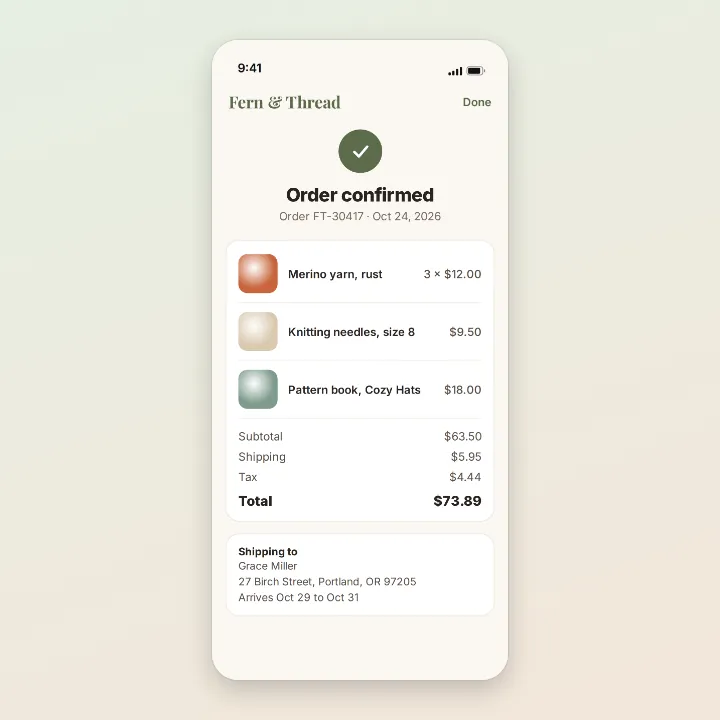
Order confirmations
Proof of what you paid
More than a converter
Your PNGs open in the same editor as the PDF editor, so the PDF can be finished before it is saved, not only converted.
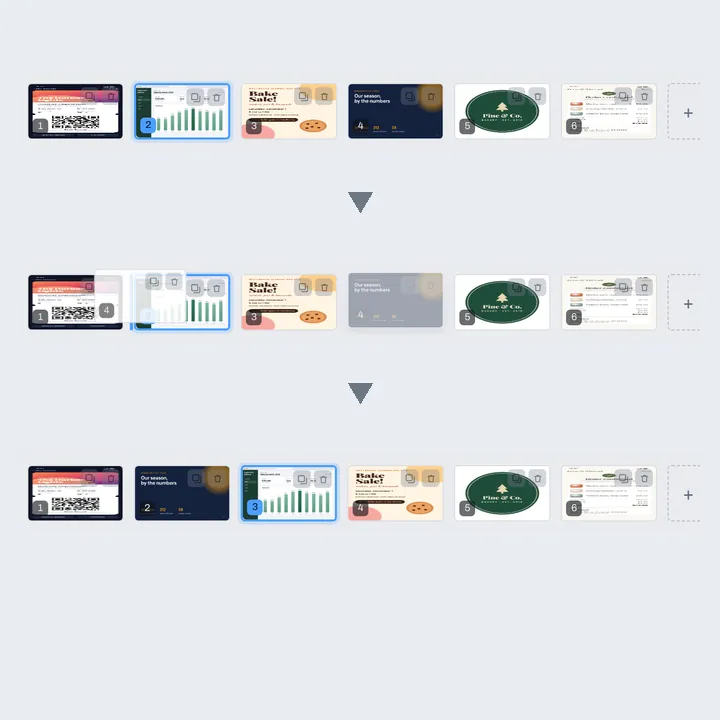
Reorder
Drag a page in the strip; the PDF follows.
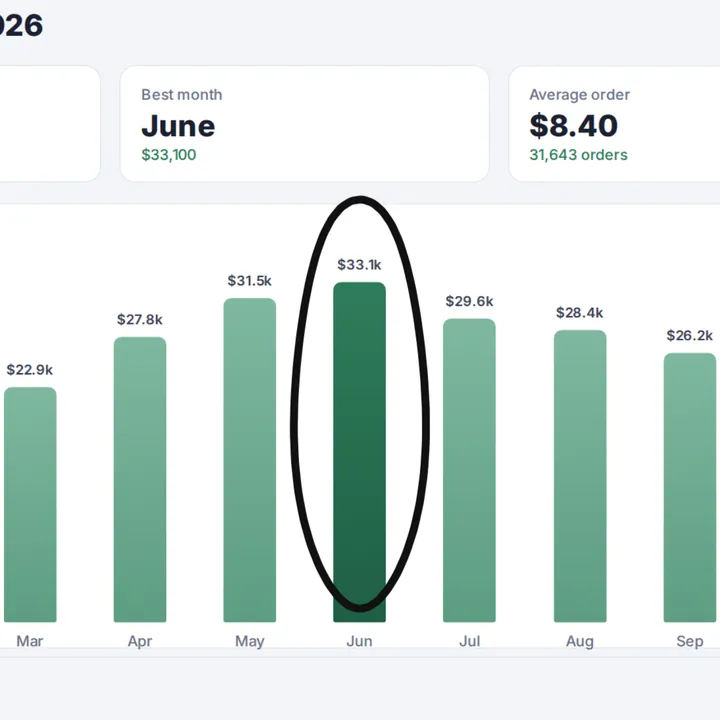
Mark up
Ring what matters on a screenshot.
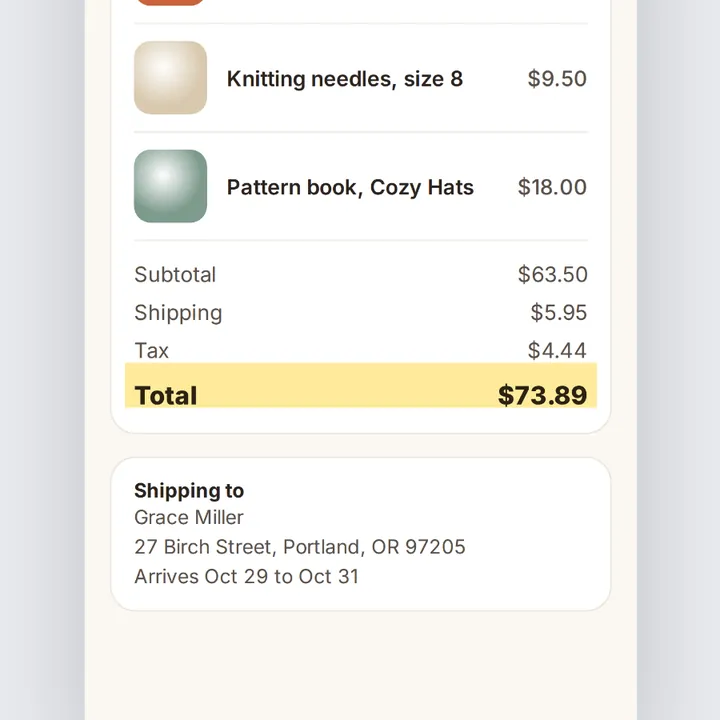
Highlight
A total, a date or a seat, in marker yellow.
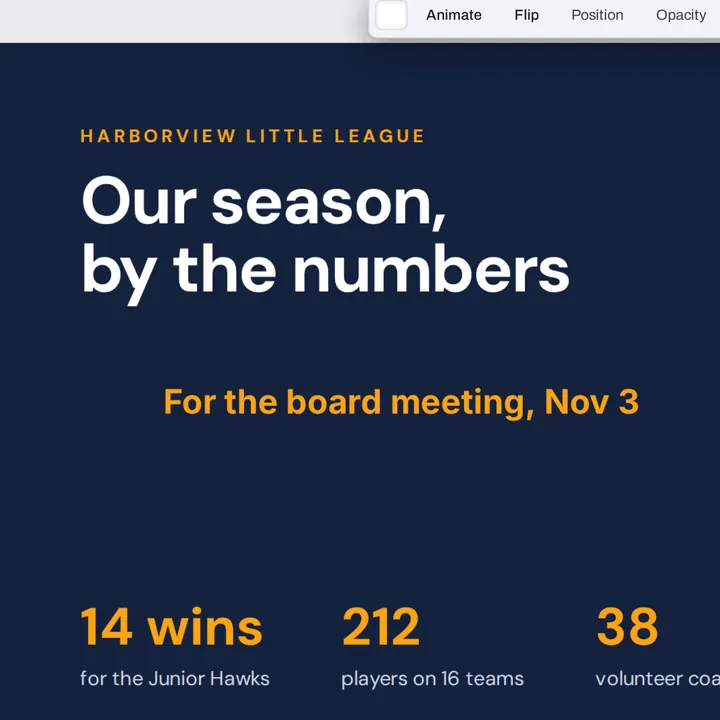
Add text
A note, a name or a date, in any font.
More in Compix
Questions
How do I convert a PNG to a PDF?+
Drop the PNG on this page, or several at once. They open in the Compix editor, one page for each image, with the Download menu already on PDF. Put the pages in the order you want, then Download saves one PDF.
How do I combine multiple PNG files into one PDF?+
Drop them all at once. Each PNG becomes a page of the same PDF, in the order you picked them. Drag a page in the strip under the editor to move it; the download follows the new order. Delete or duplicate a page there too.
What are the differences between PNG, PDF and JPG?+
A PNG is one picture saved without losing detail, so text and lines stay crisp, and it can have see-through parts: that is why screenshots, logos and graphics are PNGs. A JPG is one picture made smaller by smoothing fine detail, which suits photos. A PDF is a document: it holds many pages in order and looks the same on every device and printer, which is why forms and offices ask for one.
Why convert a PNG to PDF?+
To send several screenshots as one file, to attach a ticket or an order where only a PDF is accepted, to print a chart or a slide on A4 or Letter, or to keep a set of images together in the order you want.
What happens to a transparent background?+
It turns white, the way the paper under it would be. A logo with a clear background sits on a white page in the PDF, and a half see-through part blends into white. Your PNG itself is not changed.
Will my PNG stay sharp in the PDF?+
Yes. Each PNG goes into the PDF at full resolution, so small text in a screenshot stays readable when you zoom in. It is saved once more, as a high-quality picture inside the PDF, so it is not a byte-for-byte copy of your file, but the difference is very hard to see.
Is this PNG to PDF converter free?+
Yes. No account, no watermark, no payment and no trial. Convert your images and download the PDF.
Can I convert PNG to PDF on my phone?+
Yes. Tap the drop area on this page and pick screenshots from your photos or files. They open one per page, your image on the screen. Tap Share, then Download the work, and the PDF is saved to your phone.
How big is the PDF?+
It depends on the images. Each page is saved as a high-quality picture inside the PDF, so a screenshot full of colour or photos often comes out about the same size or smaller, and a plain screenshot of text can come out bigger. In our test, three screenshots of about 560 KB together made a 450 KB PDF. Compix does not shrink your images to make the PDF smaller, and it does not squeeze a PDF to a set size.
Can I make the PDF A4 or Letter size?+
Yes. In the Download menu, Paper starts on Same as page: each page is the image's own shape and nothing is cut. Pick A4 or Letter and every page becomes that sheet, turned the way the image is, with the image fitted whole inside a white margin, ready to print.
What other files can I convert to PDF?+
Any picture your browser can open: JPG (JPEG), PNG, WebP, GIF, BMP and AVIF, mixed in one PDF if you like. To put PDFs you already have together, use the PDF merger.
Is there a limit?+
There is no daily limit and no set number of images: the converting happens in your browser. A long stack of large images takes longer to open and to save. On an iPhone or iPad, an image over about 16 megapixels comes in at about 16, the largest picture the browser there can work with; it stays sharp on screen and in print. On a computer, only an image over 64 megapixels, or one over 16,384 pixels long, is made smaller.
Are my PNGs uploaded?+
No. They open inside this browser tab, on your own device, and the PDF is made there. Nothing is sent to a server. Sign in to save your work: your designs are then kept in this browser.
Drop your PNGs and get one PDF
No account needed to convert and download. Sign in when you want to keep the design.
Drop your PNGs here
or browse your files