Free PDF Editor
Write on it like paper. Fill in the lines, sign it, highlight what matters, and download the same PDF with your additions on top.
Drop your PDF here
or browse your files. Up to 50 pages
Edit your PDF
No watermark, no sign-up. Your PDF never leaves this tab.

How to edit a PDF
1
Drop your PDF
Drag it in or click to browse. It opens in the editor, one page for each page of your PDF, each at its own size.
2
Write on it
Type on the lines, sign with the Pen, highlight a clause, add a picture or a box. Move or delete pages.
3
Download
The Download menu is already on PDF. You get your PDF back, its own text intact, with what you added on top.
A pen, a highlighter and a steady hand
The things people open a PDF editor for, done on the page itself. Every picture below is cut from a page downloaded from Compix, not a screenshot of the editor.
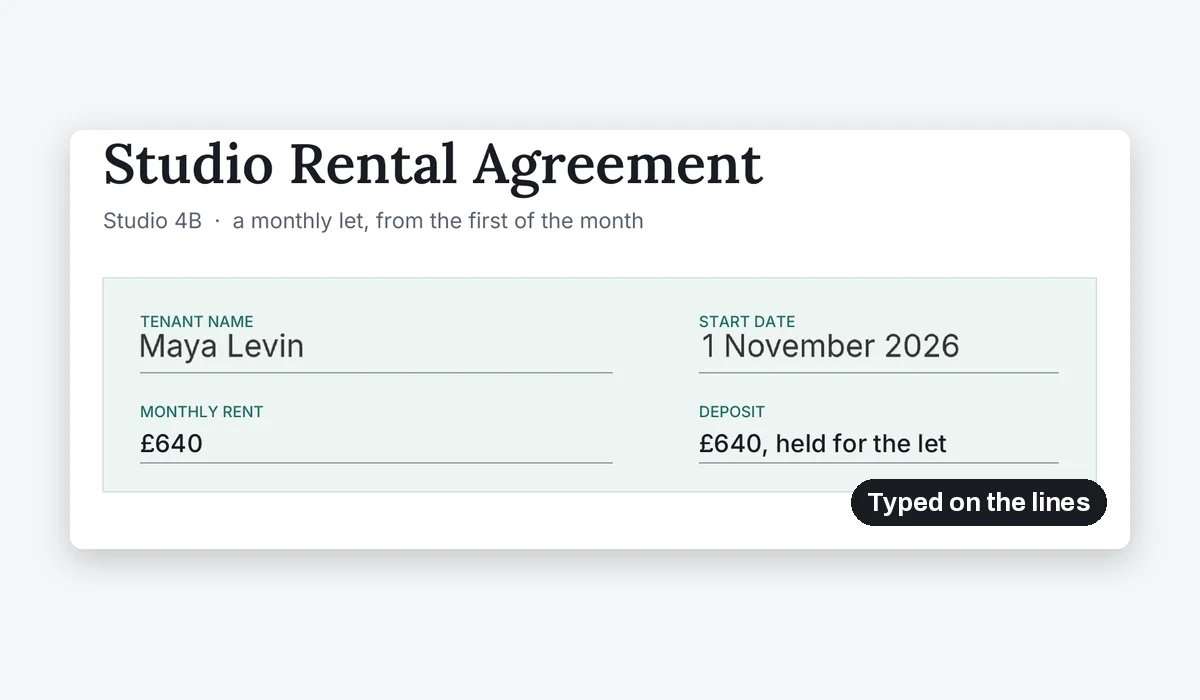
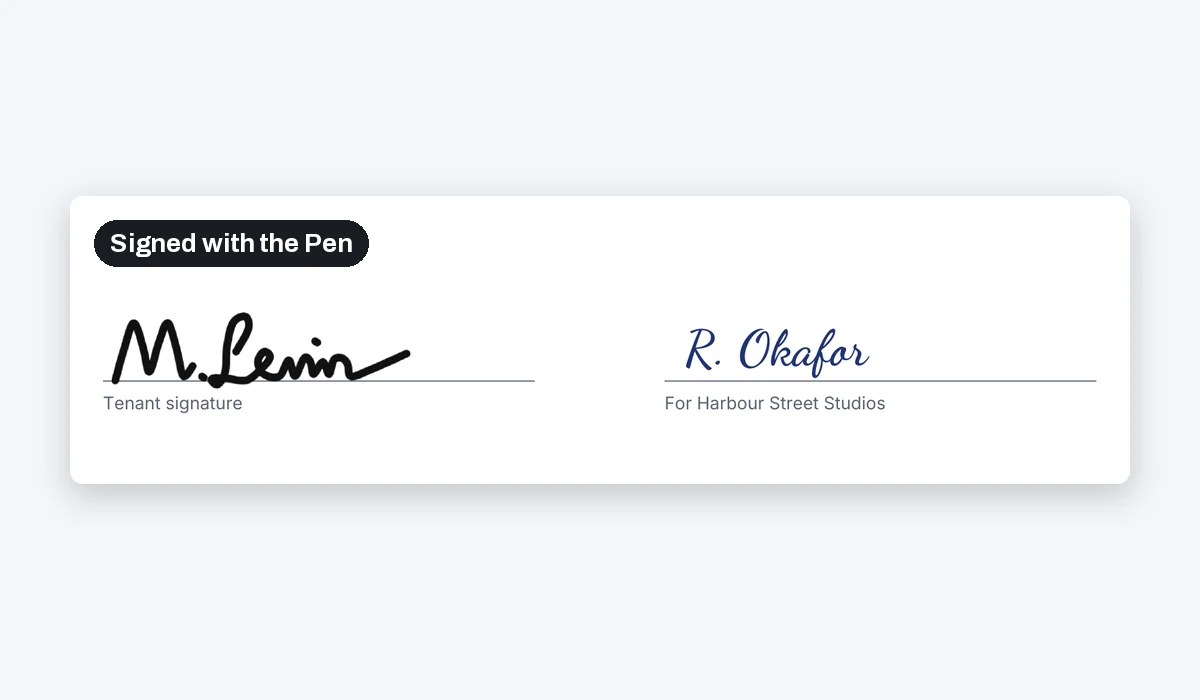
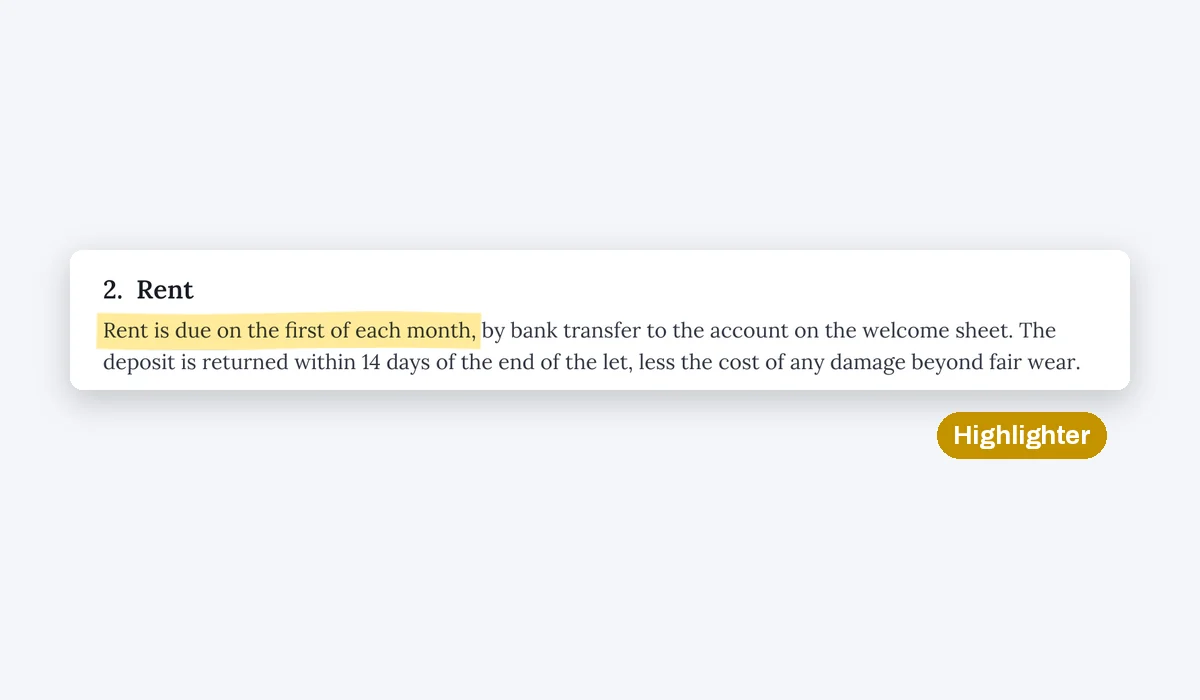
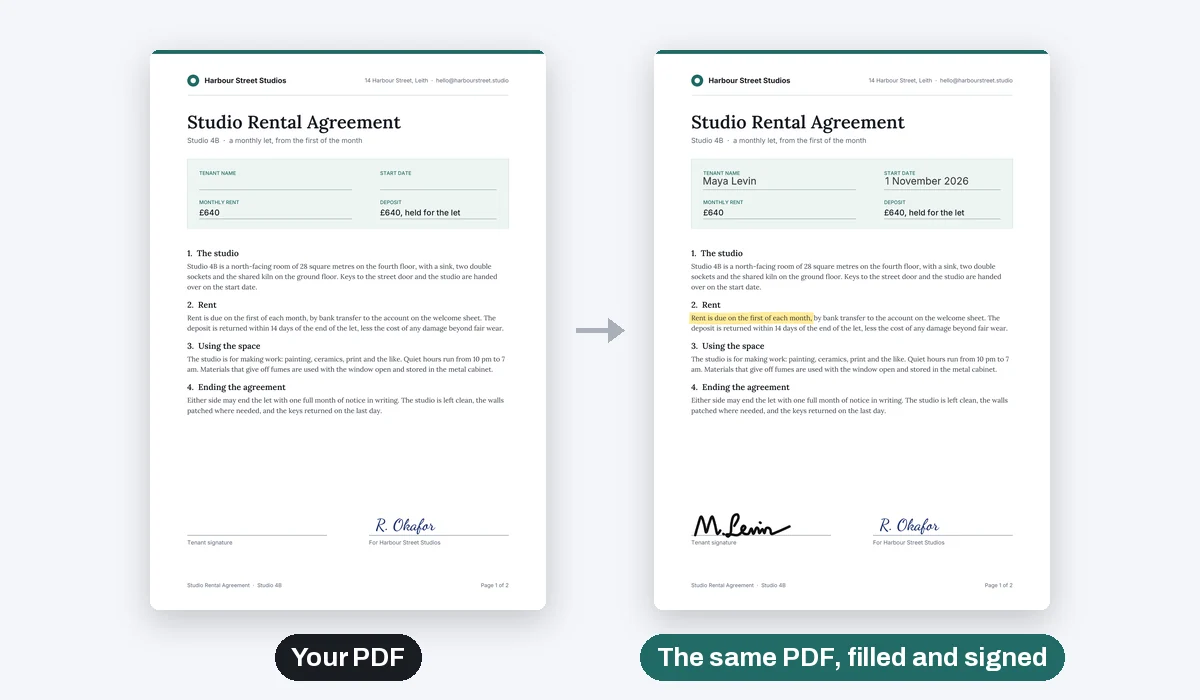
Up to 50 pages open at a time. Drag a page in the strip under the editor to move it, or delete or duplicate it there.
Compix writes on your PDF; it does not rewrite the PDF's own text. A white box with new words over it does the job.
Everything else that goes on a page
The PDF opens in the same editor as the rest of Compix, so the whole toolbox is there: photo editing for the pictures you add, and the shapes, frames and charts of any design.
Pictures and logos
Drop a photo, a logo or a scan of a stamp on the page. Crop it, resize it, round its corners.
Boxes, lines and arrows
Point at a figure, box a total, cross out a line, cover one with white.
Words in any font
Titles, notes and labels in the editor's fonts, at any size and colour.
Pages
Drag pages into a new order, delete the ones you do not need, or add a blank page for notes.
More in Compix
Questions
How do I edit a PDF?+
Drop your PDF on this page. It opens in the Compix editor, one page for each page of your PDF. Add words with Text, sign or draw with Draw, put shapes and pictures on it, then Download saves it as a PDF.
Is it free? Is there a watermark?+
It is free, with no watermark, no account and no trial. Edit the PDF and download it.
Can I change the words already in the PDF?+
Not yet. Compix writes on top of your PDF, it does not rewrite its own text. To change a line, cover it with a white box from Shapes and type the new words over it.
How do I sign a PDF?+
Open Draw, pick the Pen and sign on the line with your mouse, trackpad or finger. Or click Text, type your name and pick a handwriting font such as Dancing Script.
How do I fill in a PDF form?+
Click Text, then Body text, type your answer and drag it onto the line. On a PDF page the text comes in at a document's size. The form's own fillable fields are not filled as fields: your answers are drawn onto the page.
Can I highlight text in a PDF?+
Yes. Open Draw, pick the Highlighter and drag it across the words. It is yellow until you pick another colour.
Can I add a picture or a logo to a PDF?+
Yes. Drop the picture on the page and it lands there. Move it, resize it, crop it, or put it behind something.
Can I delete, add or move pages?+
Yes. Drag a page in the strip under the editor to move it, and the download follows the new order. Each page has a delete and a duplicate button, and + Add page adds a blank one.
Is the download still my PDF?+
Yes. Each page that came from your PDF is copied as it was, so its text can still be selected and searched, and its web links still work. What you added is drawn on top at 300 dpi, and the words you typed can be searched too.
How many pages can I open?+
Up to 50. A longer PDF opens its first 50 pages.
Is there a daily limit?+
No. There is no count of files or tasks a day or an hour: the editing happens in your browser, so open and download as many PDFs as you like.
Does it work with a password-protected PDF?+
A PDF that needs a password to open has to be unlocked first. A PDF that opens but is locked against changes can be edited; its pages download as pictures, with your additions.
Can I save a page as a JPG or PNG?+
Yes. In the Download menu, pick PNG or JPG to save the page you are on as a picture.
Is my PDF uploaded?+
No. It opens and is saved inside this browser tab, on your own machine. Nothing is sent to a server unless you sign in to keep your designs.
Drop your PDF and write on it
No account needed to edit and download. Sign in when you want to keep the design.
Drop your PDF here
or browse your files