GIF Maker
Say it in a loop. Turn a video or a handful of photos into a GIF, free, in your browser: trim it, put words on it that move, download it.
Drop a video or photos
or browse your files. Video, or several photos at once
Make your GIF
From a video or photos
Words that move
Save a GIF that loops
No watermark. It runs right here, in this tab.

How to make a GIF
1
Drop a video or photos
Drag them in or click to browse. A video opens on the timeline; several photos open one per page, a second each.
2
Make it yours
Trim the clip, crop it square, put words on it and give them a move. Change a page's length to hold a photo longer.
3
Download
The Download menu is already on GIF. Save it and it loops, ready to send. No watermark.
A video, a few photos, a few words
Start from whatever you have. The GIF maker opens it in the same editor as the rest of Compix, so everything you can do to a video you can do to your GIF.
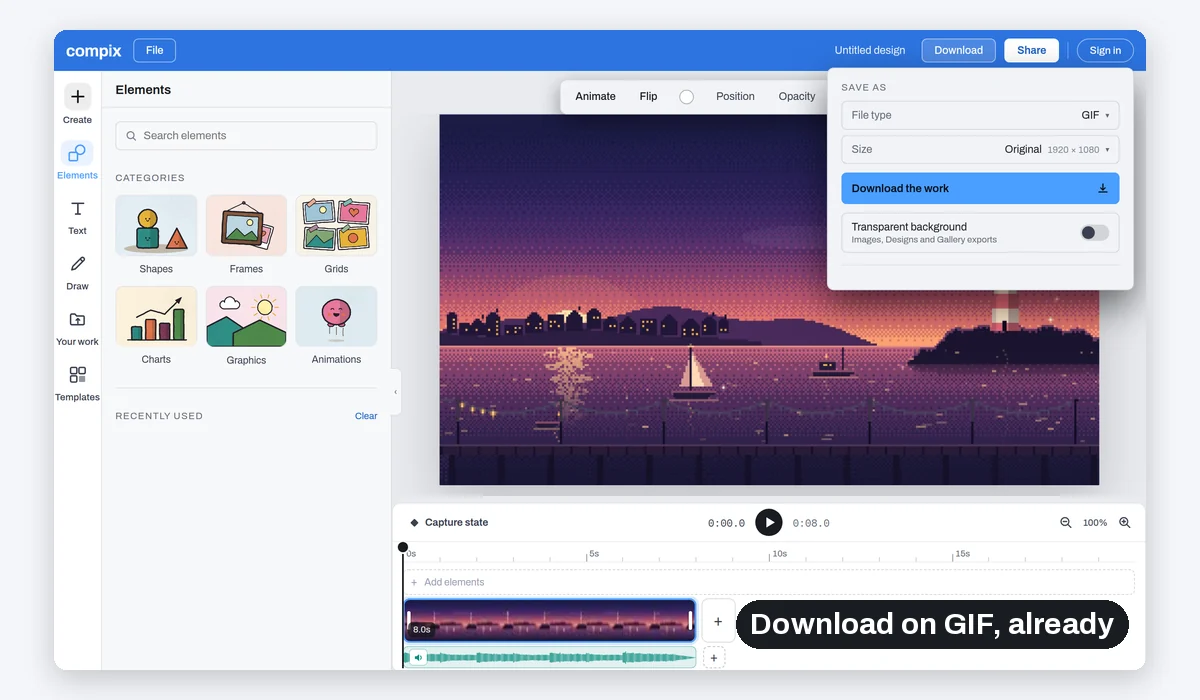
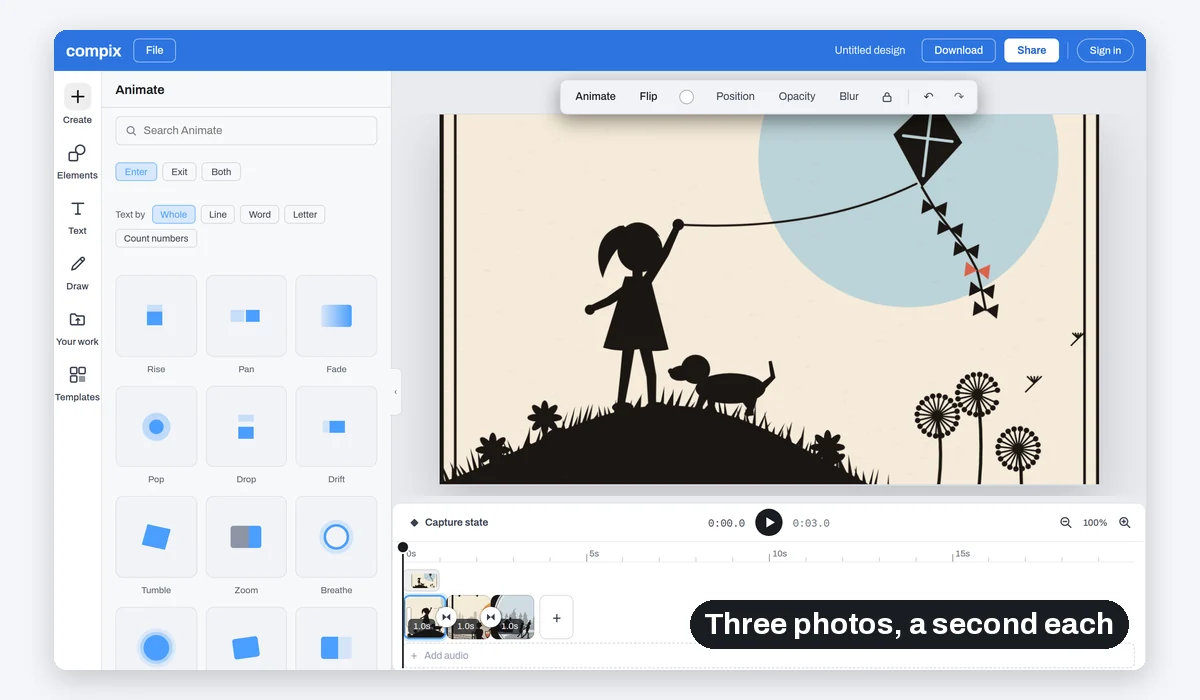
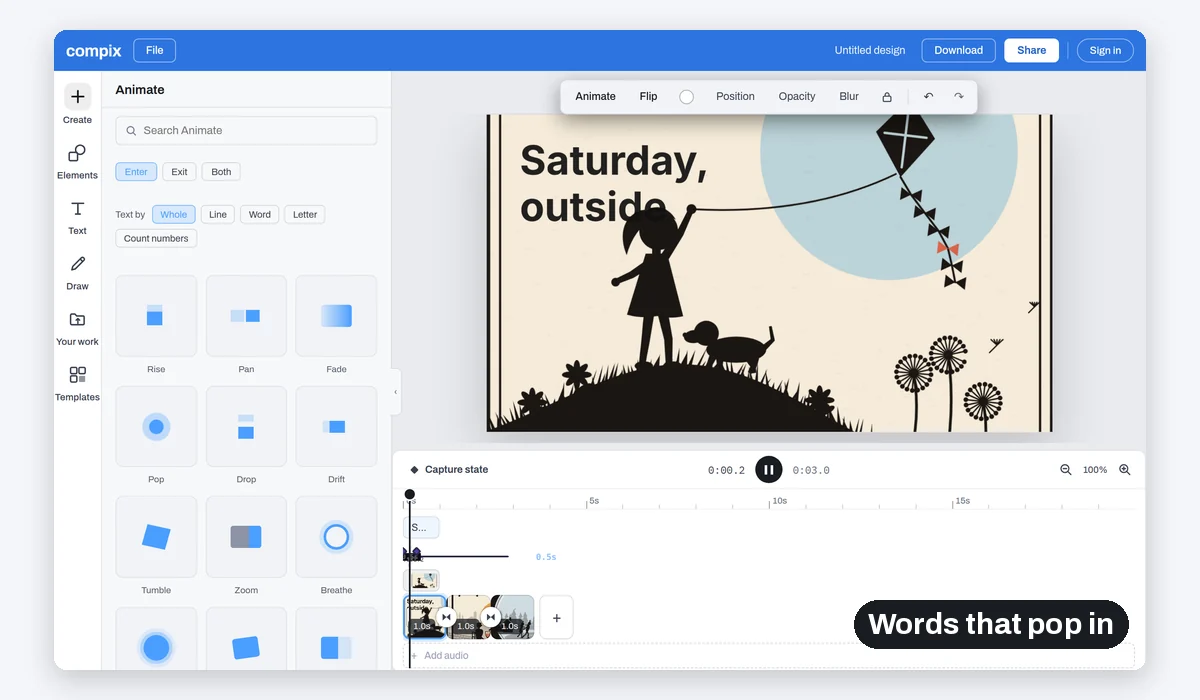
A GIF comes out at the size you pick, up to 1080p, at 12 or 24 frames a second, and loops forever.
A GIF has no sound. When the sound matters, the same Download menu saves an MP4 at full size.
What people make GIFs of
The best second of a clip. A few photos from the weekend. A line that says it better than a message. A design that already moves.
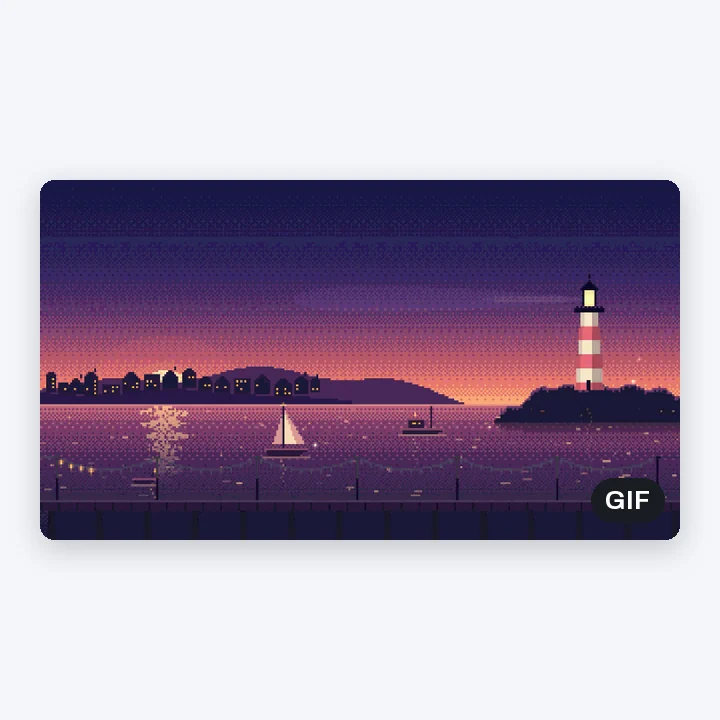
A clip that loops
The moment, over and over
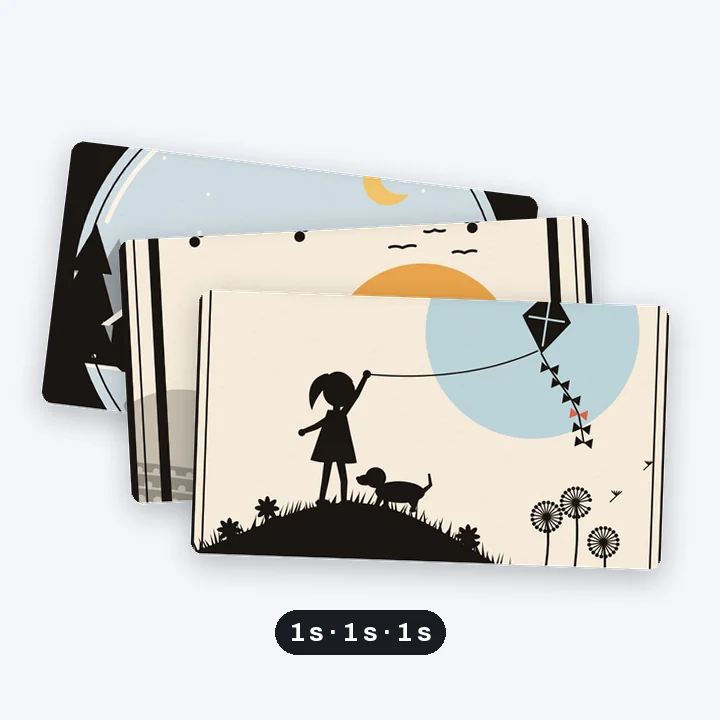
A photo slideshow
A second a photo
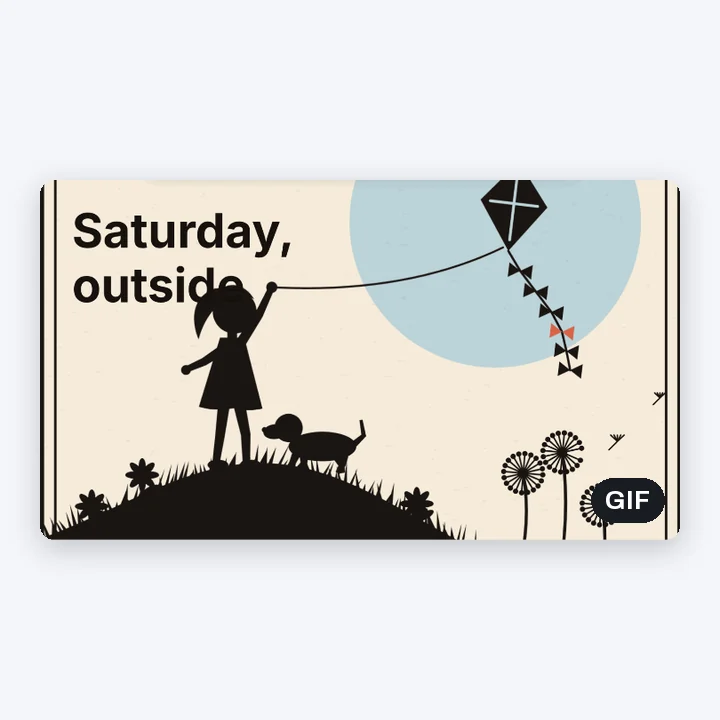
Words on a photo
A line that pops in

A template that moves
Saved as a GIF instead of a video
More than a GIF
Your GIF is made in the video editor. Trim the clip, crop it to a square, or start from something that already moves in the animation maker.
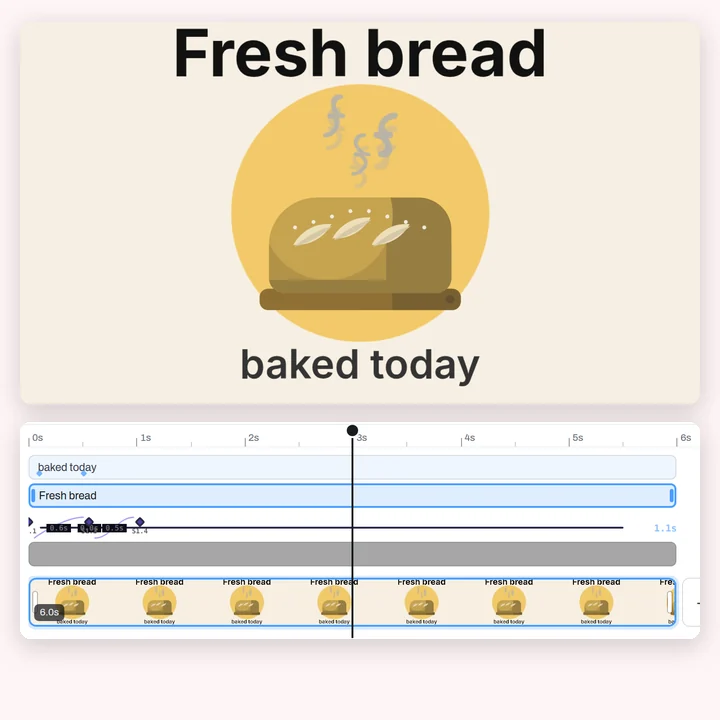
Titles
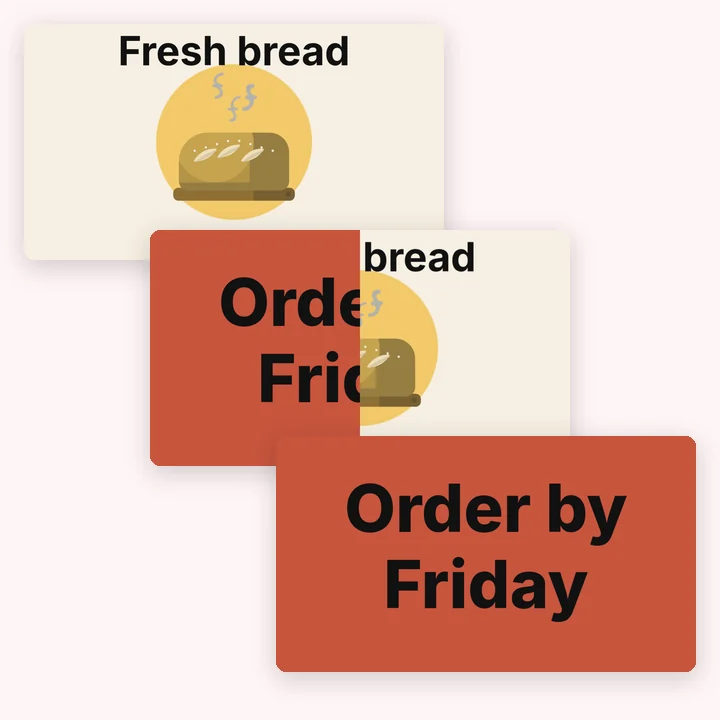
Transitions
Trimming

Every size
More in Compix
Logo maker
How to make a logo, step by step, and the files you get.
Animated logo maker
Make a logo that moves, as an MP4 or a GIF
Gaming logo maker
Make a logo for your team, stream or channel
Clothing logo maker
Make a logo for your clothing brand or boutique
Restaurant logo maker
Make a logo for your restaurant, food truck or bar
Real estate logo maker
Make a logo for your brokerage, team or rentals
Music logo maker
Make a logo for your band, label, studio or podcast
Video editor
Titles, stickers, motion and transitions.
Video trimmer
Cut the start and the end, the sound with it.
Animation maker
19 moves, keyframes and templates that move.
Questions
How do I make a GIF?+
Drop a video or a few photos on this page. They open in the Compix editor with the Download menu already on GIF. Trim it, add words or stickers if you like, then Download saves a GIF that loops.
Is it free?+
Yes. No account, no watermark, no payment, no trial. Make the GIF and download it.
How do I make a GIF from a video?+
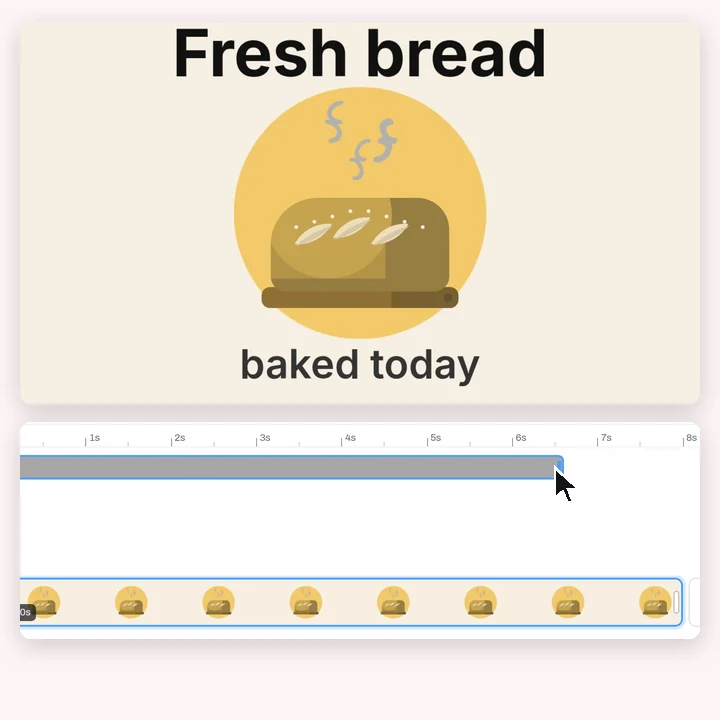
Drop the video. It opens on the timeline at its own size. Pull the clip's ends in to keep only the part you want, then Download saves it as a GIF.
How do I make a GIF from photos?+
Drop several photos at once. Each one opens on its own page, a second long, and the pages play one after the other. Pull a page's end to show a photo for longer, or join two pages with a transition.
Can I add text to a GIF?+
Yes. Click Text and pick a heading, then type. Animate makes it rise, pop, wipe or type in, as a whole, word by word or letter by letter.
Can I make a GIF square or vertical?+
Yes. Crop the video or the photo to 1:1, 4:5 or 9:16 before you download, and the GIF comes out in that shape.
How big is the GIF?+
The size you pick in the Download menu, up to 1080p (1920 pixels on its longest side), at 12 or 24 frames a second, and it loops forever. A full-size GIF is large: pick 720p under Size for a lighter one, or the MP4, which is far smaller and keeps the sound.
Does a GIF have sound?+
No, a GIF has no sound. If your video should keep its sound, pick MP4 in the Download menu instead.
Can I make a GIF from a YouTube video?+
Compix makes GIFs from files on your device. It does not download videos from YouTube or other sites, so use a clip you have saved.
Which files can I use?+
Videos your browser can play, such as MP4 (H.264) and WebM, and photos in PNG, JPG or WEBP.
Does it work on a phone?+
The page opens on a phone and you can pick a file there, but the editor is built for a bigger screen: on a phone its panels cover your video. For now it is easiest on a tablet or a computer.
Is my video uploaded?+
No. Everything runs in this browser tab on your own machine. Nothing is sent to a server for that. If you sign in to save your work, it is saved online with its videos and pictures, so it opens on any device.
Drop a video or photos and make a GIF
No account needed to edit and download. Sign in when you want to keep the design.
Drop a video or photos here
or browse your files