Gaming Logo Maker
Make a free gaming logo: start from a logo for an esports team, a streamer or a channel, put in your gamer tag, pick the fonts and colors, and download a PNG with a transparent background. All in your browser.


How to make a gaming logo
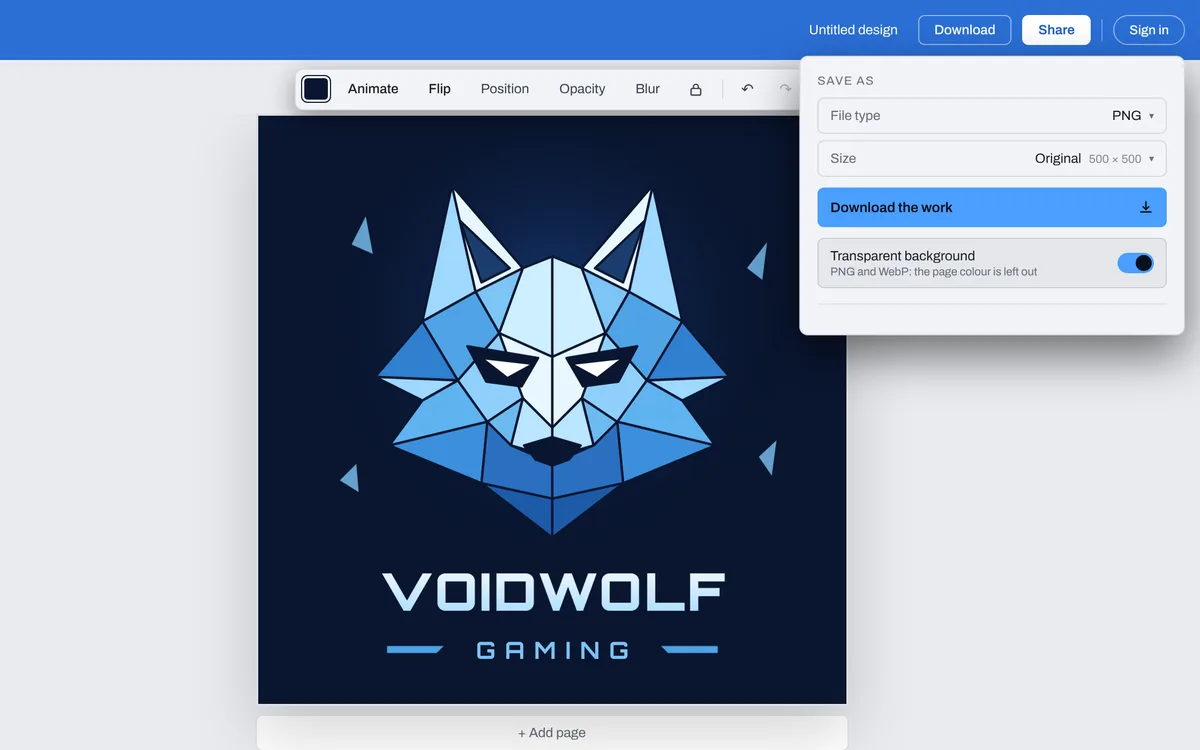
Click one on this page, or Make a gaming logo: the editor opens with the gaming logos in its Templates. Each one opens on a 500 by 500 square.
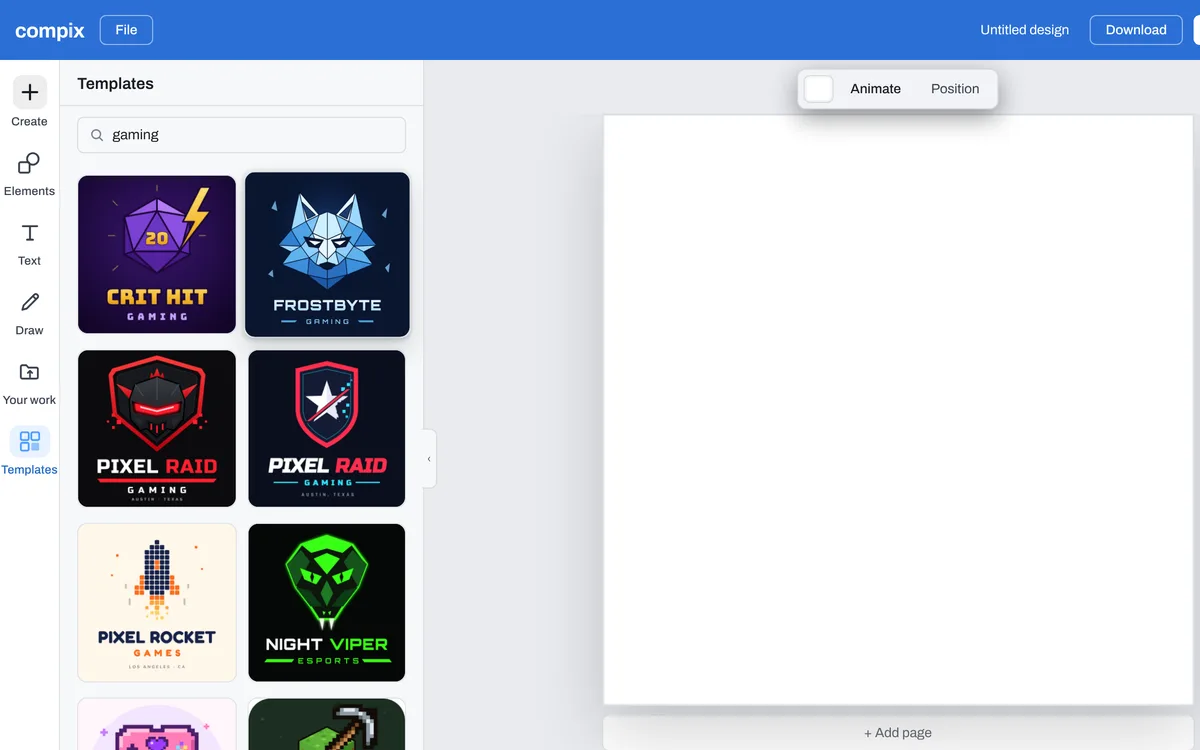
Double-click the sample name and type your gamer tag or your team's name. Do the same for the line under it, or select it and press Delete to leave it out.
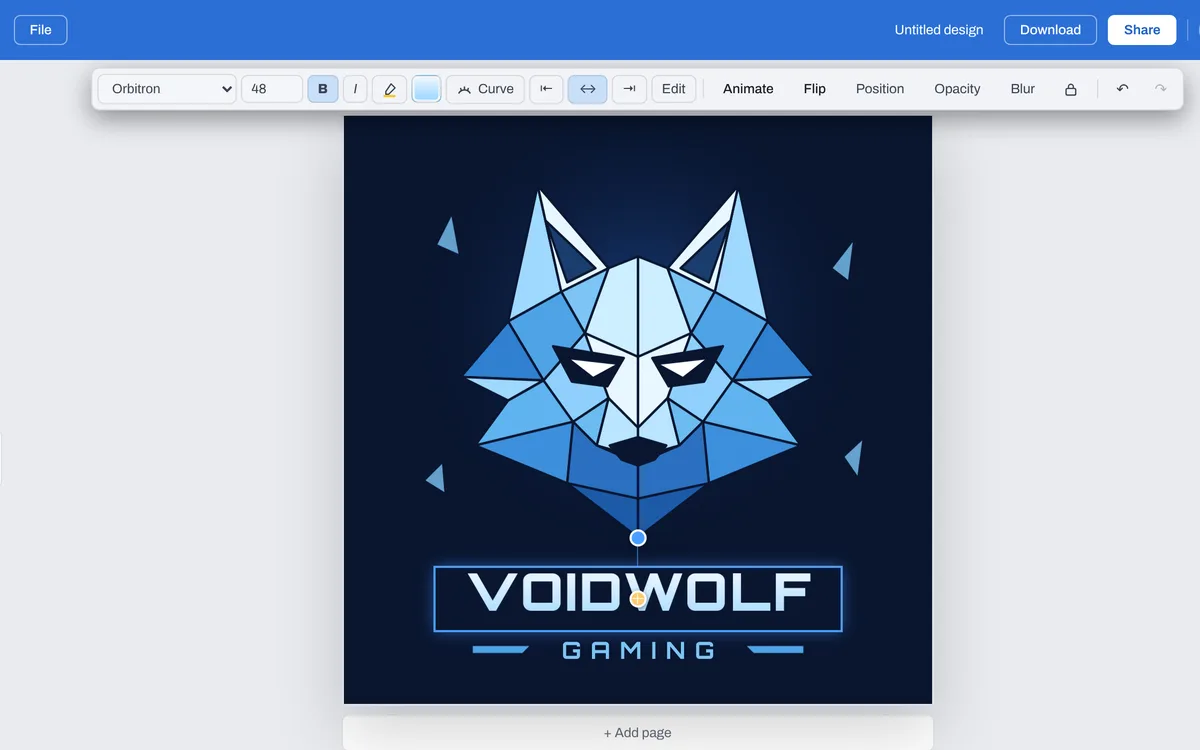
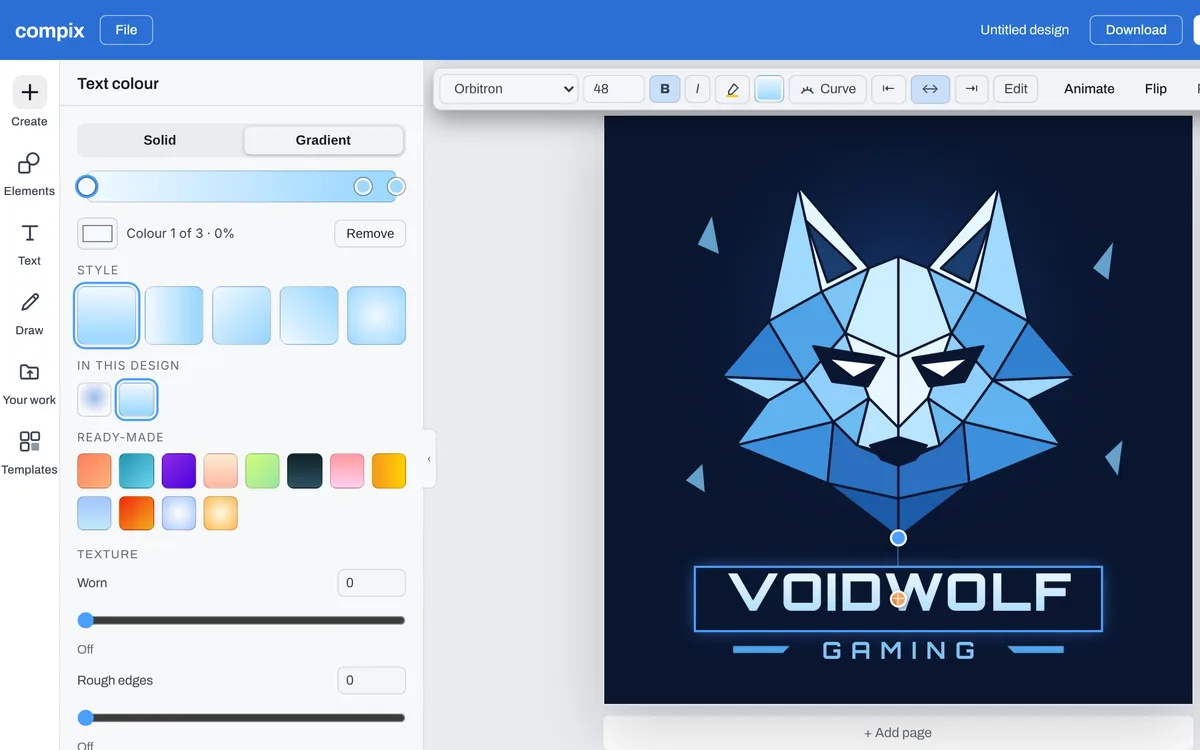
With a word selected, the bar above the page changes its font and its color. With nothing selected, its color tile changes the background.
Press Download. The menu is on PNG: turn on Transparent background and press Download the work, and the logo sits on your overlay or a thumbnail.
Start from a gaming logo
See all 23 gaming logo templatesMascots, shields, pixel art and neon. Click one and it opens in the editor, ready for your tag or your team's name.


PNG, WebP, JPG or PDF
Pick the file in the Download menu. Each one is your logo at 500 by 500 pixels, the size a gaming logo template opens at.
| PNG | For your website, profiles and anything you lay it on. With Transparent background on, the page color is left out. |
|---|---|
| WebP | The same picture for the web as a WebP. It keeps a transparent background too. |
| JPG | For places that ask for a JPG. It always has a background. |
| The logo on a page of its own, to send or print. | |
| MP4 or GIF | Once something in your logo moves, from Animate. |
What makes a gaming logo work
Read at icon size
Chats and server lists show your logo as a small round picture. At that size people see the mascot or the shield more than the words, so keep the name short and the mark big.
Made for the overlay
Turn on Transparent background before you download: the PNG has no page color, so it sits on your stream or a thumbnail. Where a logo has its own panel behind it, select the panel and delete it first.
Your team's colors
Select the name, and the bar above the page changes its font and color. A template's drawing keeps its own colors: start from a mascot already close to your team's.
Give it a move
Select the name or the mascot and pick a move in Animate, such as Pop or Pulse, and the logo downloads as an MP4 for the start of your stream.