Add Text to Video
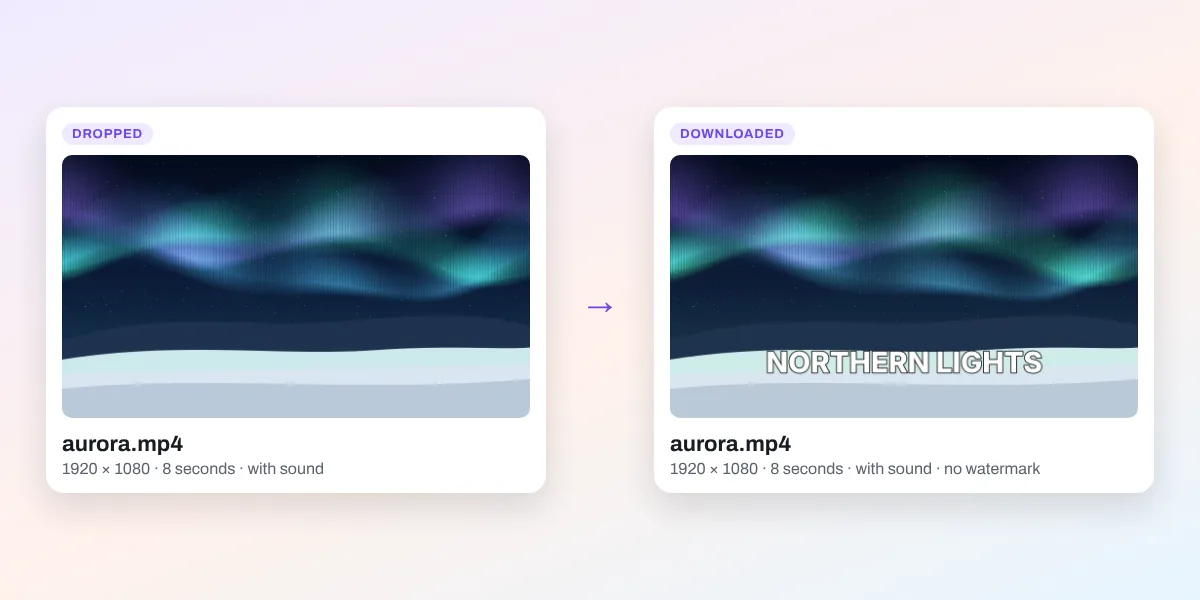
Drop a video and your words are already on it: type over them, pick a style or an animation, choose when they show, and download an MP4 at the video’s own size, with its sound. Free, in your browser.
Drop your video here
or browse your files. MP4, WebM or MOV
Add text
In MP4, WebM or MOV
Out MP4 with its sound
Nothing uploaded
No watermark, no sign-up. Your video stays right here, in this tab.

How to add text to a video
1
Drop your video
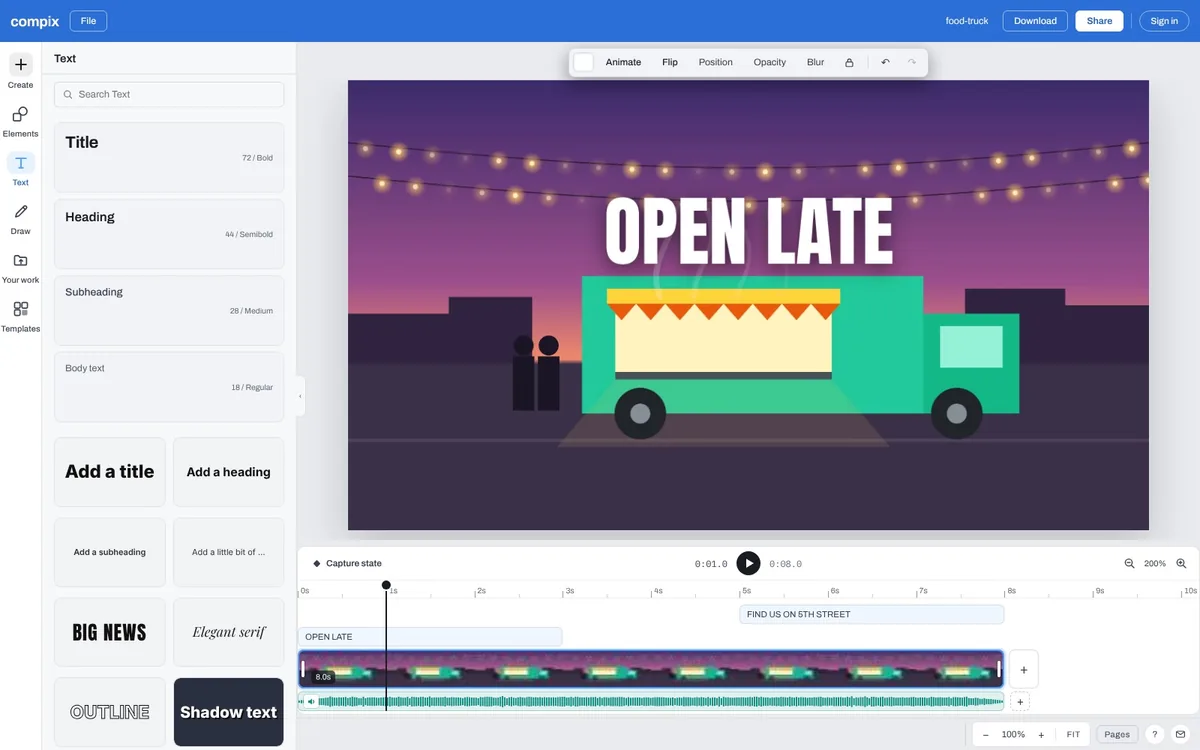
Drop it on the box above, or click it to choose one. It opens in the video editor as the page, at its own size and length, with a line of words near its foot.
2
Type your words
On a computer the line is ready to type over; on a phone, tap it twice. Pick a style or an animation in the Text panel, and drag the ends of its bar on the timeline to choose when it shows.
3
Download the MP4
Download saves the video with your words as an MP4, at its own size and length, with its sound, named after it. No watermark.
Words on your video, the way you want them



Why add text to a video
Most videos on social feeds are watched with the sound off. A few words on the video say what it is in the first second: the title, the offer, the place, the step, the thank you. Written on the frames, they go wherever the video is shared, and they hold a viewer who would scroll past.
What people write on videos

Titles
The name, in the first second

Captions
What is said, written in

Promos
The offer, on the product

How-tos
A step at a time

Watermarks
Your handle, small and faded

End cards
A goodbye that stays a while
More in Compix
Questions
How do I add text to a video?+
Drop the video on the box at the top of this page, or click it to choose one. It opens in the Compix video editor as the page, at its own size and length, with a line of words near its foot. Type yours over them, pick a style if you like, and press Download: you get an MP4.
Is it free?+
Yes. There is no account to make, no watermark on the video you download, and no limit on how many videos you put words on.
Can I choose when the text shows?+
Yes. Under the video is a timeline, and your words have a bar of their own on it, as long as the video to start with. Drag its left end to the moment they should come in and its right end to when they should go: at the start, in the middle, at the end or the whole way through. The MP4 follows the bar.
Can I add more than one text?+
As many as you like. Click a style in the Text panel and another text lands on the video, with its own look, place and bar on the timeline, so a title can open the video and a line close it. Shift and Enter make a new line inside one text.
How do I change the font, color or size?+
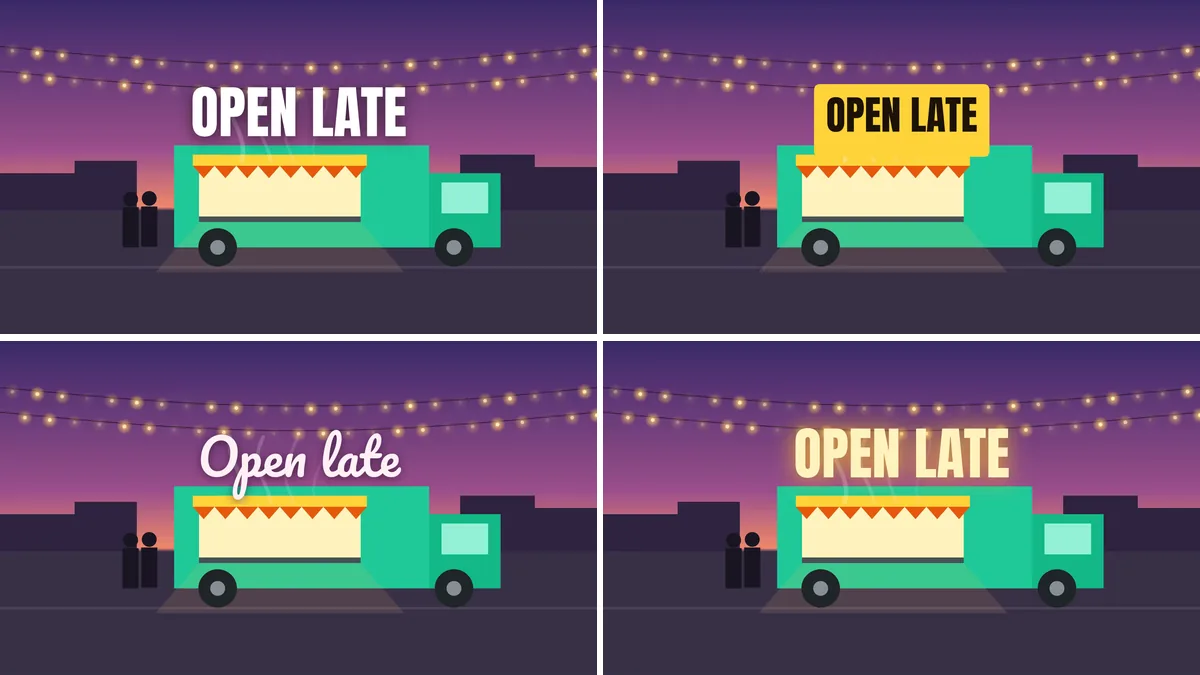
Select the words. The bar above the video has the font (more than 100 of them), the size, bold and italic, the color, the alignment and the outline. The Text panel has ready-made styles: shadows, outlines, glows, labels and script.
Can I animate the text?+
Yes. Select the words, press Animate and pick how they come in, such as Rise, Pop, Wipe or Type: in the MP4 they come in that way.
Does the video keep its sound?+
Yes. The sound plays on the timeline and comes with the MP4. Volume in the bar above the video sets how loud it is, or mutes it. A video with no sound stays silent.
Does the video keep its size and quality?+
It keeps its size: our 1920 by 1080 clip came back 1920 by 1080, and the tall 1080 by 1920 one stayed tall. The MP4 is made again, at 30 frames a second (60 if you pick it in the Download menu) and a high bitrate, so it looks like the video you dropped. You can also pick 1080p or 720p in the Download menu.
Which videos can I use?+
MP4 and WebM, and a MOV where this browser plays it. If your browser can’t play a video, Compix tells you when you add it. A photo dropped here gets words on it as a photo, and a GIF as a GIF.
Can I add text to a video for Instagram Reels or TikTok?+
Yes. A tall video stays tall, at its own size, so the MP4 is ready for Reels, TikTok and Shorts. Keep the words away from the very top and bottom, where those apps put their buttons.
Can I add subtitles automatically?+
No. You type each caption as a text and set when it shows on the timeline. There is no automatic transcription of the speech.
How long can the video be?+
There is no set limit. The download draws every frame on your computer, so a longer video takes longer to save; the download window shows the time left.
Can I add text to a video on my iPhone?+
The page opens on a phone and you can pick a video there: tap the words twice to type yours, then tap Share and Download the work. The editor is roomier on a tablet or a computer. On an iPhone or iPad the browser may not be able to add the sound; then the MP4 is saved without it, and the app says so.
Are my videos uploaded?+
No. The video is played and the MP4 made inside this browser tab, on your device. If you sign in to keep a design, it is saved online with its video, so it opens on any device.
Drop a video to write on it
No account needed to add text and download the MP4. Sign in when you want to keep the design.
Drop your video here
or browse your files