GIF to MP4 Converter
Turn a GIF into an MP4 video for the places that take video and not GIFs: the same picture, at its own size, as long as it plays or as long as you like. Free, in your browser.
Drop your GIF here
or browse your files. Any GIF, moving or still
Make an MP4
Size kept
Any length
No watermark
No watermark, no sign-up. Your GIF becomes a video right here, in this tab.

How to convert a GIF to MP4
1
Drop your GIF
Drag it onto the box, or click to pick it. It opens in the editor at its own size and as long as it plays.
2
Check the page
The Download menu is already on MP4. Pull the page longer to repeat the GIF, or add words first.
3
Download
One press saves the MP4, named after your GIF: lava-lamp.gif comes back as lava-lamp.mp4. No watermark.
What you get
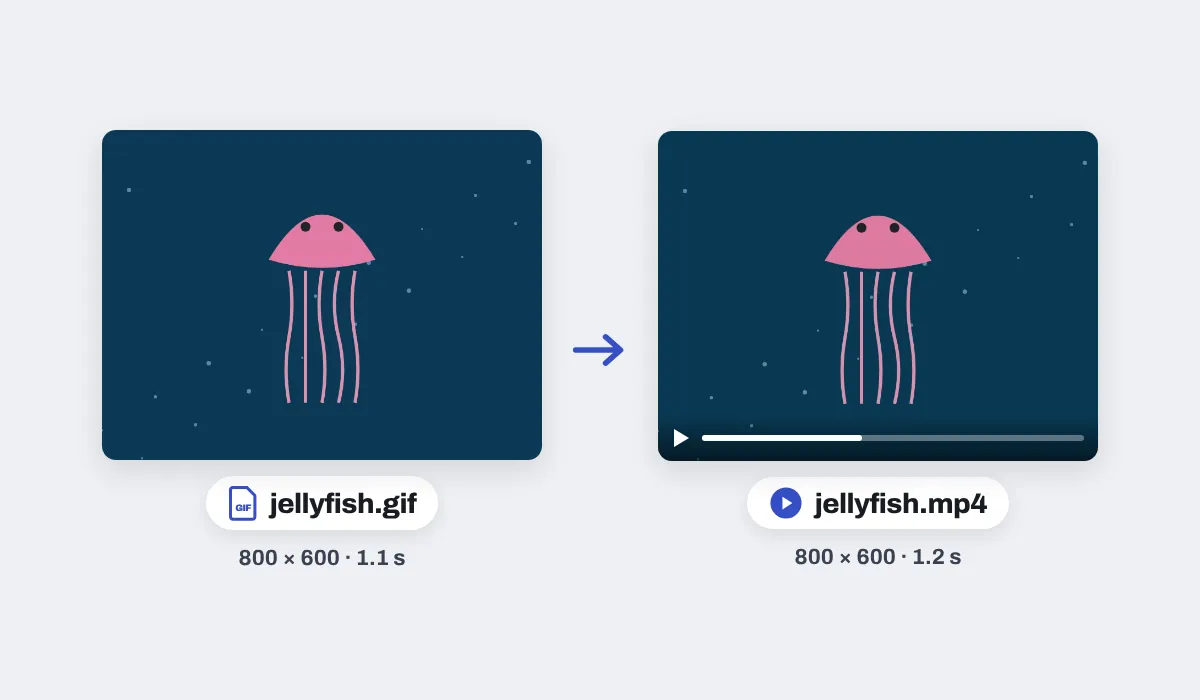
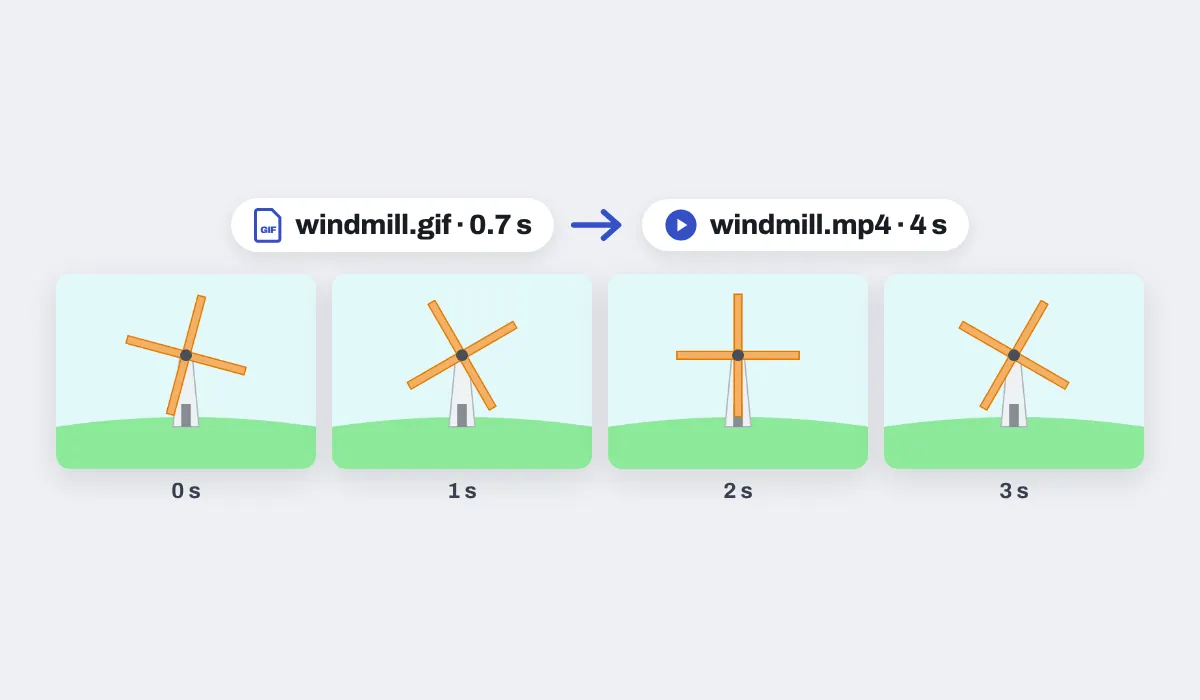
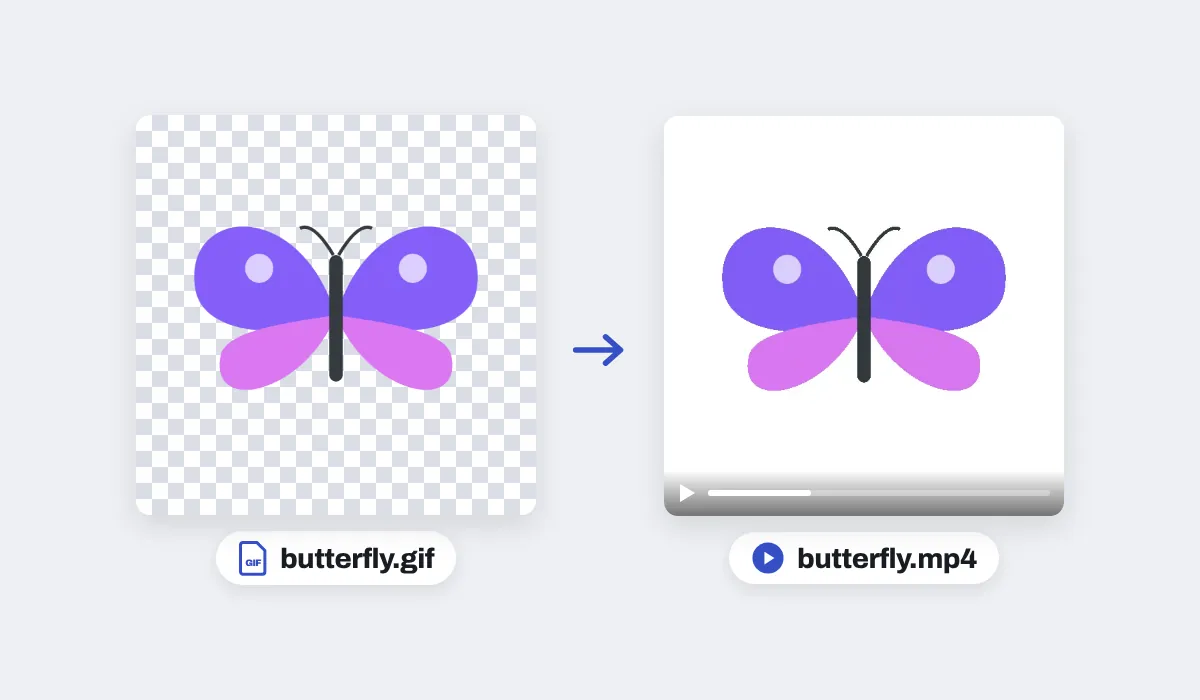
The MP4 runs at 30 frames a second, or 60 if you pick 60 fps in the Download menu. It has no sound, as a GIF has none.
The GIF you dropped stays exactly as it was. The MP4 is a new file, made in this tab without uploading anything.
Why turn a GIF into an MP4
A GIF is a picture that happens to move. Places built for video often will not take one: a post or a story asks for a video, and a slide or a chat may show a GIF only as a still. As an MP4 it plays where videos play, with a pause button and full screen.
Where an MP4 goes
The same GIF, wanted somewhere that plays videos. A few places people send one:

Stories and reels
Where a GIF upload is refused

Chats
A video any phone plays

Slides
A clip in your deck
Websites
A short loop on a page

Video edits
A clip for a longer video

Posts and ads
A moving picture people stop for
More than a converter
Your GIF opens in the same editor as the video editor, so it can be finished before you save it.

Add words
From the Text panel, before you save.
60 frames a second
One choice in the Download menu.
Cut it shorter
Pull the page in on the timeline.
Or keep it a GIF
GIF in the Download menu.
More in Compix
Questions
How do I convert a GIF to MP4?+
Drop your GIF on the box at the top of this page, or click the box to choose it. It opens in the Compix editor as a page of its own, at its size and as long as it plays, with the Download menu already on MP4. Press Download and the video is saved, named after your GIF.
Is the GIF to MP4 converter free?+
Yes. There is no account to make, no watermark on the video, and no limit on how many GIFs you turn into MP4s.
Why turn a GIF into an MP4?+
Many places take a video but not a GIF, such as Instagram posts and stories and many slide and chat apps. An MP4 also plays with the controls people expect: pause, rewind and full screen.
Does the MP4 keep the GIF's size and length?+
Yes. The video has the GIF's width and height, and it is as long as the GIF plays once, to the tenth of a second. An odd width or height comes out one pixel smaller, because a video's sides are even.
Can I make the MP4 longer than the GIF?+
Yes. Pull the end of the page on the timeline under the GIF: the GIF plays again and again until the page ends, and the MP4 runs that long. Pull it in instead to keep only the start.
How smooth is the video?+
It runs at 30 frames a second, or 60 if you choose 60 fps in the Download menu. Inside it, the GIF's own frames come at the GIF's own pace.
Will the MP4 be smaller than the GIF?+
It depends on the GIF, and it is not always smaller. Compix saves the video at high quality, so a short, simple GIF can come out a little bigger as an MP4.
What about a GIF with a see-through background?+
A video has no see-through parts, so they come out white, the colour of the page behind the GIF.
Does the MP4 have sound?+
No. A GIF has no sound, so the video made from it is silent.
Can I add text before I convert?+
Yes. Pick a line of words in the Text panel, type yours and place it, and it is in the MP4. The add text to GIF page does the same for a GIF.
Can I turn it back into a GIF?+
Yes. Choose GIF as the file type in the Download menu and the same page is saved as a GIF.
Are my GIFs uploaded?+
No. The GIF is read and the MP4 made in this browser tab, on your device, so nothing is sent to a server for that. If you sign in to keep a design, it is saved online with its pictures, so it opens on any device.
Can I convert a GIF to MP4 on my phone?+
Yes. Tap the box at the top and pick a GIF; it opens on its own page. Tap Share, then Download the work to save the MP4.
Which browsers can make the MP4?+
Browsers with a built-in video maker, such as recent Chrome and Edge. A browser without one says so when you press Download, and it can still save the page as a GIF.
Drop your GIF and get an MP4 back
No account needed to convert and download. Sign in when you want to keep the design.
Drop your GIF here
or browse your files