JPEG to PNG Converter
Turn your JPEG files into PNG images in a few clicks, at their full size, ready to edit and save again, to share or to print. Free, in your browser.
Drop your JPEG files here
or browse your files. One picture or many, .jpg too
Convert to PNG
Same size every pixel kept
Upright camera photos
A whole batch names kept
No watermark, no sign-up. Your pictures are converted right here, in this tab.

How to convert JPEG to PNG
1
Drop your JPEG files
Drag in one .jpeg or a whole batch, or click to browse for them. Every picture gets a page of its own, at its own size.
2
Touch them up, if you like
The Download menu is already on PNG for every page. Crop, flip or add words first, or leave them as they are.
3
Download your PNG images
A single picture comes back as a PNG; a batch comes back as one zip, with owl.jpeg as owl.png.
Convert JPEG to PNG with every pixel kept
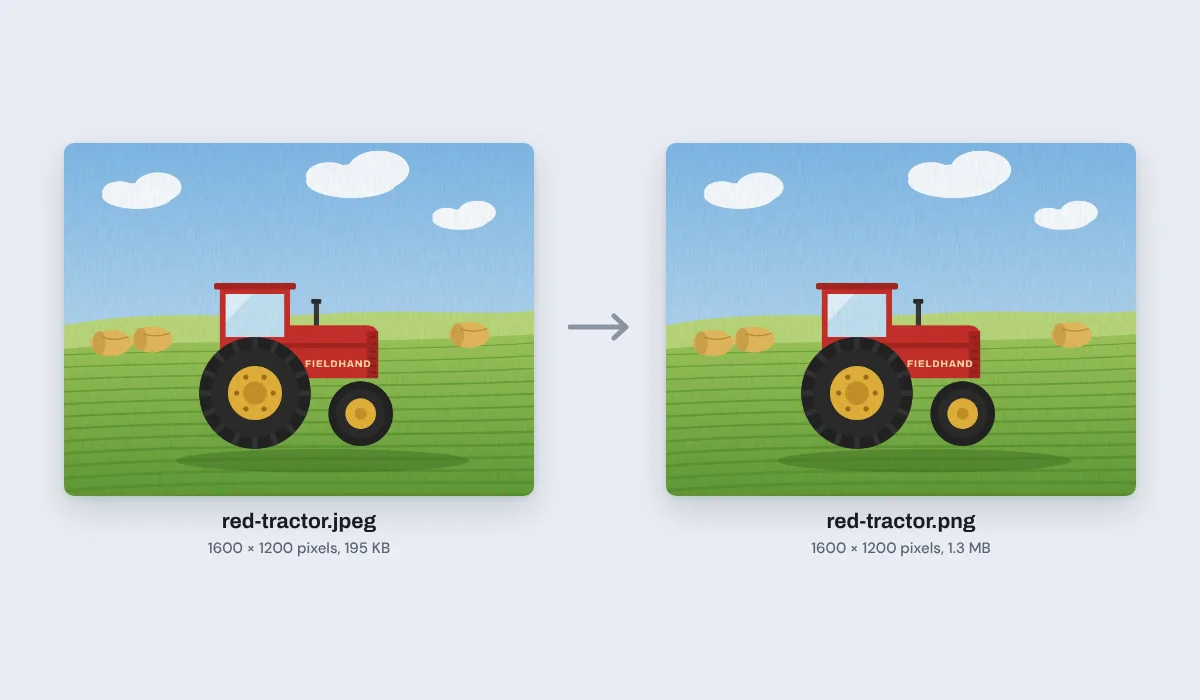
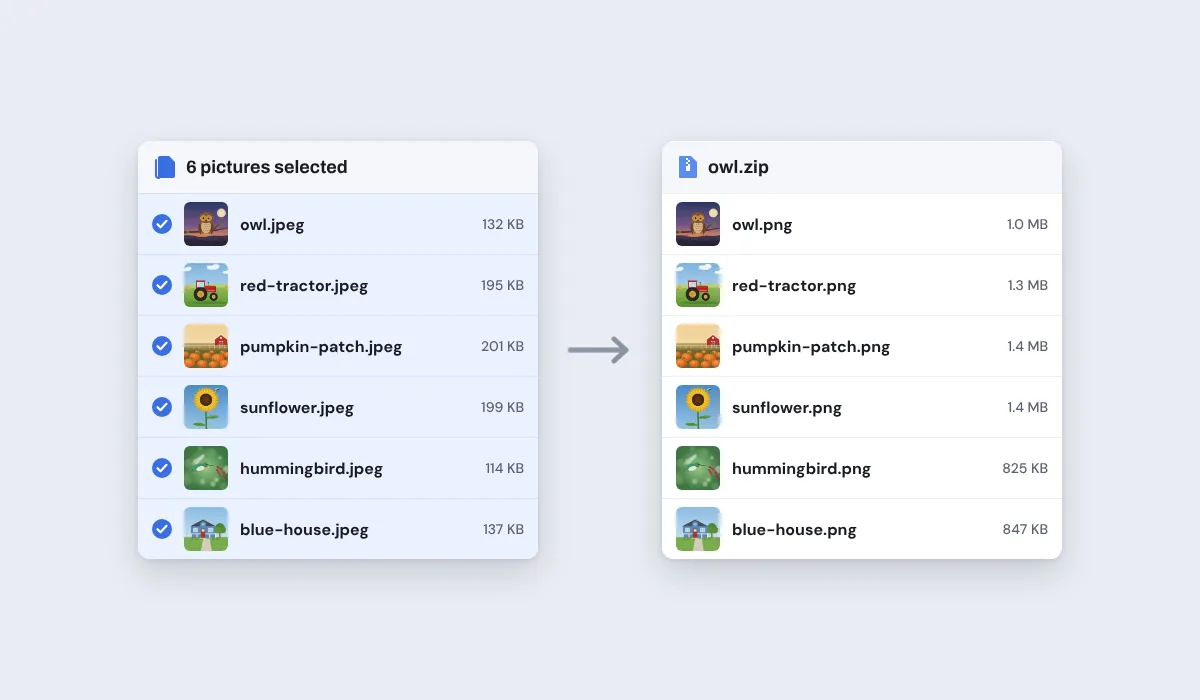
Expect a bigger file: a PNG stores every pixel as it is, while a JPEG packs them small. Our six JPEG pictures, 976 KB together, made 6.8 MB of PNG images, each about 6 to 8 times its JPEG.
A JPEG has no see-through parts, so its background, a sky or a white wall, comes along into the PNG as it is. Converting does not cut anything out.
One exception: an iPhone or iPad works with pictures of up to about 16 megapixels, so a bigger photo, like the 24 megapixel photos of a recent iPhone, is brought down to that size and passes through one more JPEG save first. On a computer, photos up to 64 megapixels are kept whole.
Use your PNG images on any project
PNG opens in almost every app, many sites and print shops ask for it, and a PNG can be edited and saved again without getting worse.

Camera photos
To edit and save again
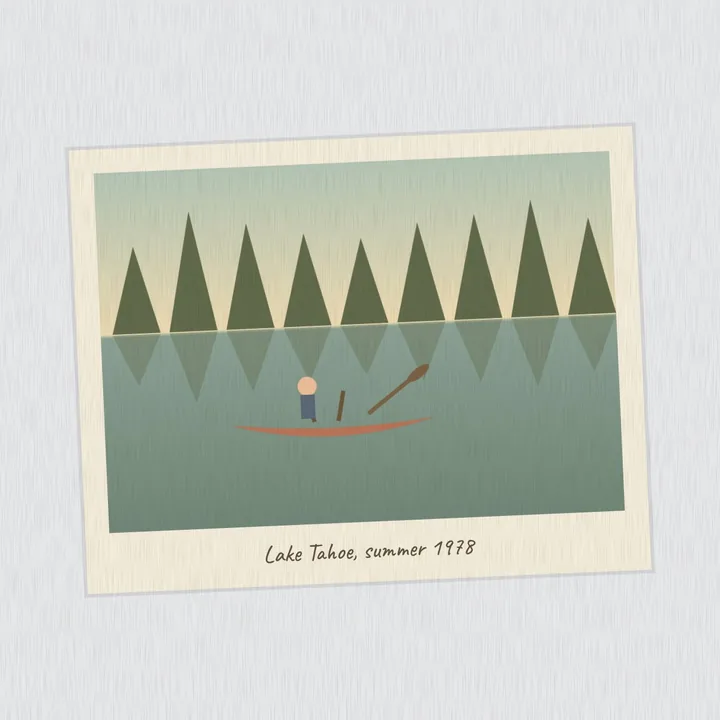
Scanned prints
To keep for good
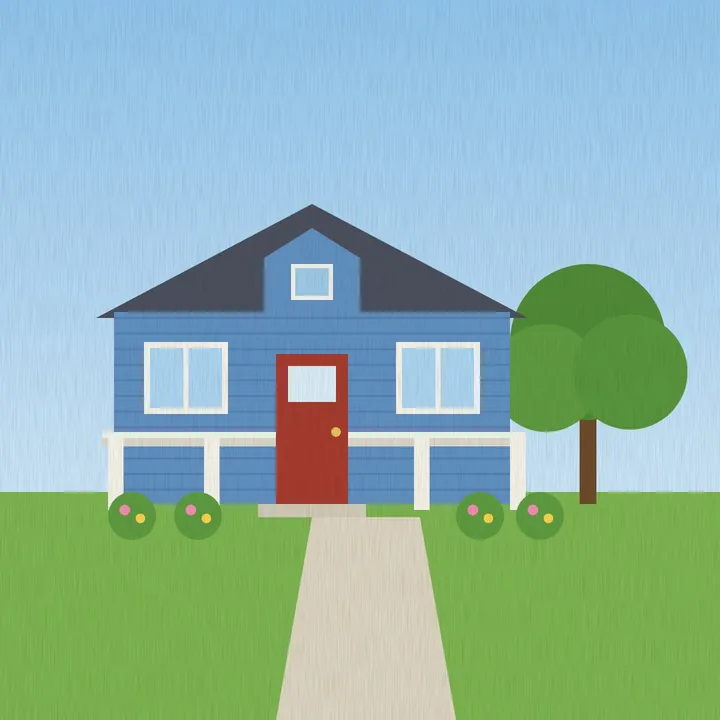
Home listings
For a site that asks for PNG
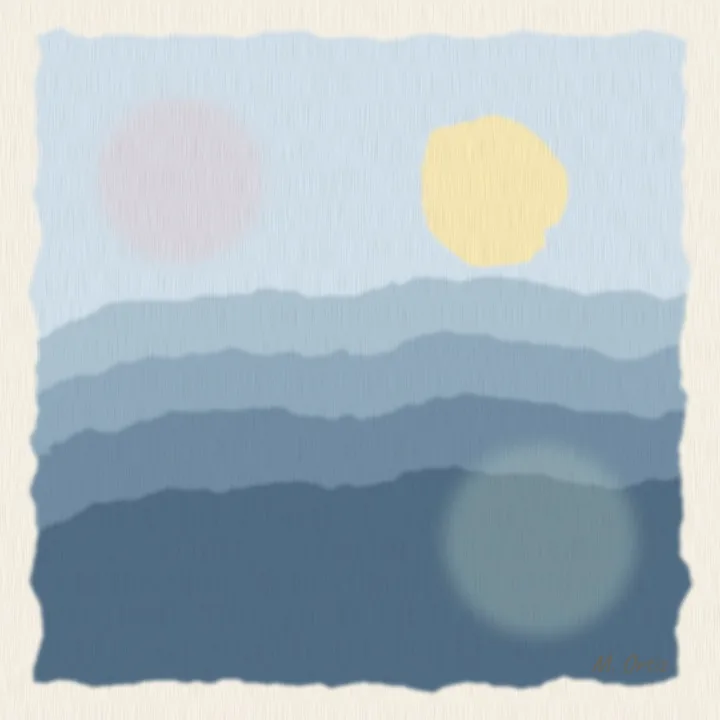
Art for printing
For a print shop
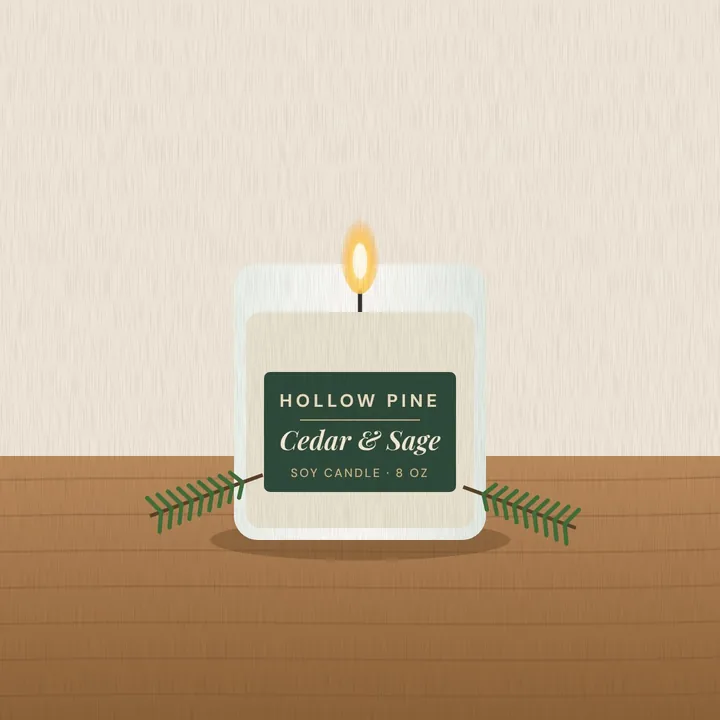
Shop photos
For a product page
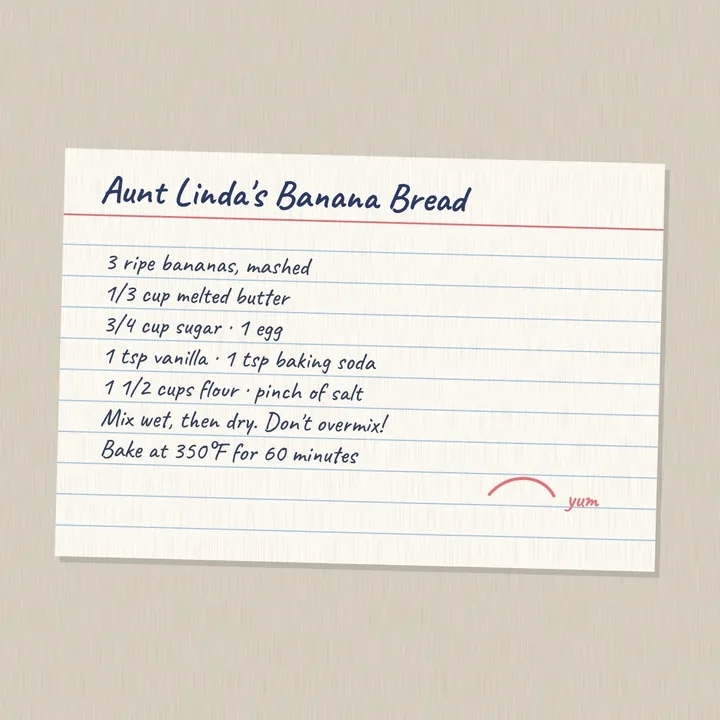
Recipe cards
To share with family
More than a converter
Your pictures open in the same editor as the photo editor, so you can crop, flip or mark them up before you save the PNG.
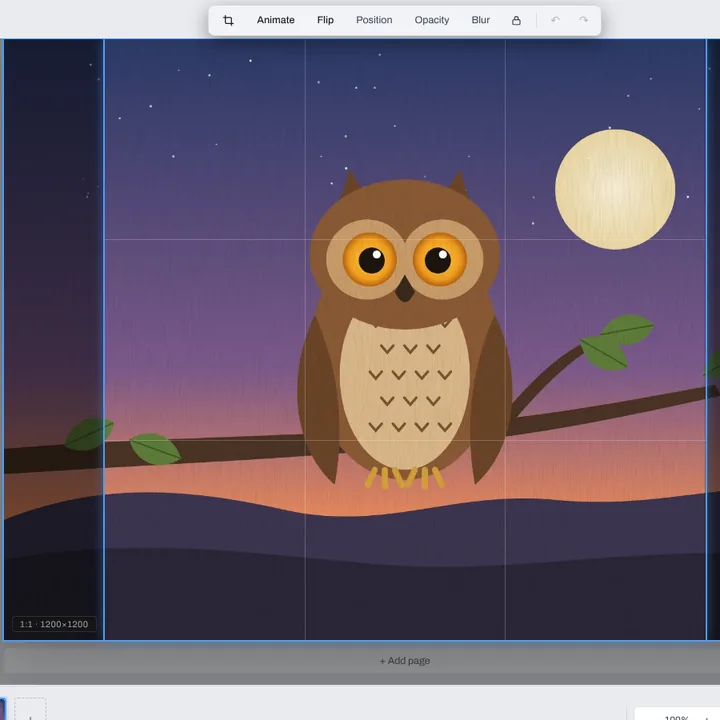
Crop
Square for a profile, or just the part you want.
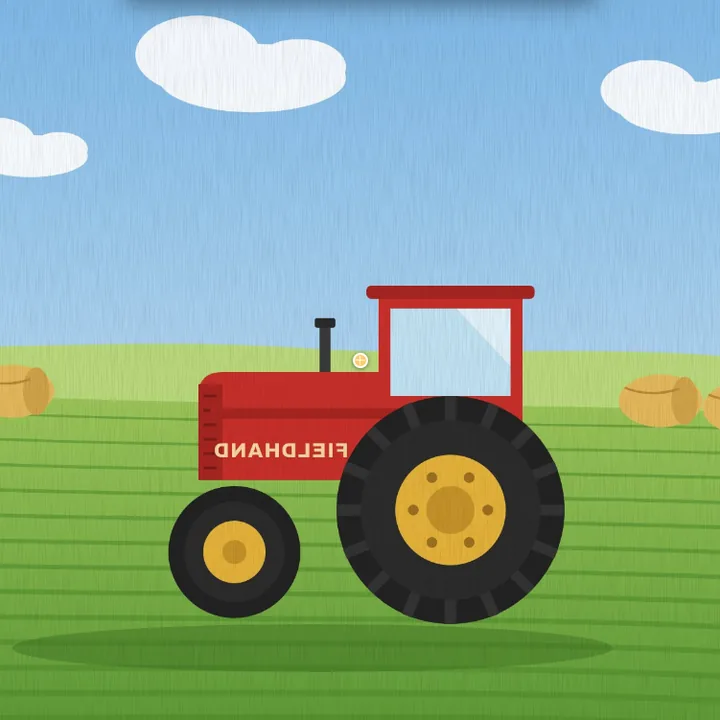
Flip
Turn a picture to face the other way.
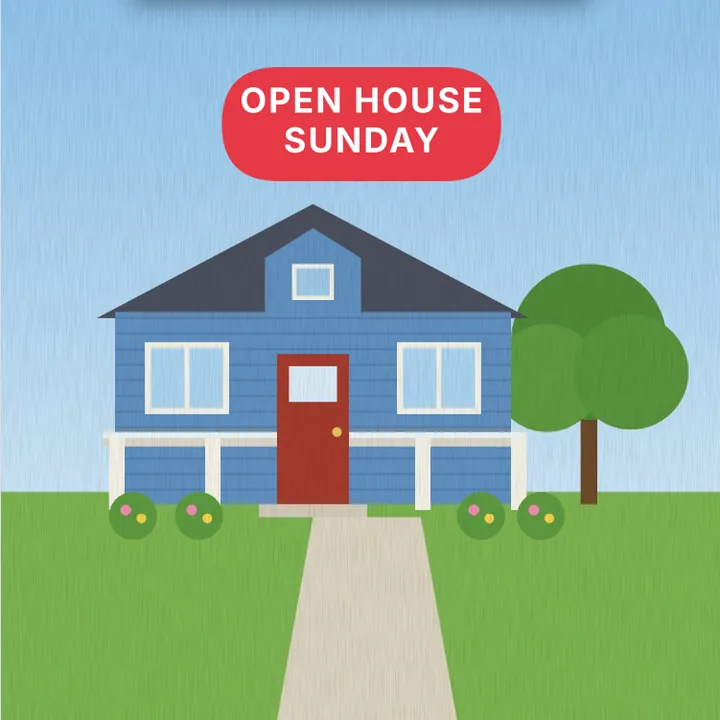
Add text
A title, a date or a price, in any font.
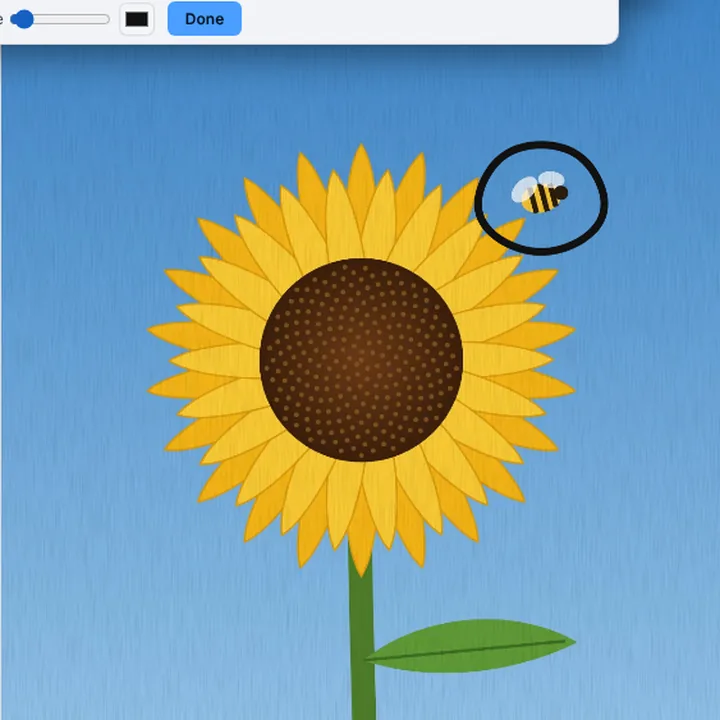
Draw
Ring what matters with the Pen.
More in Compix
Questions
How do I convert JPEG to PNG?+
Drop the .jpeg files on this page, or browse for them. They open in the Compix editor, a page each, with the Download menu already on PNG. Press Download: one picture saves as a PNG, several as one zip of PNG images.
Is this JPEG to PNG converter free?+
Yes. There is nothing to pay and nothing to sign up for, and no mark is put on your pictures. Convert as many JPEG files as you need.
Is JPEG the same as JPG?+
Yes, it is one format with two spellings. Older Windows allowed only three letters after the dot, so .jpeg became .jpg, and some cameras, scanners and apps still save .jpeg. Both open here, and each PNG takes the name of its file.
What is a PNG file?+
PNG, short for Portable Network Graphics, is a picture format that keeps every pixel exactly. It can have see-through parts, and it opens in almost every app and browser.
Will I lose quality converting JPEG to PNG?+
Not on a computer: the PNG keeps the JPEG's picture exactly as you see it, at its own size, and editing and saving the PNG again takes nothing more away. Detail the JPEG already lost does not come back. On an iPhone or iPad, a photo bigger than about 16 megapixels is brought down to that size and saved once more as a JPEG on the way, so it loses a little there.
Why is the PNG so much bigger?+
A JPEG packs a photo small by smoothing detail you barely see; a PNG stores every pixel as it is. When we tried it, six JPEG pictures of 976 KB together made 6.8 MB of PNG images, each about 6 to 8 times its JPEG.
Can I keep a transparent background?+
A JPEG has no see-through parts, so there is none to keep: its background, a sky or a white wall, comes along into the PNG as it is. Converting does not cut anything out.
When is PNG better than JPEG?+
For a picture you will edit and save again, for one with sharp lines or words on it, like a scanned recipe card, and wherever a site, an app or a print shop asks for PNG. To send or post a photo, the JPEG is smaller.
Are camera photos turned the right way?+
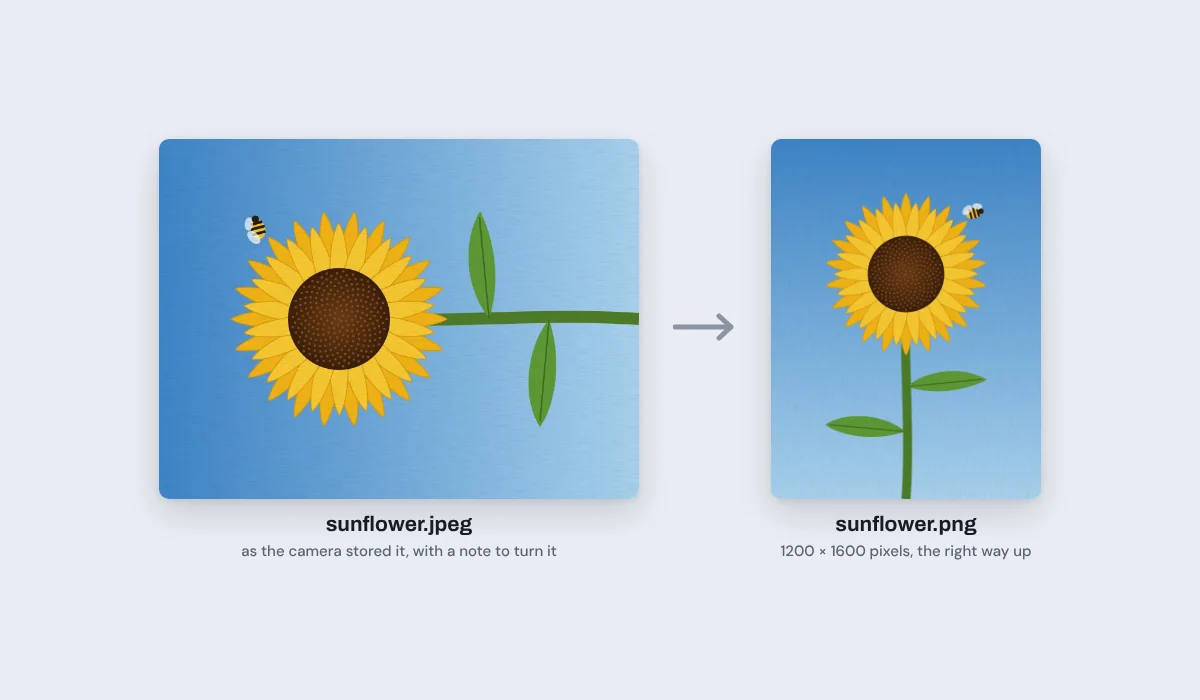
Yes. Cameras and phones often store a photo lying on its side and add a note saying which way is up. Your PNG is turned upright from that note, at the photo's own size, and nothing else in the note comes along: no camera name, no date.
Can I convert many JPEG files at once?+
Yes. Select the pictures and drop them together, or pick them all when you browse. One Download saves them as PNG images in one zip, each named after its file; if two share a name, the second gets -2.
Can I convert JPEG to PNG on my phone?+
Yes. Tap the drop box and choose the pictures from your photo library or your files; each gets a page. Then tap Share and Download the work: your phone saves the PNG, or a zip of them. On an iPhone, a photo bigger than about 16 megapixels is brought down to that size first, through one more JPEG save.
Can I mix JPEG with other files?+
Yes. WebP, AVIF, GIF, BMP and .jpg pictures can go in the same drop, and every one comes out as a PNG. From a moving GIF you get one PNG of its first frame. iPhone HEIC photos do not open in most browsers on a computer, so save them as JPEG before you drop them.
Is there a limit?+
No daily cap and no set number of pictures, because your own browser does the work; a long batch of big photos just takes longer. The size limit is the picture itself: about 16 megapixels on an iPhone or iPad, and on a computer 64 megapixels or 16,384 pixels on the long side. A bigger picture is brought down to fit.
Are my pictures uploaded?+
No. They open in this browser tab, on your own device, and the PNG images are made there. Nothing is sent to a server for that. If you sign in to save your work, it is saved online with its pictures, so it opens on any device.
Drop your JPEG files and get PNG images
No account needed to convert and download. Sign in when you want to keep the design.
Drop your JPEG files here
or browse your files