compix
Sign in

AVIF to JPG Converter

Got an .avif picture that will not open? Turn it into a JPG that opens anywhere, one or many at once, each with its name and full size. Free, in your browser.

Drop your AVIF files here
or browse your files. AVIF, WebP, PNG and more
Convert to JPG
Many at once
Names kept
Full size
No watermark, no sign-up. Your pictures never leave this tab.
The AVIF to JPG converter page, its editor picture showing three AVIF pictures open in the Compix editor, a page for each, with a lemon tart on the page

How to convert AVIF to JPG

1
Drop your AVIF files
Drag in one AVIF or many, or click to browse. Each opens as its own page, at its own size.
2
Check the pages
The Download menu is already on JPG and All pages. Crop a picture or add words first if you like.
3
Download
One picture comes back as one JPG. Several come back as one zip of JPGs, each named after its file. No watermark.

What happens to your pictures

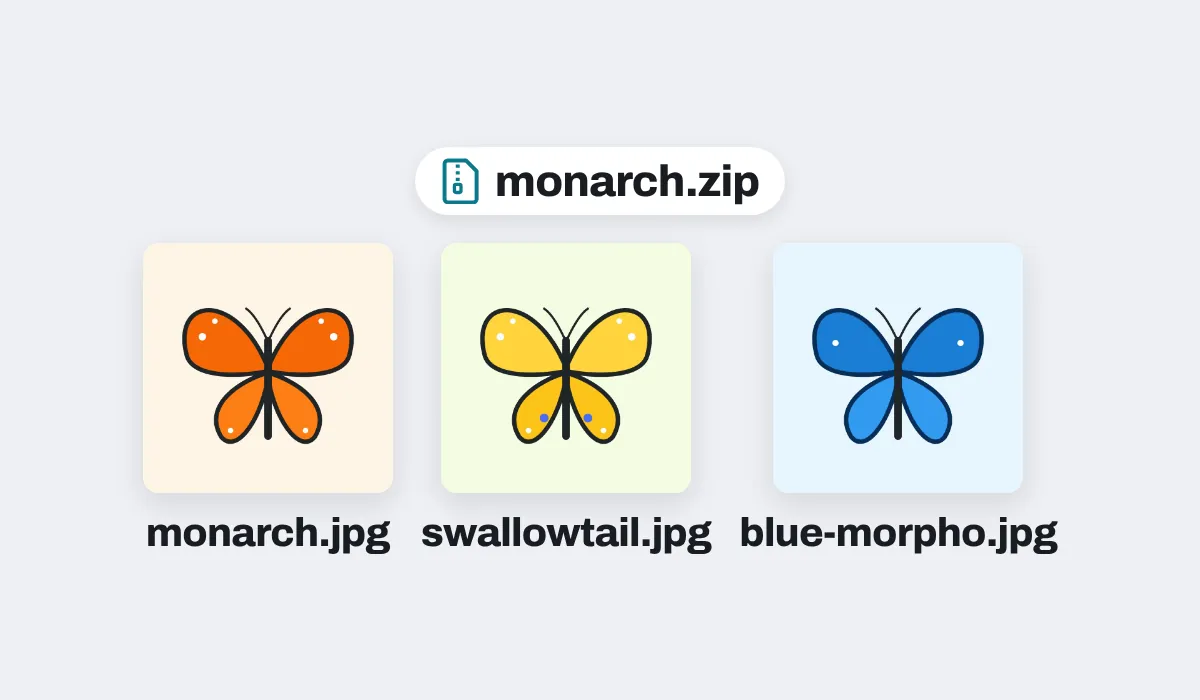
Three butterfly pictures saved as AVIF files, downloaded as JPGs in one zip, monarch.zip, each named after its file: monarch.jpg, swallowtail.jpg and blue-morpho.jpg

Every file keeps its name

Several pictures come back in one zip, in the order you dropped them, each JPG named after its file: monarch.avif comes back as monarch.jpg. If two files have the same name, the second gets -2 at the end.
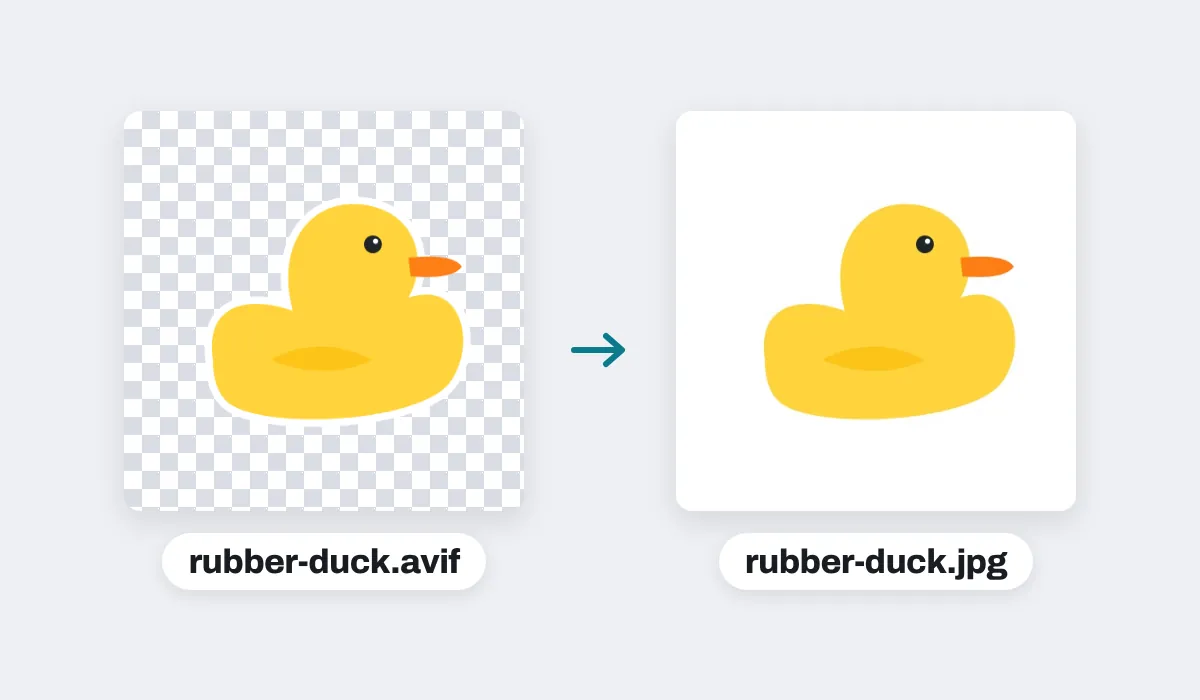
A rubber duck sticker saved as an AVIF with a see-through background, shown on a checkerboard, and the JPG made from it, its background white

See-through parts turn white

An AVIF can be see-through, a JPG cannot, so the clear parts turn white, never black. Want another color? Change the page color in the editor before you download, and the JPG takes it.
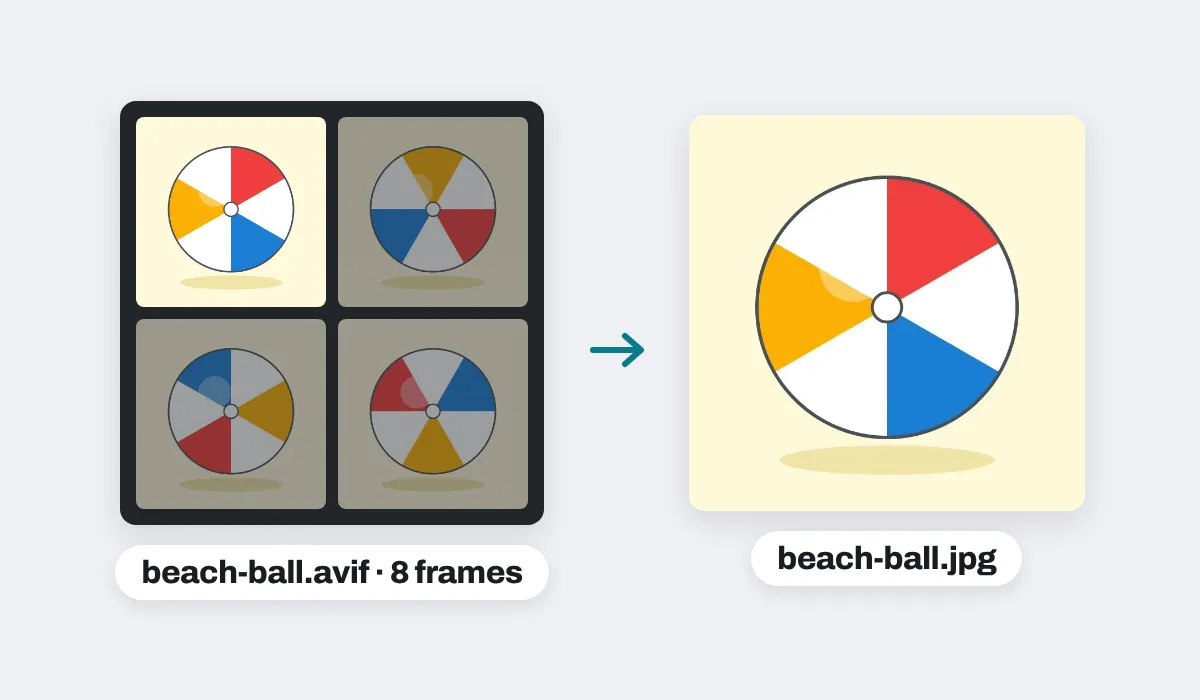
A spinning beach ball saved as an animated AVIF, four of its eight frames shown, and the JPG made from it: its first frame

A moving AVIF gives its first frame

An AVIF can be a short animation. A JPG holds a single picture, so a moving AVIF comes out as its first frame, at its full size.
Each JPG keeps the picture's full size. On an iPhone or iPad, a picture over about 16 megapixels comes in at about 16, the largest the browser there can work with.
Your files are never changed. The JPGs are new files, made in this browser tab, and nothing is uploaded. A file that cannot be opened is left out, and the editor says which.

What AVIF is, and why it will not open

AVIF is a modern picture format for the web, made from the AV1 video codec by the Alliance for Open Media. It keeps a photo in a much smaller file than a JPG, so more and more sites send it, and a picture you save from them arrives as .avif. Up-to-date browsers open it, but plenty of places still do not: older programs, some photo, office and print apps, older phones, and upload forms for a profile, a listing or an application. Turned into a JPG, the same picture opens everywhere.

What people turn into JPGs

Mostly pictures saved from the web, to use somewhere that wants a JPG. A JPG is several times bigger than the AVIF it came from: in our tests a photo came out two to three times the size, a flat drawing four to ten times. For a smaller file, pick a smaller Size, like 1080p, in the Download menu.

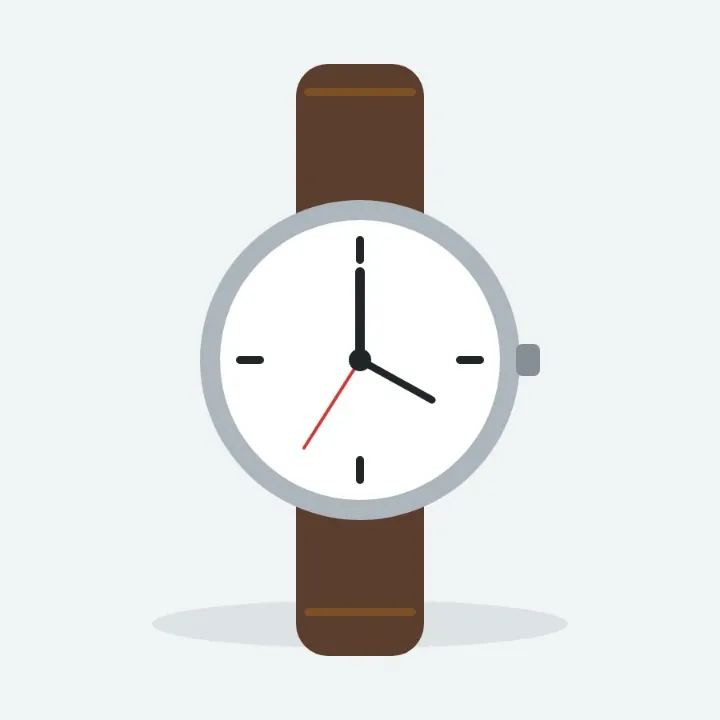
A wristwatch with a brown leather strap, a product picture saved from a shop as an AVIF, as a JPG
Product photos
For a listing or a price check
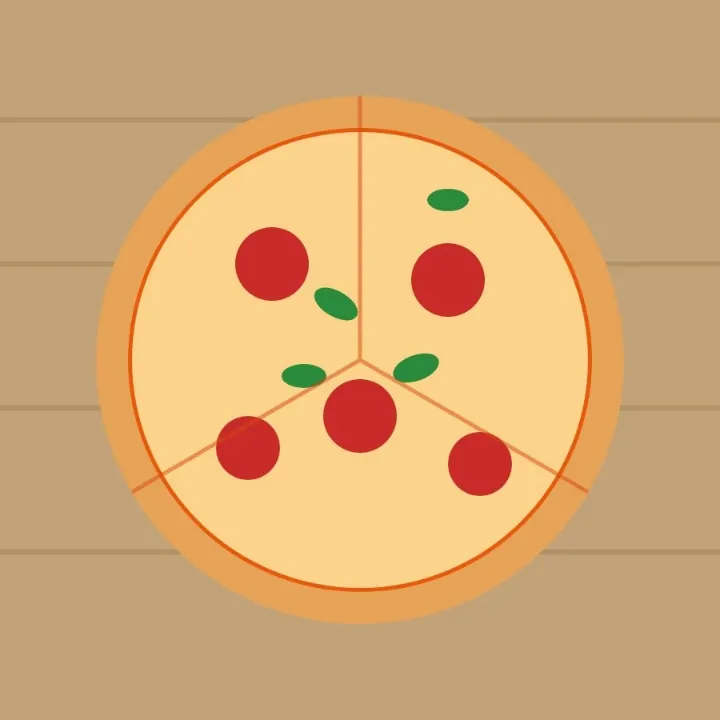
A pepperoni pizza with basil on a wooden board, a recipe picture saved as an AVIF, as a JPG
Recipe photos
To print or keep with the recipe
Green northern lights over dark mountains, a wallpaper saved as an AVIF, as a JPG
Wallpapers
For a desktop or a phone
A fox face drawn in a mint circle, a profile picture saved as an AVIF, as a JPG
Profile pictures
For a site that only takes JPG
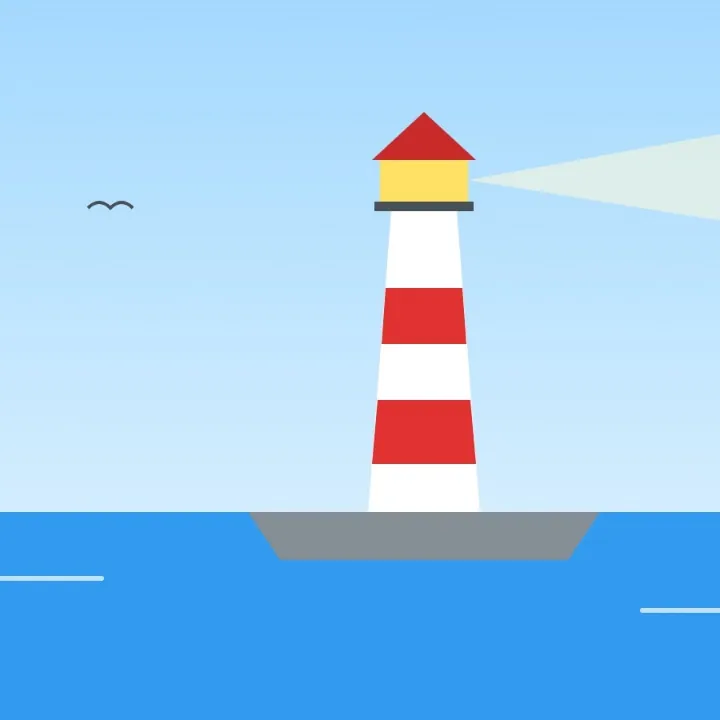
A red and white lighthouse by the sea, saved as an AVIF, as a JPG
Pictures for documents
For a report, a slide or a letter
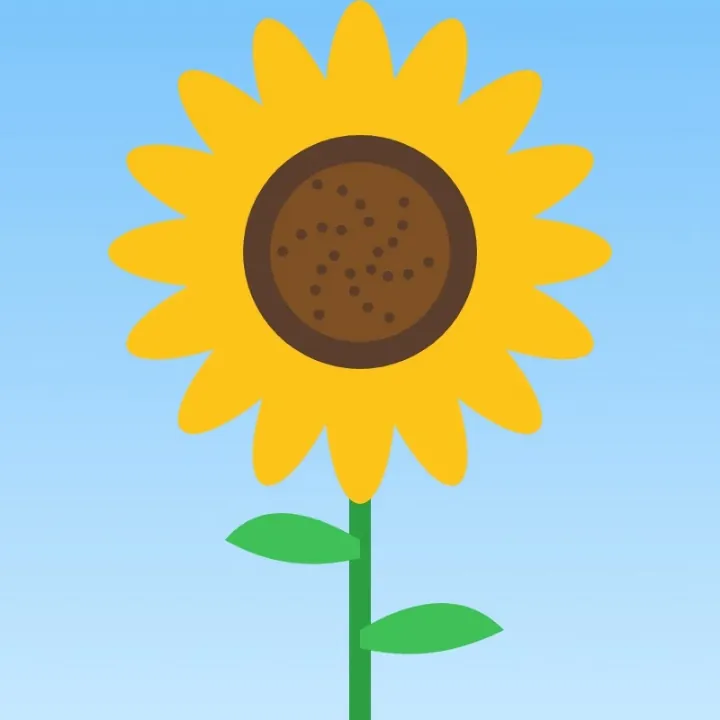
A tall sunflower under a blue sky, saved as an AVIF, as a JPG
Prints
For a photo kiosk or a print shop

More than a converter

Your pictures open in the same editor as the photo editor, so a picture can be finished before it is saved as a JPG.

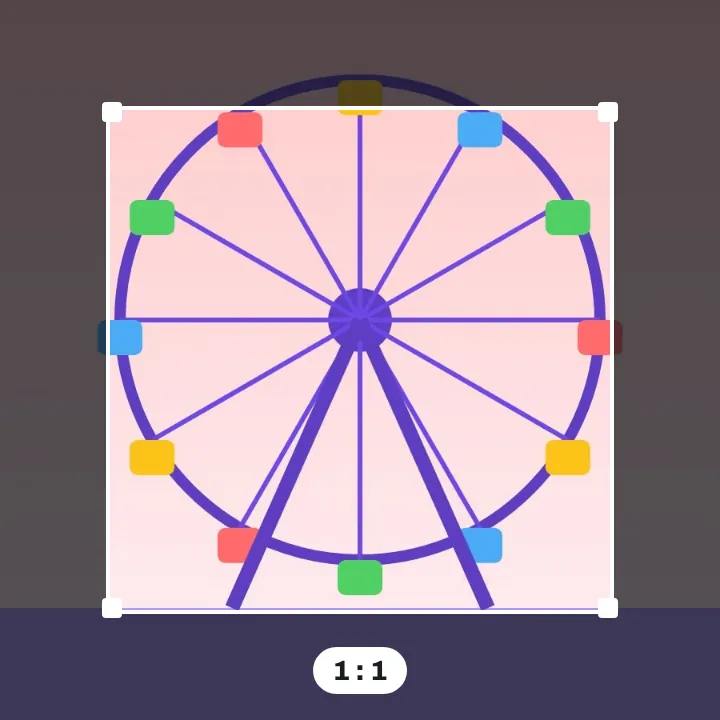
A ferris wheel at dusk with a square crop frame drawn over it, the parts outside it dimmed

Crop it

Square, or the shape you need.
A pink cupcake with a cherry and the words Happy birthday typed above it, saved as a JPG

Add words

Type a line on the picture.
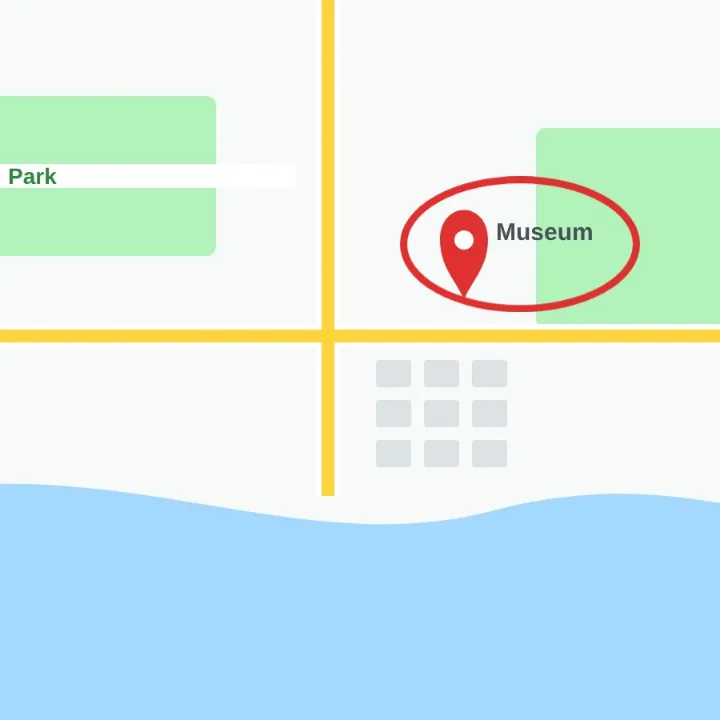
A town map with the museum pin circled in red with an ellipse shape, saved as a JPG

Mark the spot

Circle what matters with a shape.
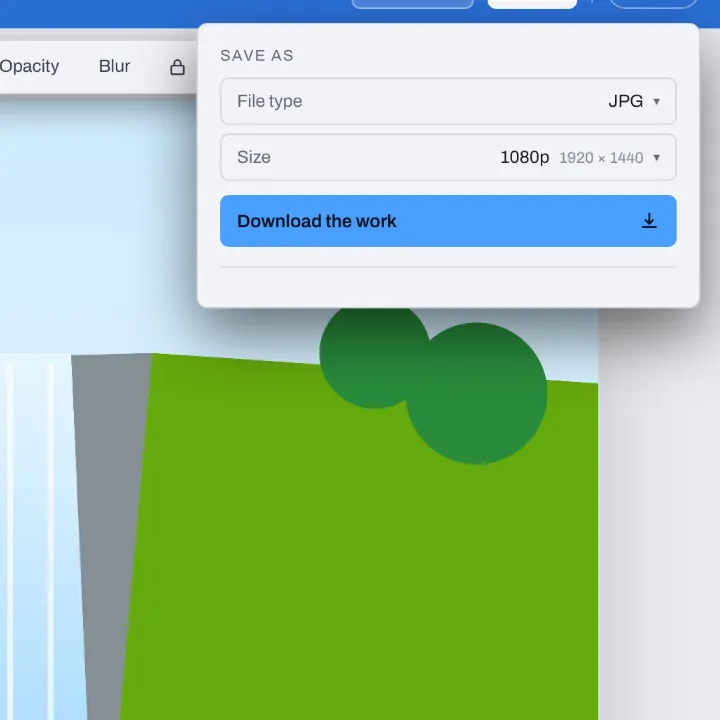
The Download menu for a waterfall picture, on JPG with Size at 1080p: 1920 by 1440

Make it smaller

Pick 1080p for a lighter JPG.

More in Compix

Photo editor
Crop, add text and stickers, make it move.
Image cropper
Square, 4:5, 9:16, a circle, or your own.
PNG to JPG converter
Pictures to JPG, many at once, names kept.
PDF to PNG converter
Every page of a PDF as a PNG.

Questions

How do I convert AVIF to JPG?+
Drop your AVIF file on this page, or several at once. They open in the Compix editor, each picture on its own page at its own size, with the Download menu already on JPG. Press Download: one picture comes back as one JPG, several come back in one zip.
Can I convert AVIF to JPG for free?+
Yes. No account, no watermark, no payment and no trial. Convert as many pictures as you like and download the JPGs.
What is an AVIF file?+
AVIF (AV1 Image File Format) is a picture format made by the Alliance for Open Media, the group behind the AV1 video codec, whose members include Google, Apple, Microsoft and Netflix. It holds a photo, a graphic with see-through parts, or a short animation, in a smaller file than JPG or even WebP. Up-to-date browsers open it, but many programs, older phones, upload forms and print services still ask for a JPG.
Why are my pictures saving as AVIF?+
More and more sites send their pictures as AVIF to browsers that can show it, because the files are small and pages load fast. When you save a picture from such a site, your browser saves the file it was sent, so it arrives as .avif. The picture is fine; it just needs to be a JPG for the places that do not take AVIF.
How do I open an AVIF file?+
Drag it into an up-to-date browser tab: Chrome, Edge, Firefox and Safari open AVIF. Drop it on this page and it opens in the Compix editor, where you can see it, crop it or add words, and save it as a JPG.
Is AVIF or JPG better?+
For a website, AVIF: the same picture in a much smaller file. For everything else, JPG: it opens in every app, on every phone and computer, and every upload form and print shop takes it. Keep the AVIF if you have it, and use the JPG to share, print or upload.
Can I convert several AVIF files at once?+
Yes, in bulk. Drop as many as you like. Each opens as its own page, and the Download menu is on All pages, so you get one zip with a JPG of each picture, named after its file: monarch.avif comes back as monarch.jpg. If two files have the same name, the second gets -2 at the end.
What happens to transparent parts?+
An AVIF can be see-through and a JPG cannot, so the clear parts turn white, never black. For another color, change the page background color in the editor before you download, and the JPG takes that color.
What about an animated AVIF?+
A JPG holds a single picture, so a moving AVIF comes out as its first frame, at its full size.
Will the JPG be bigger than the AVIF?+
Yes, usually several times bigger. AVIF packs a picture tighter than the other common formats, so the same picture as a JPG takes much more room: in our tests a photo came out two to three times the size of its AVIF, and a flat drawing four to ten times. For a smaller file, pick a smaller Size, like 1080p, in the Download menu.
Will the quality drop?+
Hardly. The JPG keeps the picture's full size and is saved at high quality, so it looks the same at a glance. A JPG is saved with a little loss, as most AVIFs from websites already were, so keep the AVIF too if you will edit it again.
Is JPG the same as JPEG?+
Yes. JPG and JPEG are two spellings of the same picture format, so a JPG from Compix opens anywhere a JPEG does.
Are my files uploaded?+
No. Your pictures open inside this browser tab, on your own device, and the JPGs are made there. Nothing is sent to a server. Sign in to save your work: your designs are then kept in this browser.
Do I need an app or an extension?+
No. It works in your browser, on a computer, a tablet or a phone. Nothing to download or install.
Can I convert AVIF to JPG on my phone?+
Yes. Tap the drop area on this page and pick the pictures on your phone. They open a picture at a time, the one on your screen. Tap Share, then Download the work, and the JPGs are saved to your phone. An iPhone or iPad needs iOS 16 or later to open AVIF; on an older one, an AVIF that cannot be opened is left out, and the editor says so.
Is there a limit?+
There is no daily limit and no set number of pictures. Several pictures are made into JPGs one at a time, in a window that shows how far it has got and has a Cancel button. On an iPhone or iPad, a picture over about 16 megapixels comes in at about 16, the largest the browser there can work with.
Drop your AVIF files and get JPGs back
No account needed to convert and download. Sign in when you want to keep the design.
Drop your AVIF files here
or browse your files
Photo editor Video editor PDF editor JPG to PDF PNG to PDF PDF to JPG PDF to PNG PNG to JPG WebP to JPG AVIF to JPG WebP to PNG AVIF to PNG PDF merger Image cropper Video trimmer Video cropper Animation maker Image comparer Image splitter Image diff GIF maker Templates Privacy Terms