How do I convert WebP to JPG?+
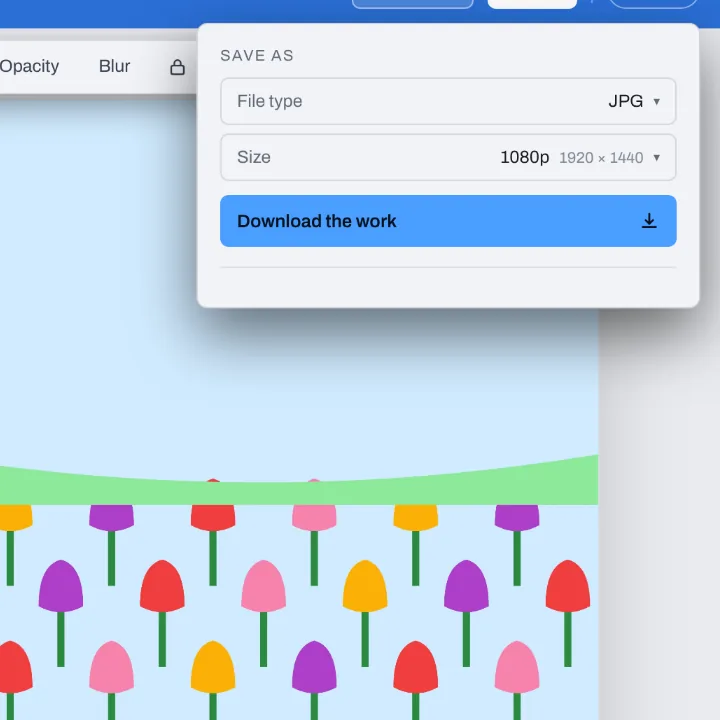
Drop your WebP file on this page, or several at once. They open in the Compix editor, each picture on its own page at its own size, with the Download menu already on JPG. Press Download: one picture comes back as one JPG, several come back in one zip.
Can I change a WebP file to JPG for free?+
Yes. No account, no watermark, no payment and no trial. Convert as many pictures as you like and download the JPGs.
Why are my pictures saving as WebP?+
Most big sites now send their pictures as WebP because it keeps them small, so pages load fast. When you right-click a picture and save it, your browser saves the file the site sent, so it arrives as .webp. The picture is fine; it just needs to be a JPG for the places that do not take WebP.
What is a WebP file?+
WebP is a picture format Google made for the web. It can hold a photo, a graphic with see-through parts, or a short animation, in a smaller file than JPG or PNG. Browsers open it, but some programs, upload forms and print services still ask for a JPG.
How do I open a WebP file?+
Any up-to-date browser opens one: drag the file into a browser tab. Drop it on this page and it opens in the Compix editor, where you can see it, crop it or add words, and save it as a JPG.
Is WebP or JPG better?+
For a website, WebP: the same picture in a smaller file. For everything else, JPG: it opens in every app, on every phone and computer, and every upload form and print shop takes it. Keep the WebP if you have it, and use the JPG to share, print or upload.
Can I convert several WebP files at once?+
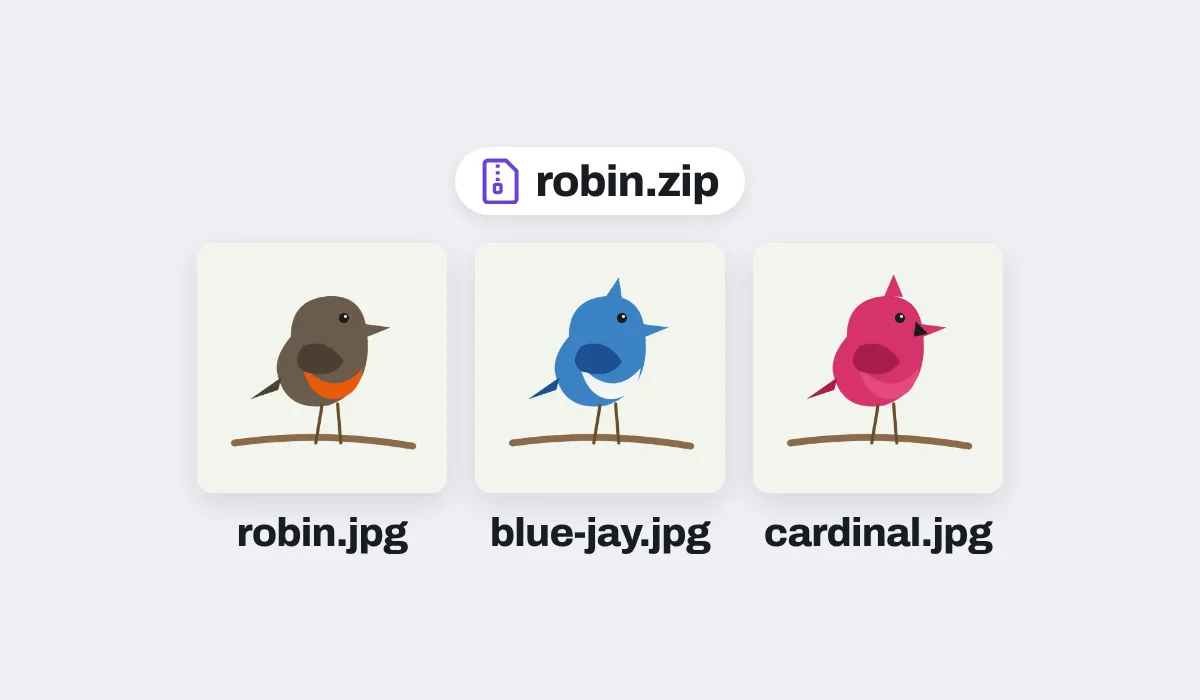
Yes. Drop as many as you like. Each opens as its own page, and the Download menu is on All pages, so you get one zip with a JPG of each picture, named after its file: robin.webp comes back as robin.jpg. If two files have the same name, the second gets -2 at the end.
What happens to transparent parts?+
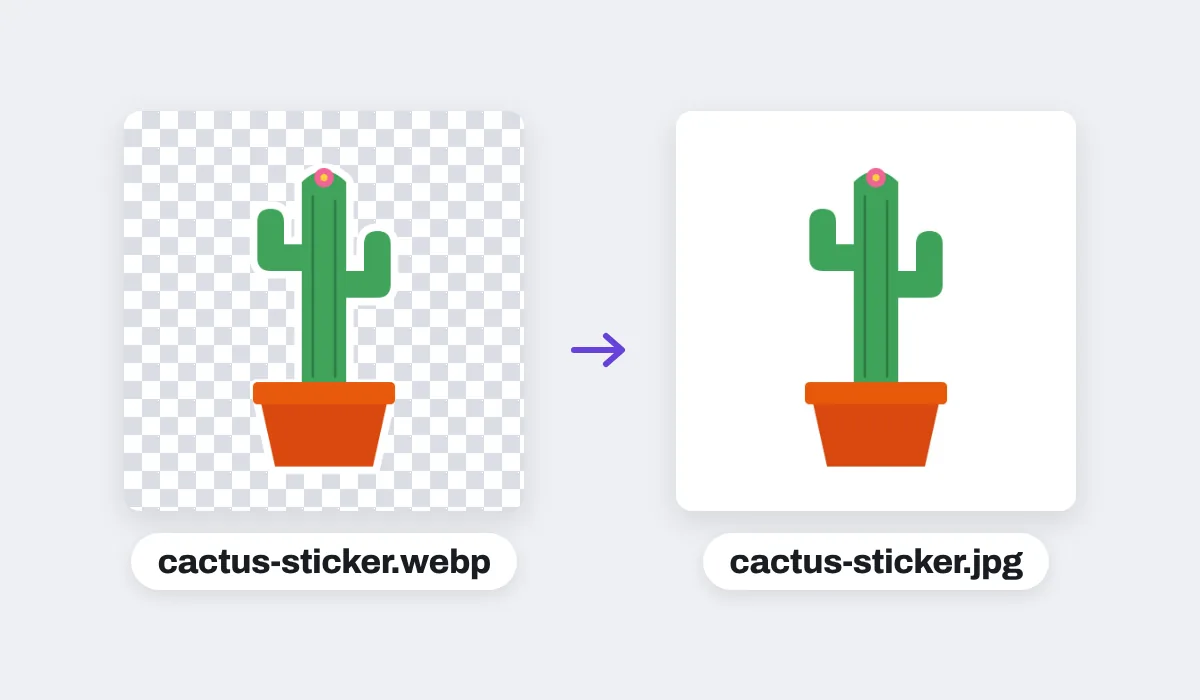
A WebP can be see-through and a JPG cannot, so the clear parts turn white, never black. For another color, change the page background color in the editor before you download, and the JPG takes that color.
What about an animated WebP?+
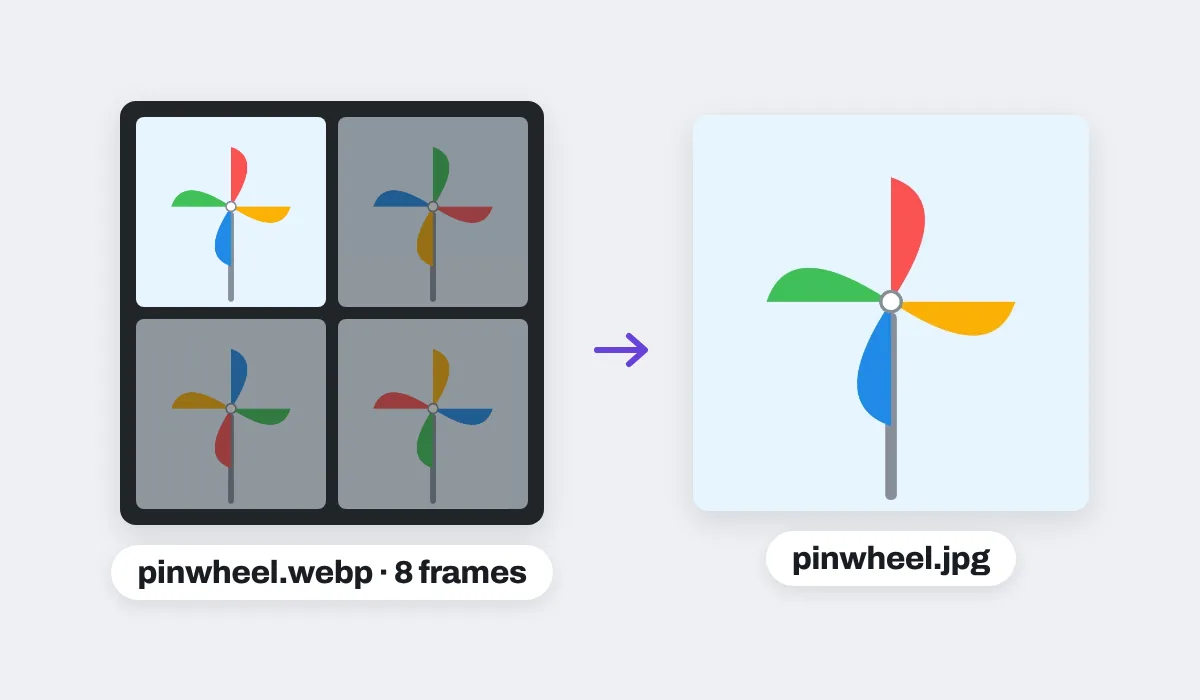
A JPG holds a single picture, so a moving WebP comes out as its first frame, at its full size.
Will the JPG be bigger than the WebP?+
Usually, yes. WebP packs a picture tighter than JPG, so the same picture as a JPG takes more room: in our tests the JPGs came out two to five times the size of the WebPs they came from. For a smaller file, pick a smaller Size, like 1080p, in the Download menu.
Will the quality drop?+
Hardly. The JPG keeps the picture's full size and is saved at high quality, so it looks the same at a glance. A JPG is saved with a little loss, as most WebPs from websites already were, so keep the WebP too if you will edit it again.
Is JPG the same as JPEG?+
Yes. JPG and JPEG are two spellings of the same picture format, so a JPG from Compix opens anywhere a JPEG does.
Are my files uploaded?+
No. Your pictures open inside this browser tab, on your own device, and the JPGs are made there. Nothing is sent to a server. Sign in to save your work: your designs are then kept in this browser.
Can I convert WebP to JPG on my phone?+
Yes. Tap the drop area on this page and pick the pictures on your phone. They open a picture at a time, the one on your screen. Tap Share, then Download the work, and the JPGs are saved to your phone.
Is there a limit?+
There is no daily limit and no set number of pictures. Several pictures are made into JPGs one at a time, in a window that shows how far it has got and has a Cancel button. On an iPhone or iPad, a picture over about 16 megapixels comes in at about 16, the largest the browser there can work with.