compix
Sign in

JPEG to JPG Converter

Turn .jpeg and .jfif pictures into .jpg files for the forms and apps that ask for that ending: one or a whole batch, each named after its file. Free, in your browser.

Drop your JPEG files here
or browse your files. .jpeg, .JPEG or .jfif
Make JPG files
Names kept
Upright phone photos
No watermark
No watermark, no sign-up. Your pictures are saved as .jpg right here, in this tab.
The Compix editor with three pictures dropped from the JPEG to JPG page, a toucan, a volcano and a plate of macarons, a page each, and the Download menu on JPG

How to convert JPEG to JPG

1
Drop your JPEG files
Drag them onto the box, or click to pick them. Each picture opens as a page of its own, at its own size.
2
Check the pages
The Download menu is already on JPG, all pages. Crop a picture first if you like.
3
Download
One picture saves as a .jpg; several save as one zip: panda.JPEG comes back as panda.jpg. No watermark.

What you get

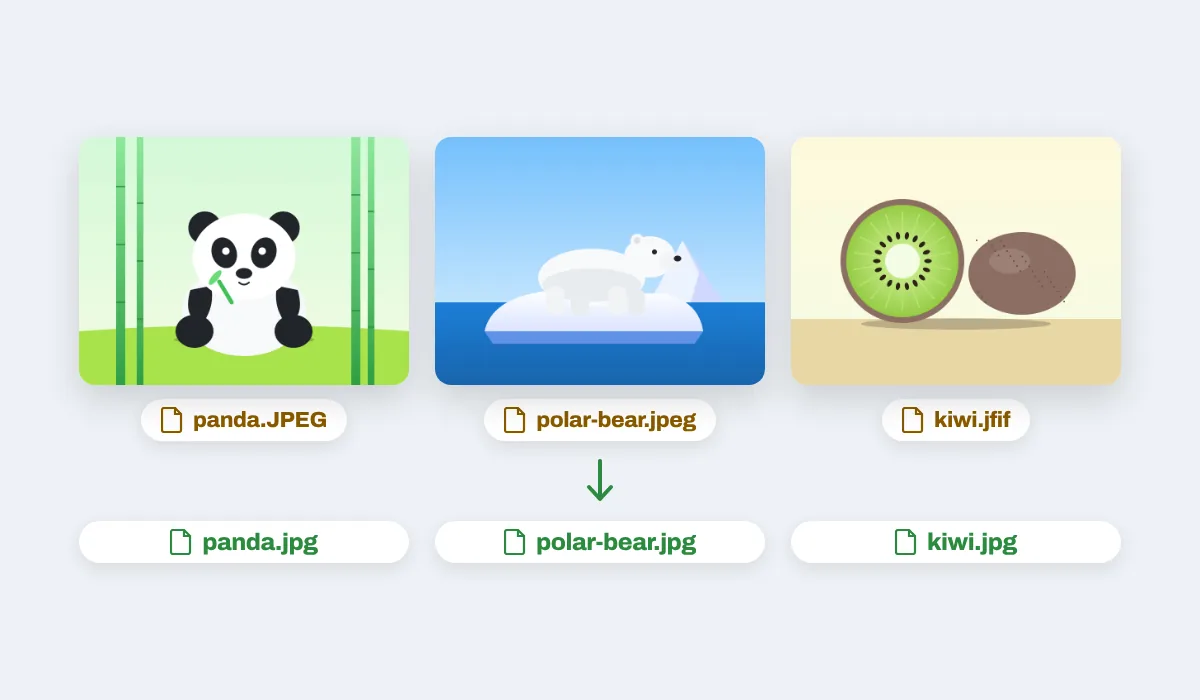
Three files, panda.JPEG, polar-bear.jpeg and kiwi.jfif, coming back as panda.jpg, polar-bear.jpg and kiwi.jpg

Every file ends in .jpg

Whatever the ending, .jpeg, .JPEG or .jfif, each picture comes back as .jpg with the rest of its name kept: panda.JPEG becomes panda.jpg.
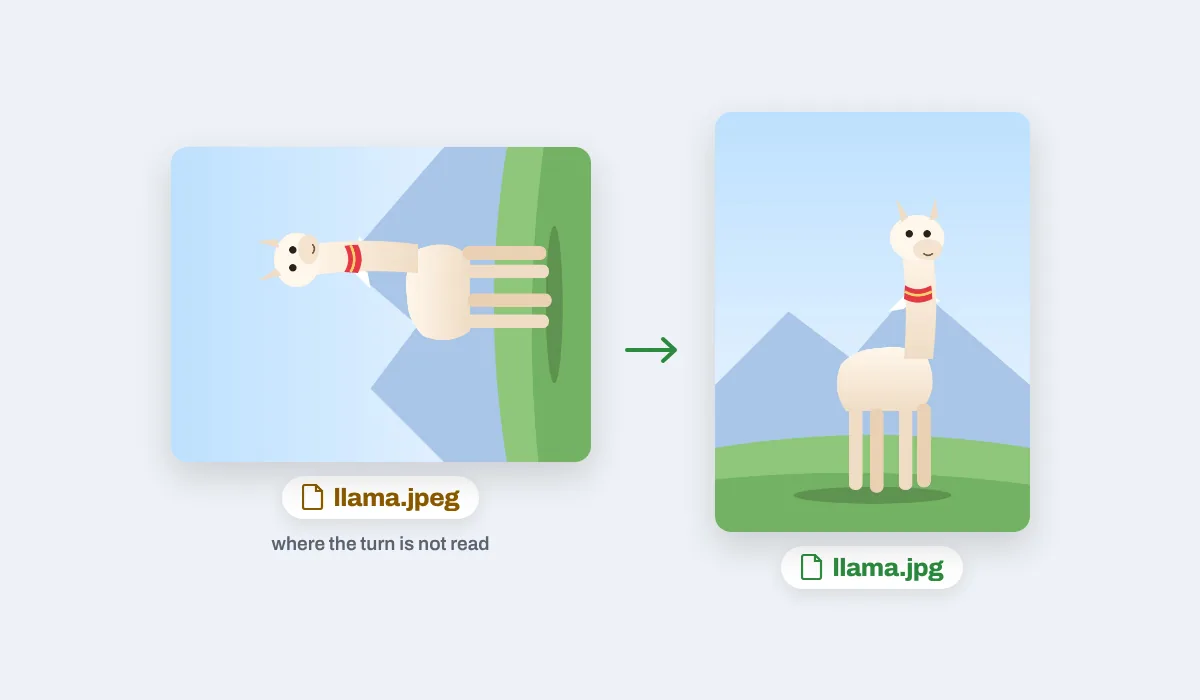
A photo of a llama lying on its side as llama.jpeg, where the turn is not read, and standing upright as llama.jpg

Phone photos the right way up

A phone may store a photo on its side with a note on how to turn it. The .jpg is saved already turned, so a site that skips the note still shows it upright.
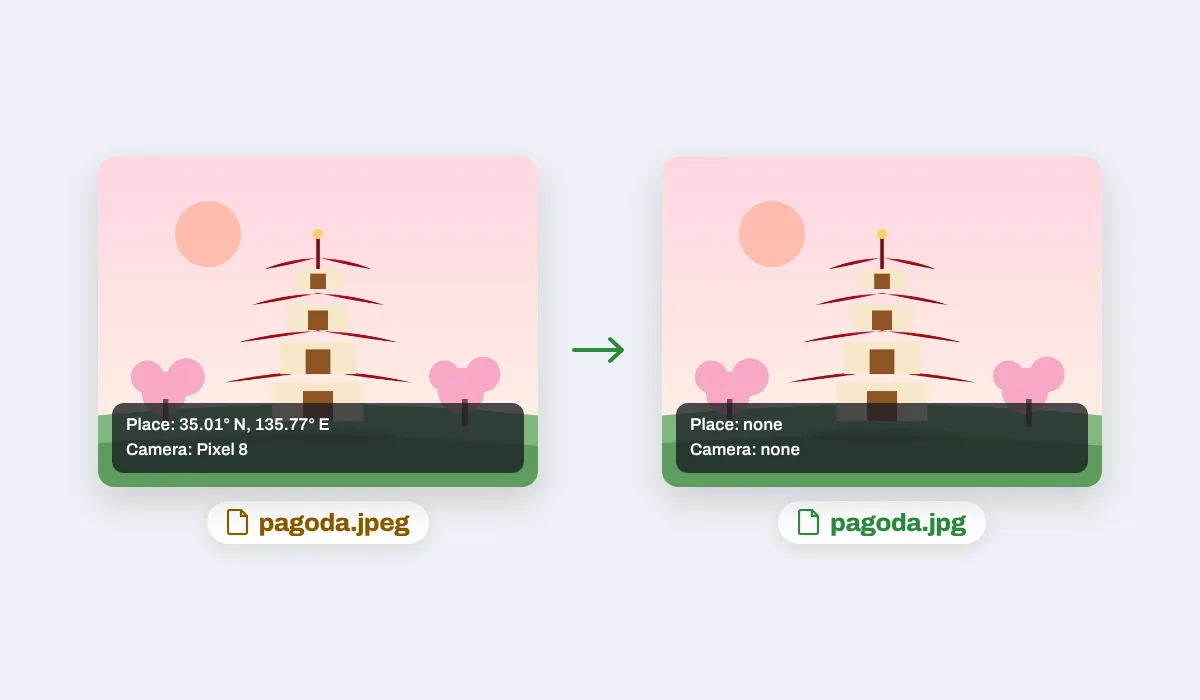
A photo of a red pagoda as pagoda.jpeg with its place and camera, and as pagoda.jpg with neither

The place and camera left out

A phone photo can carry where it was taken and on which camera. The .jpg from here holds the picture only, so those details stay with you.
Each picture keeps its full width and height (on an iPhone or iPad, up to about 16 megapixels), unless you pick 1080p in the Download menu.
The .jpeg files you dropped stay as they were. The .jpg files are new, made in this tab without uploading anything.

JPEG and JPG are one format

The two endings name the same kind of picture. Early Windows allowed three letters after the dot, so .jpeg became .jpg there, and both have been around ever since. Most apps open either, but some upload forms and older programs list only .jpg and turn a .jpeg away. Renaming the file fixes that and keeps it exactly as it was. Converting here saves each picture again, which also turns phone photos upright and leaves out the place and camera, and it does a whole batch in one go.

Where a .jpg is asked for

The same picture, wanted somewhere that checks the ending. A few places people send one:

A koala looking straight ahead, a picture saved as .jpg for an upload form
Upload forms
Applications that list .jpg only
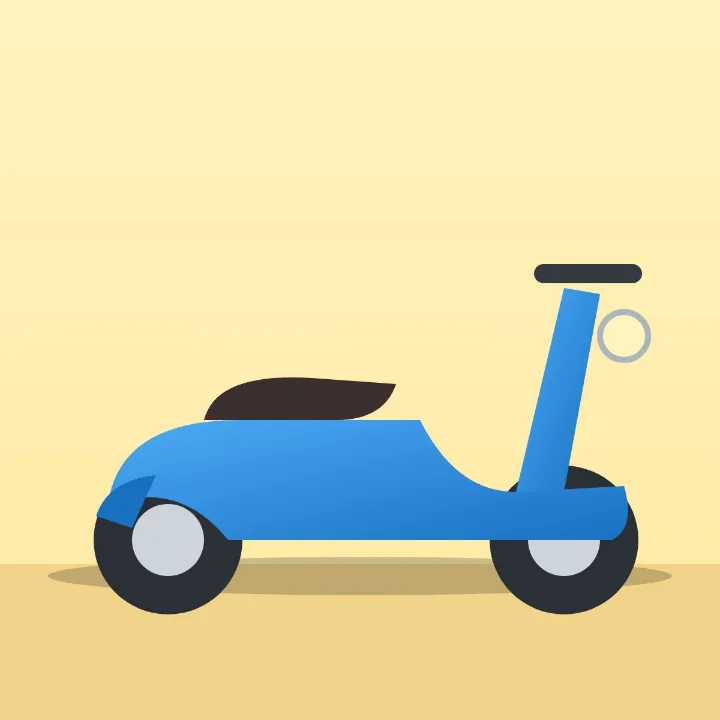
A blue scooter on a sandy yellow background, a product photo saved as .jpg
Online shops
Product photos for a listing
A treehouse with an orange roof in a green tree, a picture saved as .jpg for printing
Print shops
Prints and photo books
A pink flamingo standing in blue water, a picture saved as .jpg to send by email
Email
Pictures named the usual way
A teal typewriter with a sheet of paper in it, a picture saved as .jpg for an older program
Older programs
Ones that look for .jpg
A yellow tram on its tracks between buildings, a picture saved as .jpg for a website
Websites
Uploads to a site builder

More than a converter

Your pictures open in the same editor as the photo editor, so the Download menu has more than JPG.

An igloo under a night sky with a green light, saved at 1080p

Smaller with 1080p

Big photos come out 1920 pixels long.
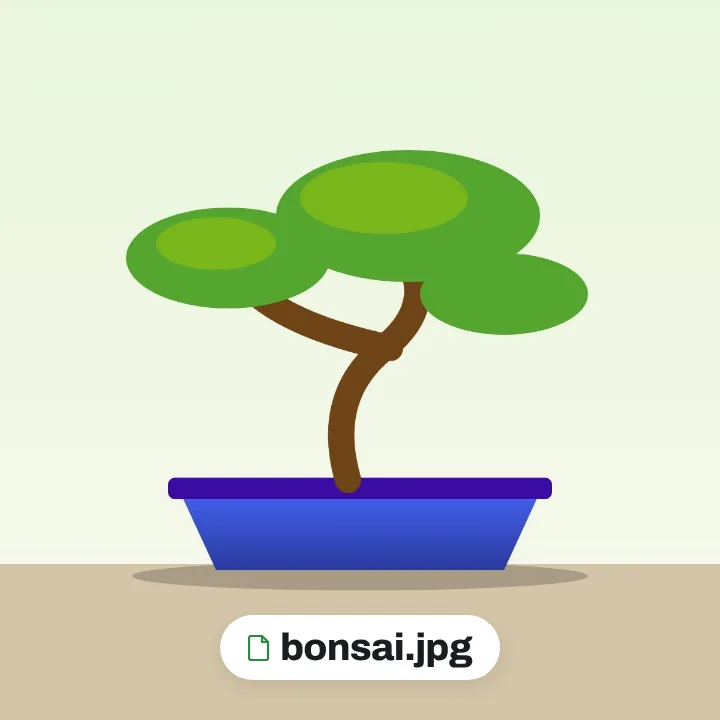
A bonsai tree in a blue pot, saved on its own as bonsai.jpg

Just one picture

This page in the Download menu.
A hedgehog among autumn leaves, saved as hedgehog.png

PNG instead

PNG as the file type.
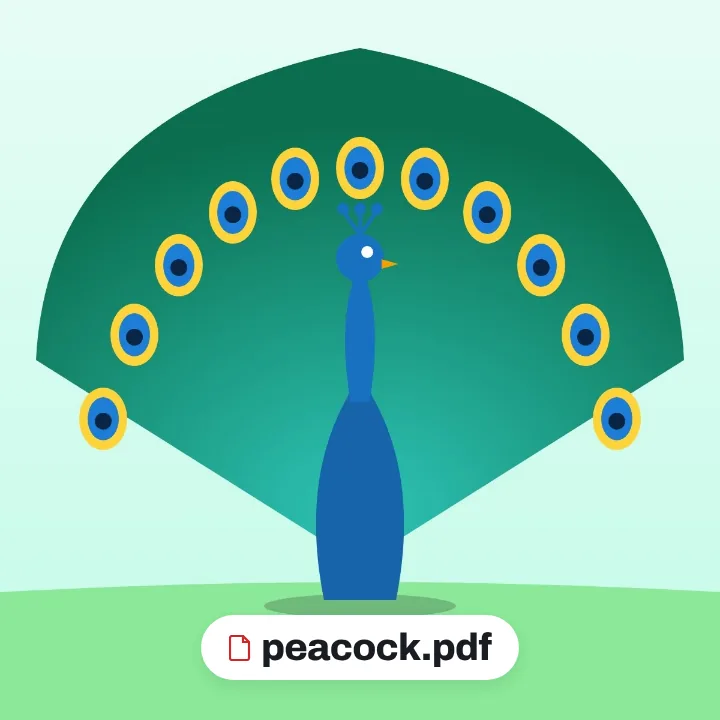
A peacock with its tail spread, saved as peacock.pdf

All in one PDF

PDF as the file type, a page each.

More in Compix

Photo editor
Crop, add text and stickers, make it move.
Image cropper
Square, 4:5, 9:16, a circle, or your own.
PNG to JPG converter
Pictures to JPG, many at once, names kept.

Questions

How do I convert JPEG to JPG?+
Drop your .jpeg files on the box at the top of this page, or click it to choose them. Each picture opens in the Compix editor as a page of its own, with the Download menu already on JPG. Press Download: one picture comes back as a .jpg, several come back in one zip of .jpg files, each named after its file.
Is JPEG the same as JPG?+
Yes. JPEG and JPG are two endings for one picture format, made by the Joint Photographic Experts Group. A file is not better or worse for ending in either. Most apps open both; a few forms and older programs check the ending and take only .jpg.
Why do some pictures end in .jpeg and others in .jpg?+
Early versions of Windows allowed only three letters after the dot, so .jpeg was cut down to .jpg there. Other systems kept the full .jpeg, and both endings are still in use today.
Can I just rename .jpeg to .jpg?+
Yes, and renaming keeps the file exactly as it was. On Windows, turn on File name extensions in File Explorer's View menu (under Show on Windows 11) and change the ending; on a Mac, click the name, change the ending and choose Use .jpg. This page helps when there are many files, when you are on a phone, or when you want what saving again does.
What does converting do that renaming does not?+
It saves each picture again as a new file. A phone photo that was stored on its side is saved the right way up, and the place it was taken and the camera it came from are left out of the new file.
Will the quality drop?+
Not so you could see it. Saving a JPEG again changes it very slightly, and Compix saves at high quality, so the new file looks the same as the old one. If every byte must stay as it was, rename the file instead.
Will the new file be bigger?+
For a photo it stays close to the size it was, often a little bigger. A simple picture of flat colours can come out smaller.
Is there a size limit?+
On a computer each picture keeps its full size up to 64 megapixels or 16,384 pixels on its long side. On an iPhone or iPad, a picture larger than about 16 megapixels is brought in at about 16, the most the browser there can draw: a 24 megapixel photo comes back with about two thirds of its pixels.
Can I convert many JPEG files at once?+
Yes. Drop them all together. Each becomes a page, the Download menu is set to all pages, and one zip comes back, named after the first file, with a .jpg for each picture in the order you dropped them. When two files share a name, the second one ends in -2.
What about .jfif files and capital letters?+
A .jfif file is a JPEG too; some Windows computers save pictures from the web that way. Drop it here and it comes back as a .jpg. A file ending in .JPEG in capitals comes back as .jpg as well.
Why does my photo show up sideways?+
Phones often store a photo on its side with a note saying which way to turn it, and some sites and apps ignore that note. The .jpg from here is stored the right way up, so it shows upright even where the note is not read.
Is the location of my photo kept?+
No. The new .jpg holds the picture only: the place a phone photo was taken and the camera it was taken with are not in it.
Are my files uploaded?+
No. The pictures are opened and saved again as .jpg right here in your browser, on your own computer or phone; nothing is sent to a server for that. If you sign in to keep a design, it is saved online with its pictures, so it opens on any device.
Can I convert JPEG to JPG on my phone?+
Yes. Tap the box at the top of this page and choose your pictures; on a phone the editor shows one at a time. Tap Share, then Download the work: one picture saves as a .jpg, several save as one zip.
Is it free?+
Yes. There is no account to make and no watermark on the pictures.
Drop your JPEG files and get .jpg back
No account needed to convert and download. Sign in when you want to keep the pictures.
Drop your JPEG files here
or browse your files
Photo editor Video editor PDF editor JPG to PDF PNG to PDF PDF to JPG PDF to PNG PNG to JPG WebP to JPG WebP to JPEG AVIF to JPG AVIF to JPEG JPEG to JPG GIF to JPG WebP to PNG AVIF to PNG JPG to PNG JPEG to PNG PNG converter Image converter PDF merger Sign PDF Image cropper Video trimmer Video cropper Animation maker Image comparer Image splitter Image diff GIF maker Add text to GIF Templates Privacy Terms