Curved Text Generator
Bend your words into an arc or all the way round a circle, for a logo, a badge or a sticker. Type them, drag one slider, and download them on a clear background. Free, in your browser.
Start with your words
The editor opens with a line already curved, ready to type over
Curve your text
Or drop a photo here to curve words over it, or choose one
Arc up or down
Full circle
Clear PNG
No watermark, no sign-up. Your words are drawn right here, in this tab.

How to curve text
1
Type your words
Press Curve your text. The editor opens with a line of words already curved: double-click it and type yours.
2
Drag the Curve slider
Up stands the words on top of a circle, down hangs them under it. At its end the curve is tightest, and a long enough line goes once round. Or type the number.
3
Download
The Download menu is already on PNG with Transparent on: you get the curved words alone, ready for a logo, a sticker or a post. No watermark.
What the Curve slider does


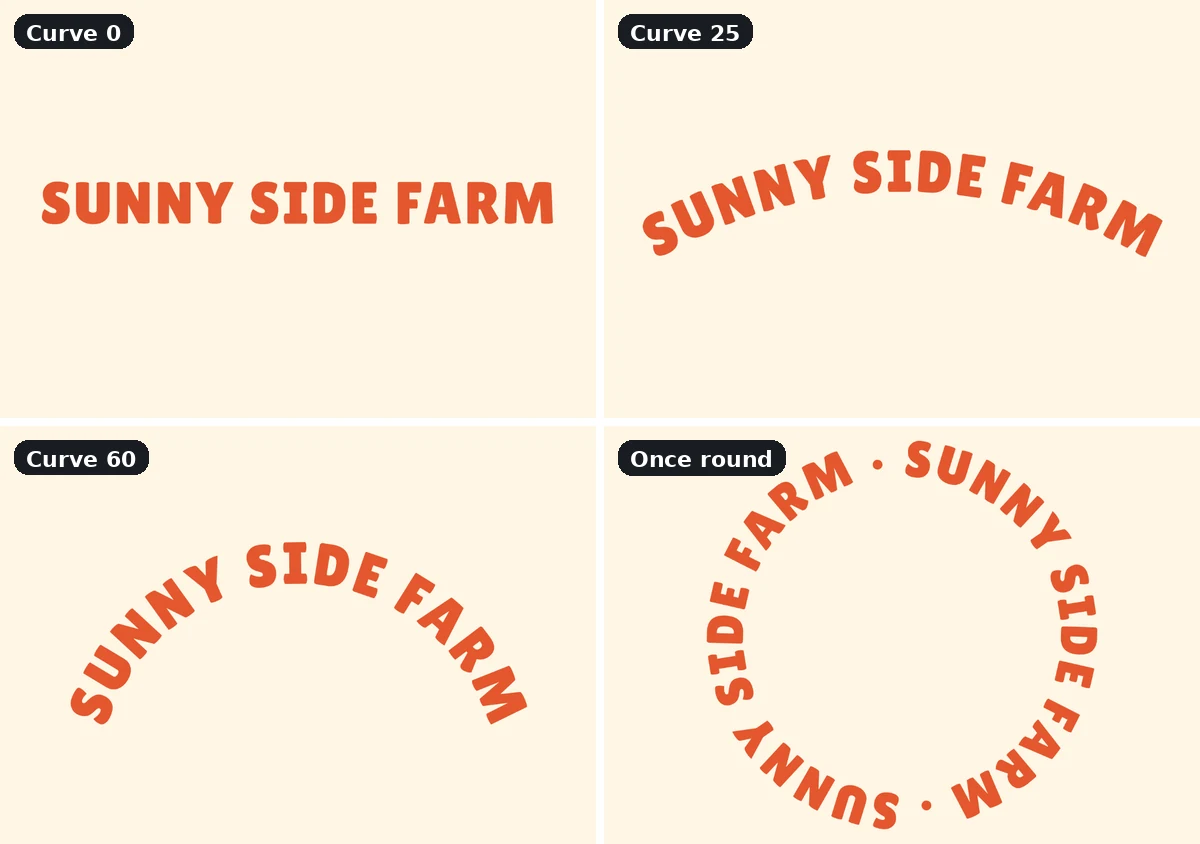
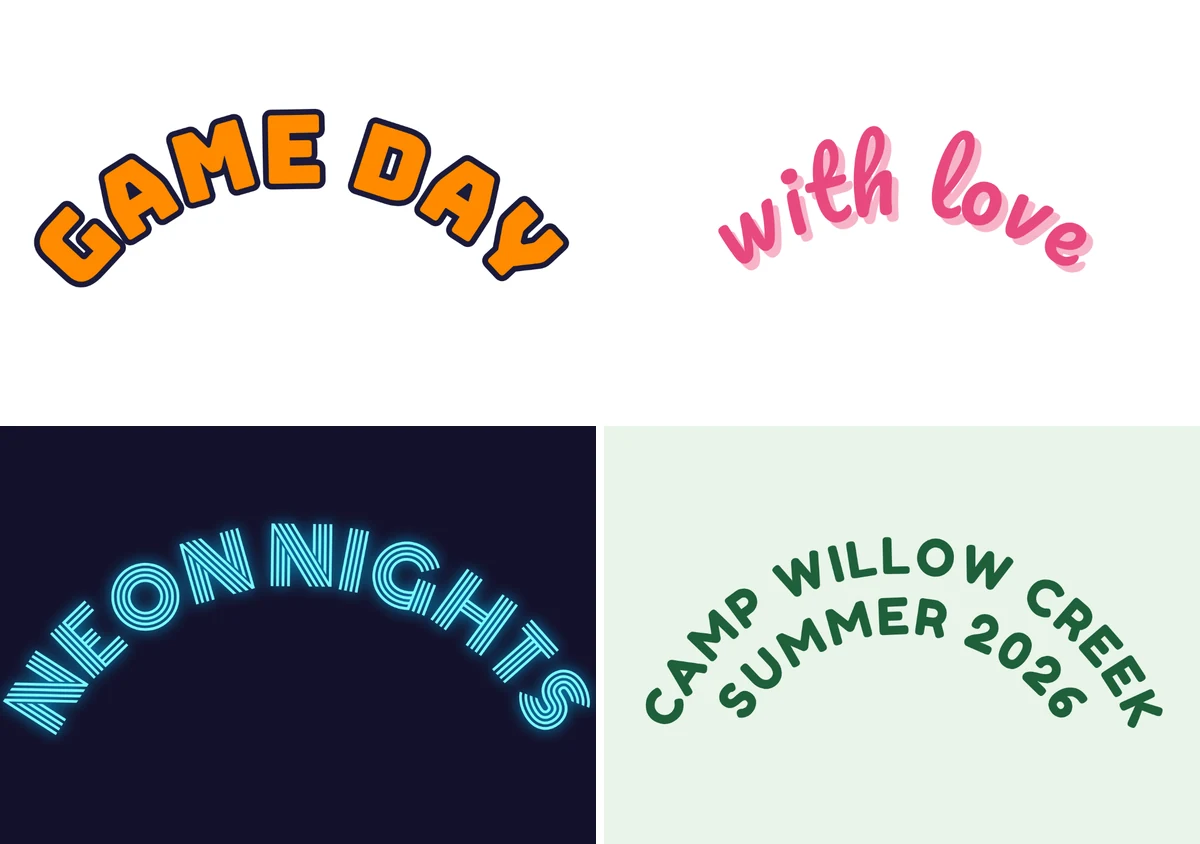


The Curve bends words round a circle. Waves, spirals and a path you draw yourself are not in the editor yet, and the download is a picture or a PDF, not an SVG.
Why curve your words
A curved line follows a round shape: the edge of a logo, a badge, a stamp, a bottle cap or a cup sleeve. Straight words in a circle leave empty corners; curved ones fill the ring and read as one mark, the way a name round a coin does.
What people curve words for
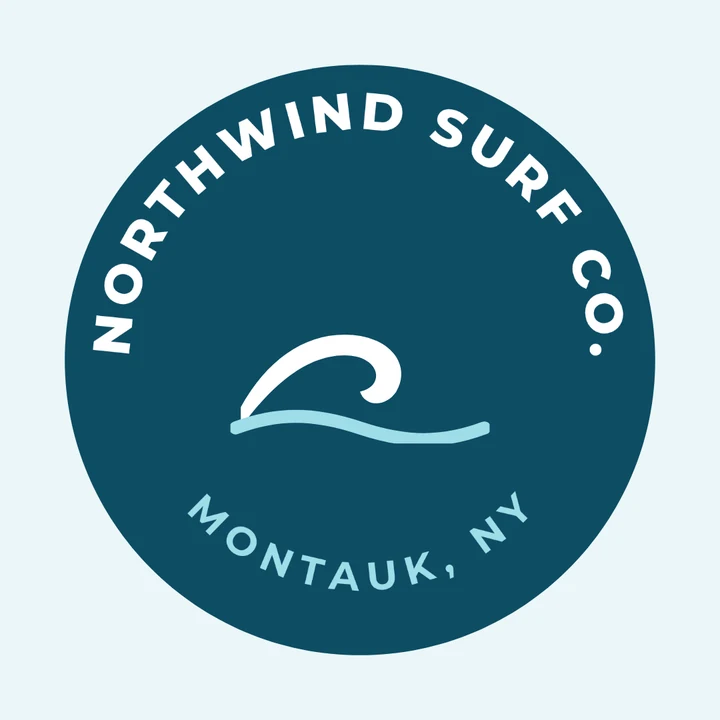
Logos
A name round the mark
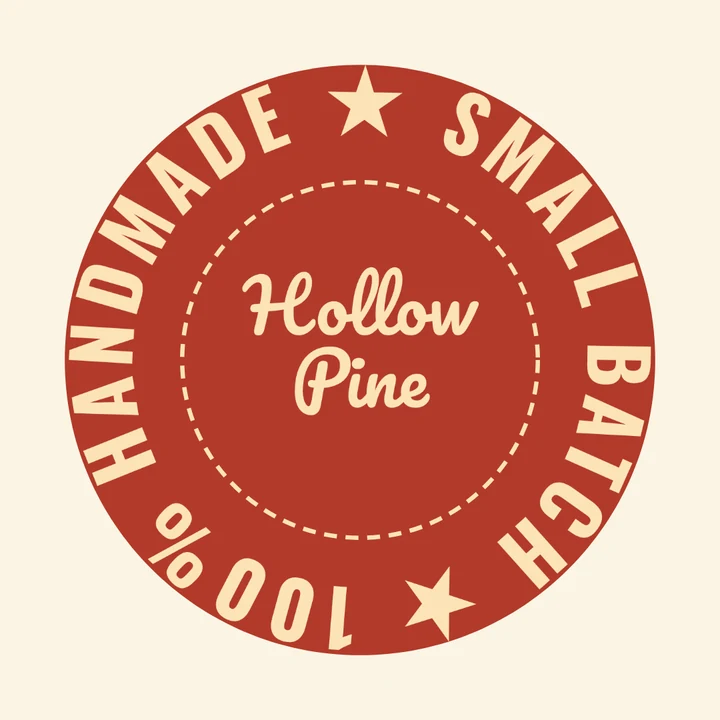
Badges and seals
Handmade, all the way round

Stickers
One line on top, one below

Labels
A jar, a candle, a bottle cap
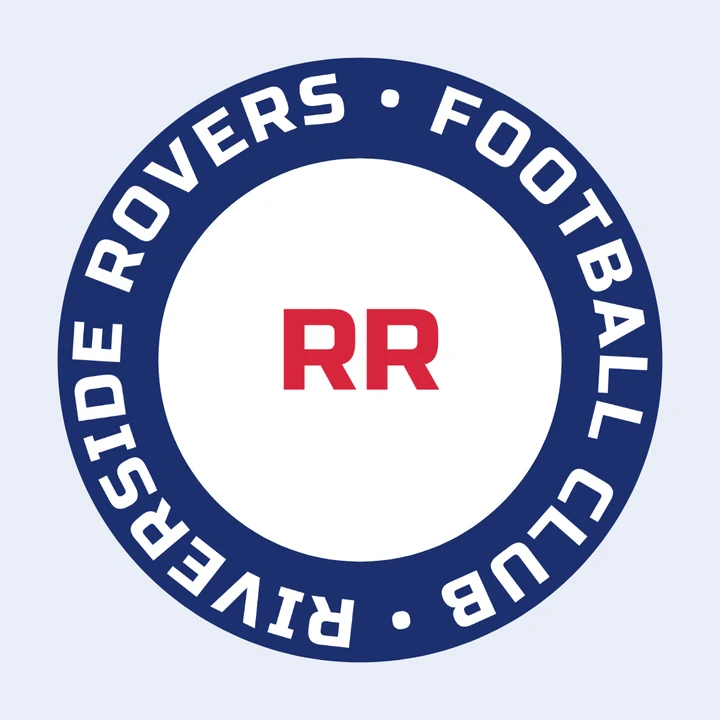
Team crests
The club's name all the way round

Social posts
A thank you that wraps the number
More in Compix
Questions
How do I curve text?+
Press Curve your text at the top of this page. The Compix editor opens with a line of words already curved and the Curve slider open beside them. Double-click the words to type yours, drag the slider until the bend looks right, and press Download.
Is it free?+
Yes. There is no account to make, no watermark on what you download, and no limit on how many words you curve.
How do I put text in a full circle?+
Drag the Curve slider to its end, 100 or -100. A line long enough closes into a ring there, and the slider stops at once round, so the letters never run over each other. A short line, like Your words here, makes the tightest arc it can instead: add words, or repeat them with a dot between, until the note under the slider says Once round the circle. The ring grows with the words and their size.
How do I curve text downward, like a smile?+
Drag the slider below zero. The words hang under the circle instead of standing on top of it, and they still read from left to right, as the bottom line of a seal does.
Can I download curved text with a transparent background?+
Yes. Started from this page, the Download menu is already on PNG with Transparent on, so you get the curved words and nothing behind them. WebP keeps a clear background too; JPG and PDF fill it with the page color.
Can I curve text on a photo?+
Yes. Drop the photo on the box at the top of this page, or click it to choose one. It opens as the page, at its own size, with a line of curved words over its top third, and it saves as the type it came in, a JPG as a JPG.
Can I curve more than one line?+
Yes. Press Enter between them: each line gets its own ring round the same center. On top, each next line sits one line further in; underneath, one line further out.
Can I change the font, color or size after curving?+
Yes. With the words selected, the bar above the page has the font, the size, bold, italic and the color, and the words stay curved while you change them. For an outline, a shadow or a glow, start from one of those looks in the Text panel and curve it.
Can I make wavy text or put text along a path?+
Not yet. The Curve bends words round a circle: an arc on top, an arc underneath, or once round. Waves, spirals and a path you draw yourself are not in the editor.
Can I save it as an SVG?+
Not yet. The Download menu saves a PNG, JPG or WebP picture, or a PDF.
Can I make a circle logo with it?+
Yes. Curve the name round the edge, add a shape or an icon from Elements in the middle, and download a PNG. The logo maker has logo templates to start from, and the badge logo templates already have curved words to type over.
Can I curve text on my phone?+
Yes. Tap Curve your text, tap the words twice to type yours, and drag the Curve slider with your finger. Then tap Share and Download the work.
Are my files uploaded?+
No. Your words and any photo you drop are drawn in this browser tab, on your device. If you sign in to keep a design, it is saved online so it opens on any device.
Curve your words
No account needed to curve and download. Sign in when you want to keep the design.
Curve your text
Or drop a photo here
or choose one, and curve words over it