MP3 to MP4 Converter
Make a video out of a song, a podcast or a voice note: an MP4 as long as the sound, with your cover art on screen. Free, in your browser.
Drop your MP3 here
or browse your files. Add a picture with it to show one
Convert to MP4
In MP3, WAV or M4A, and a picture
Out MP4 video, 1920 × 1080
Nothing uploaded
No watermark, no sign-up. The video is made right here, in this tab.

How to convert MP3 to MP4
1
Drop your MP3
Bring a picture along if you want one on screen. The editor opens a wide video page that lasts as long as the sound.
2
Check the frame
Your picture sits whole in the middle. Type a title or change the background color if you like, or leave it as it is.
3
Download
MP4 is already chosen. The video is saved under your MP3's name, with the sound from start to finish. No watermark.
What it makes
MP3, WAV and M4A all work. Drop more than one and the first becomes the video; the app says how many it left out.
Your MP3 stays as it was. The MP4 is a new file, made in this browser tab, and nothing is uploaded to make it.
It opens in the video editor, so you can add the episode title, more pictures or another background color first.
More for your videos
Each has a page of its own, with what it does in detail.
Video editor
Cut, crop and title any clip.
MOV to MP4 converter
iPhone and camera videos as MP4.
WebM to MP4 converter
Browser recordings made MP4.
GIF to MP4 converter
Turn a GIF into a short MP4.
Video trimmer
Keep just the part of a clip you want.
MP4 to GIF converter
A video clip as a looping GIF.
Questions
How do I convert MP3 to MP4?+
Drop the MP3 on this page, or tap the drop area and pick it, along with a picture if you want one on screen. The Compix editor opens it as a wide video page as long as the sound, with the Download menu on MP4. Press Download the work to save the video under the name of your MP3.
Is it free?+
Yes. You do not need an account, and the video carries no watermark.
Why would I turn an MP3 into an MP4?+
Plenty of places take video but not a bare sound file: YouTube, most social feeds, slide shows and many upload forms. As an MP4, a song, a podcast episode or a recorded talk can go anywhere a video can.
Can I put a picture in the video?+
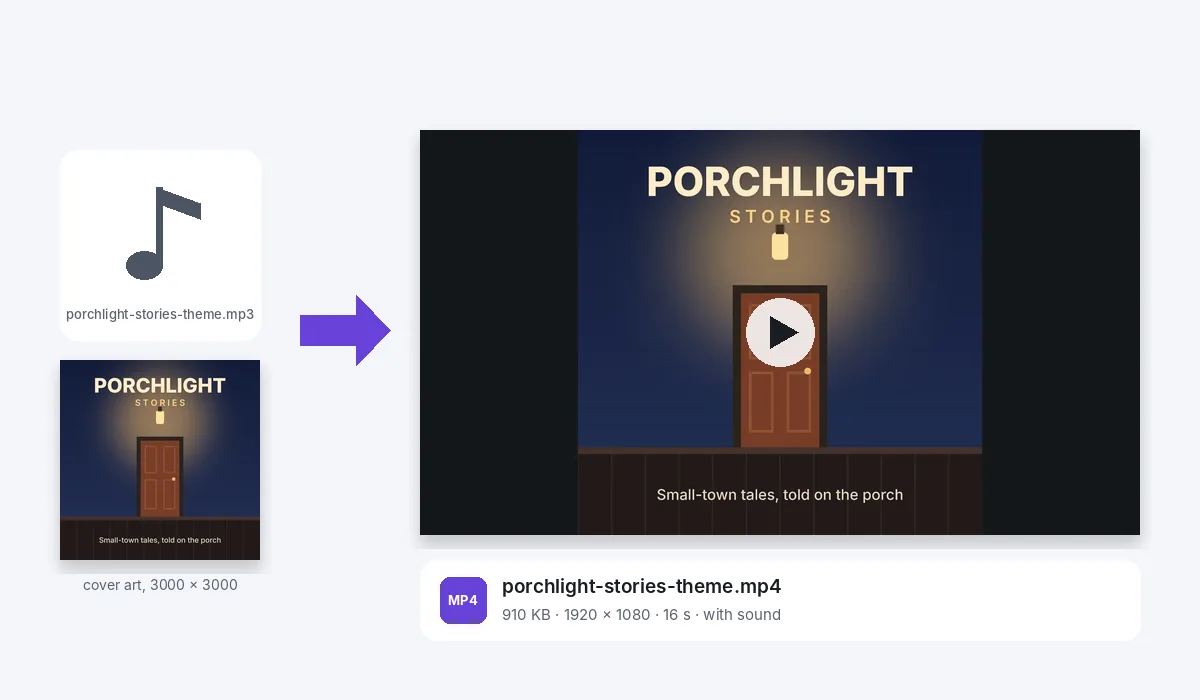
Yes. Drop the picture together with the MP3, such as an album cover, a podcast logo or a photo. It is placed whole in the middle of the frame, as tall as the frame for a square or upright picture, and it stays there from the first second to the last.
What is on screen if I add no picture?+
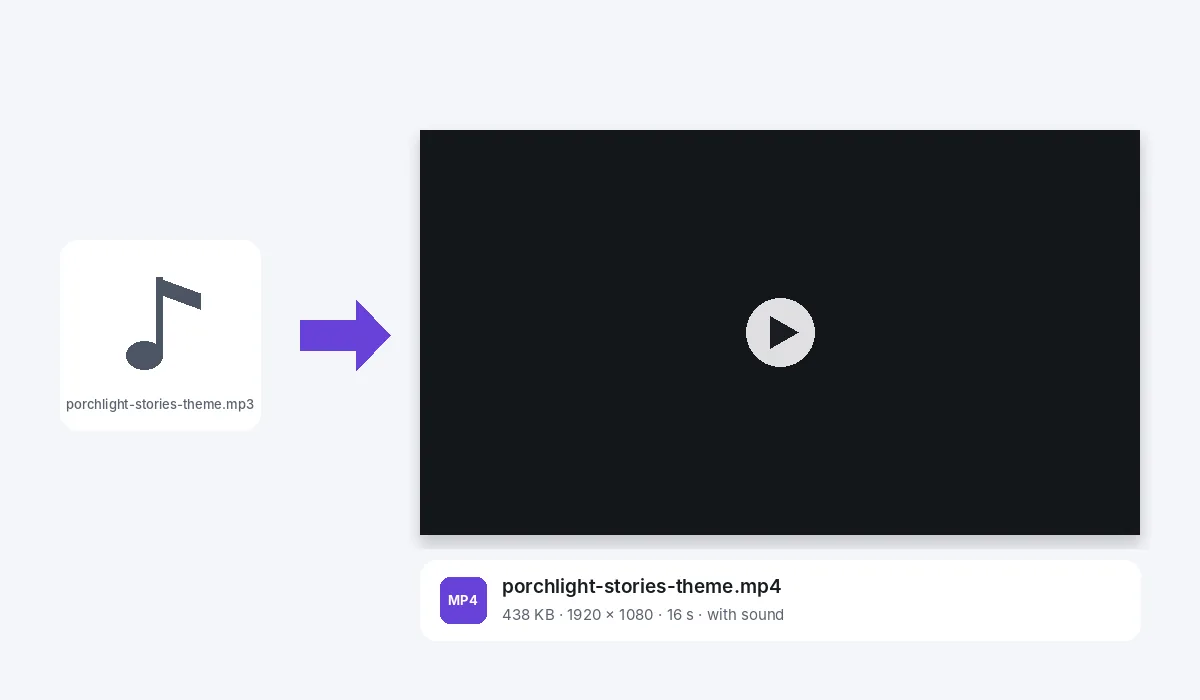
A plain dark frame, 1920 by 1080, for the whole length of the sound. Our theme alone came out as a 438 KB MP4.
How long is the video?+
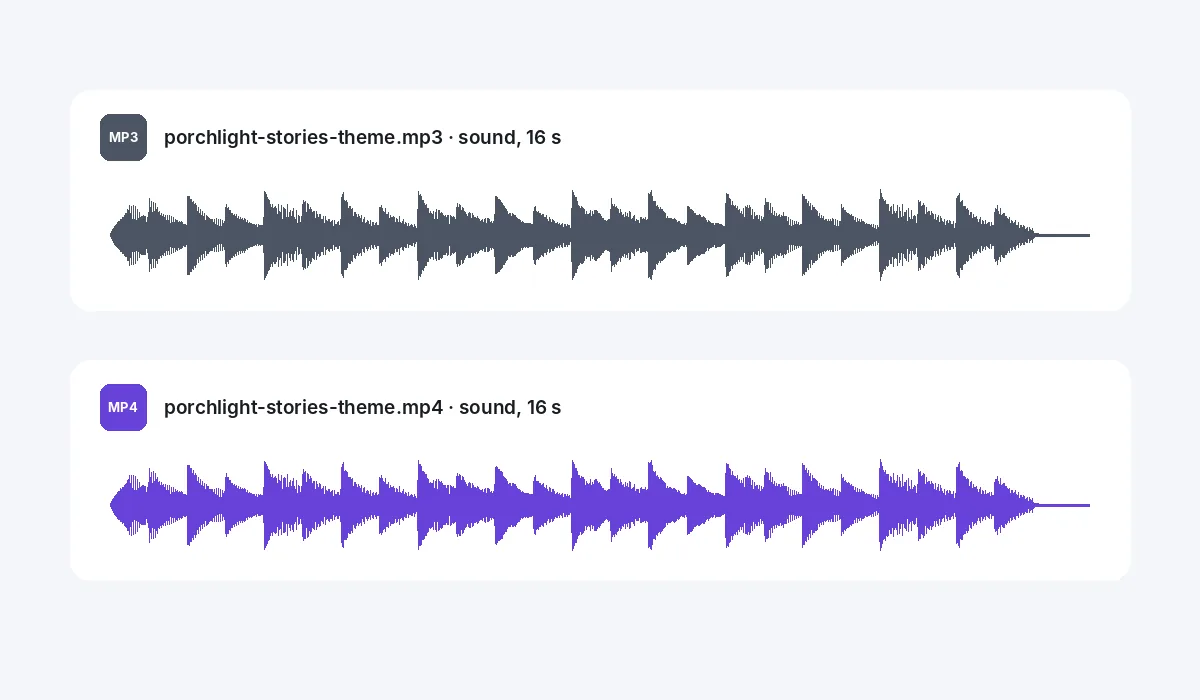
As long as the sound, rounded up to the next tenth of a second, so not a note is cut. Our 16-second podcast theme gave a 16-second MP4, the sound running from start to finish.
Which sound files can I use?+
MP3, WAV and M4A. If you drop several, the first one becomes the video and you are told how many were left out.
How big is the MP4?+
Mostly that depends on the picture. Our 377 KB MP3 with its cover art came out as a 910 KB MP4, 1920 by 1080 at 30 frames a second. The same MP3 with no picture gave 438 KB.
Can I add the title or change the background?+
Yes. The video opens in the editor, so you can type the episode name or the song title from Text, pick another background color, or add more pictures before you download.
Can I save it as a GIF?+
GIF is in the Download menu too, but a GIF has no sound, so for music or speech the MP4 is the one to keep.
Which browsers can make the MP4?+
Recent Chrome and Edge, on a computer or an Android phone. They have the built-in encoders that write the picture and the sound. On an iPhone or iPad the browser may not be able to write the sound: the MP4 is then saved silent and the app tells you, so make it on a computer or an Android phone instead.
Are my files uploaded?+
No. The sound and the picture are read, and the MP4 is made inside this browser tab, on your device. Nothing is sent to a server for that. If you sign in to keep a design, it is saved online with its sound and pictures, so it opens on any device.
Drop an MP3 to make a video
No account needed to convert and download. Sign in when you want to keep the design.
Drop your MP3 here
or browse your files