JPEG to PDF Converter
Turn JPEG photos into one PDF: a page for each photo, in the order you choose, at full resolution and the right way up. Free, in your browser.
Drop your JPEGs here
or browse your files. One photo or many
Convert to PDF
Full resolution photos
Right way up every page
Letter, A4 or the photo’s size
No watermark, no sign-up. Your photos are converted right here, in this tab.

How to convert JPEG to PDF
1
Drop your JPEGs
Drag in one photo or a whole set, or click to browse. Each photo opens as a page in the Compix editor.
2
Put them in order
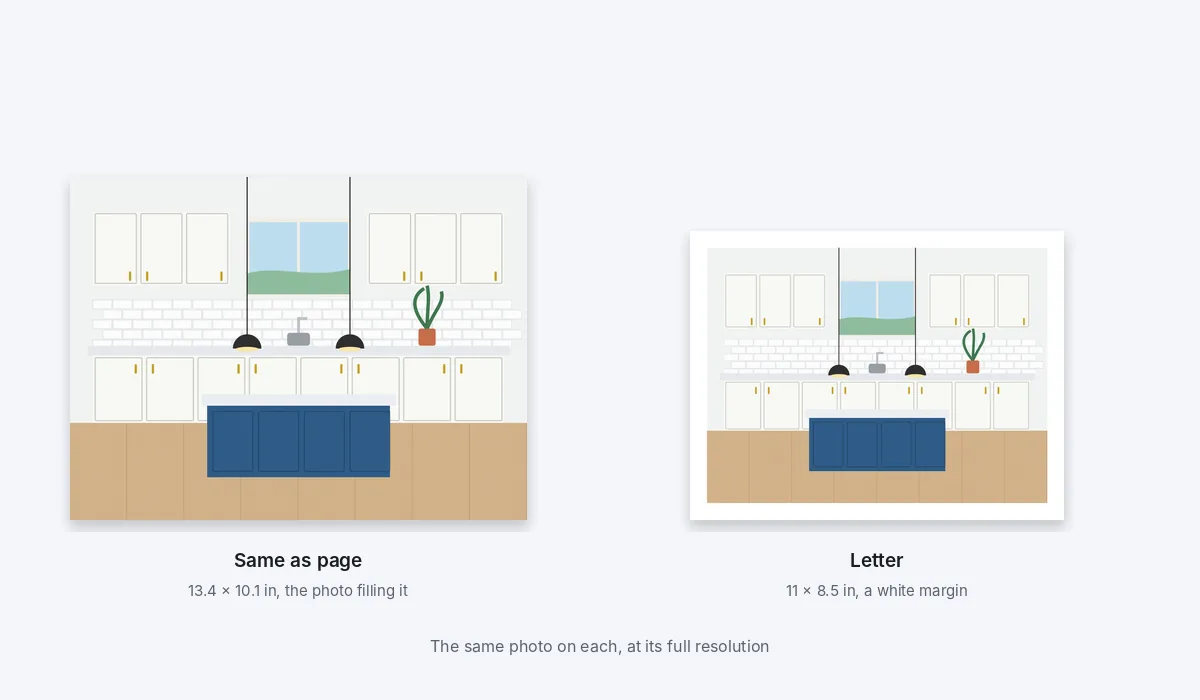
Move a page by dragging it along the strip under the editor. In the Download menu, keep each page the photo's own size or pick Letter or A4.
3
Download the PDF
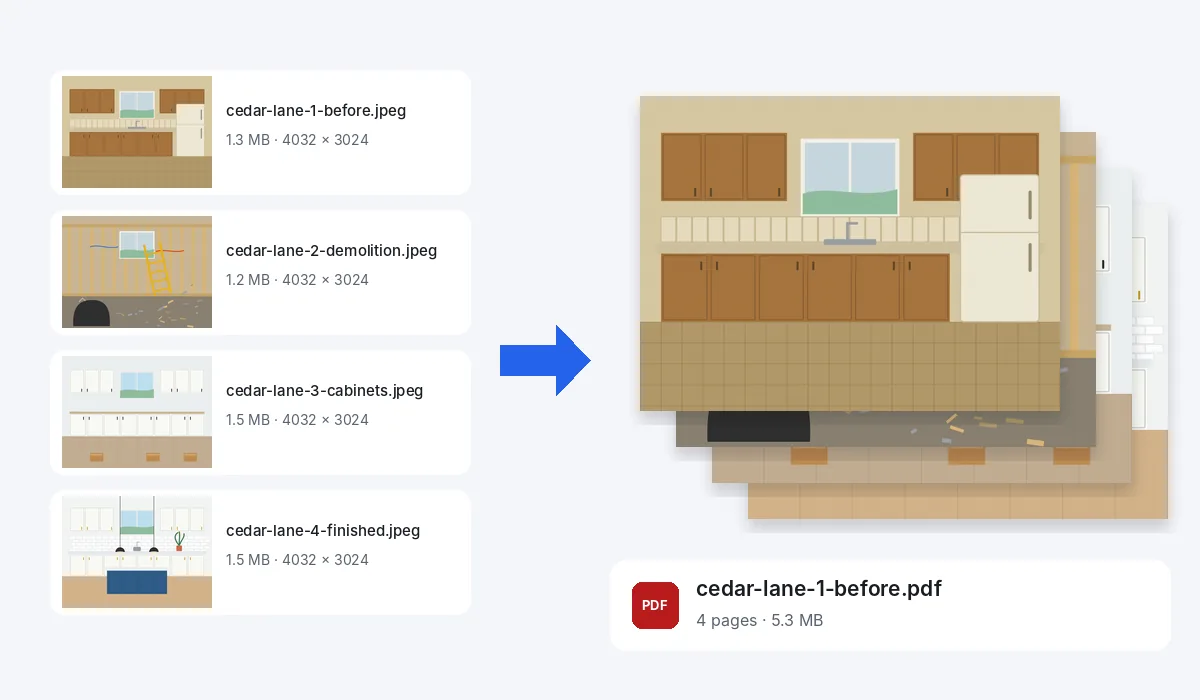
One PDF with every photo, named after the first one. No watermark.
What you get
JPEG and JPG are the same format. Files ending in .jpeg or .jpg both work, and so do PNG, WebP and the other pictures your browser opens.
Your photos are never changed. The PDF is a new file, made in this browser tab, and nothing is uploaded to make it.
Each photo is saved into the PDF at 92% JPEG quality at its full size. On an iPhone or iPad a photo over about 16 megapixels comes in at about 16.
What people put in a PDF
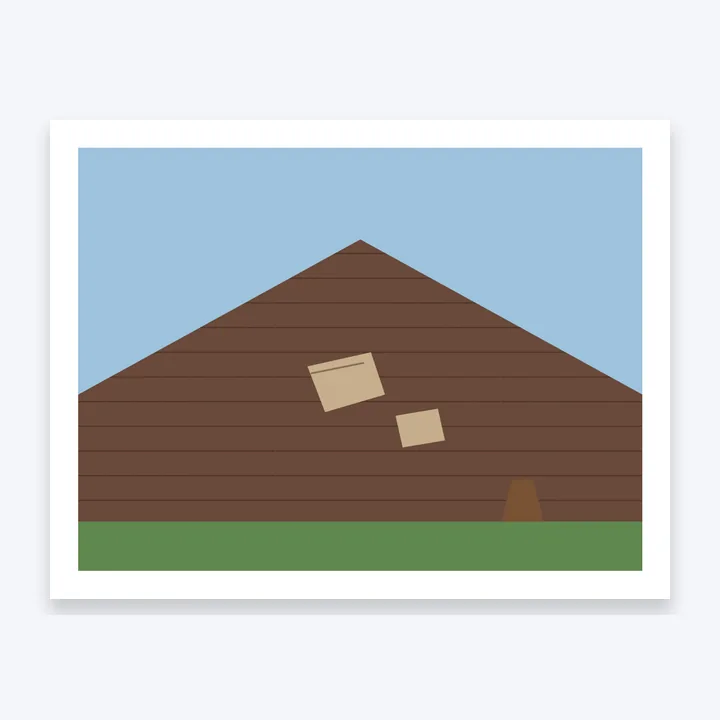
Photos that have to arrive as one file, in order: a claim for the insurer, a job for the client, a product for a buyer. Each card is a Letter page of the PDF Compix made.
Insurance claims
Storm damage photos in one file.
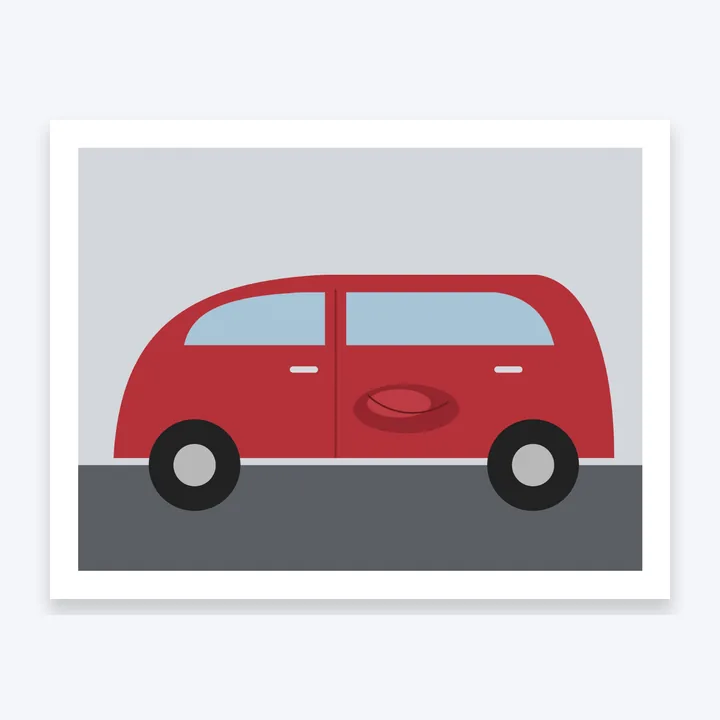
Car damage
The dent, for the body shop.
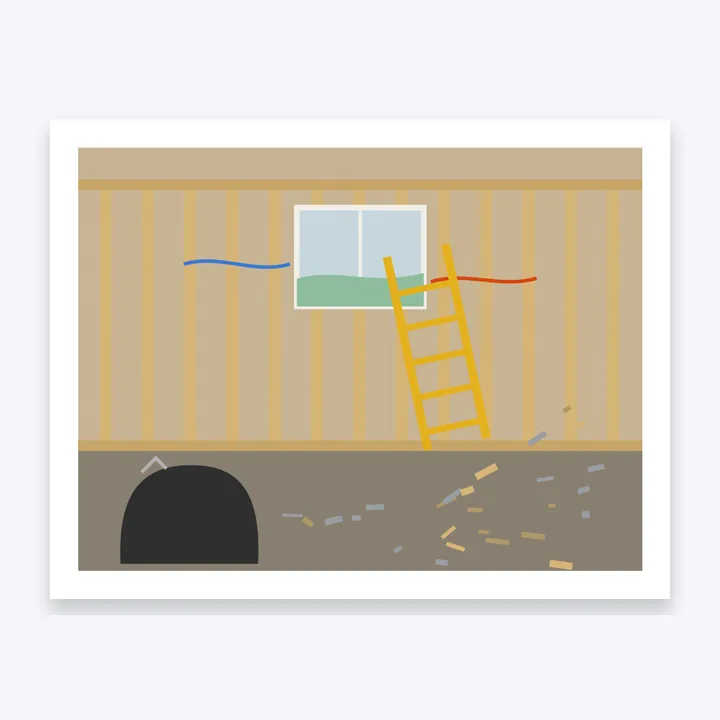
Job site records
A day of work, page by page.
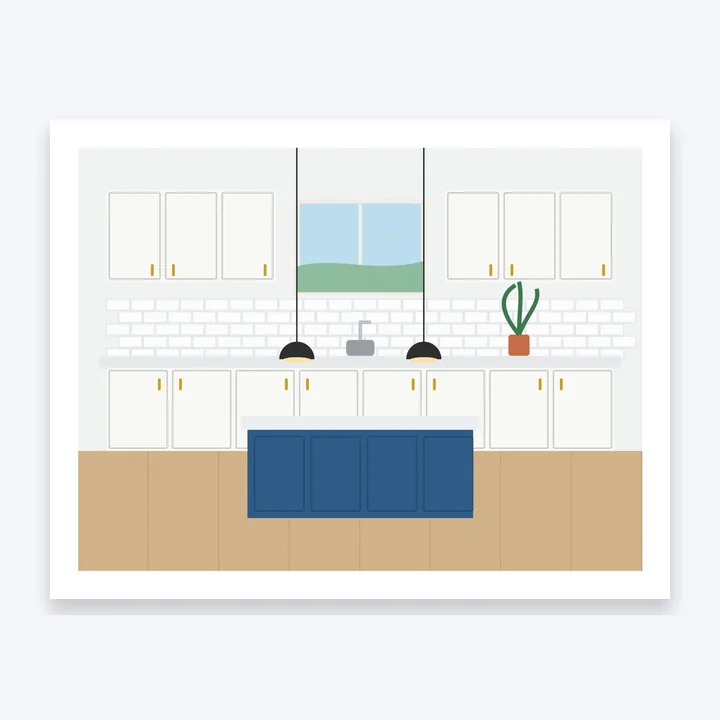
Before and after
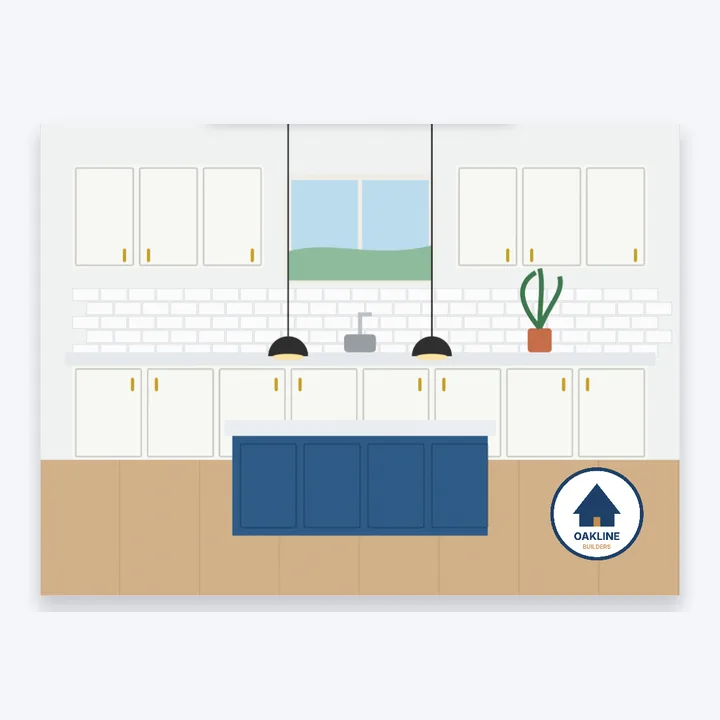
A finished room to show a client.
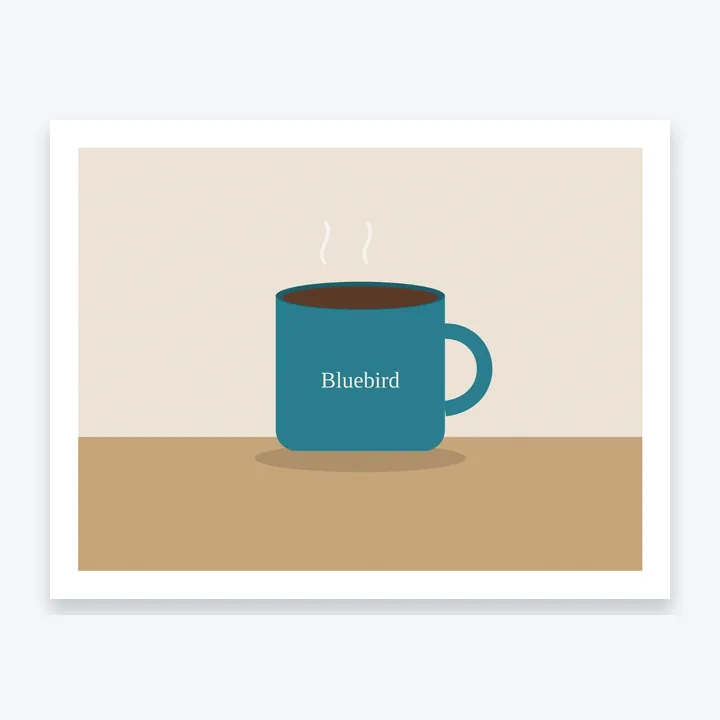
Product sheets
A product photo to send a buyer.
Trip photos
The best shots, to share as one.
Finish the pages first
A page can say more than the photo before it goes into the PDF: it opens in the same editor as the PDF editor.
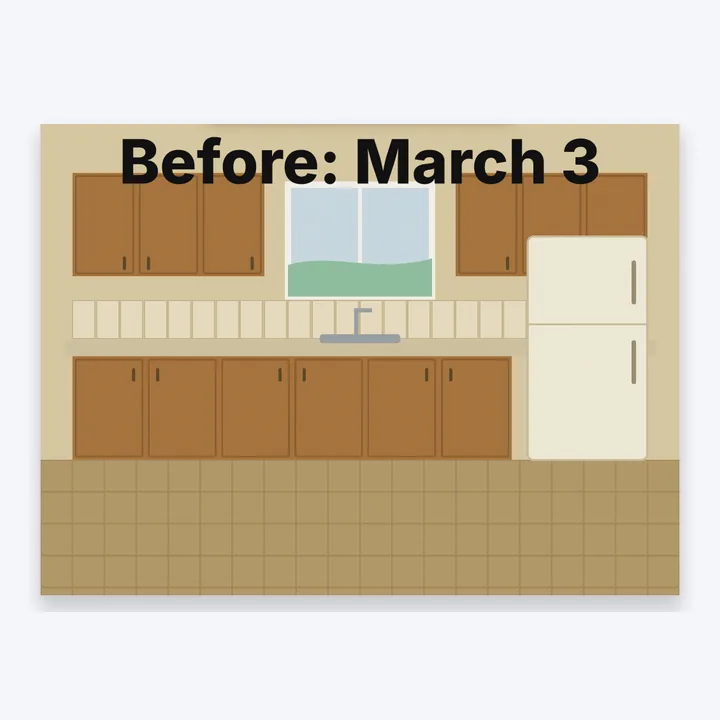
Add a caption
Type a line on any page.
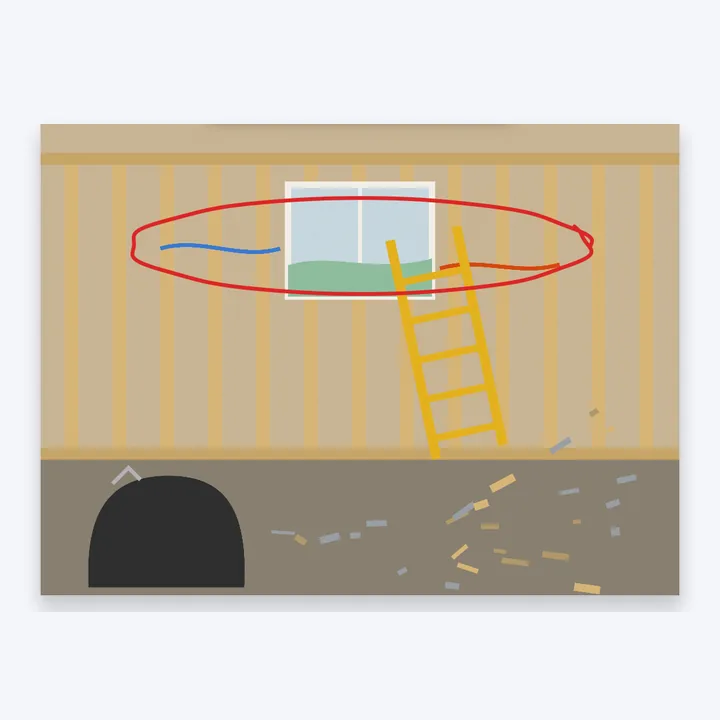
Circle a spot
Draw on the photo with the Pen.
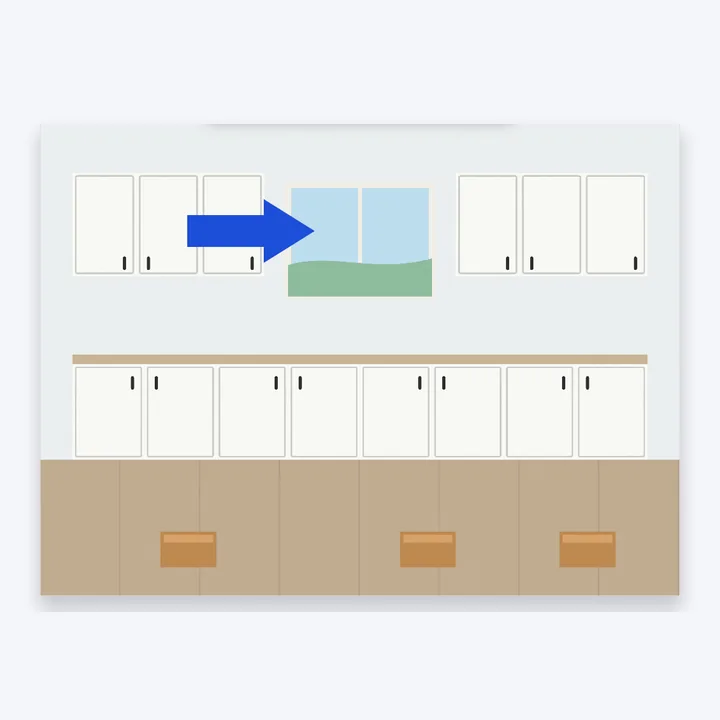
Point it out
Add an arrow or a shape.
Put your logo on
Add a picture from your files.
More in Compix
Questions
How do I convert a JPEG to PDF?+
Drop the JPEG on this page, or several at once, or tap the drop area and pick them. They open in the Compix editor, a page for each photo, with the Download menu already on PDF. Press Download the work and you get one PDF.
Is it free?+
Yes, all of it: no account, no watermark, no payment and no trial. Drop the photos, download the PDF, and it is yours.
Is JPEG the same as JPG?+
Yes, two names for the same picture format. A file ends in .jpeg or .jpg depending on the camera or computer that saved it, and both turn into a PDF the same way here.
How do I combine several JPEGs into one PDF?+
Pick or drop them together and each one becomes a page of the same PDF. To change the order, drag a page along the strip under the editor: the PDF is saved in the order you leave them. You can delete or duplicate a page from the strip too.
Will my photos be the right way up?+
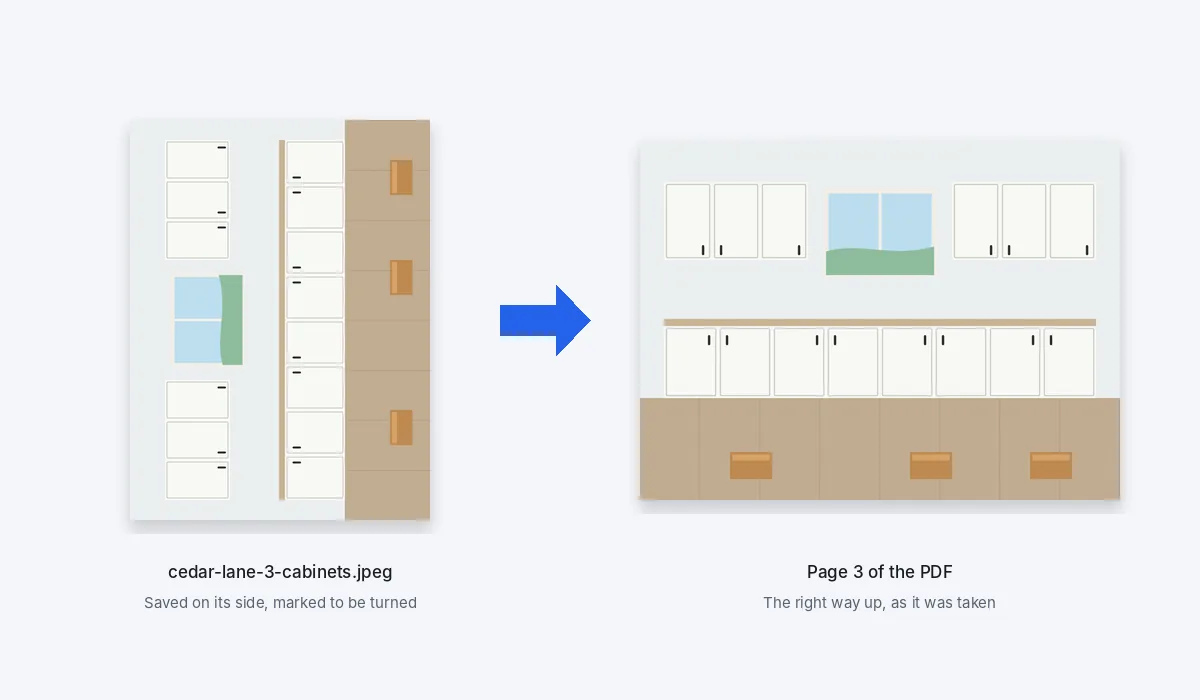
Yes. Phones and cameras often save a photo on its side, with a note inside the file that says how to turn it. Compix follows that note, so each page shows the photo the way it looks on your phone.
What is the PDF called?+
It is named after the first photo: cedar-lane-1-before.jpeg gave cedar-lane-1-before.pdf. To call it something else, click the name at the top of the editor, next to Share, and type a new one before you download.
How big is the PDF?+
Roughly the size of the photos that go in. Our four 12-megapixel photos of a kitchen remodel, 5.4 MB together, made a 5.3 MB PDF. Compix does not shrink your photos to make the PDF smaller, so for a form with a size limit, start from smaller photos.
Does converting JPEG to PDF lower the quality?+
Very little. Each photo goes into the PDF at its full resolution, saved at 92% JPEG quality, so it stays sharp on screen and in print. Because it is saved once more, the bytes are not identical to your file, though the difference is very hard to see. Your own photos are not changed.
Can I make the PDF Letter or A4 size?+
Yes. Paper in the Download menu starts on Same as page, where each page is the photo's own shape and nothing is cut off. Choose Letter or A4 to print: each page becomes that sheet, landscape for a wide photo and portrait for a tall one, with the photo whole inside a white margin.
Can I convert JPEG to PDF on my iPhone?+
Yes. In Safari, open this page, tap Drop your JPEGs here, then choose Photo Library and pick the photos: Safari normally hands them over as JPEG. Each one opens as a page. To save, tap Share and then Download the work, and the PDF downloads to your iPhone.
Can I add a caption, a logo or a note?+
Yes. The photos open in the same editor as the PDF editor: type a caption on a page, add your logo from your files, draw an arrow or circle a spot with the Pen. Whatever you add is saved into the PDF along with the photo.
Can I mix PNG or other pictures with my JPEGs?+
Yes. A PNG, WebP, GIF, BMP or AVIF can go into the same PDF as your JPEGs, each on a page of its own. Where a PNG is see-through, the page shows white. HEIC and TIFF files do not open in most browsers on a computer, so save those as JPEG first.
Is there a limit?+
There is no daily limit and no cap on how many photos go in. The photos are held in your browser's memory while you work, so a big set takes longer to open and to save; on a phone, a long set goes better in a few batches. On an iPhone or iPad a photo larger than about 16 megapixels is brought down to about 16, the most the browser there can handle. On a computer, only a photo over 64 megapixels, or a panorama longer than 16,384 pixels, is made smaller.
Are my photos uploaded?+
No. Your photos are opened right here, in this browser tab on your own device, and the PDF is put together there. Nothing is sent to a server for that. If you sign in to save your work, it is saved online with its pictures, so it opens on any device.
Drop your JPEGs and get one PDF
No account needed to convert and download. Sign in when you want to keep the design.
Drop your JPEGs here
or browse your files