MOV to MP4 Converter
Turn a .mov from an iPhone, a Mac or a camera into an MP4 that plays almost anywhere, at the same size and length, with its sound. Free, in your browser.
Drop your MOV here
or browse your files. A .mov, or another video
Convert to MP4
In .mov and other videos
Out MP4 with its sound
Nothing uploaded
No watermark, no sign-up. Your video becomes an MP4 right here, in this tab.

How to convert MOV to MP4
1
Drop your MOV
It opens in the Compix editor as a video page of its own, as wide, as tall and as long as it is.
2
Watch it if you like
Press play to see it. The Download menu is set to MP4 already, so there is nothing to choose.
3
Download
The MP4 is saved with the name of your .mov and its sound. No watermark.
What it converts
iPhone videos are usually HEVC. Where a browser cannot play HEVC, the editor says so instead of saving an empty MP4.
Your .mov is left as it was. The MP4 is a new file, made inside this browser tab, and nothing is uploaded to make it.
Trim the ends, crop it to a square or 9:16, or add a title first: it opens in the video editor.
More for your videos
Each has a page of its own, with what it does in detail.
Questions
How do I convert MOV to MP4?+
Drop the .mov on this page, or tap the drop area and choose it. It opens in the Compix editor as a video page of its own, with the Download menu set to MP4. Press Download the work, and the MP4 is saved under the name of your .mov.
Is it free?+
Yes. There is no account to make, and no watermark on the video.
What is a MOV file?+
MOV is the QuickTime video format from Apple. iPhones, a Mac's screen recordings and many cameras save their videos as .mov. MP4 is the format almost every phone, player, editor and upload form takes, so the same video as an MP4 goes further.
Does the MP4 keep the sound?+
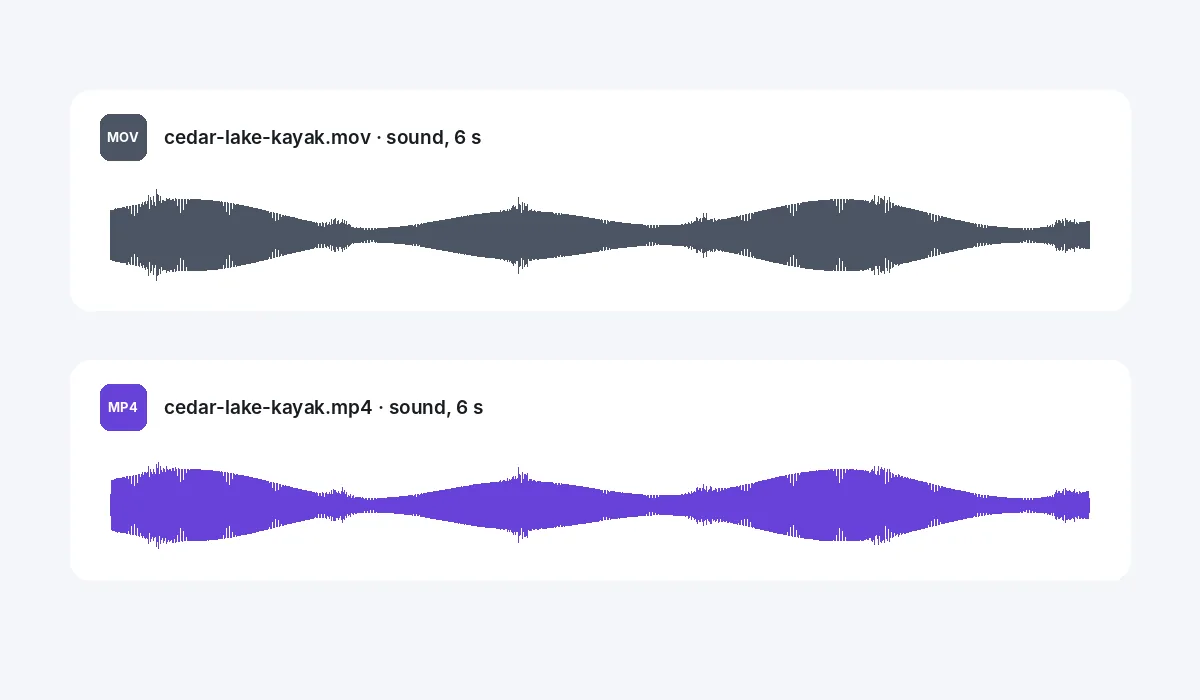
Yes, for the whole length of the video. A .mov with no sound gives an MP4 with no sound.
Does it keep the size and length?+
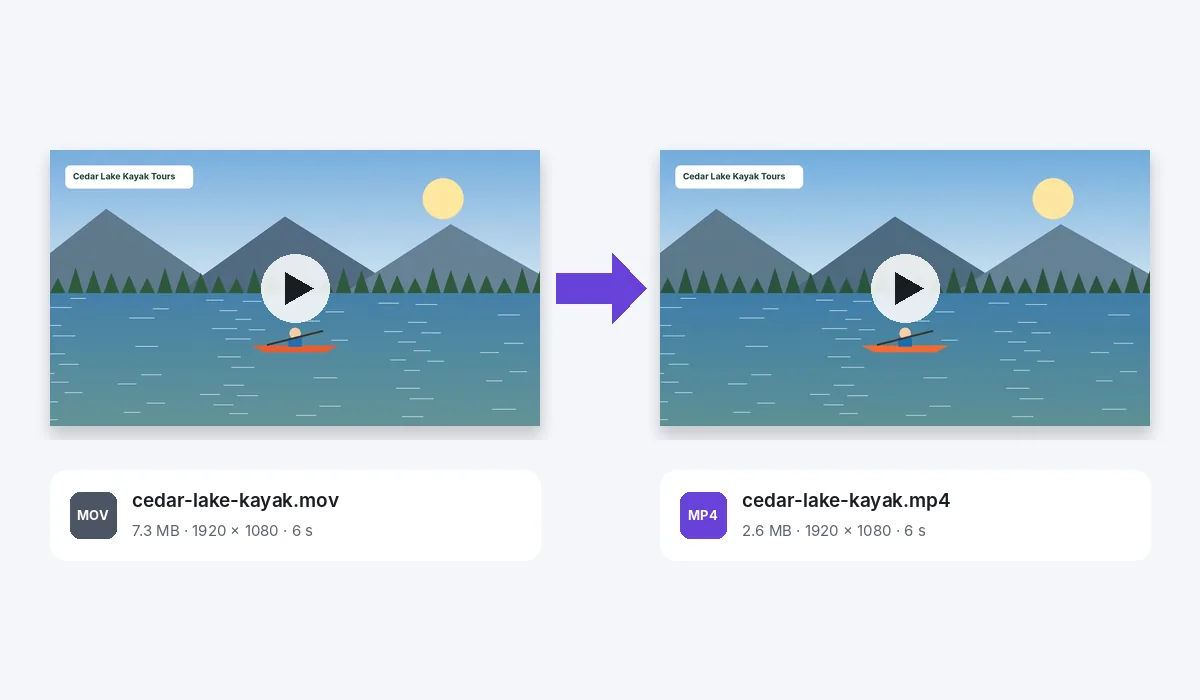
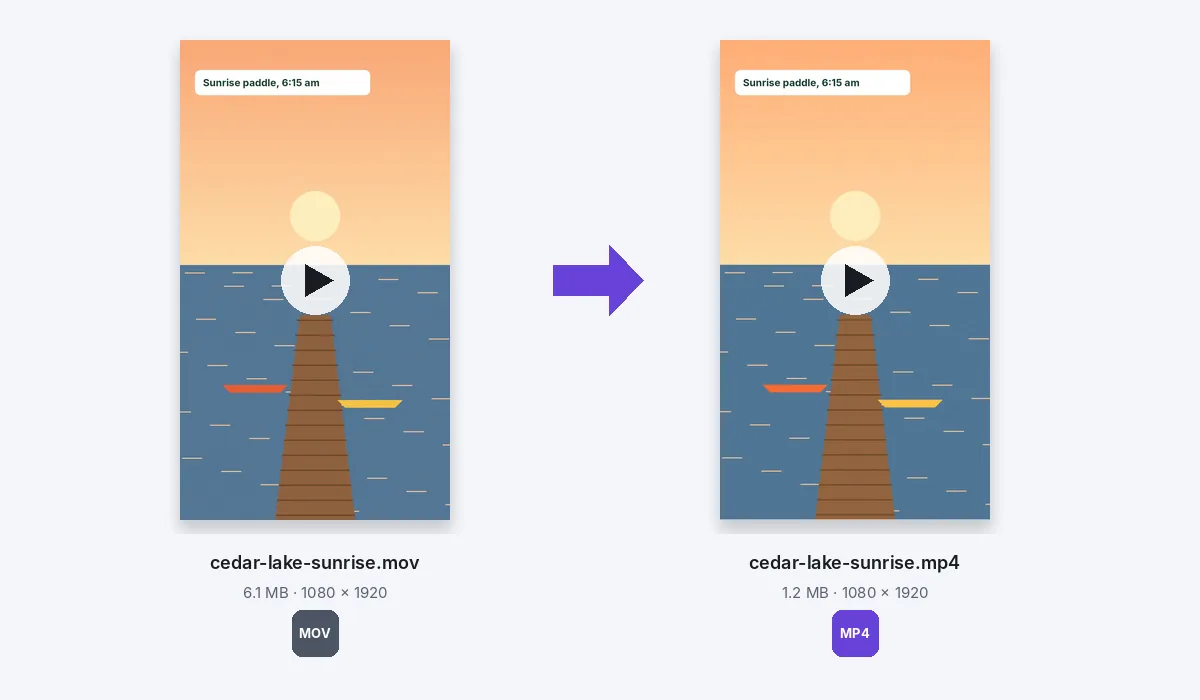
Yes. Our 1920 by 1080 clip came out 1920 by 1080 and six seconds long, and the phone clip stayed tall, 1080 by 1920. If a side is an odd number of pixels, the MP4 is one pixel narrower there, as MP4 needs even sides.
Will the MP4 be smaller?+
It often is, since phones save video generously, but it depends on the picture. Our 7.3 MB kayak clip came out as a 2.6 MB MP4, and the 6.1 MB sunrise clip as a 1.2 MB one. The MP4 is H.264 video at 30 frames a second, or 60 if you pick 60 fps in the Download menu.
Can I convert an iPhone video?+
Yes, where this browser can play it. An iPhone usually records in HEVC: Safari plays it, and Chrome does on computers that can decode HEVC. Where it cannot be played, the editor tells you so rather than making an empty video. For your next videos, choose Settings, Camera, Formats, then Most Compatible on the iPhone.
Can I trim or crop it first?+
Yes. It opens in the video editor: pull the ends of the clip to trim it, crop it to a square or 9:16, or put a title on it, and the MP4 has all of it.
Can I convert several MOV files at once?+
One at a time. If you drop several, the first opens on its own page; save its MP4, then come back for the next.
Can I save it as a GIF?+
Yes. Choose GIF in the Download menu instead of MP4; the GIF plays without sound.
Which browsers can make the MP4?+
Recent Chrome and Edge do, since they come with a video encoder built in. Without one, pressing Download says so, and a GIF can still be saved. If the picture can be made but not the sound, the MP4 is saved silent and you are told.
Can I convert MOV to MP4 on my phone?+
Yes on Android, in Chrome: tap the drop area, pick the video, then tap Share and Download the work. An iPhone or iPad opens it too, but its browser may leave the sound out; when it does, the MP4 is saved silent and the app tells you.
Are my files uploaded?+
No. The video is played and the MP4 made inside this browser tab, on your device. Nothing is sent to a server for that. If you sign in to keep a design, it is saved online with its videos, so it opens on any device.
Drop a MOV to make an MP4
No account needed to convert and download. Sign in when you want to keep the design.
Drop your MOV here
or browse your files