PDF to JPEG Converter
Turn the pages of a PDF into JPEG images, photos and all: every page in one zip, or only the page you need. Free, in your browser.
Drop your PDF here
or browse your files. Any number of pages
Convert to JPEG
Every page as a JPEG
300 dpi or smaller
Smaller files than PNG
No watermark, no sign-up. Your PDF is converted right here, in this tab.

How to convert PDF to JPEG
1
Drop your PDF
Drag it in or click to browse. Each page opens in the Compix editor, photos and all.
2
Pick a size
The Download menu is on JPG and All pages, at the Original size of 300 dpi. Choose 1080p or 720p for smaller files to share.
3
Download the zip
Every page comes as a JPEG, in one zip named after your PDF and in page order. No watermark.
What you get
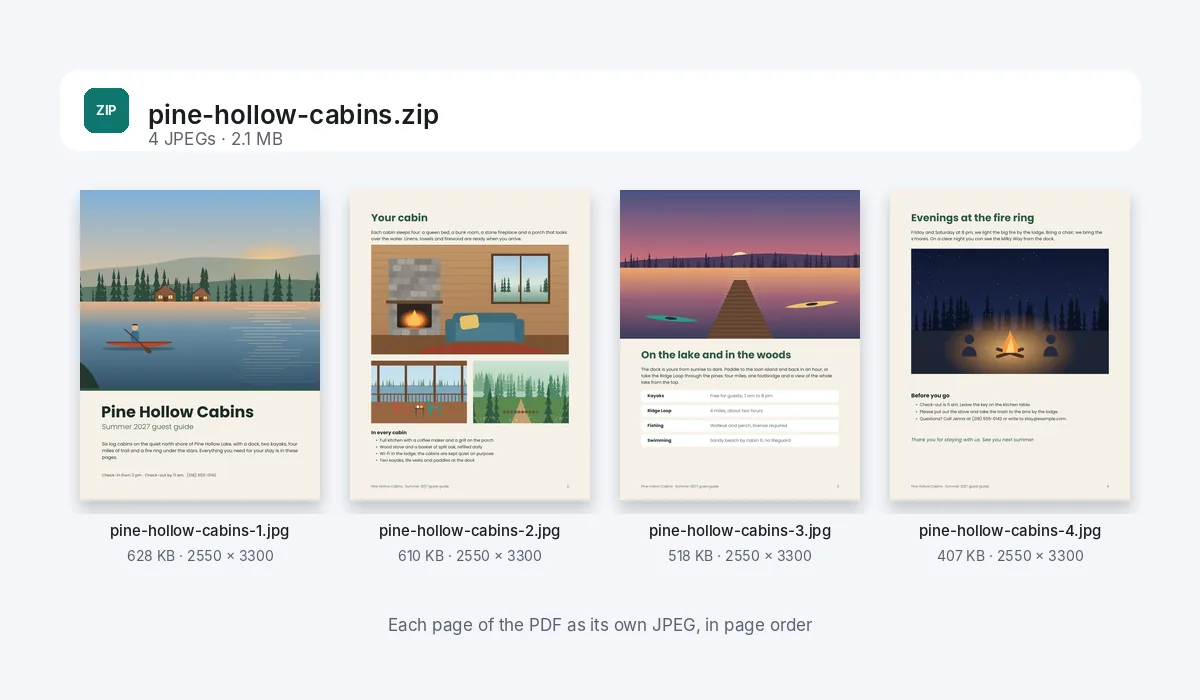
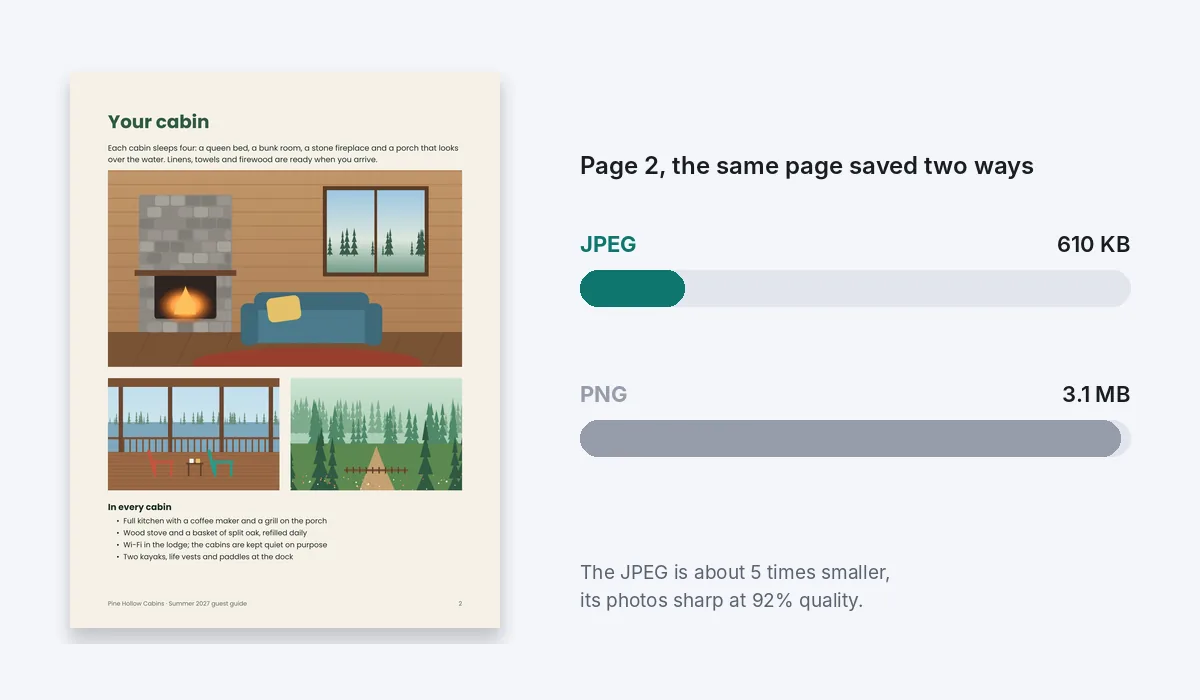
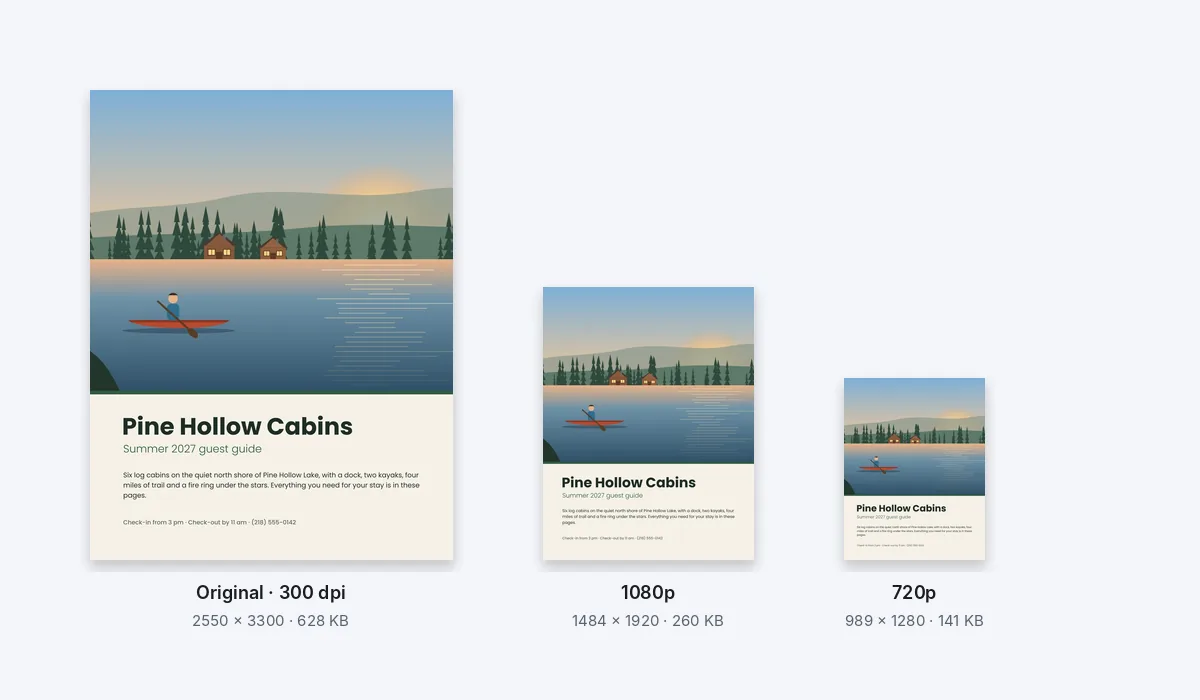
The files end in .jpg: JPEG and JPG are the same format, and the pictures open anywhere a JPEG does.
Your PDF is never changed. The JPEGs are new files, made in this browser tab, and nothing is uploaded to make them.
On an iPhone or iPad a page is made at up to about 16 megapixels, the most the browser there can draw. Letter and A4 pages fit at 300 dpi.
What people save as JPEGs
Pages with photos on them, to post, text or show where a PDF does not open: a rental to share, a page of a photo book, an invitation for the group chat.
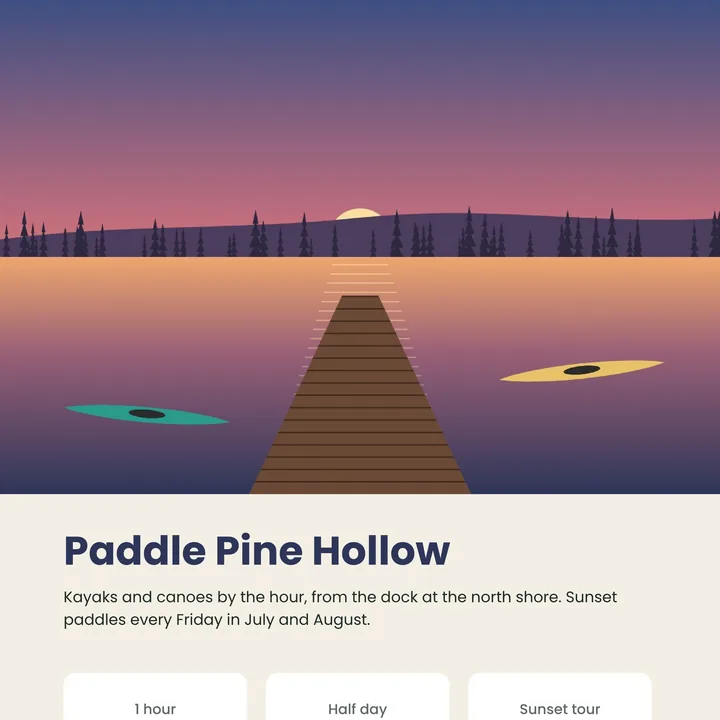
Brochures
A page to post or text to a friend.
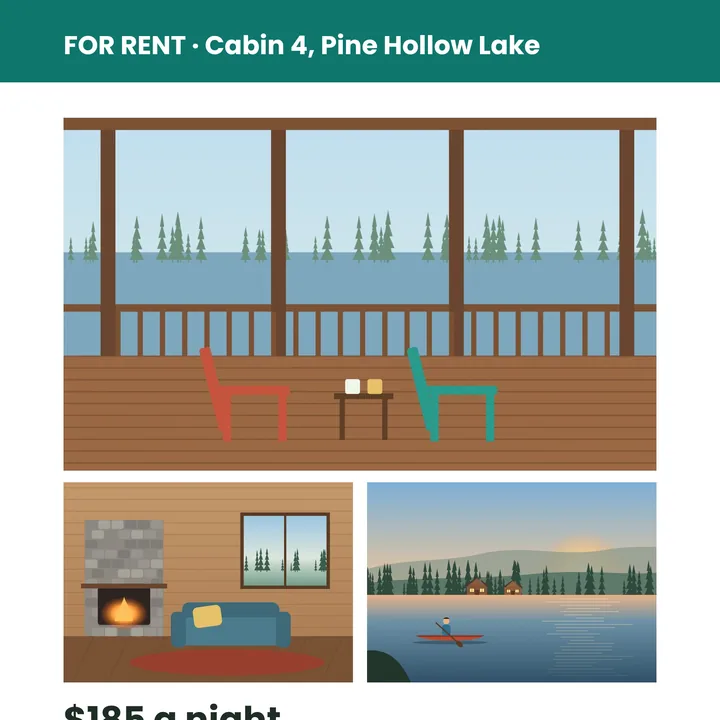
Listings
A home or a rental, photos first.
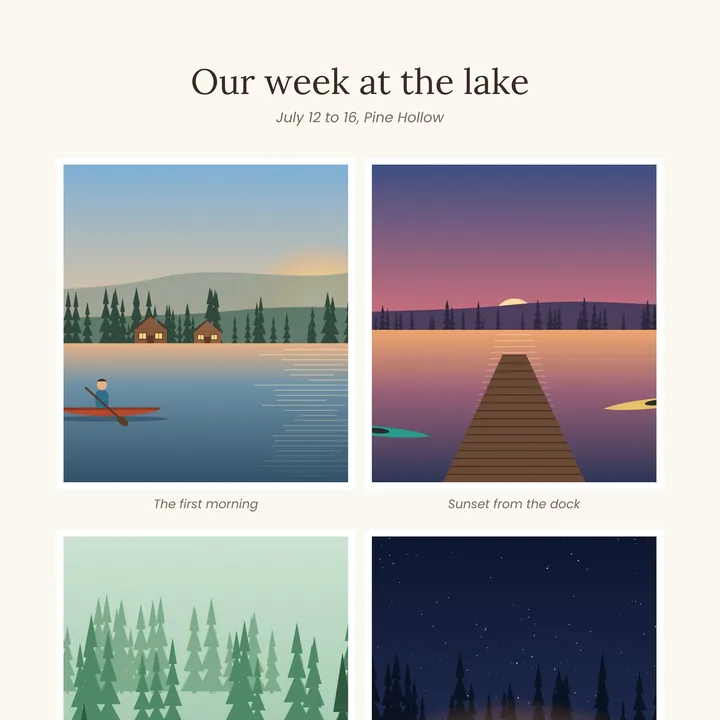
Photo books
A page of photos as one picture.
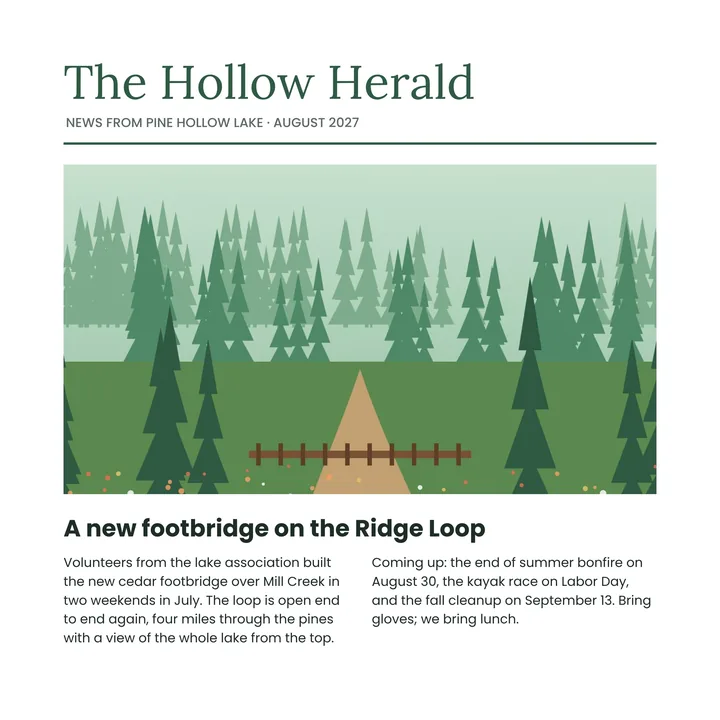
Newsletters
A page to share in a group chat.

Invitations
To send where a PDF won’t open.
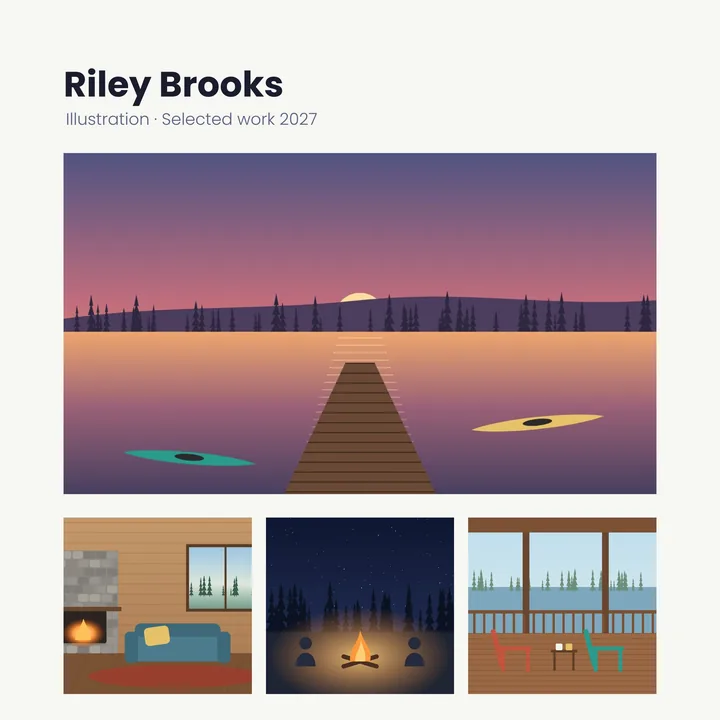
Portfolios
Work to show on a profile.
Finish the pages first
Your PDF opens in the same editor as the PDF editor, so a page can be changed before it becomes a JPEG.
Add a caption
Type a line on any page.
Put your logo on
Add a picture from your files.
Point it out
Add an arrow or a shape.
Circle a spot
Draw on the page with the Pen.
More in Compix
Questions
How do I convert a PDF to JPEG?+
Drop the PDF on this page, or tap the drop area and pick it. Each page opens in the Compix editor, with the Download menu already on JPG and All pages. Press Download the work and you get one zip with a JPEG of every page, in order.
Is it free?+
Yes. No account, no watermark, no payment and no trial. Convert the PDF and download the JPEGs.
Is JPEG the same as JPG?+
Yes, two names for one format. The files you download end in .jpg, the shorter name most computers use, and open anywhere a JPEG does. If a form insists on .jpeg, rename the ending: the picture inside stays the same.
What JPEG quality do I get?+
Each page is saved at 92% JPEG quality: photos keep their detail and fine lines stay clean, while the file stays a fraction of a PNG's size.
How big are the JPEG files?+
It depends on the page. Our four-page cabin guide, full of photos, gave JPEGs of 407 to 628 KB each at 300 dpi, 2.1 MB for the whole zip. The same pages as PNG came to 7.5 MB, about three and a half times as much.
Should I pick JPEG or PNG?+
JPEG for pages with photos, or anything you will post, text or email: the files are small and open everywhere. PNG for pages of small print or line drawings where every pixel has to stay exact. Both are in the Download menu, with WEBP, and All pages works the same way for each.
Can I save only one page as a JPEG?+
Yes. Click the page in the strip under the editor, then set Pages in the Download menu to This page. You get that page alone as one JPEG.
What resolution are the JPEGs?+
At the Original size each page is drawn again from your PDF at 300 dots per inch: a Letter page is 2550 by 3300 pixels and an A4 page 2480 by 3508. Pick 1080p (1920 pixels on the long side) or 720p (1280) under Size for smaller files. On an iPhone or iPad a page is made at up to about 16 megapixels, the most the browser there can draw.
Will the photos in my PDF lose quality?+
Very little. JPEG keeps files small by leaving out detail the eye hardly sees, and at 92% quality the photos look as they do in the PDF. If a page must stay exact to the pixel, pick PNG.
Can I convert a PDF to JPEG on my phone?+
Yes. Tap the drop area on this page and pick the PDF. It opens a page at a time. Tap Share, then Download the work, and the JPEGs are saved to your phone in one zip.
Can I get each photo out of the PDF on its own?+
No. Compix saves each page whole, as you see it, so a JPEG of a page shows its photos where they sit on it. To keep one photo alone, crop the page to it in the editor before you download: a cropped page is saved at the size the editor shows it, smaller than the 300 dpi of a whole page.
Can I change a page before converting?+
Yes. The PDF opens in the same editor as the PDF editor: add a caption, put your logo on a page, draw an arrow or drag the pages into another order. The JPEGs show what you see.
Is there a limit?+
No daily limit and no page limit: every page of the PDF opens. All pages makes the JPEGs one page at a time, in a window that shows how far it has got and has a Cancel button, so a long PDF takes longer but does not freeze your device.
Is my PDF uploaded?+
No. It is opened inside this browser tab, on your own device, and the JPEGs are made there. Nothing is sent to a server for that. If you sign in to save your work, it is saved online with its pictures, so it opens on any device.
Drop a PDF and get every page as a JPEG
No account needed to convert and download. Sign in when you want to keep the design.
Drop your PDF here
or browse your files