JPEG to WebP Converter
Turn JPEG photos into WebP files for websites and shops: usually smaller, the same to the eye, each named after its photo. Free, in your browser.
Drop your JPEG photos here
or browse your files. .jpg or .jpeg, one or many
Make WebP files
Usually smaller
Names kept
No watermark
No watermark, no sign-up. Your photos become WebP files right here, in this tab.

How to convert JPEG to WebP
1
Drop your JPEG photos
Drag them onto the box, or click to pick them. Each one opens as a page of its own, at its own size.
2
Check the pages
The Download menu is already on WebP, every page. Crop a photo first if you like.
3
Download
One photo saves as a .webp; several save as one zip: puffin.jpg comes back as puffin.webp. No watermark.
What you get
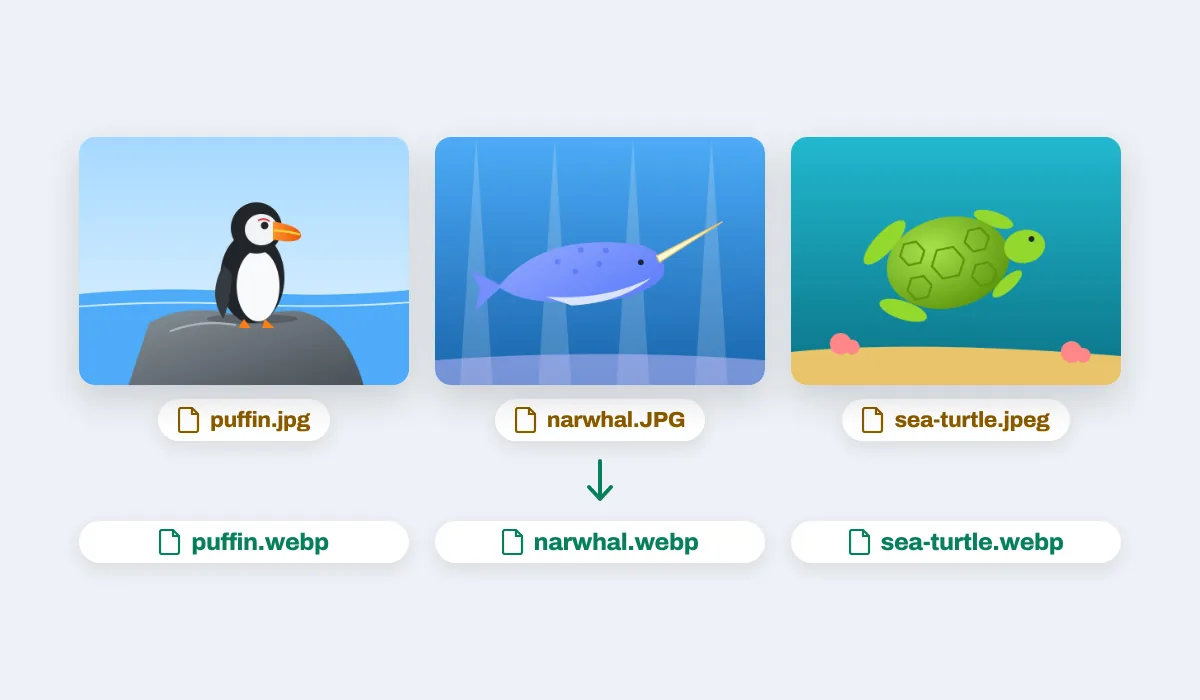
Every WebP has the width and height of its JPEG; pick 1080p in the Download menu to make big photos 1920 pixels long.
A browser that cannot make WebP, such as Safari, says so as your photos open and saves PNG files instead. Your JPEGs are left as they were.
Why WebP for the web
WebP was made for web pages: it holds a photo in fewer bytes than JPEG at the same look, so a page full of pictures loads sooner and uses less of a visitor's data. Every current browser shows it, so the files go straight onto a website, a shop or a blog. JPEG is still the picture every app, printer and form opens, so keep your JPEGs for those.
Where a WebP goes
Anywhere pictures are shown in a browser. A few places people put them:

Websites
Pages that load sooner

Online shops
Product photos by the dozen

Blogs
Pictures between the words

Stickers
Sticker packs use WebP

Portfolios
Big pictures, light files

Landing pages
A first look that is quick
More than a converter
Your photos open in the same editor as the photo editor, so the Download menu has more than WebP.
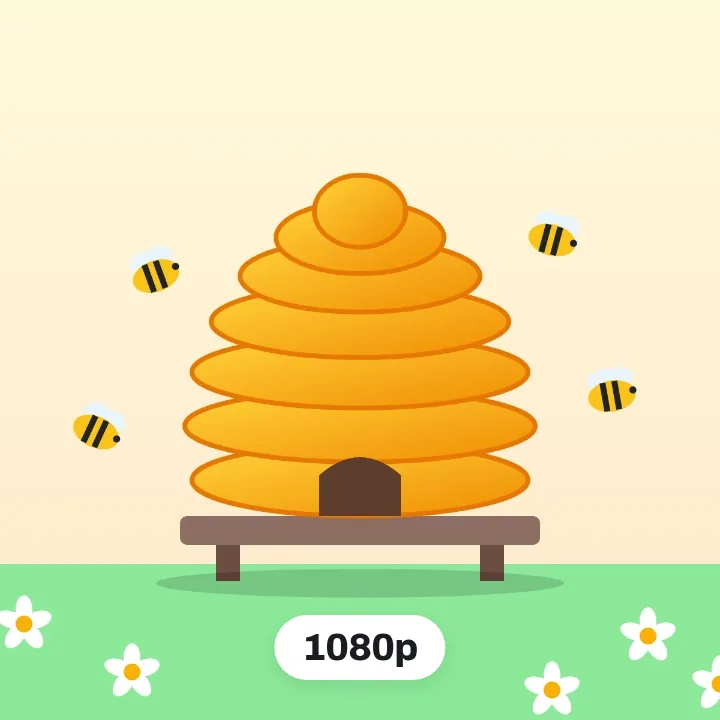
Lighter with 1080p
Big photos come out 1920 pixels long.
One photo only
This page in the Download menu.
PNG instead
PNG as the file type.
One PDF of them all
PDF as the file type, a page each.
More in Compix
Questions
How do I convert JPEG to WebP?+
Drop your JPEG photos on the box at the top of this page, or click it to choose them. Each one opens in the Compix editor as a page of its own, with the Download menu already on WebP. Press Download: one photo comes back as a .webp file, several come back in one zip, each named after its photo.
Is the JPEG to WebP converter free?+
Yes. There is no account to make and no watermark on the pictures.
What is a WebP file?+
WebP is a picture format made for the web. It holds the same kind of photo as a JPEG, usually in fewer bytes, so pages that use it send less and load sooner. Every current browser shows WebP.
Is WebP smaller than JPEG?+
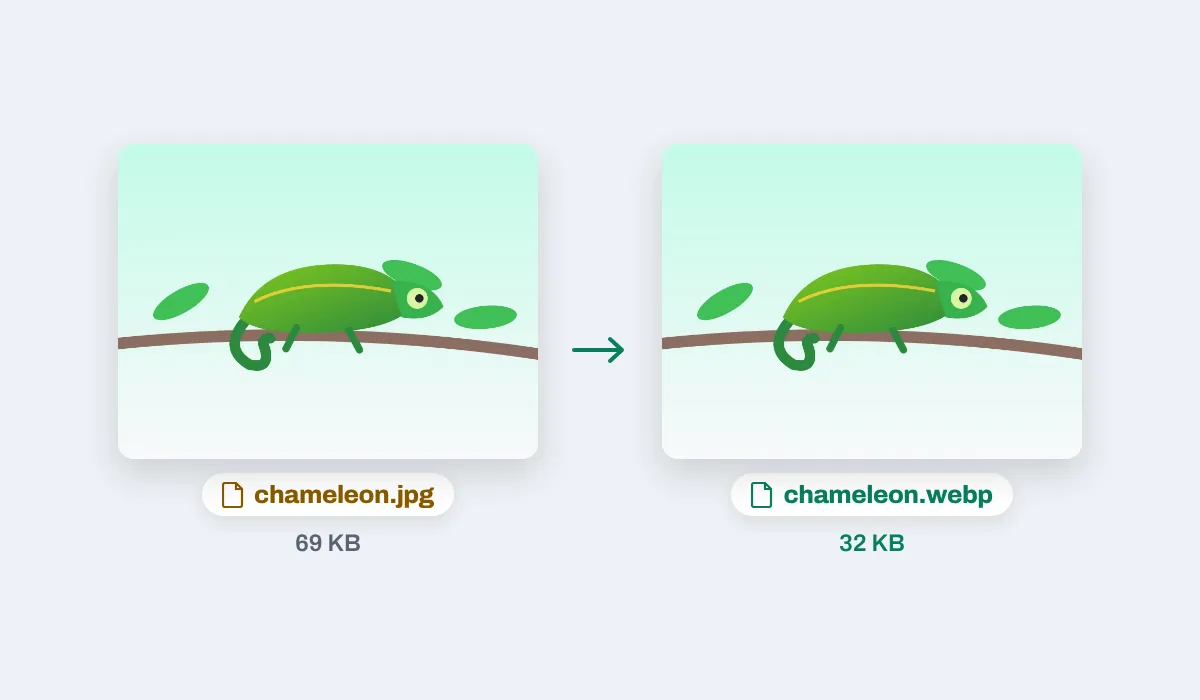
Usually. Saved here, a drawing or a picture with flat colours often comes out about half the size of its JPEG, and a busy photo a little smaller. A photo that was already saved small, at low quality, can come out about the same size or a little bigger.
Will the quality drop?+
Not so you would see it: the WebP is saved at high quality from the JPEG as it is. Like any picture saved again, it is a new file, so keep the JPEG if you will edit the photo later.
Can I convert many JPEG files at once?+
Yes. Drop them together: each becomes a page, the Download menu is set to all pages, and one zip comes back, named after the first photo, with a WebP for each in the order you dropped them. A name met twice gets -2 on the second file.
Do .jpg and .jpeg files both work?+
Yes, and so do endings in capitals such as .JPG: every one comes back as .webp with the rest of its name kept.
Will a phone photo come out sideways?+
No. A phone often stores a photo on its side with a note on how to turn it; the WebP is saved already turned, so it shows upright even where that note is ignored.
Are the location and camera details kept?+
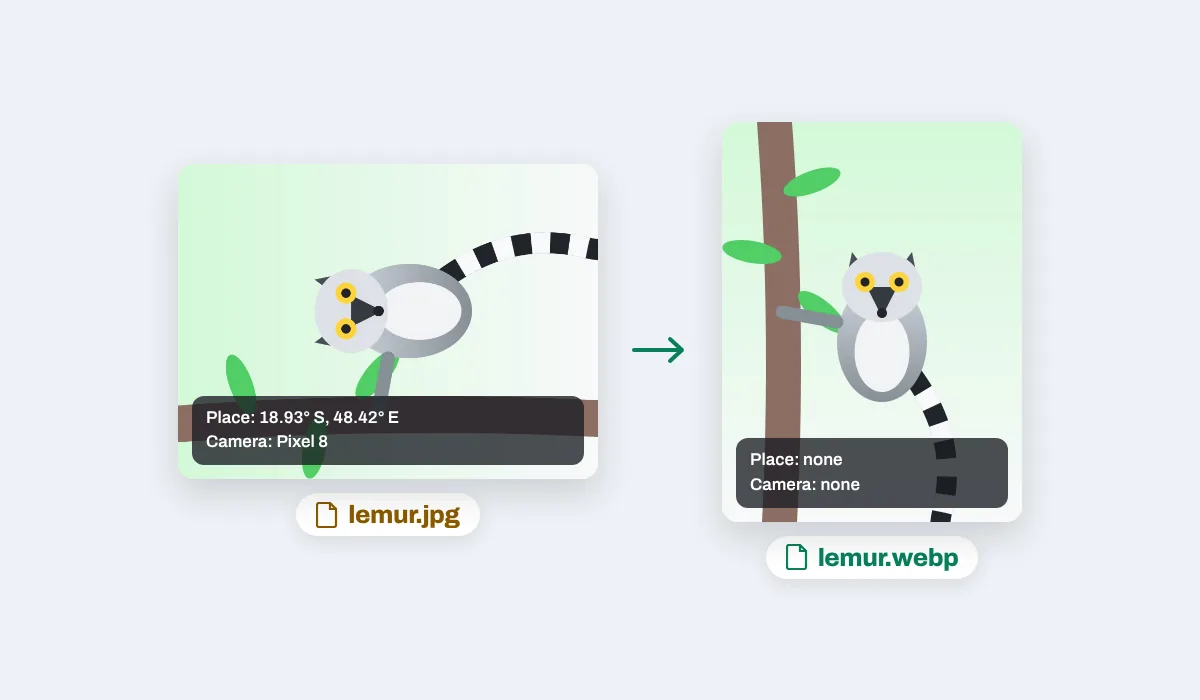
No. The WebP holds the picture only: the place a phone photo was taken and the camera it came from are not in it.
What if my browser cannot make WebP?+
Safari, and every browser on an iPhone or iPad, cannot make WebP files yet. There Compix says so as your photos open, before anything is saved, then saves PNG files, which come out bigger than the JPEGs, and says so again with each download. A file named .webp is always a real WebP. Chrome and Edge on a computer make WebP.
Are my photos uploaded?+
No. The photos are opened and saved as WebP right here in your browser, on your own computer or phone; nothing is sent to a server for that. If you sign in to keep a design, it is saved online with its pictures, so it opens on any device.
Can I convert JPEG to WebP on my phone?+
Yes, on an Android phone in Chrome. Tap the box at the top and choose your photos; the editor shows one at a time. Tap Share, then Download the work: one photo saves as a .webp, several as one zip.
Is there a size limit?+
On a computer each photo keeps its full size up to 64 megapixels or 16,384 pixels on its long side. On an iPhone or iPad a photo larger than about 16 megapixels is brought in at about 16, the most the browser there can draw.
Can I turn a WebP back into a JPEG?+
Yes, on the WebP to JPEG page: drop the .webp files there and you get JPEGs named after them.
Drop your JPEG photos and get WebP back
No account needed to convert and download. Sign in when you want to keep the pictures.
Drop your JPEG photos here
or browse your files