Poster Maker

Make a free poster: start from a poster template or a blank A4 page, type your event, pick the fonts and colors, and download a PDF to print. All in your browser.
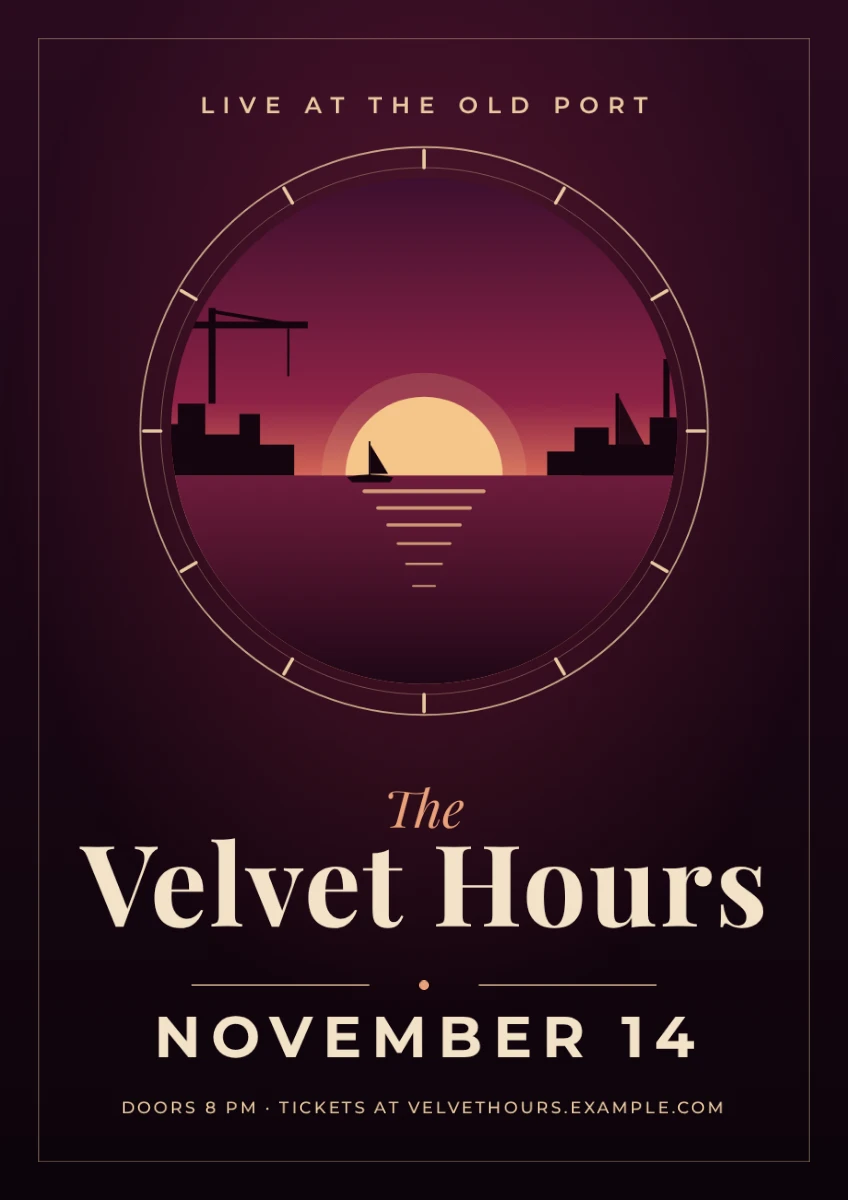
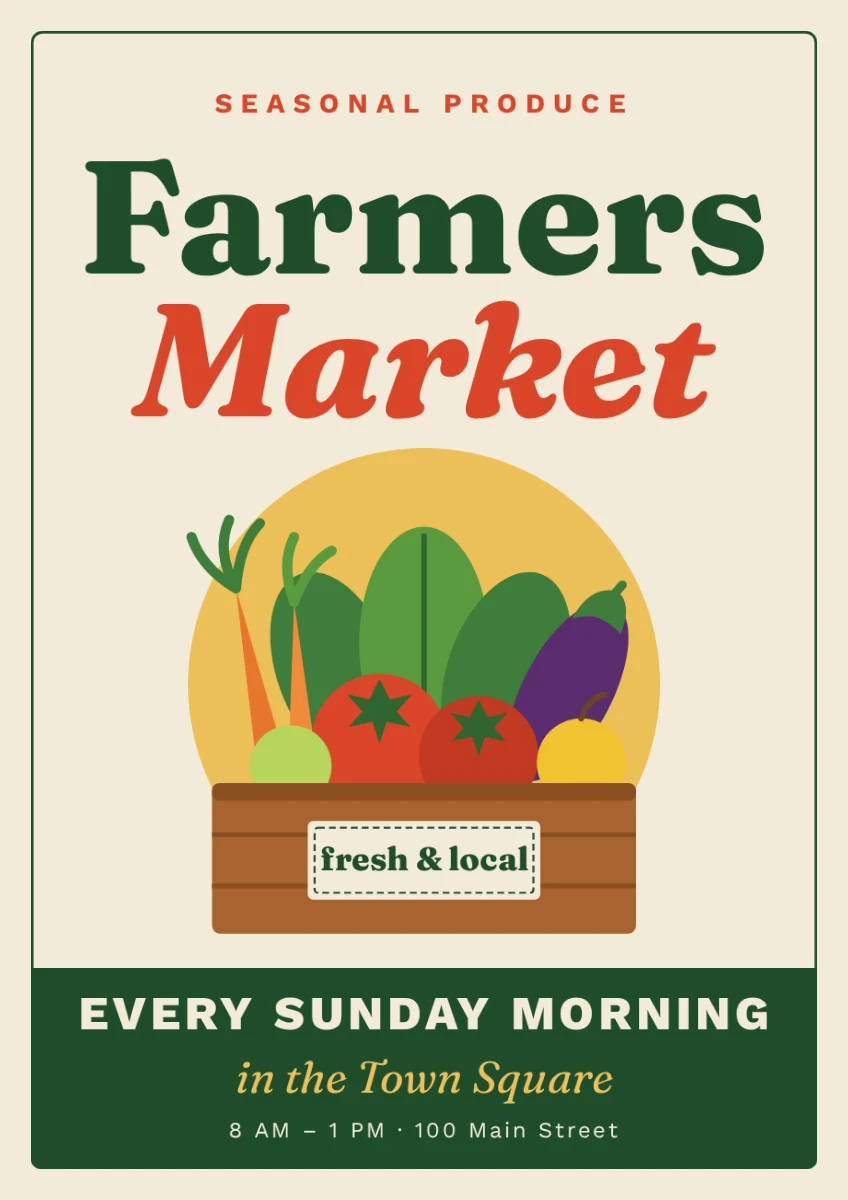
Start a blank poster
An A4 page. Poster templates are one click away inside
Make a poster
Templates for every eventPDF to printNo watermark free
No account needed. It opens in the Compix editor, in this tab.

How to make a poster

  1. Click a template on this page, or Make a poster for a blank A4 page. In the editor, Templates lists the A4 posters; for an A3 one, start a Poster A3 from Create.
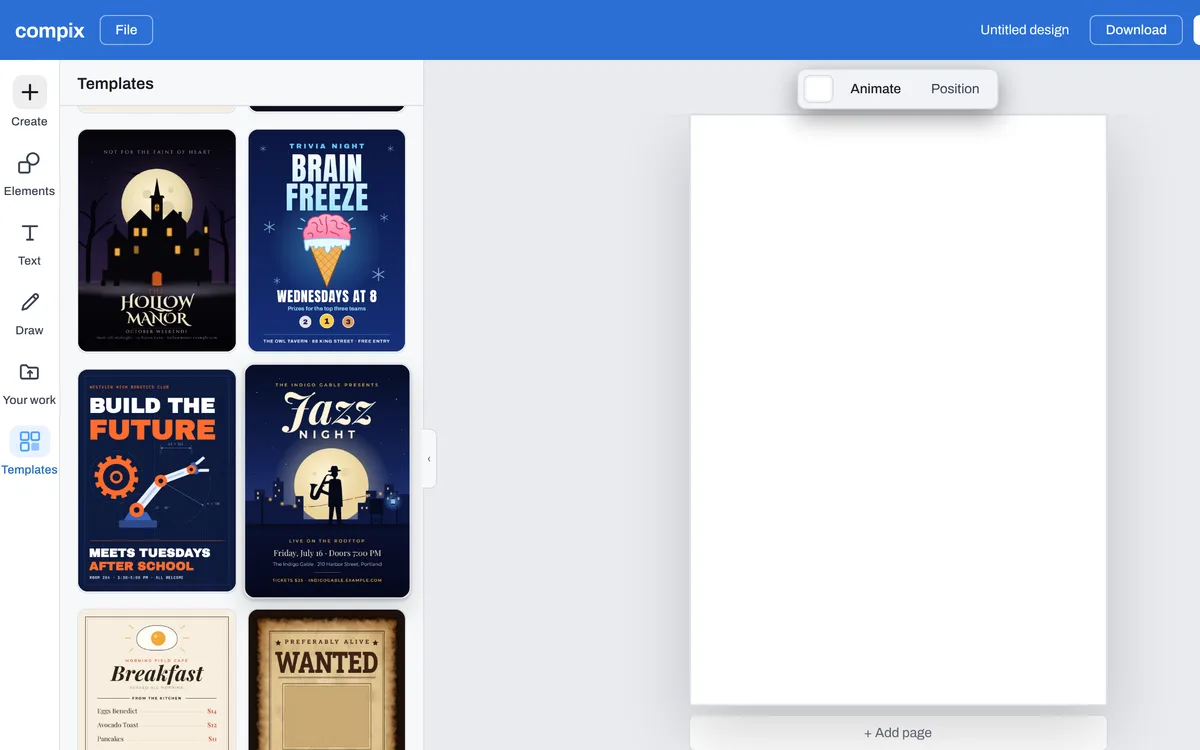
    The Compix editor with its Templates panel open beside a blank page, the Rooftop Jazz Night, a concert poster among the templates
  2. Double-click the title and type yours, then the date, the place and the details. Where several lines are one text, edit each line inside it.
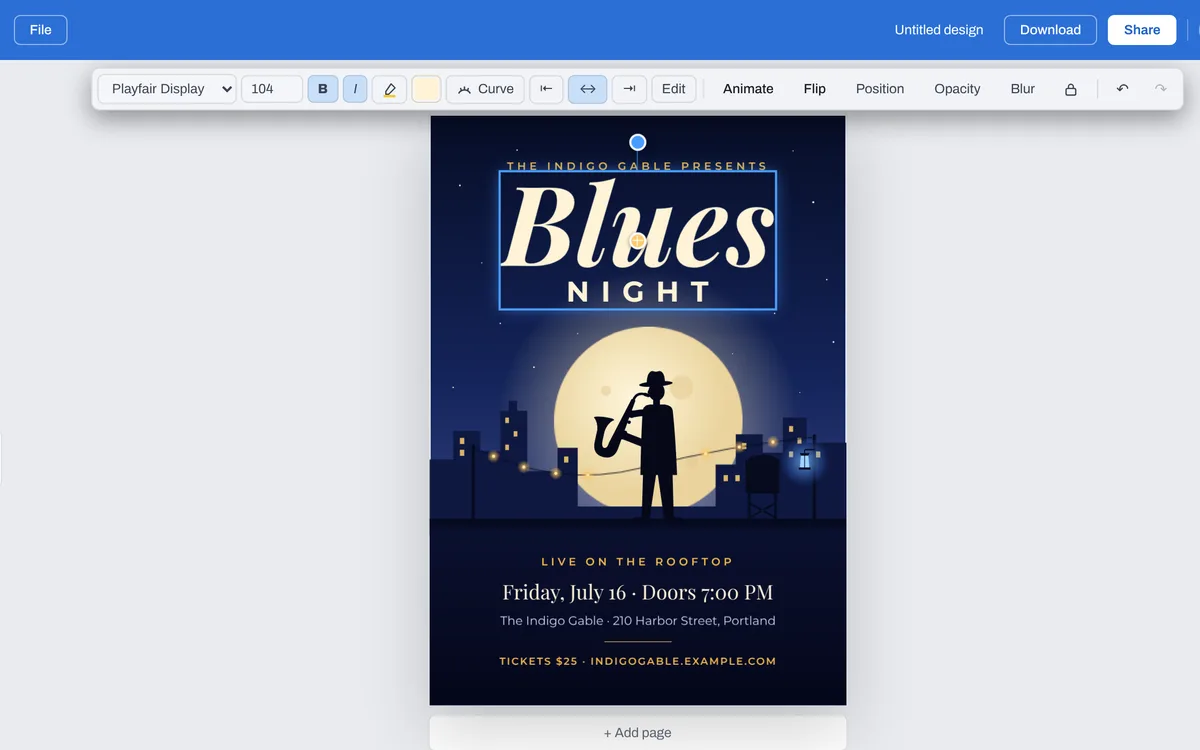
    The Rooftop Jazz Night, a concert poster opened in the Compix editor, its name changed to Blues
  3. With a line selected, the bar above the page changes its font and its color. With nothing selected, its color tile changes the page's background.
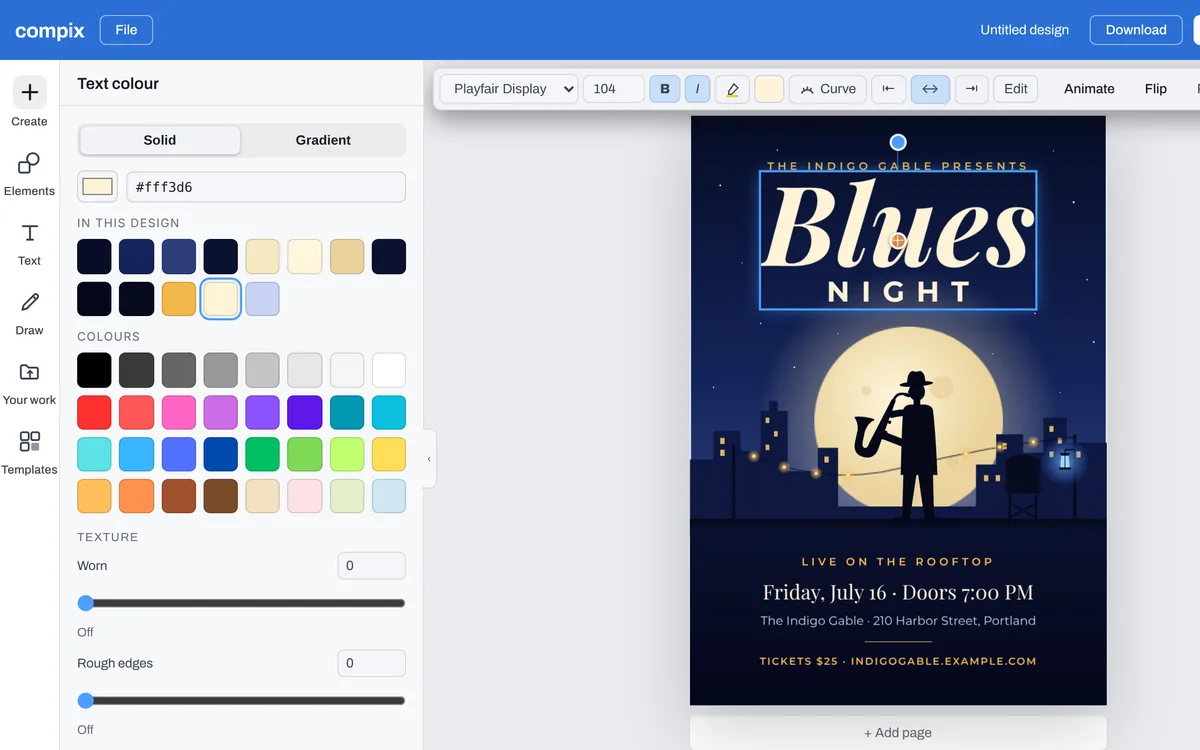
    The Text colour panel open on the name Blues
  4. Open Your work to bring in a photo, or Elements for shapes and graphics, and click one to put it on the poster. Drag its corners to size it.
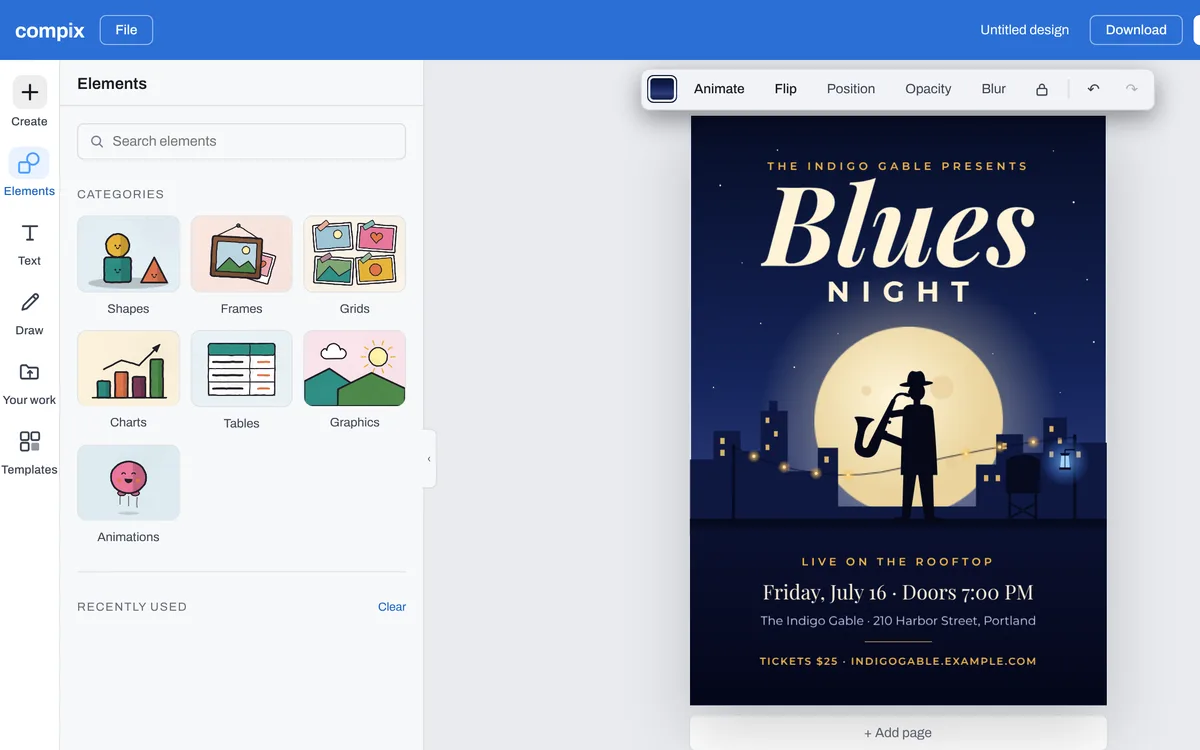
    The Elements panel open beside the Blues poster, with Shapes, Frames, Graphics and Animations
  5. Press Download: a poster opens the menu on PDF. For a print shop, set Paper to For a printer, which adds the bleed and crop marks. For a post online, pick PNG.
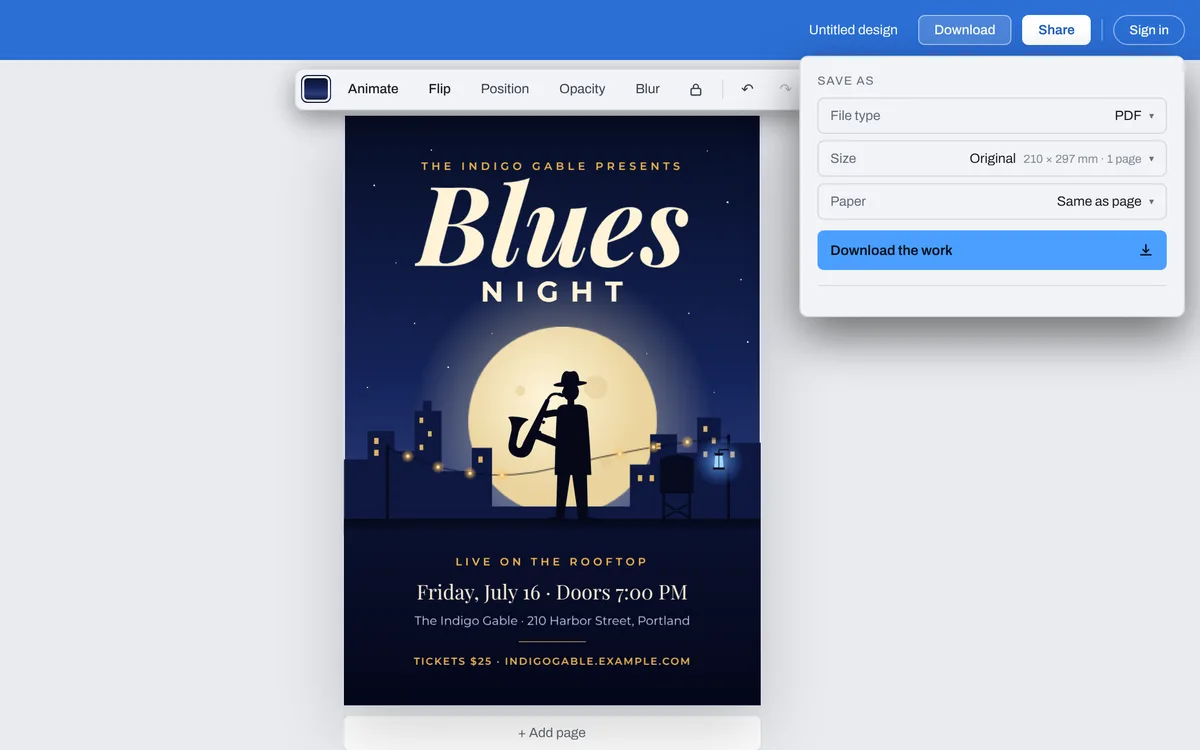
    The Download menu open on PDF, at A4 · 2480 × 3508
The Compix editor with its Templates panel open beside a blank page, the Rooftop Jazz Night, a concert poster among the templates

The files you get

Pick the file type in the Download menu. A poster opens on PDF, at its page's size: A4, or A3 for an A3 template.

PDFTo print, at the poster's size. With Paper set to For a printer, an eighth of an inch of bleed past every edge and crop marks at the corners.
PNGTo post or send: 2480 by 3508 pixels on A4.
JPGThe same picture, a smaller file. It always has a background.
MP4 or GIFOnce something on the poster moves, from Animate: for a screen.

What makes a good poster

One thing first

The event's name the biggest, read from across a room. Everything else smaller.

When and where, easy to find

The date, the time and the place together, where the eye lands after the title.

Few words

A poster is read in passing. Say what it is, when, where, and how to get in.

Words away from the edge

A printer's cut can drift. Drag a line close to the edge and the editor shows a dashed safe line an eighth of an inch in.

Questions

How do I make a poster?+
Pick a poster template on this page, or press Make a poster for a blank A4 page. It opens in the Compix editor. Double-click the title and type yours, then the date and the place, change the fonts and colors in the bar above the page, then press Download and Download the work for a PDF.
Is this poster maker free?+
Yes. Making a poster and downloading it needs no account, no trial and no payment, and adds no watermark. Sign in only if you want the design saved online, to open on your other devices.
What size is the poster?+
A poster opens on A4, 210 by 297 mm (2480 by 3508 pixels). Some templates are A3, twice the size: start a Poster A3 from Create, and its Templates are the A3 posters. For a bigger poster, start a design at a custom size from Create, up to 16,384 pixels a side.
Can I print my poster?+
Yes. Download the PDF and send it to a print shop, or print an A4 poster at home on A4 paper. Set Paper to For a printer for a print shop: it adds an eighth of an inch of bleed past every edge and crop marks at the corners.
Can I post my poster online?+
Yes. In the Download menu, pick PNG or JPG for a picture of the poster to share.
Can I animate my poster?+
Yes. Select a line or a picture and give it a move from Animate, such as Fade, Pop or Type. A poster that moves downloads as an MP4 or a GIF, for a screen.
Is my poster uploaded?+
No. The poster is made and saved in this browser tab, on your device. Nothing is sent to a server for that. If you sign in to save your work, the design is kept online so it opens on any device.
Make your poster
No account needed to make and download a poster. Sign in when you want to keep the design.