Business Card Maker
Make a free business card: start from a business card template or a blank card, type your name, phone and email, pick the fonts and colors, and download a PDF to print. All in your browser.

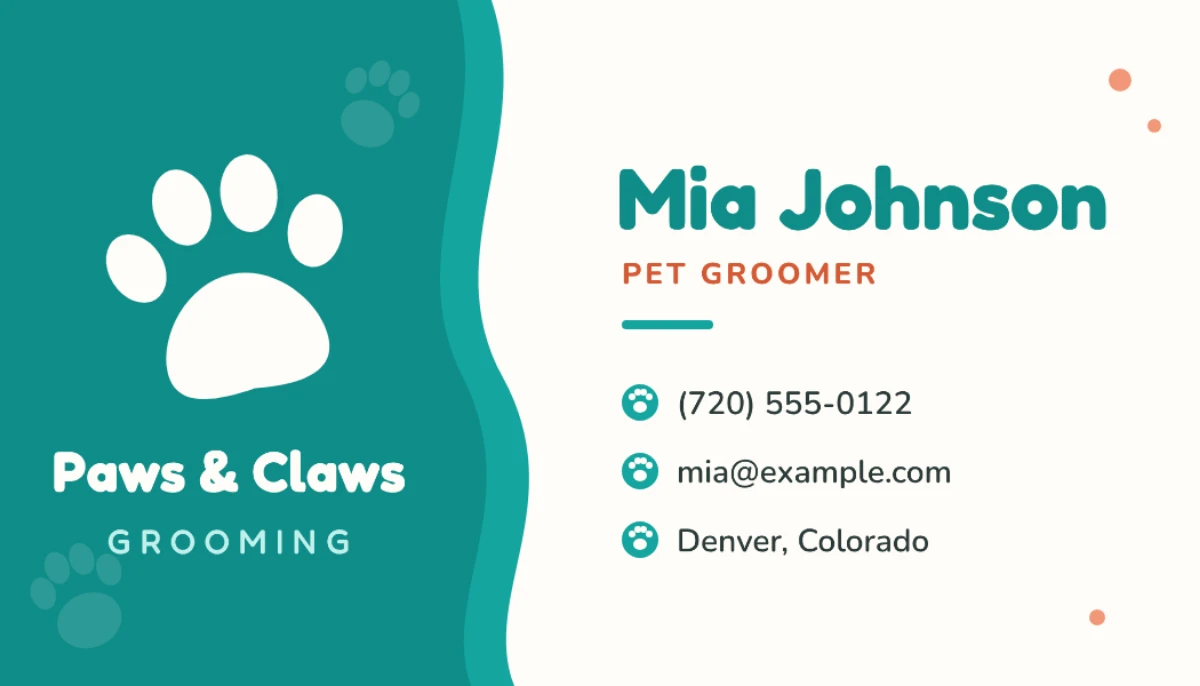

How to make a business card
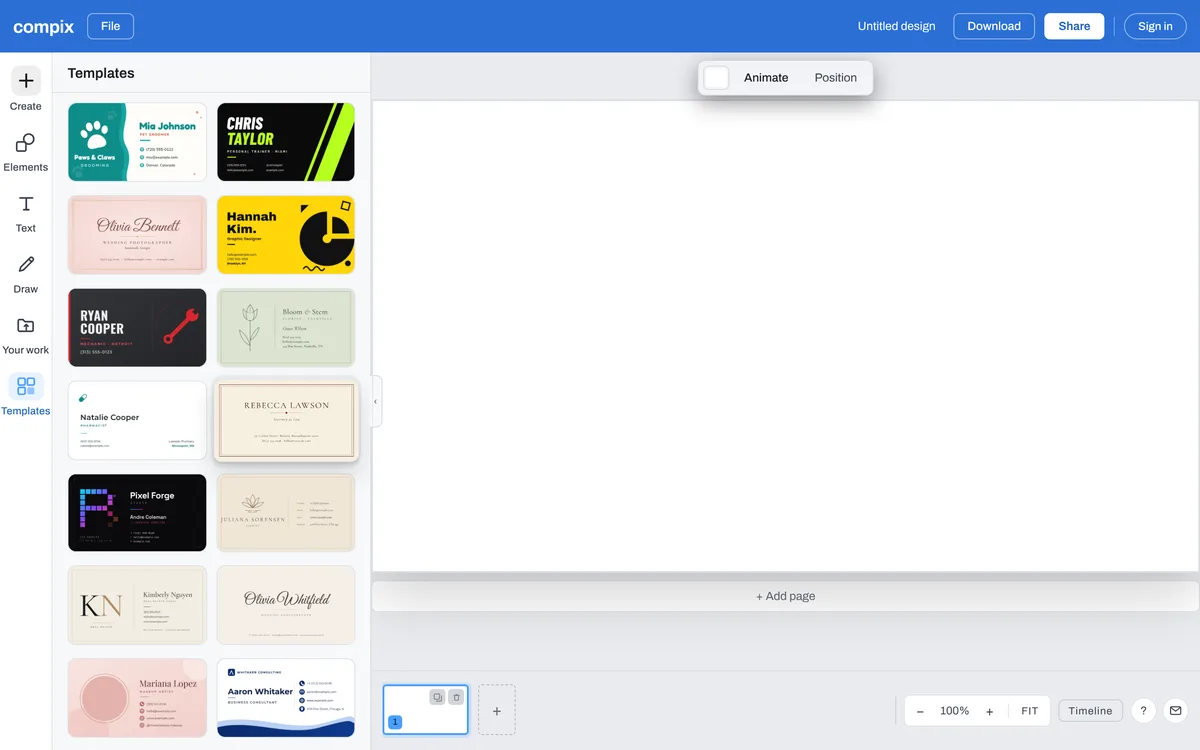
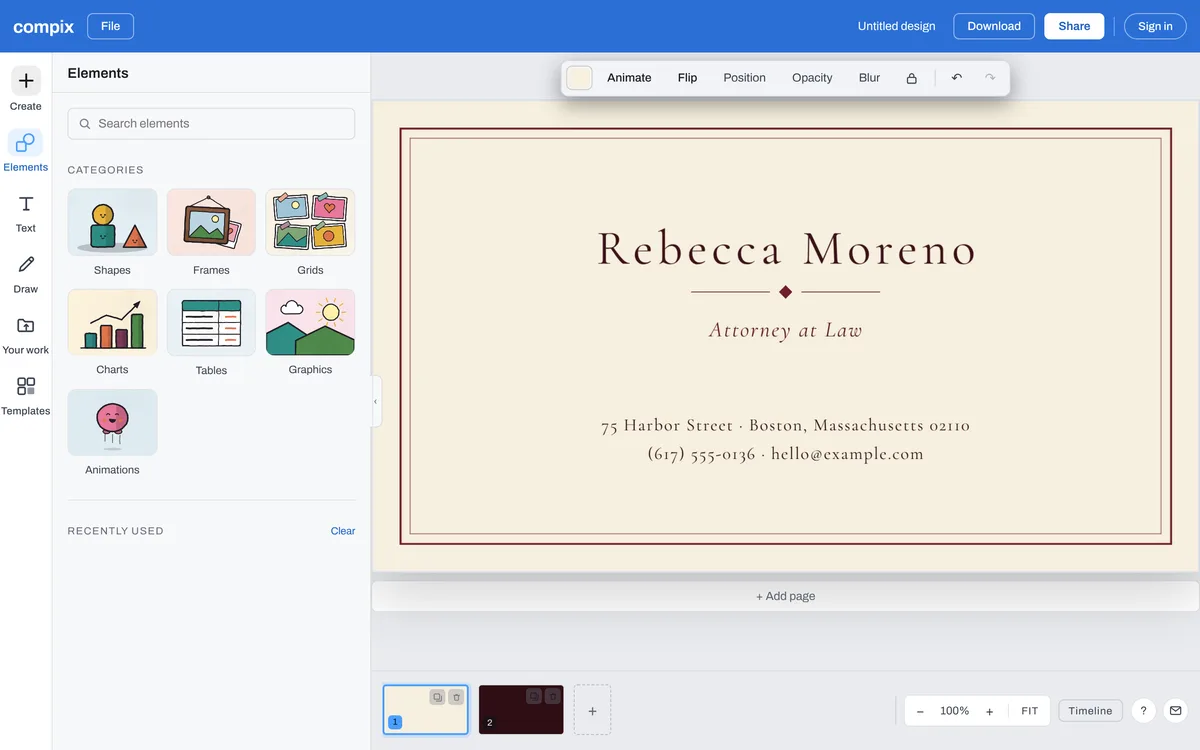
Click a template on this page, or Make a business card for a blank card at 3.5 by 2 inches. In the editor, Templates lists the wide cards; for a tall one, start a Business card vertical from Create.
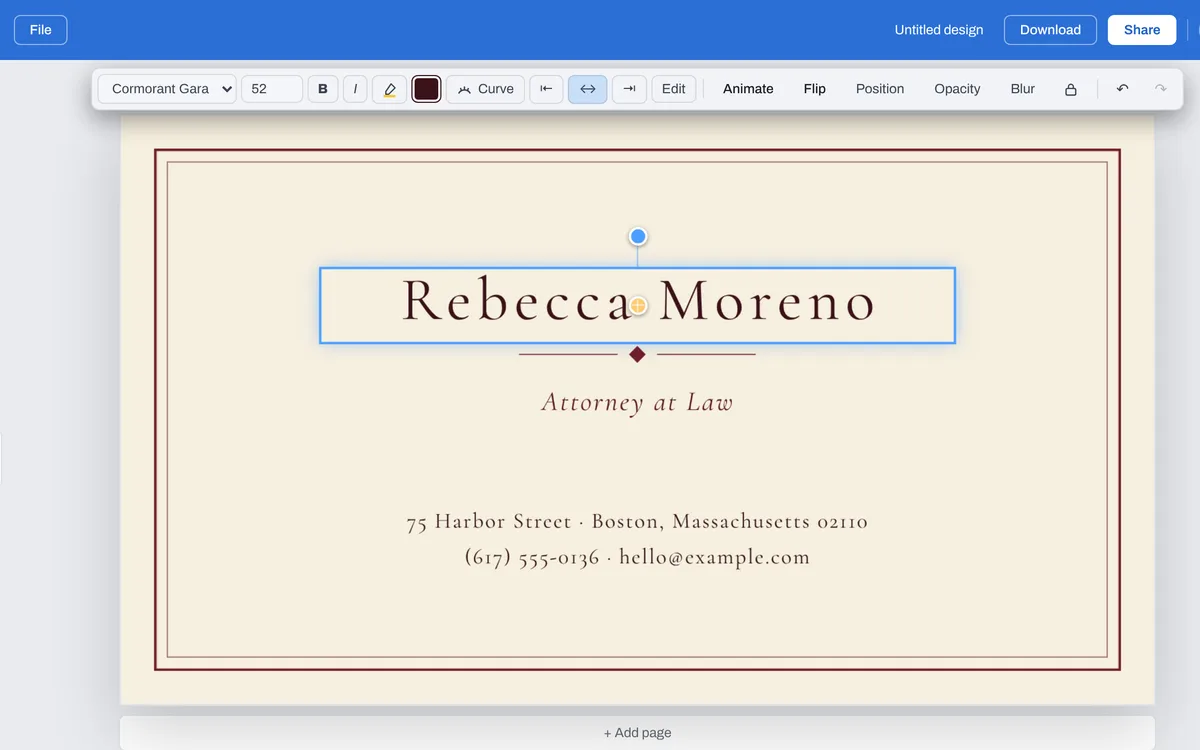
Double-click your name and type yours, then your title and your phone, email and address. Where several lines are one text, edit each line inside it, and delete one you don't need as you type.
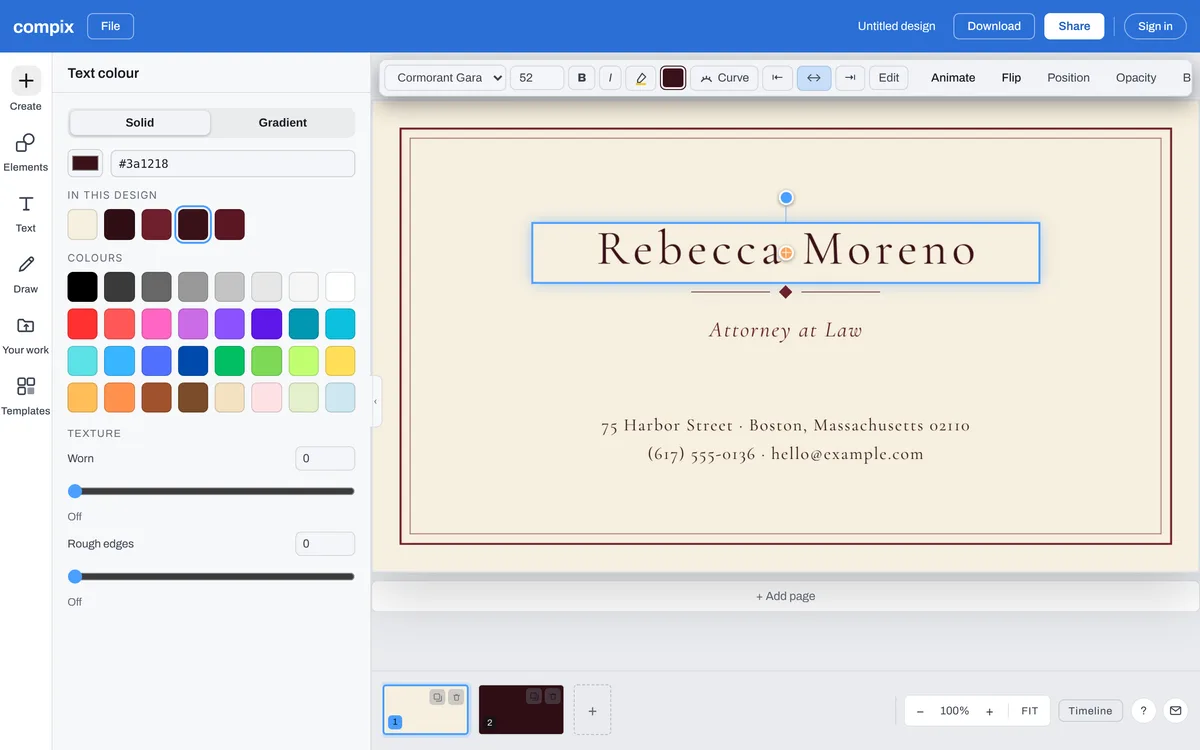
With a line selected, the bar above the page changes its font and its color. With nothing selected, its color tile changes the card's background.
Open Your work to bring in your logo or a photo, or Elements for shapes and graphics, and click one to put it on the card. A shape takes any color you pick.
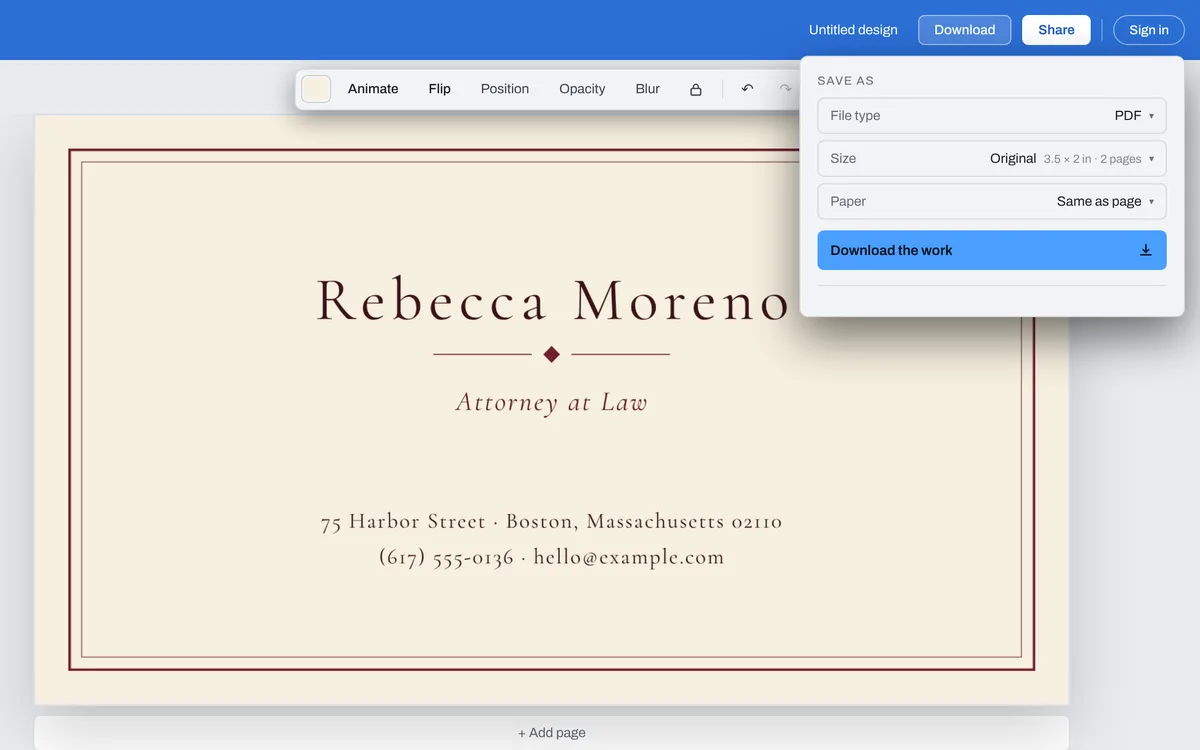
Press Download: a card opens the menu on PDF. For a print shop, set Paper to For a printer, which adds the bleed and crop marks. Then press Download the work.
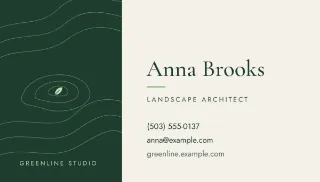
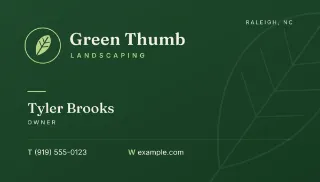
Start from a business card template
See all 43 business card templatesClick one and it opens in the editor, ready for your details. The layout, the fonts and the colors are already chosen to go together.






The files you get
Pick the file type in the Download menu. A card opens on PDF, at its size: 3.5 by 2 inches, or 2 by 3.5 for a tall one, at 300 dots an inch.
| For the printer. Every side of the card, at its size. With Paper set to For a printer, an eighth of an inch of bleed past every edge and crop marks at the corners. | |
| PNG | To share or to send: 1050 by 600 pixels. A card with a back gives both sides in one zip. |
| JPG | The same picture, a smaller file. It always has a background. |
| WebP | The same picture for the web. |
What makes a good business card
It says who and how
Your name, what you do, and one or two ways to reach you. Every line more makes each one smaller.
Words away from the edge
A cutter can drift. Drag a line close to the edge and the editor shows a dashed safe line an eighth of an inch in: keep your words inside it.
Small, but easy to read
A card is read at arm's length. Keep the phone and email big enough to read in your hand, and dark on light or light on dark.
A back for the rest
Every card template opens with its back as page 2: click it in the strip under the card and change it like the front. A blank card gets a back from + Add page. Both sides download together.