Invitation Maker
Make a free invitation: start from an invitation template or a blank 5 × 7 in card, type the names, the date and the place, and download a PDF to print or a picture to send. All in your browser.
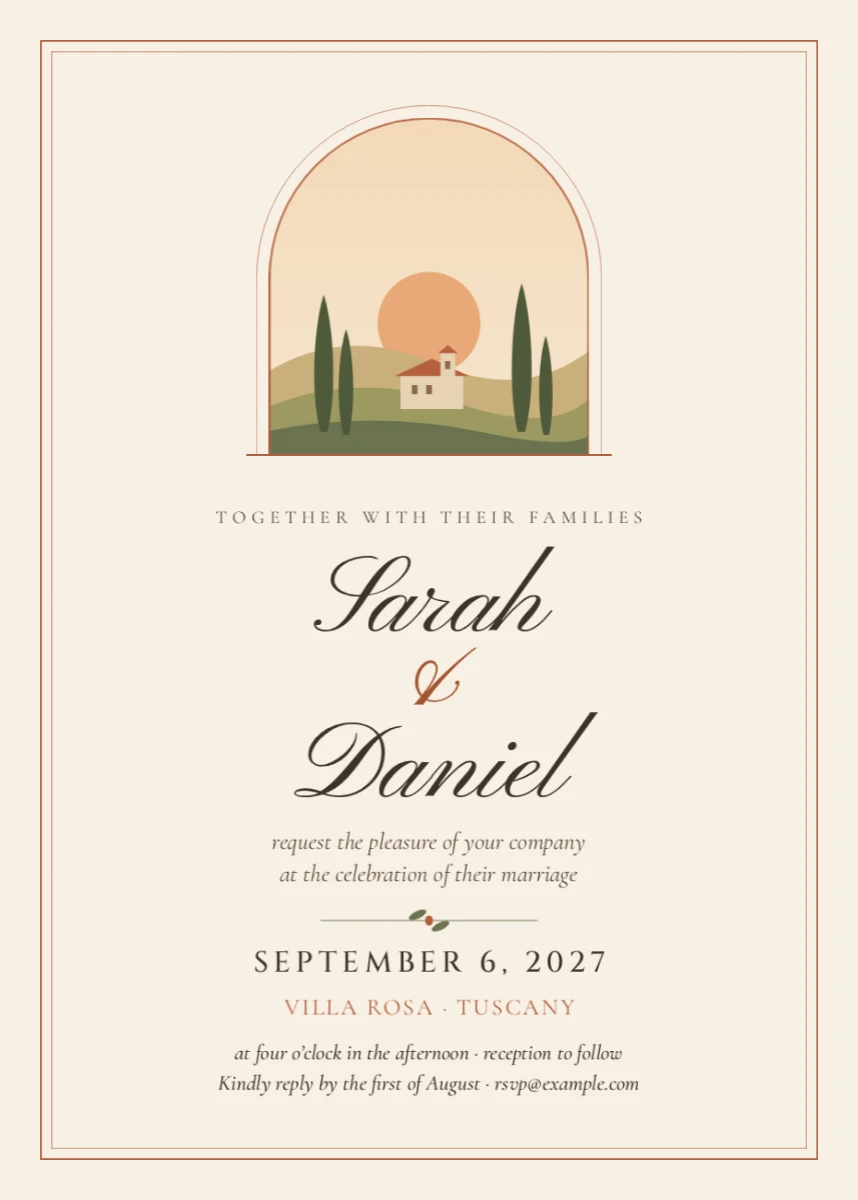


How to make an invitation
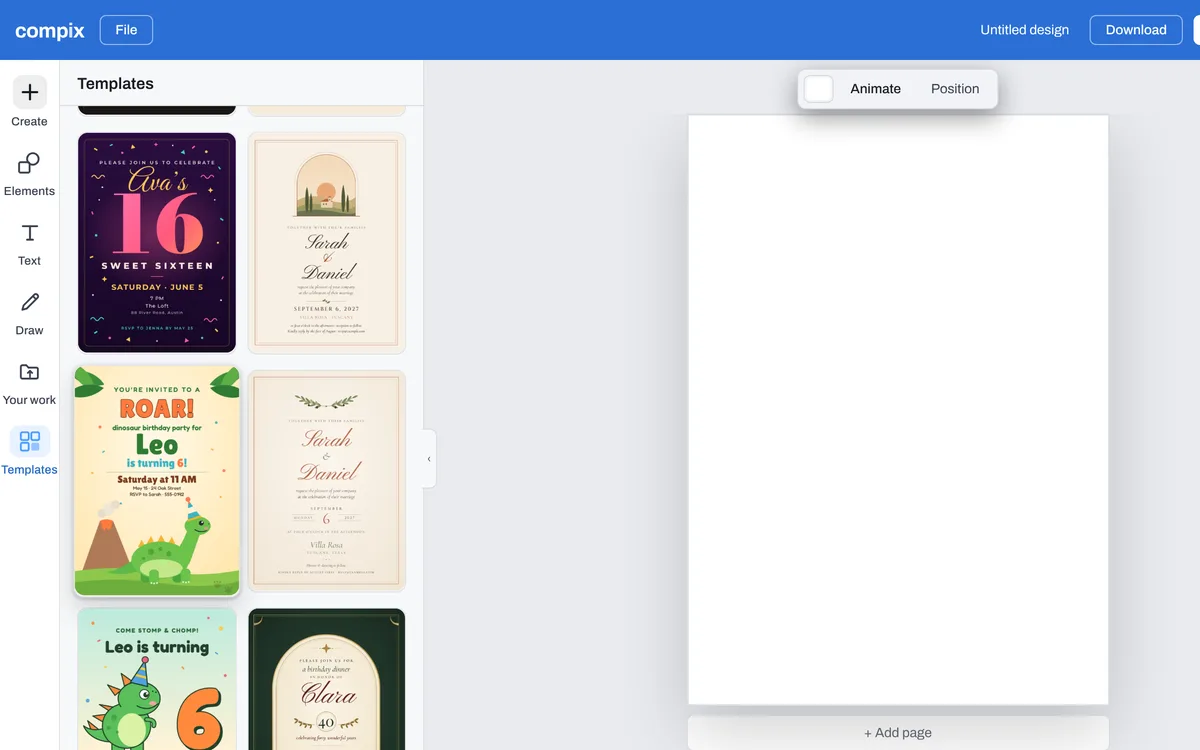
Click a template on this page, or Make an invitation for a blank 5 × 7 in card. In the editor, Templates lists the 5 × 7 in invitations; for a square one, start an Invitation square from Create.
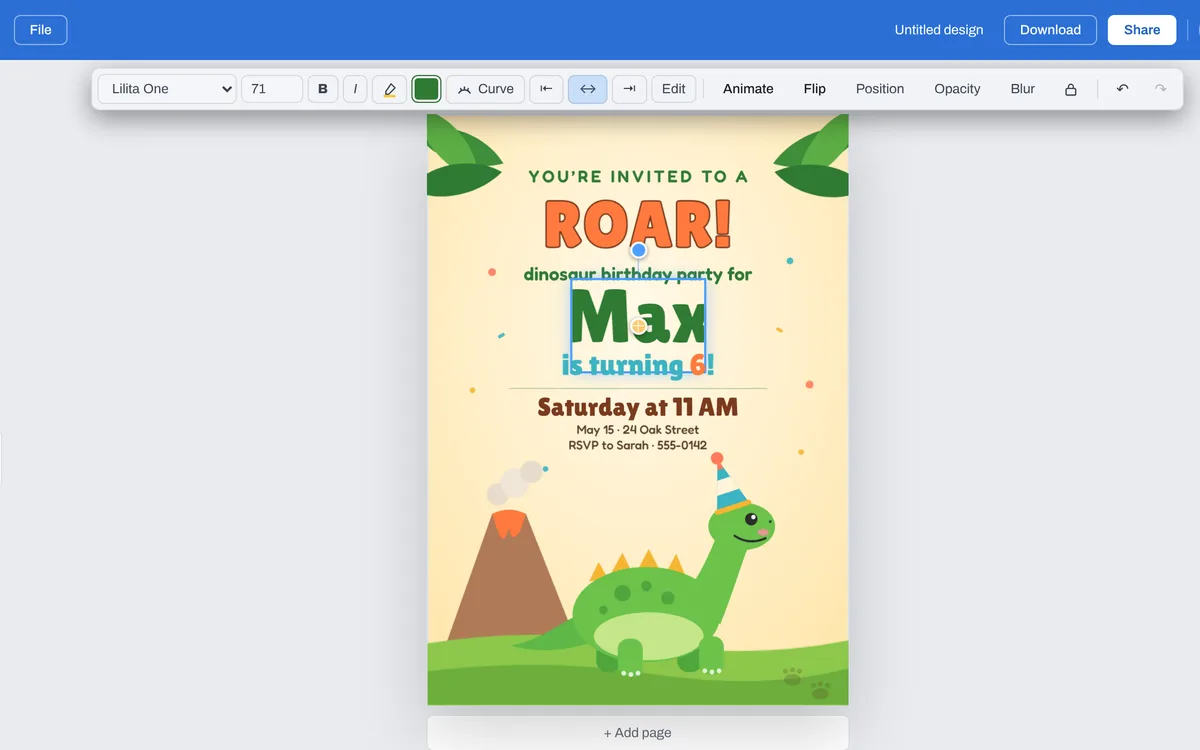
Double-click a line and type yours: the names, the date, the time and the place, and how to reply.
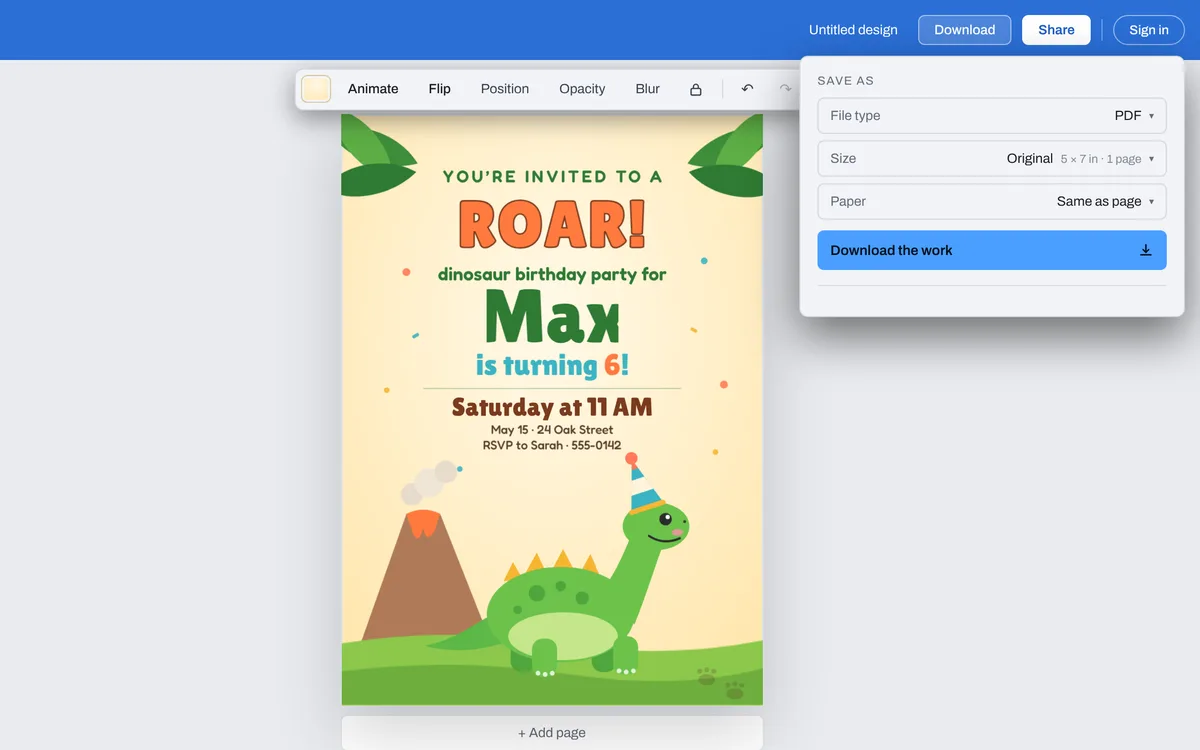
Press Download: an invitation opens the menu on PDF, at its card's size, to print. To send it in a message, pick PNG or JPG.
Start from an invitation template
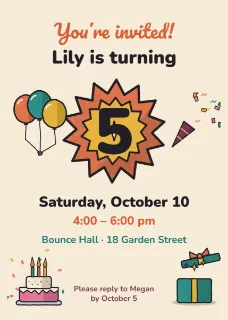
See all 63 invitation templatesWeddings, birthdays, baby showers and parties. Click one and it opens in the editor, ready for your names, date and place.







The files you get
Pick the file type in the Download menu. An invitation opens on PDF, at its card's size: 5 × 7 in, or 5 × 5 in for a square one.
| To print, at the card's size. With Paper set to For a printer, an eighth of an inch of bleed past every edge and crop marks at the corners. | |
| PNG | To send in a message or post: 1500 by 2100 pixels on a 5 × 7 in card. |
| JPG | The same picture, a smaller file. |
| MP4 or GIF | Once something on the invitation moves, from Animate: to send as a moving picture. |
What makes a good invitation
What, who, when, where
The occasion and whose it is first, then the date, the time and the place, easy to find.
How to reply
A phone number, an email or a date to reply by, so guests know what to do.
Words away from the edge
A printer's cut can drift. Drag a line close to the edge and the editor shows a dashed safe line an eighth of an inch in.