Wedding Invitation Maker

Make a free wedding invitation: start from a design, classic, modern or boho, type your names, the date and the place, and download a PDF to print or a picture to send. All in your browser.
Make a wedding invitation
The editor opens with the wedding invitations in its Templates
Make a wedding invitation
5 × 7 in the usual cardPDF to printNo watermark free
No account needed. It opens in the Compix editor, in this tab.

How to make a wedding invitation

  1. Click one on this page, or Make a wedding invitation: the editor opens with the wedding invitations in its Templates. Each one is a 5 × 7 in card.
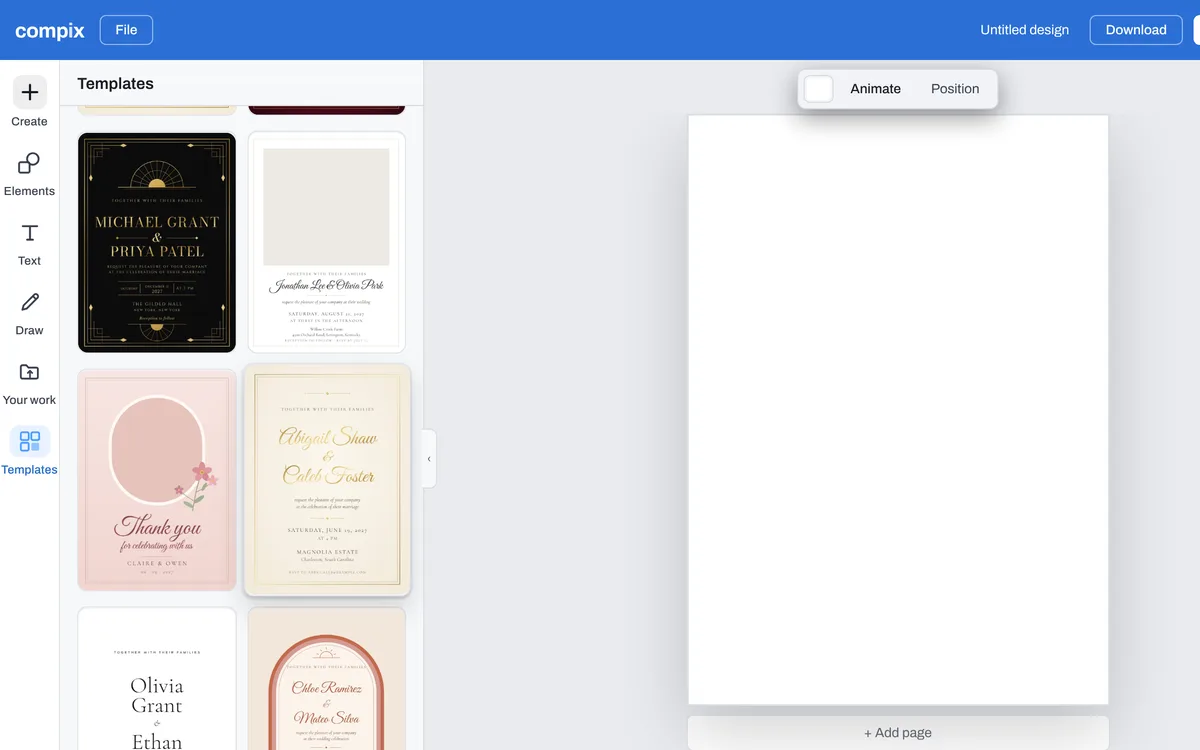
    The Compix editor with its Templates searched for wedding, the Gold Script Ivory wedding invitation among them
  2. Double-click each name and type yours. Do the same for the date, the time, the place and how to reply.
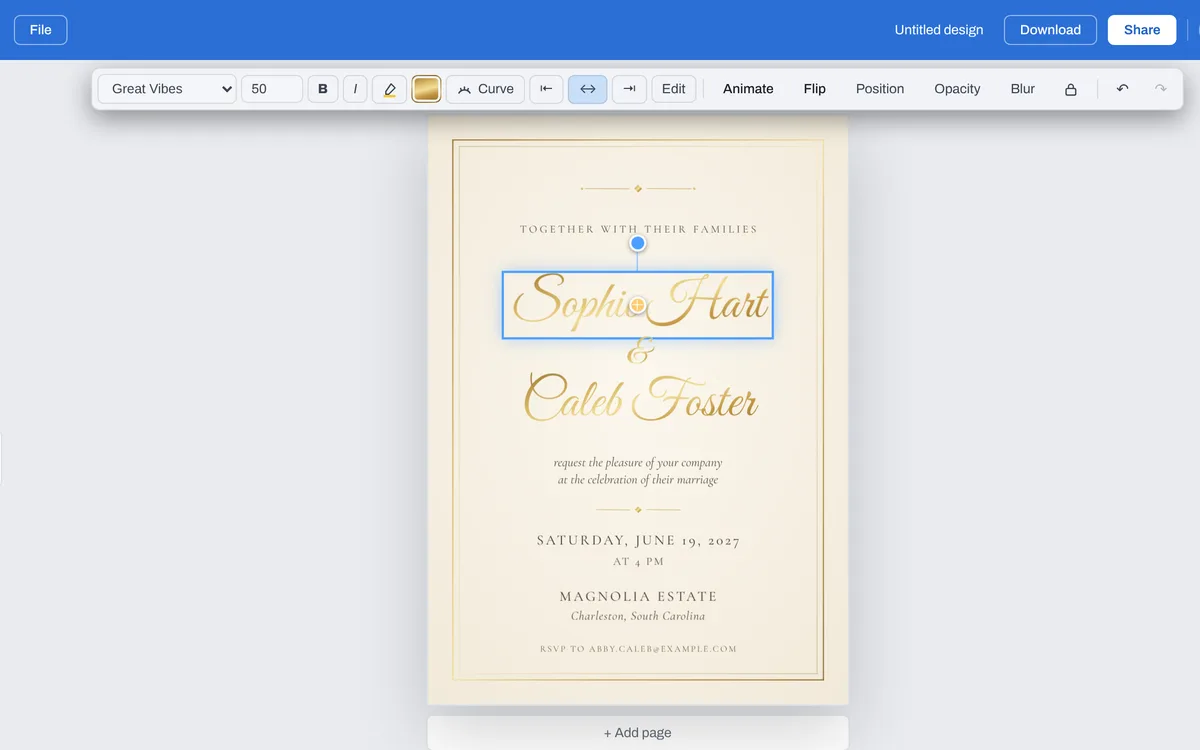
    The Gold Script Ivory wedding invitation opened in the Compix editor, its name changed to Sophie Hart
  3. Press Download: an invitation opens the menu on PDF, at its card's size, to print. To send it in a message or an email, pick PNG or JPG.
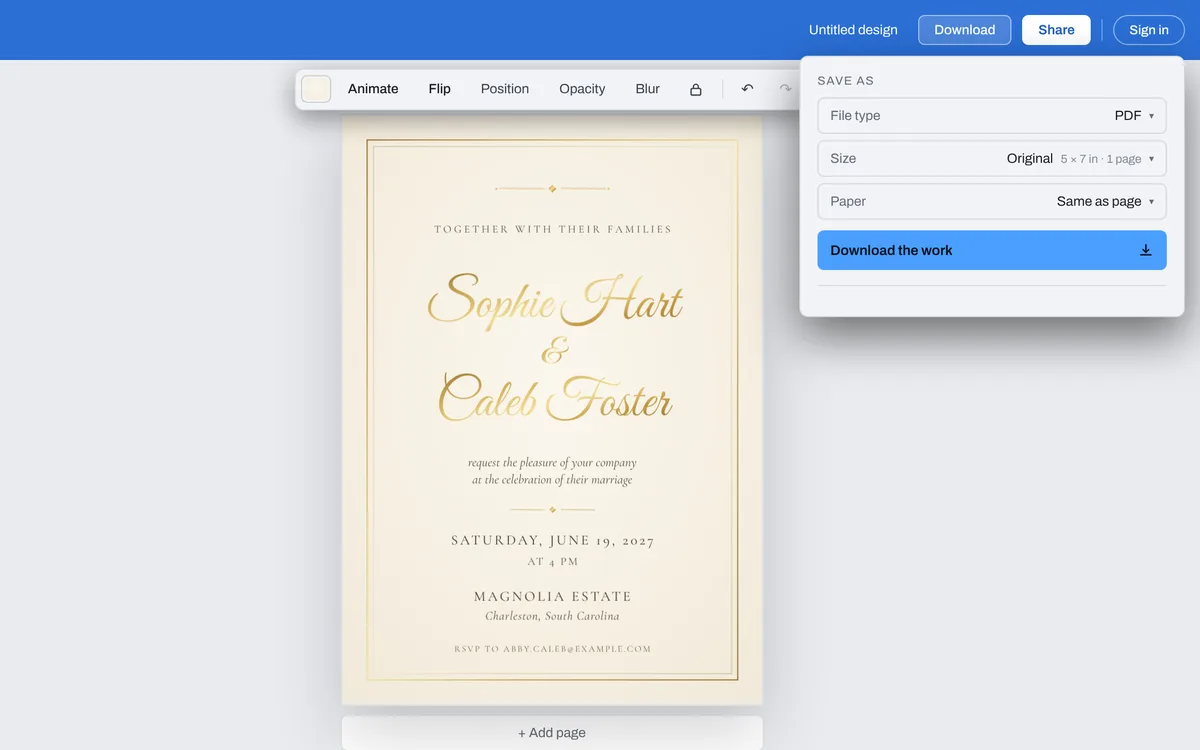
    The Download menu open on PDF, at 5 × 7 in
The Compix editor with its Templates searched for wedding, the Gold Script Ivory wedding invitation among them

Start from a wedding invitation

See all 63 invitation templates

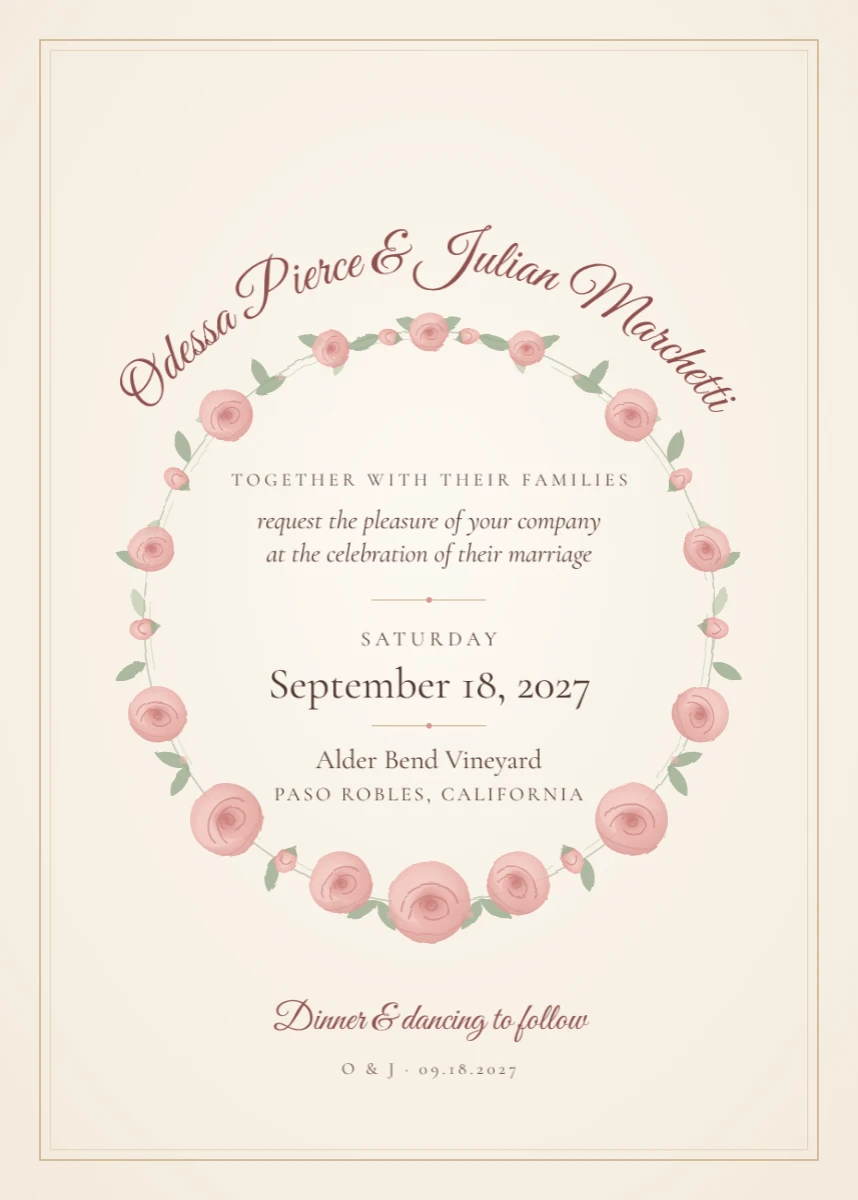
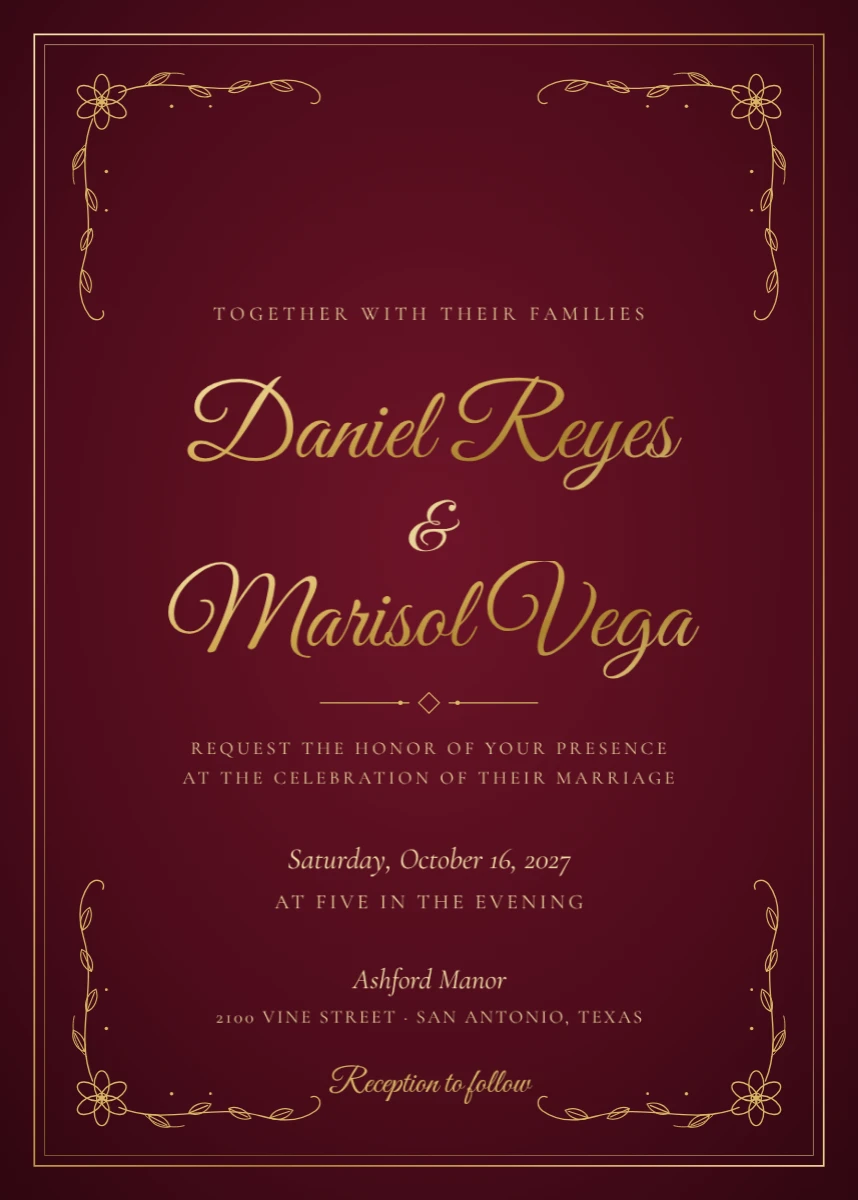
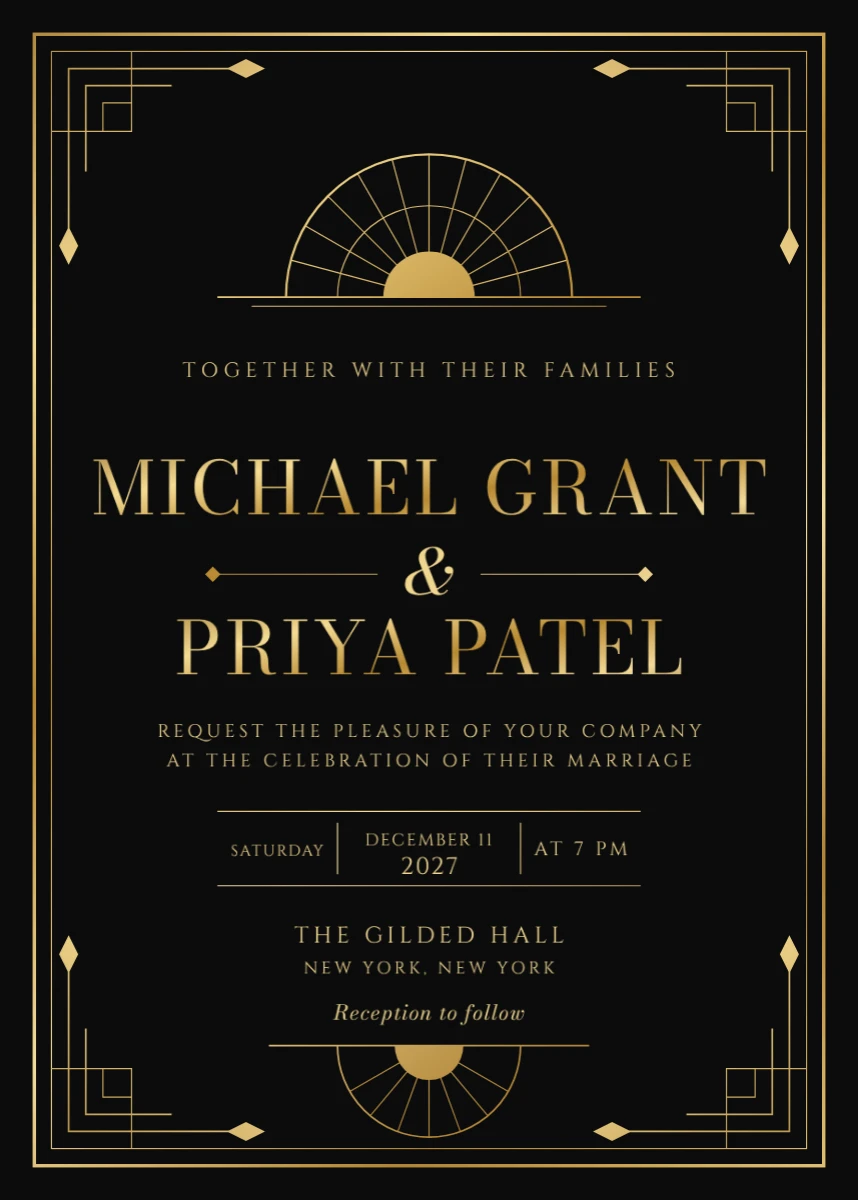
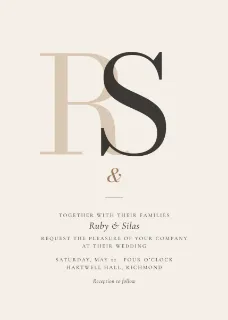
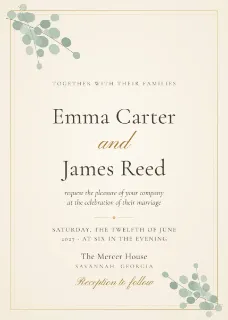
A monogram, greenery, a modern ampersand and a boho arch. Click one and it opens in the editor, ready for your names, the date and the place.
The files you get

Pick the file type in the Download menu. A wedding invitation opens on PDF, at its card's size: 5 × 7 in.

PDFTo print, at the card's size. With Paper set to For a printer, an eighth of an inch of bleed past every edge and crop marks at the corners.
PNGTo send in a message or an email: 1500 by 2100 pixels.
JPGThe same picture, a smaller file.
MP4 or GIFOnce something on the invitation moves, from Animate: a moving invitation to send.

What makes a good wedding invitation

Who invites, and who marries

The two names first, and who is inviting: together with their families, or the parents' names.

The day, the hour, the place

The date, the time the ceremony starts, the place and its town; the reception's, if it is somewhere else.

How to reply, and by when

A date to reply by, and a phone, an email or a website: you need the numbers for the seating and the food.

Questions

How do I make a wedding invitation?+
Pick a wedding invitation on this page, or press Make a wedding invitation: the editor opens with the wedding invitations in its Templates. Double-click the names and type yours, then the date, the time and the place, and press Download and Download the work for a PDF.
Is this wedding invitation maker free?+
Yes. Making a wedding invitation and downloading it needs no account, no trial and no payment, and adds no watermark. Sign in only if you want the design saved online, to open on your other devices.
Is a wedding card the same as a wedding invitation?+
Often, yes: many people call the invitation a wedding card. Every design here is an invitation, to send before the wedding with your names, the date and the place. A card given to the couple on the day, to congratulate them, is a greeting card.

What size is a wedding invitation?+
A 5 × 7 in card, 1500 by 2100 pixels: the usual size of a printed invitation, and it fits a standard A7 envelope.
Can I print it, or send it by email?+
Both. Download the PDF to print at home or at a print shop (set Paper to For a printer for a print shop: it adds bleed and crop marks). For an email or a message, pick PNG or JPG in the Download menu.
Is my invitation uploaded?+
No. The invitation is made and saved in this browser tab, on your device. Nothing is sent to a server for that. If you sign in to save your work, the design is kept online so it opens on any device.
Make your wedding invitation
No account needed to make and download a wedding invitation. Sign in when you want to keep the design.