CV Maker
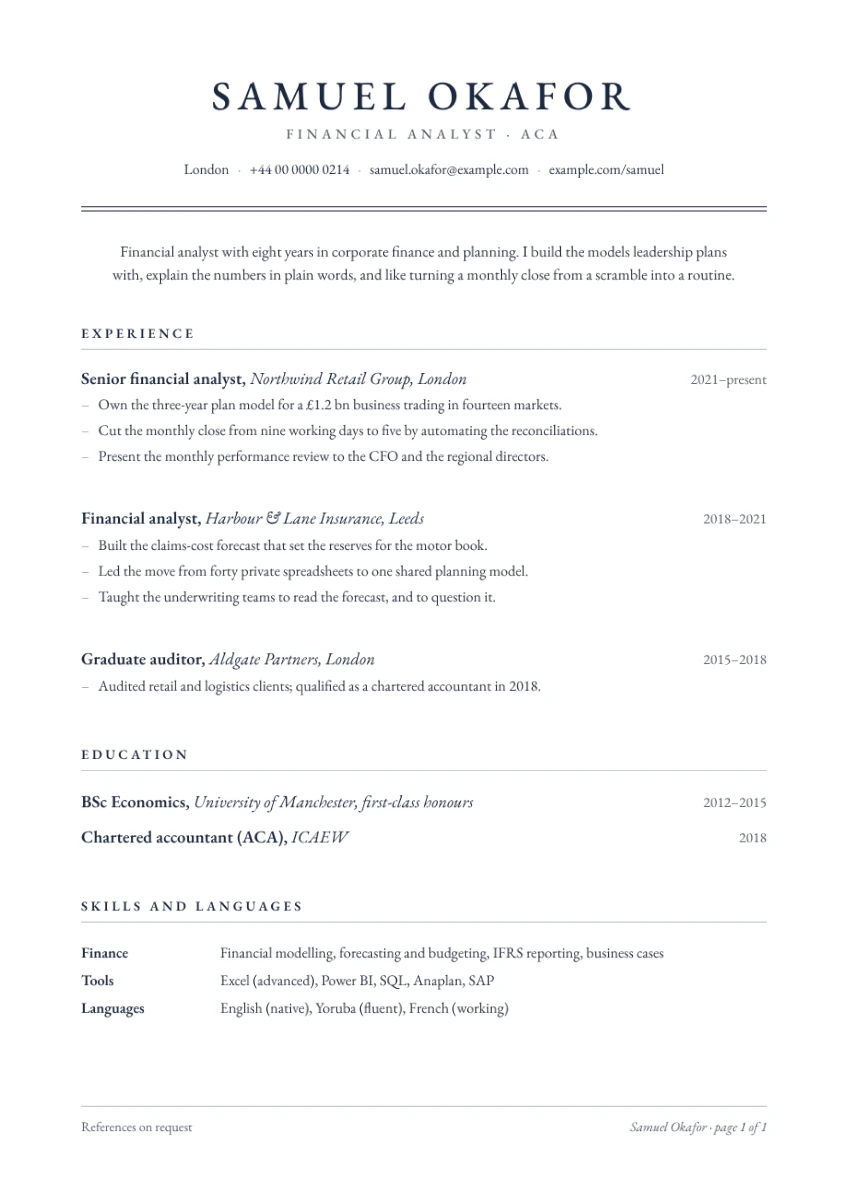
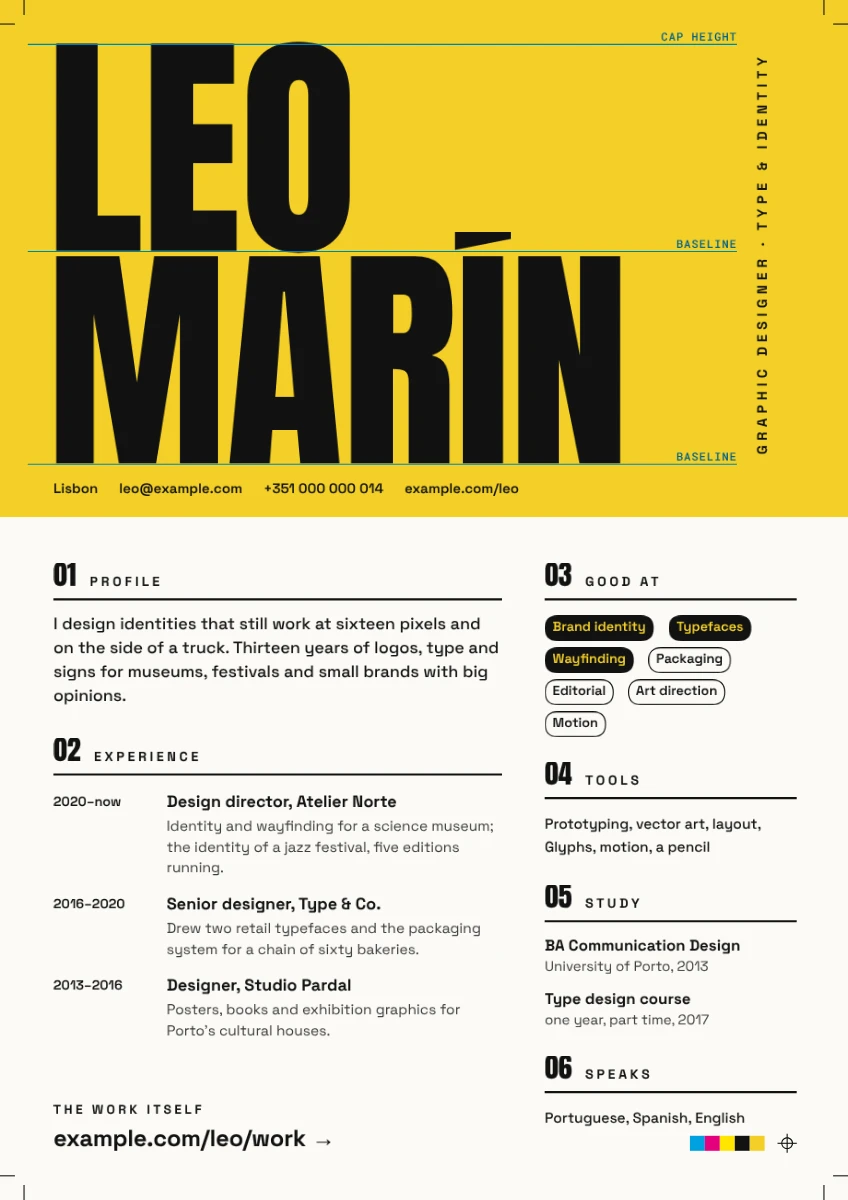
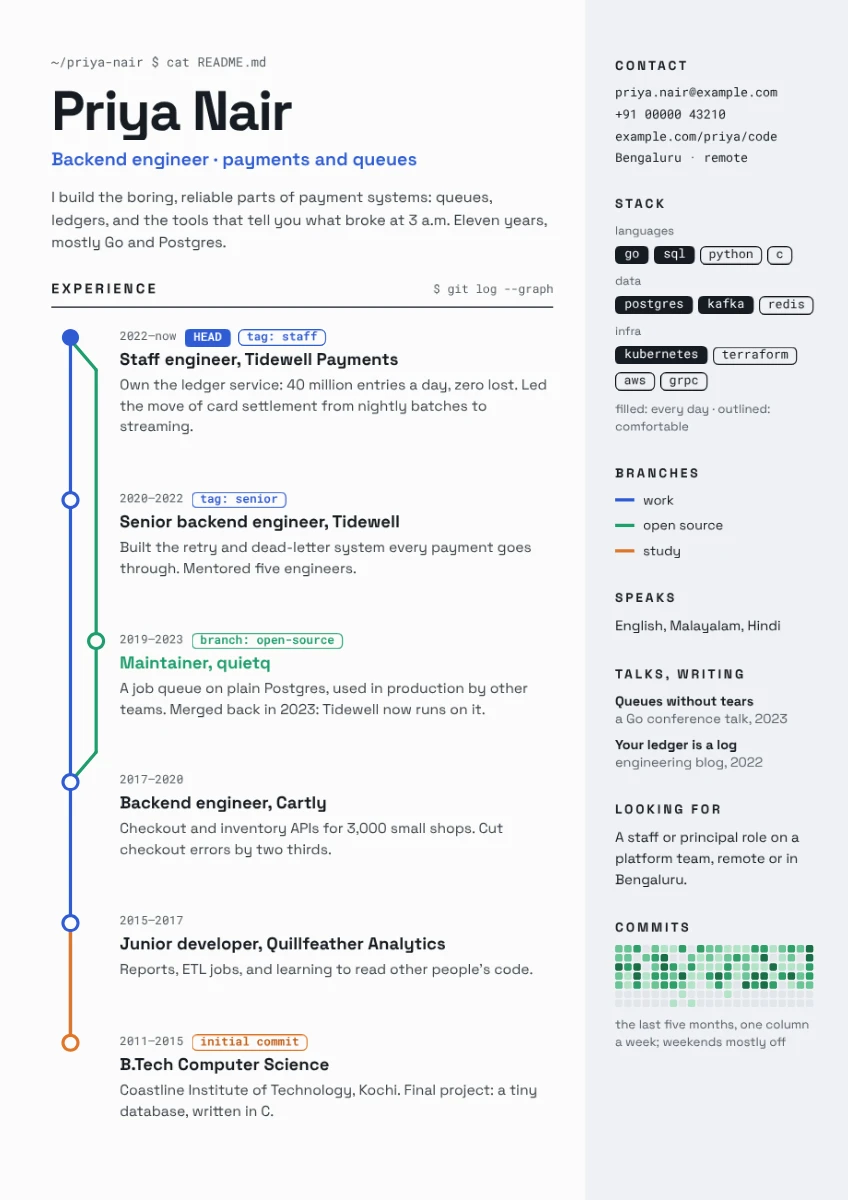
Make a free CV: start from a CV template on A4, the paper of the UK and Europe, type your jobs and skills, and download a PDF to send or print. All in your browser.
How to make a CV
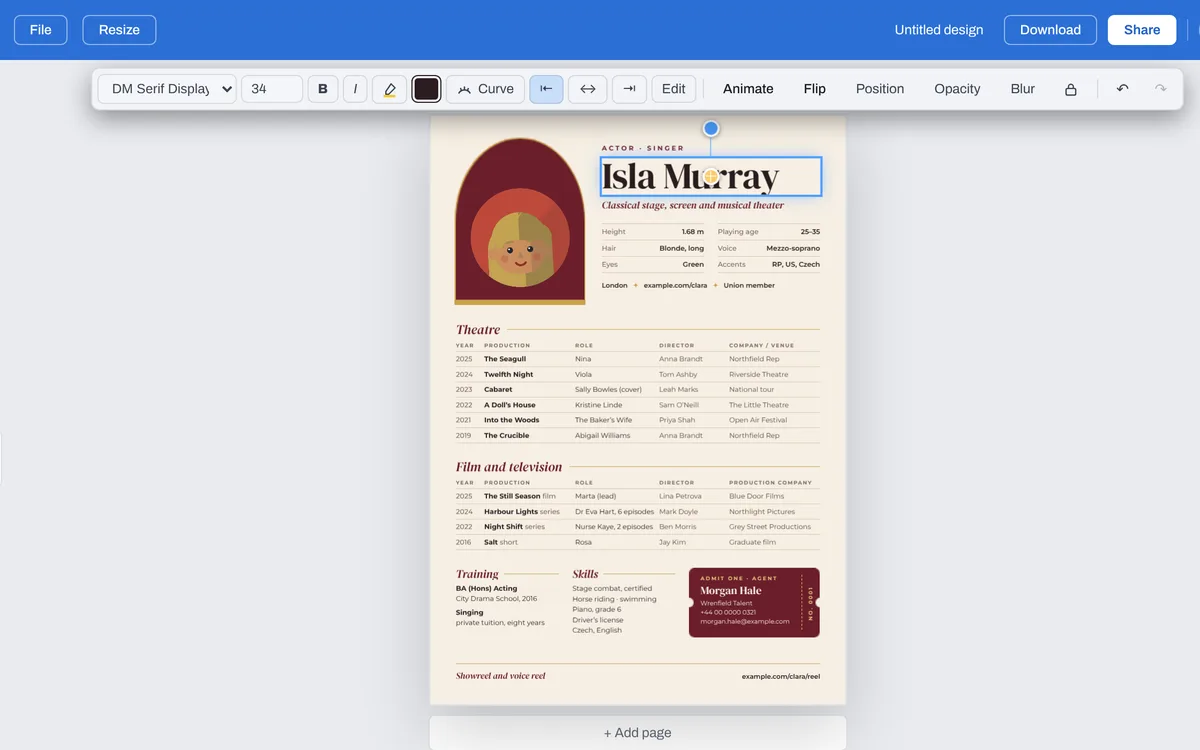
Click one on this page, or Make a CV for a blank A4 page. In the editor, Templates lists every CV, on A4.
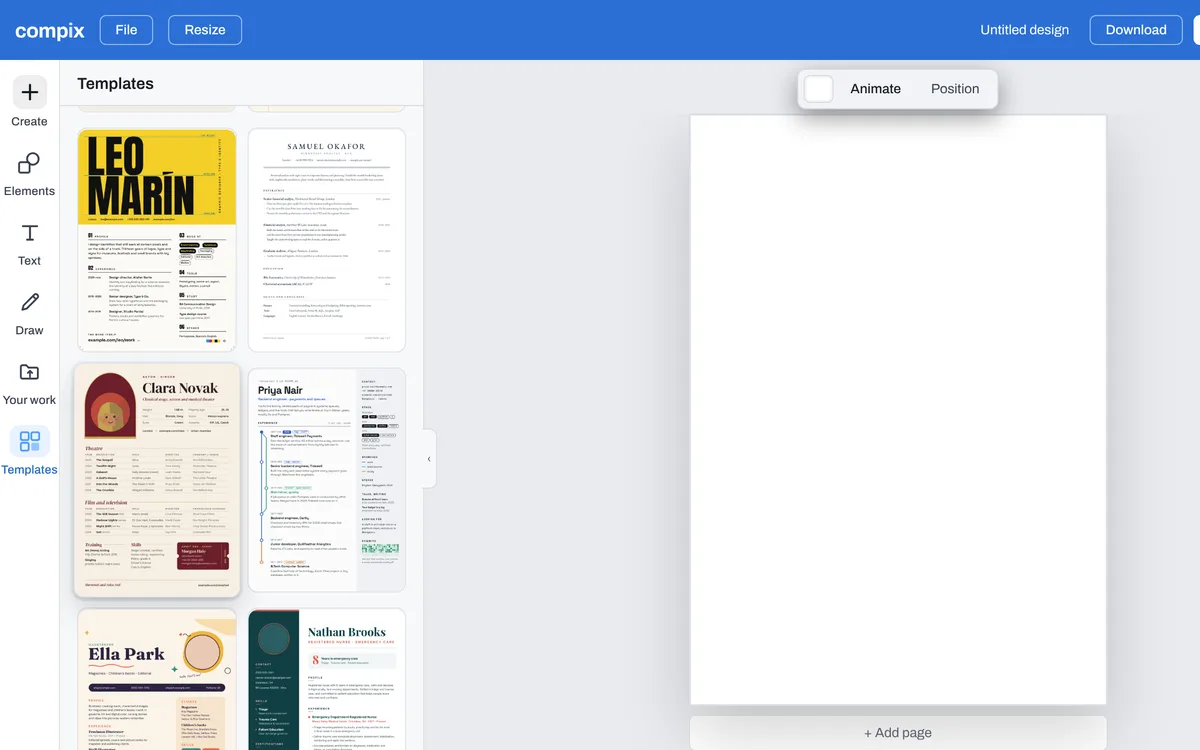
Double-click your name and type yours, then each job, date and skill. Press + Add page under the page for a second one.
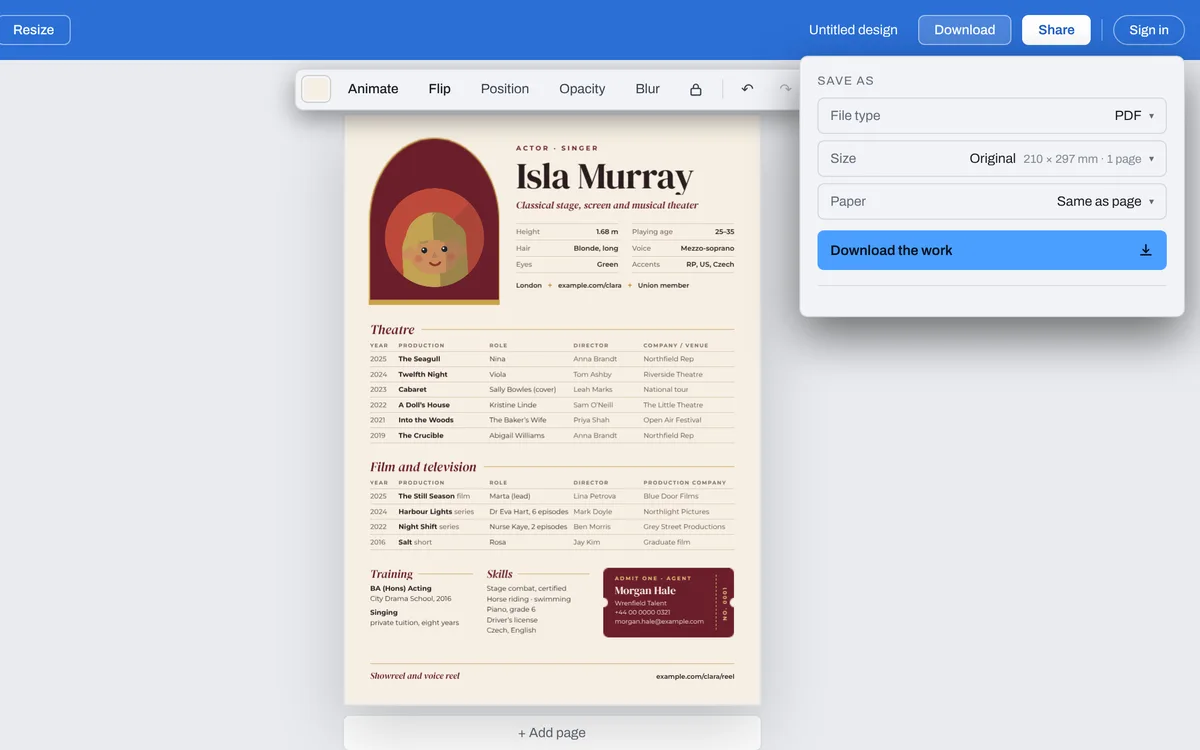
Press Download: a CV opens the menu on PDF, at A4. Press Download the work. The PDF keeps your words as text, so a hiring system can read them.
Start from a CV template
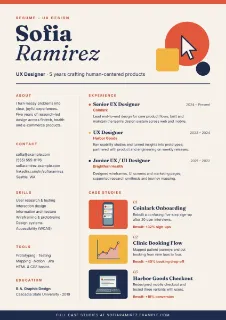
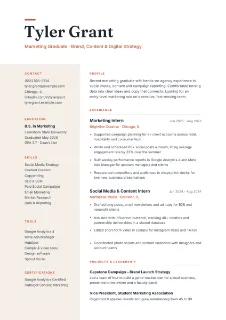
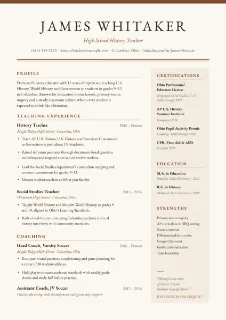
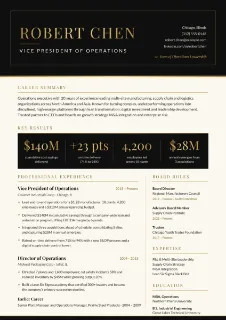
See all 86 CV templatesEvery one is on A4. Click one and it opens in the editor, ready for your name, jobs and skills, the layout, the fonts and the colours already chosen to go together.
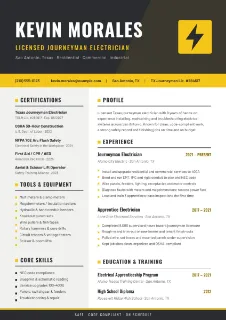
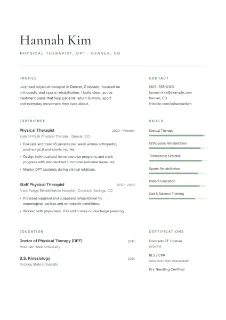
The files you get
Pick the file type in the Download menu. A CV opens on PDF, at A4.
| To send with an application or to print on A4. Every page, with your words kept as text a hiring system can read. | |
| PNG | A picture of the page, 2480 by 3508 pixels. A CV of two pages gives both in one zip. |
| JPG | The same picture, a smaller file. It always has a background. |
| WebP | The same picture for the web. |
What makes a good CV
Two pages at most
A CV for a job in the UK or Europe is usually one or two A4 pages. Keep what fits the job you want.
A few lines about you first
Open with two or three lines on who you are and what you're looking for, then your jobs.
Your latest job first
Start each part with what you did most recently: the reader sees where you are now.
Words as words
Keep your job titles and skills as text, not inside a picture: the PDF keeps text as text for a hiring system.