Visual Comparison & Compositing Platform
A visual comparison and compositing platform for retouchers, VFX artists, photographers, AI artists, and QA teams. Blink test, pixel diff heatmap, split wipe, layer compositor, animation timeline, and multi-format export — one workspace for your entire visual workflow.
📄 Blink Comparison
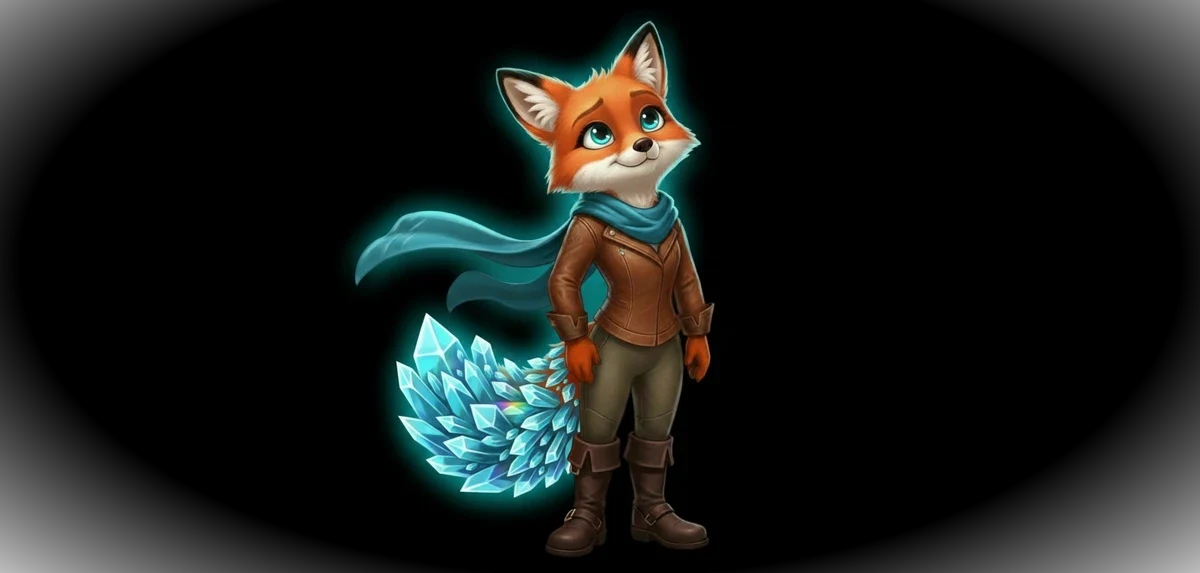
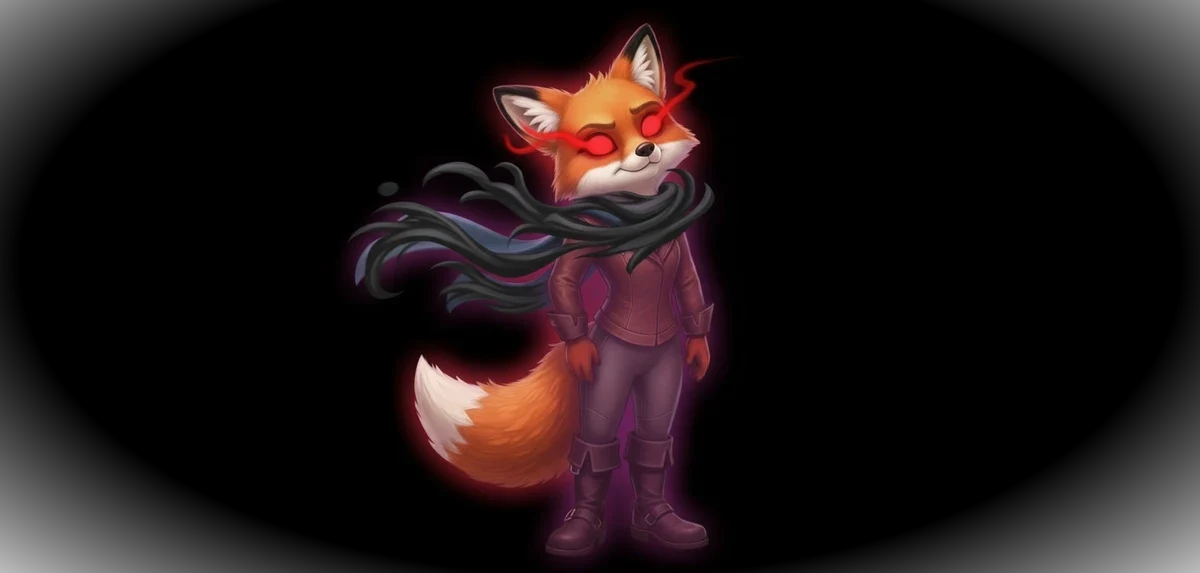
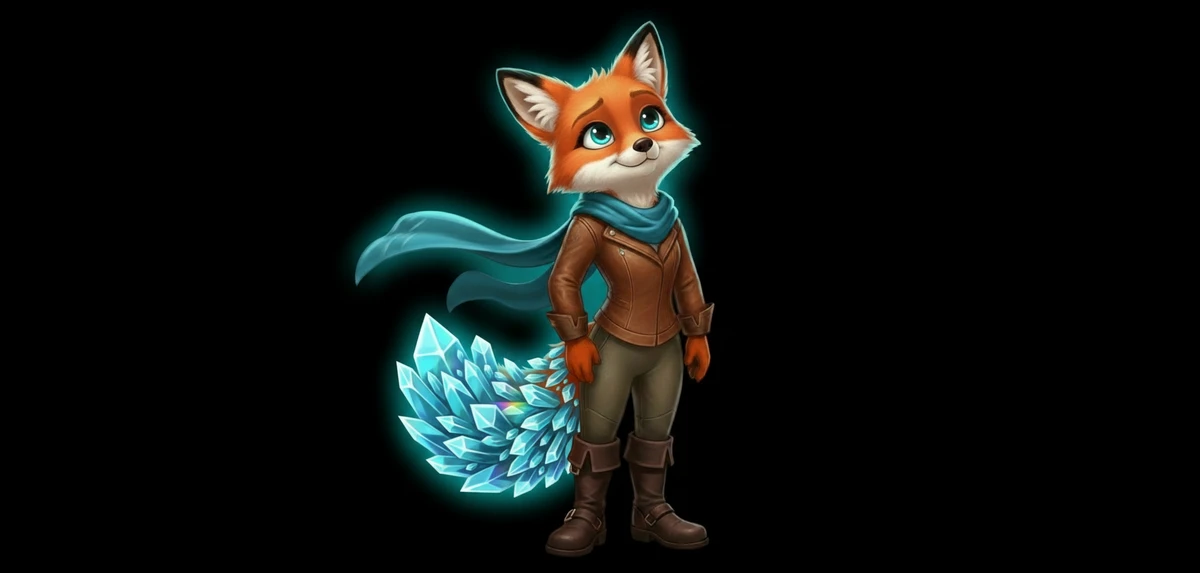
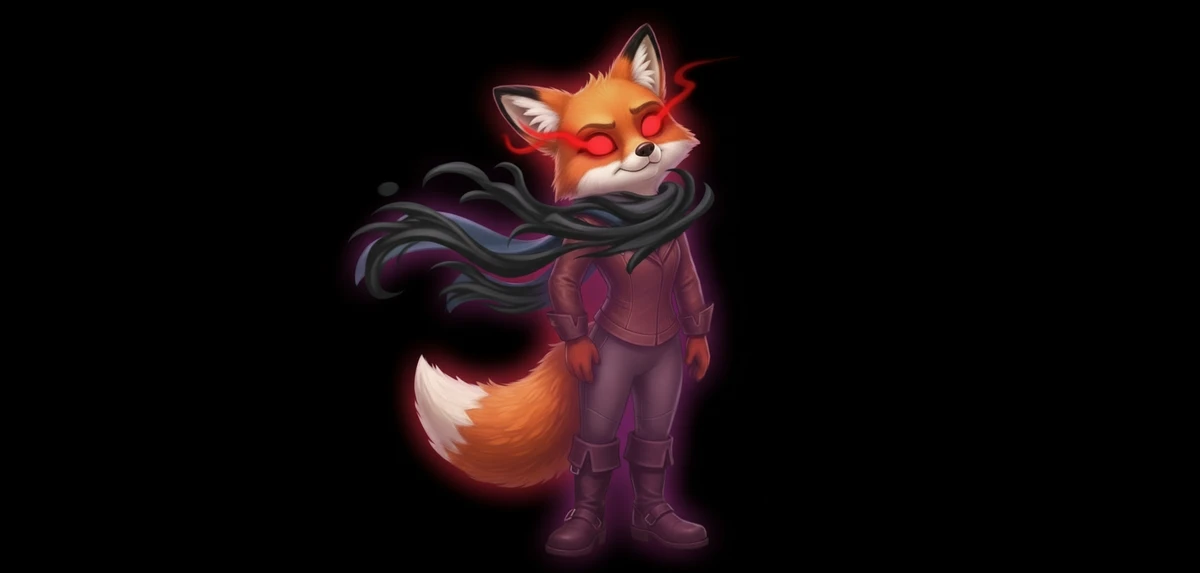
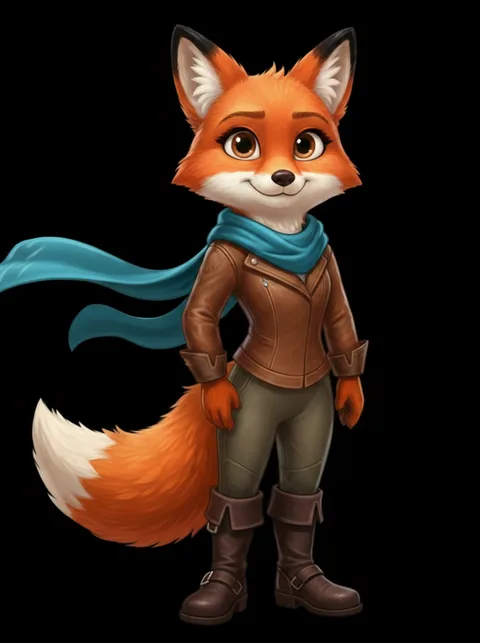
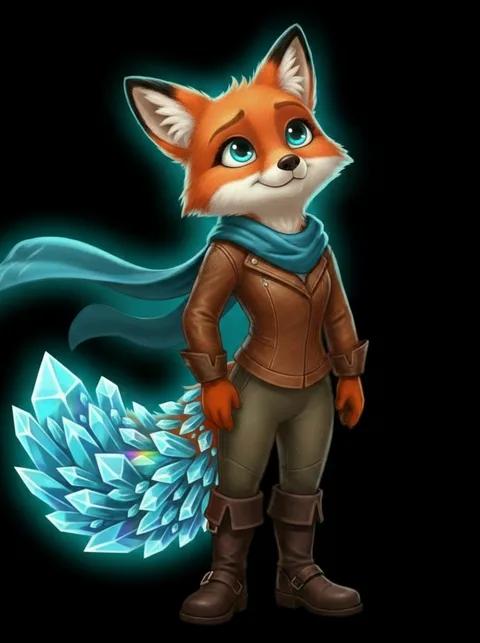
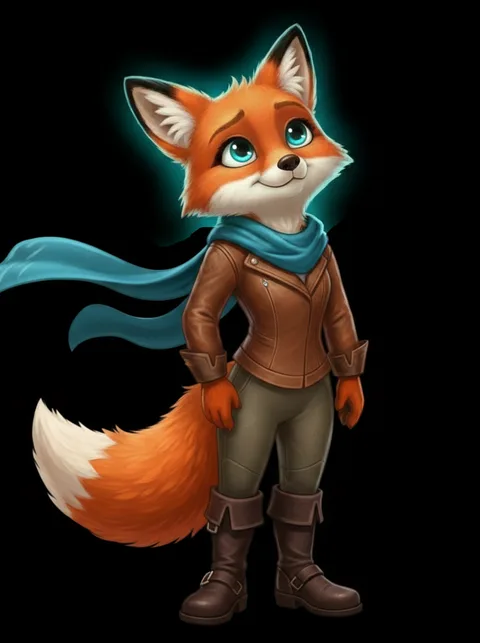
Rapidly alternate between an anchor image and comparison images at adjustable speed. This technique, originally used in astronomy with blink comparators, exploits your visual system's sensitivity to change. Differences in color, alignment, artifacts, or edits become immediately obvious.
🔥 Difference Map
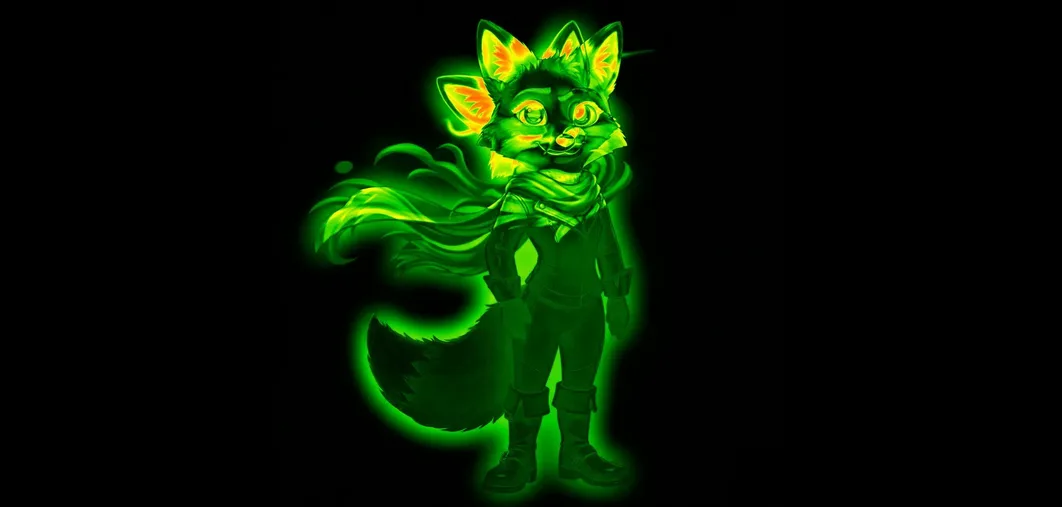
Generate a real-time pixel-difference heatmap between your anchor and any image. Highlights every changed pixel. Useful for retouching QA, visual regression testing, compression artifact detection, and AI image consistency checks.
↔ Split Wipe
Drag a split line across overlaid images to compare the anchor against any one of them, pixel for pixel. Ideal for evaluating edits, color grading, background replacements, and compositing adjustments.
🎬 Scene Compositor
Build layered compositions with images and shapes. Per-layer opacity, ordering, positioning, and scaling. Animation timeline with keyframes and video recording. Useful for moodboards, concept art, storyboard previsualization, and quick composite mockups.
📦 Export
PNG at multiple resolutions (1×–4×), animated GIF comparisons, MP4/WebM video, and JSON project backup. Share blink comparisons as two-frame GIFs via Web Share API.
👥 Who Uses This
Photo retouchers, VFX compositors, photographers, AI artists iterating Stable Diffusion / Flux / Midjourney / ComfyUI outputs, UI/UX designers doing visual regression, print prepress teams, game artists comparing asset revisions, and archviz teams reviewing render passes.
All processing runs locally. Installable as a PWA for offline use.