Visual Comparison & Compositing
Blink, Diff, Split, Compose & Export
The visual comparison tool that does more than compare.
Blink test, pixel diff, split wipe, scene compositing, and animation timeline. Compare images, build compositions, and export as PNG, GIF, or video.
SEE IT WORK
The technique, running
This is blink comparison: two versions of the same frame alternating in place. It is the oldest reliable way to make a difference visible, and it needs no numbers to read.
Five ways to compare. One place to work.
Most tools do one thing. This one covers the full spectrum: from quick visual checks to layered compositions.
Blink Comparison
Rapidly alternate between images at adjustable speed. Your brain's change-detection system catches differences that side-by-side viewing misses. Compare an anchor image against up to 50 states. The same technique astronomers used to discover Pluto, where it is called flicker.
Pixel Diff Heatmap
Mathematical per-pixel comparison rendered as a visual heatmap, the operation most tools call an image diff. See exactly which pixels changed, where compression artifacts appear, or where an edit spilled beyond its mask. Objective, quantifiable, and impossible to replicate by eye. Learn more →
Split Wipe
Drag a divider across the image to reveal one version underneath the other. Perfect for regional inspection: skin retouching boundaries, background replacements, or color grading transitions. See before/after use cases →
Scene Compositing
Beyond comparison: layer multiple images onto a canvas. Adjust position, scale, rotation, and opacity. Build moodboards, reference sheets, social media layouts, or client presentations, all without leaving Compix.
Animation Timeline
Create frame-by-frame animations from your images. Set timing, arrange sequences, and export as GIF or MP4. Useful for progress animations, comparison loops, or simple motion design. No video editor needed.
Multi-Format Export
Export anything you build: comparison frames as PNG, animated sequences as GIF, video as MP4, or full scene compositions as high-resolution images. Custom-built encoders generate everything instantly.
One tool. Many workflows.
Different fields need different comparison techniques. Here's where each mode shines.
🤖 AI Art & Generation
Compare outputs across different seeds, prompts, LoRA weights, samplers, and models. Blink through 50 ComfyUI or Stable Diffusion outputs to find your best work. Dedicated AI art page →
📸 Photography & Retouching
Verify retouching quality, compare editing approaches, and proof your work before client delivery. The blink test catches missed spots faster than zooming and scrolling. Dedicated retouching QA page →
🎬 VFX & Compositing
Compare render passes, check matte edges, verify color matching between plates. The scene compositor handles layer-based assembly for rough comps and previs.
🖥️ UI/UX & Web Development
Screenshot-based visual regression testing. Compare before/after CSS changes, cross-browser rendering, responsive breakpoints. See the pixel diff tool →
🏗️ Architecture & ArchViz
Compare render iterations, material variations, and lighting setups. Blink between daytime and nighttime renders. Use scene mode to assemble presentation boards.
🔬 Science & Research
Compare medical images, satellite captures, microscopy slides, or document scans across time points. Pixel diff provides quantifiable, objective change measurement.
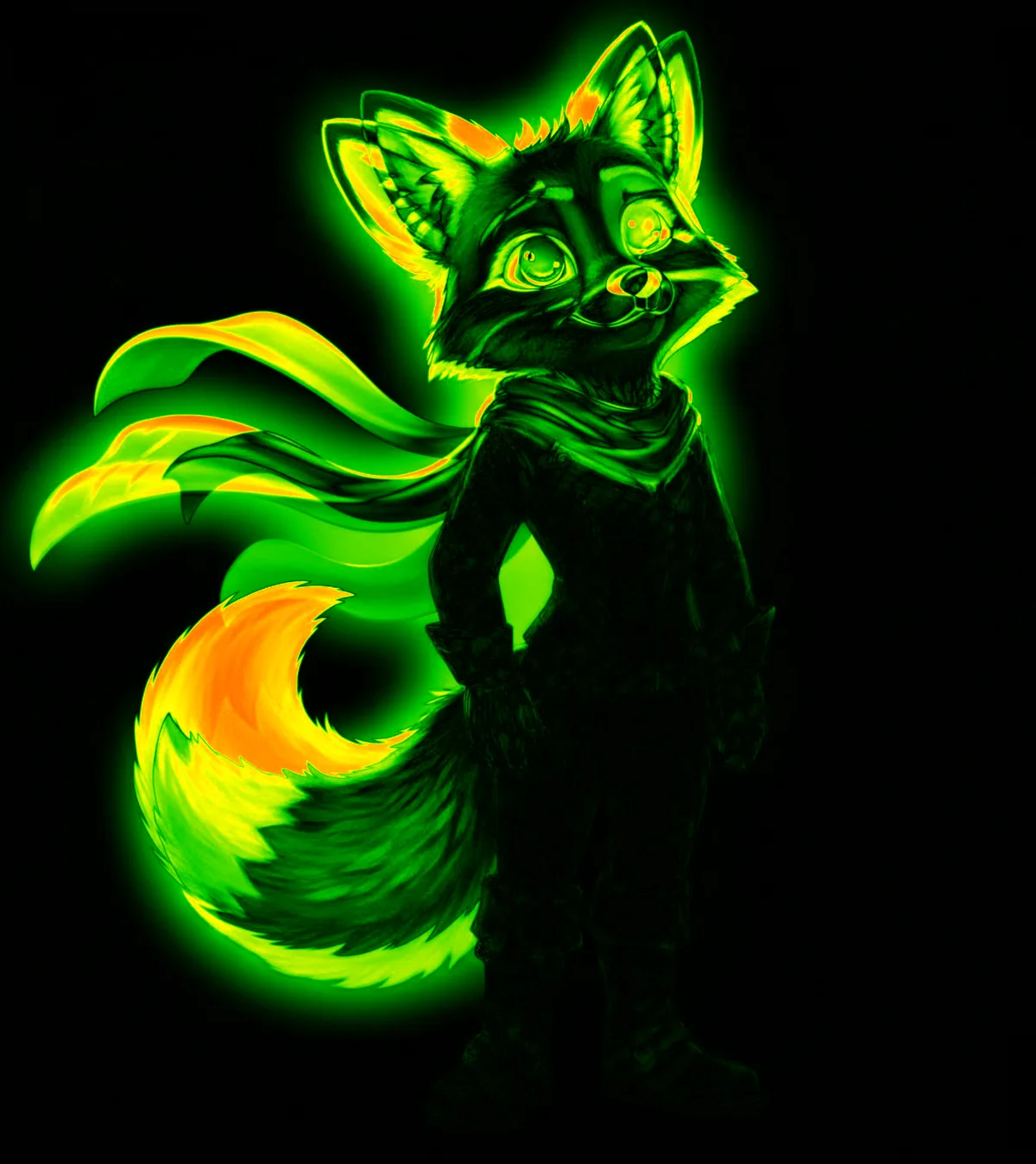
Pixel diff heatmap: every changed pixel glows. Dark areas are identical between the two images.
Built for speed and precision
Every operation runs on the Canvas API and Web Workers: no round-trip to a server, no processing queue.
Instant Processing
Image processing starts the moment you drop a file. Diff generation, compositing, and export all happen at native speed with no upload wait.
Custom Encoders
GIF and MP4 export use custom-built encoders. Record directly from the canvas and download immediately.
Project Persistence
Projects save to IndexedDB with auto-save protection. Close the tab, come back tomorrow: your work is still there.
Works Offline
Installable as a PWA. All processing runs locally on your machine, fully functional with no internet connection.
The case for a comparison workbench
Most people compare images by opening them in separate windows and switching between them, or by placing them side by side on a large monitor. Both approaches have the same fundamental problem: they rely on your memory of one image while you're looking at the other. Human visual memory decays rapidly and is biased toward what you expect to see rather than what's actually there.
A dedicated comparison tool eliminates this weakness. Blink testing presents both images at the exact same location in rapid succession, so your visual system processes the change directly rather than through memory. Pixel diffing removes human perception from the equation entirely, providing a mathematical answer. Split wipe constrains the comparison to a single viewing area where both versions are visible simultaneously.
The problem isn't that people lack the visual acuity to spot differences: it's that standard workflows don't put images in the right spatial and temporal relationship for the human visual system to work effectively. A comparison tool doesn't make you see better; it puts images in front of you in a way that lets your existing visual system perform at its best.
Beyond comparison: the composition layer
Where Compix diverges from other comparison tools is in what happens after comparison. Once you've identified your best images (whether they're AI art outputs, retouching passes, or design iterations) the Scene Compositor lets you arrange them into a layered composition without switching to another application. Build a comparison layout with both versions side by side, create a moodboard, or assemble a client presentation. The animation timeline then lets you turn any sequence into a GIF or video.
This matters because comparison is rarely the final step in a creative workflow. It's almost always followed by some form of assembly, presentation, or sharing. By combining comparison and composition in one tool, you eliminate the export-import-arrange cycle that otherwise adds friction to every project.
Common questions
What makes this different from JuxtaposeJS, Diffchecker, or similar tools? ▸
Do my images get sent anywhere? ▸
What image formats does it support? ▸
Is there a file size limit? ▸
Can I embed this as a widget on my website? ▸
Specialized workflows
Compare Upscaled Images
Compare Topaz Gigapixel, Real-ESRGAN, SwinIR, and Lightroom Enhance side by side. Open →
Scene Compositor
Layer images, add shapes, animate with a timeline, and export as PNG, GIF, or MP4. Open →
TWENTY FRAMES, ONE HARBOUR
Not just two images. A whole sequence.
Twenty frames of the same port, minutes apart. No single frame tells you anything — the information is entirely in what moved between them. Press play, or drag the scrubber and step through it yourself.
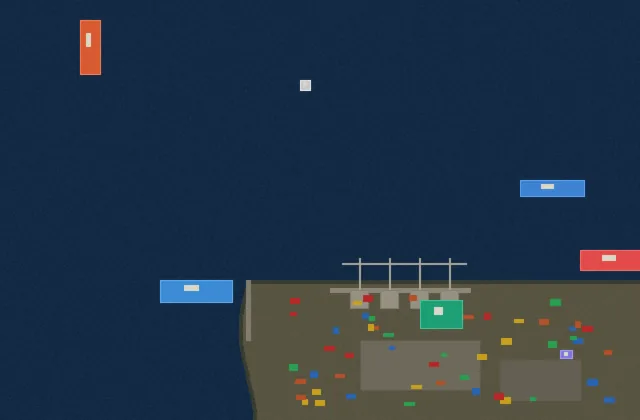
This is the oldest working technique in image comparison. Carl Pulfrich built the first blink comparator at Zeiss in 1904; Clyde Tombaugh found Pluto with one in 1930 by alternating two photographic plates until something jumped. Nothing about it is specific to AI art — it works on anything photographed twice from the same place.
SPLIT WIPE
Or hold both versions in one frame.
Blink is for finding that something changed. Split is for studying it: one image, a divider you control, and both versions meeting along a line you can move to wherever the question is.