9 AI images.
6,500+ combinations. No new generations.
No re-prompting. No credits. No GPU. No waiting.
Every AI generation tool is built around one idea: when you need more variations, generate more. That loop costs you credits, time, and compute, and still gives you no guarantee of consistency. Compix is built around a different idea: the variations you need are already inside the images you have. Nine images, three shapes, and the math gives you 6,500+ unique combinations. You just need the right tool to extract them. Compix does it in your browser: nothing uploads, your images never leave your device, and Mix uses a free account.
Images in. Animated composite out.
No cuts. No editing. This is the complete workflow: from source images to finished animation.
Everything you see runs locally in your browser. Your images never leave your device.
Their business model depends on you generating more.
Ours doesn't.
This isn't a conspiracy. It's just incentives. Every tool that charges per generation (Midjourney, Leonardo, every API provider) makes more money when you generate more images. When you run out of credits, you buy more. The entire ecosystem is optimized around the generation loop. Features that break the loop don't get built.
The generation loop: how it works against you
Generate 50 images. 45 have drift. 5 are close to consistent. You need more variations. Generate 50 more. Spend more credits. Still not quite right. The prompt lottery runs again. Your generator is not trying to help you get out of the loop: it's optimized to keep you in it. Every "variation" button, every re-roll, every outpainting option is designed to extend the session, not end it.
The extraction model: how Compix works instead
You have 9 images. The variations you need are already in them: in the regions that drifted, in the expressions that changed, in the lighting that shifted. Freeform region extraction pulls those regions out, compounds them across all 9 sources, and gives you combinations your generator never produced. 9 images × 1 shape = 72 combinations. Add 2 more shapes: 6,500+. You exit the generation loop. You keep what you already paid for. No credits. No GPU. No re-prompting.
Every shape multiplies your variations.
This is not approximate. This is the exact combinatorial math of what the freeform tool produces.
Every combination is pixel-locked. Every combination is full resolution. Every combination is built from regions that actually exist in your generations: no hallucination, no prompt lottery, no GPU cost.

One button. Draw a shape. The invariant appears.
No masking. No layer panels. No Photoshop. One shape draws the region. The variation appears instantly.
Load at least 3 images and blink
Drop your AI-generated images: start with 3, the point where compounding gets real. One becomes your anchor, your base character. The others become comparison states. Lock them to one coordinate space, then hit play. See them blinking. With 9 sources and just 1 shape you already have 72 combinations. Add 2 more shapes: 6,500+. Every image you add multiplies the combinations further.
Draw a freeform shape
Click the shape button while blinking. Choose freeform, circle, or rectangle. Draw around the region you want to extract: a face, a hand, a background element, just the eyes. The moment you complete the shape, the exact same region from every other image in your grid appears as an invariant inside the shape. Instantly. Pixel-locked.
Click the invariant — it sticks
Click any invariant. It locks onto your anchor at that exact pixel position. You've swapped one region between two images: the face from image 2 on the body from image 1. Draw another shape. Another set of invariants appears. Click another one. Now you have two regions swapped. Each shape you draw compounds the combinations.
Capture every combination
Hit capture. Full-resolution image saved to your grid. Change one shape's invariant. Capture again. You're building a variation library without running a single new generation. 10 captures take 2 minutes. They're all pixel-locked to the same coordinate space, ready to blink against each other or composite together.
Composite and animate
Switch to Scene mode. Your captured variations become layers. Position them on the canvas. Add keyframes on the animation timeline. Set duration and easing. Hit record. Export as GIF or MP4. From your source images to a finished animated composite, entirely inside one browser tab.
The generations you're throwing away are your best variation material.
The AI art world calls them failures. Wrong seed. Wrong face. Inconsistent character. Throw it away, generate again. But drift means change, and change means variation. The drifted face is a different expression. The shifted pose is a different gesture. The lighting that wandered is a mood you couldn't prompt for. These aren't failures. They're raw material your generator accidentally gave you for free.
Find what's usable with diff heatmap
Before you extract anything, use the diff heatmap to read the drifted image. The heatmap shows exactly which regions changed. Face drifted but background is perfect? The background is usable. Pose shifted but the expression is exactly what you wanted? The face region is usable. You're not evaluating the whole image: you're reading which parts are gold.
See also: How to detect character drift with blink comparison →
Extract exactly the usable region
Draw your freeform shape around only the region the diff showed you is usable. Circle the face. Rectangle the background. The invariant that appears is that exact region, pixel-locked from the drifted image onto your anchor. The rest of the drifted image doesn't matter. You took what was perfect and left the rest.
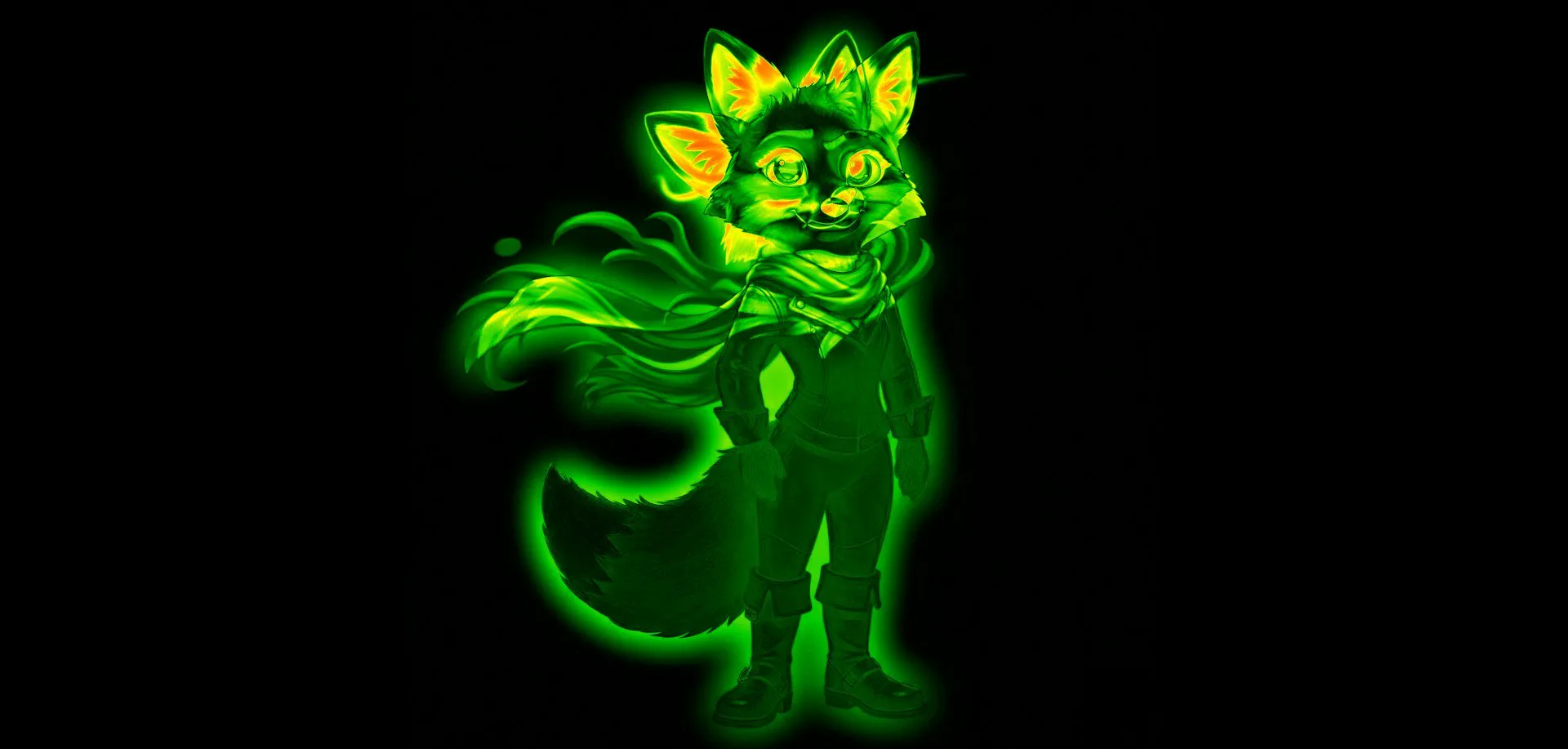
From generation to finished animation.
Without going back to your generator.
This animation was built entirely from 2 source images. No additional generation. No credits spent after the initial batch.
If you've ever re-generated just to get a slightly different version, this is for you.
AI comic & storyboard artists
You need your character in 20 different poses, expressions, and lighting conditions across a story. Generating each one separately costs credits and risks drift. 5 base generations with freeform extraction gives you the variation library for an entire chapter: expressions, poses, backgrounds, all compounded and pixel-locked.
Character designers & concept artists
You found two generations that each have something right. One has the perfect face. One has the perfect outfit. You've been trying to prompt for both together and failing. Freeform extraction puts the face from one onto the body from the other. Done. No more prompting for a combination the generator keeps missing.
Content creators & social media artists
You need variety. Same character, different moods, different scenarios, different expressions: for posts, for reels, for thumbnails. Generating each separately is expensive and slow. Freeform extraction gives you 20 content-ready variations from a morning's generation session. The pipeline ends with export to GIF or MP4, ready to post.
Game artists & asset creators
Character sprite sheets. Expression sets. Pose variations. These require the same character at consistent scale and position across dozens of frames. Freeform extraction with pixel lock gives you exactly that: all captures at the same coordinates, all ready to drop into your sprite pipeline without manual alignment.
Questions about the variation workflow
Why won't Midjourney or Stable Diffusion build this feature? ▸
Do I need perfect, consistent generations for this to work? ▸
How many images can I load at once? ▸
Can I use a captured variation as a new anchor and extract from that? ▸
Are my images safe? I'm working with unreleased characters. ▸
Detection comes first. Then extraction.
Combine Parts From Different Images
Take the face from image 1, the outfit from image 3, the boots from image 7. Draw freeform shapes on any region: get every possible combination. Combine now →
Detect Character Drift First
Before you extract, blink your batch to find which images are consistent and which drifted. The diff heatmap shows you which regions are worth extracting. How to detect drift →
Scene Compositor
Your captured variations become animation layers. Timeline, keyframes, bezier easing. Export as GIF or MP4. Open compositor →
AI Image Comparison
The full comparison workspace. Load your generations, set your anchor, use all three comparison modes. Open →
Midjourney Variations
Your perfect character is split across your Midjourney grid. Combine the best parts without --oref, --cref, or re-prompting. Midjourney guide →
SD / ComfyUI Batch
Take your best Stable Diffusion batch outputs and combine regions without re-running the pipeline. SD workflow →